
 Click main image to view in full screen. Unlock all 10 preview images:


COST OPTIMIZATION PPT TEMPLATE DESCRIPTION
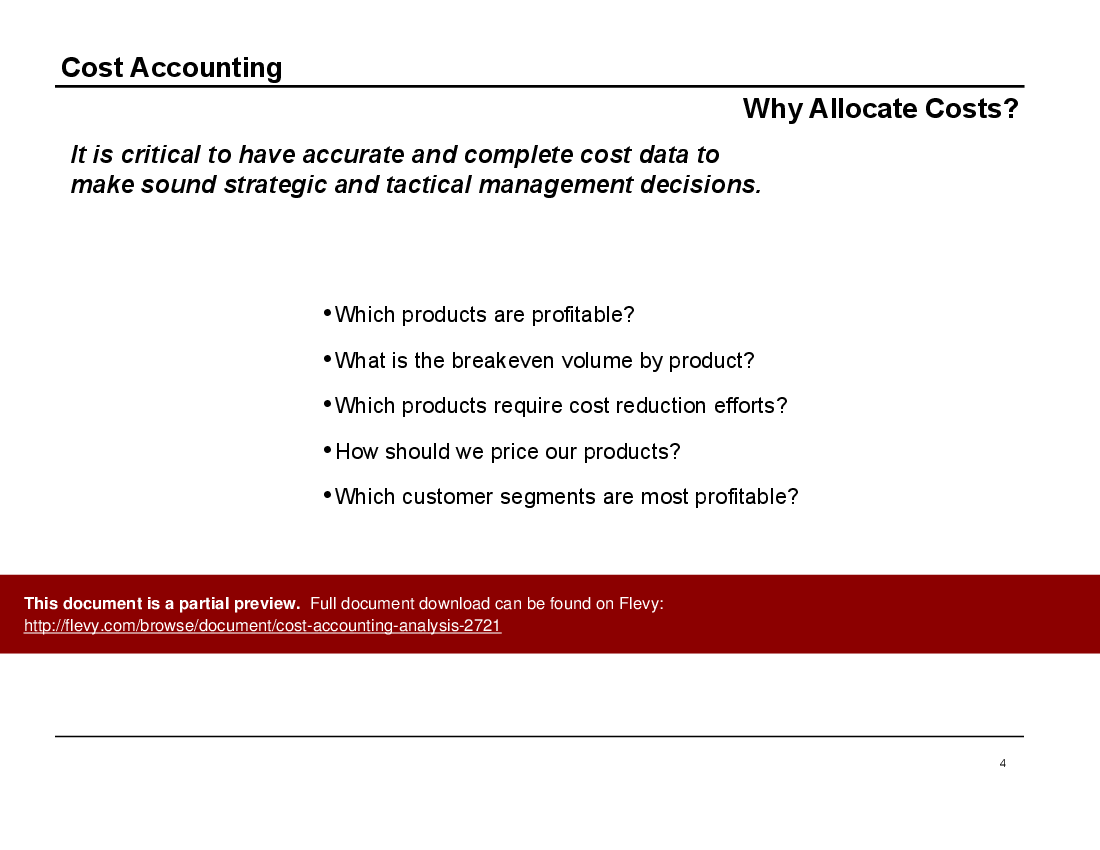
It is critical to have accurate and complete cost data to make sound strategic and tactical management decisions. Most companies lack accurate cost data by product.
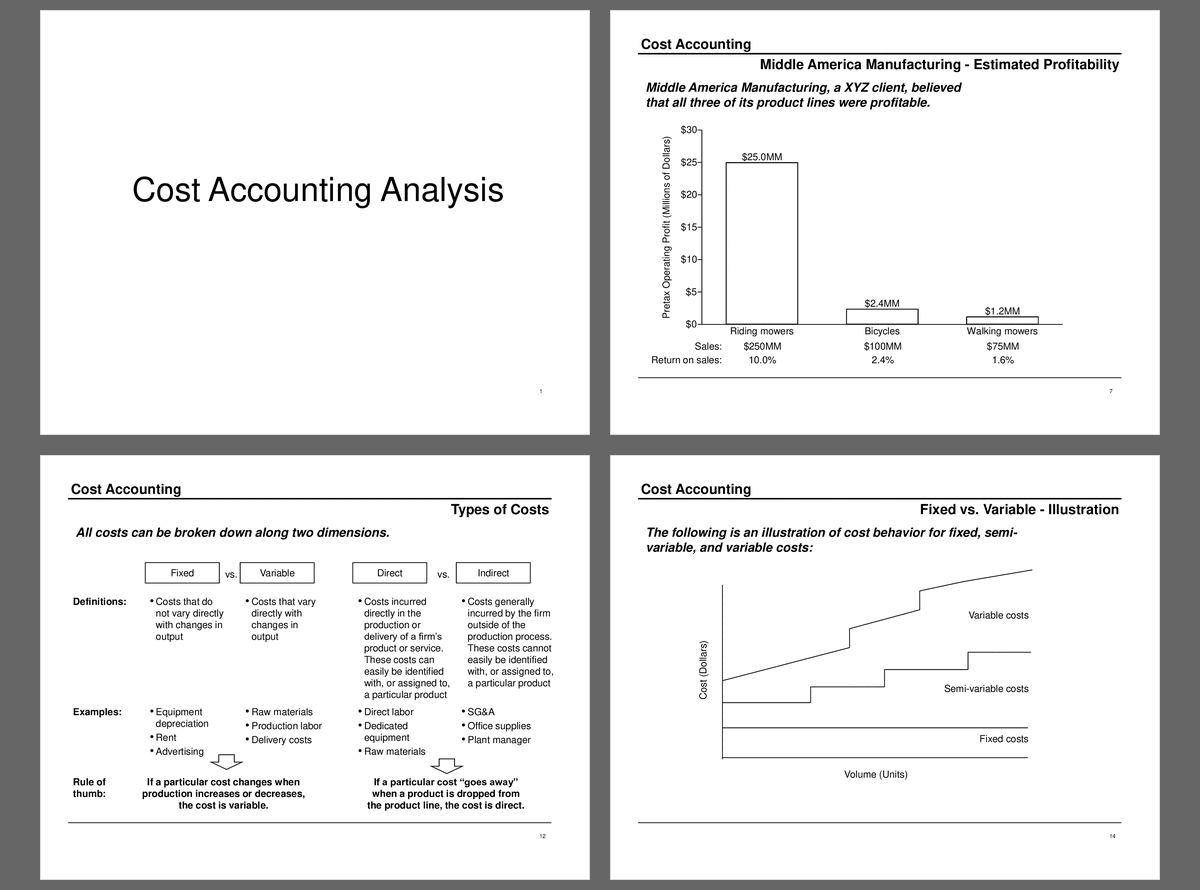
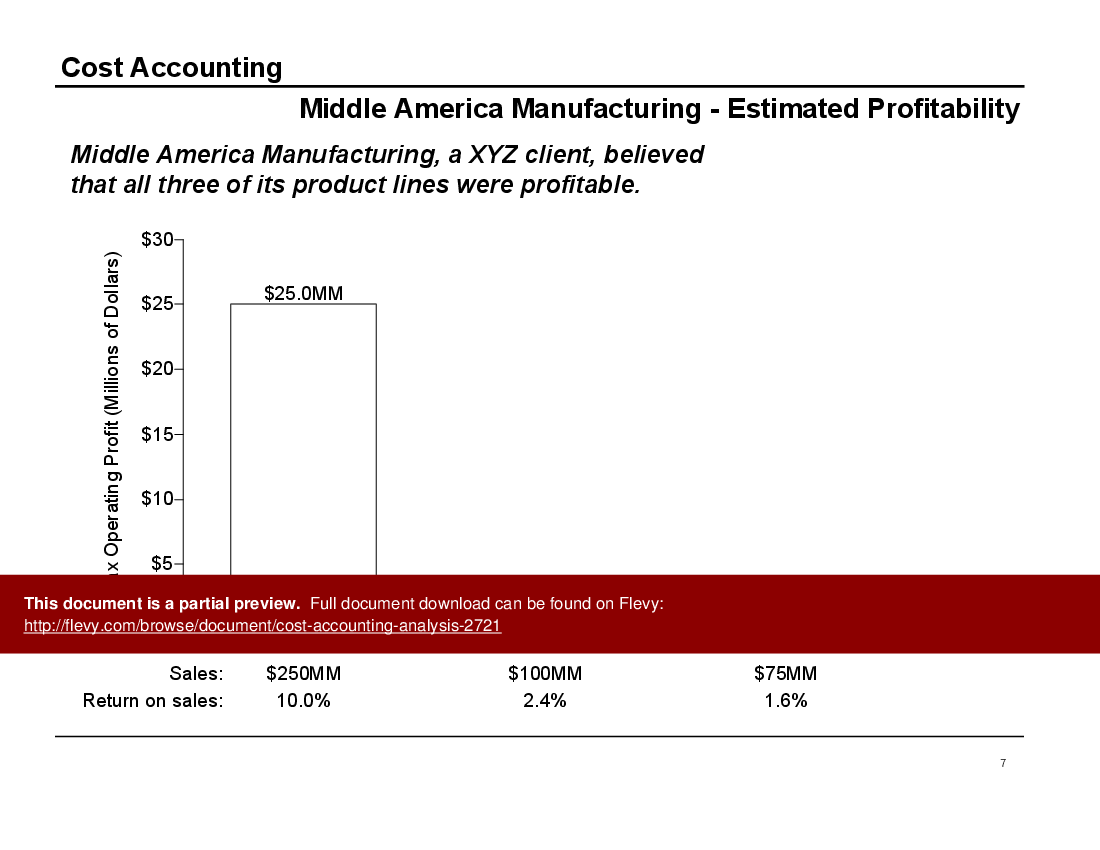
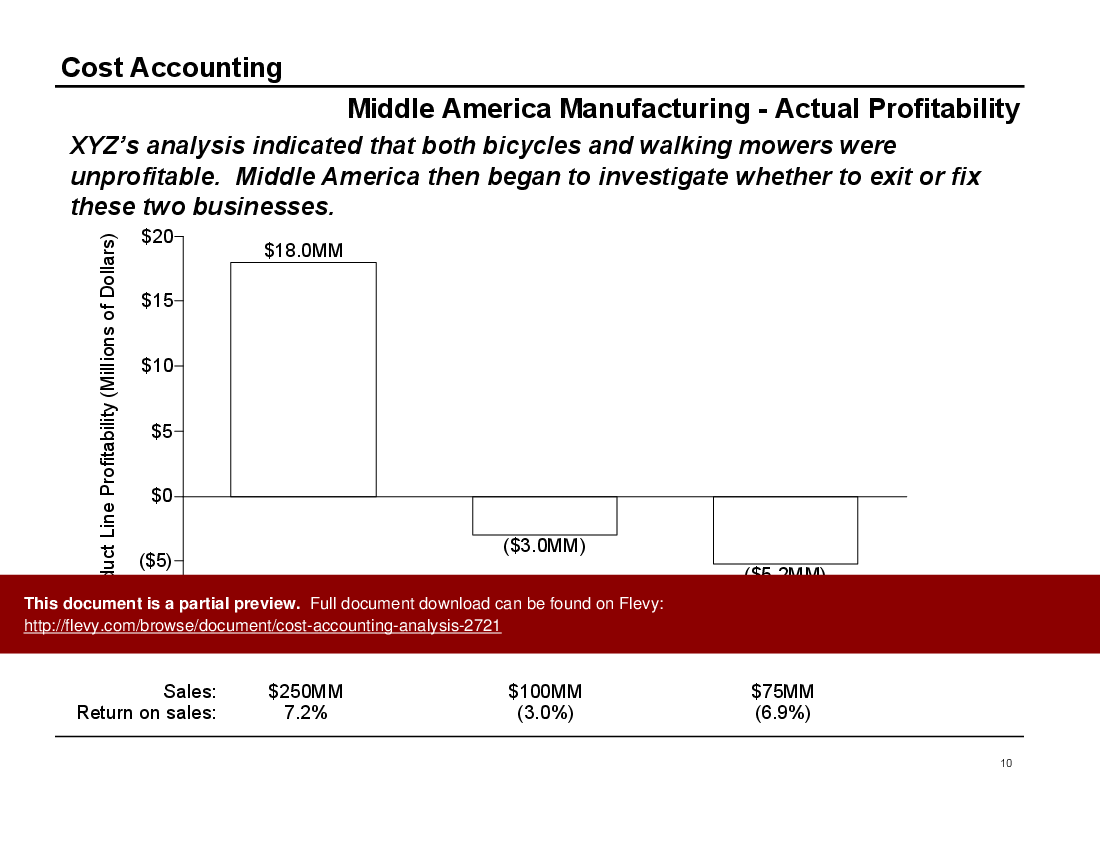
This document dives deep into the nuances of cost allocation, providing a comprehensive analysis that can help you identify which of your products are truly profitable. The case study of Middle America Manufacturing reveals the stark difference between perceived and actual profitability, highlighting the importance of accurate cost data. This kind of insight can be pivotal when deciding whether to continue, exit, or revamp certain product lines.
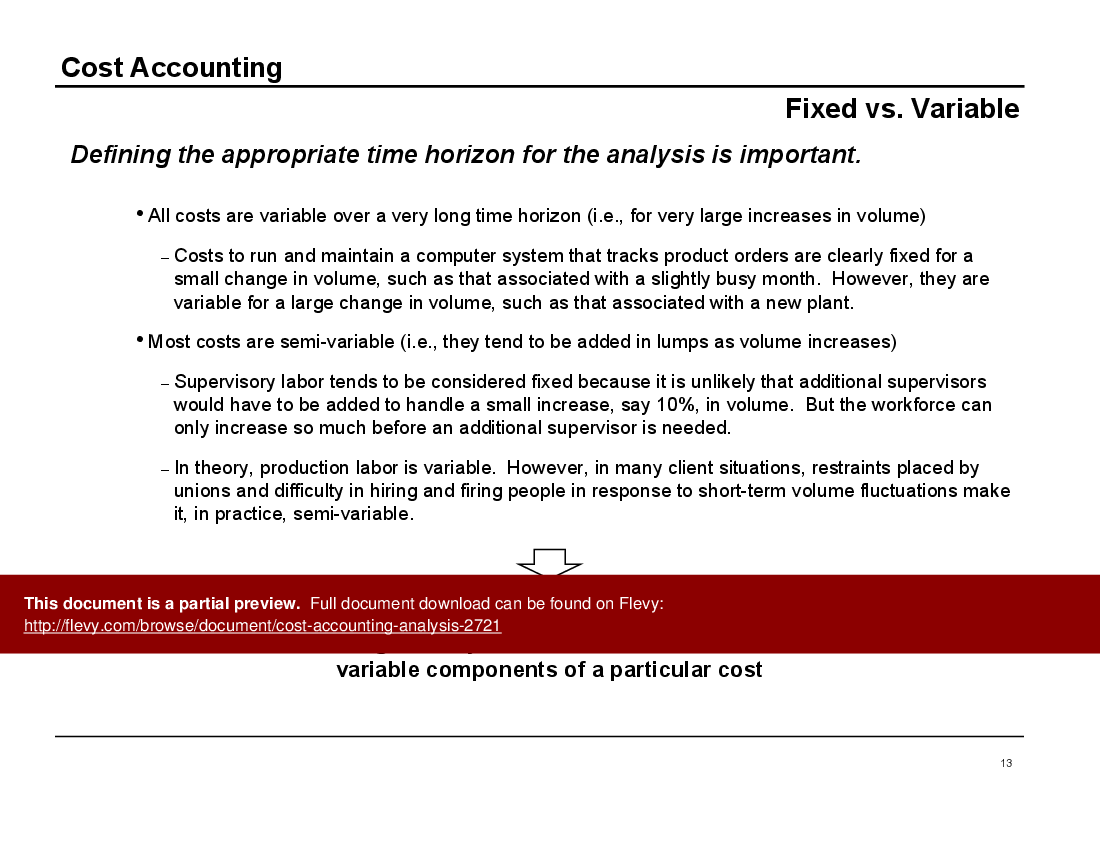
You’ll also find a detailed discussion on fixed versus variable costs, emphasizing the significance of defining the appropriate time horizon for your analysis. This section clarifies how costs can behave differently over varying volumes, offering practical examples such as supervisory labor and production labor. Understanding these distinctions can aid in more precise budgeting and forecasting.
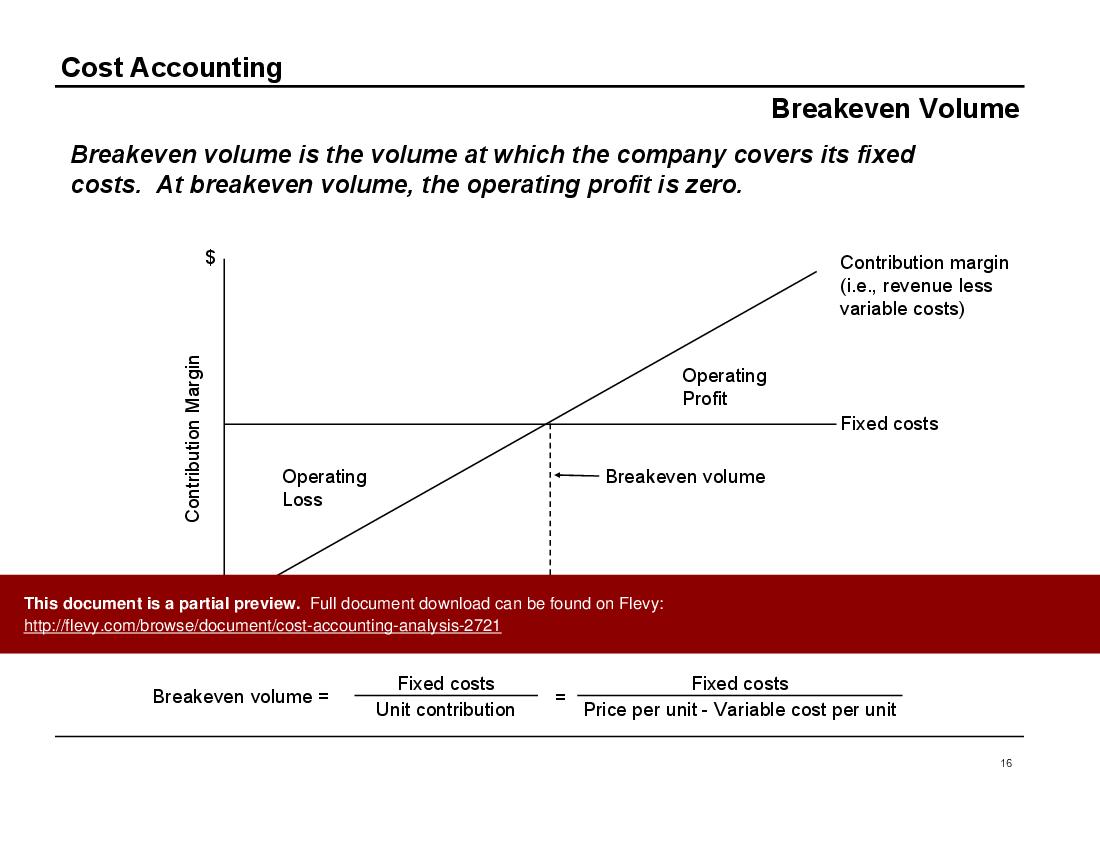
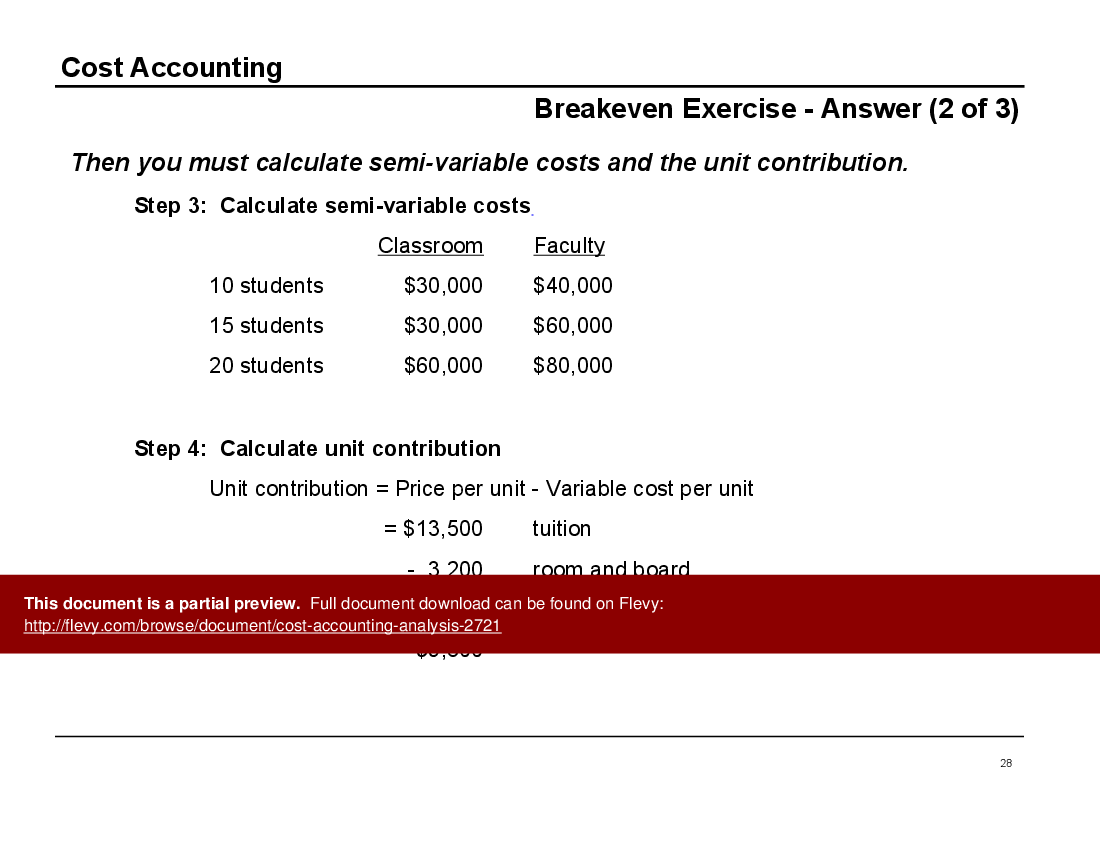
The document further explores the concept of breakeven volume, illustrating how to determine the point at which your company covers its fixed costs. This is crucial for setting realistic sales targets and pricing strategies. The graphical representation simplifies the concept, making it easier to grasp and apply to your own business scenarios.
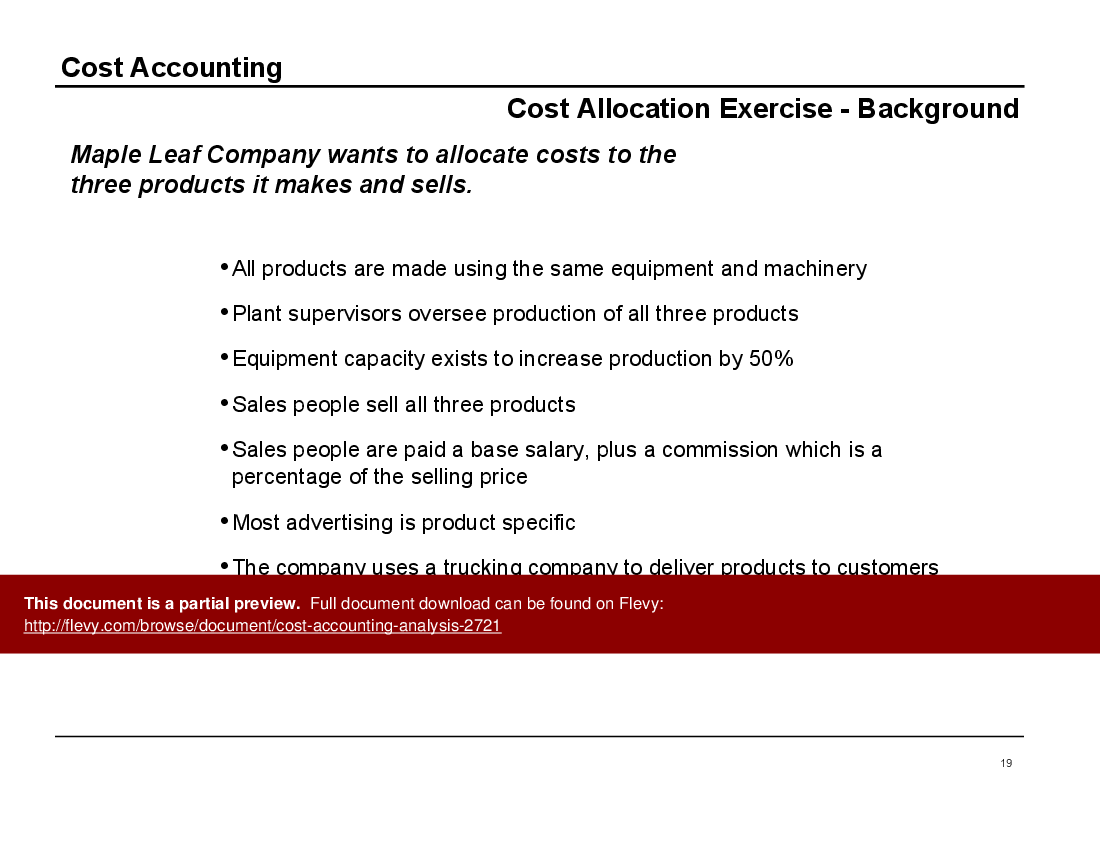
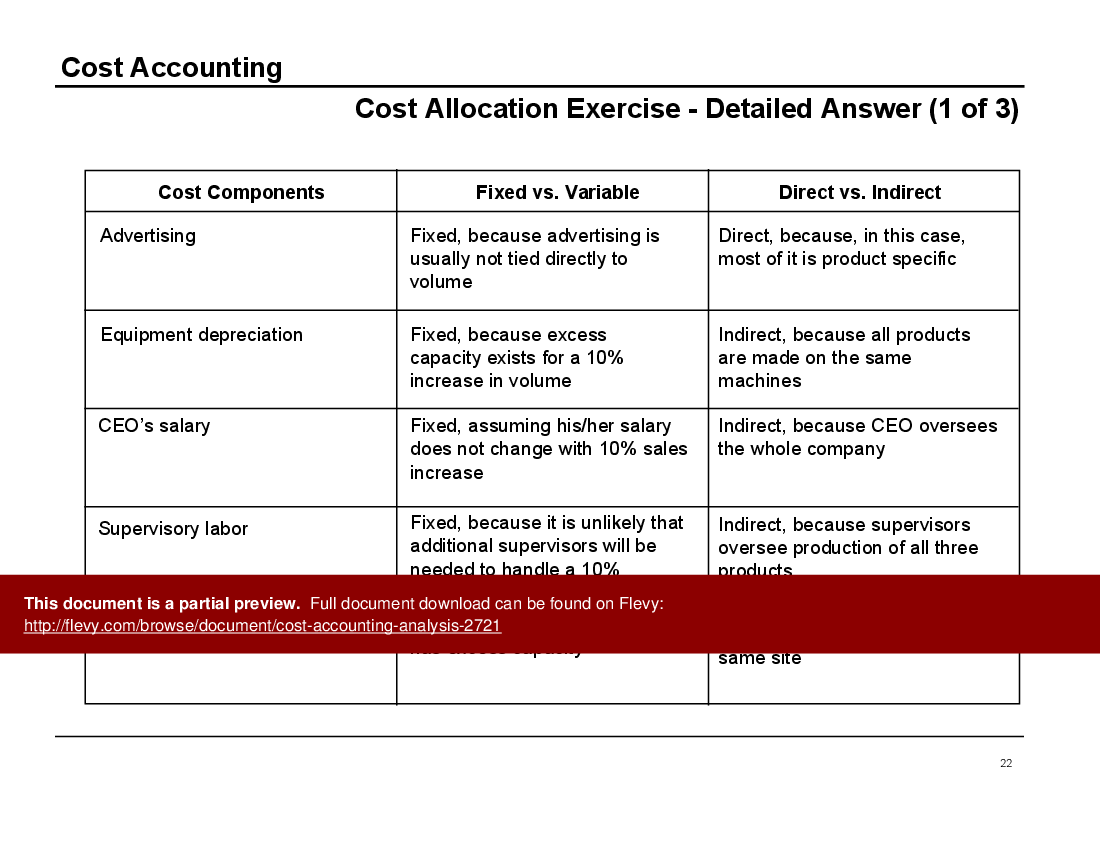
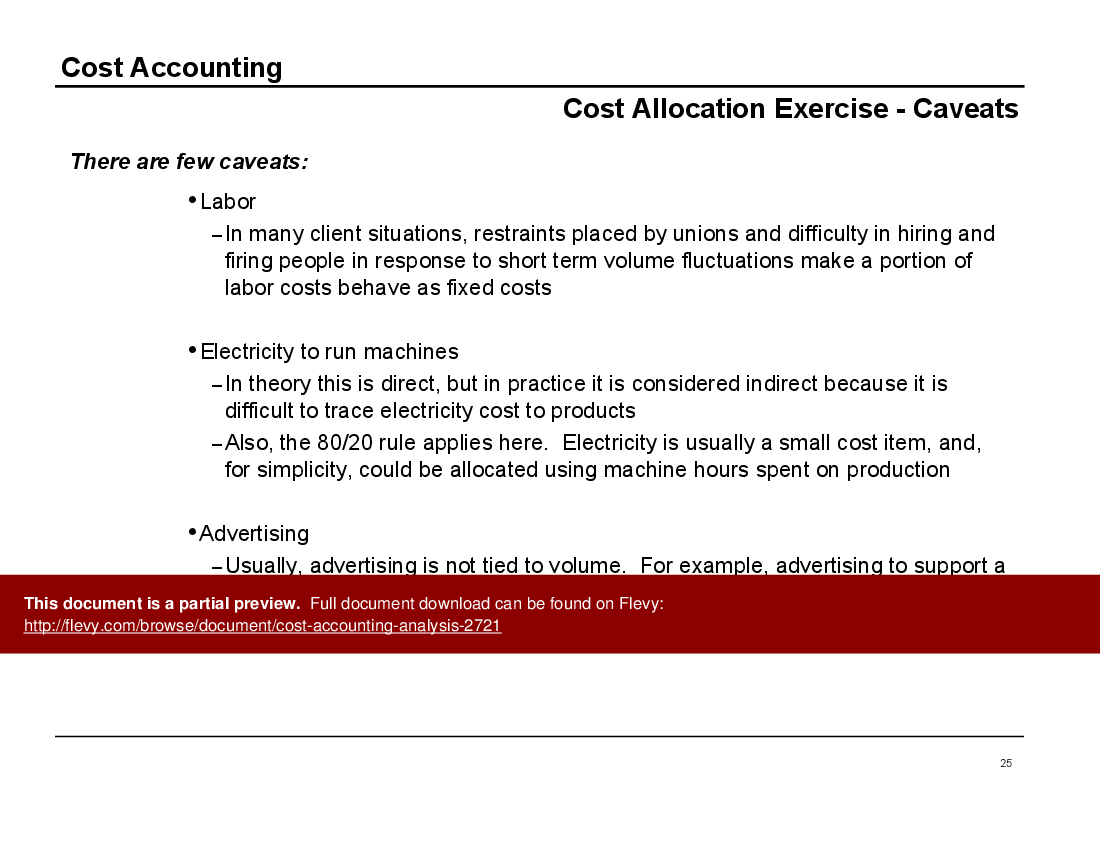
The cost allocation exercise provides a hands-on approach to applying these principles. By breaking down costs into fixed, variable, direct, and indirect categories, you can better understand the financial dynamics of your operations. This exercise, along with the caveats discussed, equips you with the tools to make more informed, strategic decisions.
Got a question about the product? Email us at support@flevy.com or ask the author directly by using the "Ask the Author a Question" form. If you cannot view the preview above this document description, go here to view the large preview instead.
PRESENTATION DEEP DIVE ANALYSIS
This deep-dive analysis was generated from the full 32-slide PowerPoint presentation.
COST OPTIMIZATION PPT TEMPLATES
Source: Best Practices in Cost Optimization, Costing PowerPoint Slides: Cost Accounting Analysis PowerPoint (PPT) Presentation Slide Deck, Documents & Files




























