
 Click main image to view in full screen. Unlock all 10 preview images:
Customer Journey Assessment & Checklist – PowerPoint PPTX Template
PowerPoint (PPTX) 42 Slides


BENEFITS OF THIS DOWNLOADABLE POWERPOINT DOCUMENT
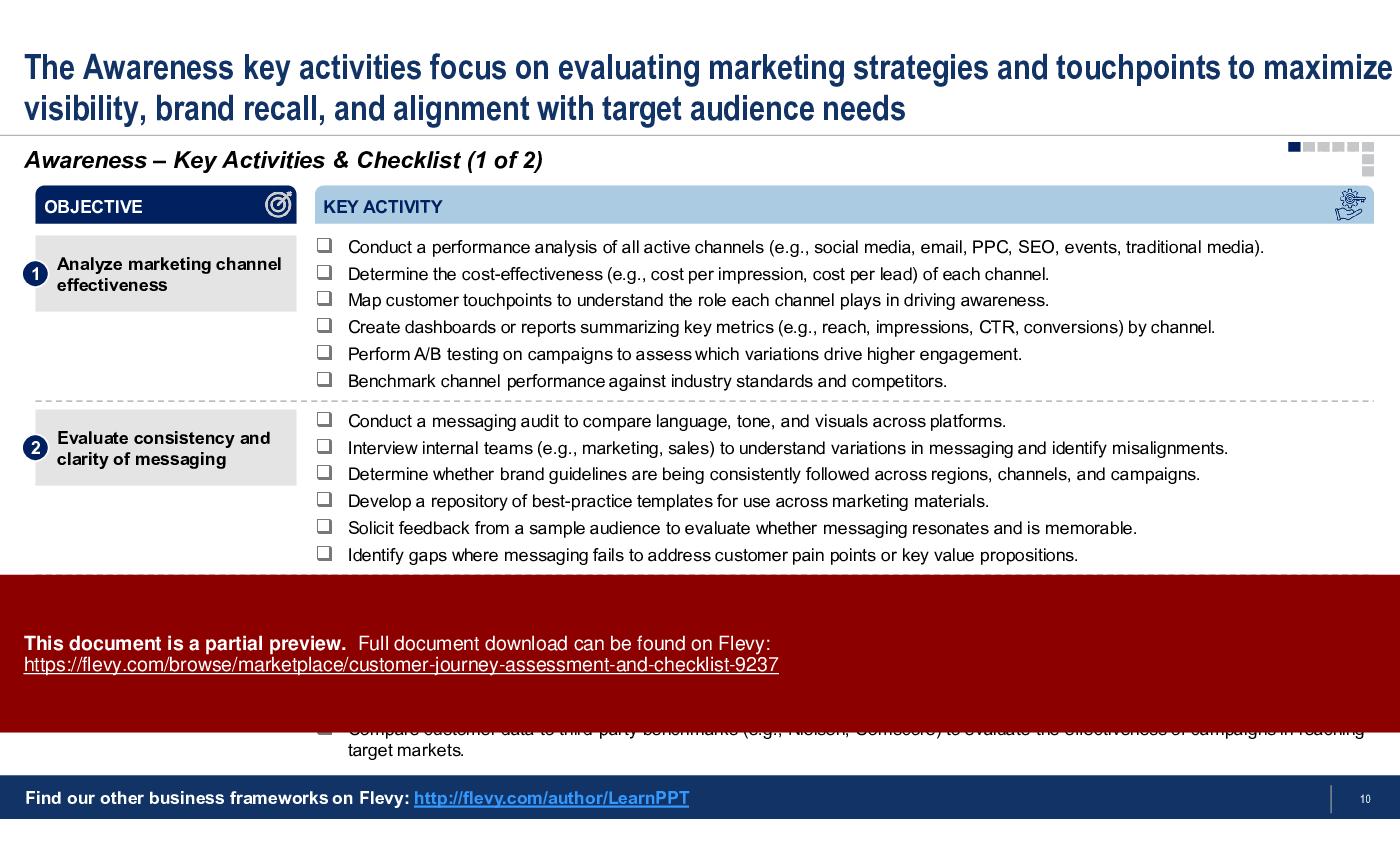
- Provides a structured approach to Customer Journey Assessment, which evaluates over 210+ items across 8 phases of the Customer Journey.
- Identifies pain points and friction in the customer's experience, allowing for targeted improvements.
- Identifies the core objectives at each phase of the Customer Journey, along with the key activities / checklist items to focus on for each objective.
CUSTOMER JOURNEY PPT TEMPLATE DESCRIPTION
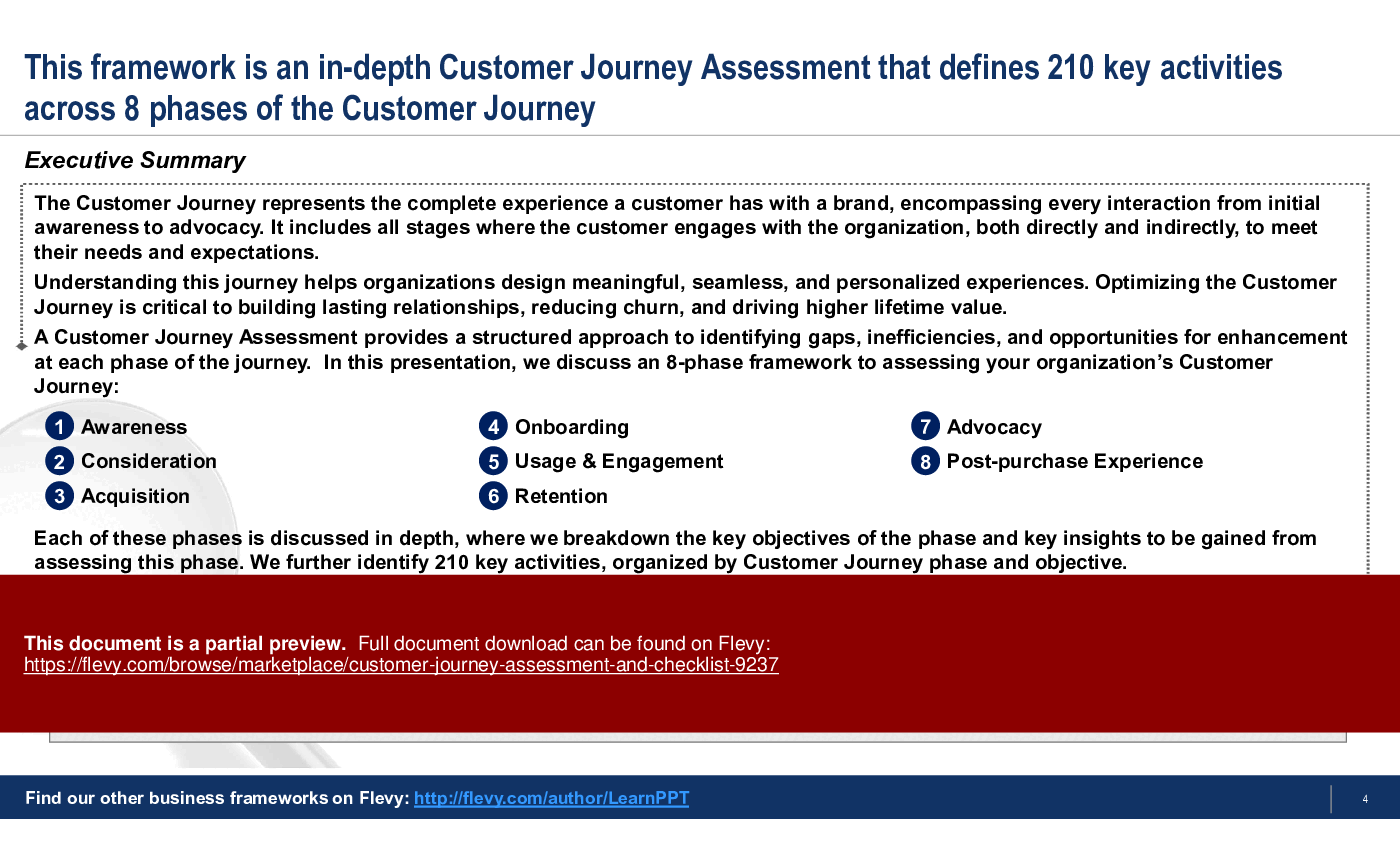
The Customer Journey represents the complete experience a customer has with a brand, encompassing every interaction from initial awareness to advocacy. It includes all stages where the customer engages with the organization, both directly and indirectly, to meet their needs and expectations.
Understanding this journey helps organizations design meaningful, seamless, and personalized experiences. Optimizing the Customer Journey is critical to building lasting relationships, reducing churn, and driving higher lifetime value.
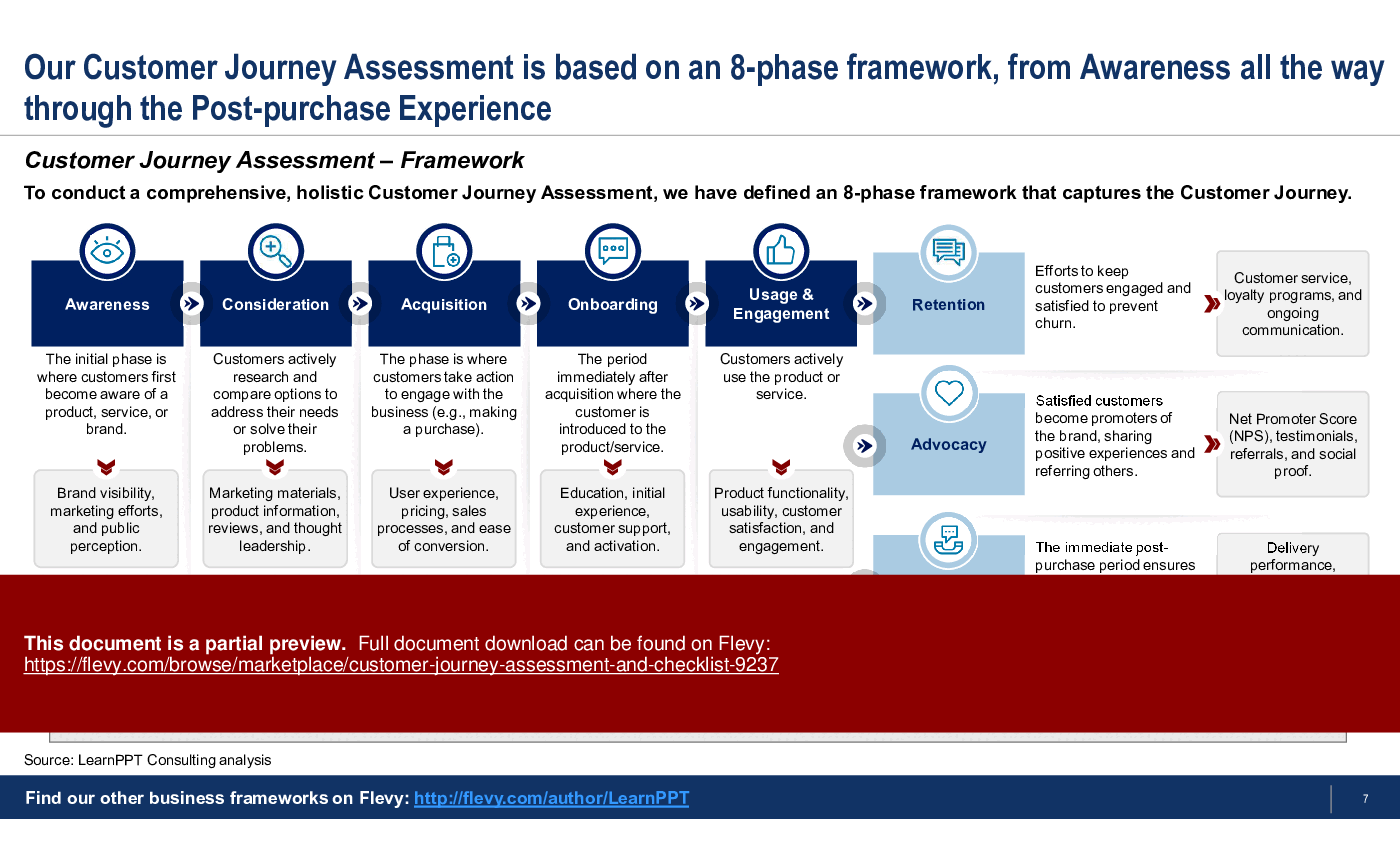
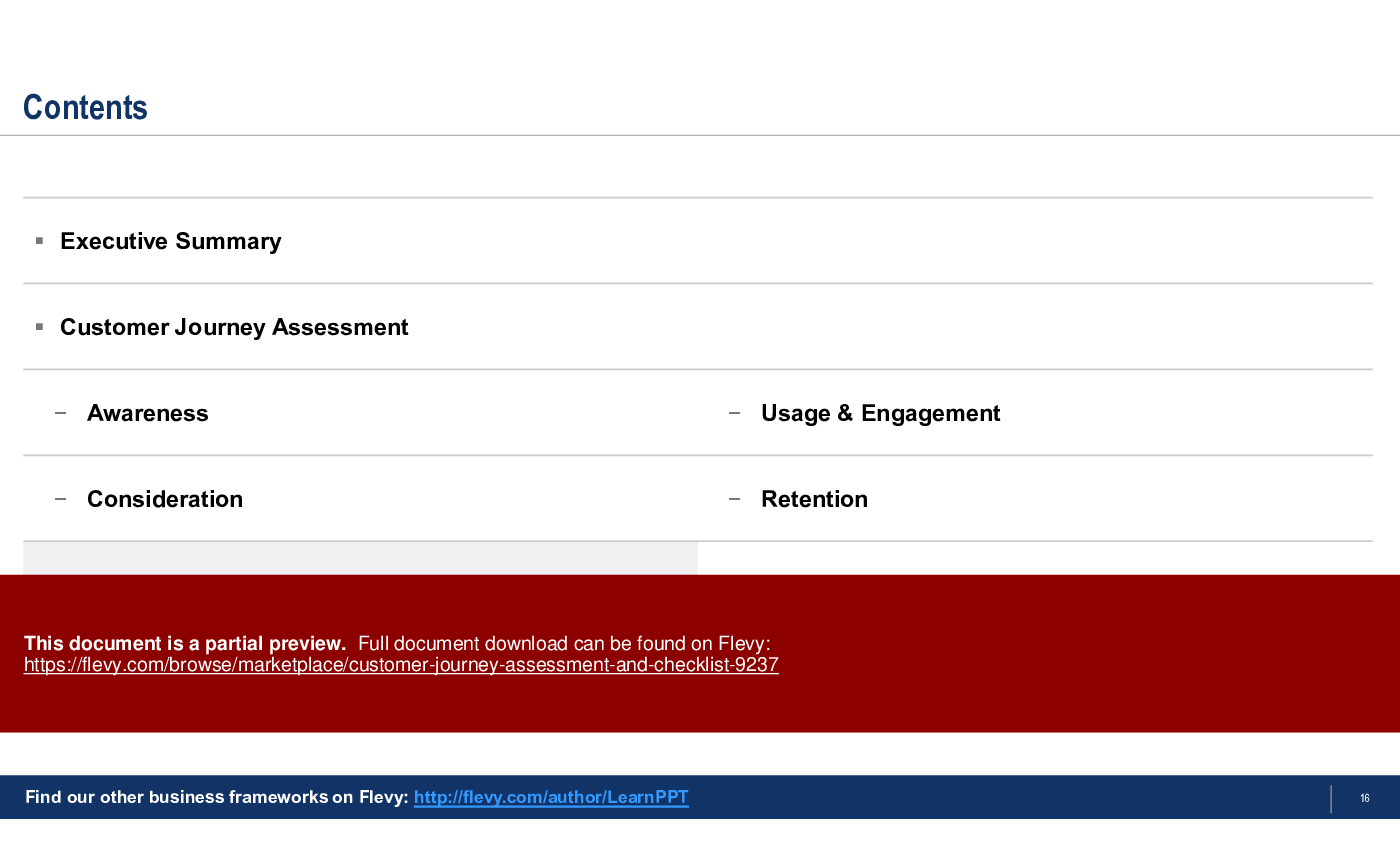
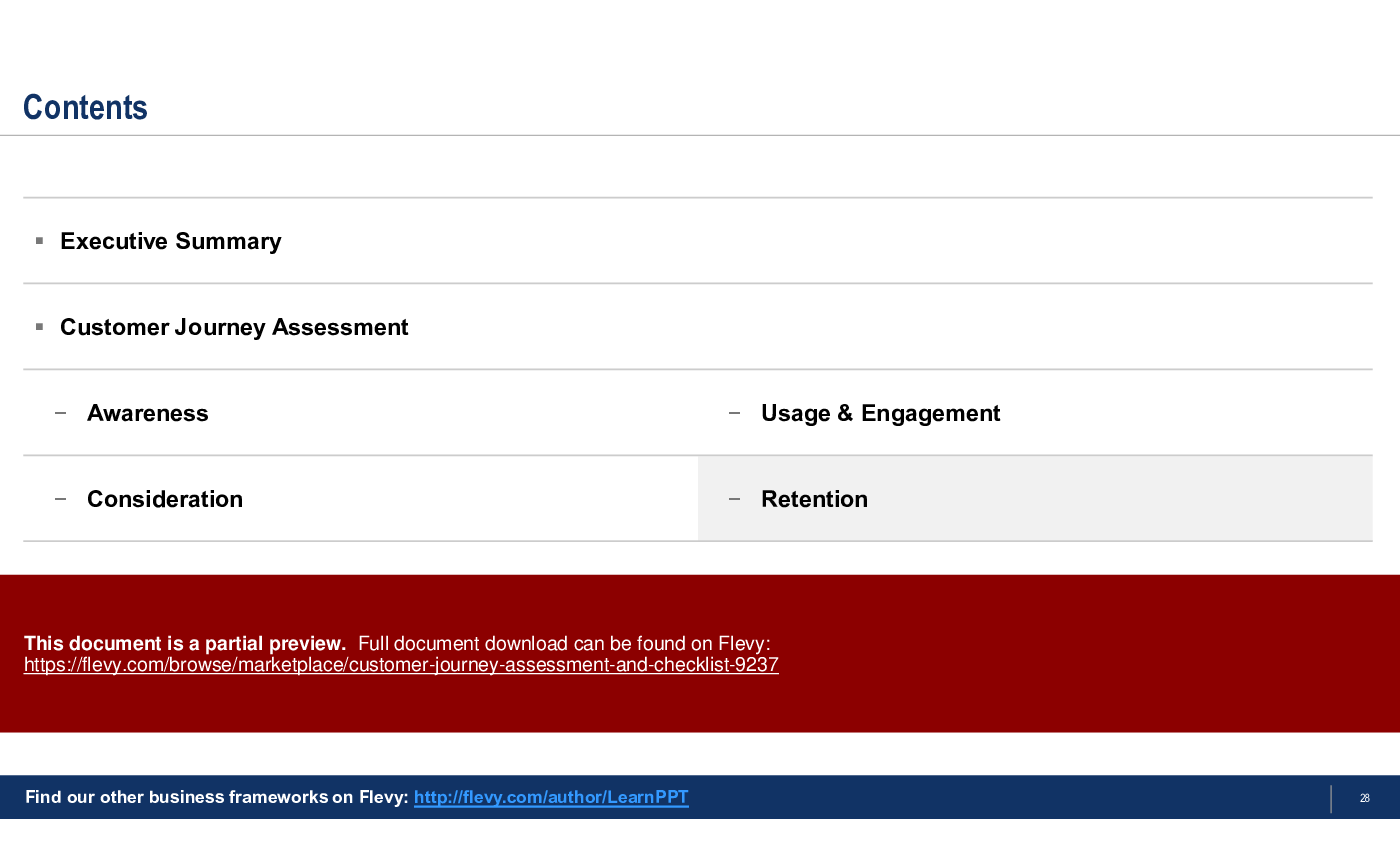
A Customer Journey Assessment provides a structured approach to identifying gaps, inefficiencies, and opportunities for enhancement at each phase of the journey. In this PowerPoint presentation, we discuss an 8-phase framework to assessing your organization's Customer Journey:
1. Awareness – The initial phase is where customers first become aware of a product, service, or brand. Focus areas include brand visibility, marketing efforts, and public perception.
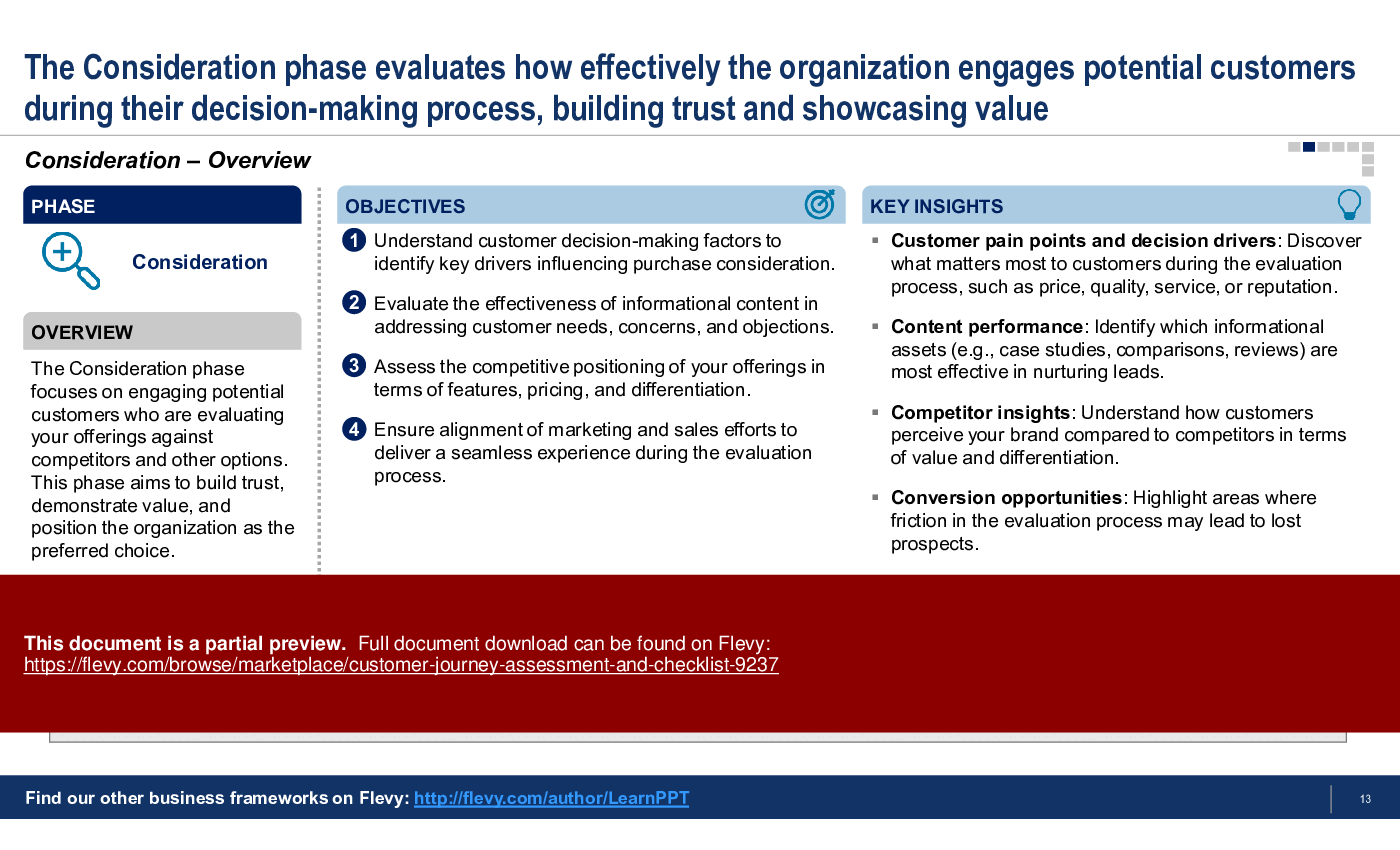
2. Consideration – Customers actively research and compare options to address their needs or solve their problems. Focus areas include marketing materials, product information, reviews, and thought leadership.
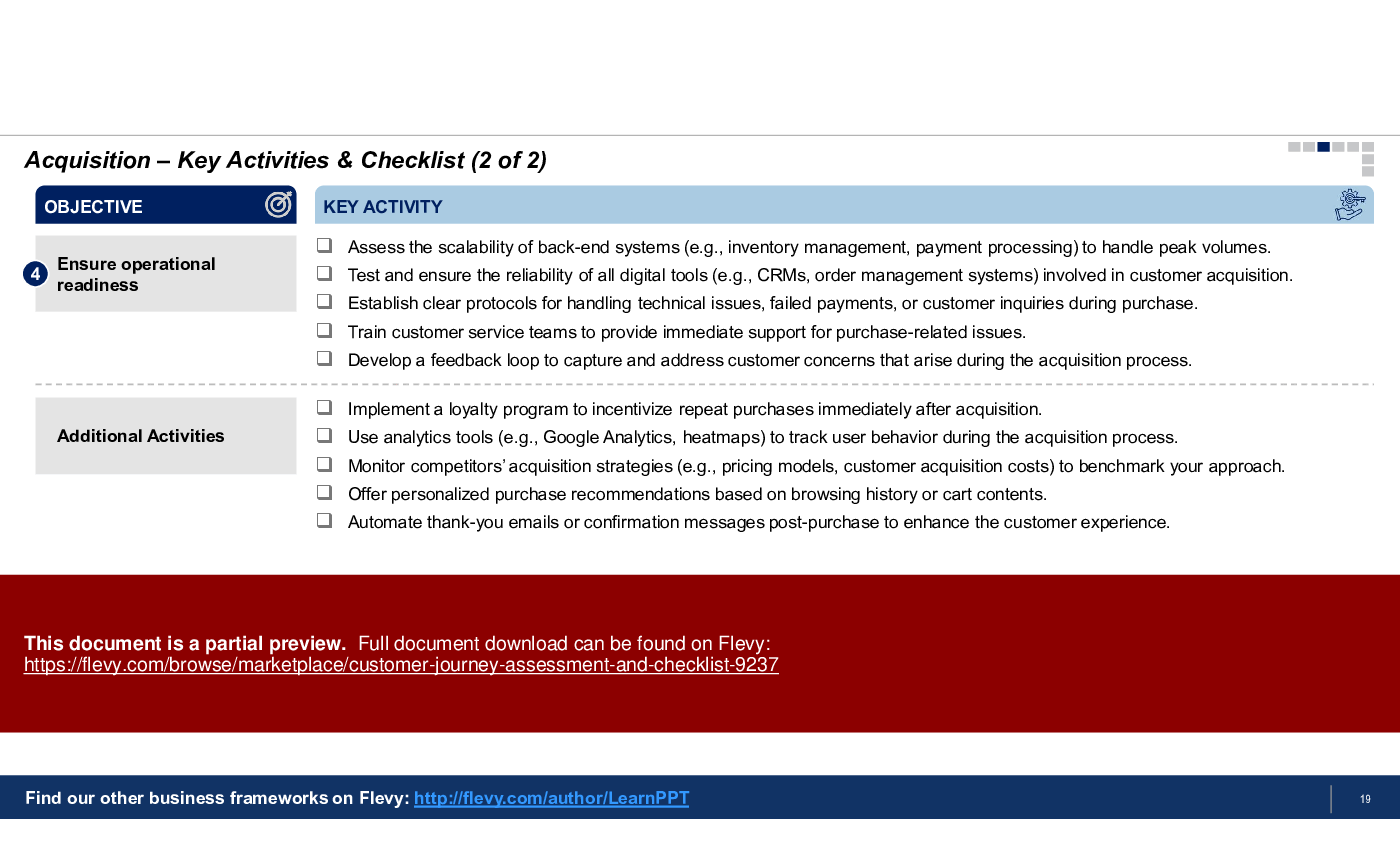
3. Acquisition – The phase is where customers take action to engage with the business (e.g., making a purchase). Activities include user experience, pricing, sales processes, and ease of conversion.
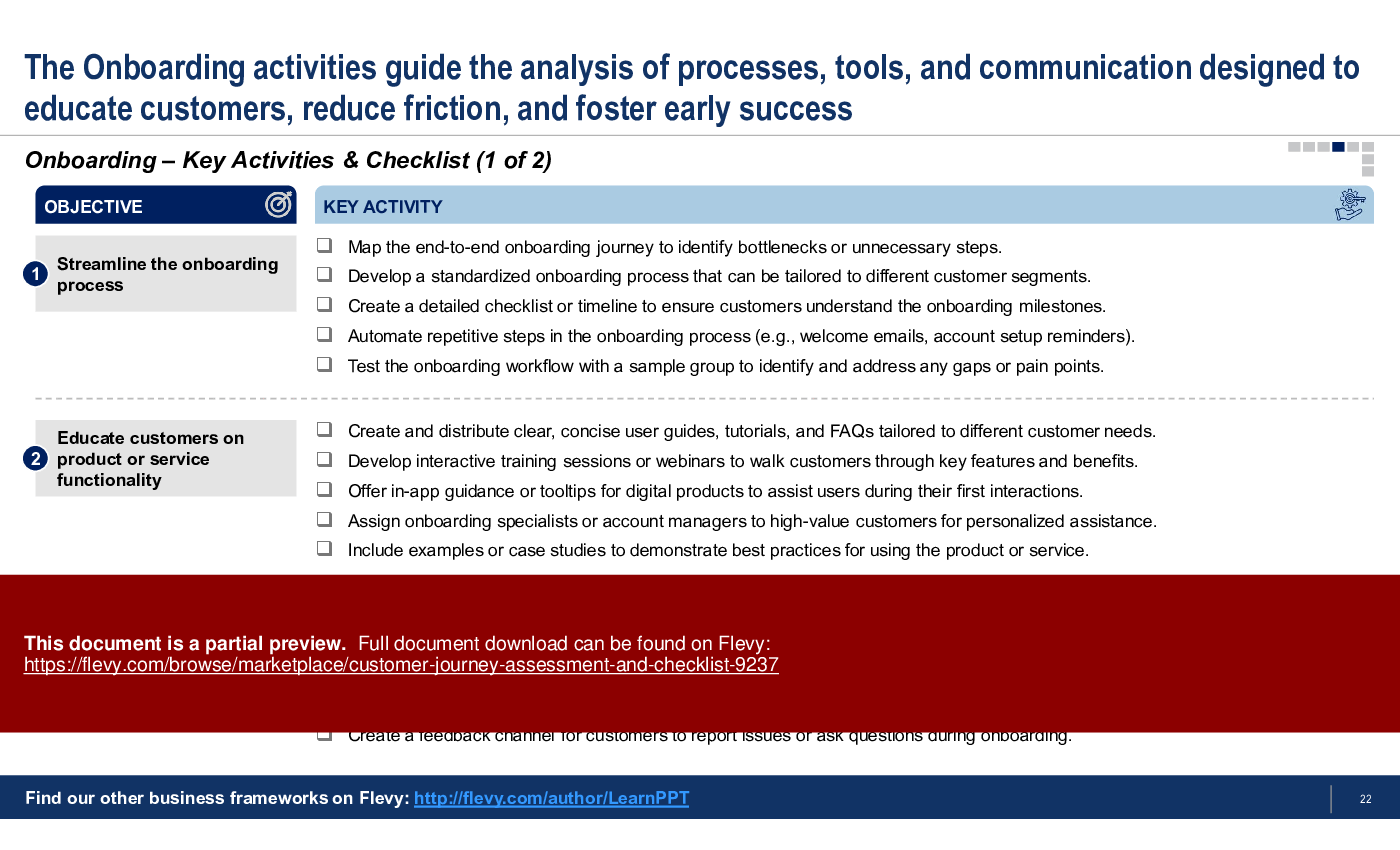
4. Onboarding – The period immediately after acquisition where the customer is introduced to the product/service. Activities include education, initial experience, customer support, and activation.
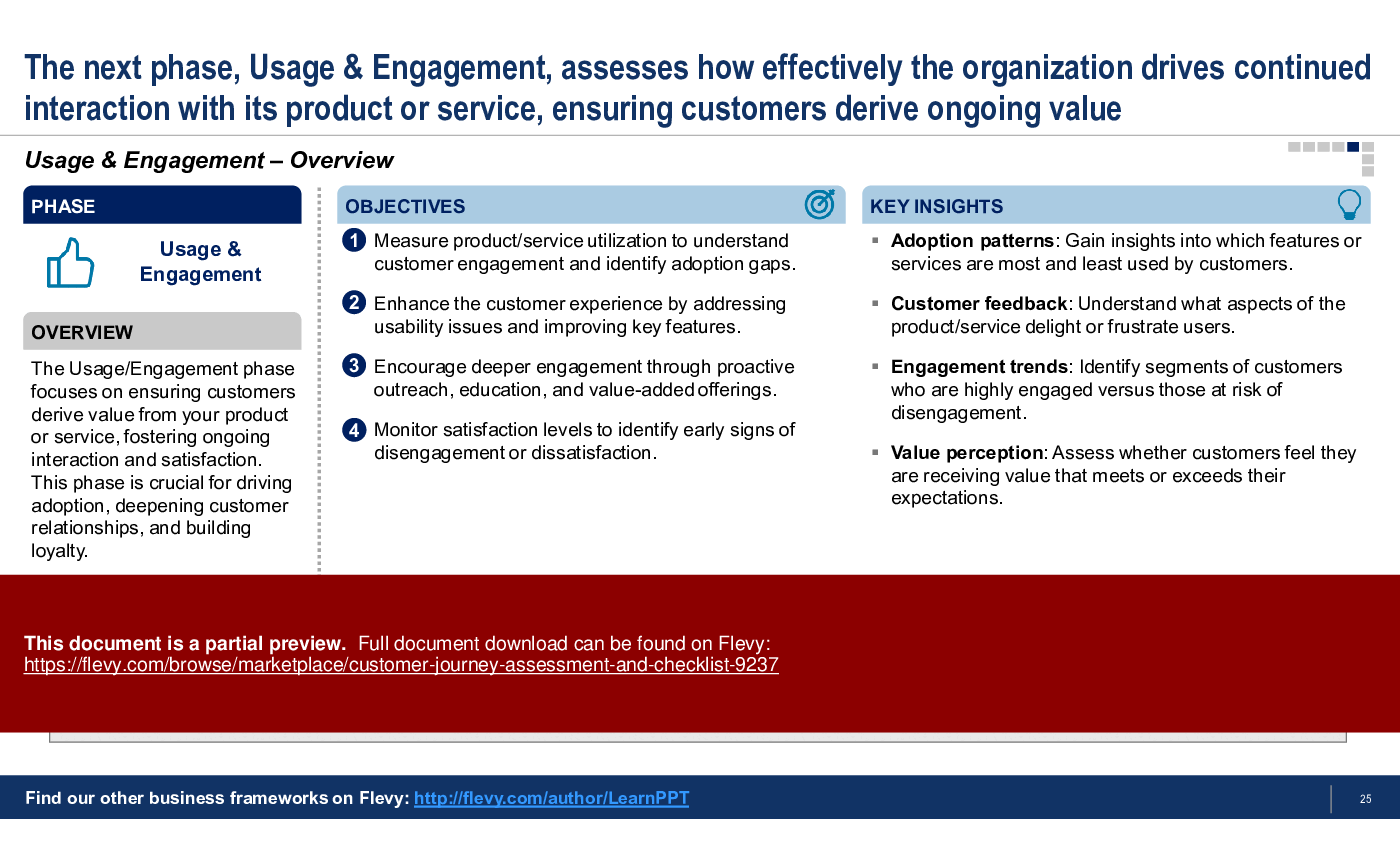
5. Usage & Engagement – Customers actively use the product or service. Focus areas include product functionality, usability, customer satisfaction, and engagement.
6. Retention – Efforts to keep customers engaged and satisfied to prevent churn. Focus areas includes customer service, loyalty programs, and ongoing communication.
7. Advocacy – Satisfied customers become promoters of the brand, sharing positive experiences and referring others. Activities include gathering Net Promoter Score (NPS), testimonials, referrals, and social proof.
8. Post-purchase Experience – The immediate post-purchase period ensures fulfillment of customer expectations, reinforcing trust and satisfaction. Focus areas include delivery performance, proactive support, initial satisfaction, and feedback collection.
Each of these phases is discussed in depth, where we breakdown the key objectives of the phase and key insights to be gained from assessing this phase. Note the first 5 phases are sequential, whereas the last 3 are in parallel. We further identify 210 key activities, organized by Customer Journey phase and objective.
A comprehensive Customer Journey Assessment highlights hidden bottlenecks and inefficiencies that can negatively impact the customer experience. Mapping the Customer Journey reveals critical touchpoints where personalized interactions drive the most value.
Got a question about the product? Email us at support@flevy.com or ask the author directly by using the "Ask the Author a Question" form. If you cannot view the preview above this document description, go here to view the large preview instead.
PRESENTATION DEEP DIVE ANALYSIS
This deep-dive analysis was generated from the full 42-slide PowerPoint presentation.
CUSTOMER JOURNEY PPT TEMPLATES
Source: Best Practices in Customer Journey PowerPoint Slides: Customer Journey Assessment & Checklist PowerPoint (PPTX) Presentation Slide Deck, LearnPPT Consulting
ABOUT THE AUTHOR
We are a team of management consultants trained by top tier global consulting firms (including McKinsey, BCG, Deloitte, EY, Capgemini) with a collective experience of several decades. We specialize in business frameworks based on real-life consulting engagements.
We have served 100s of clients that range from Fortune 500 companies to tech startups to
... [read more]
Ask the Author a Question
You must be logged in to contact the author.




























