
 Click main image to view in full screen. Unlock all 10 preview images:
OEE and Six Big Losses Training with Excel Loss Tracker – PowerPoint PPTX Template
PowerPoint (PPTX) + Zip archive file (ZIP) 40 Slides


BENEFITS OF THIS DOWNLOADABLE POWERPOINT DOCUMENT
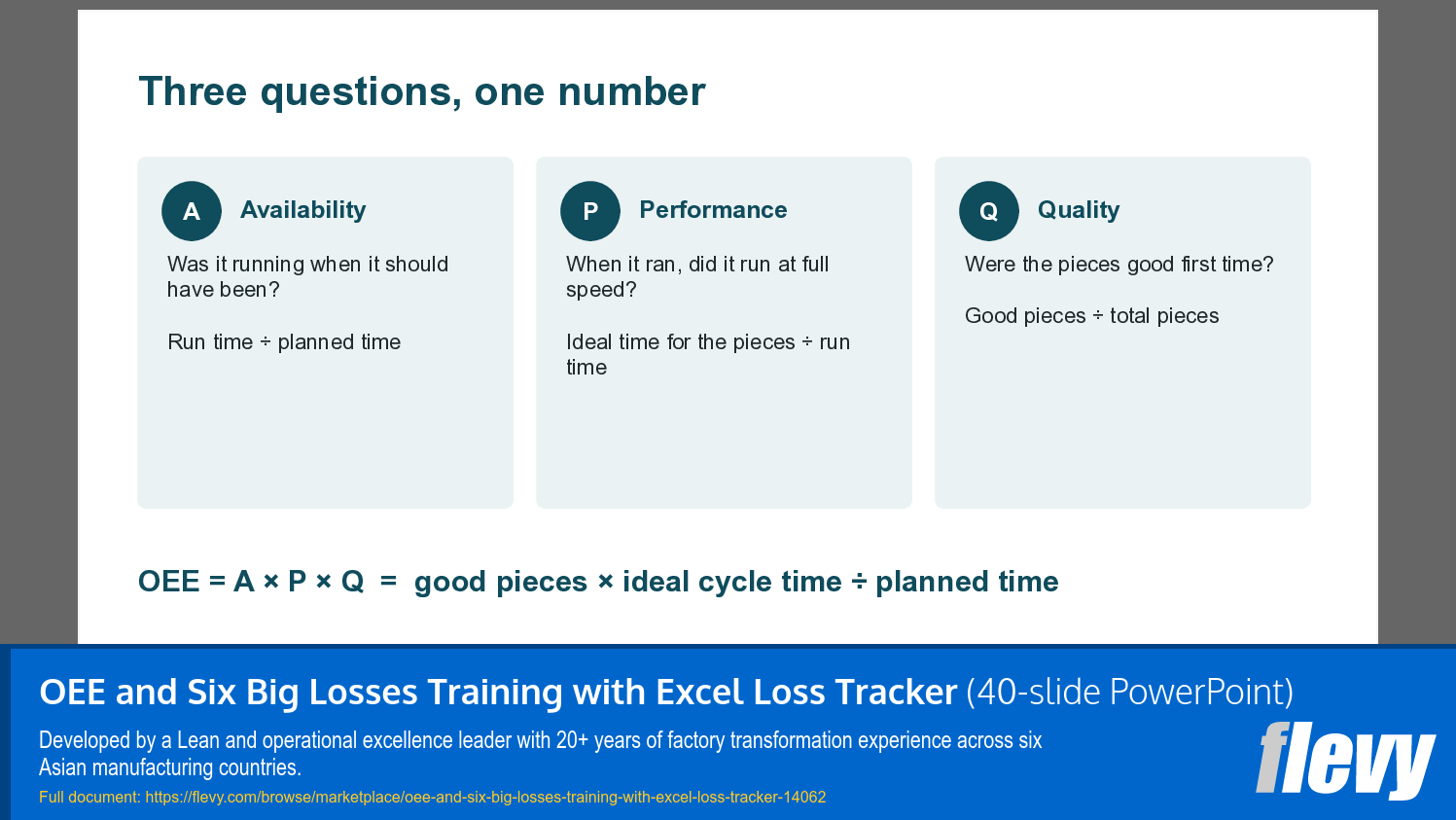
- Teaches availability, performance, quality and the six big losses through a one-day, 40-slide workshop with two hands-on exercises and answers.
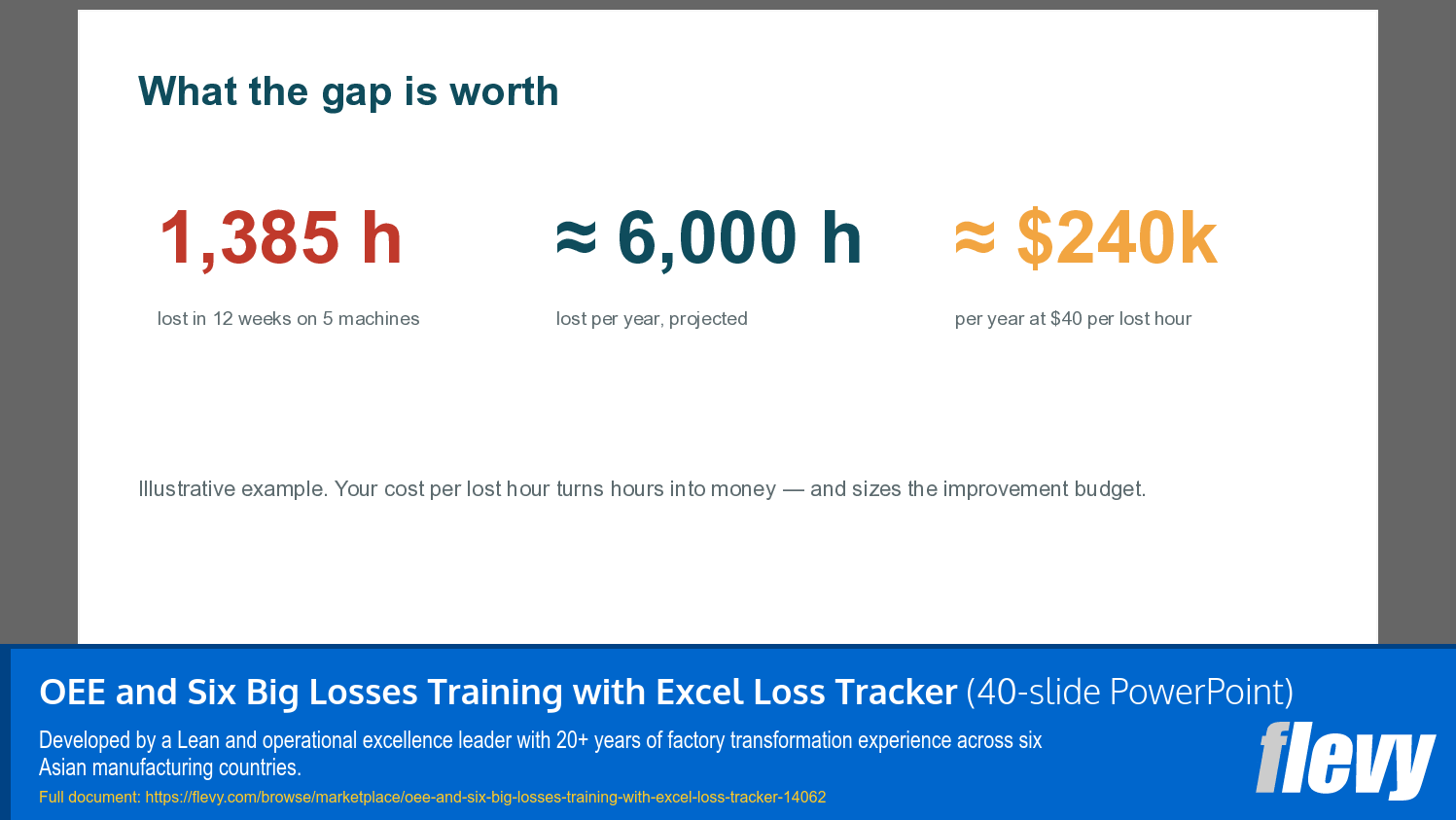
- Turns a simple shift log into OEE by week and by machine, with lost hours and their yearly cost calculated automatically in Excel.
- Sorts every stop reason and loss into a Pareto and moves the top three losses into an action plan with owners, dates and flags.
EMPLOYEE TRAINING PPT TEMPLATE DESCRIPTION
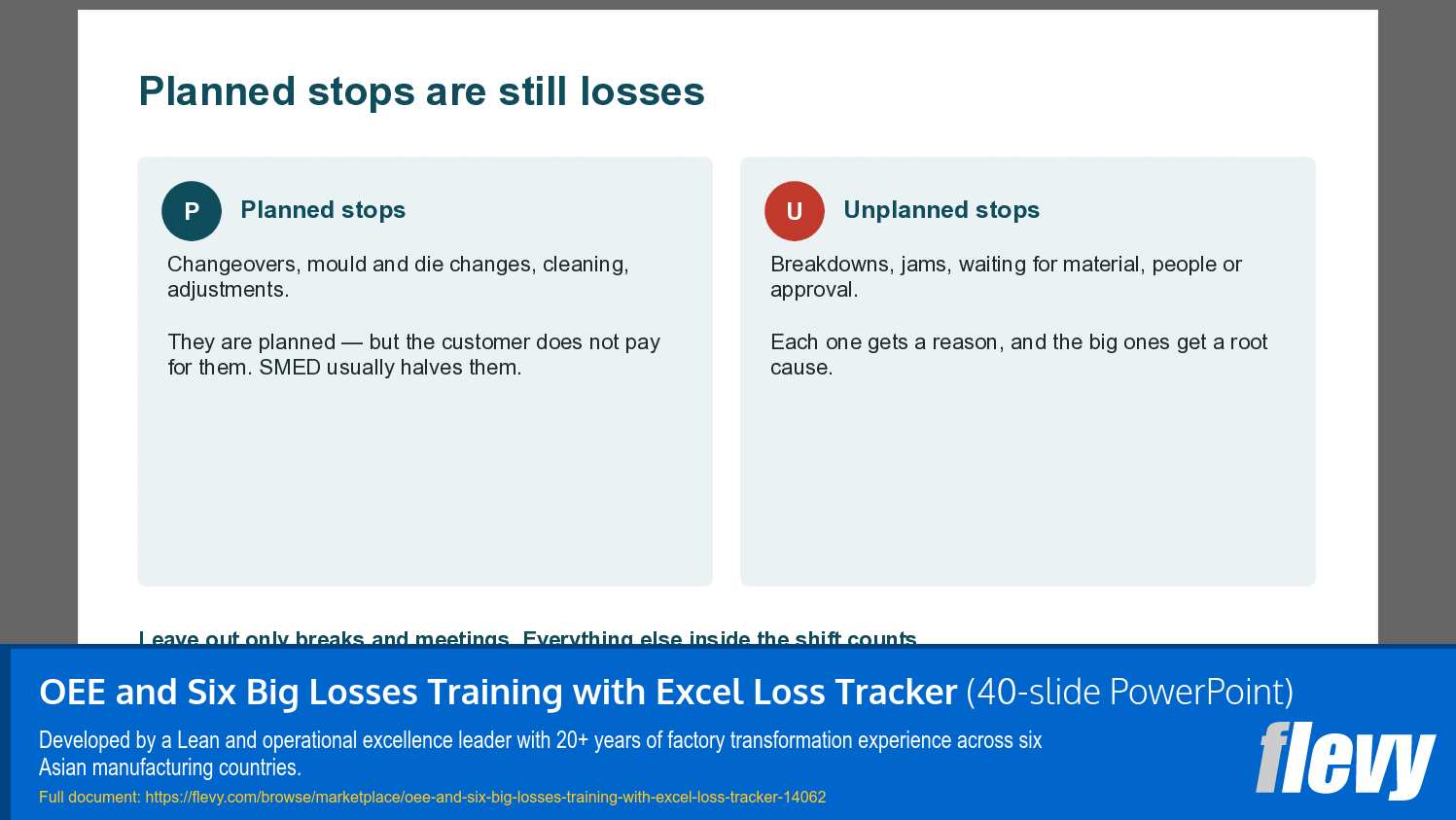
Most machines look busy all day. Yet when a plant measures Overall Equipment Effectiveness honestly for the first time, it usually finds that only half of the planned time produced good parts at full speed. The rest disappears into changeovers, breakdowns, short stops, slow running and scrap – losses that rarely appear on a daily report. This package teaches teams to see those losses, measure them in minutes and remove the biggest one first.
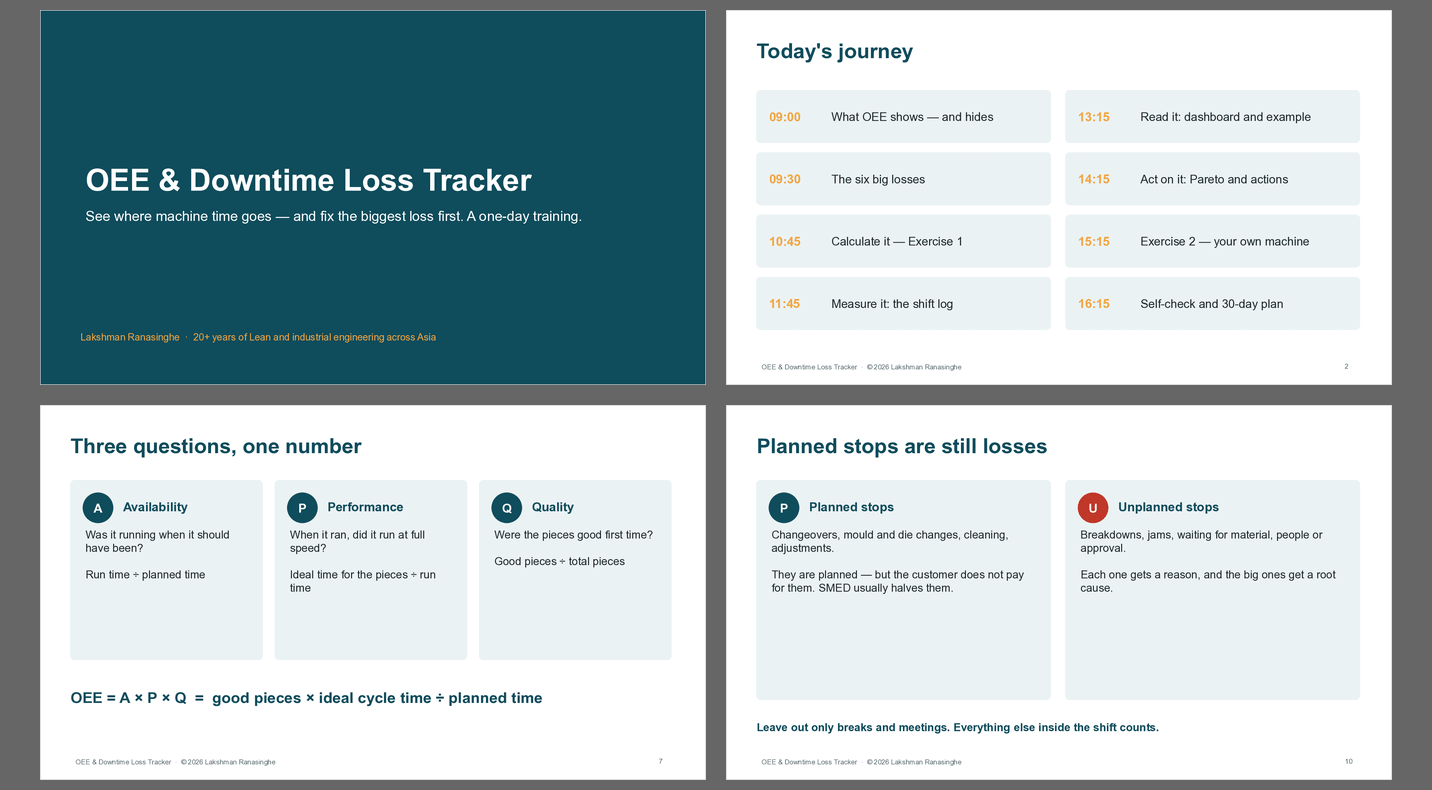
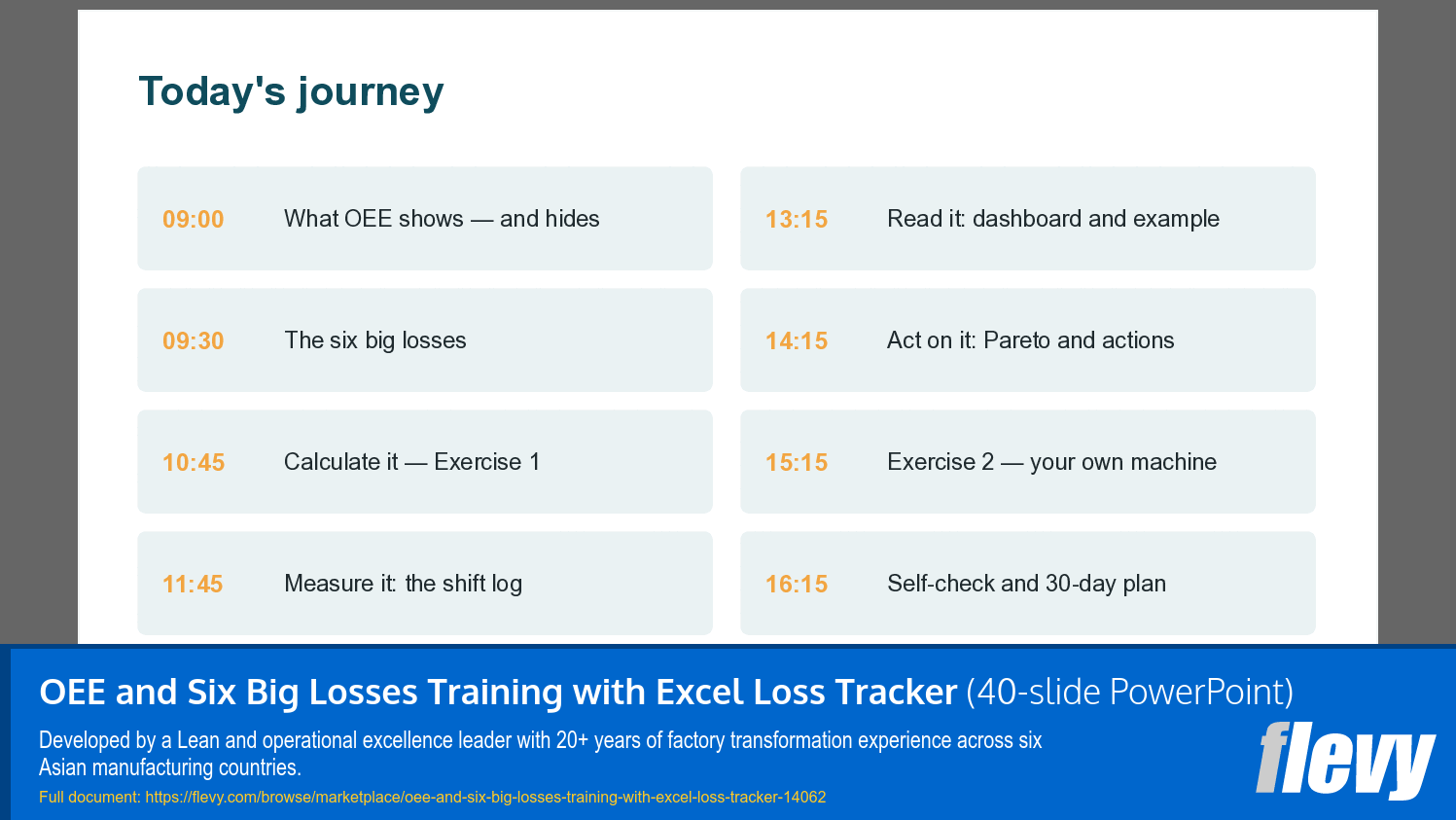
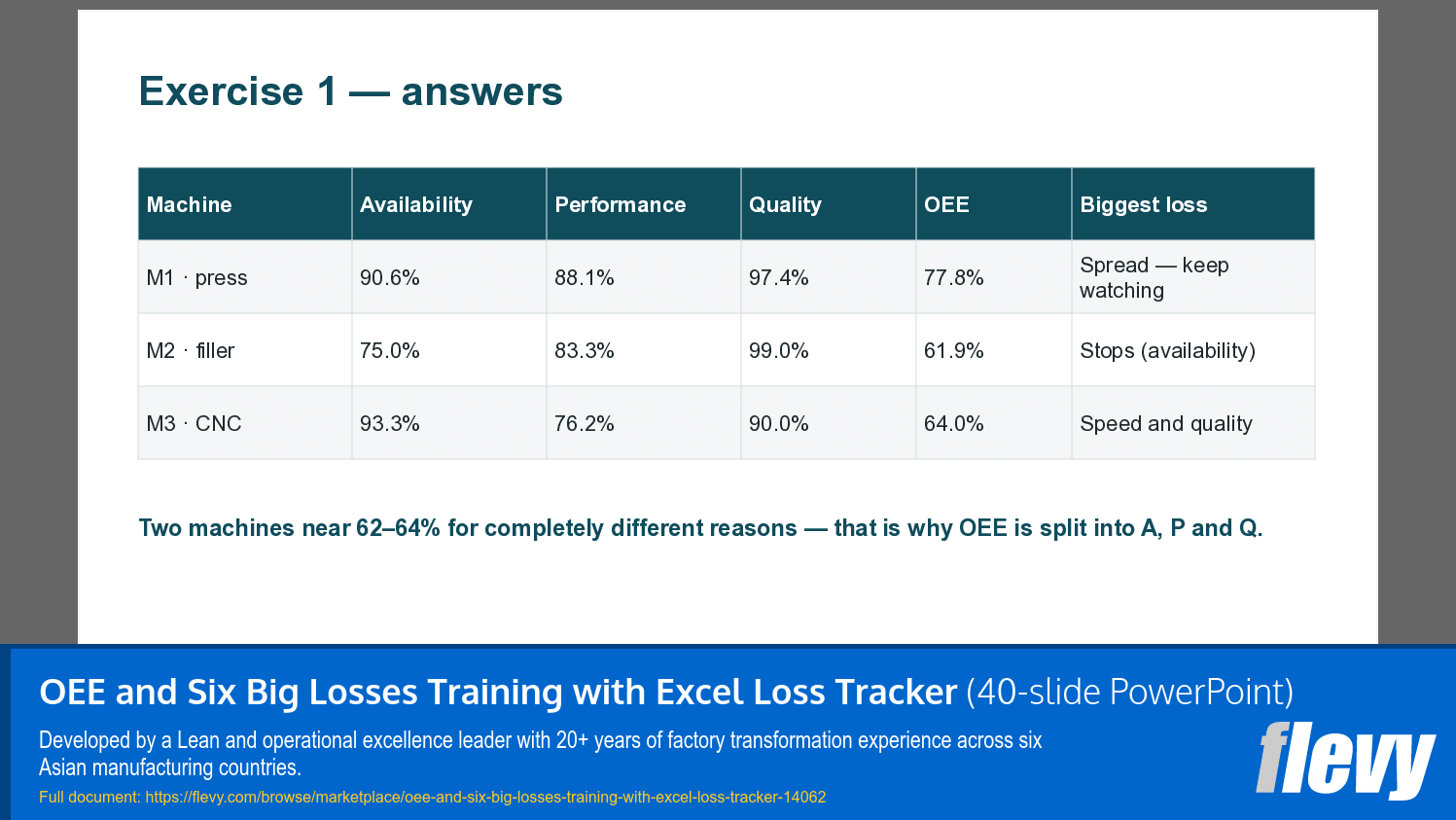
The primary document is a 40-slide training deck designed to run as a one-day workshop for maintenance engineers, production supervisors, process engineers and plant managers. It moves through seven modules: what OEE shows and hides, the six big losses, calculating OEE by hand with a three-machine exercise and answers, setting an honest ideal cycle time, measuring with a shift log, reading the dashboard through a worked 12-week moulding example, and acting on the loss Pareto with the right tool for each loss. A second exercise has teams log real shifts from their own machine and present the top loss with a root cause, owner and date.
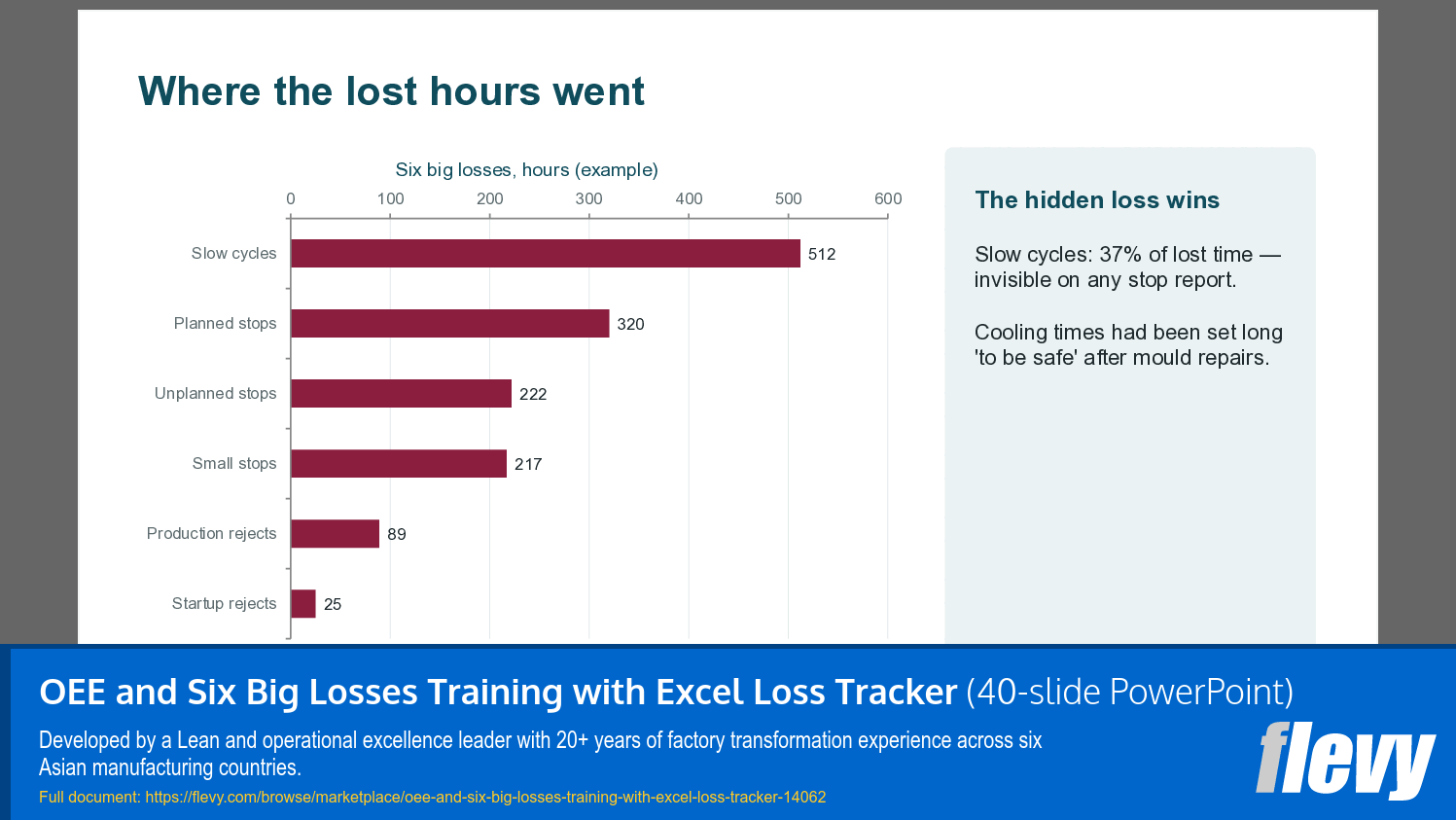
The secondary file contains the Excel loss tracker and supporting material. The tracker has seven windows. Settings holds the sector, OEE target, cost of a lost machine hour and up to 20 machines with their ideal cycle times. The Shift Log takes one row per machine per shift with planned time, up to three stops with reasons, small stops, total pieces and rejects, and calculates availability, performance, quality and OEE per row. The Loss Library provides ten ready stop reasons for each of eight sectors: apparel sewing, injection moulding, metal pressing, CNC machining, food and beverage filling, printing and packaging, electronics SMT and pharma blister packing, each mapped to planned or unplanned stops. The OEE Dashboard shows the plant result, the weekly trend against target, OEE by machine, lost hours and their projected yearly cost. The Loss Pareto splits lost time into the six big losses and sorts every stop reason and loss largest first with a suggested next step. The Action Plan pulls in the top three losses automatically for root cause, countermeasure, owner, due date and status flags. A Self-Check scores the team's work out of 100 for an in-house review: Practitioner at 70 and Leader at 85.
A built-in example of five moulding machines over twelve weeks shows the method end to end, including the effect of quick changeover and preventive maintenance on the weekly OEE trend.
Also included are a 17-page guide book in PDF and editable Word, a facilitator's workshop program with timings and answers, a ten-prompt AI prompt pack, a one-page quick-start card, and printables for a machine shift log and a loss-code card.
Developed from more than 20 years of Lean and operational excellence leadership across Sri Lanka, China, Bangladesh, Indonesia, Thailand and Vietnam.
Requirements: PowerPoint or any compatible presentation software; Excel 2016 or later. No macros.
Got a question about the product? Email us at support@flevy.com or ask the author directly by using the "Ask the Author a Question" form. If you cannot view the preview above this document description, go here to view the large preview instead.
Source: Best Practices in Employee Training, OEE PowerPoint Slides: OEE and Six Big Losses Training with Excel Loss Tracker PowerPoint (PPTX) Presentation Slide Deck, Lakshman Ranasinghe
ABOUT THE AUTHOR

Lakshman Ranasinghe is an operational excellence and talent development leader with more than 20 years of experience in Lean manufacturing, quality and industrial engineering across Sri Lanka, China, Bangladesh, Indonesia, Thailand and Vietnam.
He has led factory transformation programs in apparel manufacturing, including product development cycle-time reduction, material flow automation and
... [read more]
Ask the Author a Question
You must be logged in to contact the author.




























