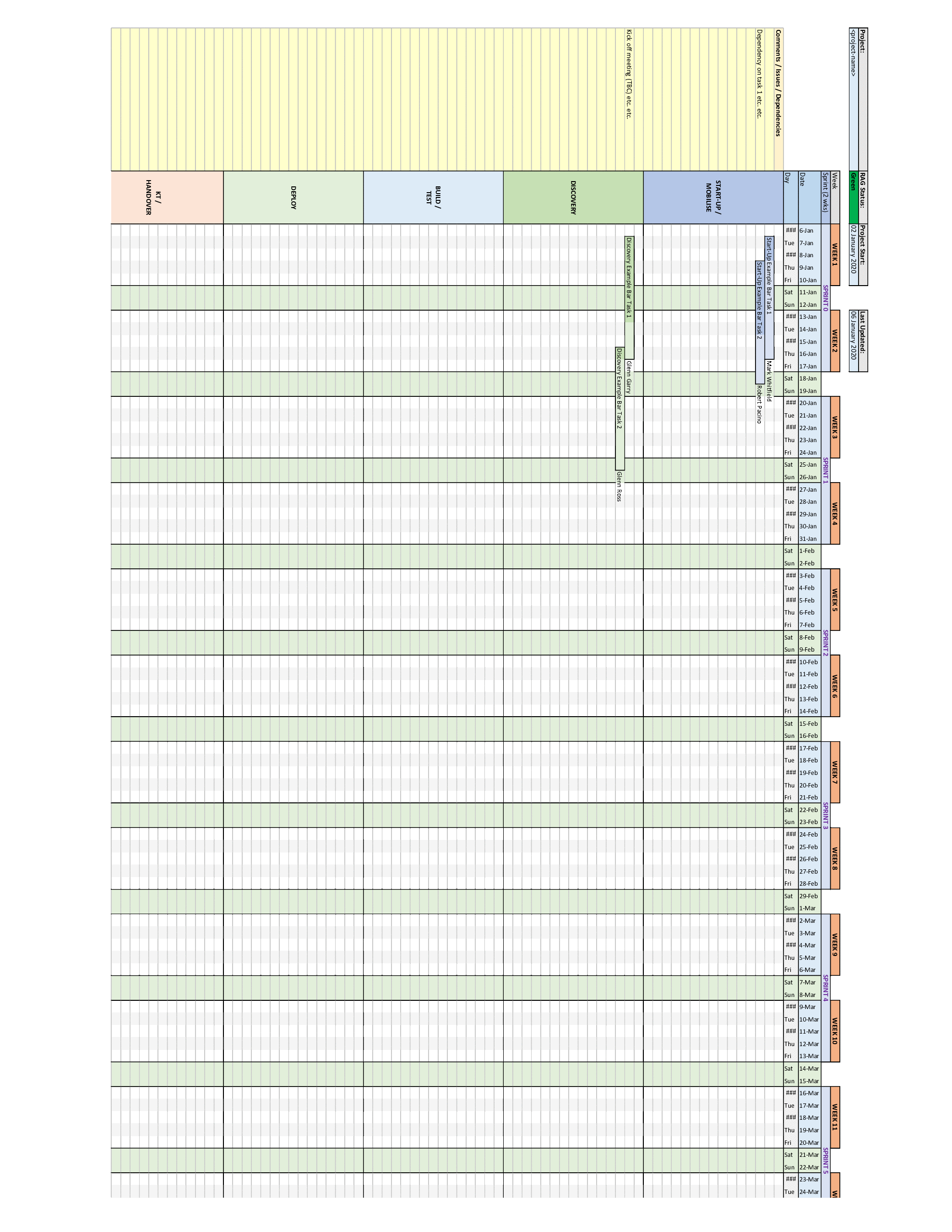
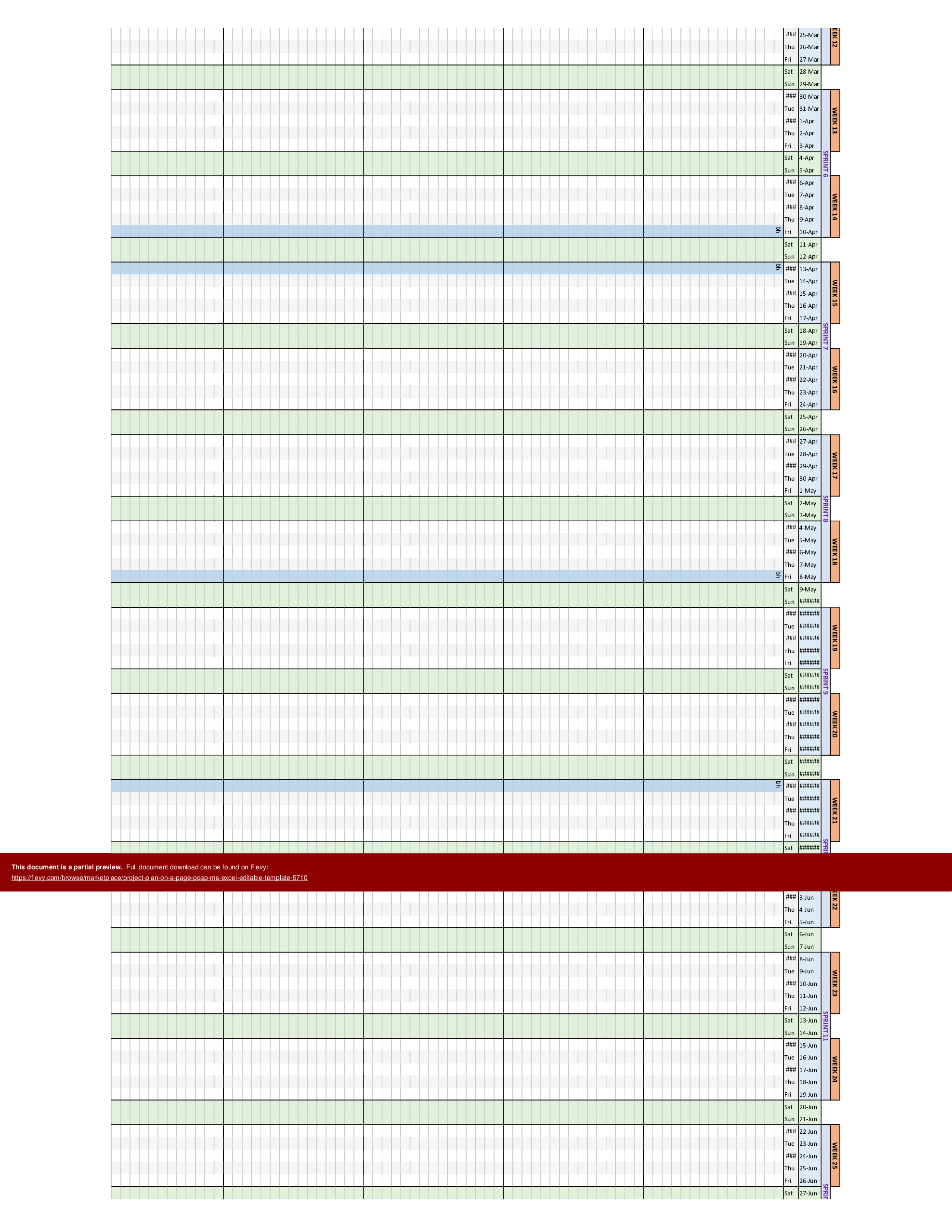
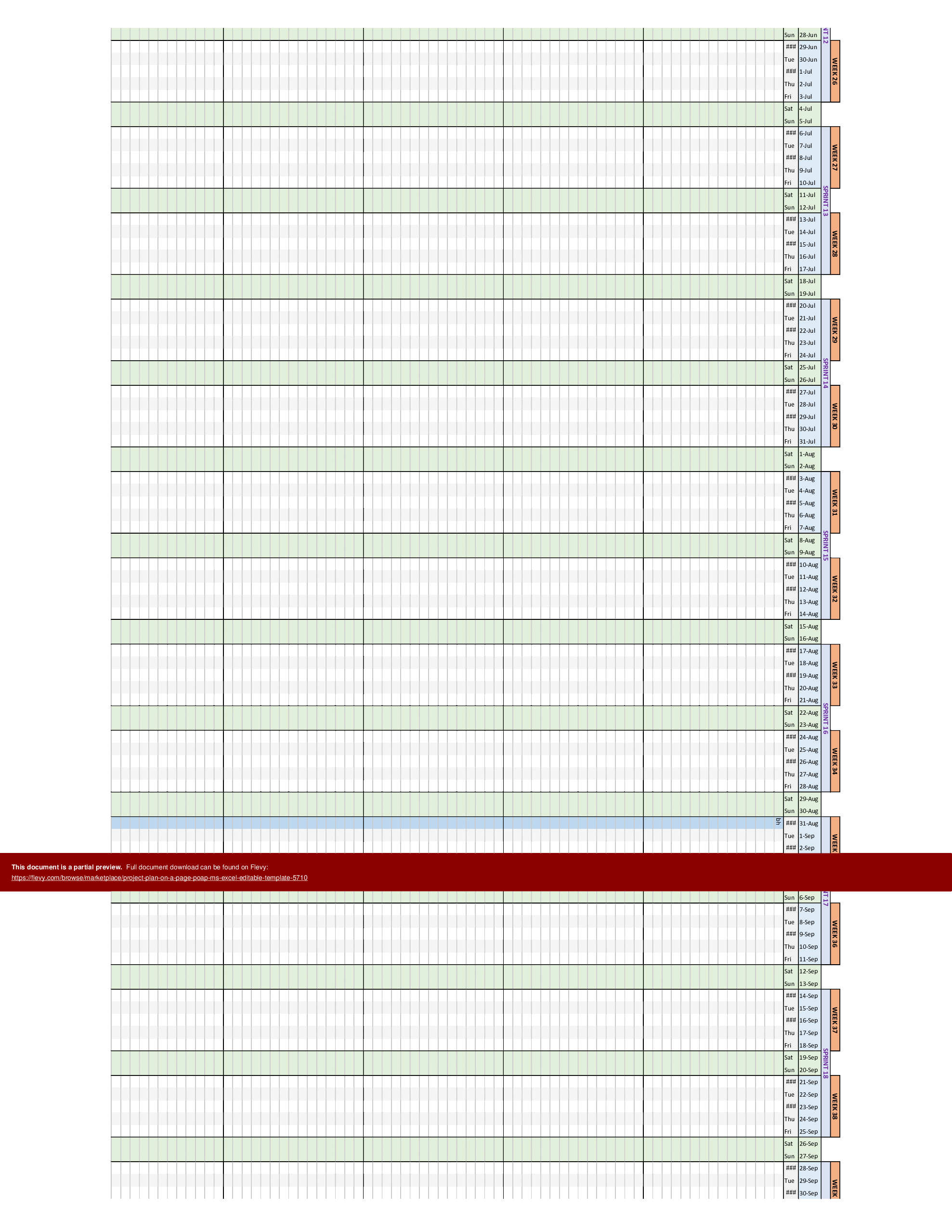
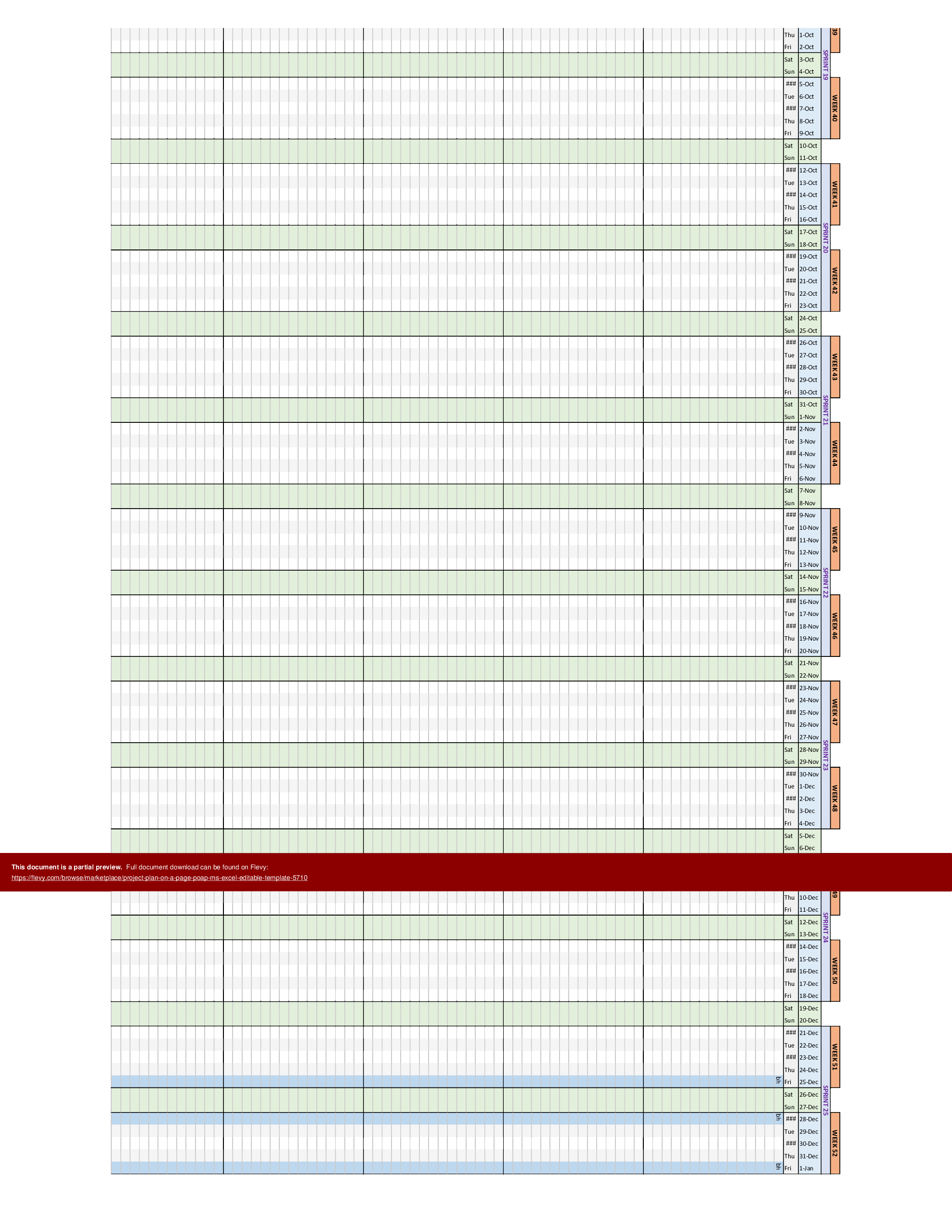

 Click main image to view in full screen.
Project Plan on a Page (PoaP) Template – Excel XLSM
Excel (XLSM)


BENEFITS OF THIS DOWNLOADABLE EXCEL DOCUMENT
- Offers a portable alternative to MS Project for when both internal and external stakeholders don't have a license for that tool
- Great for constructing plans and looking at resource costings across a timeline to cost up bids and statements of work (SoW)
- Can be used as part of internal and client status reports as a show and tell of project position
PROJECT MANAGEMENT EXCEL DESCRIPTION
Tab One: A useful project planner spreadsheet in Excel which essentially presents an alternative to MS Project where either the project manager, client or both don't have or don't want to use MS Project (MSP, MPP) for tracking the project tasks and status. This spreadsheet is essentially MS Project represented in an Excel spreadsheet with much of the detail that is required in a comprehensive project plan including charts and resource costings calculated across and aligned to the project timeline.
Tab Two: A useful plan on a page (POaP) Excel spreadsheet which incorporates both resource allocation and costings aligned across the project timeline. This is useful when constructing Statements of Work (SoW) or working on bids and trying to establish broad stroke costs and time to completion for the project.
The spreadsheet is fully editable and can be tailored as required to provide a portable project plan for both internal and client facing meetings.
The Project Plan on a Page (PoaP) Template offers a comprehensive overview of project timelines, resource allocation, and costings, all within a single Excel spreadsheet. The template includes detailed Gantt charts and resource effort graphs, providing a visual representation of project progress and resource utilization. It is designed to facilitate quick decision-making and efficient project tracking.
The template also features a detailed breakdown of resource effort by month and project area, along with client fees and actual roles per project area. This level of detail ensures that all aspects of the project are covered, making it easier to manage and allocate resources effectively. The spreadsheet is fully customizable, allowing you to tailor it to your specific project needs and requirements.
Got a question about the product? Email us at support@flevy.com or ask the author directly by using the "Ask the Author a Question" form. If you cannot view the preview above this document description, go here to view the large preview instead.
TOPIC FAQ
How can I create a project plan without Microsoft Project?
Use an Excel-based planner that replicates core MSP features: Gantt timeline, task list, resource allocation and automated cost calculations. An Excel PoaP lets you keep a full planner plus a condensed one-page summary for meetings; the template approach typically uses 2 tabs with Gantt and PoaP views.What is a Project Plan on a Page and when is it useful?
A Project Plan on a Page (POaP) is a condensed, single-sheet summary that aligns timeline, resources and costs to communicate progress and estimates quickly. It is useful for client updates, executive summaries, and early-stage bid costing where a compact overview is required, delivered as a single-page POaP tab.Which elements should an effective PoaP include?
An effective PoaP shows a timeline/Gantt view, resource allocation across the timeline, costings by role or resource, and a month-by-month effort breakdown. Including client fees and actual roles per project area helps bids and SoWs, and the POaP should pair with a detailed planner tab for calculations.How do I align resource allocation and costings across a project timeline?
Capture tasks with start/end dates, assign roles and effort estimates, and use timeline-driven formulas to spread effort and cost month-by-month. Visualize the outcome with Gantt charts and resource effort graphs to validate alignment; a month-by-month resource breakdown helps reconcile effort and costs.What should I look for in an Excel-based project planner if I want an MSP alternative?
Look for editable Gantt charts, automated resource cost calculations, a one-page summary for client use, and the ability to tailor tabs for bids or SoWs. Flevy’s Project Plan on a Page (PoaP) Template exemplifies this by providing a detailed planner plus a POaP for bids, across 2 tabs.Are Excel PoaP templates a cost-effective choice for small teams compared to buying MS Project?
Excel PoaP templates can avoid the need for MS Project when stakeholders don't have or don't want MSP, enabling portable plans and SoW-level costing without MSP files. Choose an .xlsm template that includes both detailed planner formulas and a one-page POaP tab.Can a PoaP help when preparing Statements of Work or bid estimates?
Yes. A PoaP that incorporates resource allocation and costings aligned to the timeline supports high-level SoW and bid estimates by showing probable time-to-completion and associated fees. Templates that combine a detailed planner with a POaP are specifically useful for constructing Statements of Work.How should I present project status in client meetings when MSP files can't be shared?
Use a portable Excel PoaP that provides a single-page visual of timeline, resource effort and costs suitable for client-facing meetings. Exportable charts and a concise POaP view let you present status without sharing MSP files, typically using a dedicated POaP tab.Source: Best Practices in Project Management, Excel Project Plan Excel: Project Plan on a Page (PoaP) Template Excel (XLSM) Spreadsheet, i_Pro_PM_Templates
ABOUT THE AUTHOR

i_Pro_PM_Templates is an Flevy seller and an experienced Senior Project Manager, who has been working at ascending points in software development lifecycle projects for over 30 years.
The Flevy seller has impressive credentials in the delivery of highly complex projects in challenging conditions. The seller has held senior Project Management positions and helped to drive significant business
... [read more]
Ask the Author a Question
You must be logged in to contact the author.




























