 Click main image to view in full screen.


BENEFITS OF THIS DOWNLOADABLE EXCEL DOCUMENT
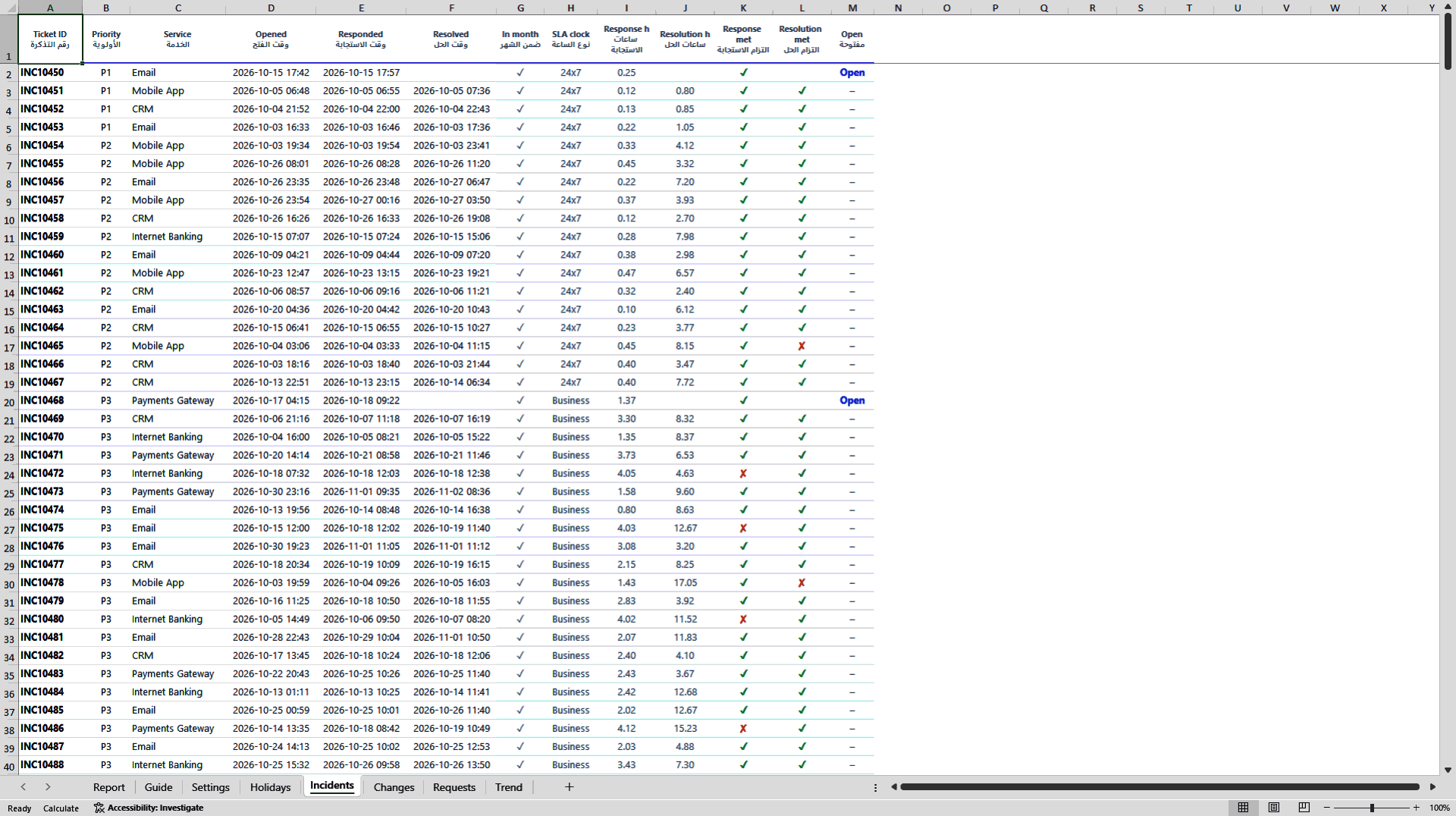
- Calculates response and resolution SLA on business hours (Sunday to Thursday, local holidays) or 24x7, per priority.
- Turns your monthly ITSM export into a one-page bilingual client report with your own logo in about 15 minutes.
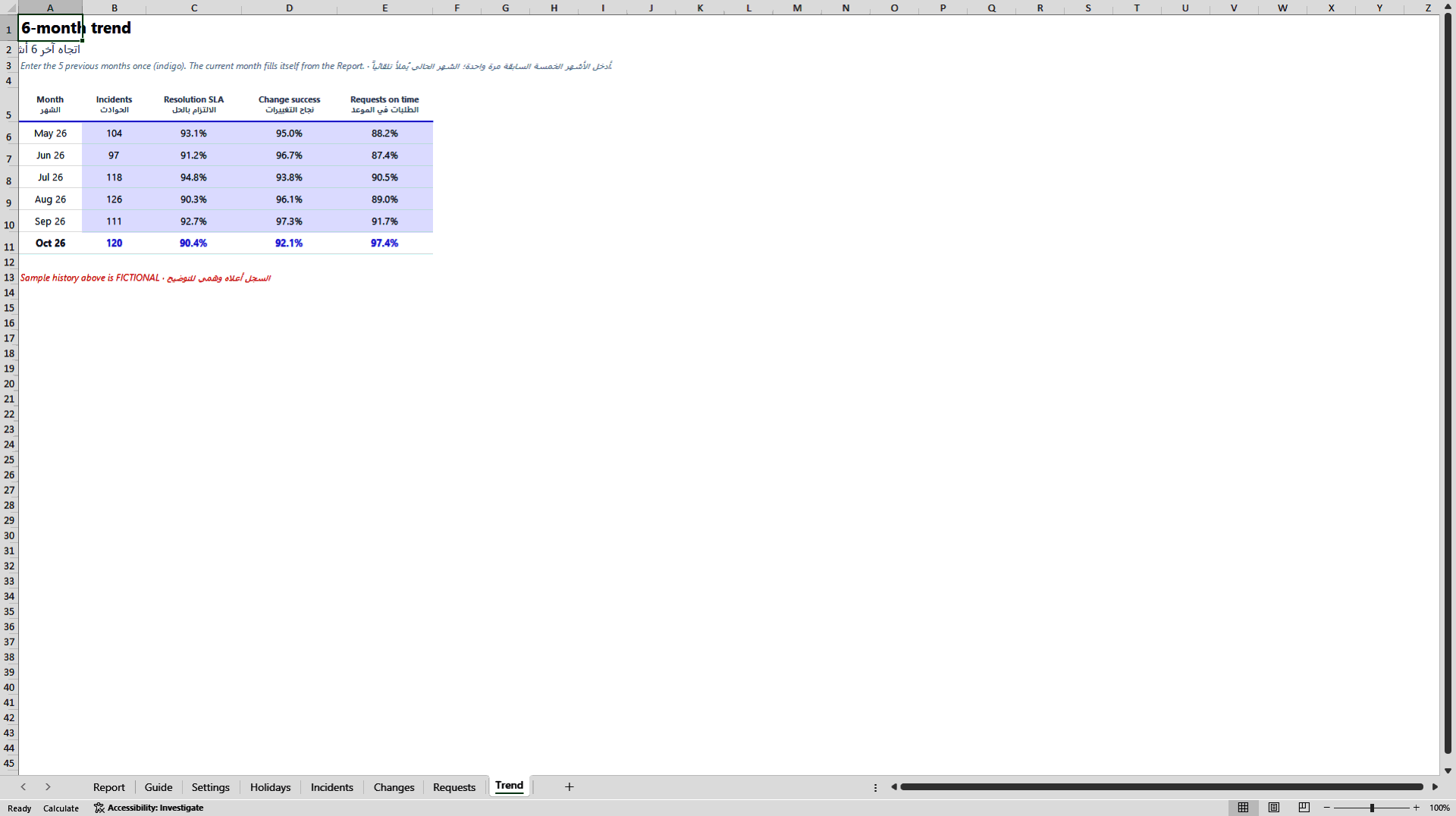
- Writes the breach commentary automatically in English and Arabic and tracks a six-month trend.
PROGRESS REPORT EXCEL DESCRIPTION
A monthly SLA and KPI report that understands how service is delivered in Saudi Arabia and the GCC.
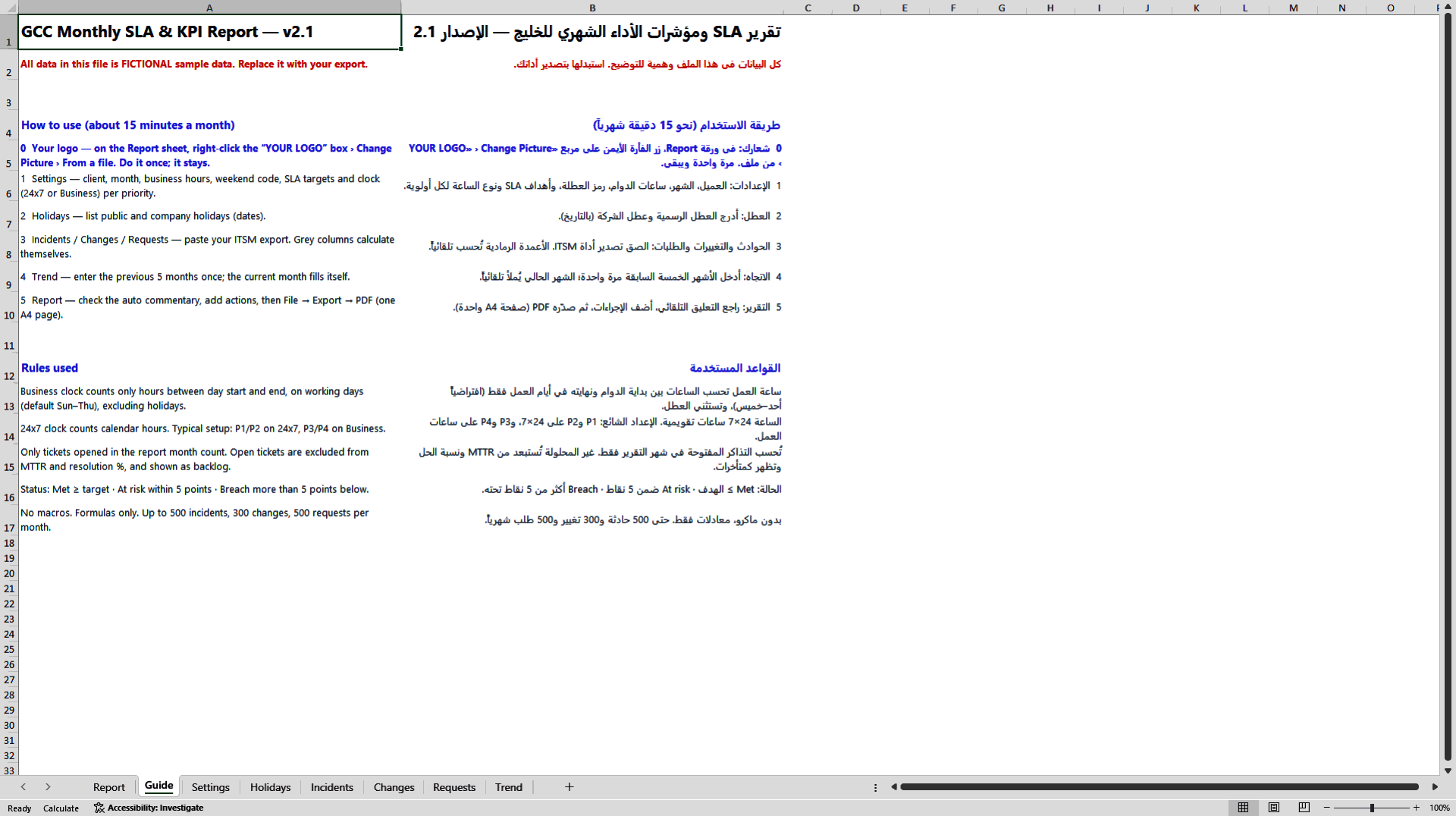
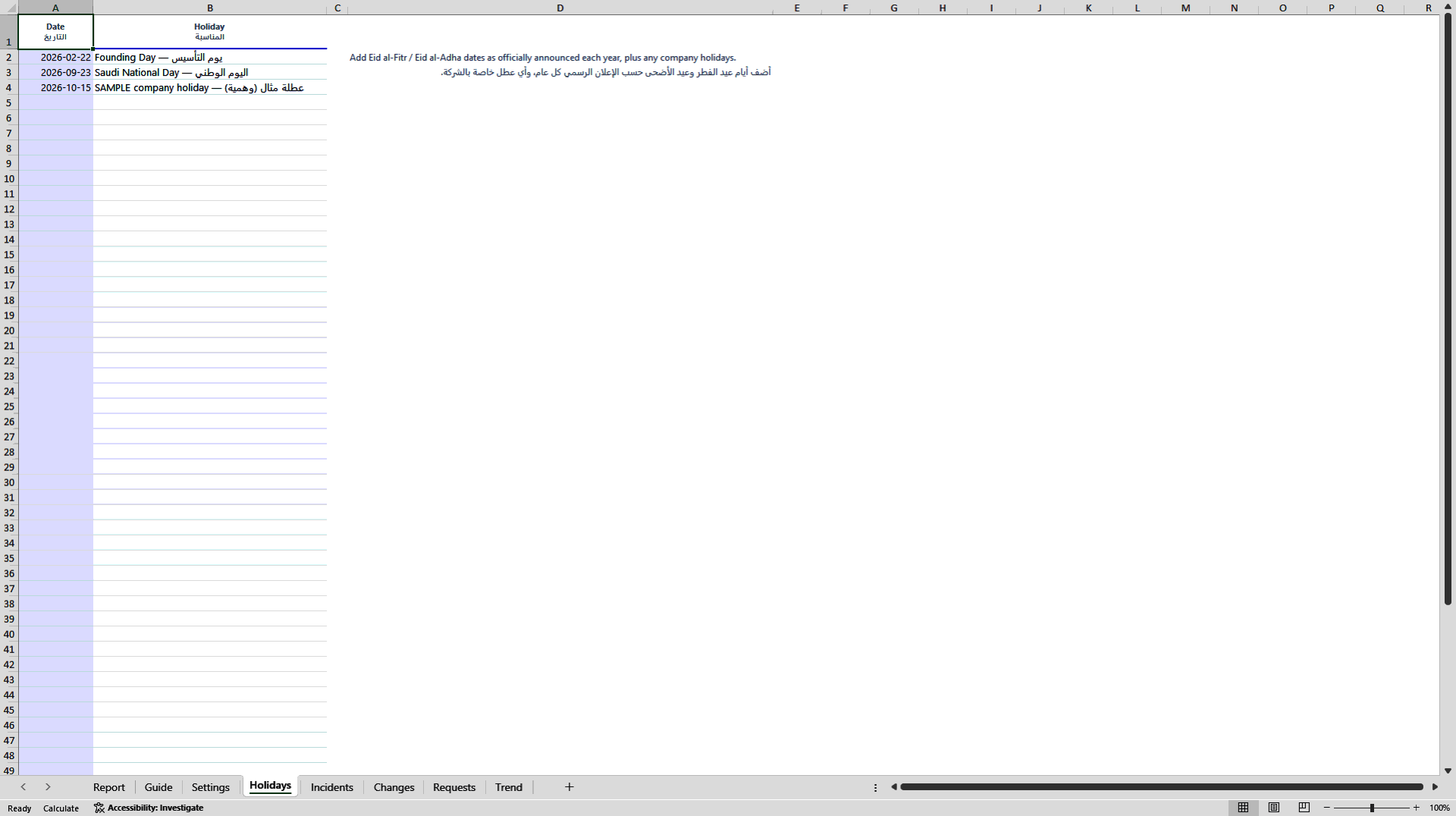
Most SLA templates assume a Monday to Friday week and calendar hours for everything. In the Gulf that produces wrong numbers: the working week is Sunday to Thursday, public holidays such as Founding Day, National Day and the two Eids move the clock, and contracts usually measure P1 and P2 tickets around the clock but P3 and P4 tickets in business hours only. This Excel template calculates each ticket on the right clock, so the compliance figure you send to the client is one you can defend.
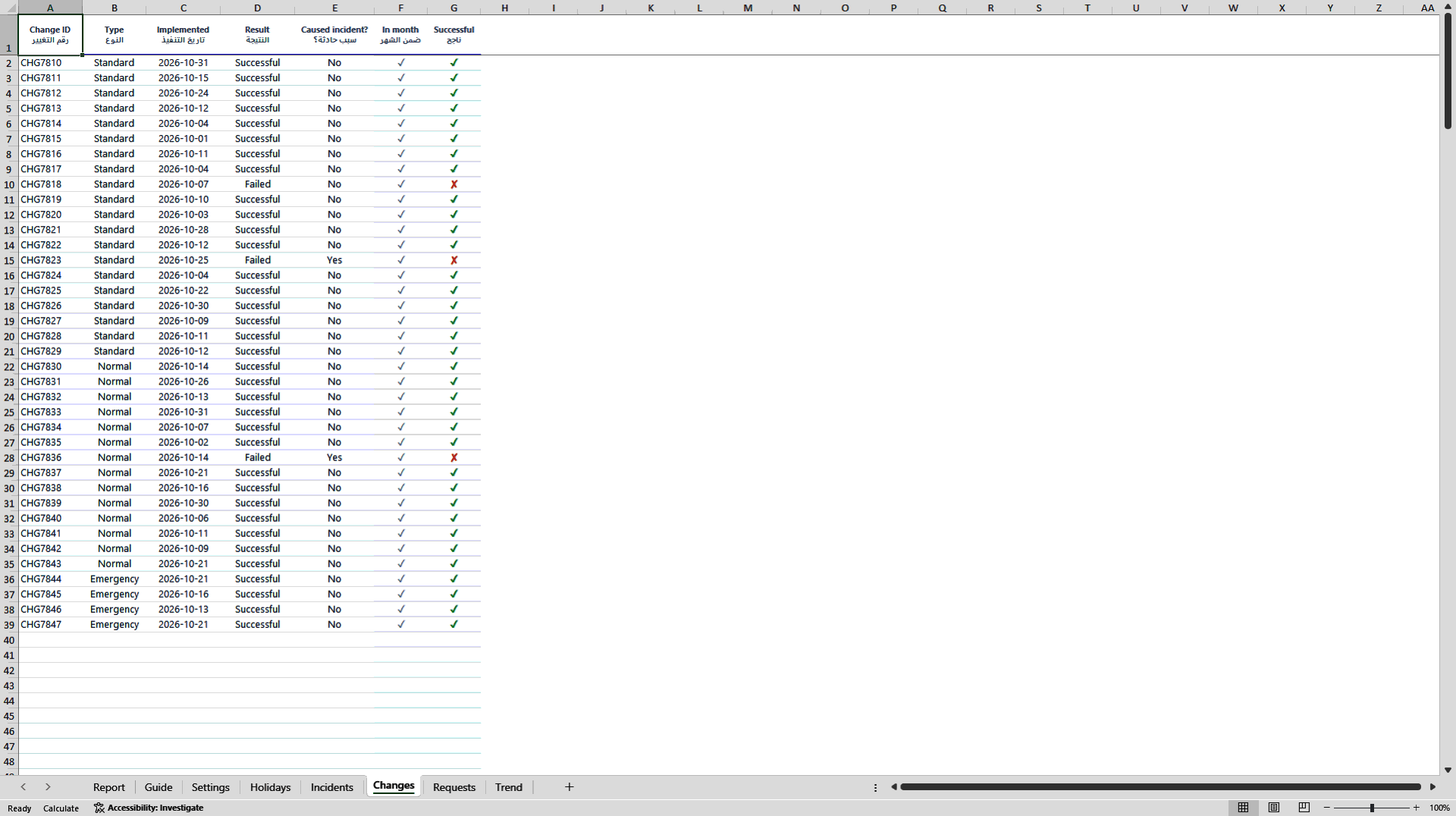
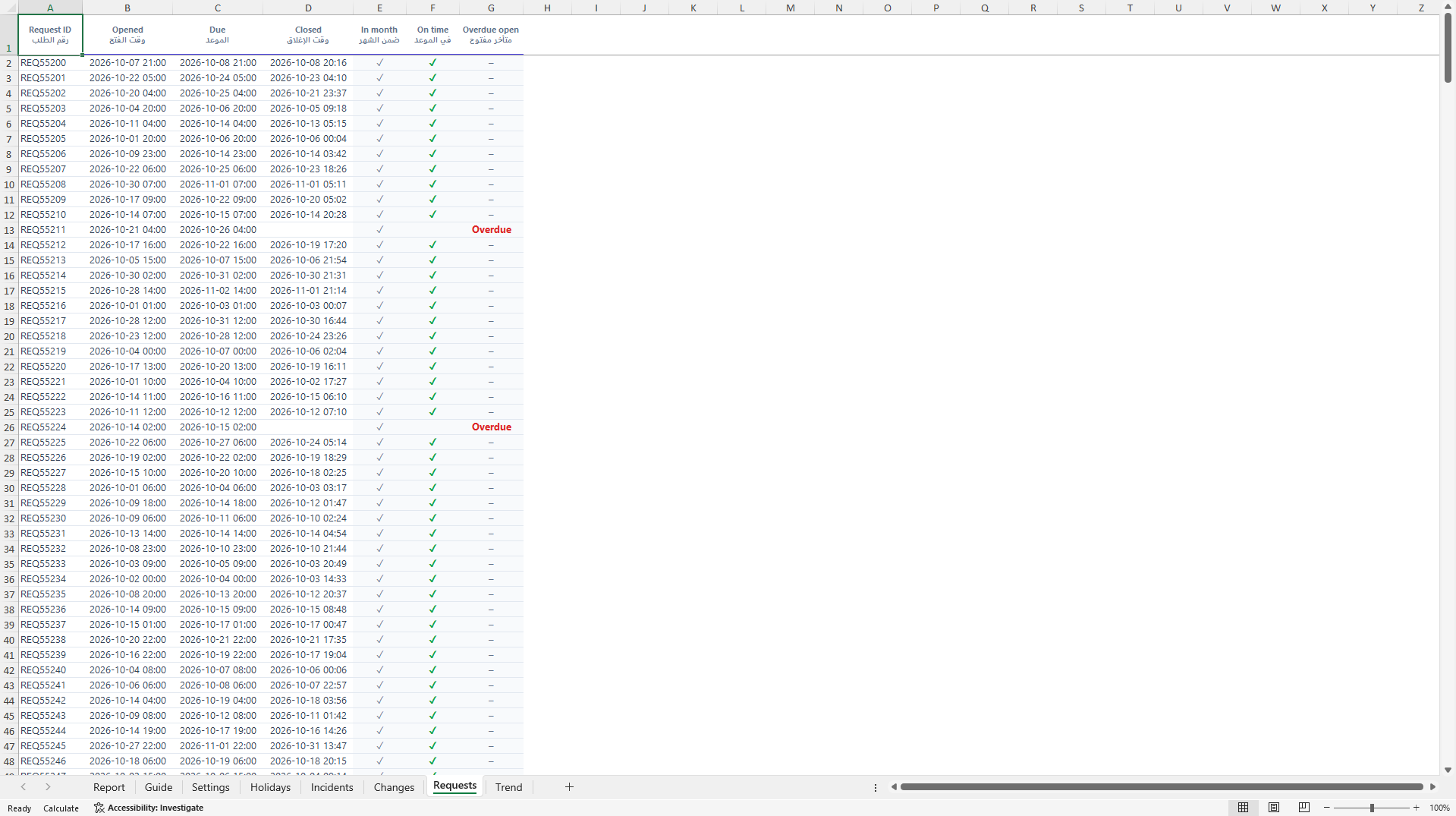
How it works: paste the monthly export of incidents, changes and service requests from your ITSM tool (ServiceNow, Jira Service Management, BMC Remedy, ManageEngine or any other tool that exports to Excel). Grey columns calculate themselves. The one-page Report sheet then fills in on its own.
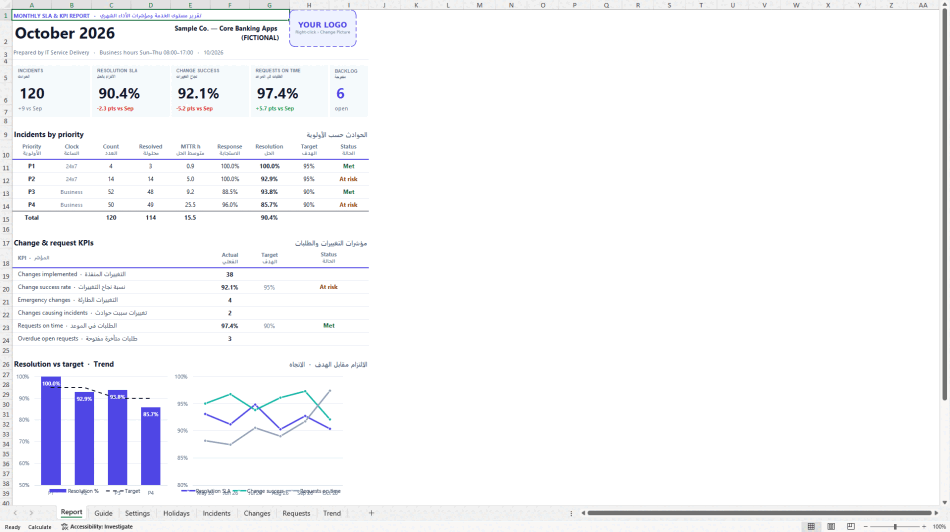
What the Report page shows: headline KPI cards for incident volume, resolution SLA, change success and requests on time, each with the movement against last month; incidents by priority with count, resolved, MTTR, response and resolution compliance against target and a Met, At risk or Breach status; change and request KPIs; a resolution-versus-target chart and a six-month trend chart; and an automatic commentary written in both English and Arabic that names every breach. There is space for root cause, owner and due date, and a header box for your own company logo, so the report goes to the client under your brand. It prints on a single A4 page.
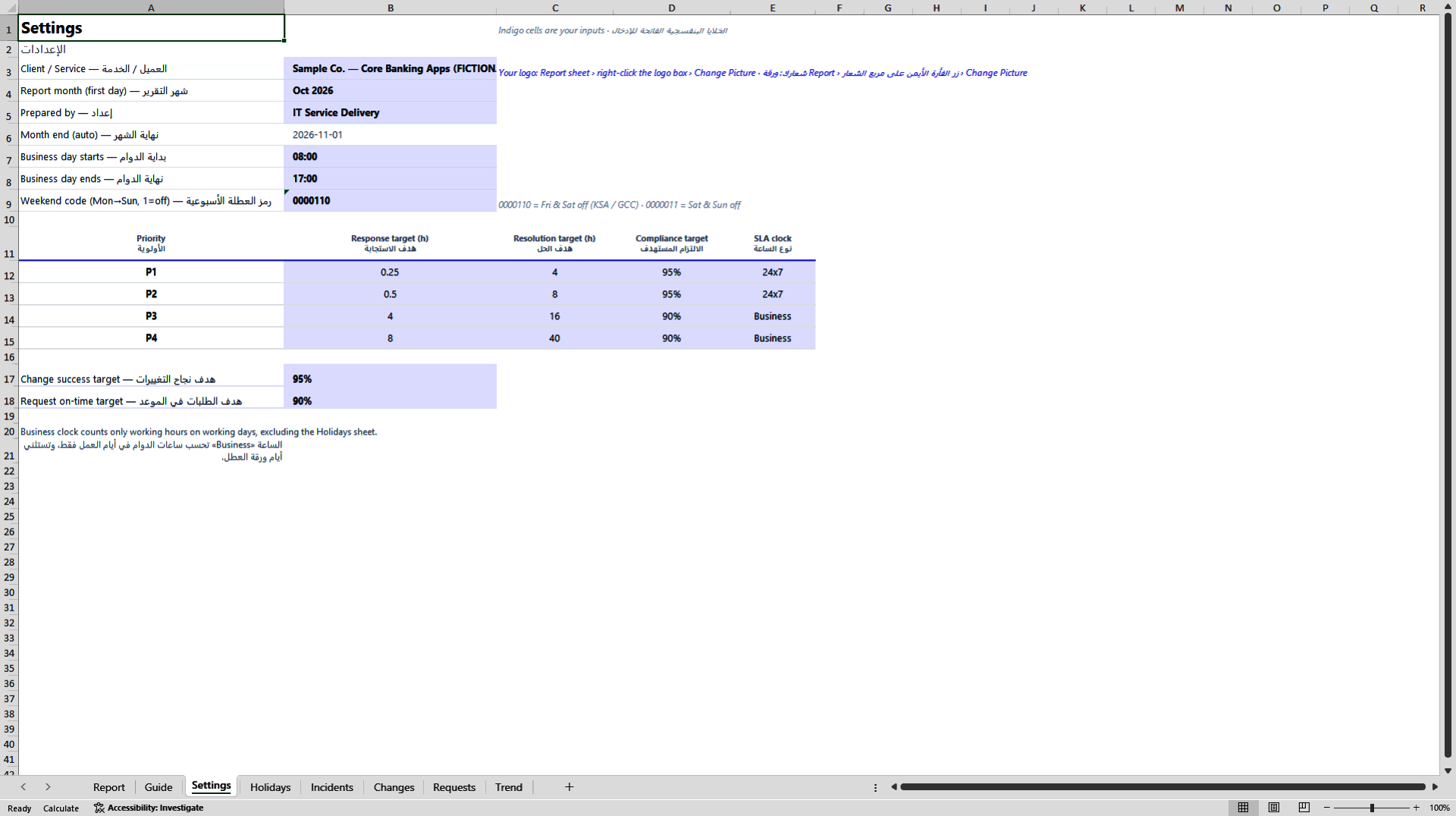
Settings you control: client and service name, report month, business-day start and end, weekend days (Friday and Saturday by default, changeable to any pattern), a holiday calendar, and for each priority the response target, resolution target, compliance target and clock type (24x7 or business hours). Change success and request on-time targets are set separately.
What is included: one Excel workbook (.xlsx) with 8 sheets, formulas only and no macros; capacity for 500 incidents, 300 changes and 500 requests per month; fictional sample data so you can see every calculation working; and a bilingual English and Arabic guide. Typical monthly effort is about 15 minutes.
Who it is for: service delivery managers, IT operations leads, managed-services providers and outsourcing vendors who report SLA performance to clients in Saudi Arabia, the UAE, Qatar, Kuwait, Bahrain or Oman, as well as internal IT teams reporting to the business.
What it is not: it is a reporting template, not a ticketing tool, and it does not connect to your ITSM platform automatically. All sample data is fictional.
Requirements: Microsoft Excel for desktop (Microsoft 365 recommended).
Got a question about the product? Email us at support@flevy.com or ask the author directly by using the "Ask the Author a Question" form. If you cannot view the preview above this document description, go here to view the large preview instead.
Source: Best Practices in Progress Report, SLM Excel: Monthly Service Level Report for GCC Business Hours Excel (XLSX) Spreadsheet, Elsadig Hamedelniel