 Click main image to view in full screen.
Change Advisory Board Register for SAMA IT Governance 3.4 – Excel XLSX
Excel (XLSX)


BENEFITS OF THIS DOWNLOADABLE EXCEL DOCUMENT
- Flags missing CAB, cyber security, test, UAT, roll-back and change-window evidence for every change, with the related SAMA ITGF 3.4 clause.
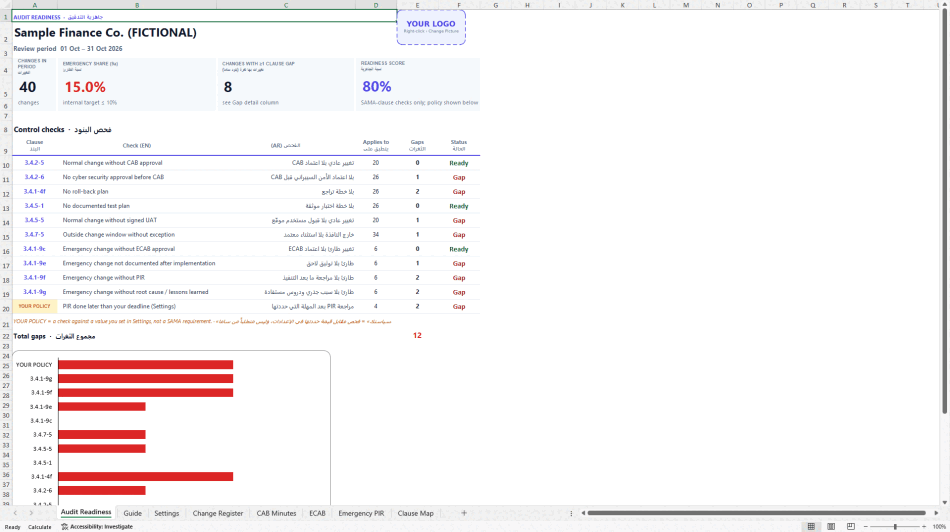
- Produces a one-page Audit Readiness summary with your own logo, a readiness score and gaps by clause.
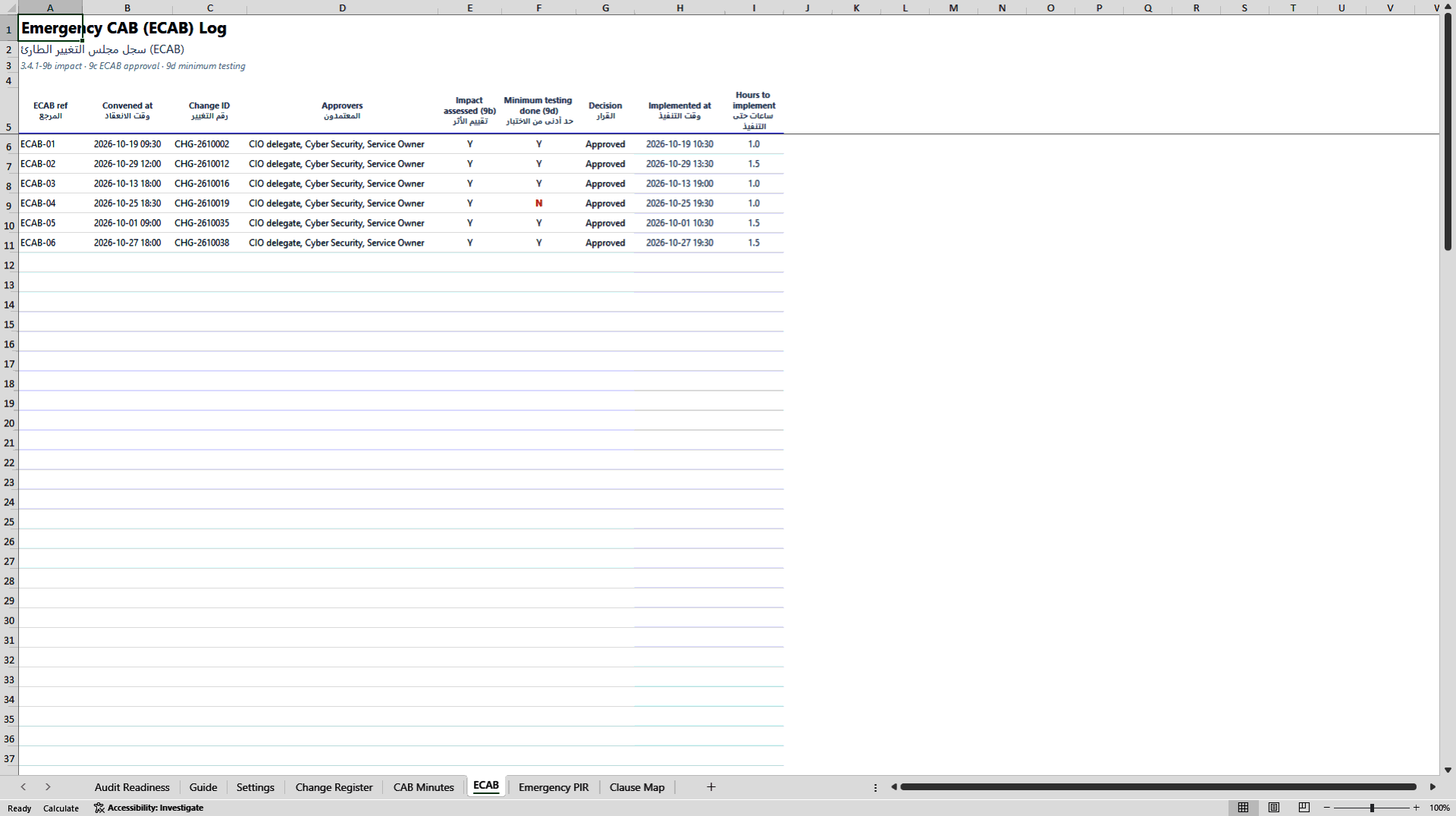
- Tracks emergency changes end to end: ECAB approval, post-implementation review, root cause and lessons learned.
ITSM EXCEL DESCRIPTION
Know your change-management gaps before the auditor does.
If you run change management at a SAMA-regulated bank, insurer, finance company, payments provider or fintech (or at a managed-services provider that serves one), a generic change log is not enough. You need to show that each change went through the steps the SAMA IT Governance Framework expects: CAB endorsement, cyber security approval before CAB, a documented test plan, user acceptance, a roll-back plan, an agreed change window and, for emergency changes, ECAB approval, documentation after implementation, a post-implementation review and a root cause with lessons learned.
This Excel workbook organises all of that evidence in one place and finds the gaps for you.
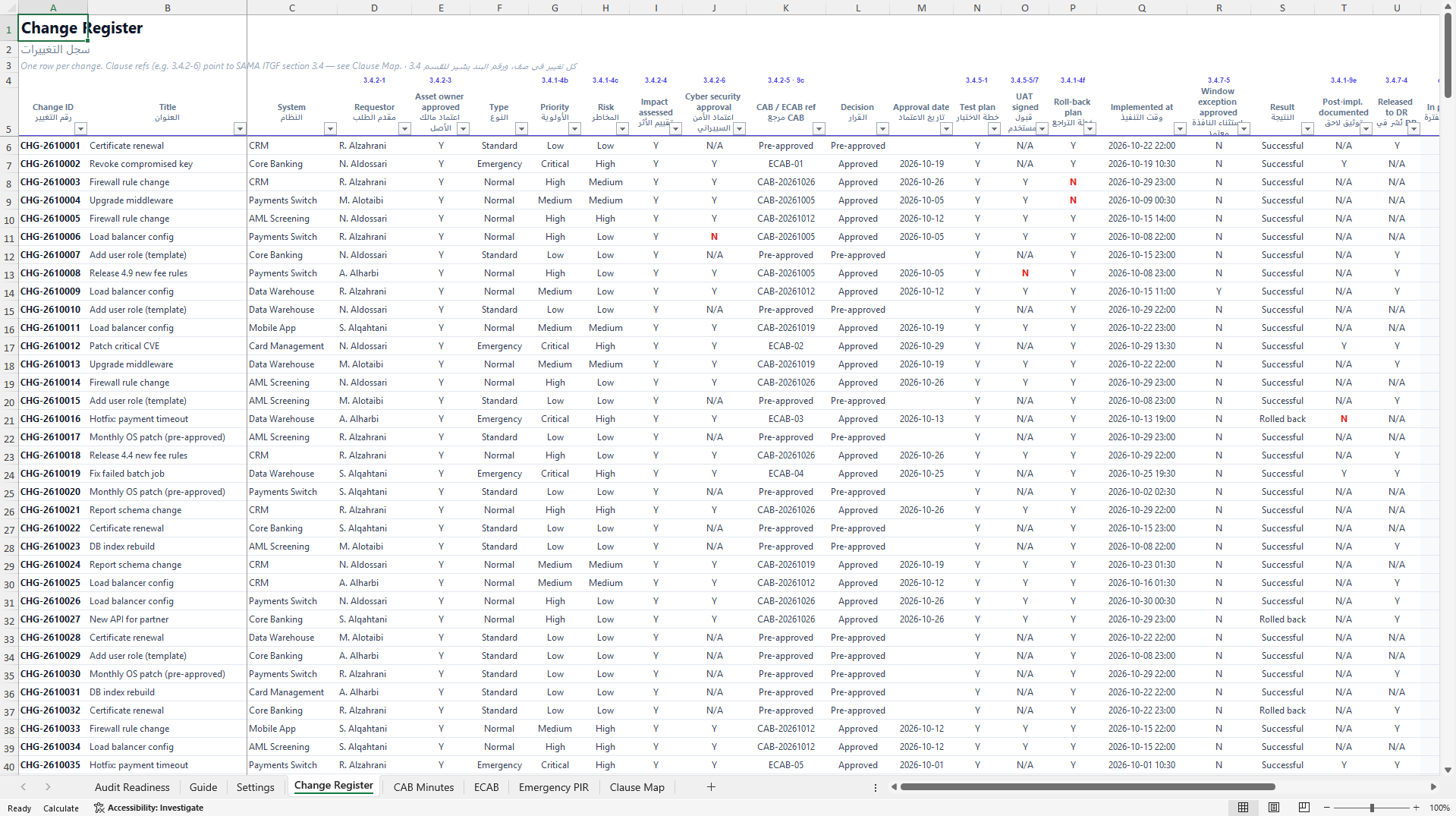
Change Register: one row per change, with the relevant clause number printed above each column (for example, Cyber security approval maps to 3.4.2-6). Paste the export from your ITSM tool, then pick values from the drop-down lists.
10 automatic clause checks plus 1 policy check: for every change, the register flags what is missing (no CAB approval, no roll-back plan, implemented outside the change window without an approved exception, emergency change without a PIR, and so on) and names the clause it relates to.
Audit Readiness page (one printable A4 page): changes in the period, emergency share against your own target, number of changes with at least one gap, a readiness score, gaps by clause and a chart. Your own company logo goes in the header box, so the page is ready to hand to management or auditors.
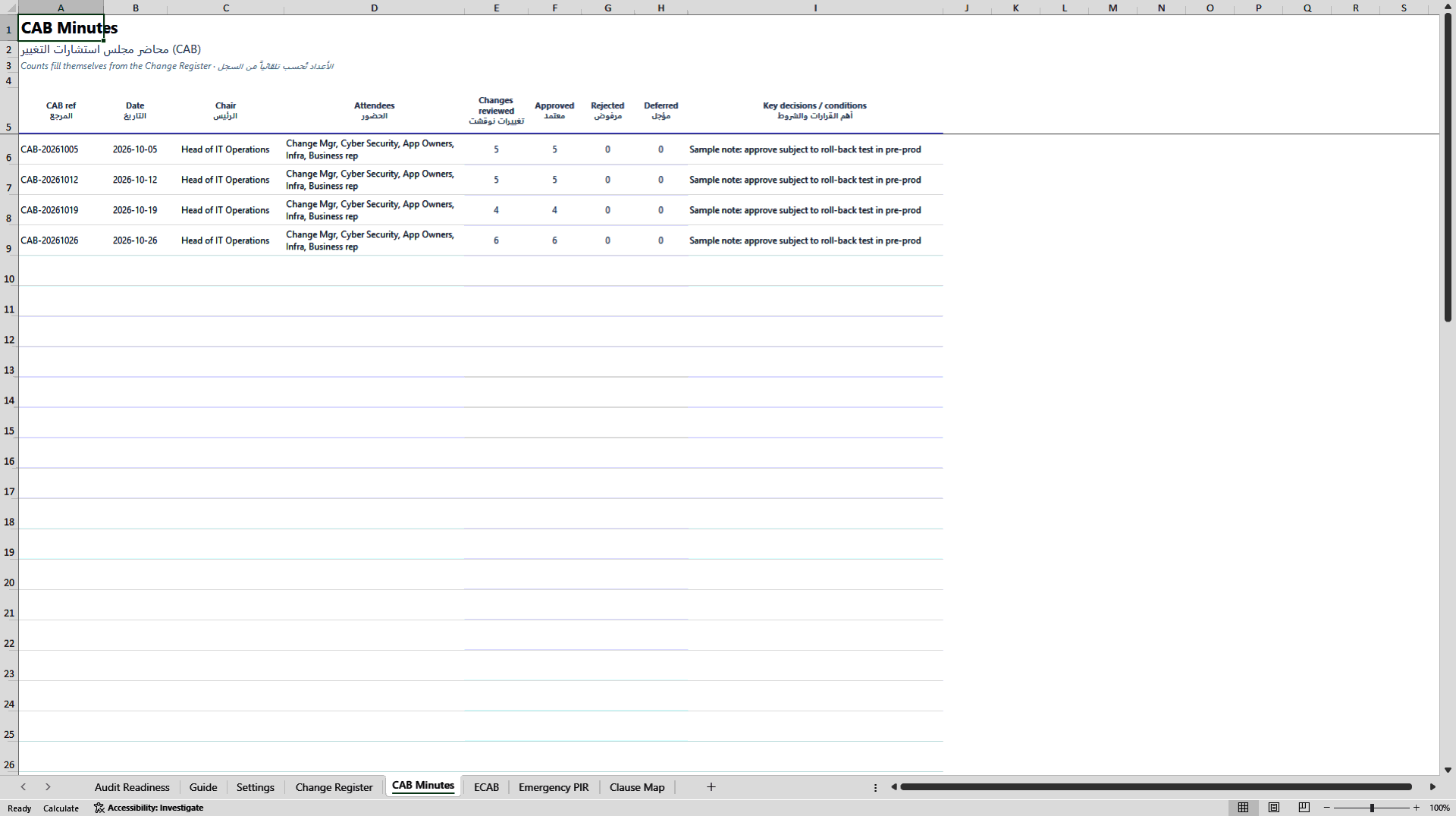
CAB Minutes and ECAB Log: each meeting's reviewed, approved, rejected and deferred counts fill in automatically from the register.
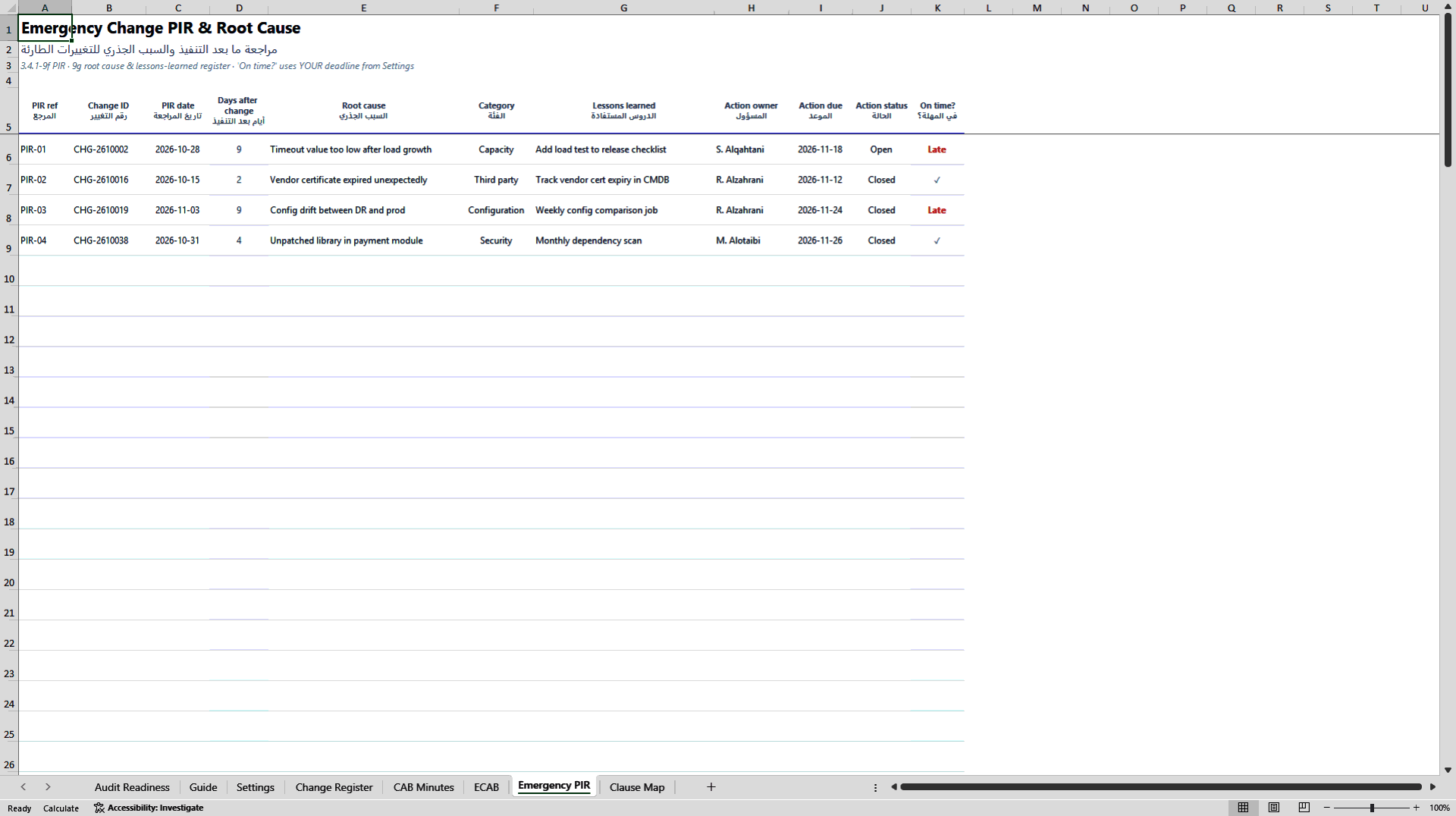
Emergency PIR and Root Cause: one review per emergency change with root cause, category, lessons learned, action owner and an on-time check against the deadline you set. SAMA ITGF sets no number of days, so the template never invents one.
Clause Map: 20 requirements from section 3.4, summarised in our own words, each showing where it lives in the workbook and whether it is checked automatically.
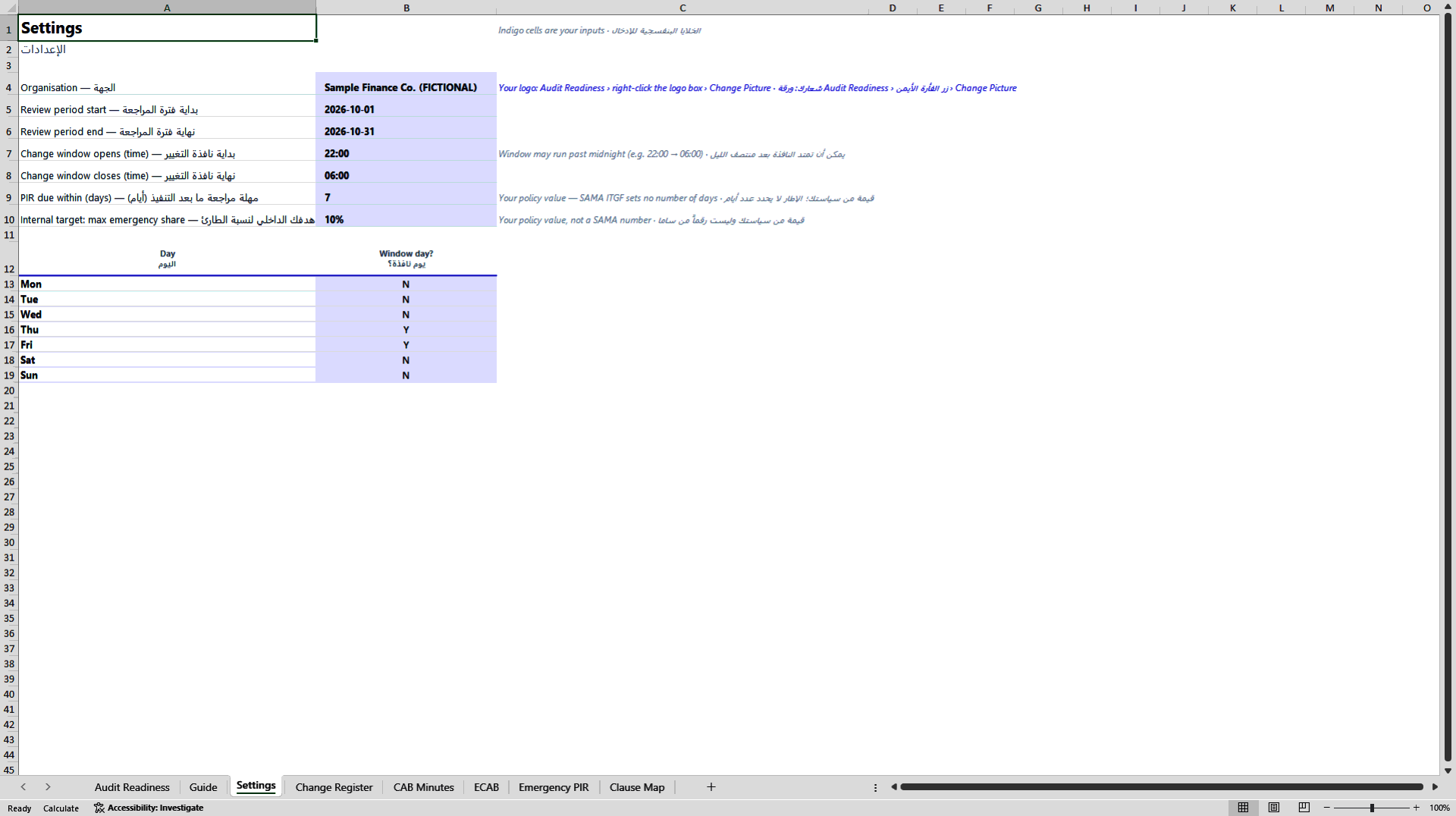
Saudi working realities: the change window can run past midnight (for example 22:00 to 06:00) and you choose the window days. Every heading is bilingual, English and Arabic.
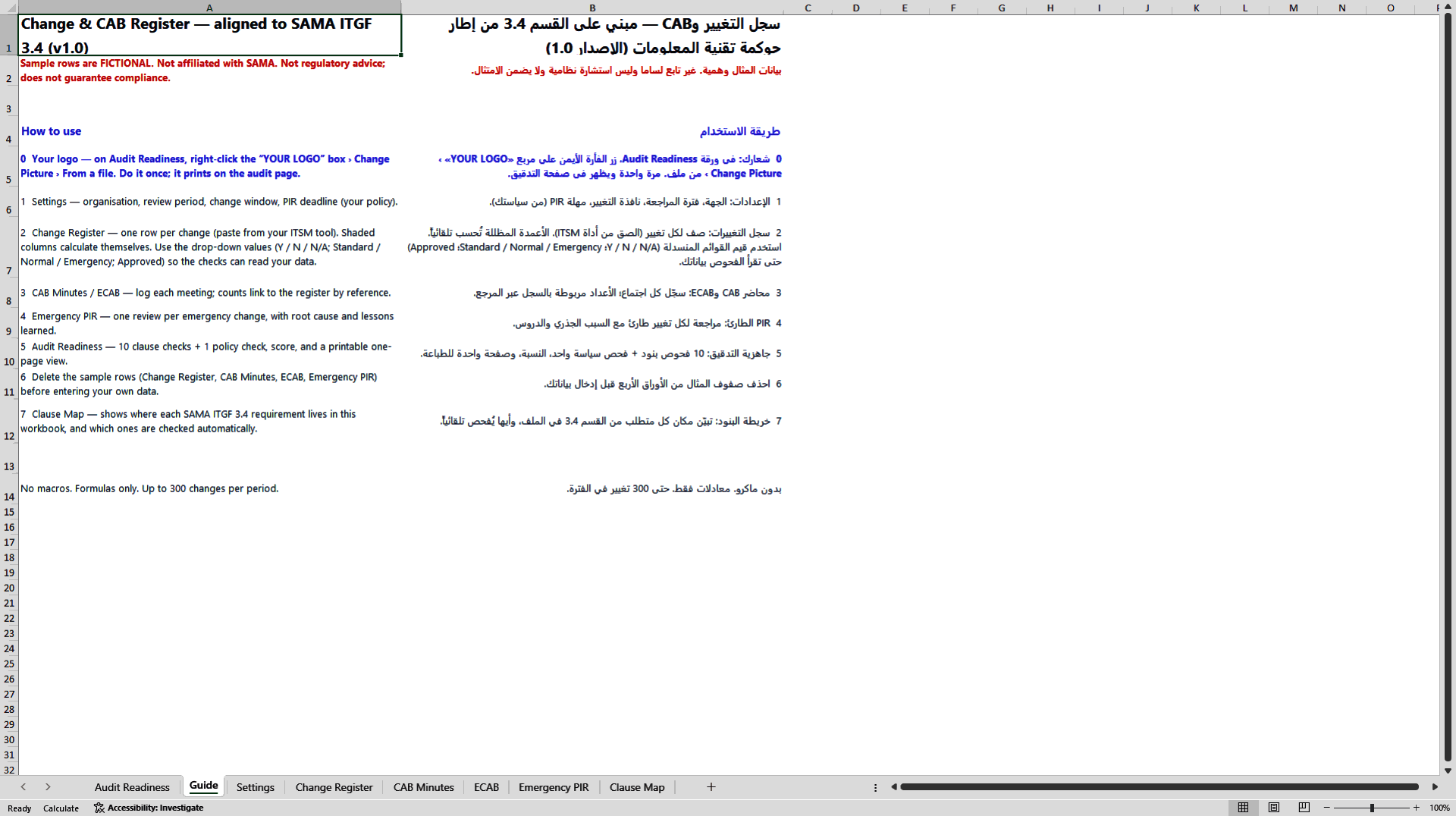
What is included: one Excel workbook (.xlsx) with 8 sheets, formulas only and no macros; capacity for up to 300 changes per review period; 40 fictional sample changes so you can see every check working before entering your own data; and a built-in step-by-step guide in English and Arabic.
Who it is for: IT governance specialists, change managers, service delivery managers and IT risk teams preparing for internal audit or a regulatory review.
What it is not: this is a template, not a ticketing tool, and it does not replace your ITSM platform. It is not legal or regulatory advice and does not guarantee compliance. It helps you organise evidence and find gaps against your own reading of the framework.
Requirements: Microsoft Excel for desktop (Microsoft 365 recommended).
Disclaimer: independent template, not affiliated with, reviewed or endorsed by the Saudi Central Bank (SAMA). Clause references summarise SAMA IT Governance Framework section 3.4 in our own words; always read the official text in the SAMA Rulebook. All sample data is fictional.
Got a question about the product? Email us at support@flevy.com or ask the author directly by using the "Ask the Author a Question" form. If you cannot view the preview above this document description, go here to view the large preview instead.
Source: Best Practices in ITSM, IT Governance Excel: Change Advisory Board Register for SAMA IT Governance 3.4 Excel (XLSX) Spreadsheet, Elsadig Hamedelniel