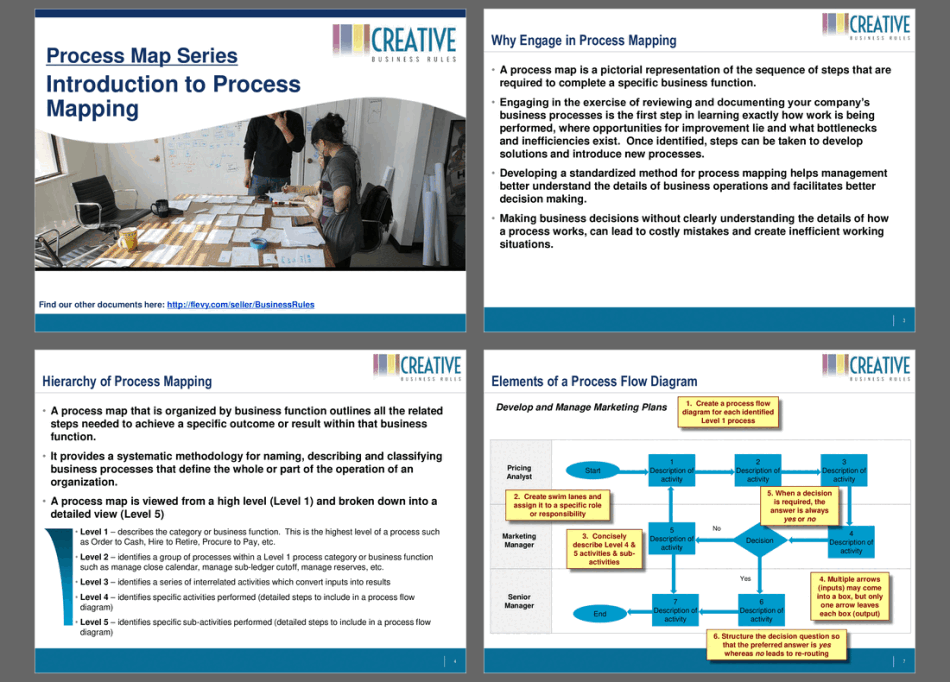

 Click main image to view in full screen.
Process Map Series: Introduction to Process Mapping – PowerPoint PPT Template
PowerPoint (PPT) + Excel (XLSX) 12 Slides


BENEFITS OF THIS DOWNLOADABLE POWERPOINT DOCUMENT
- Learn why process mapping is important.
- Learn about the elements of a process flow diagram and how to structure a process map.
- Learn the steps on how to prepare for process mapping.
PROCESS MAPS PPT TEMPLATE DESCRIPTION
Engaging in the exercise of reviewing and documenting your company's business processes is the first step in learning exactly how work is being performed, where the opportunities for improvement lie and what bottlenecks and inefficiencies exist. Once identified, steps can be taken to develop solutions and introduce new processes and improvements.
Making business decisions without clearly understanding the details of how a process works, can lead to costly mistakes and create inefficient working situations.
This guide covers the following topics:
• Explain process mapping and it's importance
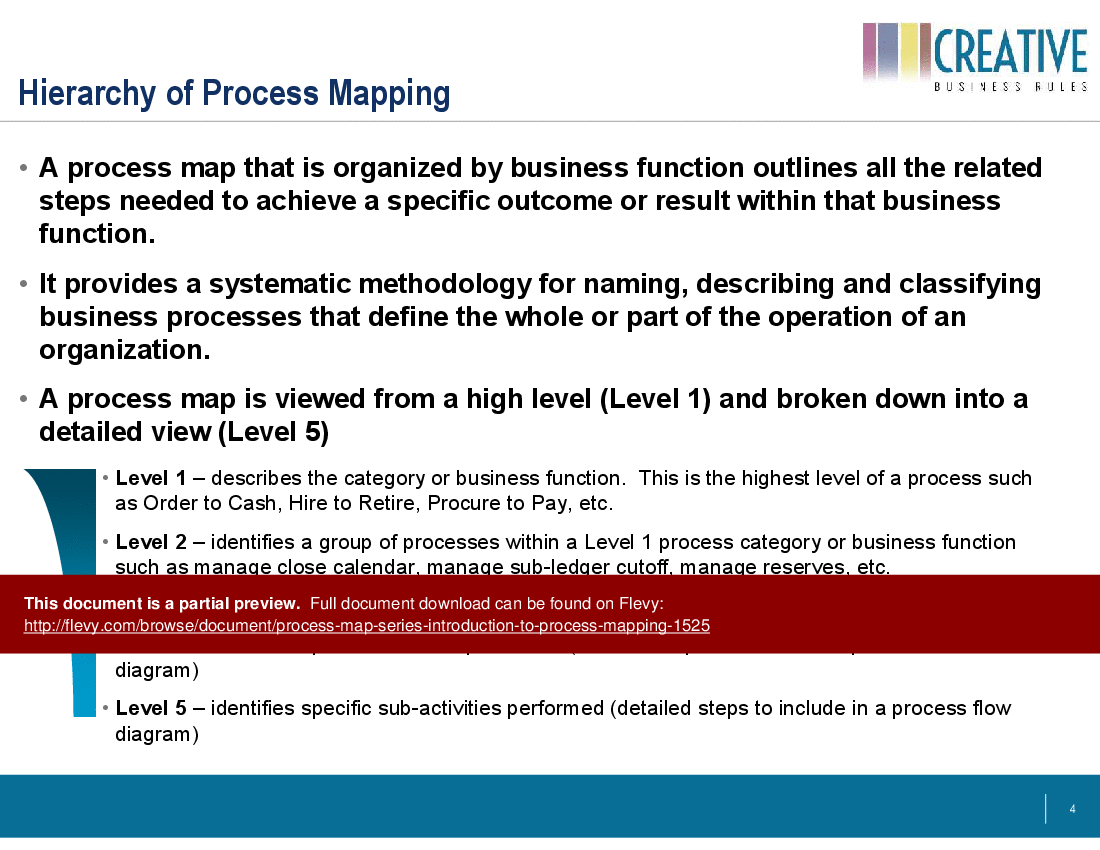
• Hierarchy of process mapping
• Structure of process mapping
• Steps to prepare for process mapping
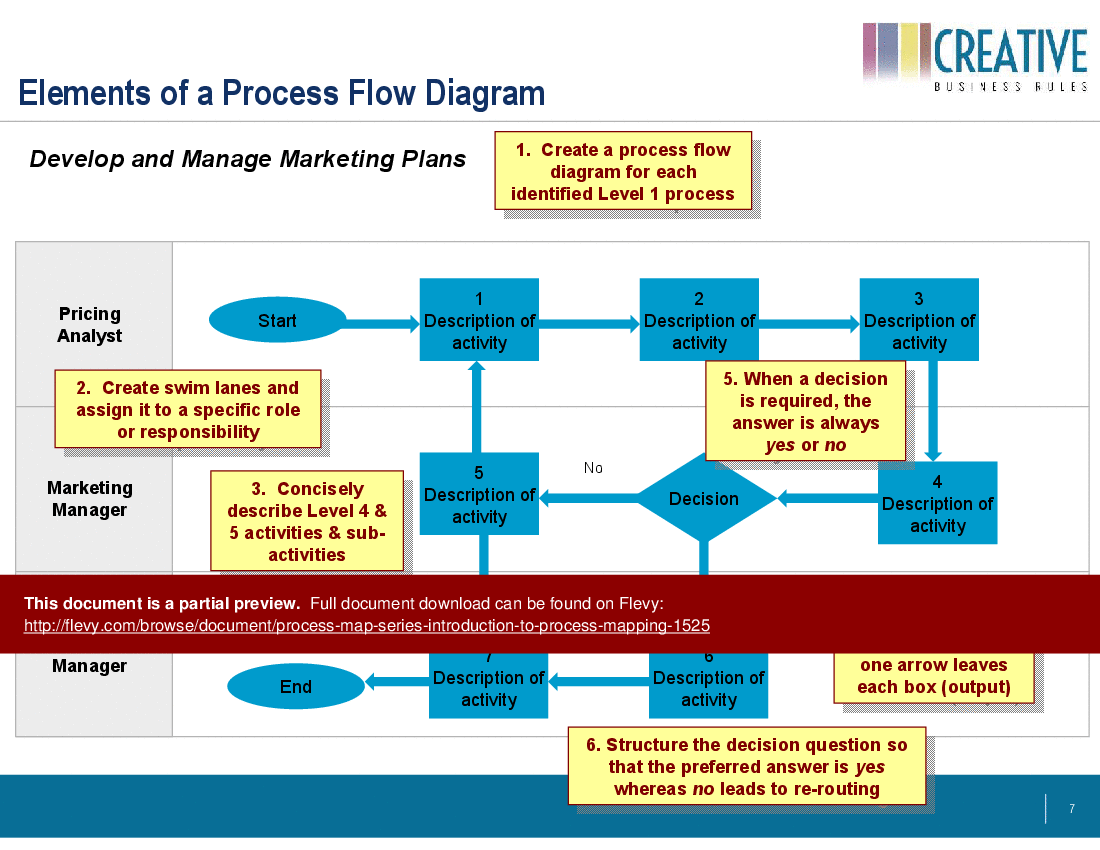
• Elements of a process flow diagram
• Analysis of current state
• Analysis of inefficiencies
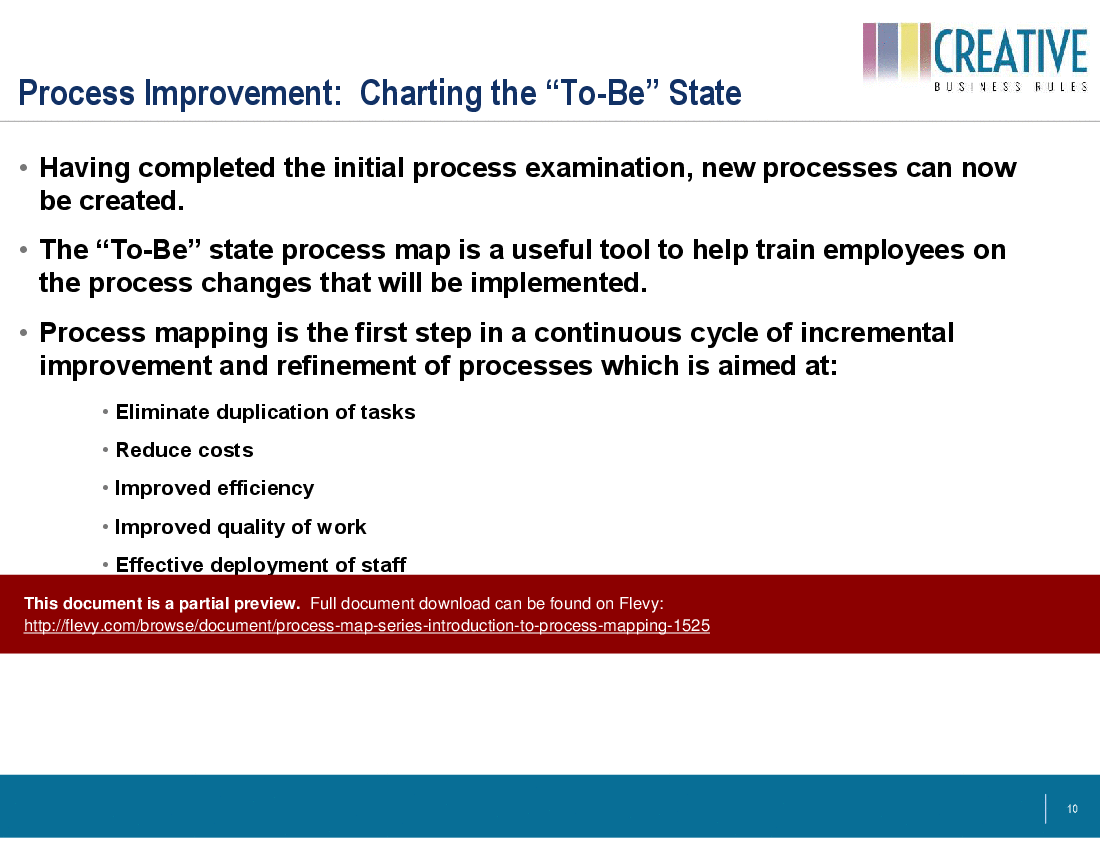
• Process improvement: charting the "to-be" state
• Final Tips
Included with this PowerPoint document you will also receive an Excel template for process grid that can be used to capture Level 1, 2 and 3 process steps for any process.
This PPT delves into the hierarchical structure of process mapping, breaking down processes from a high-level overview to detailed sub-activities. It offers a systematic methodology for naming, describing, and classifying business processes, ensuring that every aspect of an operation is meticulously documented. The guide emphasizes the importance of creating a process flow diagram for each identified Level 1 process, assigning specific roles and responsibilities, and structuring decision points to streamline operations.
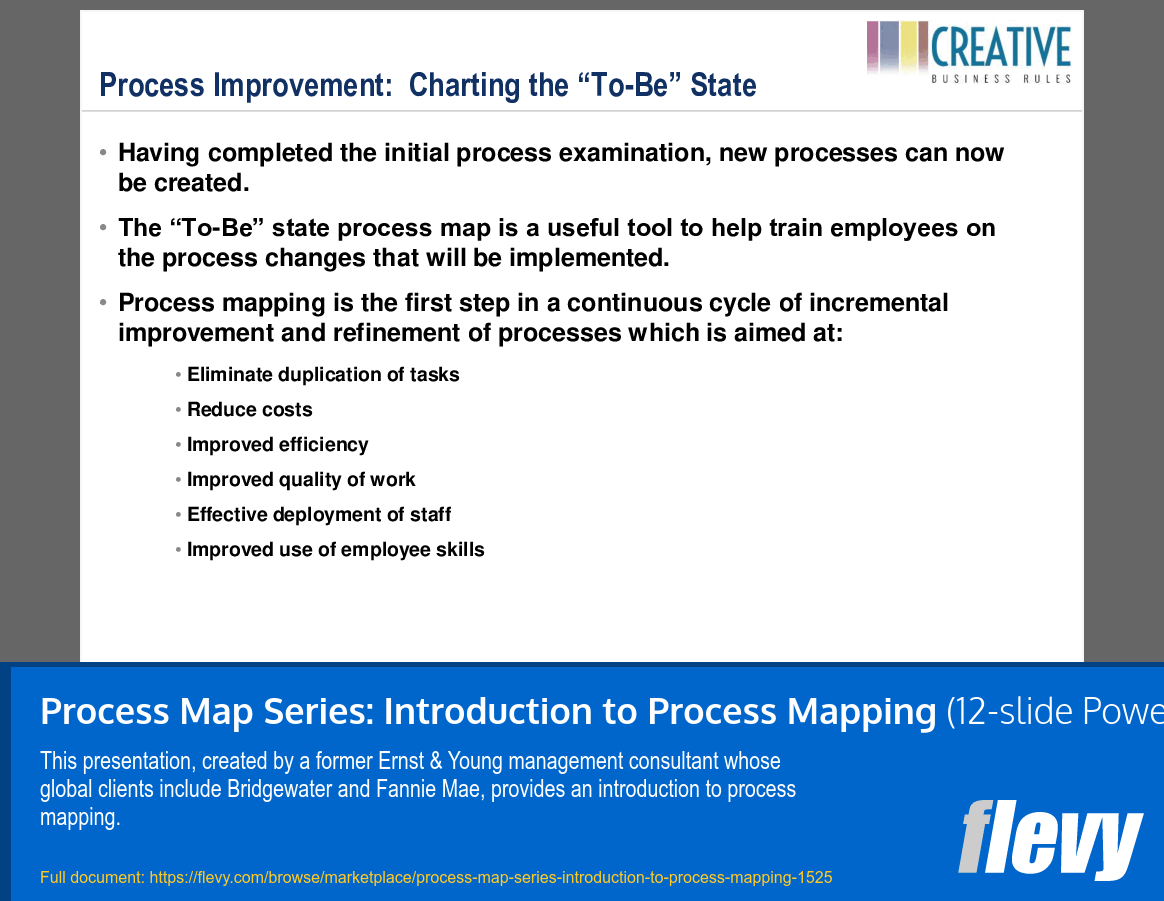
The "To-Be" state process map is highlighted as a crucial tool for training employees on new processes, fostering a culture of continuous improvement. By eliminating task duplication, reducing costs, and improving efficiency, this guide aims to enhance the overall quality of work and the effective deployment of staff. This document is an essential resource for organizations looking to refine their processes and achieve operational excellence.
Got a question about the product? Email us at support@flevy.com or ask the author directly by using the "Ask the Author a Question" form. If you cannot view the preview above this document description, go here to view the large preview instead.
TOPIC FAQ
What is process mapping and why is it important?
Process mapping documents how work is performed across a sequence of activities to reveal bottlenecks, task duplication, and inefficiencies. Documenting processes enables targeted solutions, cost reduction, and clearer role assignments, typically through current-state analysis and subsequent To‑Be mapping.What are the typical levels in a process mapping hierarchy?
A process mapping hierarchy decomposes work from a high-level overview to detailed tasks, commonly structured as Level 1 (end-to-end process), Level 2 (sub-processes), and Level 3 (detailed tasks). This structure supports creating a process flow diagram for each Level 1 process.What elements should a process flow diagram include?
A process flow diagram should show the sequence of activities, decision points, and assigned roles or responsibilities so handoffs and responsibilities are clear. Including these elements aids analysis of bottlenecks and the design of an improved To‑Be workflow for each Level 1 process.How do you analyze current-state processes to find inefficiencies?
Analyze current state by documenting each step, mapping decision points and role responsibilities, and identifying task duplication, handoff delays, or bottlenecks. Quantify issues where possible, then prioritize and design To‑Be changes; this is commonly termed current-state and inefficiency analysis.What should I look for when choosing a process mapping template or toolkit?
Look for a toolkit that guides preparation steps, provides a clear process hierarchy, templates for process flow diagrams, and capture formats for detailed steps. For example, Flevy's Process Map Series: Introduction to Process Mapping includes preparation guidance and an Excel process grid to capture Level 1–3 steps.Are ready-made PPT and Excel process mapping templates useful compared to building from scratch?
Ready-made PPT and Excel templates provide naming conventions, structure, and capture formats so teams can focus on analysis rather than formatting. They support identifying inefficiencies and defining To‑Be processes, as exemplified by a 12-slide PPT paired with an Excel process grid.How can process mapping support training and change management?
To‑Be process maps offer a standardized depiction of new workflows that can be used in training materials to reduce execution variation. Mapping clarifies roles, decision points, and sequences, which helps employees adopt new processes and supports continuous improvement via the To‑Be state.We merged 2 teams — how should we use process mapping to integrate processes?
Document each team's current-state processes at Level 1–3, map decision points and responsibilities, compare to find duplicated tasks and bottlenecks, and design a unified To‑Be process with assigned roles. Flevy's Process Map Series: Introduction to Process Mapping includes guidance and an Excel process grid for Level 1–3.Source: Best Practices in Process Maps PowerPoint Slides: Process Map Series: Introduction to Process Mapping PowerPoint (PPT) Presentation Slide Deck, BusinessRules




























