
OAuth 2.0 - Demystified   112-slide PPT PowerPoint presentation slide deck (PPTX)
$55.00

OAuth 2.0 - Demystified (112-slide PPT PowerPoint presentation slide deck (PPTX)) Preview Image
Log in to unlock full preview.
OAuth 2.0 - Demystified (112-slide PPT PowerPoint presentation slide deck (PPTX)) Preview Image
Arrow   Click main image to view in full screen.

OAuth 2.0 - Demystified (PowerPoint PPTX Slide Deck)

PowerPoint (PPTX) 112 Slides

$55.00
Developed by a team of security experts with global consulting experience at McKinsey, Deloitte, and Capgemini.
Add to Cart


Immediate download
Fully editable PowerPoint
Free lifetime updates

CYBER SECURITY PPT DESCRIPTION

OAuth 2.0 PPT: Demystify OAuth 2.0 concepts, flows, and security for APIs and mobile apps. Learn key strategies with this clear, downloadable presentation. OAuth 2.0 - Demystified is a 112-slide PPT PowerPoint presentation slide deck (PPTX) available for immediate download upon purchase.

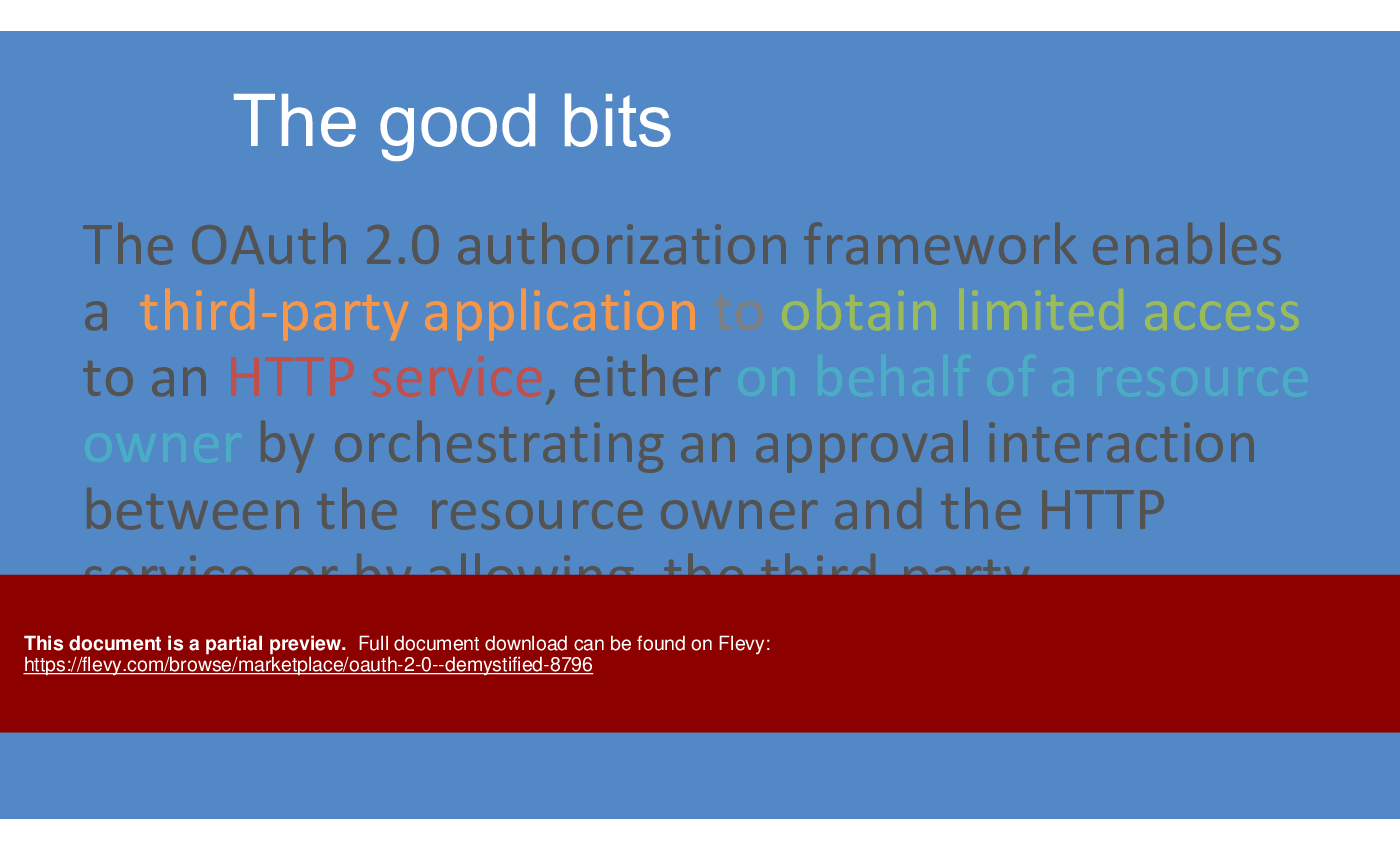
OAuth 2.0 is an open standard for access delegation, commonly used to grant websites or applications limited access to a user's information without exposing their credentials. It is designed to work specifically with Hypertext Transfer Protocol (HTTP) and provides specific authorization flows for web applications, desktop applications, mobile phones, and living room devices.

Key Concepts of OAuth 2.0

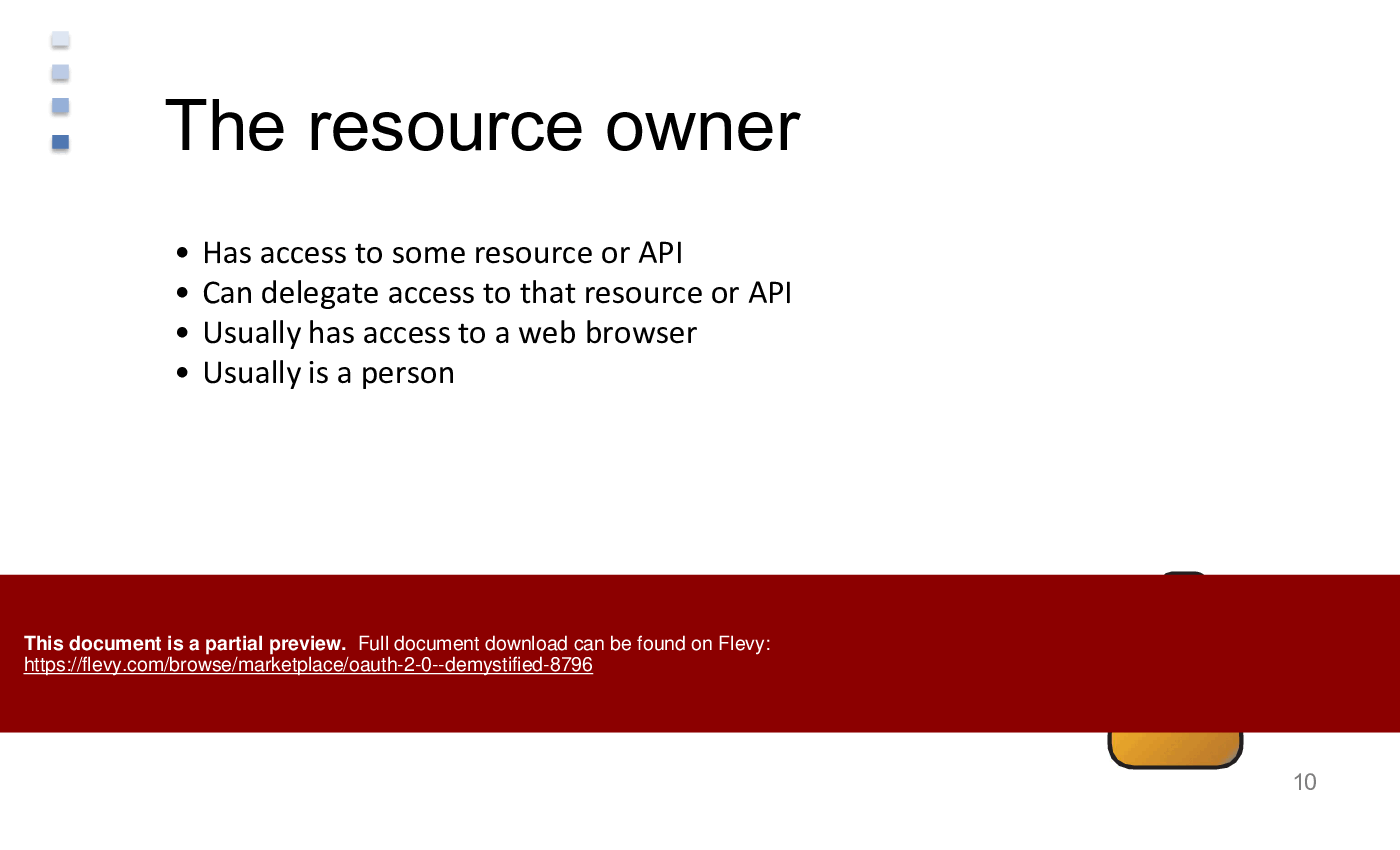
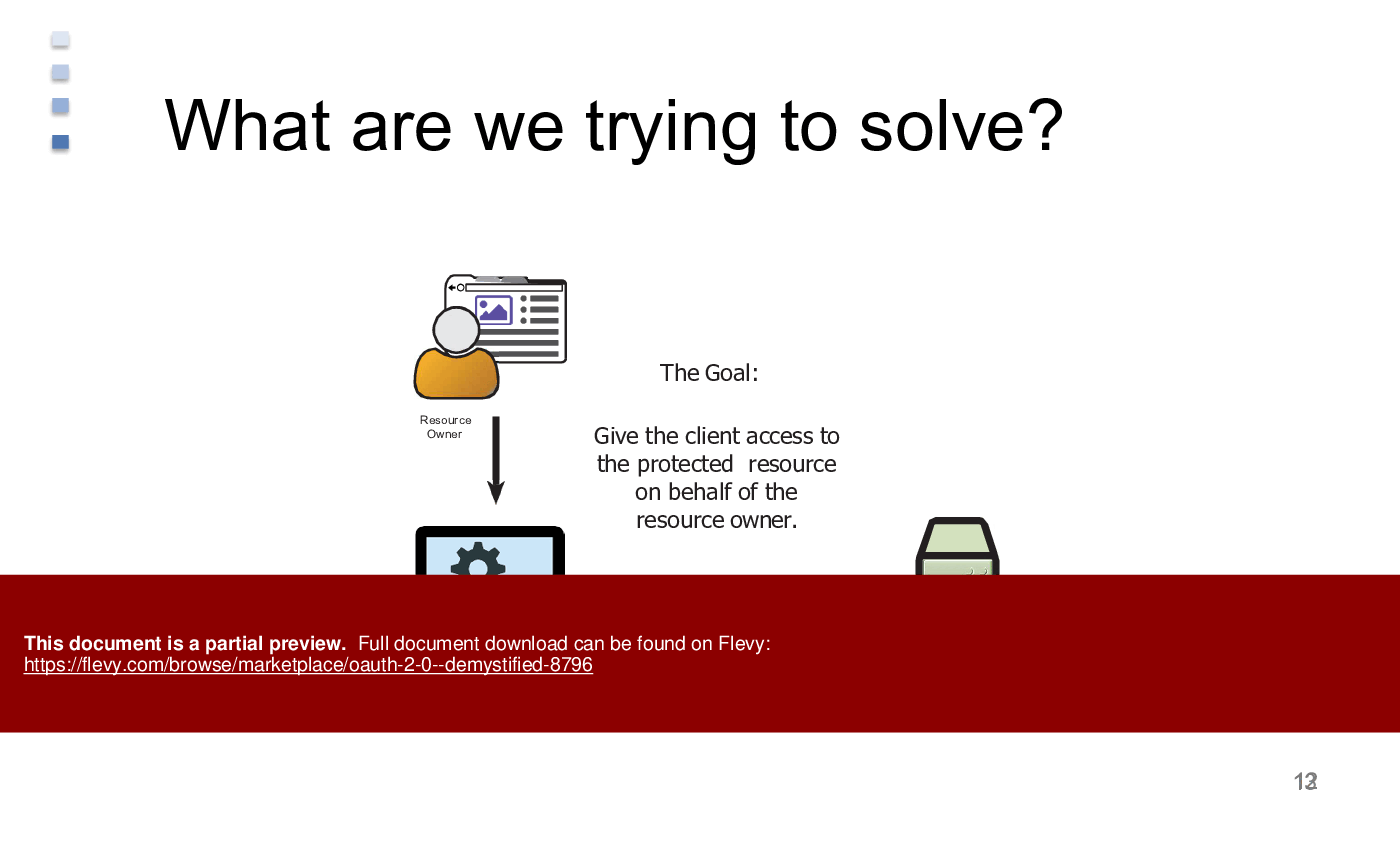
1. Resource Owner: The user who authorizes an application to access their account.
2. Client: The application requesting access to the user's account.
3. Resource Server: The server hosting the protected resources, capable of accepting and responding to protected resource requests using access tokens.
4. Authorization Server: The server issuing access tokens to the client after successfully authenticating the resource owner and obtaining authorization.

OAuth 2.0 Flow

OAuth 2.0 defines four primary grant types (authorization flows) to serve different use cases:

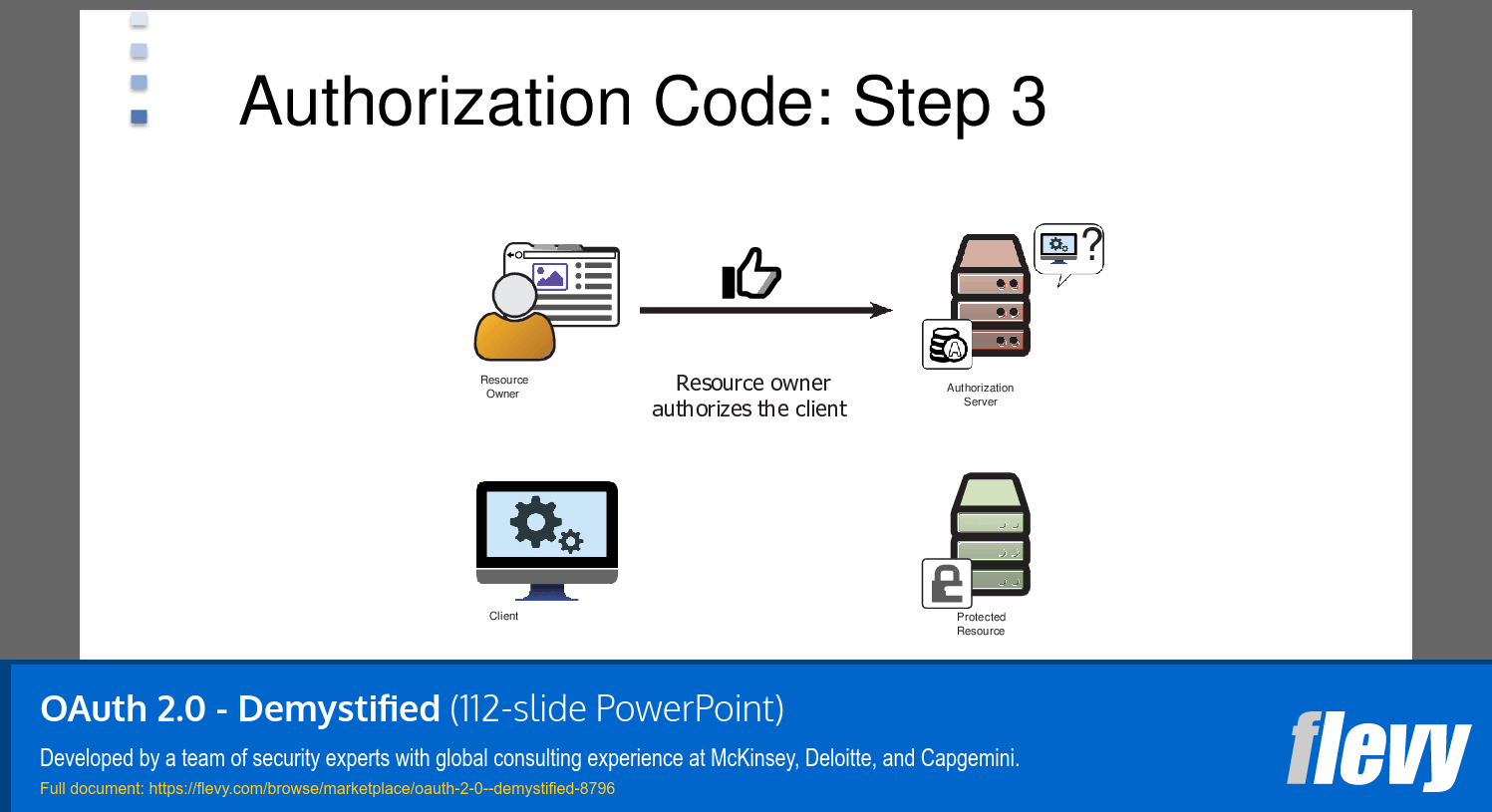
1. Authorization Code Grant: Used by web and mobile apps, where the client's server can securely interact with the authorization server.
2. Implicit Grant: Suitable for browser-based applications where the access token is returned directly to the client.
3. Resource Owner Password Credentials Grant: When the user's credentials are trusted by the client.
4. Client Credentials Grant: Used for server-to-server interactions.

OAuth 2.0 in Salesforce

Salesforce leverages OAuth 2.0 for secure data sharing across applications and for third-party integrations. It provides a secure way to access Salesforce APIs.

1. Setting Up OAuth in Salesforce:
•  Navigate to Setup and create a new Connected App.
•  Define the OAuth settings by specifying the callback URL and selecting OAuth scopes, which dictate the level of access granted.
•  Salesforce provides a consumer key and consumer secret, which the client application uses to identify itself.

2. OAuth Flow in Salesforce:
•  Authorization Code Grant: Commonly used in Salesforce, where the client directs the user to Salesforce's authorization endpoint. Upon successful login, Salesforce redirects back with an authorization code.
•  The client application exchanges this authorization code for an access token by making a request to Salesforce's token endpoint.
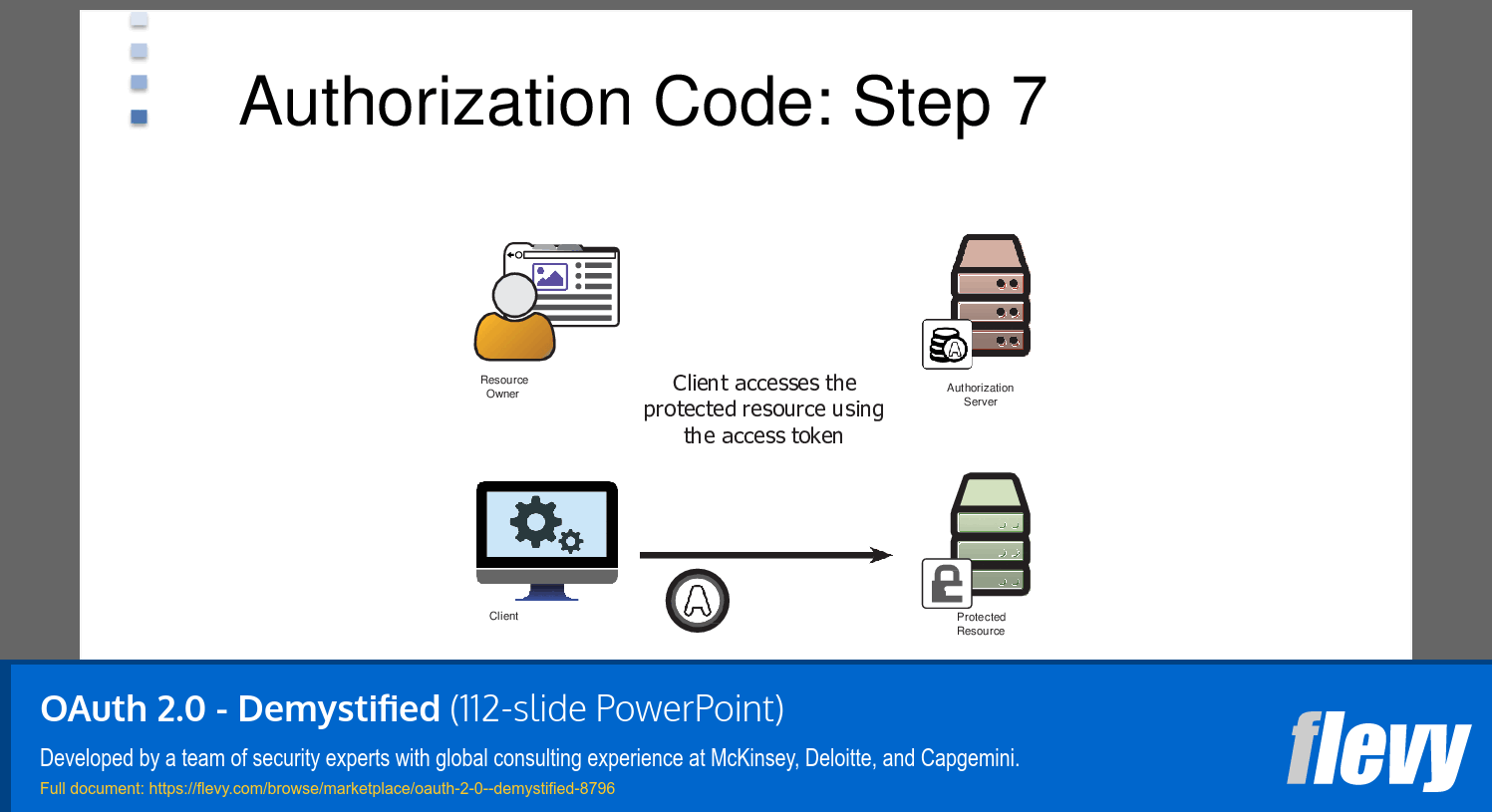
•  With the access token, the client application can access Salesforce resources on behalf of the user.

3. Use Cases:
•  Integrating third-party applications like Slack, Google Apps, or custom applications with Salesforce.
•  Enabling mobile applications to securely access Salesforce data.
•  Allowing secure API access for automation scripts or backend services.

Overall, OAuth 2.0 provides a robust framework for secure authorization, and its implementation in Salesforce enhances secure integrations and resource access management.

Got a question about the product? Email us at support@flevy.com or ask the author directly by using the "Ask the Author a Question" form. If you cannot view the preview above this document description, go here to view the large preview instead.

MARCUS OVERVIEW

This synopsis was written by Marcus [?] based on the analysis of the full 112-slide presentation.


Executive Summary
The "OAuth 2.0 - Demystified" presentation provides a comprehensive overview of the OAuth 2.0 authorization framework, designed to facilitate secure access to APIs without compromising user credentials. This presentation, developed by a team of security experts with extensive consulting experience, aims to clarify the intricacies of OAuth 2.0, its flows, and its applications in various contexts, including Salesforce. Buyers will gain actionable insights into implementing OAuth 2.0 effectively, ensuring secure and efficient API interactions.

Who This Is For and When to Use
•  Security professionals seeking to understand OAuth 2.0 for API security.
•  Developers integrating OAuth 2.0 into applications for secure access.
•  IT leaders overseeing API security protocols and user authentication.
•  Consultants advising clients on secure API access strategies.

Best-fit moments to use this deck:
•  During API security training sessions for development teams.
•  In workshops focused on implementing OAuth 2.0 in enterprise applications.
•  When evaluating security frameworks for new software projects.

Learning Objectives
•  Define OAuth 2.0 and its role in API security.
•  Identify the key components involved in the OAuth 2.0 framework.
•  Describe the various OAuth 2.0 flows and their appropriate use cases.
•  Implement OAuth 2.0 in applications to enhance security without compromising user experience.
•  Analyze the differences between OAuth 2.0 and previous versions.
•  Assess the security implications of using OAuth 2.0 in different environments.

Table of Contents
•  Introduction to OAuth 2.0 (page 5)
•  Key Components of OAuth 2.0 (page 9)
•  OAuth 2.0 Authorization Flows (page 20)
•  Token Management in OAuth 2.0 (page 35)
•  OAuth 2.0 Flows Explained (page 42)
•  Implementing OAuth 2.0 with Salesforce (page 74)
•  Security Considerations (page 100)
•  Conclusion and Next Steps (page 112)

Primary Topics Covered
•  OAuth 2.0 Overview - An introduction to the OAuth 2.0 framework, highlighting its purpose and significance in modern API security.
•  Key Components - Detailed descriptions of the roles of resource owners, clients, authorization servers, and protected resources in the OAuth 2.0 ecosystem.
•  Authorization Flows - Examination of various OAuth 2.0 flows, including authorization code, implicit, resource owner password credentials, and client credentials flows.
•  Token Management - Insights into how tokens are generated, managed, and utilized within the OAuth 2.0 framework.
•  Implementation with Salesforce - Practical guidance on integrating OAuth 2.0 with Salesforce for secure API access.
•  Security Considerations - Discussion of potential security risks and best practices for mitigating them when using OAuth 2.0.

Deliverables, Templates, and Tools
•  OAuth 2.0 implementation checklist for developers.
•  Flow diagrams illustrating various OAuth 2.0 authorization flows.
•  Token management guidelines for secure API access.
•  Sample code snippets for integrating OAuth 2.0 with applications.
•  Best practices document for OAuth 2.0 security.

Slide Highlights
•  Overview of the OAuth 2.0 framework and its significance in API security.
•  Detailed flow diagrams illustrating the authorization code flow and other OAuth 2.0 flows.
•  Examples of OAuth tokens and their roles in the authorization process.
•  Security considerations and best practices for implementing OAuth 2.0 effectively.
•  Case studies demonstrating successful OAuth 2.0 implementations, particularly with Salesforce.

Potential Workshop Agenda
OAuth 2.0 Fundamentals Session (60 minutes)
•  Introduction to OAuth 2.0 and its importance in API security.
•  Overview of key components and roles in the OAuth 2.0 framework.
•  Discussion of various OAuth 2.0 flows and their applications.

Hands-On Implementation Workshop (90 minutes)
•  Step-by-step guide to implementing OAuth 2.0 in applications.
•  Token management strategies and best practices.
•  Real-world examples of OAuth 2.0 integration with Salesforce.

Customization Guidance
•  Tailor the presentation to focus on specific OAuth 2.0 flows relevant to your organization’s needs.
•  Update examples and case studies to reflect your industry or sector.
•  Modify the checklist and guidelines to align with your existing security protocols.

Secondary Topics Covered
•  Differences between OAuth 1.0 and OAuth 2.0.
•  Use cases for various OAuth 2.0 flows.
•  Integration of OAuth 2.0 with other security frameworks.
•  User Managed Access (UMA) and its implications for OAuth 2.0.
•  Future trends in API security and authorization protocols.

FAQ
What is OAuth 2.0?
OAuth 2.0 is an open authorization framework that allows applications to obtain secure, limited access to HTTP services on behalf of users without sharing their passwords.

What are the main components of OAuth 2.0?
The main components include the resource owner, client application, authorization server, and protected resource.

What are the different OAuth 2.0 flows?
The primary flows are the authorization code flow, implicit flow, resource owner password credentials flow, and client credentials flow.

How does token management work in OAuth 2.0?
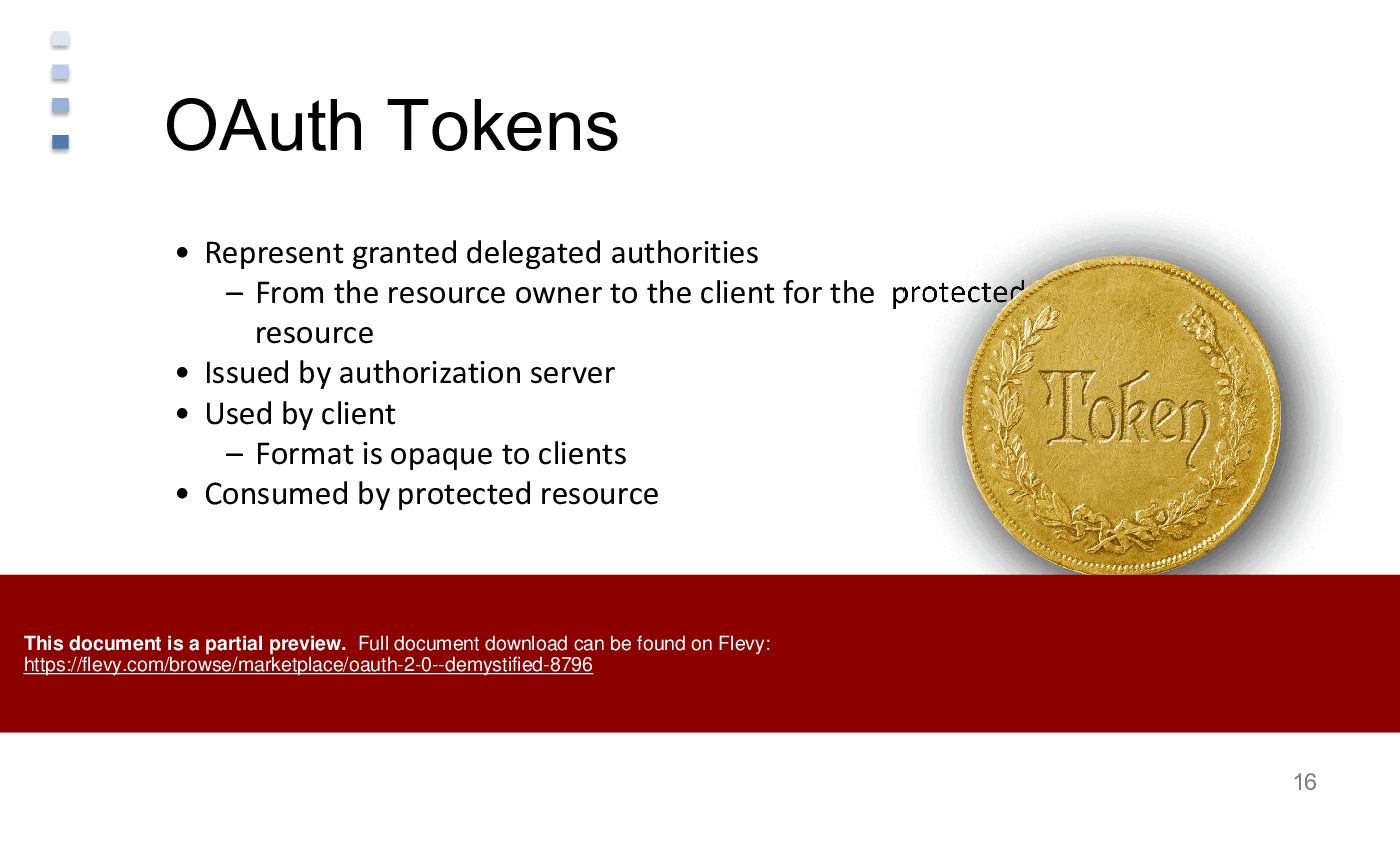
Tokens represent granted permissions and are issued by the authorization server. They are used by the client to access protected resources.

Can OAuth 2.0 be used for authentication?
While OAuth 2.0 is primarily an authorization framework, it can be extended for authentication purposes using protocols like OpenID Connect.

What are the security considerations when implementing OAuth 2.0?
Key considerations include token expiration, secure storage of tokens, and ensuring secure communication channels (e.g., using HTTPS).

How do I choose the right OAuth 2.0 flow for my application?
The choice depends on the type of application (web, mobile, etc.) and the level of trust between the client and resource owner.

What is the difference between access tokens and refresh tokens?
Access tokens are short-lived tokens used to access resources, while refresh tokens are used to obtain new access tokens when they expire.

How can I implement OAuth 2.0 with Salesforce?
Salesforce provides specific guidelines and tools for integrating OAuth 2.0, including flow examples and token management strategies.

What resources are available for further learning about OAuth 2.0?
The presentation includes references to books, online courses, and documentation for deeper insights into OAuth 2.0.

Glossary
•  Access Token - A token used by a client to access protected resources on behalf of the resource owner.
•  Authorization Code - A short-lived code issued by the authorization server after user authentication, used to obtain an access token.
•  Client - The application requesting access to protected resources on behalf of the resource owner.
•  Resource Owner - The user or entity that owns the data and can grant access to it.
•  Authorization Server - The server that issues access tokens after authenticating the resource owner.
•  Protected Resource - The resource or API that is secured and requires authorization to access.
•  Refresh Token - A token used to obtain a new access token when the current one expires.
•  Implicit Flow - An OAuth 2.0 flow where the access token is issued directly to the client without an authorization code.
•  Resource Server - The server hosting the protected resources that accepts access tokens.
•  JWT (JSON Web Token) - A compact, URL-safe means of representing claims to be transferred between 2 parties.
•  Scope - A parameter that defines the access level granted to the client application.
•  User Managed Access (UMA) - A protocol that allows resource owners to control access to their resources.
•  SAML (Security Assertion Markup Language) - An XML-based framework for exchanging authentication and authorization data between parties.
•  OAuth 1.0 - The predecessor to OAuth 2.0, which has different mechanisms and is less flexible.
•  Client Credentials Flow - An OAuth 2.0 flow used for server-to-server communication where the client is also the resource owner.
•  Authorization Grant - A credential representing the resource owner's authorization to access their protected resources.
•  End User - The individual who owns the resource and interacts with the client application.
•  Delegated Authorization - A method that allows users to grant limited access to their resources without sharing their credentials.
•  API (Application Programming Interface) - A set of rules and protocols for building and interacting with software applications.

Source: Best Practices in Cyber Security PowerPoint Slides: OAuth 2.0 - Demystified PowerPoint (PPTX) Presentation Slide Deck, RadVector Consulting


$55.00
Developed by a team of security experts with global consulting experience at McKinsey, Deloitte, and Capgemini.
Add to Cart
  

ABOUT THE AUTHOR

Additional documents from author: 183

We are a group of aviation experts & specialists (PhDs, Engineers, Pilots, Navigators, ...), leaders in helping organizations to transform their business performance using Methodologies and Principles of Lean, Agile, Six Sigma, and Innovation.

Ask the Author a Question

You must be logged in to contact the author.

Click here to log in Click here register

Did you know?
The average daily rate of a McKinsey consultant is $6,625 (not including expenses). The average price of a Flevy document is $65.


Trusted by over 10,000+ Client Organizations
Since 2012, we have provided business templates to over 10,000 businesses and organizations of all sizes, from startups and small businesses to the Fortune 100, in over 130 countries.
AT&T GE Cisco Intel IBM Coke Dell Toyota HP Nike Samsung Microsoft Astrazeneca JP Morgan KPMG Walgreens Walmart 3M Kaiser Oracle SAP Google E&Y Volvo Bosch Merck Fedex Shell Amgen Eli Lilly Roche AIG Abbott Amazon PwC T-Mobile Broadcom Bayer Pearson Titleist ConEd Pfizer NTT Data Schwab


Read Customer Testimonials

 
"My FlevyPro subscription provides me with the most popular frameworks and decks in demand in today’s market. They not only augment my existing consulting and coaching offerings and delivery, but also keep me abreast of the latest trends, inspire new products and service offerings for my practice, and educate me "

– Bill Branson, Founder at Strategic Business Architects
 
"I have found Flevy to be an amazing resource and library of useful presentations for lean sigma, change management and so many other topics. This has reduced the time I need to spend on preparing for my performance consultation. The library is easily accessible and updates are regularly provided. A wealth of great information."

– Cynthia Howard RN, PhD, Executive Coach at Ei Leadership
 
"FlevyPro provides business frameworks from many of the global giants in management consulting that allow you to provide best in class solutions for your clients."

– David Harris, Managing Director at Futures Strategy
 
"As a consultant requiring up to date and professional material that will be of value and use to my clients, I find Flevy a very reliable resource.

The variety and quality of material available through Flevy offers a very useful and commanding source for information. Using Flevy saves me time, enhances my expertise and ends up being a good decision."

– Dennis Gershowitz, Principal at DG Associates
 
"Flevy is our 'go to' resource for management material, at an affordable cost. The Flevy library is comprehensive and the content deep, and typically provides a great foundation for us to further develop and tailor our own service offer."

– Chris McCann, Founder at Resilient.World
 
"I have used Flevy services for a number of years and have never, ever been disappointed. As a matter of fact, David and his team continue, time after time, to impress me with their willingness to assist and in the real sense of the word. I have concluded in fact "

– Roberto Pelliccia, Senior Executive in International Hospitality
 
"As a young consulting firm, requests for input from clients vary and it's sometimes impossible to provide expert solutions across a broad spectrum of requirements. That was before I discovered Flevy.com.

Through subscription to this invaluable site of a plethora of topics that are key and crucial to consulting, I "

– Nishi Singh, Strategist and MD at NSP Consultants
 
"As a small business owner, the resource material available from FlevyPro has proven to be invaluable. The ability to search for material on demand based our project events and client requirements was great for me and proved very beneficial to my clients. Importantly, being able to easily edit and tailor "

– Michael Duff, Managing Director at Change Strategy (UK)


Customers Also Like These Documents

Explore Related Management Topics


Your Recently Viewed Documents
Download our FREE Digital Transformation Templates

Download our free compilation of 50+ Digital Transformation slides and templates. DX concepts covered include Digital Leadership, Digital Maturity, Digital Value Chain, Customer Experience, Customer Journey, RPA, etc.









