
 Click main image to view in full screen. Unlock all 10 preview images:
Enterprise Balanced Scorecard and KPI Dashboard – Excel XLSX
Excel (XLSX)


BENEFITS OF THIS DOWNLOADABLE EXCEL DOCUMENT
- Provides a complete Balanced Scorecard system that links strategic objectives, KPIs, targets and initiatives into one live workbook.
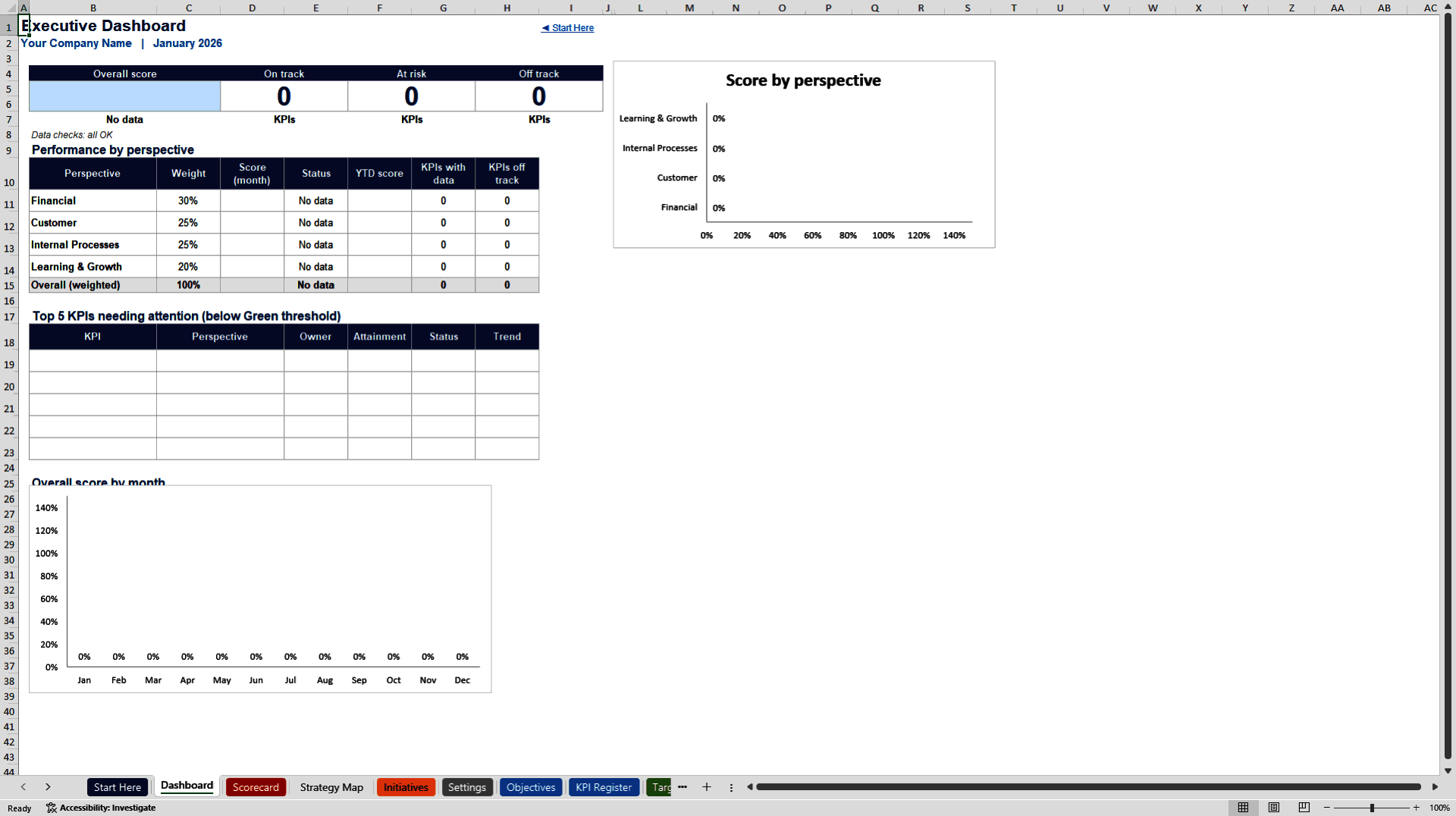
- Delivers an automatic executive dashboard, scorecard and strategy map so leadership can see performance by perspective at a glance.
- Includes a 40-KPI library and editable thresholds so teams can quickly build a relevant, weighted performance management system.
KEY PERFORMANCE INDICATORS EXCEL DESCRIPTION
Enterprise Balanced Scorecard and KPI Dashboard
Strategy Execution Workbook for B2B Organizations
Turn your strategy into measurable results with a complete Balanced Scorecard system. This professional Excel workbook links strategic objectives, KPIs, monthly targets, actuals and initiatives into one live performance management tool. Designed for B2B organizations that need clear visibility across the four classic perspectives: Financial, Customer, Internal Processes, and Learning & Growth.
Unlike static scorecards or PowerPoint trackers, this model is fully formula-driven. Once you define your objectives and KPIs, enter monthly actuals, and the Dashboard, Scorecard and Strategy Map update automatically. Leadership can see overall performance, perspective scores, KPIs needing attention, and initiative status in one place.
WHAT'S INCLUDED
12 structured worksheets:
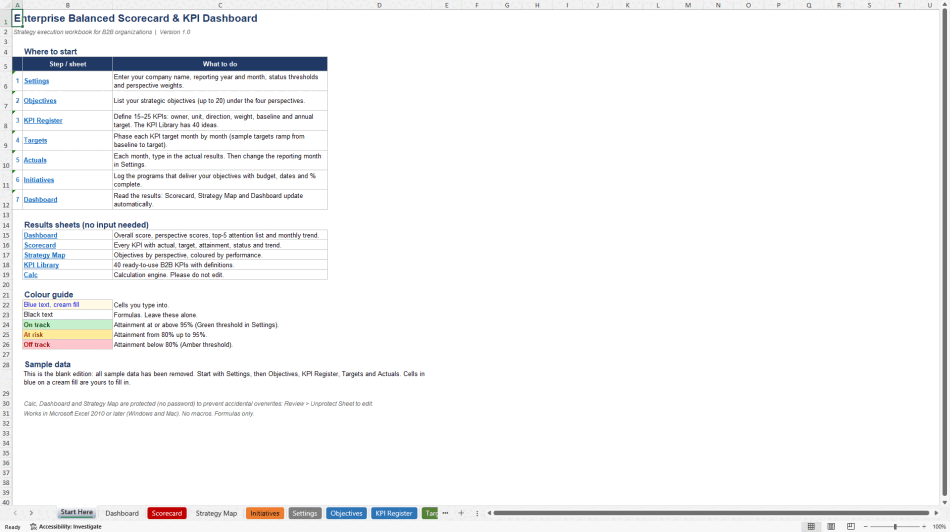
• Start Here – Quick-start guide, workflow and colour legend
• Dashboard – Overall score, perspective scores, top-5 attention list and monthly trend chart
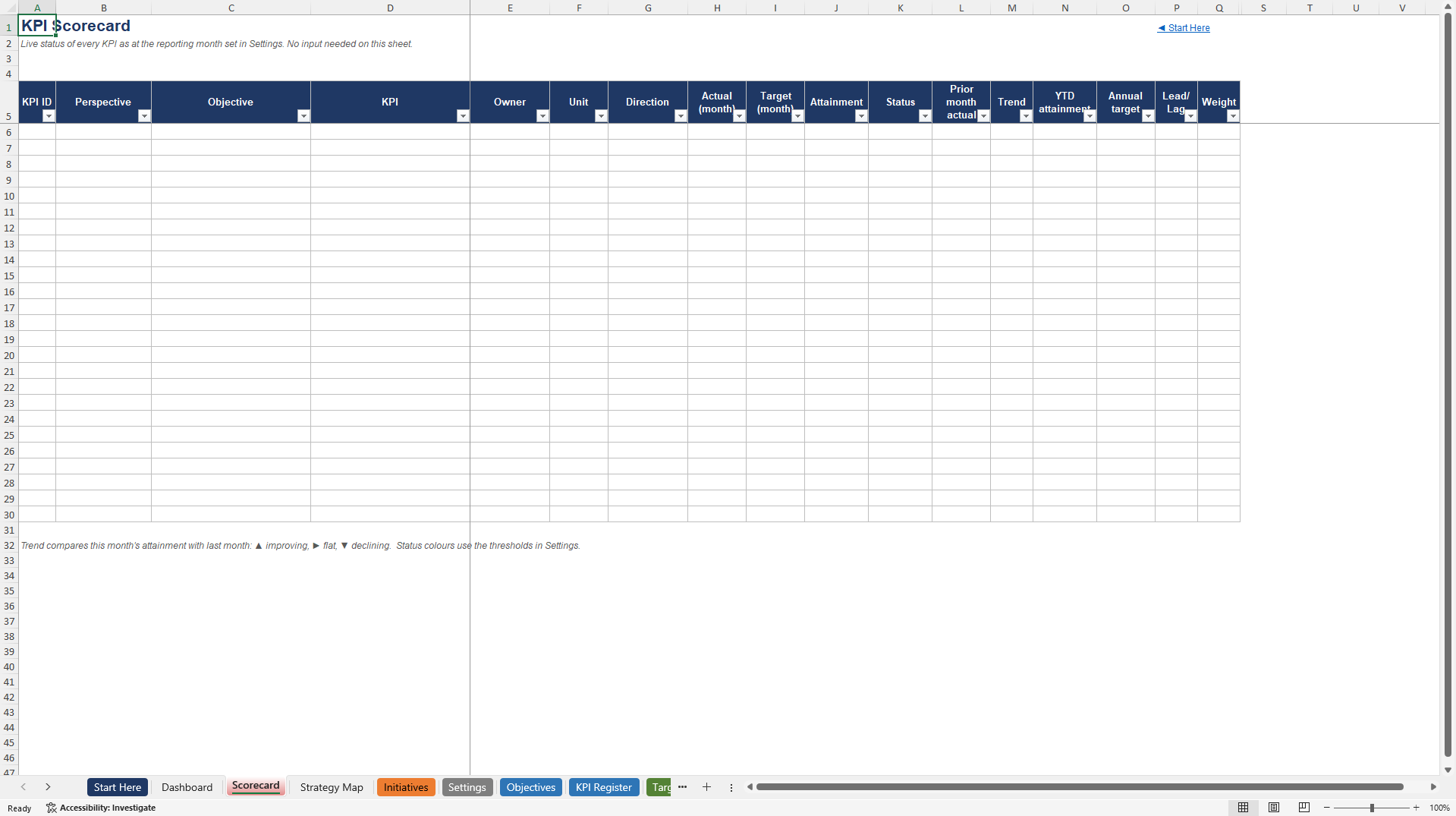
• Scorecard – Every KPI with actual, target, attainment, status, trend and YTD performance
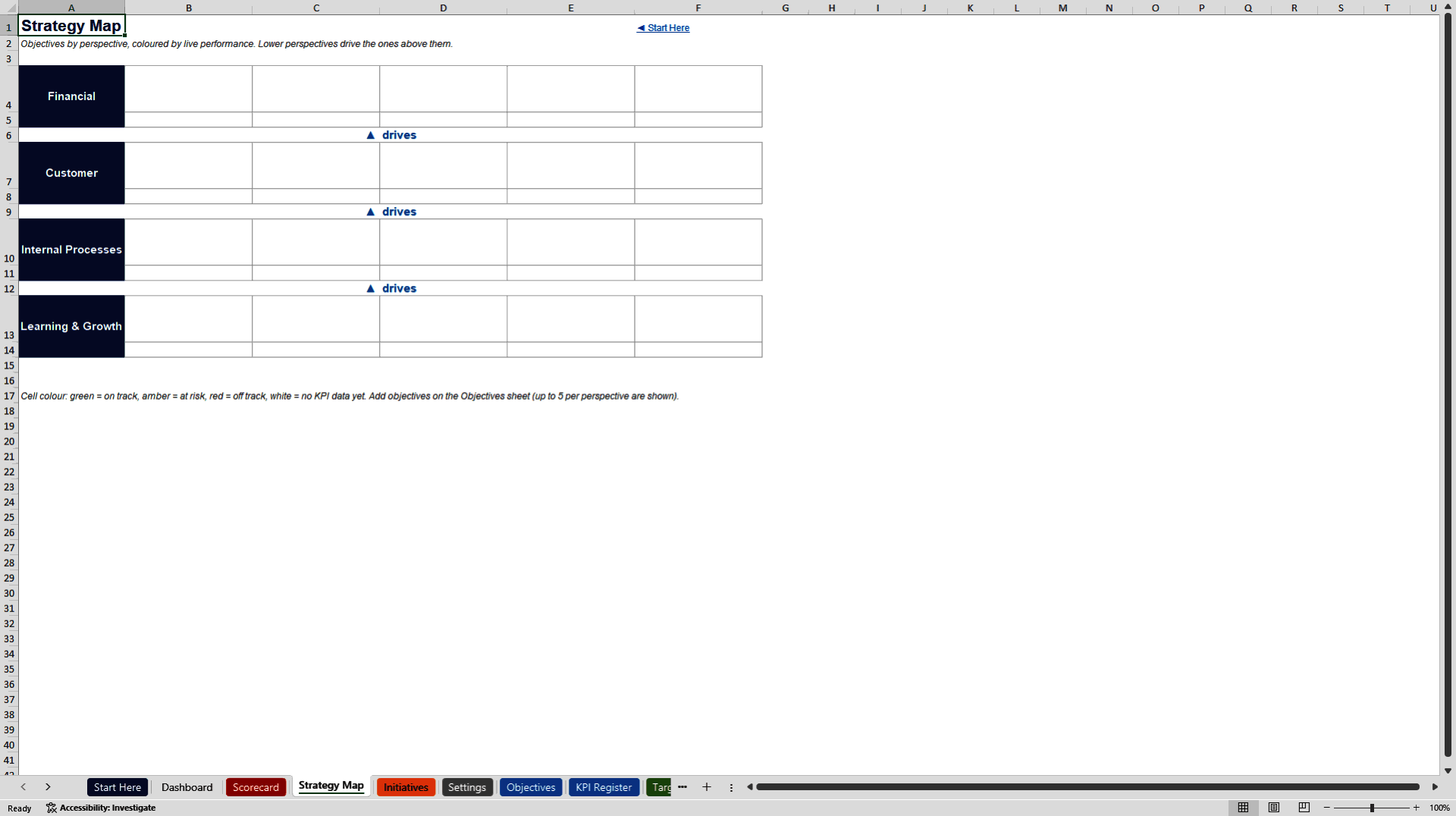
• Strategy Map – Objectives organised by perspective and coloured by live performance
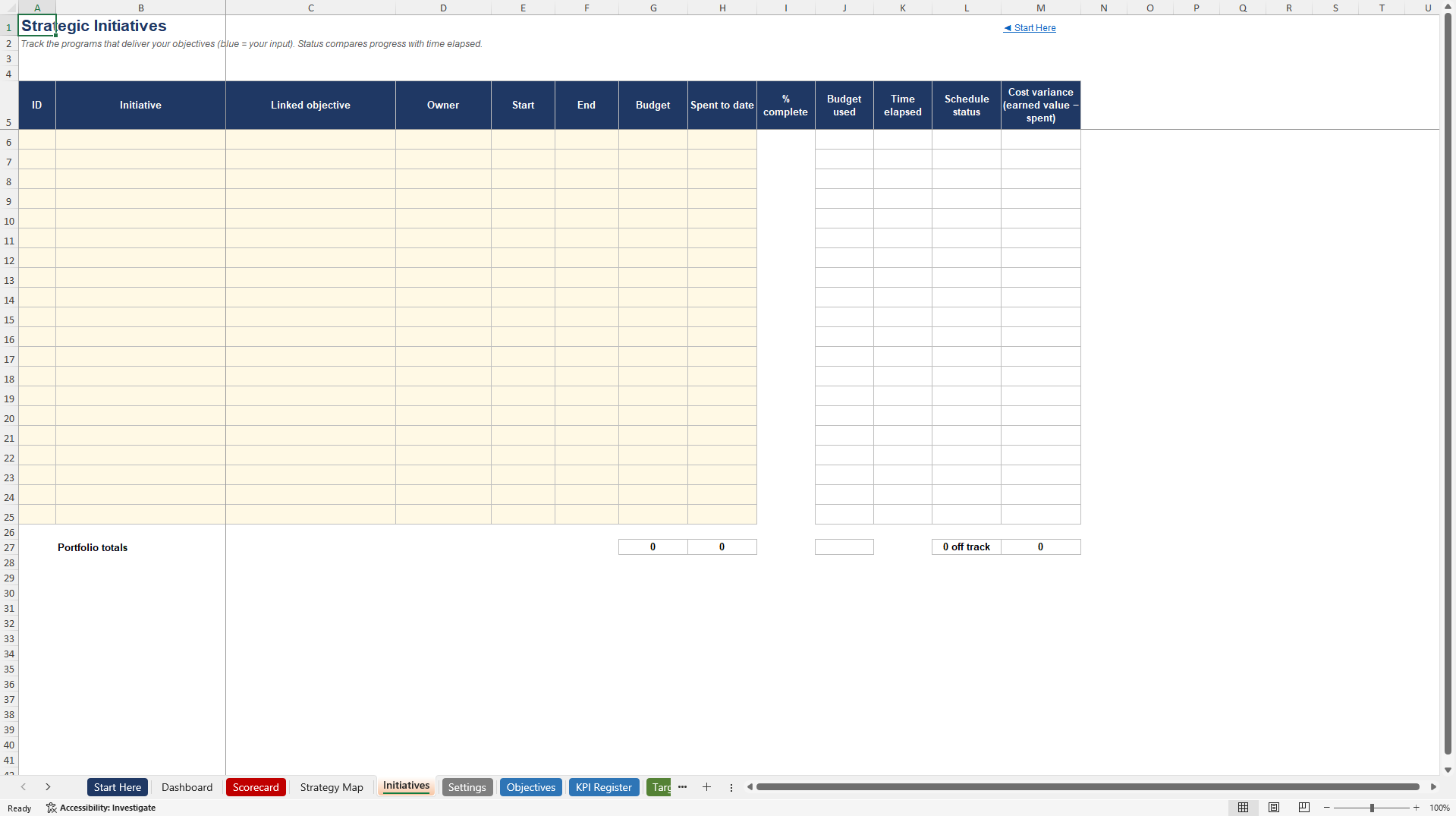
• Initiatives – Strategic programs with budget, dates, % complete, schedule status and cost variance
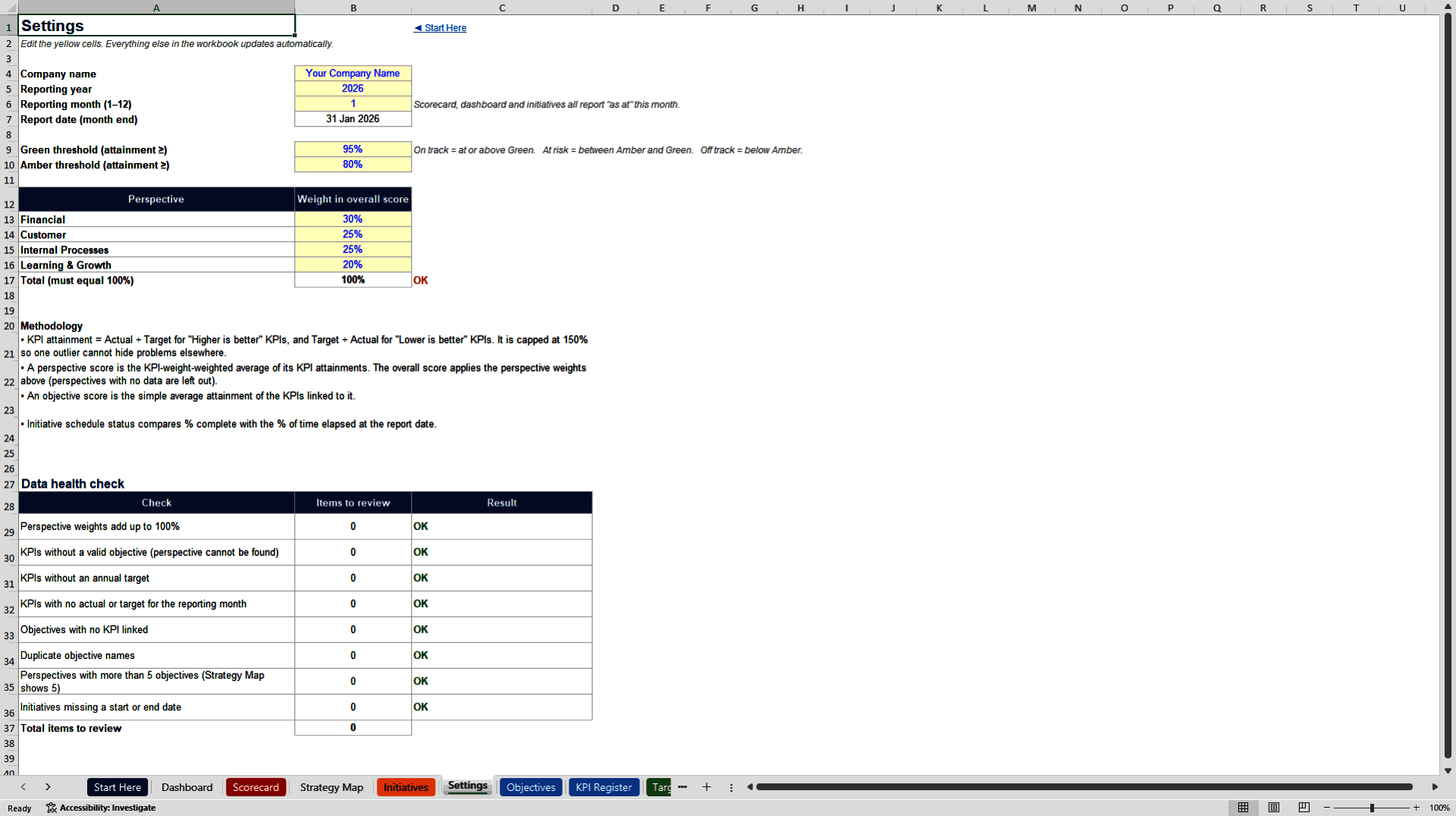
• Settings – Company name, reporting month, green/amber thresholds and perspective weights
• Objectives – Up to 20 strategic objectives across the four perspectives
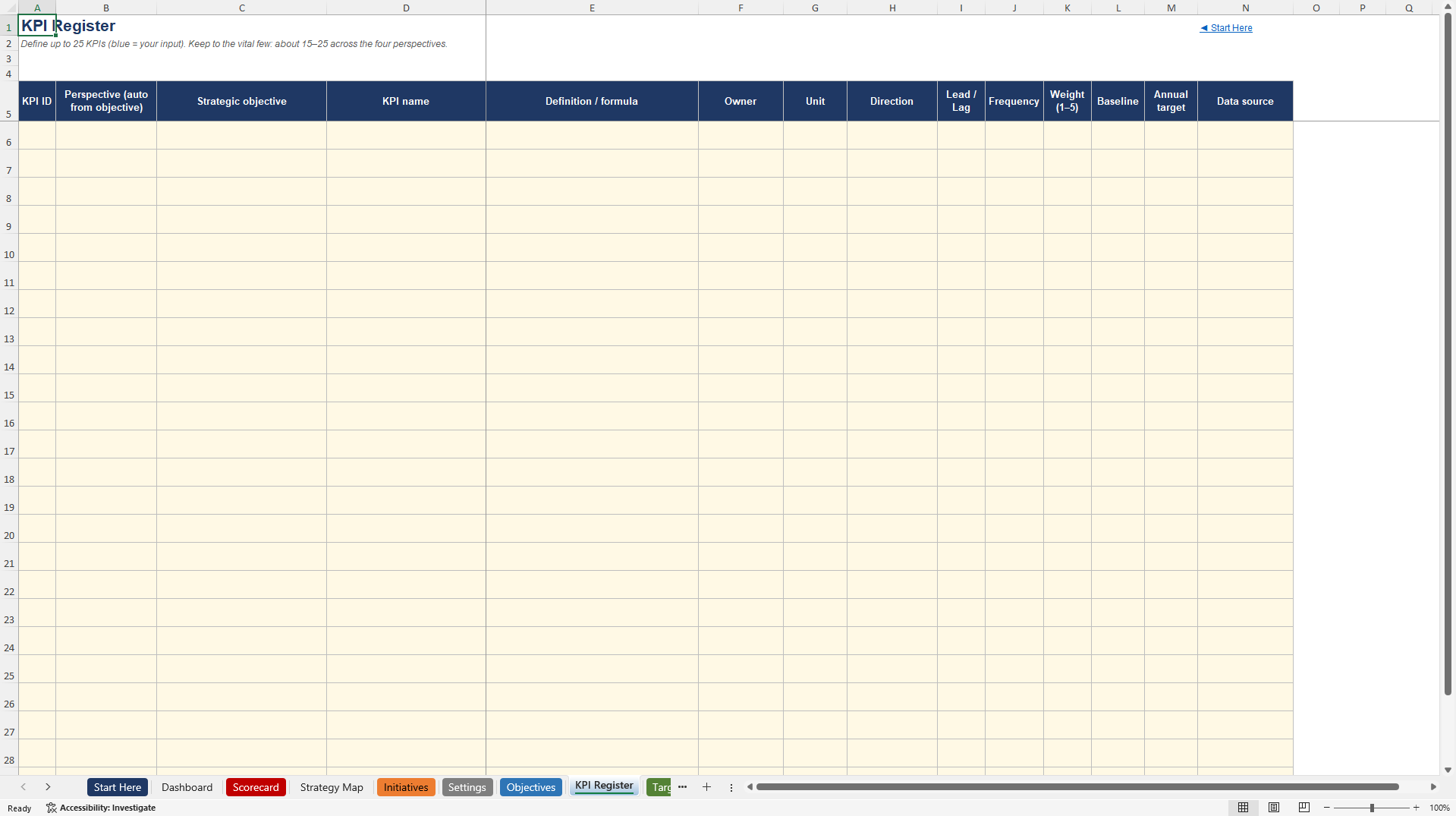
• KPI Register – Up to 25 KPIs with owner, unit, direction, weight, baseline and annual target
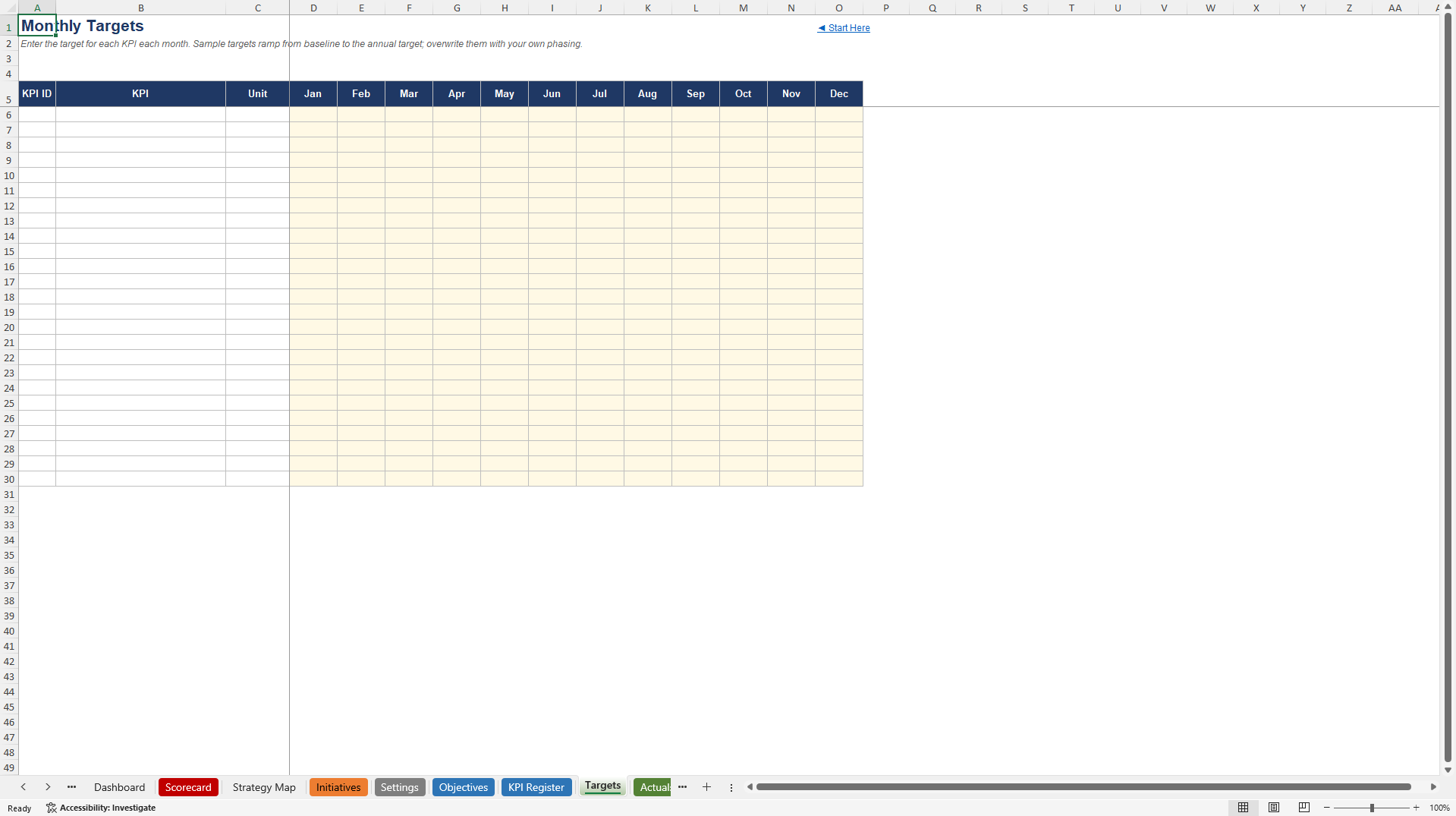
• Targets – Month-by-month target phasing for each KPI
• Actuals – Monthly results entry
• KPI Library – 40 ready-to-use B2B KPIs with clear definitions
• Calc – Protected calculation engine (do not edit)
KEY FEATURES
• Fully formula-driven – change any input and the entire scorecard updates automatically
• Zero macros and zero ActiveX – opens cleanly in Excel 2010 and later
• Clear color convention (cream fill + blue text = your inputs)
• Editable green and amber thresholds so you control what "on track" means
• Weighted perspective scores and overall score
• Attainment logic that correctly handles both "higher is better" and "lower is better" KPIs
• Attainment capped at 150% so one outlier cannot hide other problems
• Live data health checks on the Settings sheet
• 40-item KPI Library covering Financial, Customer, Internal Processes and Learning & Growth
• Strategy Map that colours objectives by performance
• Initiative tracker with schedule and cost variance
• Blank edition – ready for your own data with no sample numbers to delete
WHO IT'S FOR
• Strategy and transformation teams implementing or refreshing a Balanced Scorecard
• Business unit leaders who need a clear, weighted view of performance
• FP&A and performance management teams
• Consultants delivering strategy execution or performance management engagements
• Leadership teams that want one source of truth for monthly strategy reviews
HOW IT WORKS
Go to Settings and enter company name, reporting year/month, status thresholds and perspective weights.
List your strategic objectives (up to 20) under the four perspectives.
Define 15–25 KPIs in the KPI Register (owner, unit, direction, weight, baseline and annual target). Use the KPI Library for ideas.
Phase monthly targets on the Targets sheet.
Each month enter actual results on the Actuals sheet and update the reporting month in Settings.
Review the live Dashboard, Scorecard and Strategy Map. Track initiatives on the Initiatives sheet.
All results sheets update automatically. No macros required.
TECHNICAL NOTES
• 100% formula-based (no VBA)
• Compatible with Microsoft Excel 2010, 2013, 2016, 2019, 2021 and Microsoft 365 (Windows and Mac)
• Protected calculation sheets to prevent accidental overwrites
• Designed for monthly strategy execution reviews
• Supports up to 20 objectives and 25 KPIs – enough for most B2B organisations without becoming unmanageable
This is a practical, ready-to-use Balanced Scorecard system. Open the file, follow the Start Here guide, and begin building your live performance scorecard today.
Got a question about the product? Email us at support@flevy.com or ask the author directly by using the "Ask the Author a Question" form. If you cannot view the preview above this document description, go here to view the large preview instead.
Source: Best Practices in Key Performance Indicators, Balanced Scorecard Excel: Enterprise Balanced Scorecard and KPI Dashboard Excel (XLSX) Spreadsheet, MW & Digitelax Consulting
ABOUT THE AUTHOR

Welcome to the official enterprise resource hub of MW & Digitelax Consulting. Directed by a seasoned banking executive, corporate risk consultant, and financial content strategist with over 28 years of institutional leadership experience, our practice delivers deployment-ready frameworks designed to drive enterprise efficiency, enforce regulatory compliance, and eliminate systemic model risk. ... [read more]
Ask the Author a Question
You must be logged in to contact the author.




























