
 Click main image to view in full screen. Unlock all 9 preview images:
Complete Guide to ChatGPT & Prompt Engineering – PowerPoint PPTX Template
PowerPoint (PPTX) 62 Slides


BENEFITS OF THIS DOWNLOADABLE POWERPOINT DOCUMENT
- Understand exactly what ChatGPT is, how it works, and how to use it.
- Learn 5 powerful Prompt Engineering Strategies to get the most out of ChatGPT.
- See examples of how ChatGPT and Prompt Engineering works, from the basics to more advanced.
ARTIFICIAL INTELLIGENCE PPT TEMPLATE DESCRIPTION
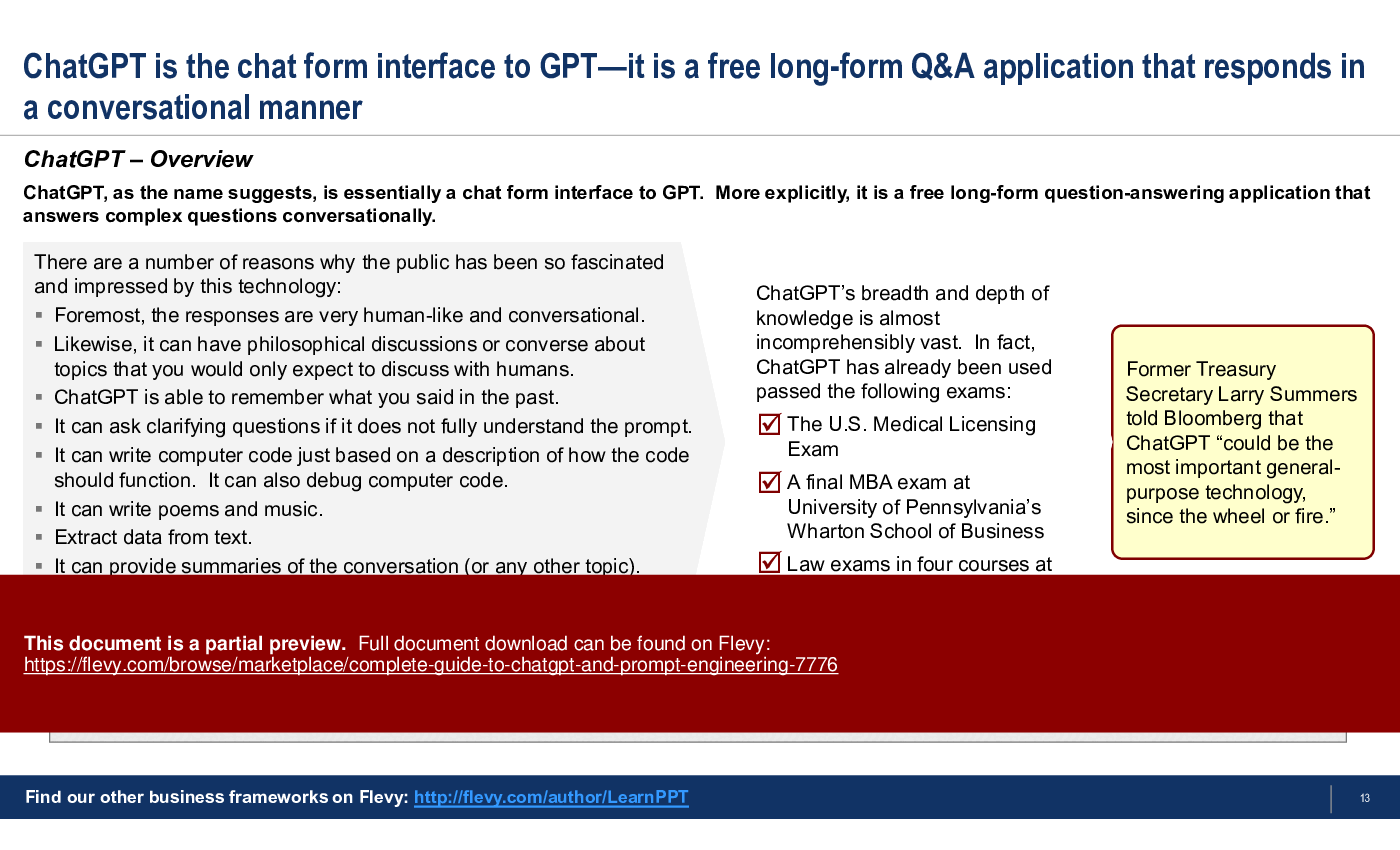
Everyone has heard of ChatGPT. Immediately after launch, it gained both fame and infamy, and grew to become the fastest growing application of all time. But, have you used it? And, more importantly, do you understand how to maximize its usage to derive the greatest value for your work or organization?
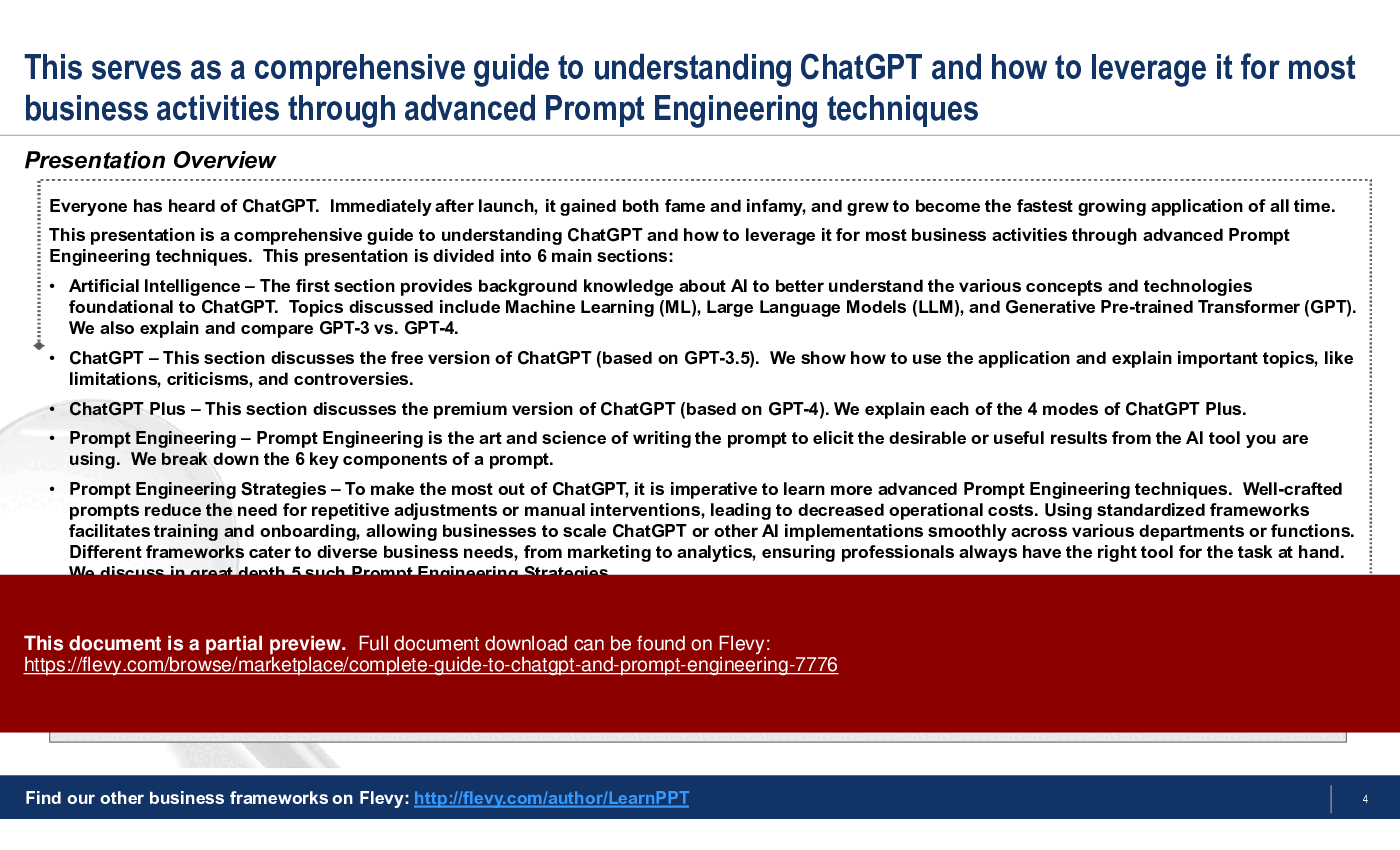
This PowerPoint presentation is a comprehensive guide to understanding ChatGPT and how to leverage it for most business activities through advanced Prompt Engineering techniques. This presentation is divided into 6 main sections:
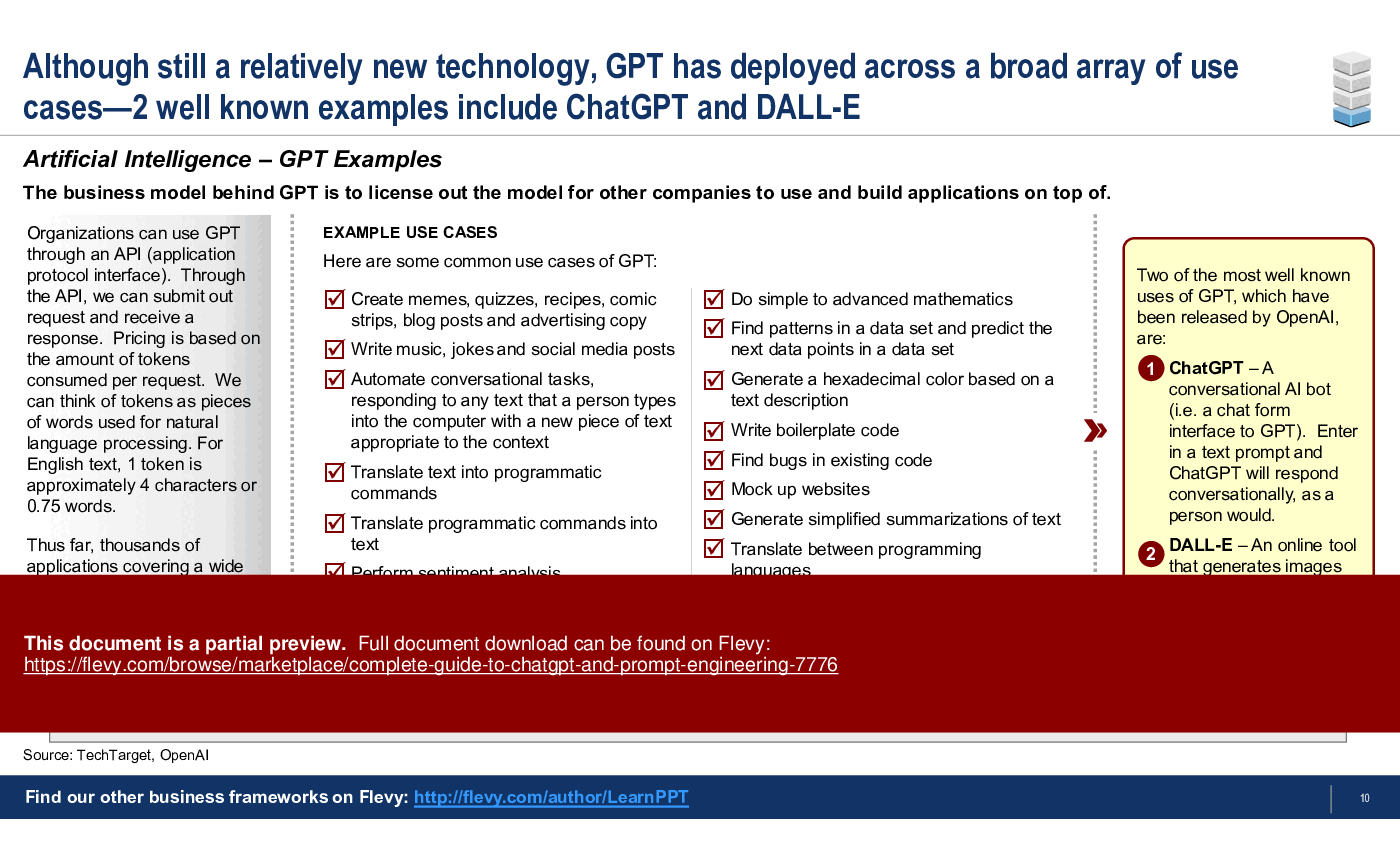
Artificial Intelligence – The first section provides background knowledge about AI to better understand the various core concepts and technologies foundational to ChatGPT. Topics discussed include Machine Learning (ML), Large Language Models (LLM), and Generative Pre-trained Transformer (GPT). We also explain and compare GPT-3 vs. GPT-4.
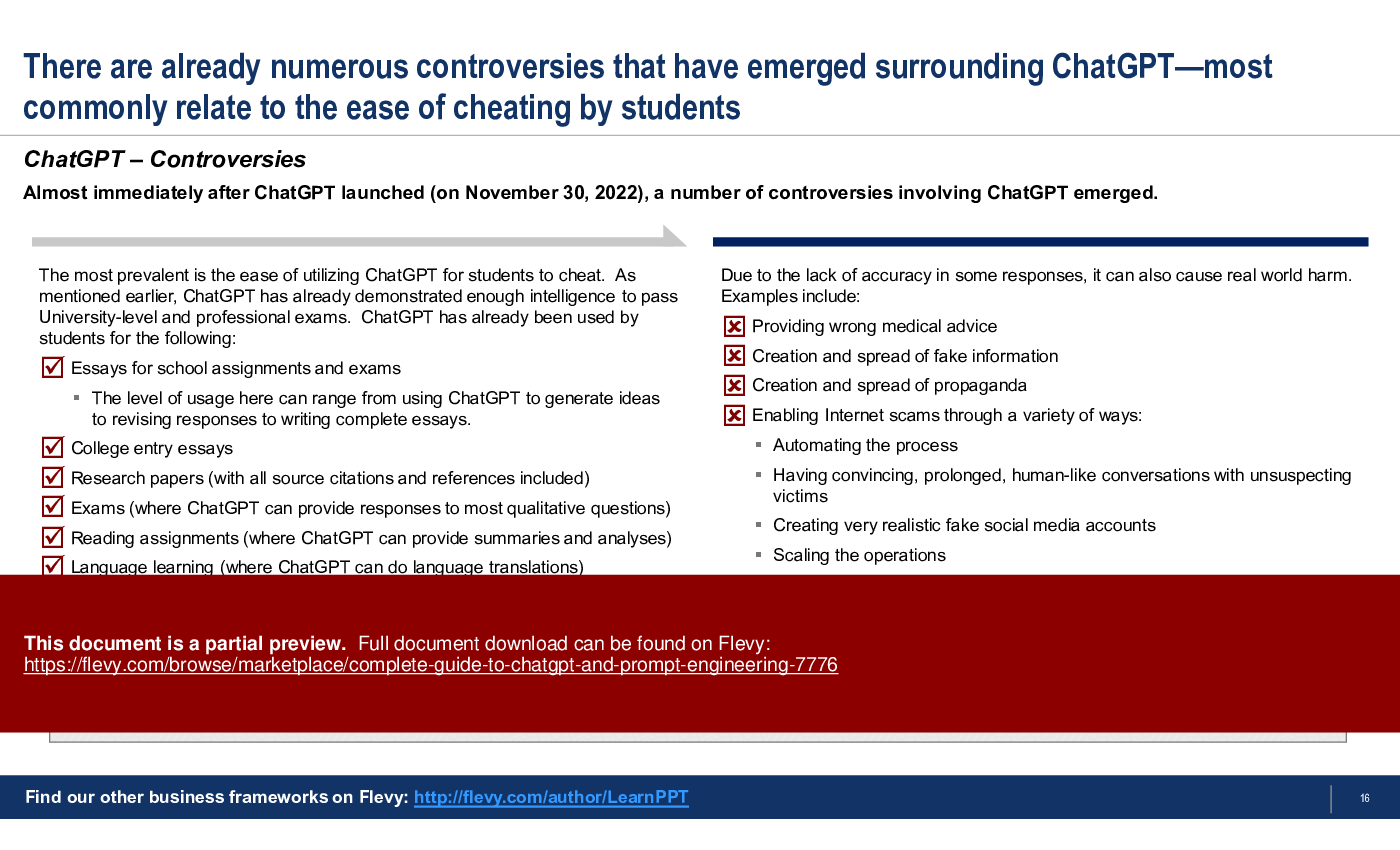
ChatGPT – This section discusses the free version of ChatGPT (based on GPT-3.5). We show how to use the application and explain important topics, like limitations, criticisms, and controversies.
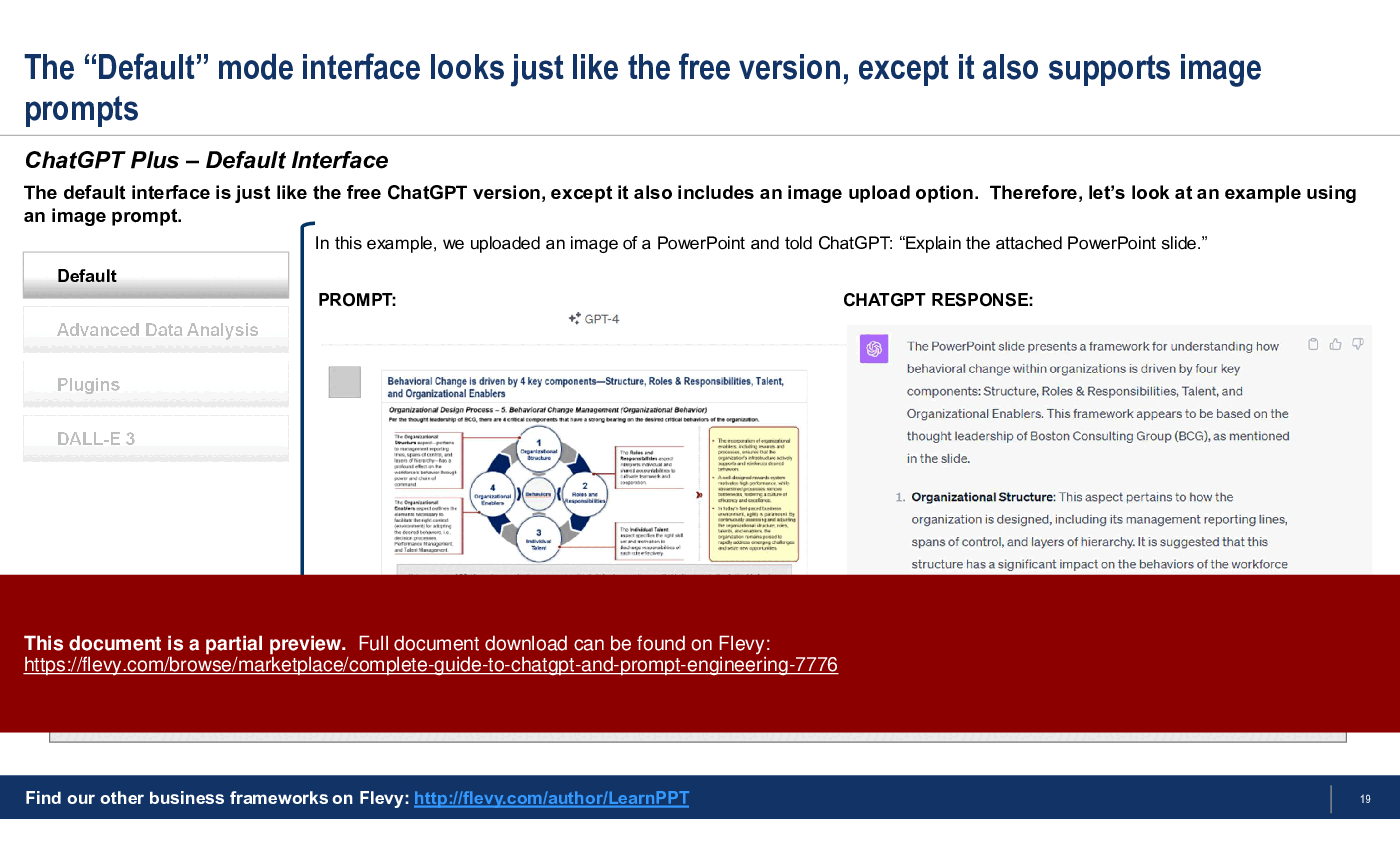
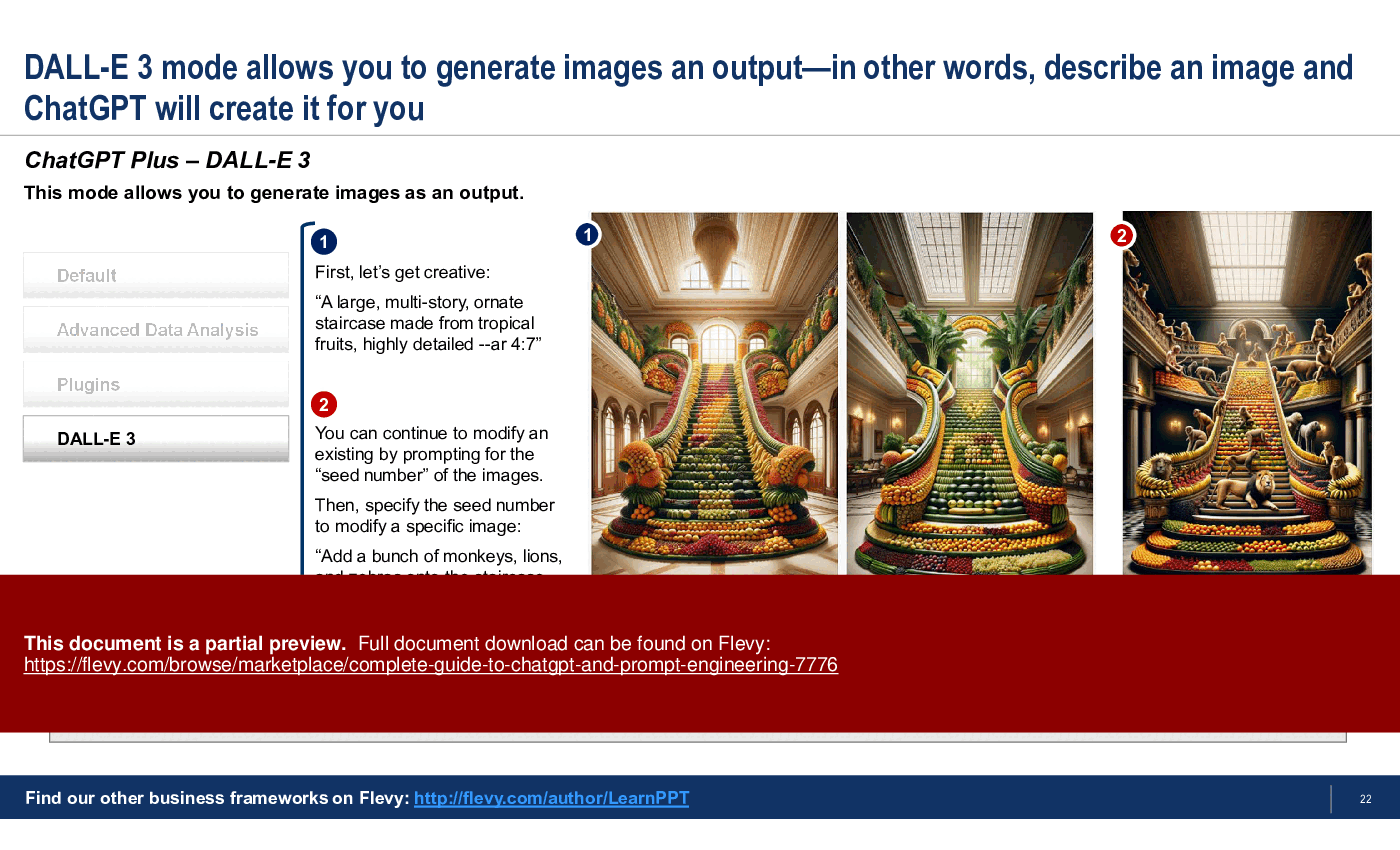
ChatGPT Plus – This section discusses the premium version of ChatGPT (based on GPT-4). We explain each of the 4 modes of ChatGPT Plus:
• Default (with Image prompting)
• Advanced Data Analysis
• Plugins
• DALL-E 3
Prompt Engineering – Prompt Engineering is the art and science of writing the prompt to elicit the desirable or useful results from the AI tool you are using. We break down the 6 key components of a prompt:
• Task
• Persona
• Context
• Format
• Tone
• Examples
Prompt Engineering Strategies – To make the most out of ChatGPT, it is imperative to learn more advanced Prompt Engineering techniques. Well-crafted prompts reduce the need for repetitive adjustments or manual interventions, leading to decreased operational costs. Using standardized frameworks facilitates training and onboarding, allowing businesses to scale ChatGPT or other AI implementations smoothly across various departments or functions. Different frameworks cater to diverse business needs, from marketing to analytics, ensuring professionals always have the right tool for the task at hand. We discuss in great depth 5 such Prompt Engineering Strategies:
• RTF Framework
• Chain of Thought (CoT)
• RISEN Framework
• RODES Framework
• Chain of Density (CoD)
Advanced Prompting Examples – This section showcases a couple advanced prompting examples. They are full conversations that will help you better understand capabilities and potential for ChatGPT; and should illuminate ways in which you can leverage this emergent AI technology for your work or organization.
This PowerPoint presentation on ChatGPT and Prompt Engineering also includes slide templates for you to use in your own business presentations.
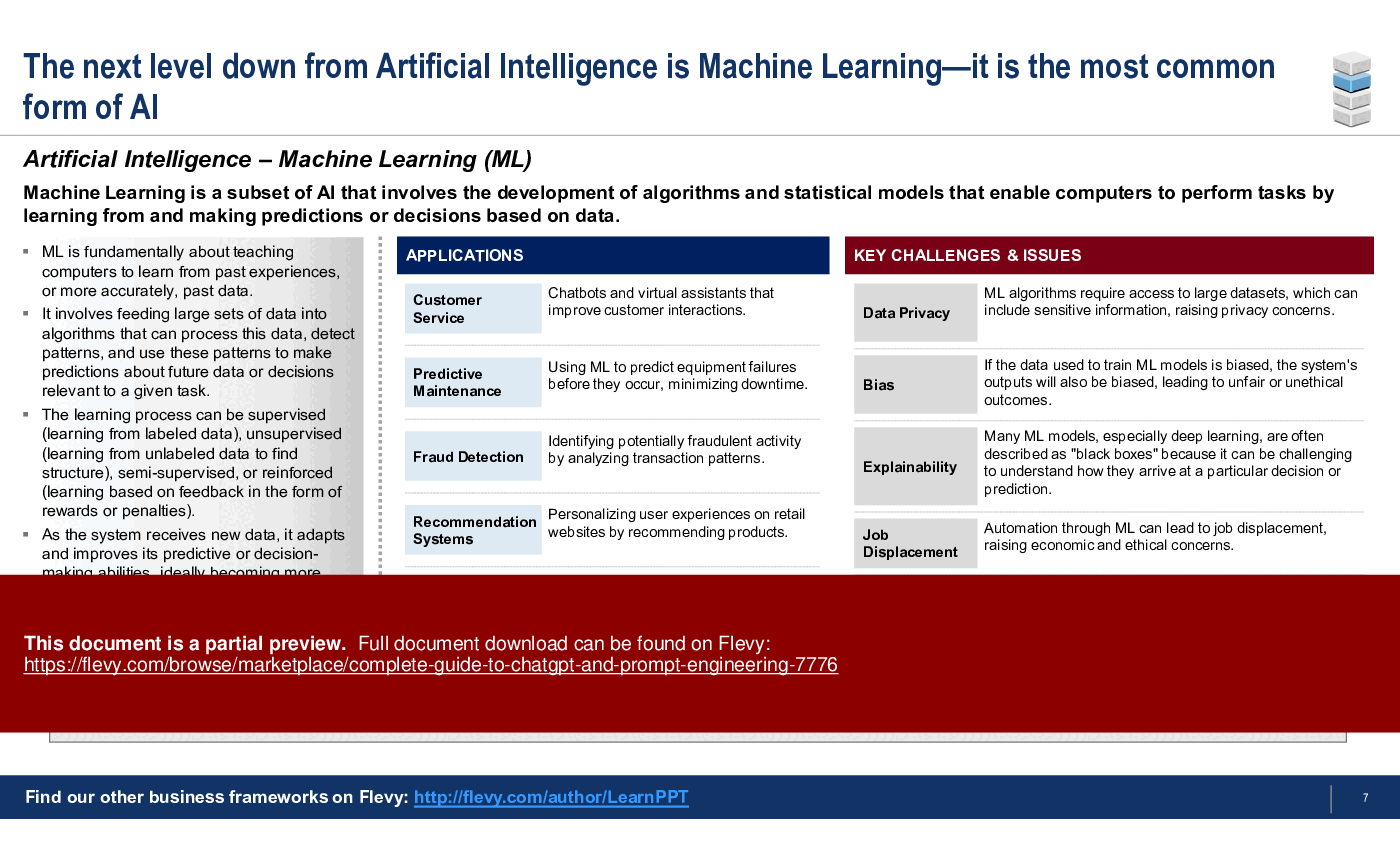
Gain insights into the most common applications and challenges of Machine Learning within AI. Understand how to leverage ChatGPT's capabilities for supply chain analysis and organizational design.
Got a question about the product? Email us at support@flevy.com or ask the author directly by using the "Ask the Author a Question" form. If you cannot view the preview above this document description, go here to view the large preview instead.
PRESENTATION DEEP DIVE ANALYSIS
This deep-dive analysis was generated from the full 62-slide PowerPoint presentation.
ARTIFICIAL INTELLIGENCE PPT TEMPLATES
Source: Best Practices in Artificial Intelligence, ChatGPT, Prompt Engineering PowerPoint Slides: Complete Guide to ChatGPT & Prompt Engineering PowerPoint (PPTX) Presentation Slide Deck, LearnPPT Consulting
ABOUT THE AUTHOR
We are a team of management consultants trained by top tier global consulting firms (including McKinsey, BCG, Deloitte, EY, Capgemini) with a collective experience of several decades. We specialize in business frameworks based on real-life consulting engagements.
We have served 100s of clients that range from Fortune 500 companies to tech startups to
... [read more]
Ask the Author a Question
You must be logged in to contact the author.




























