
 Click main image to view in full screen. Unlock all 9 preview images:
Project Workbook Lite: Executive Portfolio Control – Excel XLSX
Excel (XLSX) + Zip archive file (ZIP)


BENEFITS OF THIS DOWNLOADABLE EXCEL DOCUMENT
- Gives executives a consolidated view of portfolio health, confidence, priority, overdue actions, and decisions requiring leadership attention.
- Introduces a lightweight project governance process without requiring a formal PMO or complex project management platform.
- Includes blank and example editions so teams can understand the reporting process and begin using the workbook quickly.
PROJECT MANAGEMENT EXCEL DESCRIPTION
Project Workbook Lite is a practical portfolio management tool for executives, program leaders, and small organizations that need better project visibility without implementing a full Project Management Office or complex project management system.
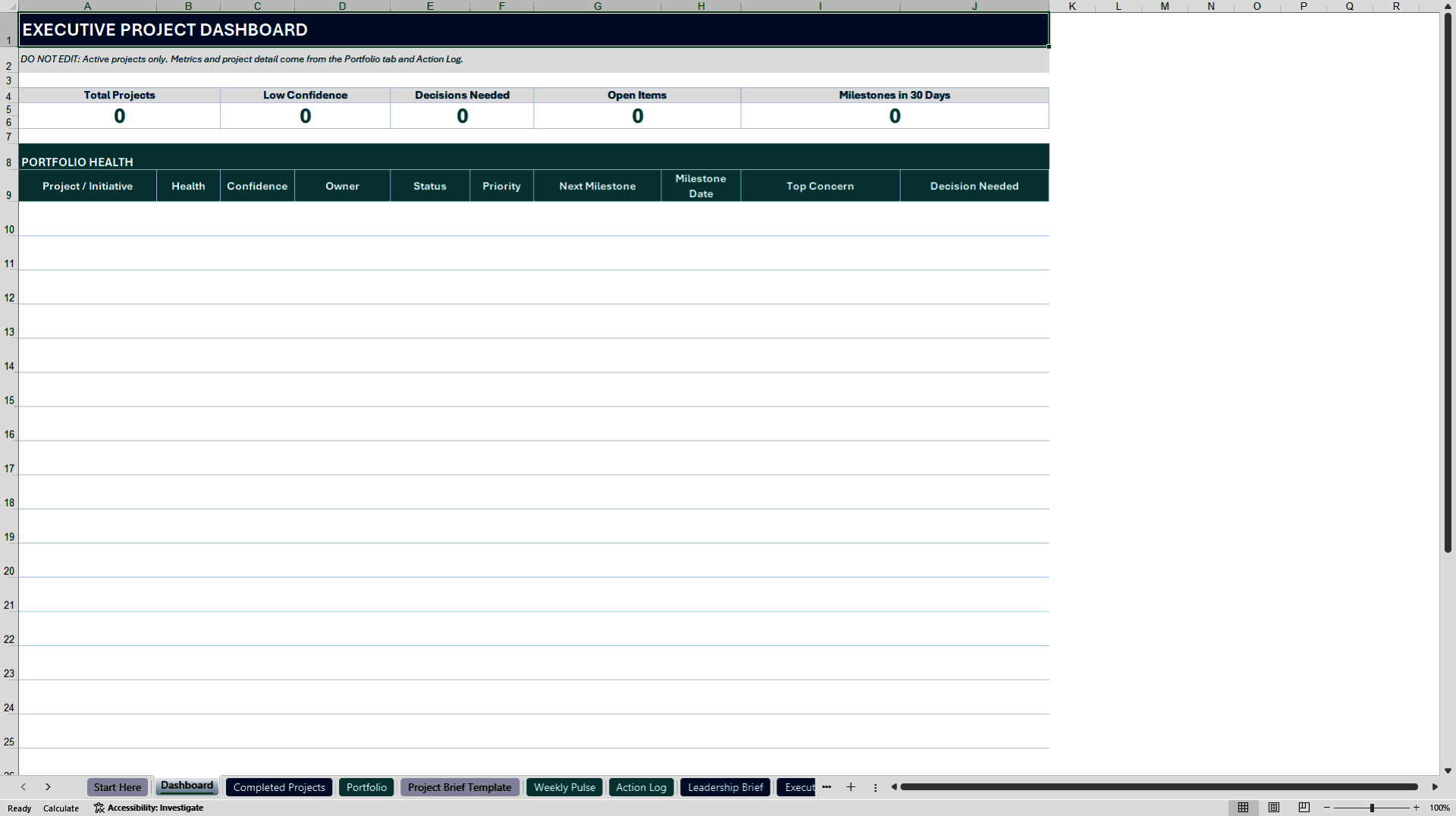
The workbook creates a lightweight, repeatable process for monitoring an entire portfolio. Leaders can see project health, confidence, priority, status, ownership, expected completion dates, and items requiring attention from a consolidated executive dashboard. The Executive Exceptions report narrows the view to projects and actions that may need leadership intervention, helping teams focus discussions on decisions, risks, overdue actions, and low-confidence outcomes.
The workbook is designed for organizations where project information may currently be spread across presentations, meeting notes, emails, and separate spreadsheets. It provides one consistent structure for collecting project updates and turning them into leadership reporting.
Project Workbook Lite includes:
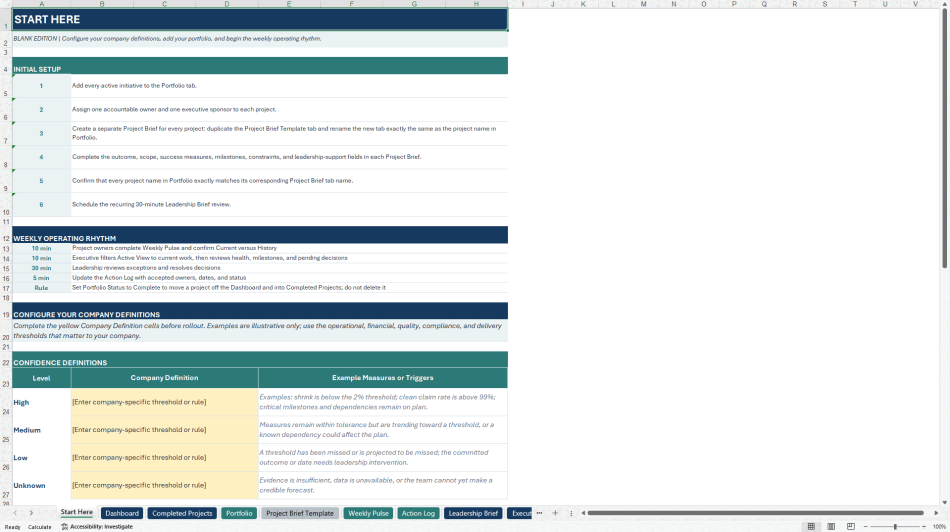
• A Start Here page with setup instructions and customizable definitions for project health, confidence, and priority.
• An executive portfolio dashboard showing the health and status of active projects.
• An Executive Exceptions report highlighting low-confidence projects, unhealthy projects, overdue actions, and items requiring decisions.
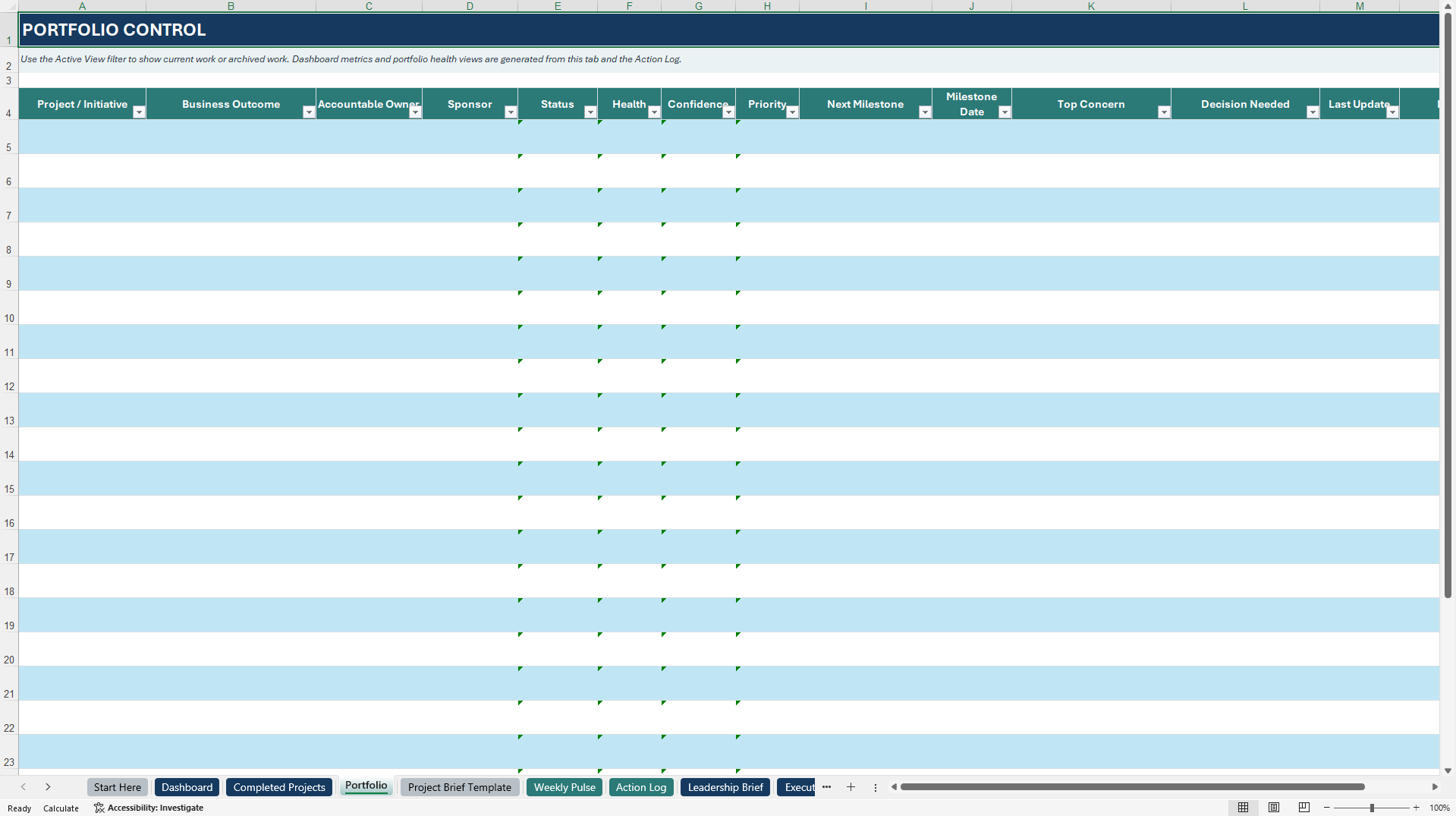
• A Portfolio register for maintaining core project information.
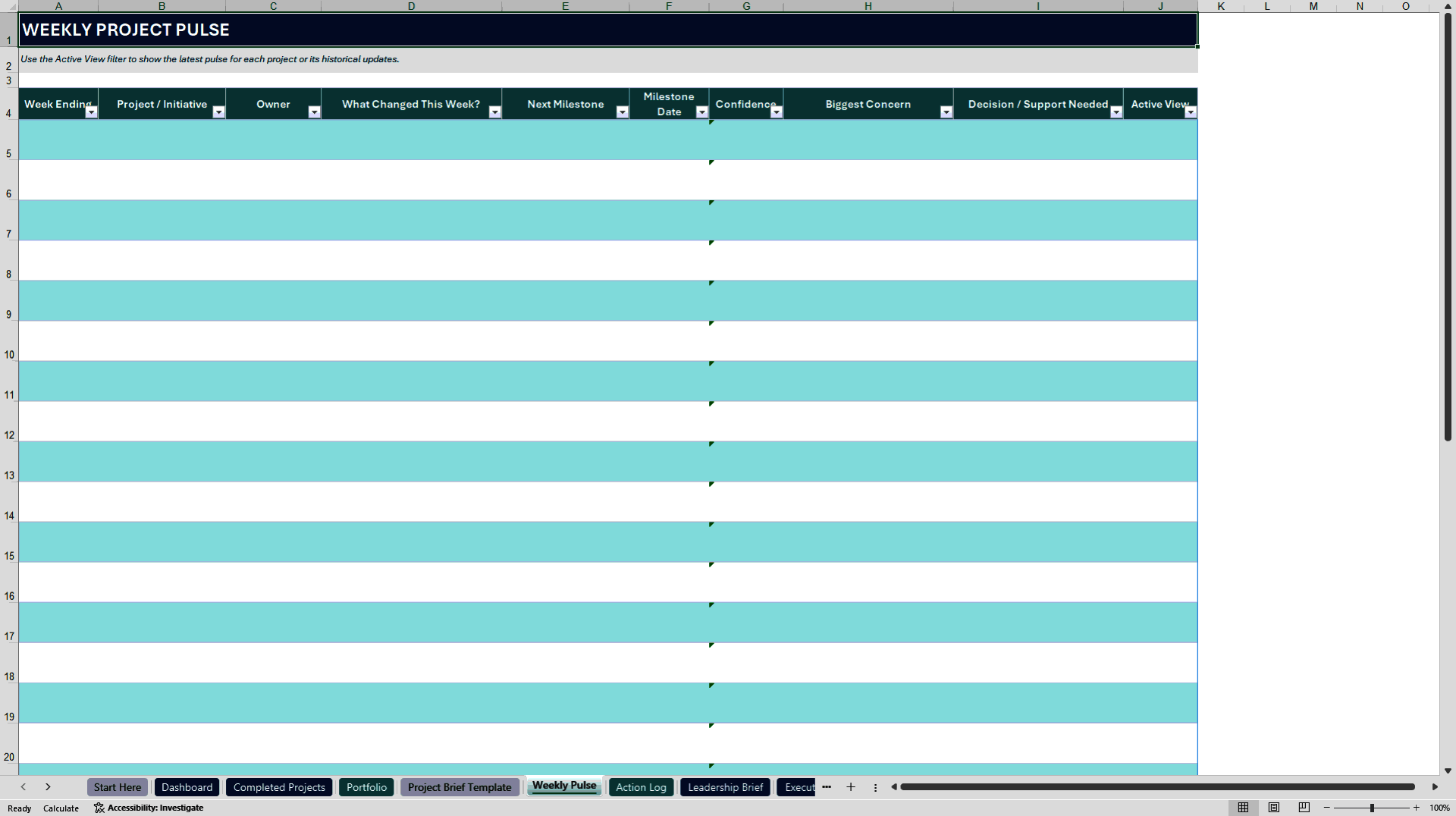
• A Weekly Pulse for recording concise project updates.
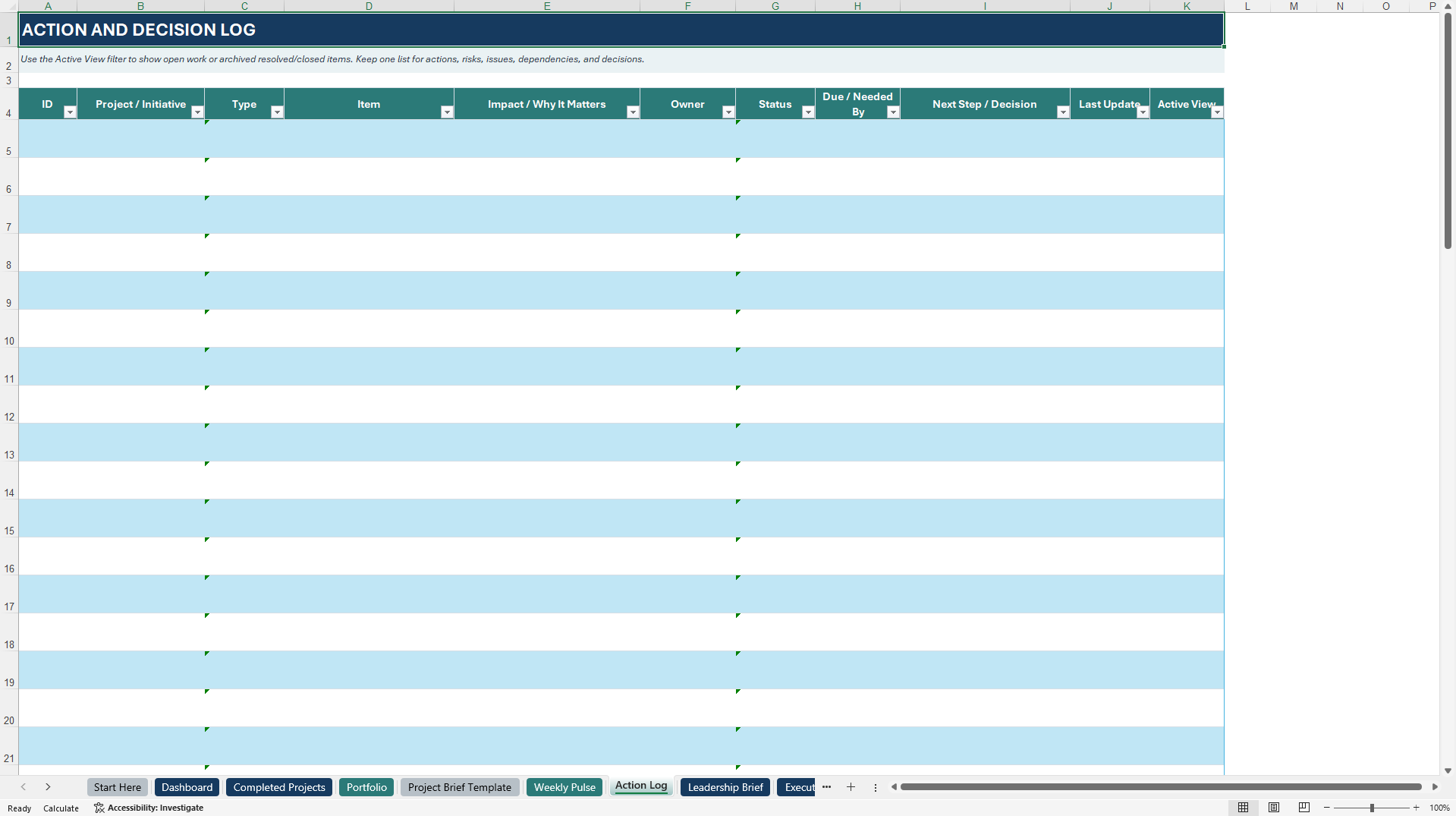
• An Action Log for tracking decisions, risks, issues, and follow-up items.
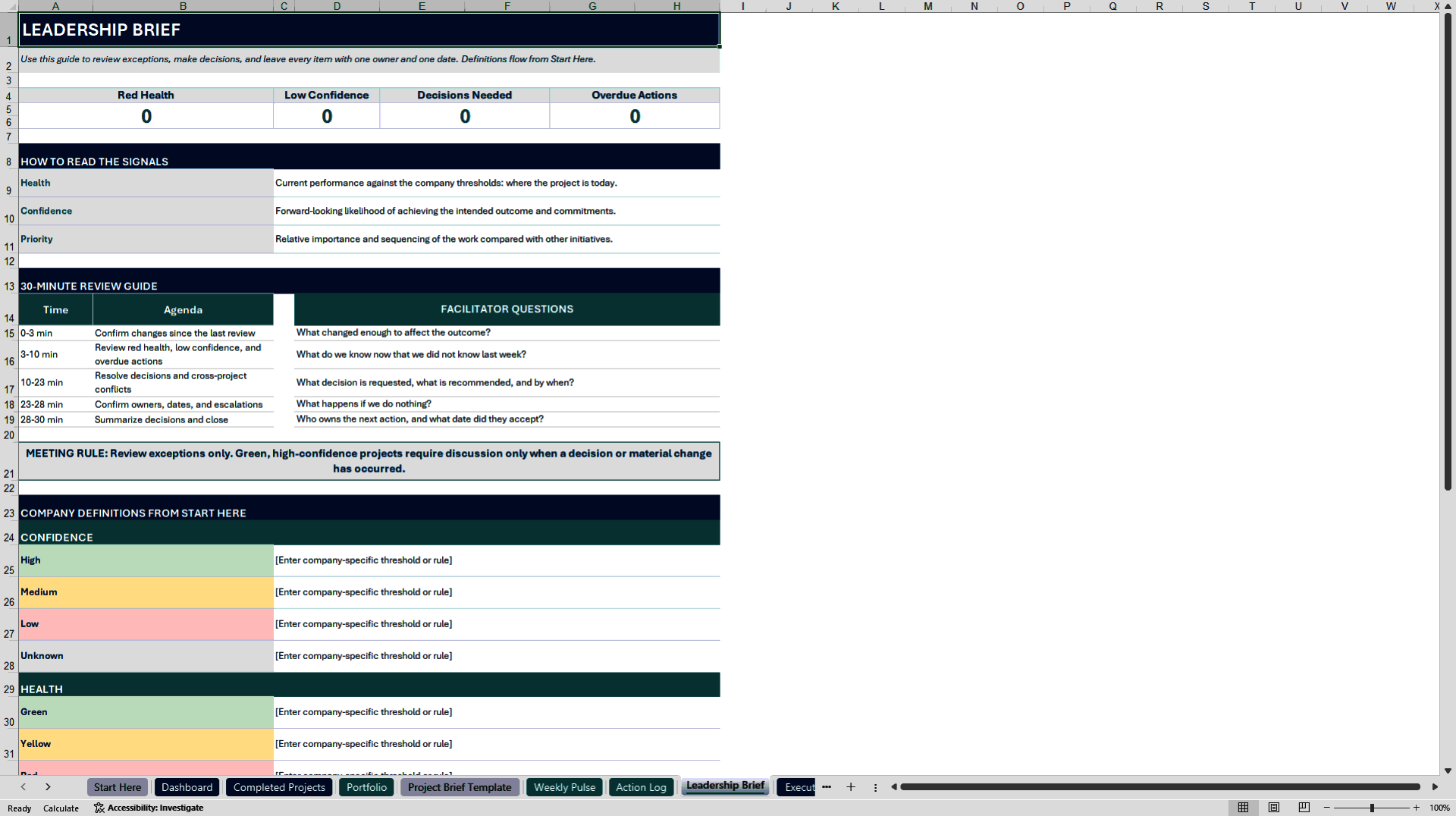
• A Leadership Brief that guides recurring portfolio reviews and executive discussions.
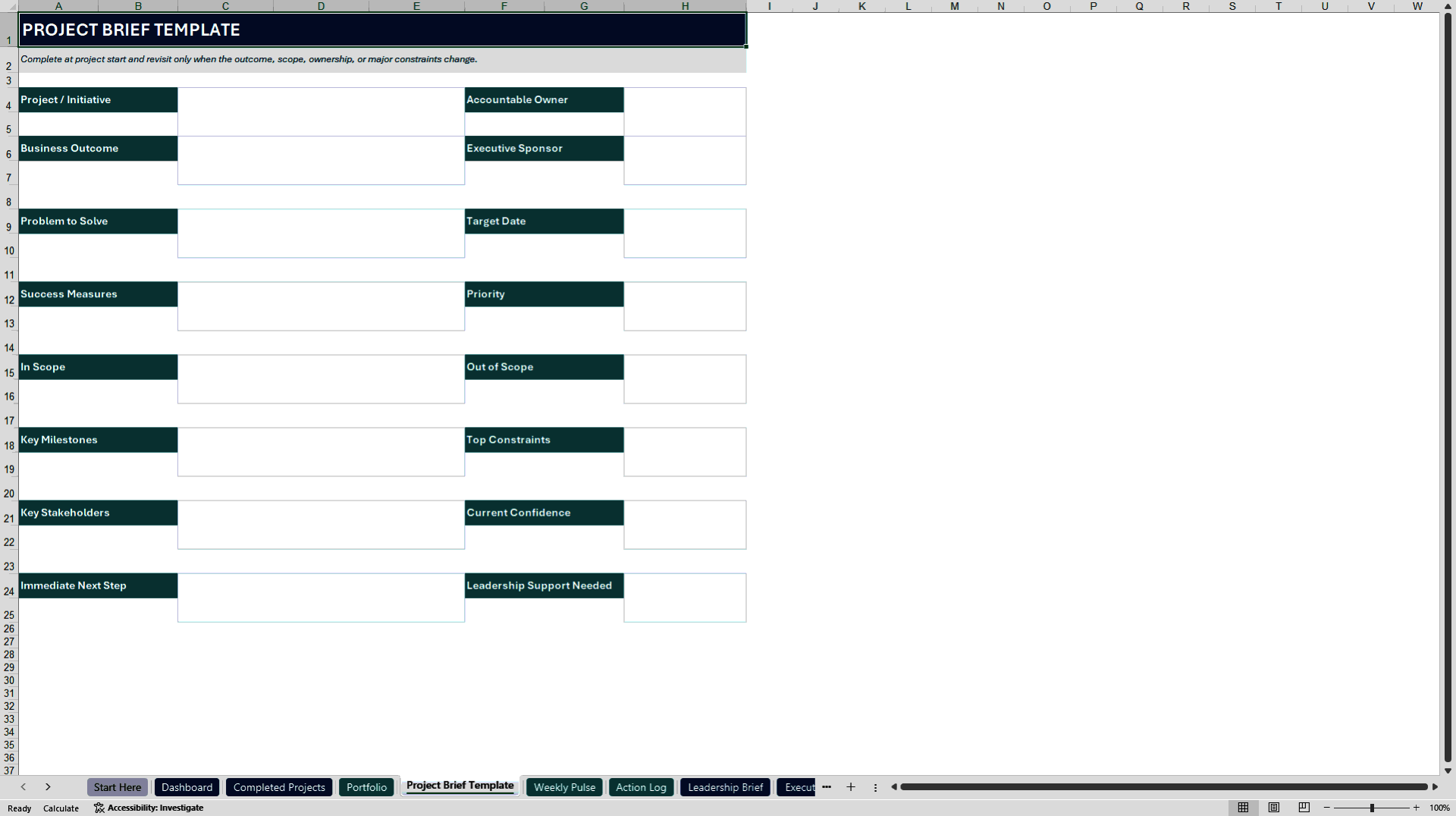
• A reusable Project Brief structure for documenting individual initiatives.
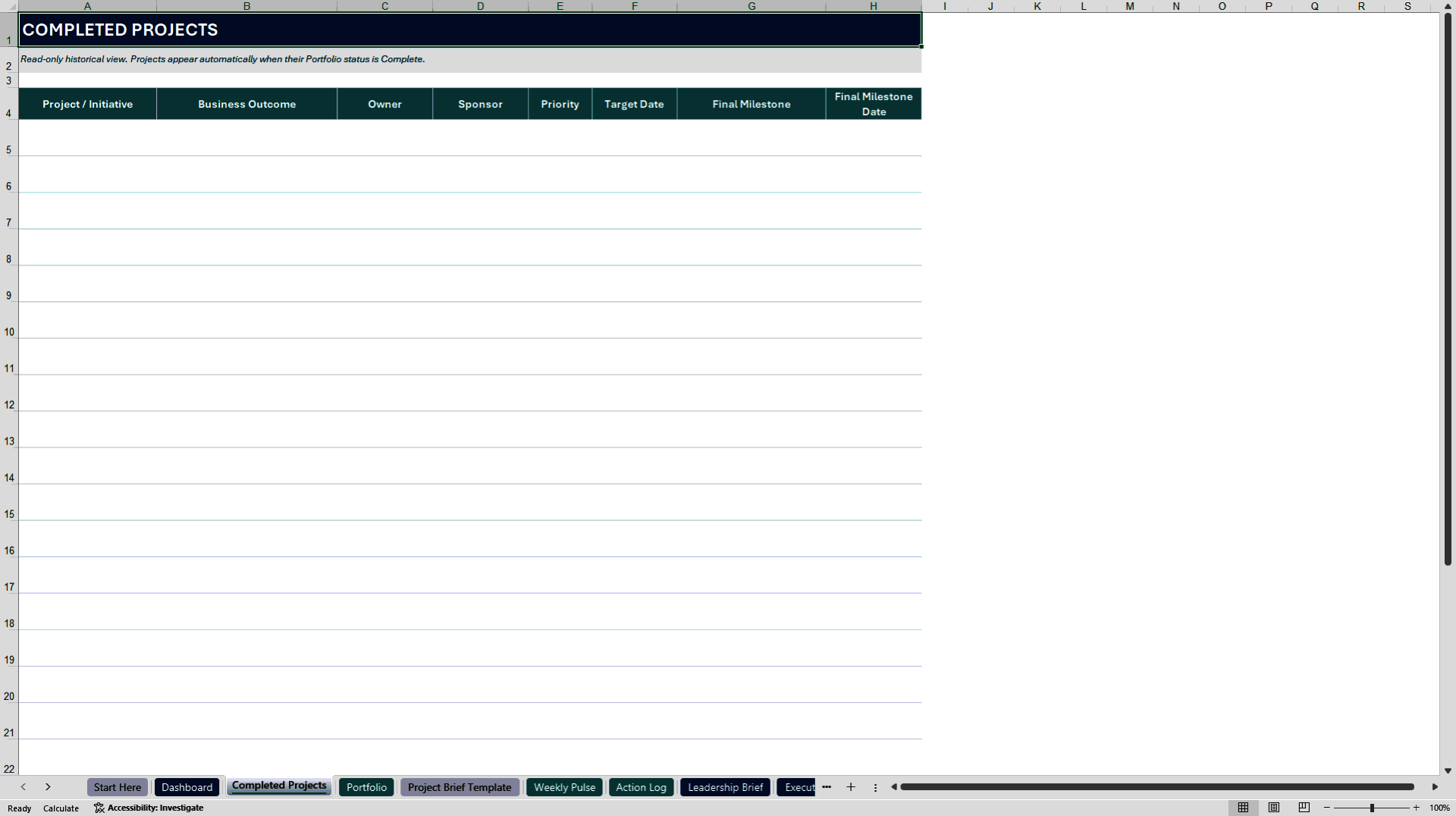
• A Completed Projects view that separates completed work from the active portfolio while preserving portfolio history.
• Filters and status controls that help users remove archived, completed, or no-longer-relevant items from working views.
The package includes a blank edition for organizational use and an example edition populated with sample projects. The example edition allows buyers to see how information flows through the portfolio, reporting, and project brief sections before entering their own data. A Quick Start and License guide is also included.
The workbook can be adapted for information technology, healthcare technology, business transformation, operations, compliance, process improvement, and other cross-functional portfolios. Organizations can define health, confidence, and priority using their own operating thresholds. For example, confidence may be tied to a financial variance threshold, claims performance, schedule forecast, adoption measure, quality result, or another company-specific target.
No macros or specialized project management software are required. Users should have access to a compatible version of Microsoft Excel. The workbook is intended for internal business use, consulting work, and reasonable sharing with employees or clients. It may be customized but may not be resold or redistributed as a standalone template product.
Got a question about the product? Email us at support@flevy.com or ask the author directly by using the "Ask the Author a Question" form. If you cannot view the preview above this document description, go here to view the large preview instead.
Source: Best Practices in Project Management, Portfolio Management Excel: Project Workbook Lite: Executive Portfolio Control Excel (XLSX) Spreadsheet, Angie Newsome
ABOUT THE AUTHOR

I am a PMP-certified senior program and portfolio leader with more than 15 years of experience leading complex technology, healthcare, revenue cycle, and operational transformation initiatives.
My work has included enterprise implementations, regulatory programs, platform launches, data migrations, governance design, operational readiness, and post-launch stabilization. I have managed programs
... [read more]
Ask the Author a Question
You must be logged in to contact the author.




























