
 Click main image to view in full screen.
Operational Shift Handover & Escalation Control – Excel XLSX
Excel (XLSX)


BENEFITS OF THIS DOWNLOADABLE EXCEL DOCUMENT
- Creates a consistent, traceable handover process that reduces the risk of losing critical operational information between shifts.
- Keeps actions, risks, and escalations linked to clear owners, due dates, source handovers, and visible follow-up status.
- Gives managers filterable KPIs and trend charts for overdue work, critical risks, handover acceptance, and escalation performance.
OPERATIONAL EXCELLENCE EXCEL DESCRIPTION
PRODUCT OVERVIEW
Operational Shift Handover & Escalation Control is an Excel-based management system for organizations that need a consistent way to transfer operational information between shifts and maintain control of unfinished work. It connects shift handovers, follow-up actions, operational risks and issues, and manually recorded escalations through documented unique IDs. A management dashboard converts those records into practical KPIs, exception indicators, and trend views.
The product is designed as a connected operating system rather than a stand-alone checklist. Each handover can be linked to actions and risks. Actions retain ownership, priority, creation and due dates, completion status, overdue logic, and carry-forward visibility. Risks use a configurable likelihood and impact model with scores from 1 to 25. Escalations link to an existing action or risk and track escalation level, ownership, response deadlines, resolution time, and on-time performance.
Calculated recommendations identify conditions that may require management attention, including overdue critical actions, open critical risks, and exceeded escalation deadlines. These recommendations are clearly separated from actual escalation records. The workbook does not create escalations automatically and does not claim to send notifications. A responsible person reviews the situation and records an escalation only when the organization decides to initiate one.
KEY FEATURES
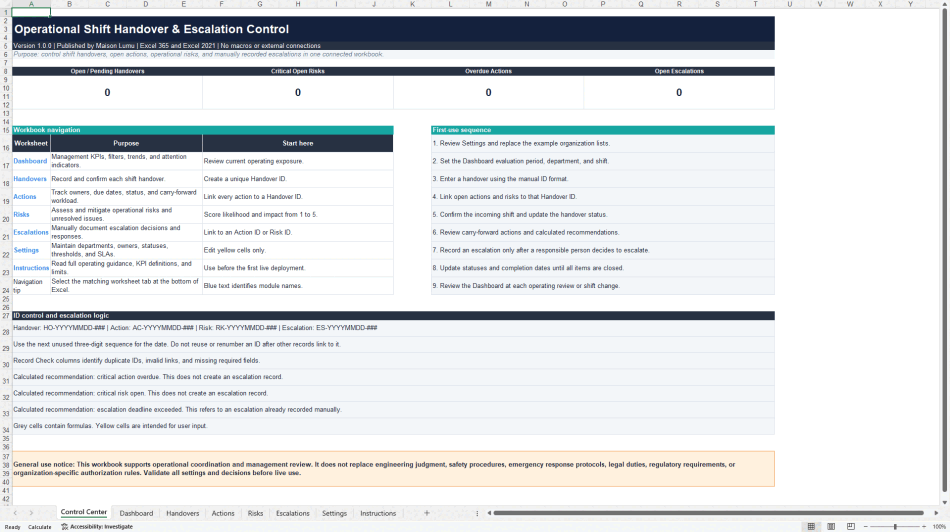
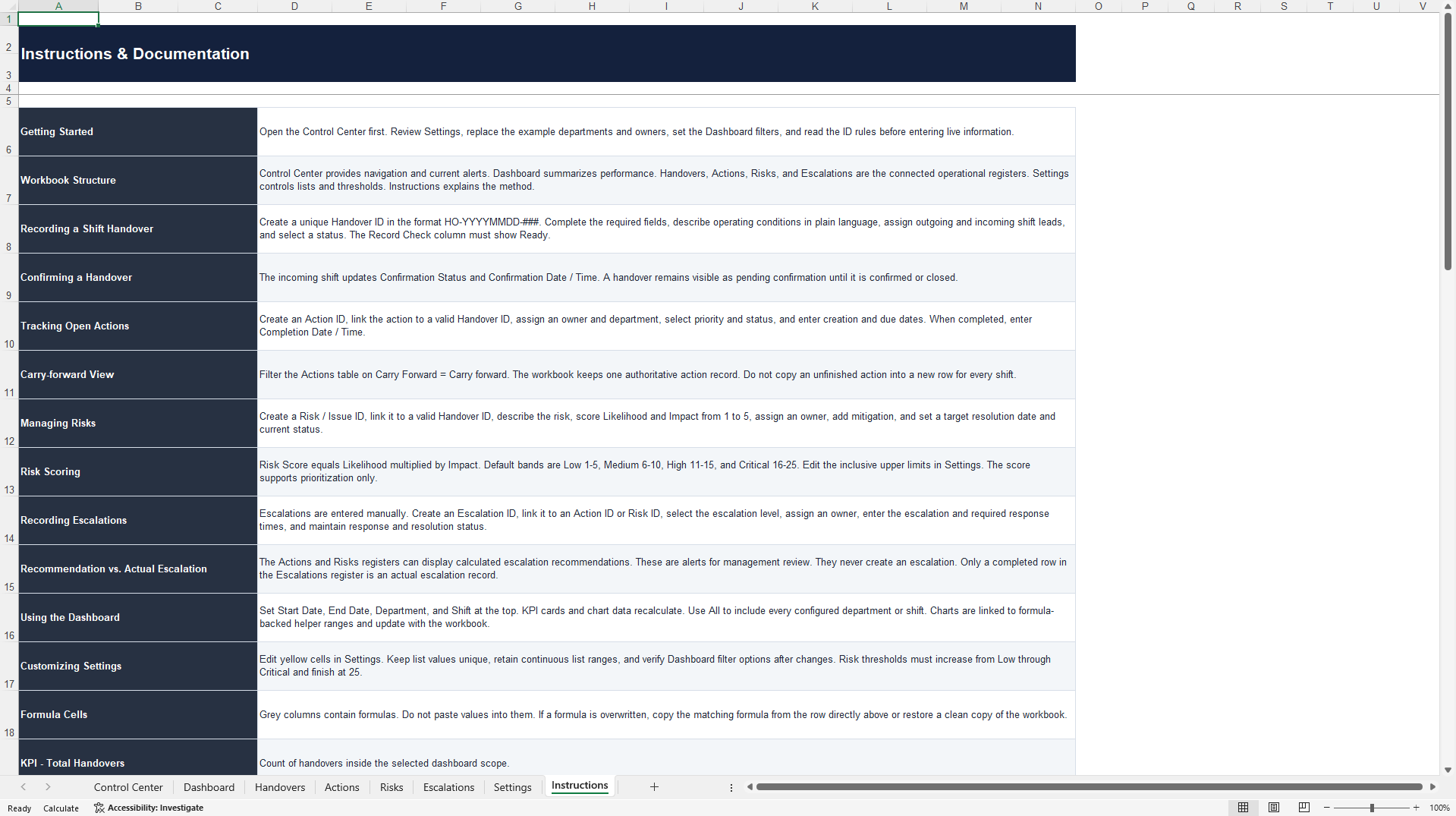
• Professional Control Center with workbook navigation, operating alerts, ID rules, and first-use guidance.
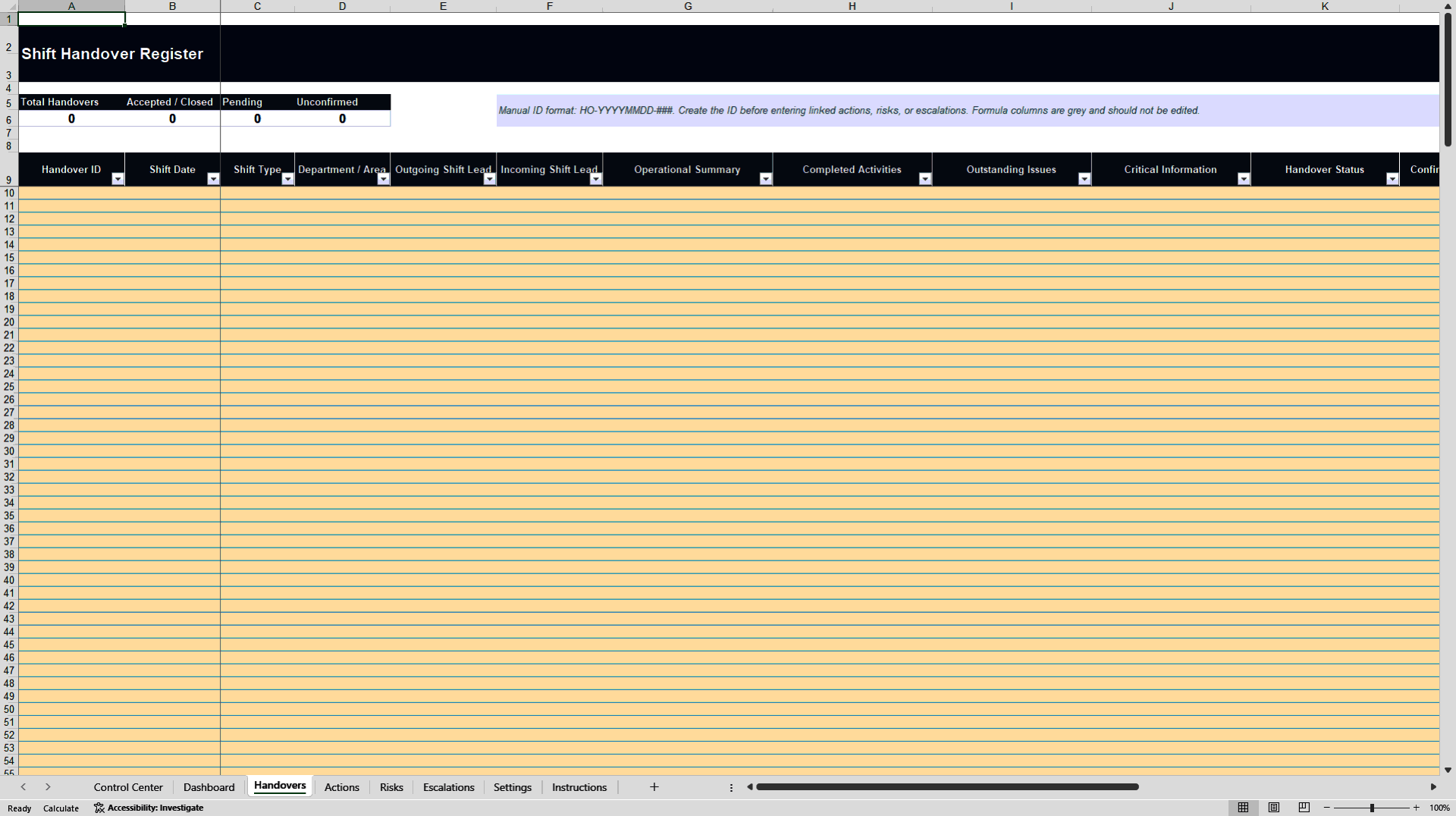
• Structured Shift Handover Register with confirmation status, required-information checks, and linked action and risk counts.
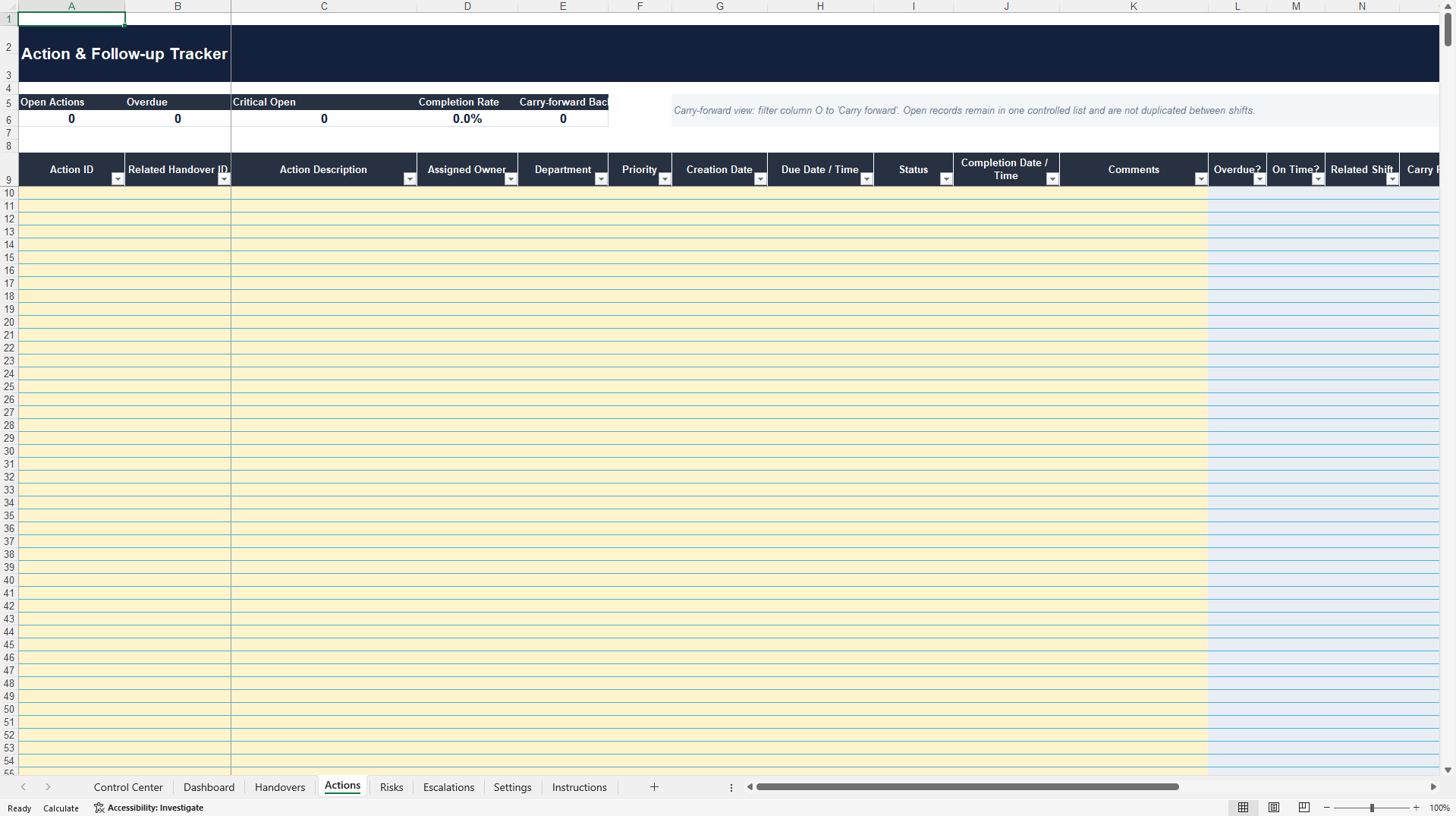
• Central Action and Follow-up Tracker with owner, priority, due date, overdue status, on-time completion, backlog, and carry-forward logic.
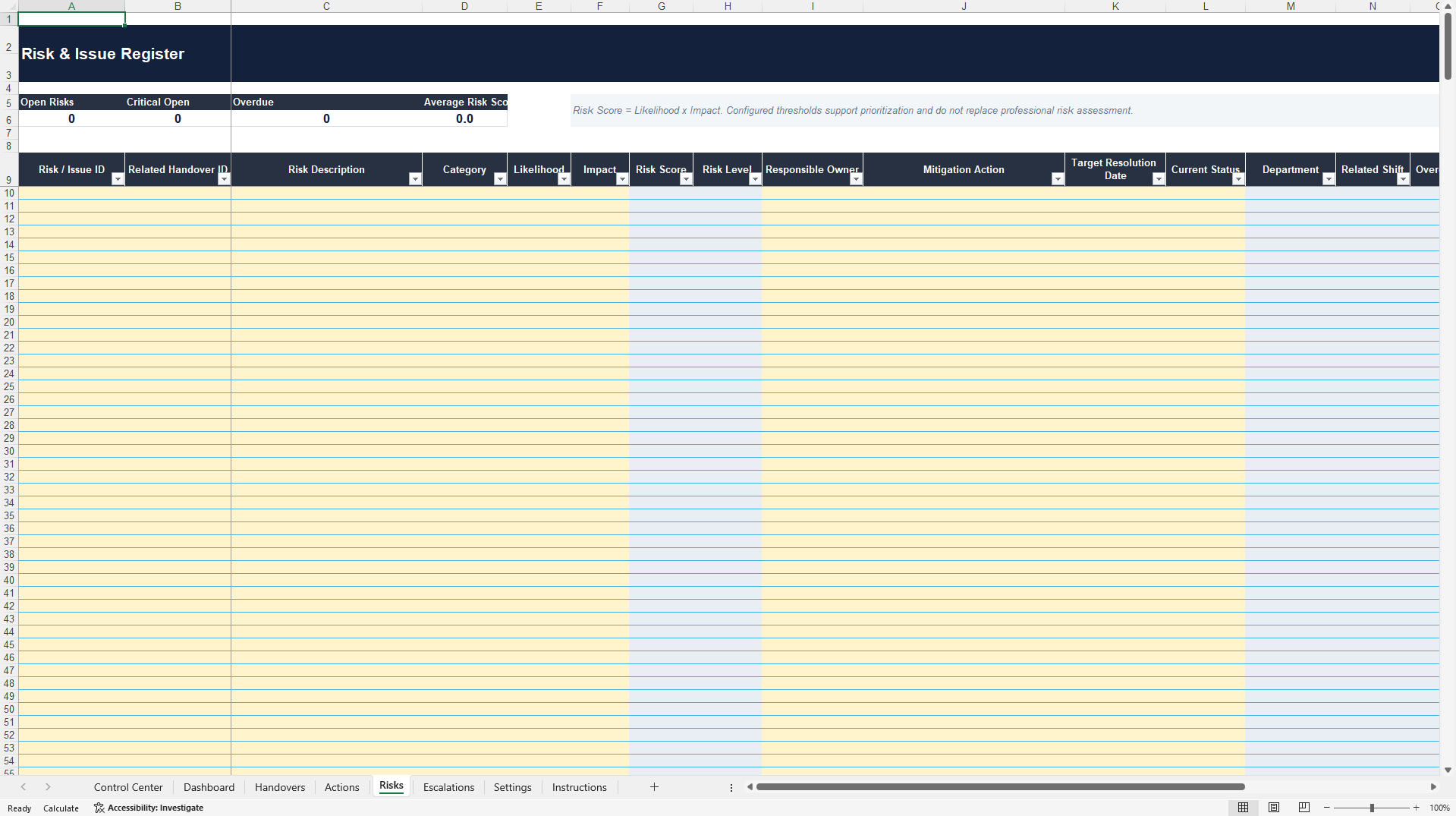
• Risk and Issue Register with configurable likelihood-impact scoring, four risk bands, mitigation ownership, and target resolution dates.
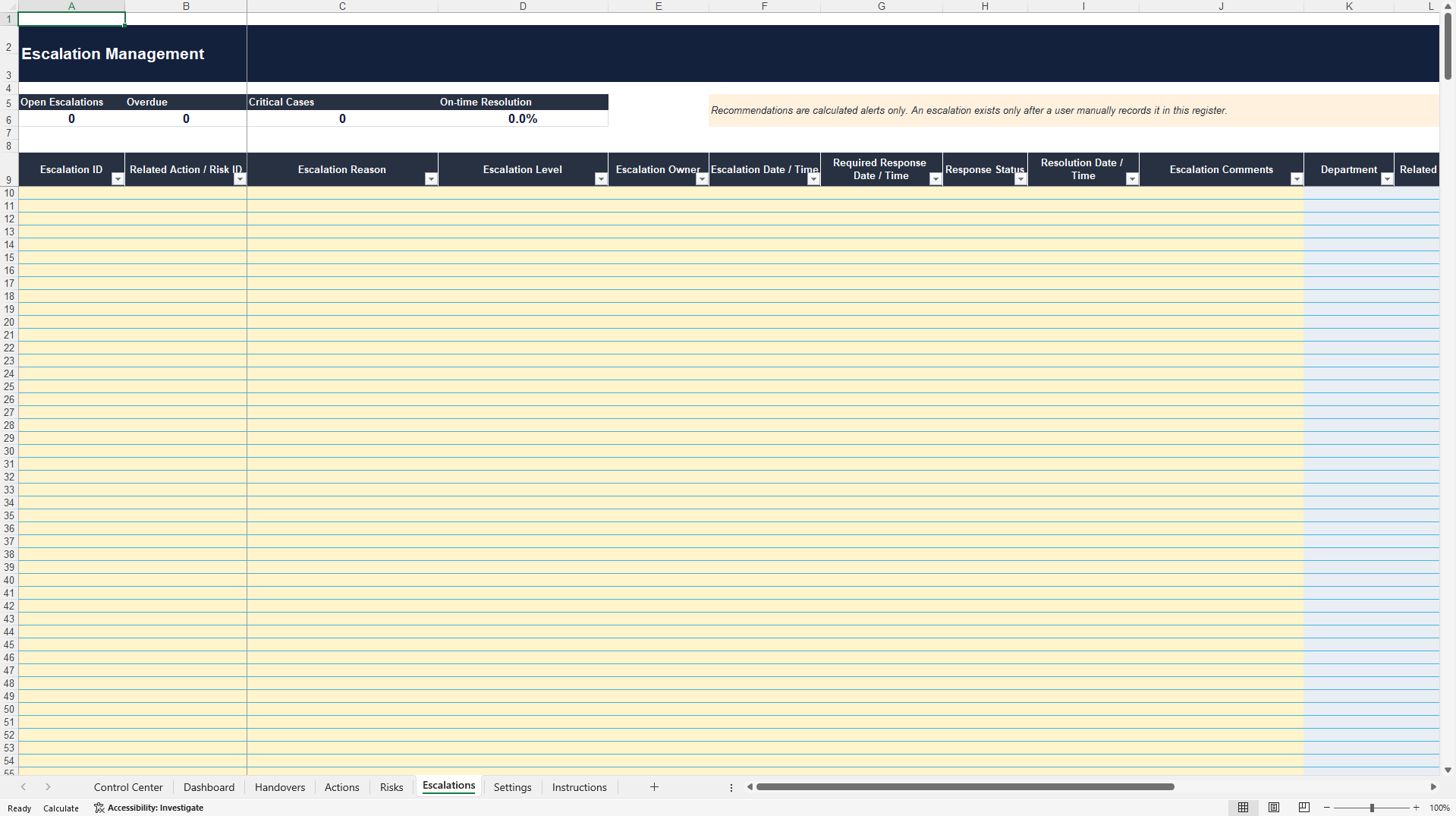
• Escalation Management Register with four configurable levels, response windows, overdue logic, critical-case identification, and resolution tracking.
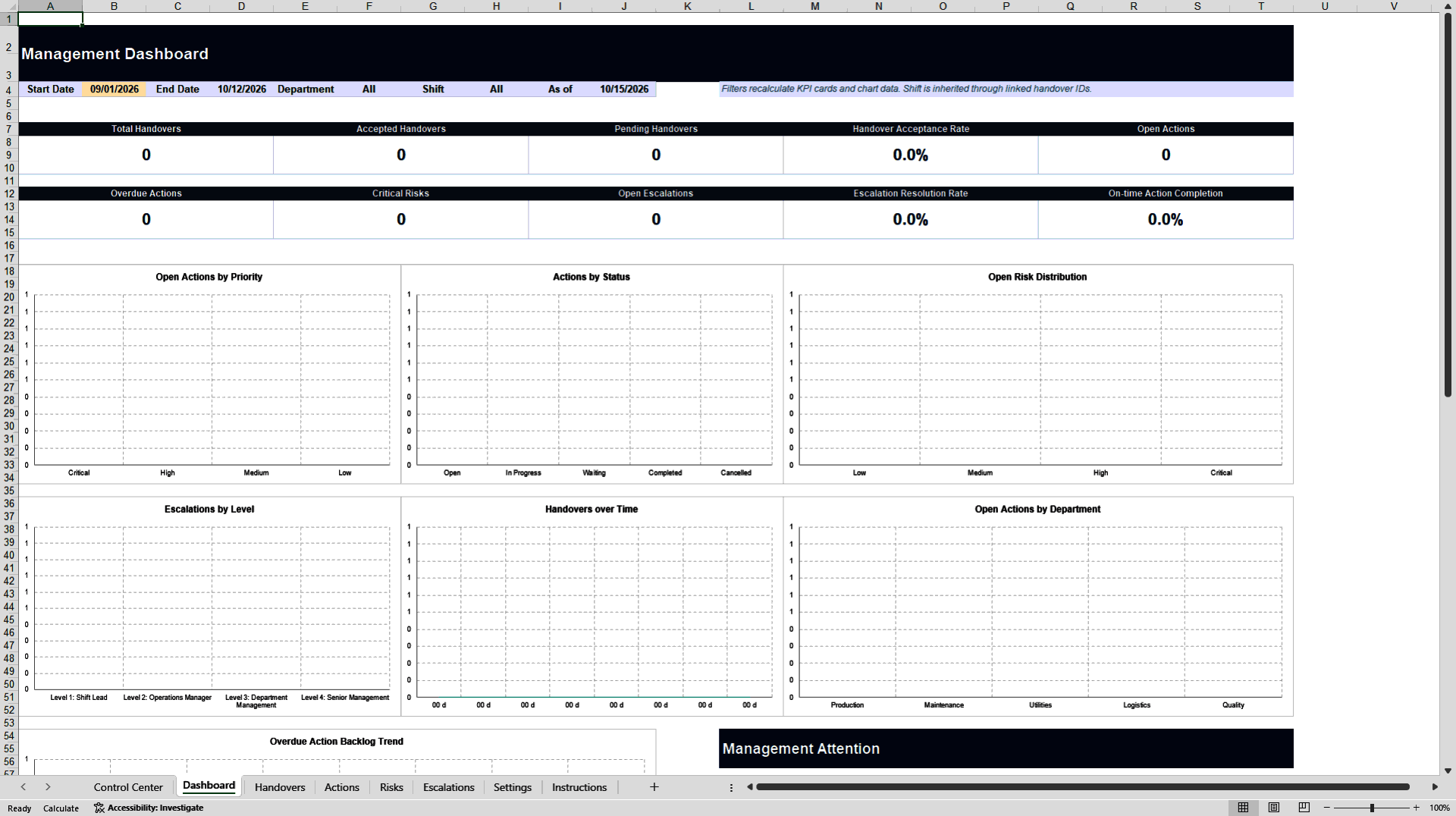
• Management Dashboard with 10 KPI cards and seven connected charts.
• Dashboard filters for start date, end date, department, and shift.
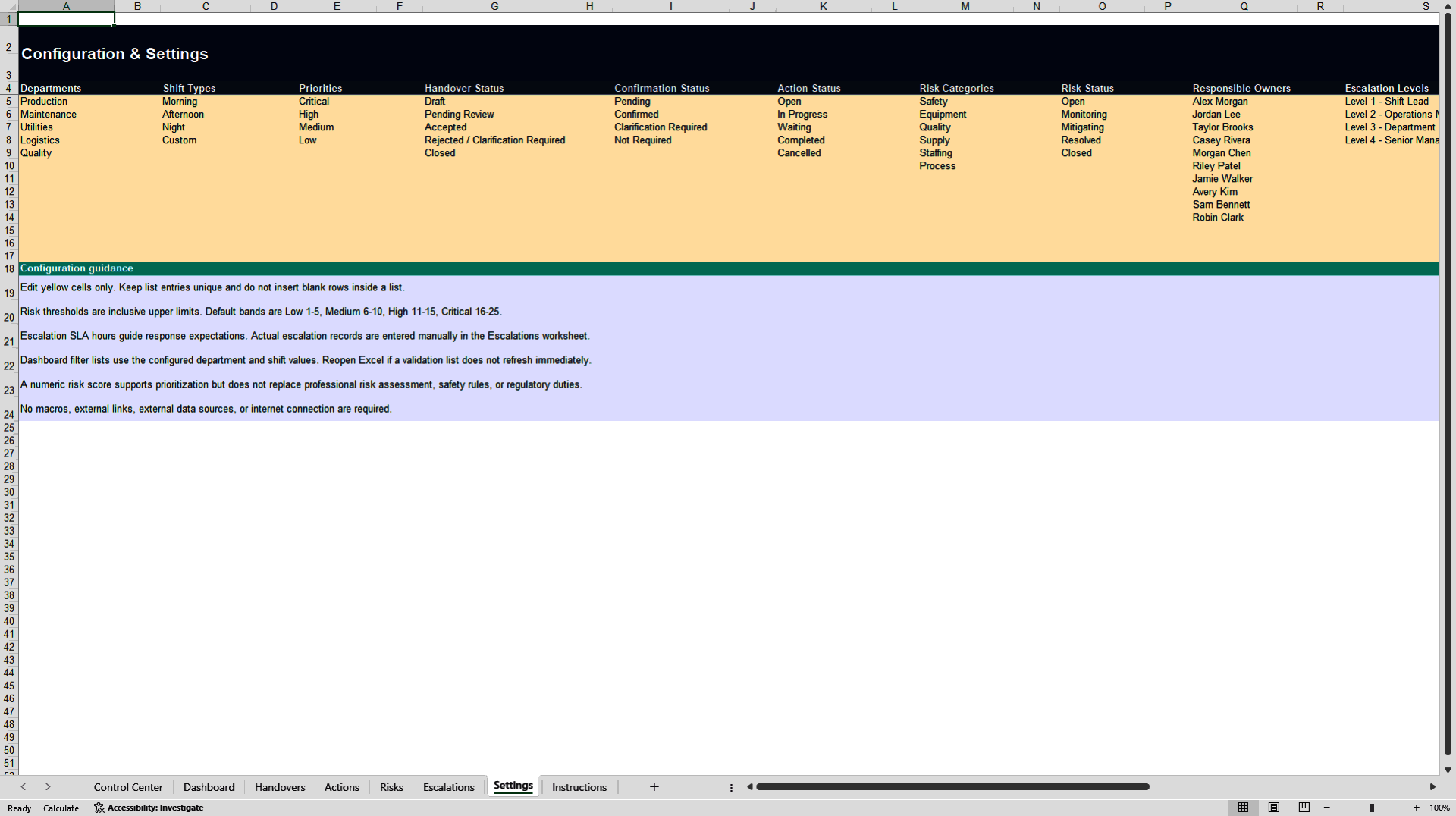
• Configurable departments, shifts, owners, priorities, statuses, risk thresholds, escalation levels, and response windows.
• Record-level checks for duplicate IDs, invalid links, and missing required fields.
• Clearly identified user-input cells and protected formula areas.
• No VBA macros, add-ins, external APIs, external data sources, or internet connection required.
MANAGEMENT DASHBOARD
The dashboard reports total, accepted, and pending handovers; handover acceptance rate; open and overdue actions; critical risks; open escalations; escalation resolution rate; and on-time action completion. Connected charts show open actions by priority, actions by status, open risk distribution, escalations by level, handovers over time, open actions by department, and the overdue-action backlog trend. Formula-based source ranges keep the dashboard connected to the operating registers without requiring PivotTable refreshes.
CONFIGURATION AND CAPACITY
The Settings worksheet allows users to change organizational lists and operating thresholds without editing formulas. The workbooks are prepared for up to 250 handovers, 1,000 actions, 500 risks or issues, and 500 escalations. Manual ID formats are documented because the product intentionally uses no macros.
TARGET USERS
The toolkit is suitable for manufacturing and industrial operations, control rooms, utilities, logistics and warehousing, technical facilities, maintenance environments, facility management teams, and other shift-based operating models. Typical users include operations managers, shift supervisors, control-room leaders, department managers, maintenance coordinators, risk owners, and continuous-improvement teams.
WHAT IS INCLUDED
The primary document is the Clean Excel workbook, prepared for organizational configuration and live data entry. The secondary ZIP contains a Demo workbook with 30 fictional handovers, 80 actions, 25 risks or issues, and 15 escalations; a professionally designed PDF User Guide; and an English README. The populated Demo version helps users understand the connected workflow before configuring the Clean workbook.
TECHNICAL REQUIREMENTS
Microsoft Excel 365 or Excel 2021 is recommended. The product uses the standard XLSX format and requires no macros, paid extensions, special installation, external connections, or internet access. Formula areas use password-free worksheet protection to reduce accidental changes while retaining ordinary filtering and sorting.
IMPORTANT USE NOTE
This toolkit supports operational coordination and management review. It does not replace engineering judgment, safety procedures, emergency-response protocols, legal duties, regulatory requirements, or organization-specific authorization rules. Risk scores and escalation recommendations are decision-support indicators and require review by appropriately responsible personnel.
Got a question about the product? Email us at support@flevy.com or ask the author directly by using the "Ask the Author a Question" form. If you cannot view the preview above this document description, go here to view the large preview instead.
Source: Best Practices in Operational Excellence, Incident Management Excel: Operational Shift Handover & Escalation Control Excel (XLSX) Spreadsheet, Maison Lumu | Market Intelligence
ABOUT THE AUTHOR

About Maison Lumu
Maison Lumu is an independent research and digital publishing business focused on market intelligence, industry analysis, and strategic business information.
Our mission is to make complex market developments, economic trends, and industry-specific information more accessible, structured, and actionable for business decision-makers.
Our Research Focus
... [read more]
Ask the Author a Question
You must be logged in to contact the author.




























