
 Click main image to view in full screen.
Office 5S Audit Checklist – Excel XLSX
Excel (XLSX) + PowerPoint (PPTX) 28


BENEFITS OF THIS DOWNLOADABLE EXCEL DOCUMENT
- Start auditing today -- a complete, office-ready 20-point 5S checklist with built-in scoring, so there's no template to build from scratch.
- See results instantly -- automatic subtotals, a Grand Total rating, and a live radar chart turn raw scores into a clear picture of where to focus.
- Prove improvement over time -- a ready-made monthly trend tracker shows your 5S score climbing against a target, not just a single audit snapshot.
5S EXCEL DESCRIPTION
OFFICE 5S AUDIT CHECKLIST * PERFORMANCE TOOLKIT (POWERPOINT + EXCEL)
The Office 5S Audit Checklist Toolkit is a comprehensive system designed by Operational Excellence Consulting to maintain organization in professional environments. Unlike traditional manufacturing tools, this kit focuses on administrative settings by evaluating criteria such as digital filing, desk clutter, and shared drives. It consists of a PowerPoint training deck to introduce the five principles—Sort, Set In Order, Shine, Standardize, and Sustain—and an Excel worksheet for data entry. The system utilizes 20 specific performance criteria to generate automatic scores, identifying strengths and weaknesses through radar charts. Users can monitor long-term progress using a monthly trend tracker that compares results against organizational targets. Ultimately, the toolkit provides a structured framework for teams to transform workplace organization into a disciplined, sustainable habit.
THE PROBLEM
5S is easy to explain and hard to sustain – especially outside the factory floor. Most 5S audit templates are built for production lines: machines, work-in-process, and shop floors. Offices, back-office teams, HR, finance, and service functions need their own criteria – desks, shared drives, filing, and documentation – and most teams end up either skipping the audit or hacking a manufacturing checklist that doesn't quite fit.
This toolkit gives you a complete, office-specific 5S audit system: the training deck to introduce it, and the working spreadsheet to run it, score it, and track it over time.
WHAT'S INSIDE
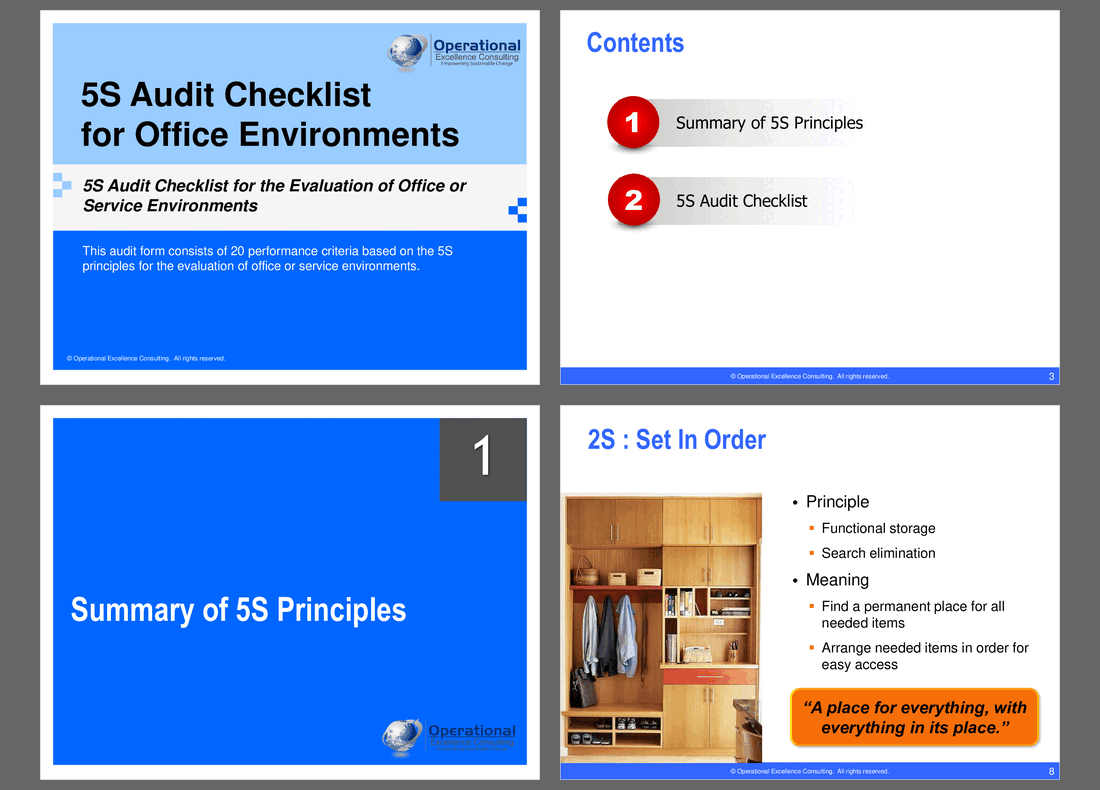
1. Office 5S Audit Checklist (PowerPoint, 26 slides)
A polished, presentation-ready deck for training teams and running the audit kickoff – not just a checklist dumped into slides.
• How to Use This Toolkit – a 4-step process (assign an auditor, set a frequency, score each criterion, tally and track) so any team can run this without a facilitator
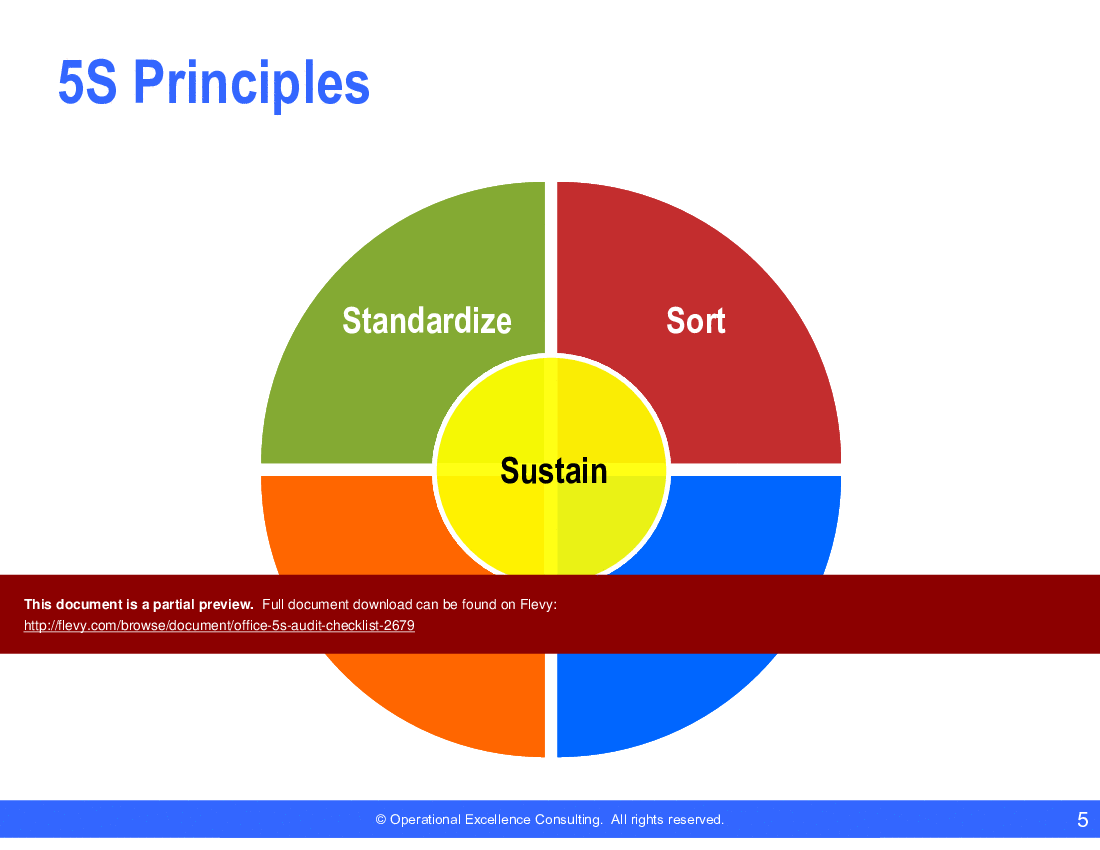
• 5S Principles for the Office – a "What is 5S?" summary table, a principles wheel diagram, and one detail slide per S (Sort, Set In Order, Shine, Standardize, Sustain) with the meaning and a memorable takeaway quote for each
• 5S Audit Scoring guide – a visual 1–5 scoring scale (from "we constantly deviate" to "flawless, no deviations ever")
• 20-criterion checklist – 4 questions per pillar, laid out across 5 clean, branded table slides, ready to project or print
• Score Meter – both a blank template and a worked example, showing how a Grand Total score maps to a Very Poor–Excellent rating band
• Native radar chart – visualizes performance across all 5 pillars at a glance, so weak spots are obvious
• Native monthly trend chart – tracks audit scores against a target/goal line over time
• Fully editable PowerPoint, built to the OEC brand system (Navy / Sky Blue palette, consistent typography, no locked or flattened elements)
2. Office 5S Audit Worksheet (Excel, 4 tabs)
The working companion – where the audit actually gets scored, tallied, and charted.
• How to Use – step-by-step instructions plus a colour legend so anyone can pick this up without training
• 5S Audit Checklist – all 20 criteria with drop-down scoring (1–5), automatic pillar subtotals, an automatic Grand Total (out of 100), and an automatic 5S Rating – arrives pre-filled with a complete worked example so you can see it working before you touch a cell
• Score Dashboard – a live radar chart and score meter that update automatically as soon as you score the checklist
• Monthly Trend Tracker – a live line chart plotting your Grand Total against a customizable target score, month over month
• Every formula, chart, and drop-down is native Excel – no macros, no add-ins, fully editable
WHO THIS IS FOR
• Office managers and admin leads running their own 5S programme
• Lean / Continuous Improvement practitioners extending 5S beyond the shop floor
• HR, finance, and shared-services teams preparing for an internal audit or ISO surveillance visit
• Consultants and trainers who need a client-ready 5S audit deck and scoring tool
HOW TO USE IT
1. Open the PowerPoint with your team to introduce (or refresh) the 5 principles and how the audit works.
2. Walk the workspace using the 20-criterion checklist, scoring each item from 1 (constant deviations) to 5 (flawless).
3. Enter the same scores into the Excel worksheet – subtotals, Grand Total, and rating calculate instantly.
4. Review the radar chart to spot the weakest pillar, and log the Grand Total in the Monthly Trend Tracker to build a running record.
5. Repeat monthly or quarterly to show real improvement over time – not just a one-off snapshot.
FREQUENTLY ASKED QUESTIONS (FAQ)
• Do I need Lean or 5S experience to use this? No. The "How to Use This Toolkit" sections in both files walk through the entire process, and the worksheet ships with a full worked example already scored.
• Can I change the 20 questions? Yes. Both the checklist tables and the Excel formulas are fully editable – adjust the wording to match your own office, or add/remove criteria as needed (the subtotal formulas will need matching adjustments if you add rows).
• Is this the same as OEC's Manufacturing 5S Audit Checklist? No – this is a separate, office-specific version with its own 20 criteria built around desks, filing, shared drives, and administrative workflows, distinct from OEC's shop-floor 5S Audit Checklist for manufacturing environments.
• Does the Excel file require macros or add-ins? No. All scoring, totals, ratings, and charts use native Excel formulas, data validation, and chart objects – it opens and works in standard Excel with no security warnings.
• Can I use this with multiple departments? Yes. Duplicate the worksheet tab (or the whole file) per department/team, and use the Monthly Trend Tracker to compare progress over time.
About Operational Excellence Consulting
Operational Excellence Consulting (OEC) is an elite Singapore-based management training and consulting firm specializing in Lean Thinking, Total Productive Maintenance (TPM), Total Quality Management, and Six Sigma. This identical toolkit represents the precise, battle-tested templates OEC's consultants deploy during formal corporate client engagements across Asia to build lasting continuous improvement capabilities.
Got a question about the product? Email us at support@flevy.com or ask the author directly by using the "Ask the Author a Question" form. If you cannot view the preview above this document description, go here to view the large preview instead.
Source: Best Practices in 5S Excel: Office 5S Audit Checklist Excel (XLSX) Spreadsheet, Operational Excellence Consulting
ABOUT THE AUTHOR

Operational Excellence Consulting, founded in 2009 by Allan Ung, draws from extensive experience at Microsoft, IBM, and Underwriters Laboratories (UL). We specialize in strategy deployment, customer experience design, and operational excellence, applying Design Thinking, Lean, and Systems Thinking to maximize customer value and minimize waste.
Our
... [read more]
Ask the Author a Question
You must be logged in to contact the author.




























