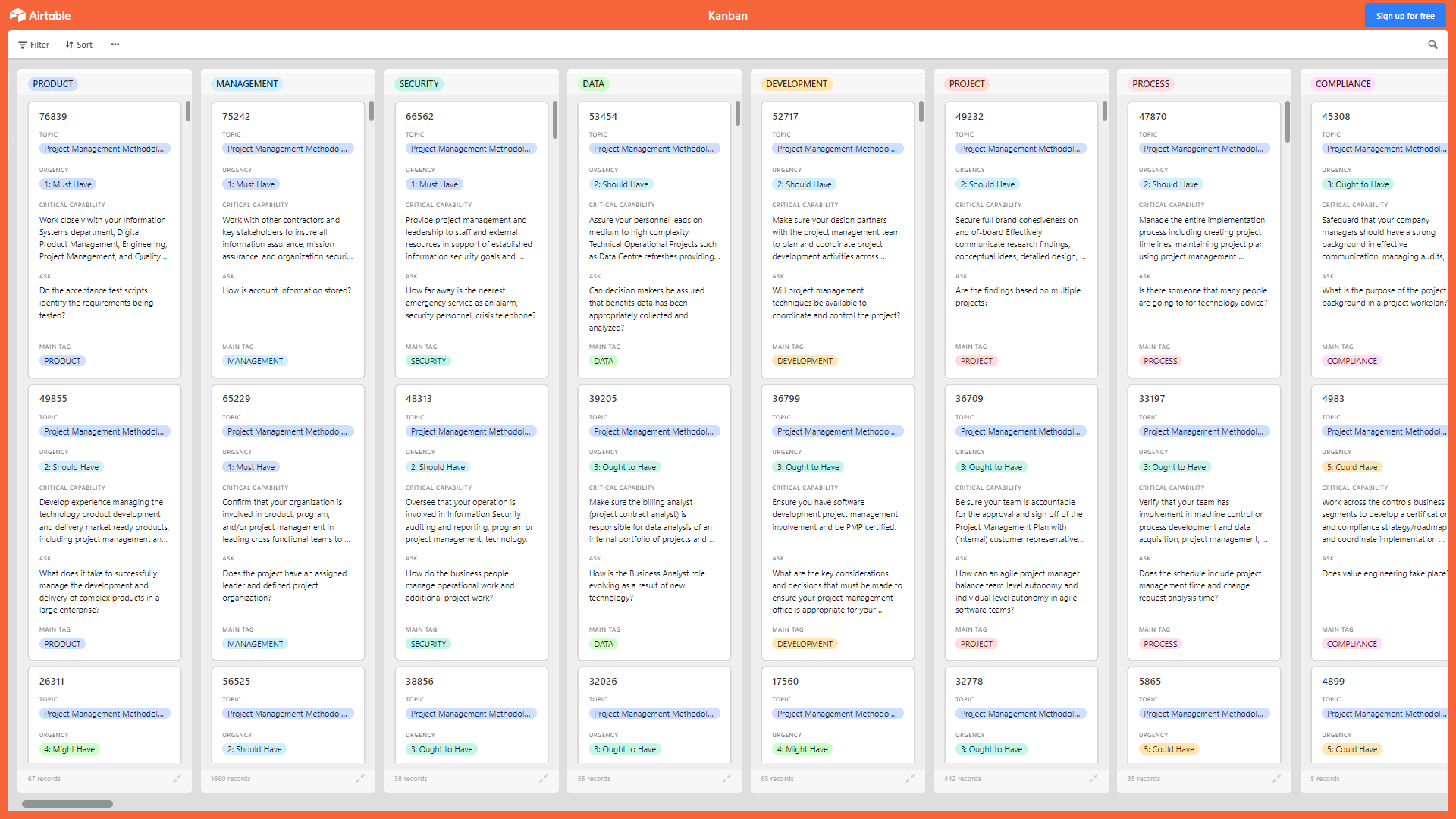
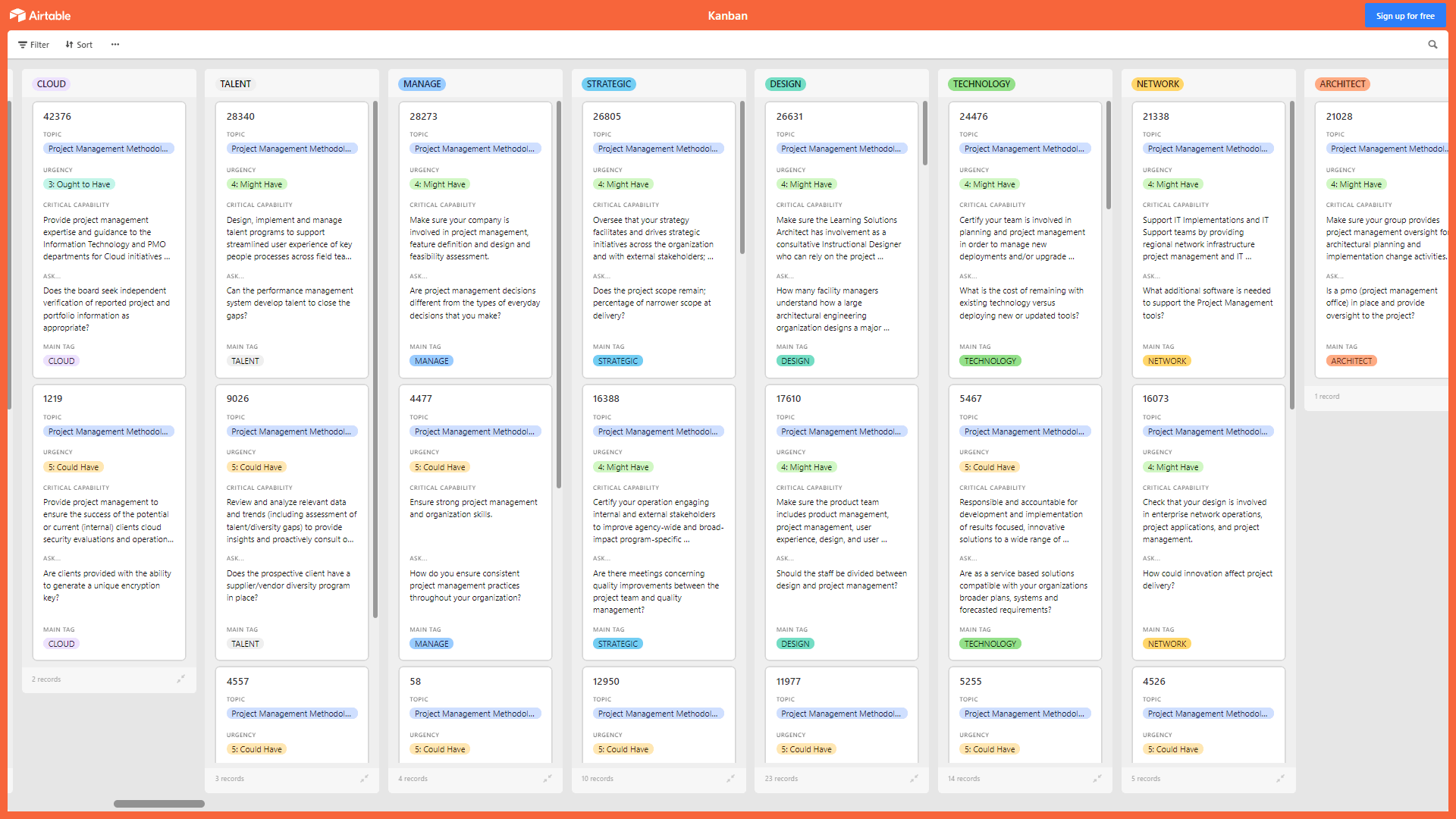
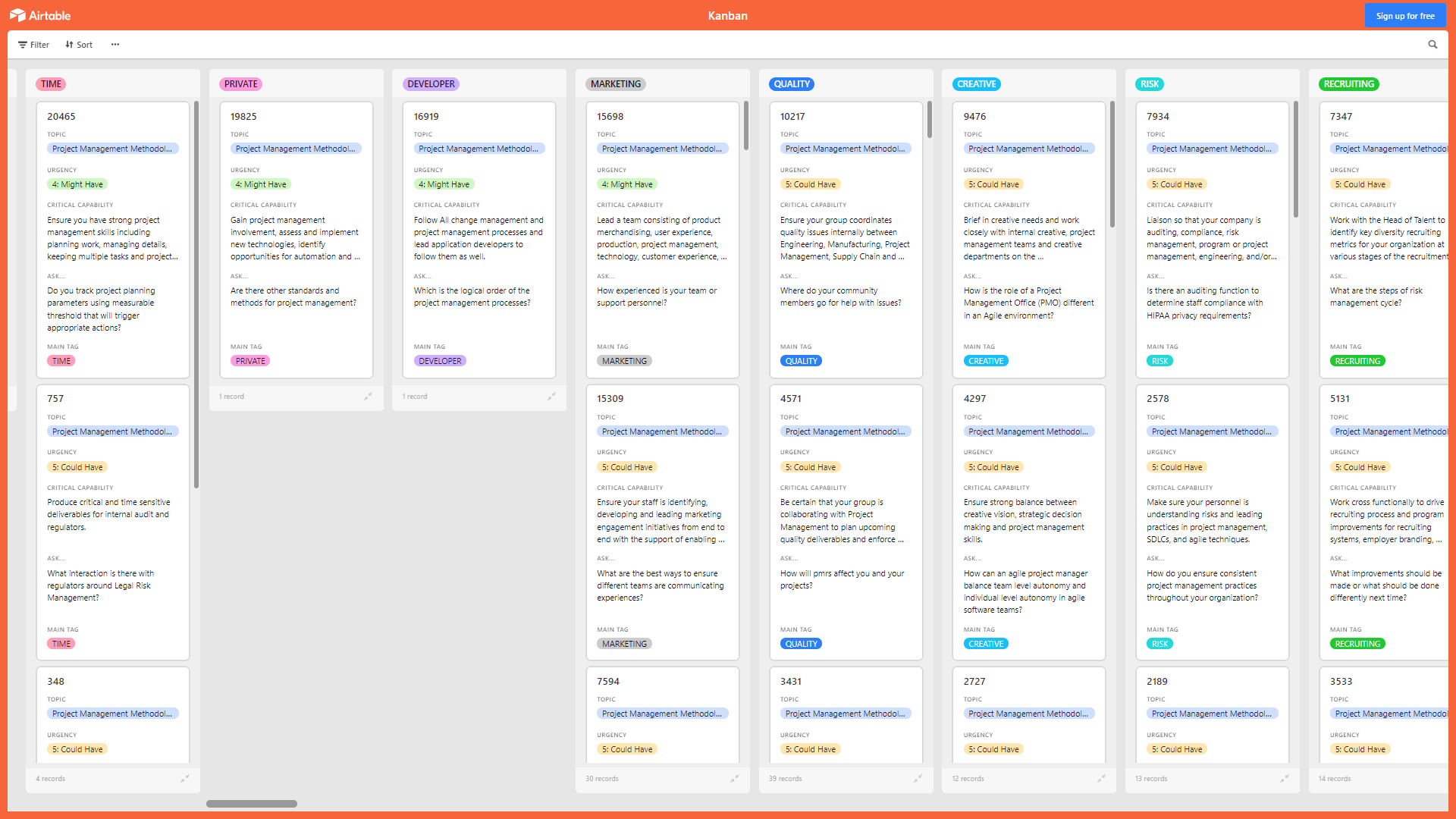
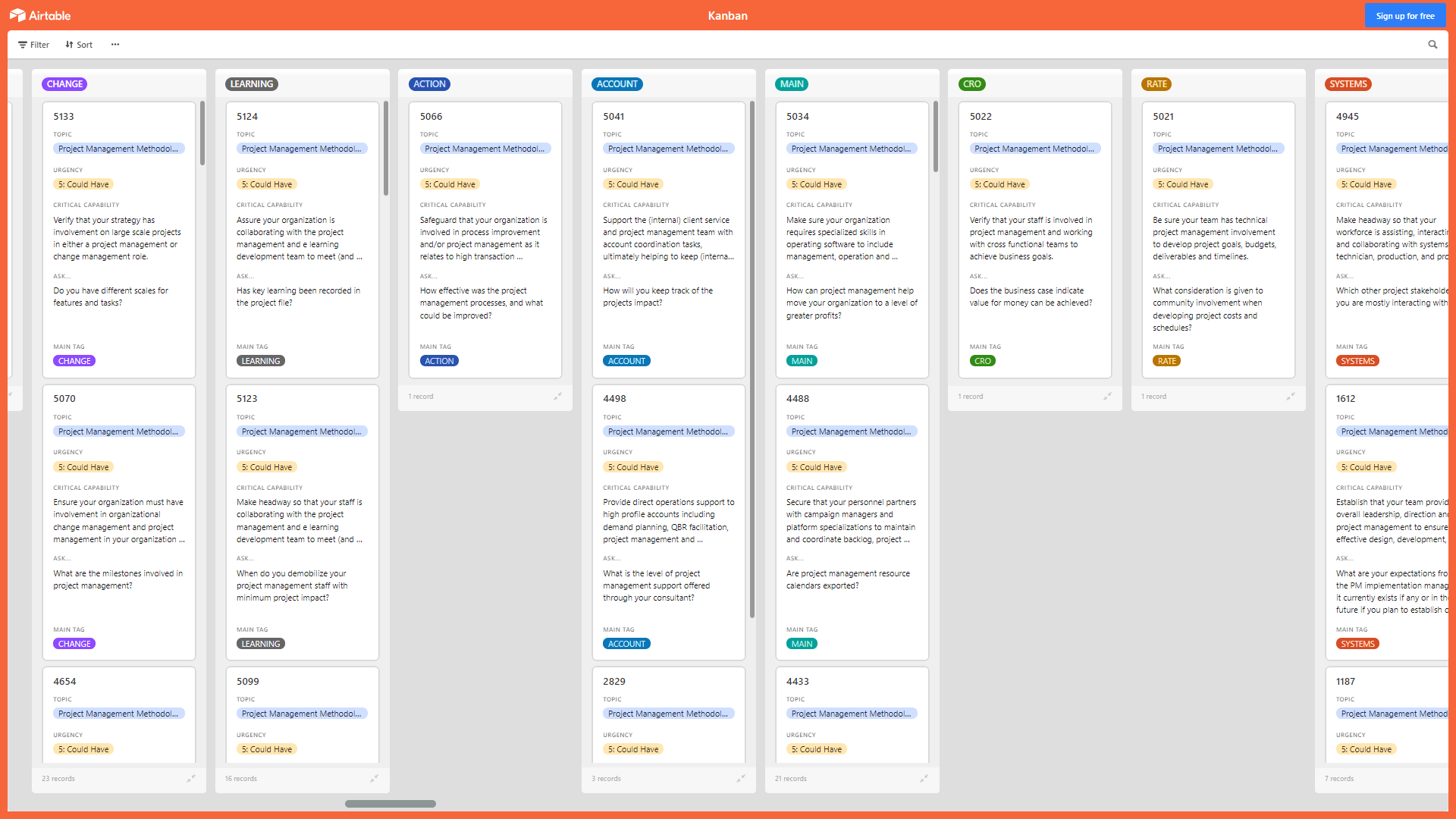

 Click main image to view in full screen.


PROJECT MANAGEMENT EXCEL DESCRIPTION
A Kanban Board is a Lean & Agile Project Management tool used to implement Kanban to manage work at a personal or organizational level.
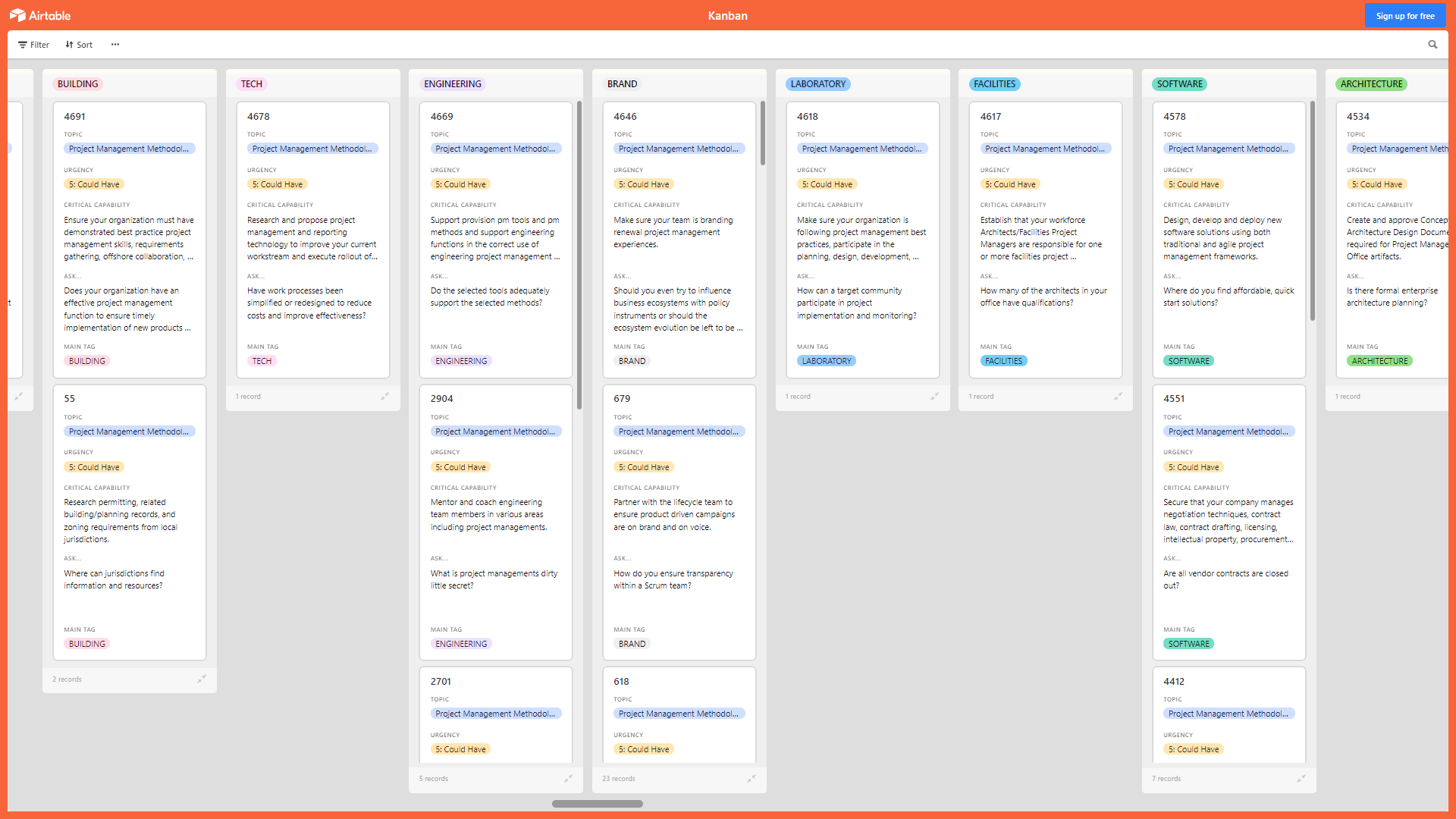
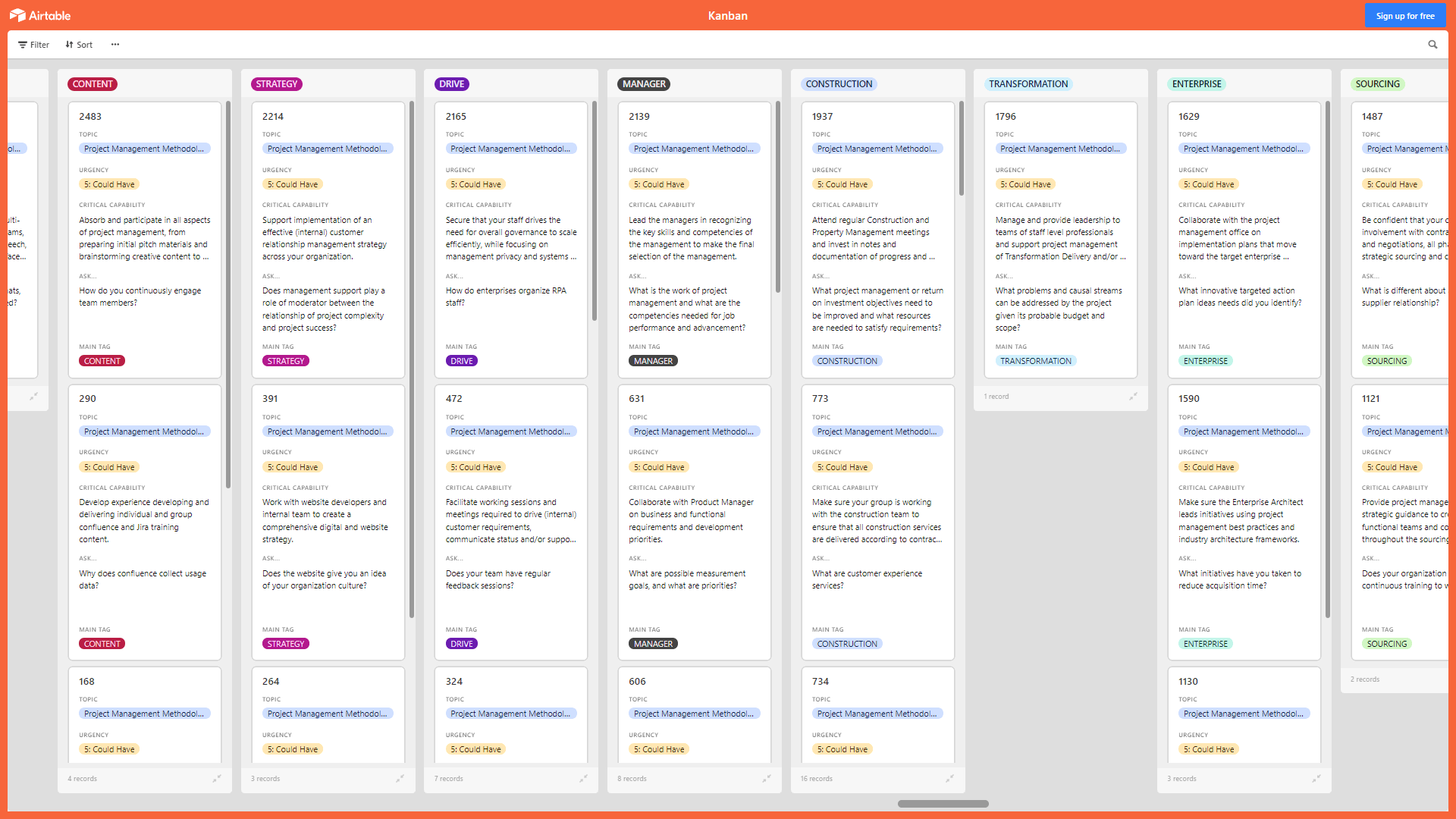
Kanban Boards visually depict work at various stages of a process using cards to represent work items and columns to represent each stage of the process. Cards are moved from left to right to show progress and to help coordinate teams performing the work. A Kanban Board may be divided into horizontal "swimlanes" representing different kinds of work or different teams performing the work.
With this Project Management Kanban, you can work closely with your Information Systems department, Digital Product Management, Engineering, Project Management, and Quality teams to ensure connected products meet overall system requirements and leverage existing business solutions and systems.
This Kanban offers the following benefits:
• Develop a solution to an information system problem that provides genuine business benefits.
• Convince people that project management will help them.
• Solve current project management challenges using design thinking processes.
• Align project management goals with business goals.
• Track standard project management processes and metrics for your entire enterprise, and quickly identify any performance problems early enough to take action.
• Bring a more structured approach to Project Management that is flexible and easy to understand to an environment that seems to be constantly changing.
• Optimize the project management capabilities of your organization so that you can mitigate against cost overruns and project failures.
• Ensure that the Scrum team has access to a projects stakeholders.
• Get employees to change work habits that have proven to be successful.
This Kanban Board is downloadable as an Excel file. You will need to import the Excel into Airtable, Monday, Smartsheet, Power BI, or the Kanban visualization tool of your choice.
The above preview is only a partial snapshot of all the data included in the Kanban Excel import. The full document has 2,800+ records.
Got a question about the product? Email us at support@flevy.com or ask the author directly by using the "Ask the Author a Question" form. If you cannot view the preview above this document description, go here to view the large preview instead.
TOPIC FAQ
What is a Kanban board and how does it represent work in project management?
A Kanban board visually depicts work items as cards and process stages as columns; cards move left-to-right to show progress. Boards may include horizontal swimlanes to separate types of work or teams, and they can be used at personal or organizational levels to represent workflow using cards, columns, and swimlanes.How can cross-functional teams use Kanban to coordinate on connected products?
Cross-functional teams (Information Systems, Digital Product Management, Engineering, Project Management, Quality) can place shared work items on a common board to visualize dependencies, handoffs, and system requirements, helping teams leverage existing business solutions and align on connected-product objectives across those named teams.What practical benefits should I expect from implementing Kanban in project management?
Kanban helps align project management goals with business goals, track standard project management processes and metrics, identify performance problems early, and aim to mitigate cost overruns and project failures. These outcomes are supported through visual tracking and metrics monitoring across the enterprise.How do I import an Excel Kanban into common visualization or work-management tools?
An Excel-based Kanban can be imported into tools that accept spreadsheet imports or datasets, such as Airtable, Monday, Smartsheet, Power BI, or other Kanban visualization tools, allowing you to use the provided records and mapping in those platforms.What should I look for when choosing a Kanban template for enterprise use?
Look for templates that model work with cards, columns, and swimlanes; support tracking of standard project management processes and metrics; and are importable into your tooling. A useful commercial example is Flevy's Kanban Board: Project Management, which is provided as an Excel import with 2,800+ records.How should I evaluate the cost/value of purchasing a Kanban template?
Evaluate whether the template supports alignment of project and business goals, provides metrics to detect performance issues early, integrates with existing tools, and helps mitigate project risks; these practical benefits tie to enterprise tracking of project management processes and metrics.I need to standardize project metrics across multiple teams—how can Kanban help?
Kanban provides a common visual workspace where teams track process stages and cards, enabling centralized monitoring of standard project management processes and metrics and quicker identification of performance problems across the enterprise.My organization uses Scrum—how can Kanban complement our process?
Kanban can complement Scrum by visualizing work flow and making stakeholder-linked items visible, helping to ensure the Scrum team has access to project stakeholders and enabling clearer coordination between Scrum ceremonies and ongoing workflow tracking.Source: Best Practices in Project Management, Kanban Board Excel: Kanban Board: Project Management Excel (XLSX) Spreadsheet, Gerard Blokdijk




























