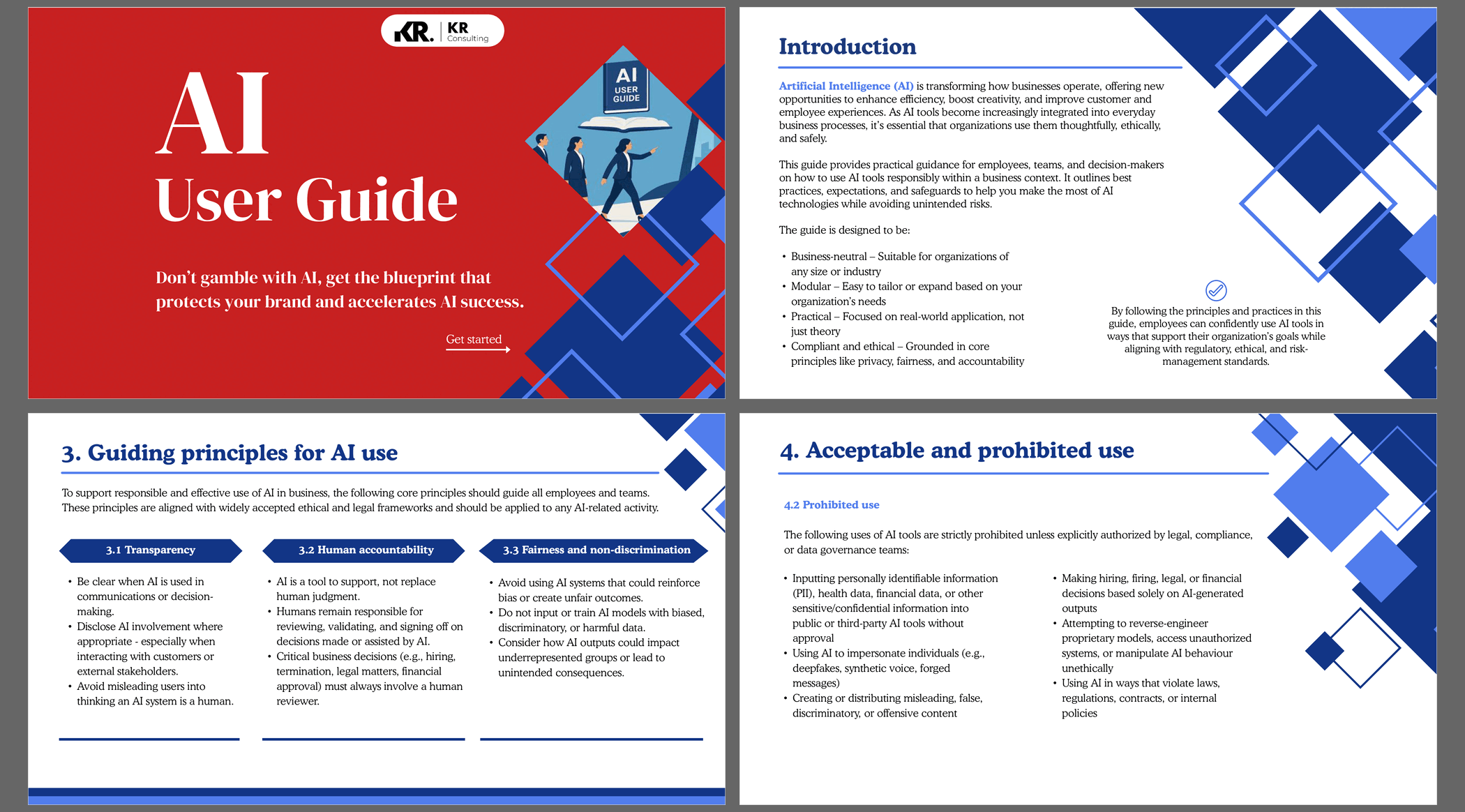
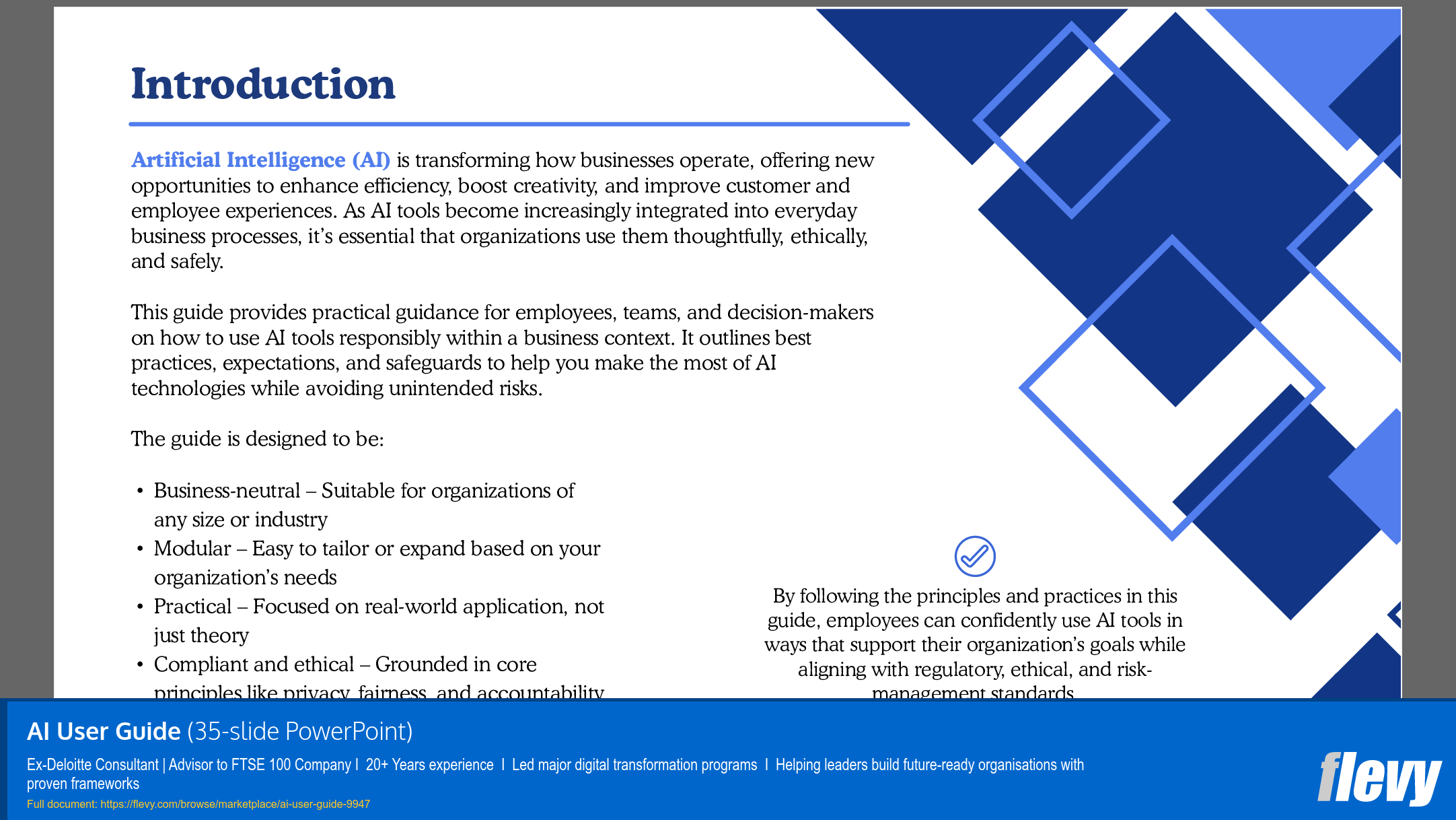
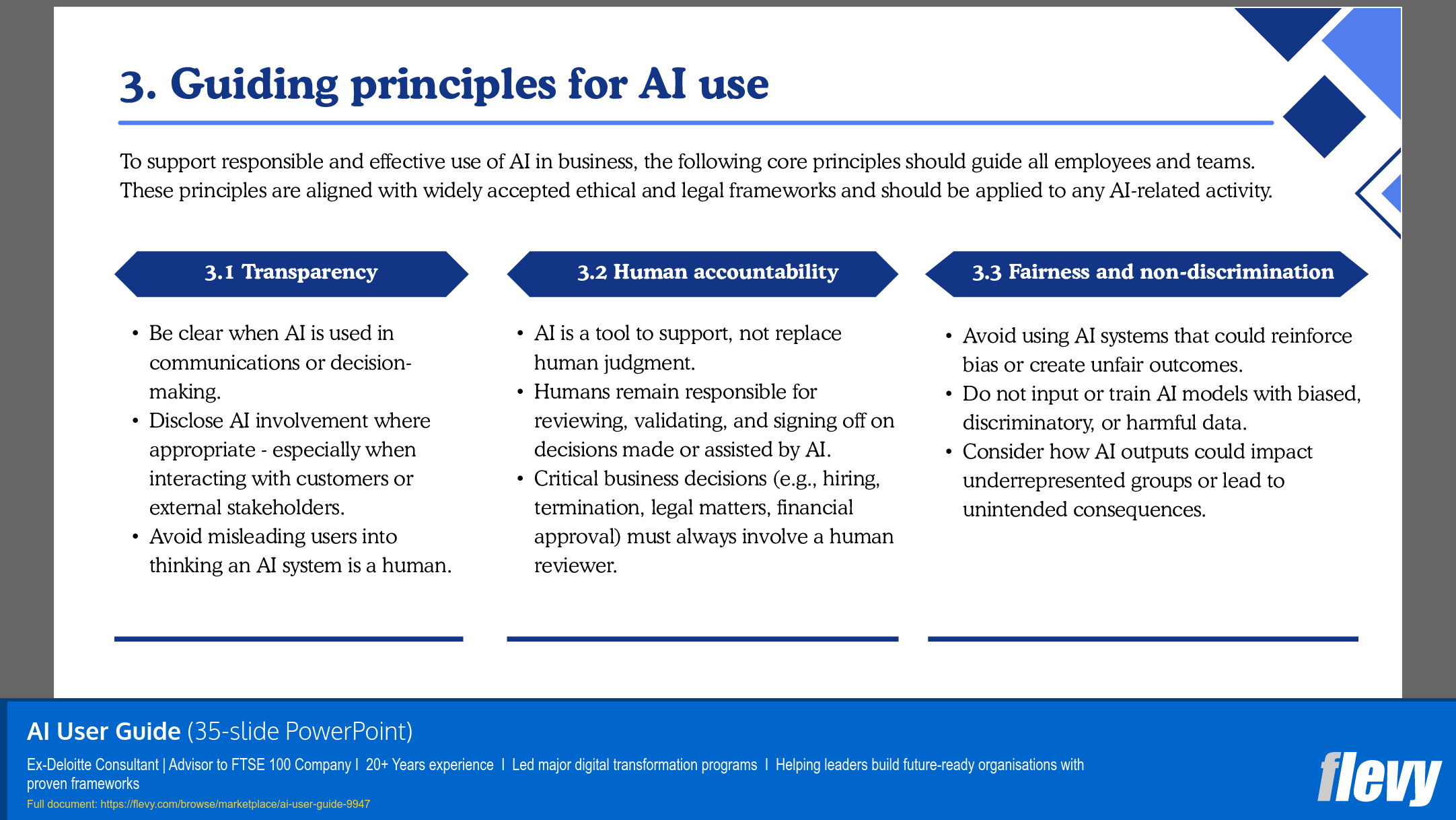
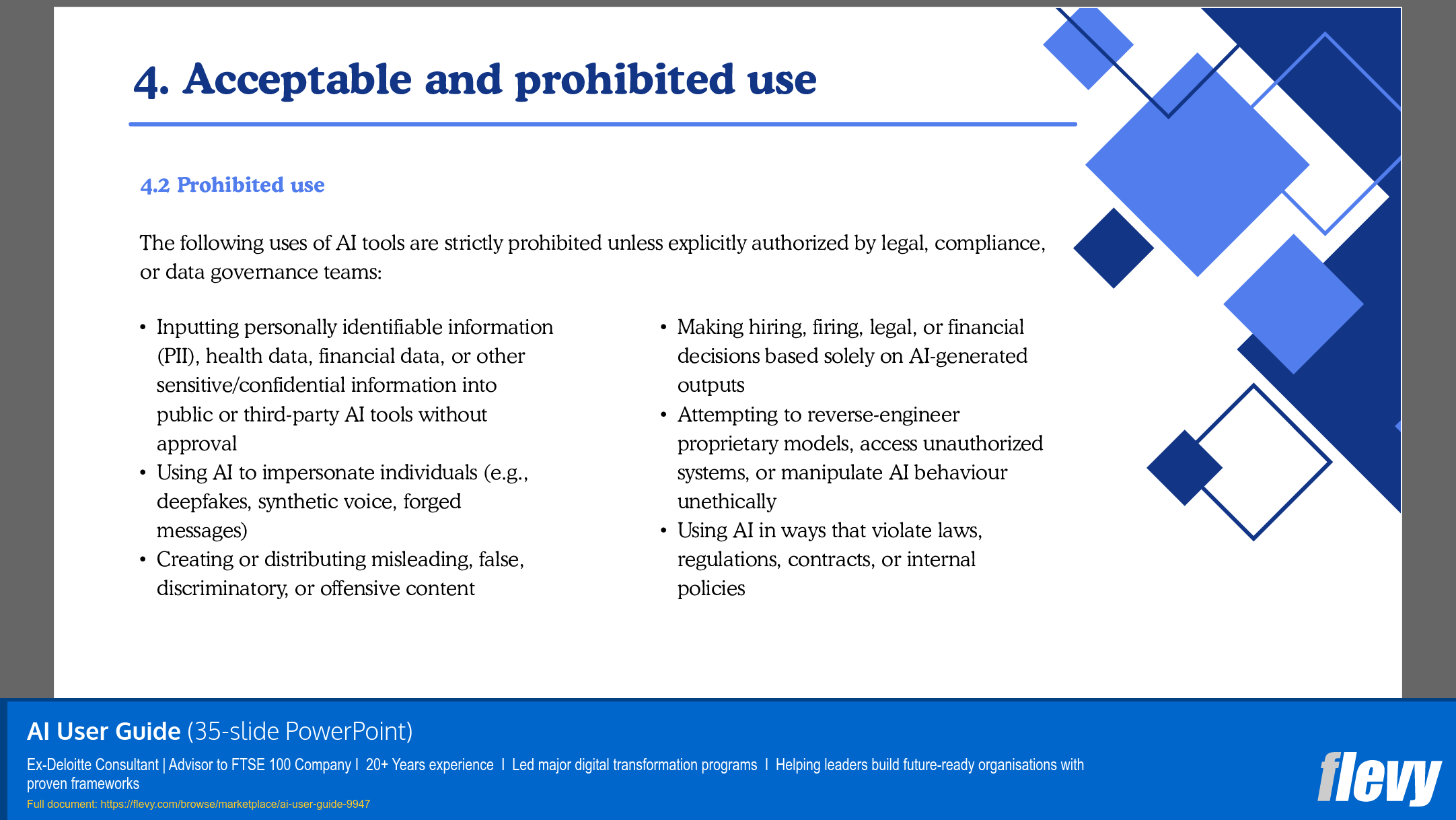
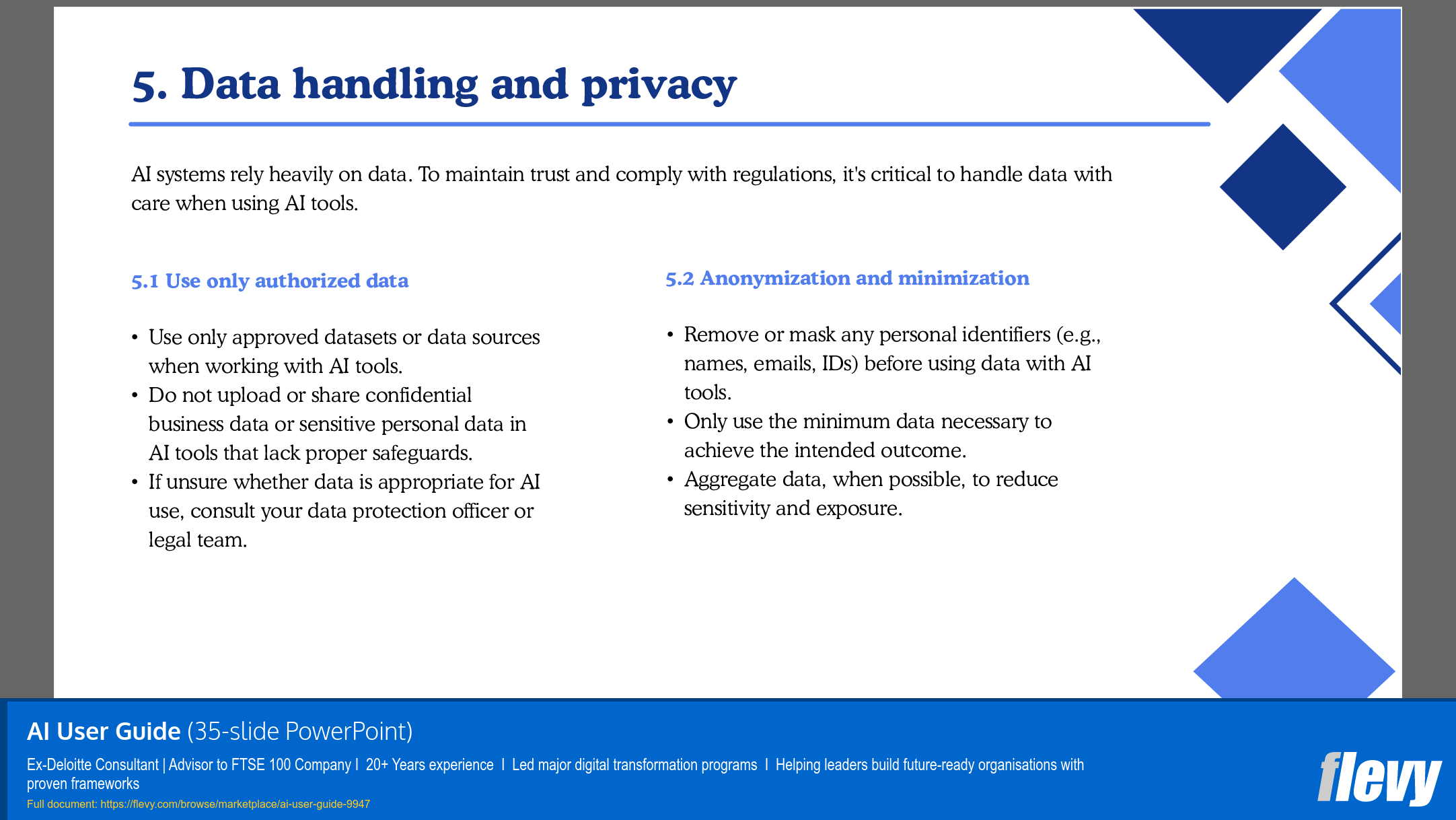
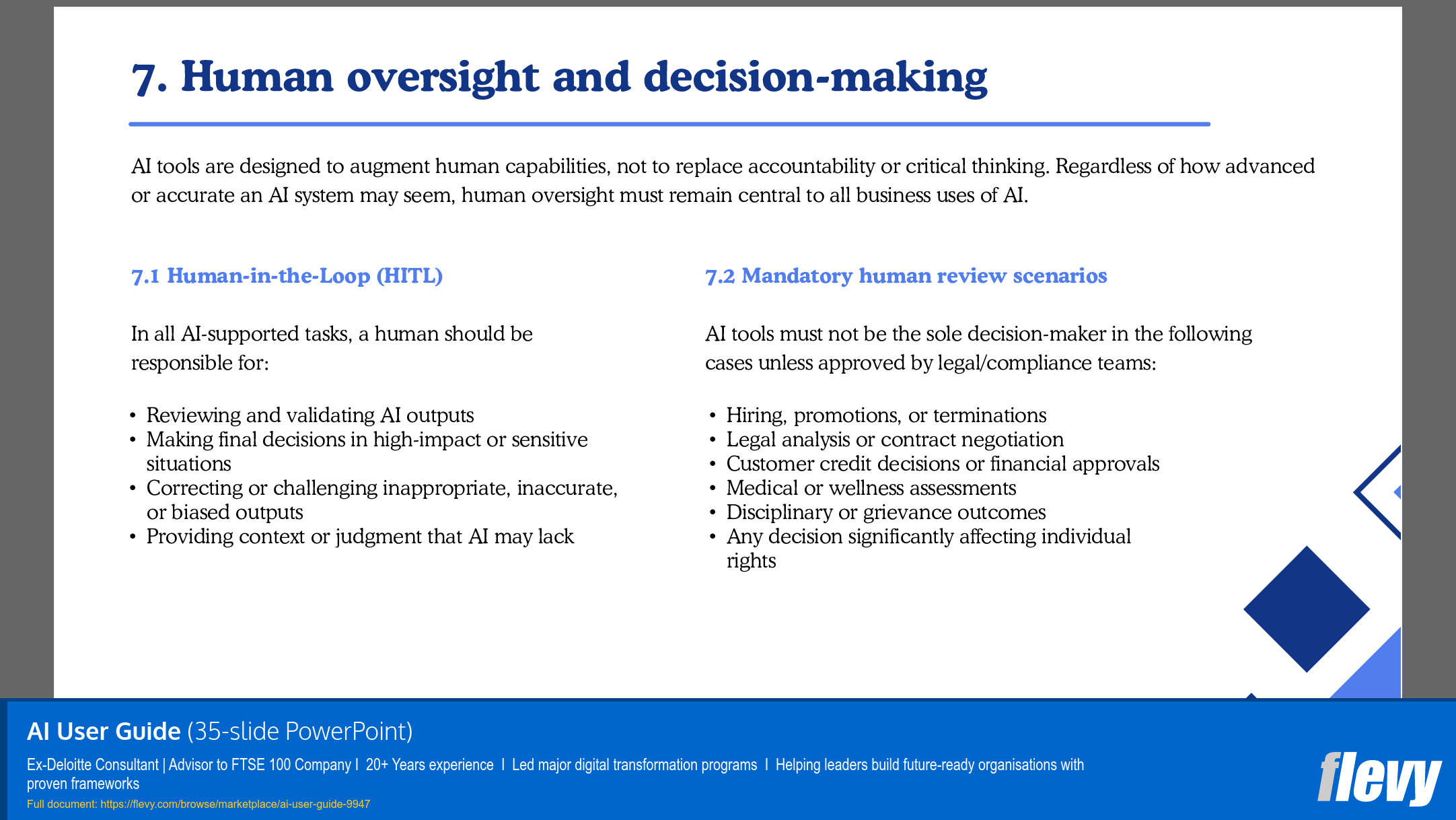
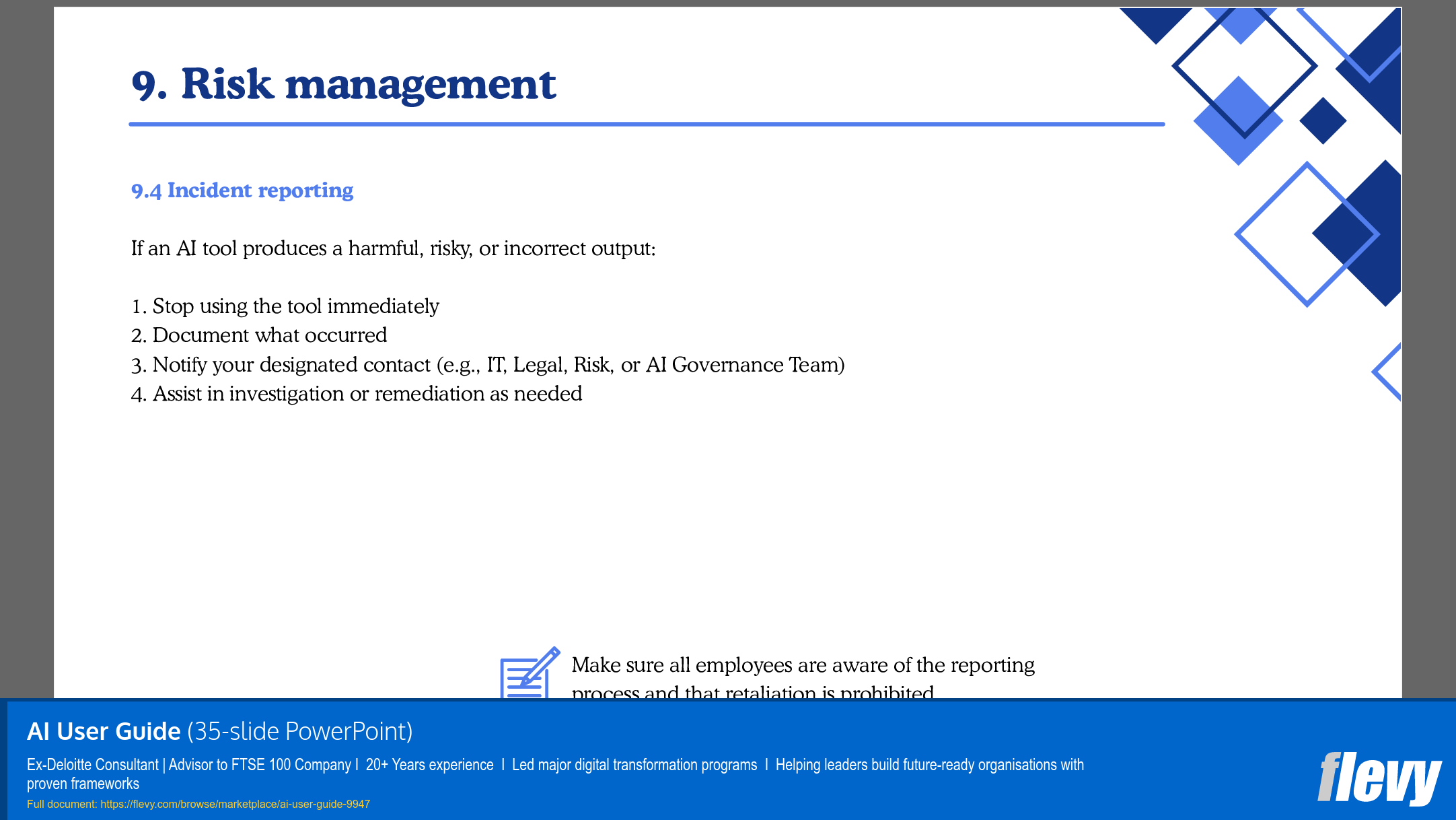

 Click main image to view in full screen. Unlock all 12 preview images:
AI User Guide for Responsible and Compliant AI Adoption – PowerPoint PPTX Template
PowerPoint (PPTX) 35 Slides


BENEFITS OF THIS DOWNLOADABLE POWERPOINT DOCUMENT
- Reduces risk and boosts compliance – Prevents your business from costly misuse of AI in sensitive or high-stakes scenarios
- Creates clear, standardized AI practices that accelerates adoption – builds employee confidence and clarity, enables teams to innovate safely.
- Fast, practical, and plug-and-play – Saves you time with a ready-to-use guidance with minimal edits
ARTIFICIAL INTELLIGENCE PPT TEMPLATE DESCRIPTION
AI can be your company's biggest accelerator or its greatest liability. Without clear guidance, employees experiment blindly, exposing data, compliance, and reputations to unnecessary risk. With the right guidance, however, AI becomes a safe, strategic advantage.
We are living through one of the most transformative technological shifts in history. Artificial Intelligence (AI) is no longer a futuristic idea, it is here, powerful, and advancing at a speed most businesses are struggling to keep up with.
Predictive models are influencing decision-making, while automation is accelerating operations across industries. Every department, from marketing and HR to legal and customer service is exploring AI to unlock efficiency and competitive advantage.
But with extraordinary potential comes significant complexity and real risk.
The Problem: Confusion, risks, and operational dilemmas
Most organizations face three major challenges when adopting AI:
1. Uncertainty and Inconsistency: Employees are experimenting with AI tools without clear rules. Some use public platforms without realizing the privacy or compliance consequences. Others avoid AI entirely, unsure of what is allowed or how it fits their role.
2. Compliance and Ethical Risk: Regulations are evolving rapidly. The EU AI Act and global privacy laws are introducing stricter requirements around data use, algorithmic transparency, and decision accountability. A single misstep, like uploading sensitive data to a public AI platform, can lead to lawsuits, fines, or reputational harm.
3. Fear and Friction: Leaders want to embrace AI but worry about job displacement, trust, and misuse. Employees fear being replaced, while managers fear inconsistency. Without a clear framework, these tensions stall innovation and create fragmented, unsafe adoption.
The Solution: A plug-and-play AI User Guide
The AI User Guide is your organization's answer to these challenges—a ready-to-use framework that enables confident, ethical, and effective AI adoption.
Designed for flexibility, it gives your teams clarity, guardrails, and practical tools to integrate AI responsibly into daily work. Whether you're a fast-scaling startup or a global enterprise, the guide adapts to your industry, policies, and size.
What's Inside the Guide
• Clear principles – Grounded in fairness, privacy, transparency, and human accountability
• Practical use cases – AI in marketing, HR, finance, operations, customer service, and beyond
• Risk controls – Tools for spotting and mitigating bias, inaccuracies, and compliance risks
• Employee-friendly rules – Do's and don'ts in plain, accessible language
• Governance models – Roles, responsibilities, and escalation pathways
• Templates and tools – Risk assessment forms, tool request templates, checklists, and more
• Training guidance – Support to build employee confidence and a culture of responsible AI use
Why This Guide Works
• Reduces risk – Prevents costly misuse of AI in sensitive or high-stakes scenarios
• Accelerates adoption – Builds employee confidence and clarity
• Boosts compliance – Aligned with global regulations and best practices
• Saves time – Ready-made, customizable framework—no need to start from scratch
• Drives consistency – Standardizes practices across departments
• Builds trust – Ensures AI is deployed in a transparent, human-centered way
Who Should Use This Guide?
This guide is built for:
• Mid-sized and large enterprises scaling AI adoption
• Startups and SMEs embedding safe AI use early
• HR and L&D teams training staff on emerging tools
• Legal, compliance, and innovation teams managing AI risk
• IT and data leaders implementing AI technologies
What Makes This Guide Different?
Unlike generic policy templates, this guide is:
• Plug-and-play – Ready to implement immediately with minimal edits
• Comprehensive yet accessible – Covers legal, technical, and behavioral aspects in a simple format
• Cross-functional – Relevant to everyone, from interns to executives
• Practical – Designed for the realities of modern workplaces
Don't Let AI chaos undermine your business
AI is here to stay. The real question is whether it becomes your greatest enabler or your biggest liability.
The AI User Guide gives your teams the structure to innovate safely, ethically, and confidently. It bridges the gap between ambition and accountability, between curiosity and caution.
Equip your workforce. Align your leadership. Protect your brand.
Let this guide be your roadmap into the AI-enabled future—on your terms.
Got a question about the product? Email us at support@flevy.com or ask the author directly by using the "Ask the Author a Question" form. If you cannot view the preview above this document description, go here to view the large preview instead.
PRESENTATION DEEP DIVE ANALYSIS
This deep-dive analysis was generated from the full 35-slide PowerPoint presentation.
ARTIFICIAL INTELLIGENCE PPT TEMPLATES
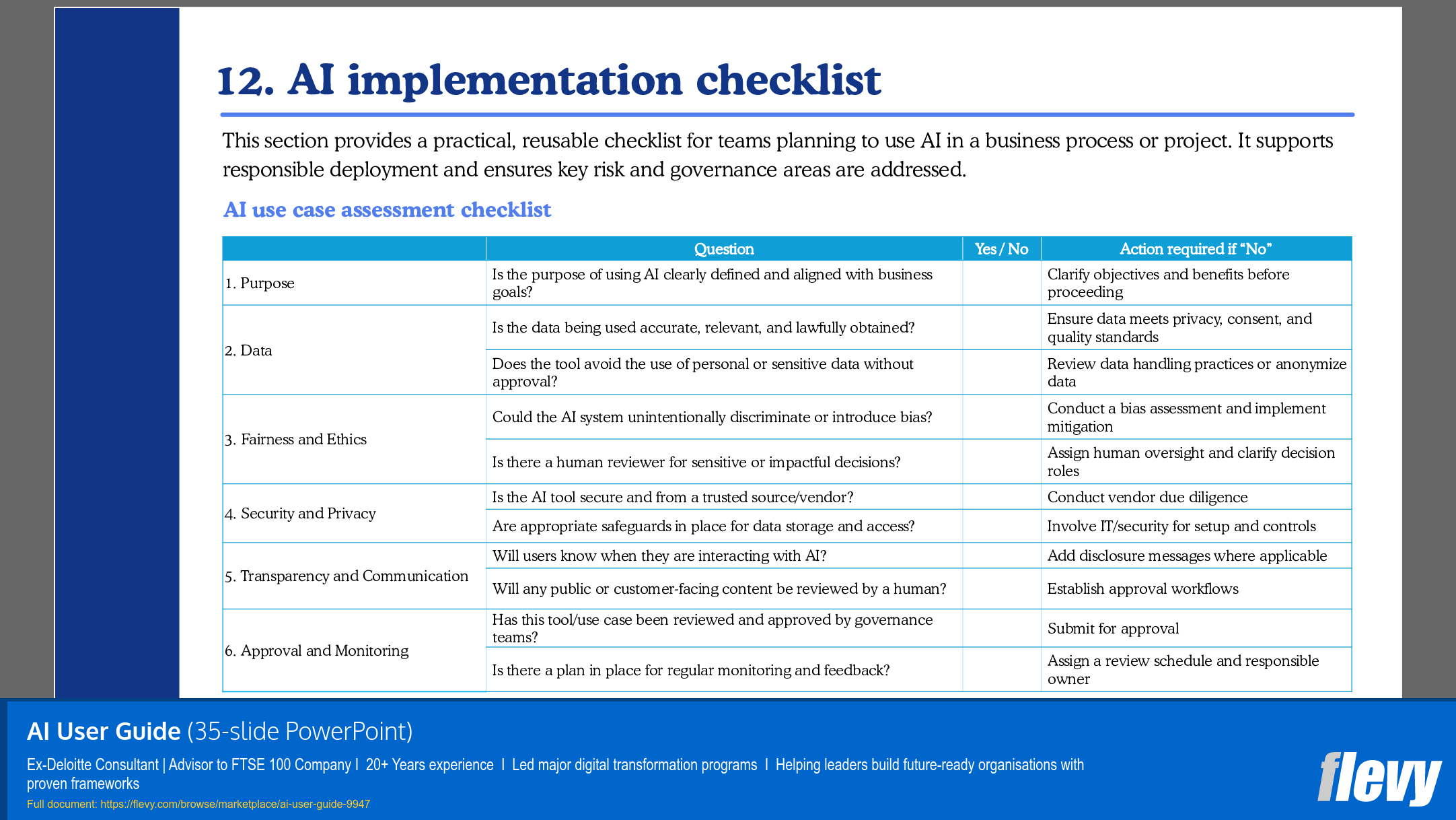
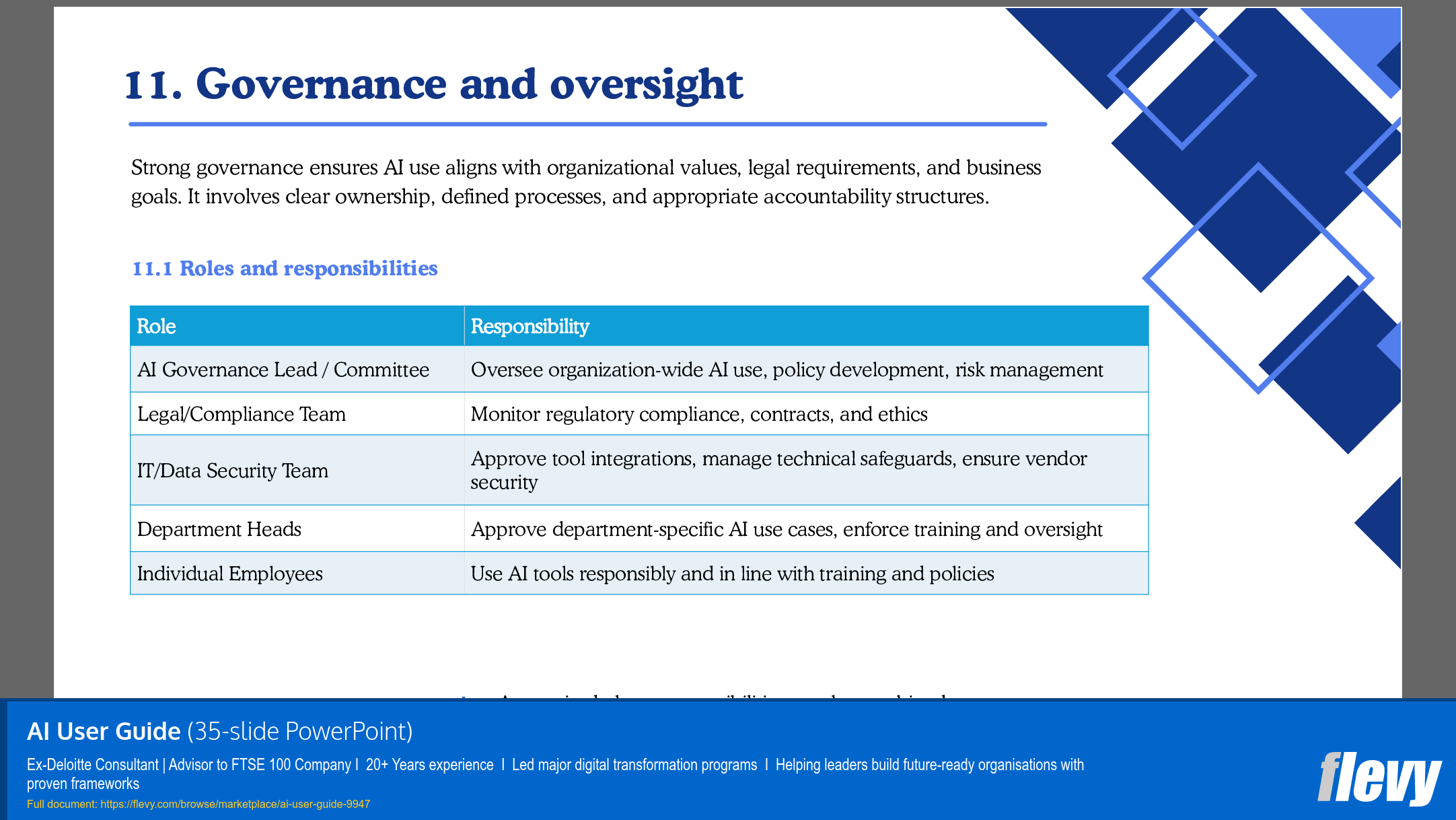
Source: Best Practices in Artificial Intelligence PowerPoint Slides: AI User Guide for Responsible and Compliant AI Adoption PowerPoint (PPTX) Presentation Slide Deck, Axonova Consulting Ltd.
ABOUT THE AUTHOR

I help leaders and organizations realize their full potential, navigate complexity, and build resilient, future-focused enterprises. With over 20 years of experience in both the UK and internationally, I bring a unique blend of strategic insight, hands-on implementation expertise, and a deep understanding of digital transformation and AI enablement.
I began my consulting journey at Deloitte,
... [read more]
Ask the Author a Question
You must be logged in to contact the author.




























