
Unified Modeling Language (UML) Primer   40-slide PPT PowerPoint presentation slide deck (PPTX)
$29.00

Unified Modeling Language (UML) Primer (40-slide PPT PowerPoint presentation slide deck (PPTX)) Preview Image
Log in to unlock full preview.
Unified Modeling Language (UML) Primer (40-slide PPT PowerPoint presentation slide deck (PPTX)) Preview Image
Arrow   Click main image to view in full screen.

Unified Modeling Language (UML) Primer (PowerPoint PPTX Slide Deck)

PowerPoint (PPTX) 40 Slides FlevyPro Document

$29.00
FlevyPro price: FREE (included in subscription)
This framework is developed by a team of former McKinsey and Big 4 consultants. The presentation follows the headline-body-bumper slide format used by global consulting firms.
Add to Cart


Immediate download
Free lifetime updates

PROCESS MAPS PPT DESCRIPTION

Editor Summary A 40-slide PowerPoint primer on the Unified Modeling Language (UML) that explains the 14 UML diagram types across structural and behavioral views and includes 6 editable diagram templates (class, component, activity, use case, sequence, deployment) and slide design guidance. Read more

The complexity of specifying, building, and visualizing software systems presents a significant challenge, particularly in environments where clear communication between business stakeholders and technical teams is crucial.

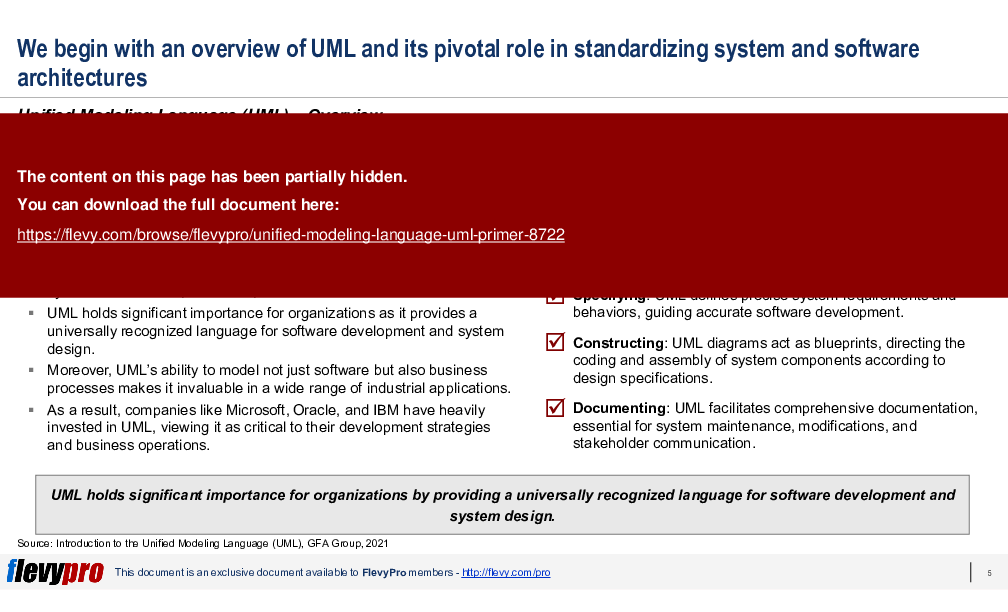
Thus, the Unified Modeling Language (UML) was developed as a solution to this problem. UML aims to provide a standardized visual modeling language that enhances mutual understanding across different disciplines. UML bridges the gap between technical and non-technical stakeholders, ensuring a shared understanding of system requirements and designs.

UML is not just applicable in software development but also in business processes and other areas, functioning like blueprints to guide system design across various applications. It encompasses a range of diagram types, including behavior, interaction, and structure diagrams, which together describe the system's boundaries, structures, and behaviors.

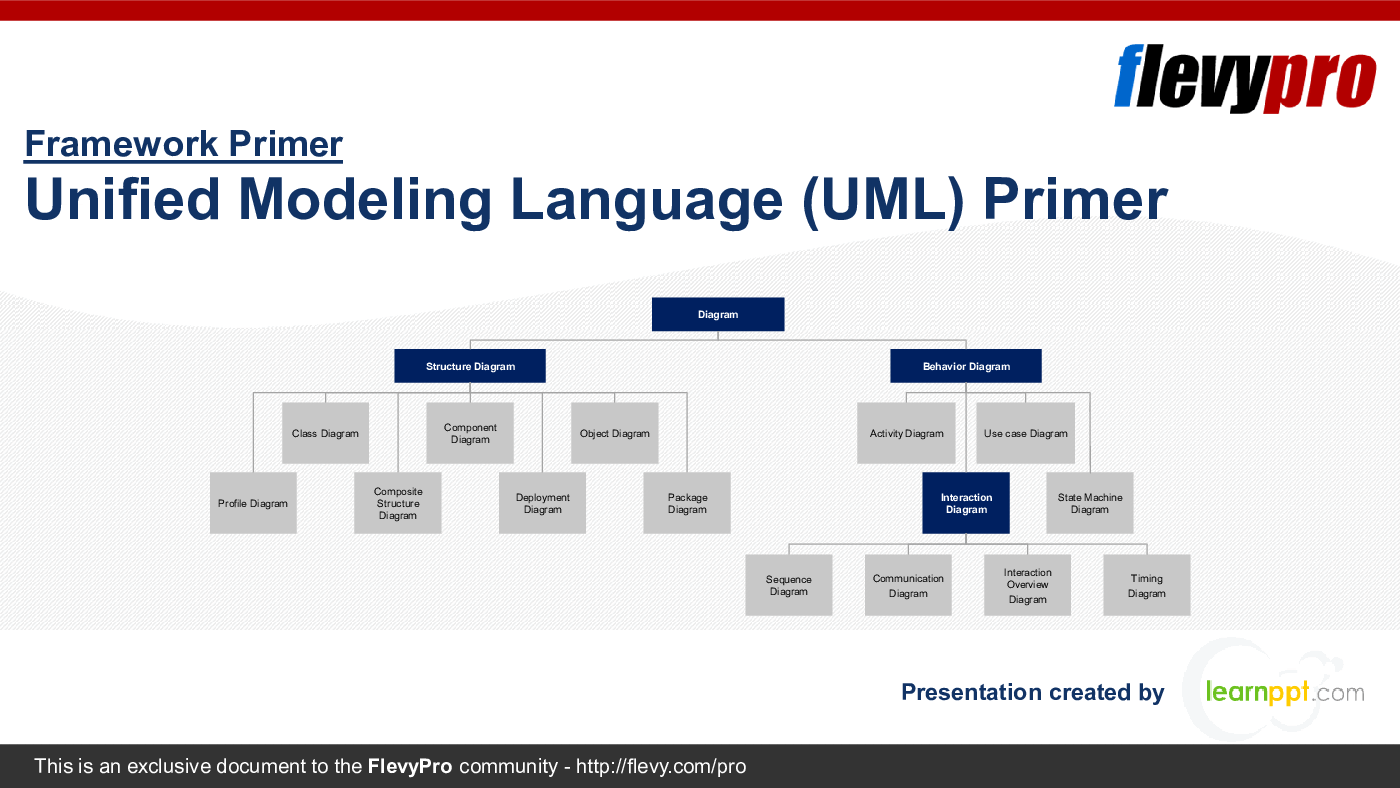
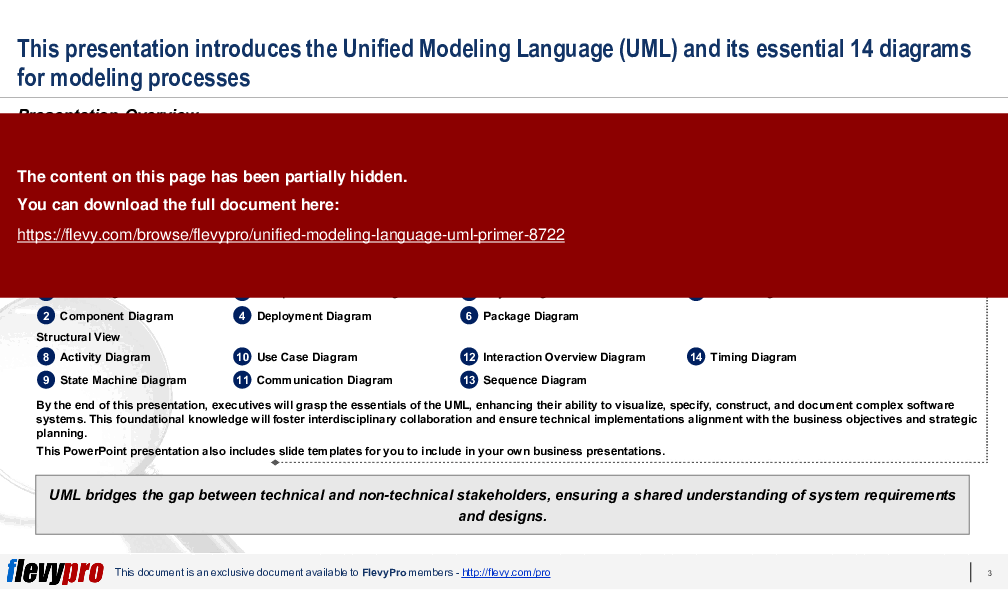
In this PowerPoint presentation, we will discuss the 2 general views of UML, Behavioral View and Structural View, and the 7 diagram types categorized under each view:

Behavioral View
1. Class Diagram
2. Component Diagram
3. Composite Structure Diagram
4. Deployment Diagram
5. Object Diagram
6. Package Diagram
7. Profile Diagram

Structural View
8. Activity Diagram
9. State Machine Diagram
10. Use Case Diagram
11. Communication Diagram
12. Interaction Overview Diagram
13. Sequence Diagram
14. Timing Diagram

By the end of this PPT presentation, executives will grasp the essentials of the UML, enhancing their ability to visualize, specify, construct, and document complex software systems. This foundational knowledge will foster interdisciplinary collaboration and ensure technical implementations alignment with the business objectives and strategic planning.

UML serves as a critical tool for ensuring clear and consistent communication across various teams and stakeholders in an organization, from business analysts and architects to developers and testers. By providing a standardized visual representation of system architecture, workflows, and processes, UML minimizes misunderstandings, aligns expectations, and accelerates the development lifecycle.

For Enterprise Architects (EAs) and IT executives, UML is invaluable in designing scalable, robust systems. It allows for the detailed visualization of system components and their interactions, making it easier to identify potential bottlenecks, redundancies, and opportunities for optimization. This foresight ensures that systems can scale efficiently with organizational growth and evolving business requirements.

Utilizing UML in the planning and design phases aids IT executives in identifying and mitigating risks early in the project lifecycle. Detailed UML diagrams provide a comprehensive view of system dependencies and potential failure points, enabling proactive risk management. This, in turn, supports more informed decision-making, ensuring that projects stay on track, within budget, and aligned with strategic objectives.

This PowerPoint presentation also includes slide templates for you to include in your own business presentations.

Got a question about this document? Email us at flevypro@flevy.com.

MARCUS OVERVIEW

This synopsis was written by Marcus [?] based on the analysis of the full 40-slide presentation.


Executive Summary
The Unified Modeling Language (UML) Primer presentation provides a comprehensive introduction to UML, a standardized visual modeling language essential for enhancing communication between business stakeholders and technical teams. This presentation covers the 14 key UML diagrams that facilitate the modeling of complex software systems and business processes. By utilizing UML, executives will improve their ability to visualize, specify, construct, and document systems, thereby fostering better collaboration and alignment with business objectives. This resource includes slide templates for seamless integration into existing business presentations.

Who This Is For and When to Use
•  Software developers and engineers involved in system design and architecture
•  Business analysts seeking to bridge the gap between technical and non-technical stakeholders
•  Project managers overseeing software development projects
•  Executives and decision-makers requiring a foundational understanding of UML for strategic planning

Best-fit moments to use this deck:
•  During project kick-offs to establish a common understanding of system requirements
•  In training sessions for teams new to UML or visual modeling
•  When preparing for stakeholder presentations to clarify system designs and processes

Learning Objectives
•  Define the purpose and significance of UML in system design
•  Identify and describe the 14 UML diagram types and their applications
•  Construct UML diagrams to represent system structures and behaviors
•  Enhance stakeholder communication through standardized visual representations
•  Document system requirements and design decisions effectively
•  Facilitate interdisciplinary collaboration by utilizing UML as a common language

Table of Contents
•  Overview (page 3)
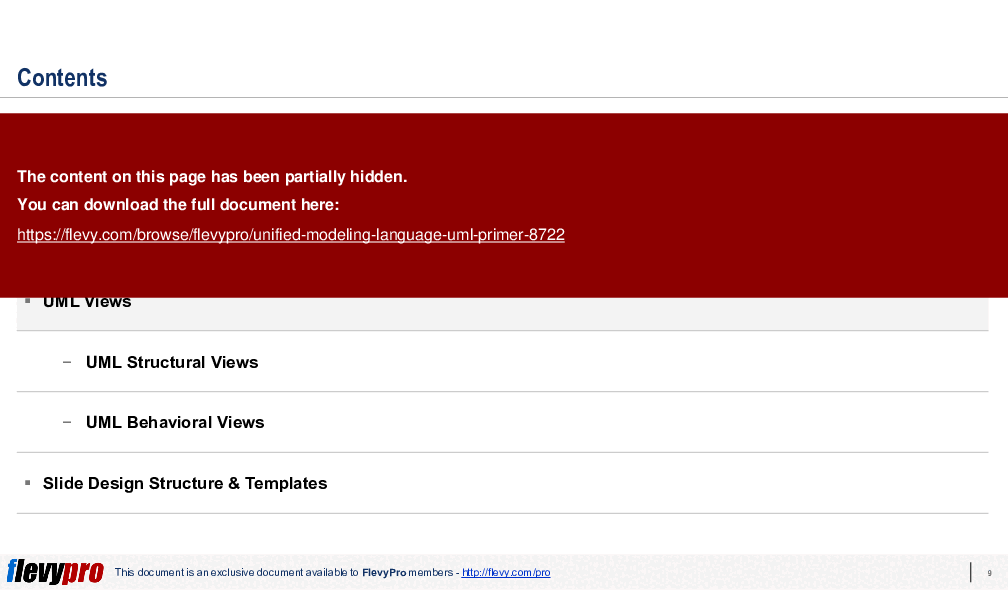
•  Unified Modeling Language (UML) (page 5)
•  UML Views (page 10)
•  UML Structural Views (page 11)
•  UML Behavioral Views (page 12)
•  Slide Design Structure & Templates (page 30)

Primary Topics Covered
•  UML Overview - An introduction to UML as a standardized visual modeling language that aids in system design and documentation.
•  UML Diagram Types - A detailed overview of the 14 essential UML diagrams categorized into structural and behavioral views.
•  Structural View Diagrams - Diagrams that depict the static structure of systems, including class, component, and deployment diagrams.
•  Behavioral View Diagrams - Diagrams that illustrate dynamic aspects of systems, including activity, state machine, and use case diagrams.
•  Slide Design Structure - Guidelines for structuring and designing slides for effective presentations.
•  Customization of UML - The use of profile diagrams to adapt UML for specific project needs and industry requirements.

Deliverables, Templates, and Tools
•  Class diagram template for modeling system classes and relationships
•  Component diagram template for visualizing system components and their interactions
•  Activity diagram template for mapping workflows and processes
•  Use case diagram template for defining user interactions with the system
•  Sequence diagram template for detailing interactions over time
•  Deployment diagram template for mapping software to hardware configurations

Slide Highlights
•  Overview of UML and its significance in system design
•  Detailed breakdown of structural and behavioral views with examples
•  Visual representations of each UML diagram type
•  Guidelines for effective slide design in business presentations

Potential Workshop Agenda
Introduction to UML (30 minutes)
•  Overview of UML and its importance in system design
•  Discussion of key UML concepts and terminology

UML Diagram Types (60 minutes)
•  Exploration of structural view diagrams with practical examples
•  Examination of behavioral view diagrams and their applications

Hands-On UML Diagram Creation (90 minutes)
•  Participants create UML diagrams based on a case study
•  Group feedback and discussion on diagram effectiveness

Customization Guidance
•  Tailor diagram templates to reflect specific project requirements and terminologies
•  Update diagrams to align with evolving system designs and stakeholder feedback
•  Integrate industry-specific standards into UML diagrams for enhanced relevance

Secondary Topics Covered
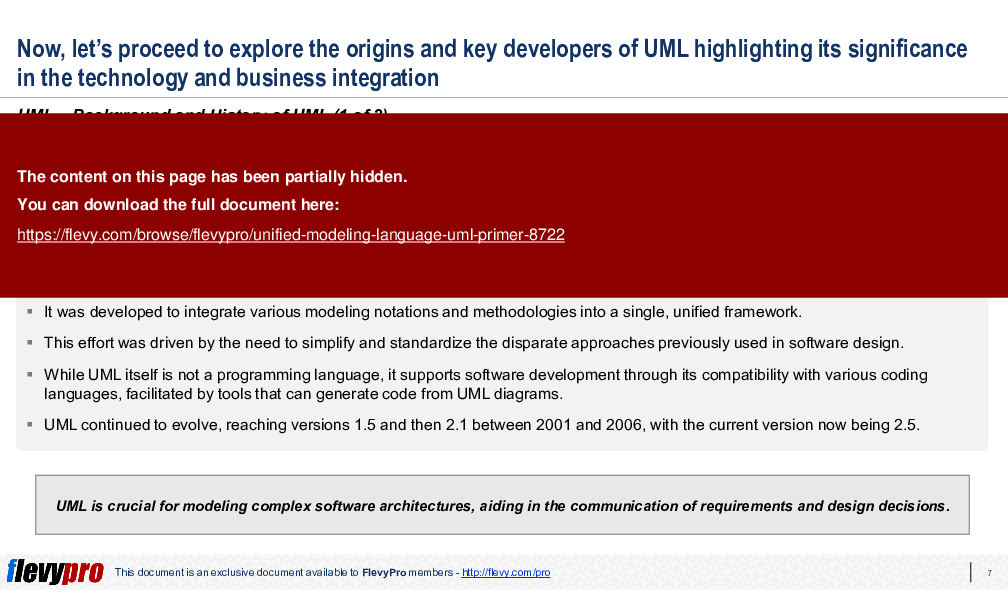
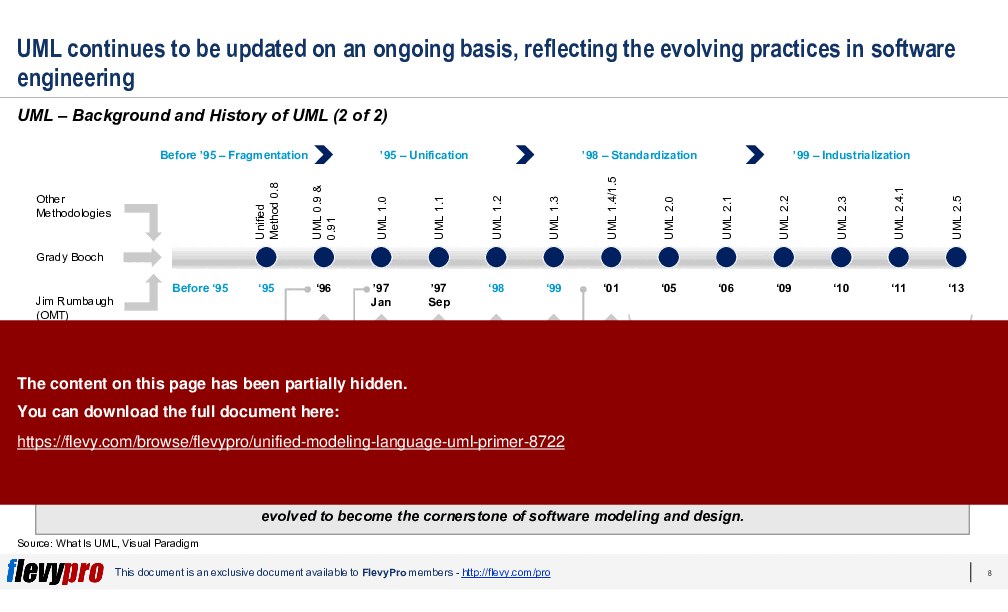
•  The history and evolution of UML
•  The role of UML in agile software development methodologies
•  Best practices for implementing UML in diverse organizational contexts
•  Tools and software that support UML diagram creation and management

Topic FAQ

What are the main groups of UML diagrams and which examples belong to each group?

UML diagrams are grouped into structural and behavioral (also called interaction) views. Structural diagrams depict static system elements — examples include class, component, and deployment diagrams. Behavioral diagrams show dynamic behavior — examples include activity, state machine, and use case diagrams. The full set comprises 14 diagram types.

How does UML help non-software teams like business analysts or process owners?

UML provides a standardized visual language that clarifies system boundaries, workflows, and interactions, enabling non-technical stakeholders to validate requirements and designs. It’s applicable to business process modeling and systems engineering and supports communication across roles using diagrams such as use case and activity diagrams.

What is a sequence diagram used for in system design?

A sequence diagram models interactions between objects or components over time, showing message order and timing relationships. It helps illustrate request/response flows and collaboration scenarios during use cases. Sequence diagrams are one of the 14 UML diagram types and are provided as an editable template in the deliverables.

What should I check when choosing a UML slide deck or template pack for team training?

Look for clear coverage of diagram types, editable diagram templates, slide design guidance, and a suggested training agenda to fit your timeline. Flevy's Unified Modeling Language (UML) Primer includes slide design structure, editable templates, and a proposed workshop agenda with 30, 60, and 90 minute modules.

How much time and effort can pre-made UML templates save a small team on a tight timeline?

Pre-made templates reduce time spent creating diagram stencils and slide layout, enabling faster stakeholder-ready artifacts and training preparation. The product provides ready-to-use templates (class, component, activity, use case, sequence, deployment) and a 40-slide deck to accelerate delivery.

For a project kick-off, which UML diagrams are most useful to present to executives and engineers?

For kick-offs, present a one-page UML overview plus use case diagrams to show user interactions, component/class diagrams for architecture, and deployment diagrams to map software to hardware constraints. These diagrams are among the 14 UML types designed to establish a common understanding.

How can I structure a half-day UML training workshop for a mixed technical and non-technical audience?

Use a short introduction to UML concepts (about 30 minutes), a focused walkthrough of structural and behavioral diagrams (about 60 minutes), and a hands-on diagram creation session with case studies (about 90 minutes). This suggested agenda totals 180 minutes and matches the workshop outline provided.

What software tools can teams use to create and maintain UML diagrams?

Common tools include diagramming and modeling software such as Lucidchart and Microsoft Visio, along with online UML modeling tools that support editable stencils and export to presentation formats; these tools can be used to produce the class, sequence, and deployment diagrams referenced.

Document FAQ
These are questions addressed within this presentation.

What is UML?
UML stands for Unified Modeling Language, a standardized visual modeling language used to specify, visualize, construct, and document software systems.

Why is UML important?
UML enhances communication between technical and non-technical stakeholders, ensuring a shared understanding of system requirements and designs.

What are the key diagram types in UML?
UML includes 14 essential diagrams categorized into structural and behavioral views, such as class diagrams, use case diagrams, and sequence diagrams.

How can UML improve project outcomes?
By providing clear visual representations of system components and interactions, UML fosters better collaboration and alignment with business objectives.

Can UML be used outside of software development?
Yes, UML is applicable in various fields, including business process modeling and systems engineering, serving as a blueprint for diverse applications.

What tools can be used to create UML diagrams?
There are various software tools available for creating UML diagrams, including Lucidchart, Microsoft Visio, and online UML modeling tools.

How can I customize UML diagrams for my organization?
You can adapt UML diagrams by incorporating specific terminologies, standards, and project requirements relevant to your organization.

Is there training available for learning UML?
Yes, many resources, including workshops and online courses, are available for individuals and teams looking to learn UML effectively.

Glossary
•  UML - Unified Modeling Language, a standardized visual modeling language.
•  Class Diagram - A diagram that represents the classes and their relationships in a system.
•  Component Diagram - A diagram that shows the organization of physical and logical components within a system.
•  Activity Diagram - A diagram that maps out the flow of operations and processes within a system.
•  Use Case Diagram - A diagram that illustrates the interactions between users and the system.
•  Sequence Diagram - A diagram that details the order of interactions between objects over time.
•  Deployment Diagram - A diagram that specifies the physical configuration of software components across hardware.
•  State Machine Diagram - A diagram that models the state changes of an object in response to events.
•  Profile Diagram - A diagram that customizes UML for specific domain requirements.
•  Interaction Overview Diagram - A diagram that integrates multiple interaction diagrams for a comprehensive view.
•  Communication Diagram - A diagram that details the interactions between objects based on their roles.
•  Timing Diagram - A diagram that depicts the behavior of objects over time, focusing on timing constraints.

PROCESS MAPS PPT SLIDES

Evolution and Impact of Unified Modeling Language

Optimizing System Organization with UML Package Diagrams

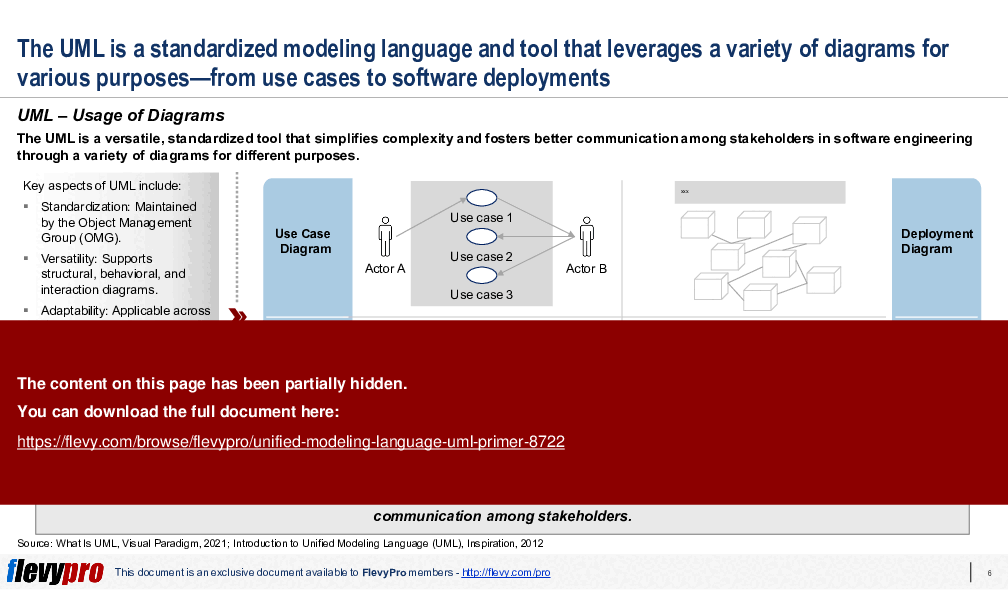
Leveraging UML for Enhanced Software Communication

Understanding UML's Structural View and Diagrams

Insights into UML Component Diagrams for System Architecture

Source: Best Practices in Enterprise Architecture, Business Architecture, Business Process Management, Systems Thinking PowerPoint Slides: Unified Modeling Language (UML) Primer PowerPoint (PPTX) Presentation Slide Deck, LearnPPT Consulting


$29.00
FlevyPro price: FREE (included in subscription)
This framework is developed by a team of former McKinsey and Big 4 consultants. The presentation follows the headline-body-bumper slide format used by global consulting firms.
Add to Cart
  

Did you need more documents?

Consider a FlevyPro subscription from $39/month. View plans here.

For $10.00 more, you can download this document plus 2 more FlevyPro documents. That's just $13 each.

ABOUT FLEVYPRO

This document is part of the FlevyPro Library, a curated knowledge base of documents for our FlevyPro subscribers.

FlevyPro is a subscription service for on-demand business frameworks and analysis tools. FlevyPro subscribers receive access to an exclusive library of curated business documents—business framework primers, presentation templates, Lean Six Sigma tools, and more—among other exclusive benefits.

Click here to learn more about FlevyPro and its benefits.

Did you know?
The average daily rate of a McKinsey consultant is $6,625 (not including expenses). The average price of a Flevy document is $65.


Trusted by over 10,000+ Client Organizations
Since 2012, we have provided business templates to over 10,000 businesses and organizations of all sizes, from startups and small businesses to the Fortune 100, in over 130 countries.
AT&T GE Cisco Intel IBM Coke Dell Toyota HP Nike Samsung Microsoft Astrazeneca JP Morgan KPMG Walgreens Walmart 3M Kaiser Oracle SAP Google E&Y Volvo Bosch Merck Fedex Shell Amgen Eli Lilly Roche AIG Abbott Amazon PwC T-Mobile Broadcom Bayer Pearson Titleist ConEd Pfizer NTT Data Schwab


Read Customer Testimonials

 
"Flevy is our 'go to' resource for management material, at an affordable cost. The Flevy library is comprehensive and the content deep, and typically provides a great foundation for us to further develop and tailor our own service offer."

– Chris McCann, Founder at Resilient.World
 
"I have found Flevy to be an amazing resource and library of useful presentations for lean sigma, change management and so many other topics. This has reduced the time I need to spend on preparing for my performance consultation. The library is easily accessible and updates are regularly provided. A wealth of great information."

– Cynthia Howard RN, PhD, Executive Coach at Ei Leadership
 
"FlevyPro provides business frameworks from many of the global giants in management consulting that allow you to provide best in class solutions for your clients."

– David Harris, Managing Director at Futures Strategy
 
"I have used Flevy services for a number of years and have never, ever been disappointed. As a matter of fact, David and his team continue, time after time, to impress me with their willingness to assist and in the real sense of the word. I have concluded in fact "

– Roberto Pelliccia, Senior Executive in International Hospitality
 
"As an Independent Management Consultant, I find Flevy to add great value as a source of best practices, templates and information on new trends. Flevy has matured and the quality and quantity of the library is excellent. Lastly the price charged is reasonable, creating a win-win value for "

– Jim Schoen, Principal at FRC Group
 
"I am extremely grateful for the proactiveness and eagerness to help and I would gladly recommend the Flevy team if you are looking for data and toolkits to help you work through business solutions."

– Trevor Booth, Partner, Fast Forward Consulting
 
"I have used FlevyPro for several business applications. It is a great complement to working with expensive consultants. The quality and effectiveness of the tools are of the highest standards."

– Moritz Bernhoerster, Global Sourcing Director at Fortune 500
 
"I like your product. I'm frequently designing PowerPoint presentations for my company and your product has given me so many great ideas on the use of charts, layouts, tools, and frameworks. I really think the templates are a valuable asset to the job."

– Roberto Fuentes Martinez, Senior Executive Director at Technology Transformation Advisory


Customers Also Bought These Documents


Customers Also Like These Documents

Explore Templates on Related Management Topics


Your Recently Viewed Documents
Receive our FREE presentation on Operational Excellence

This 50-slide presentation provides a high-level introduction to the 4 Building Blocks of Operational Excellence. Achieving OpEx requires the implementation of a Business Execution System that integrates these 4 building blocks.