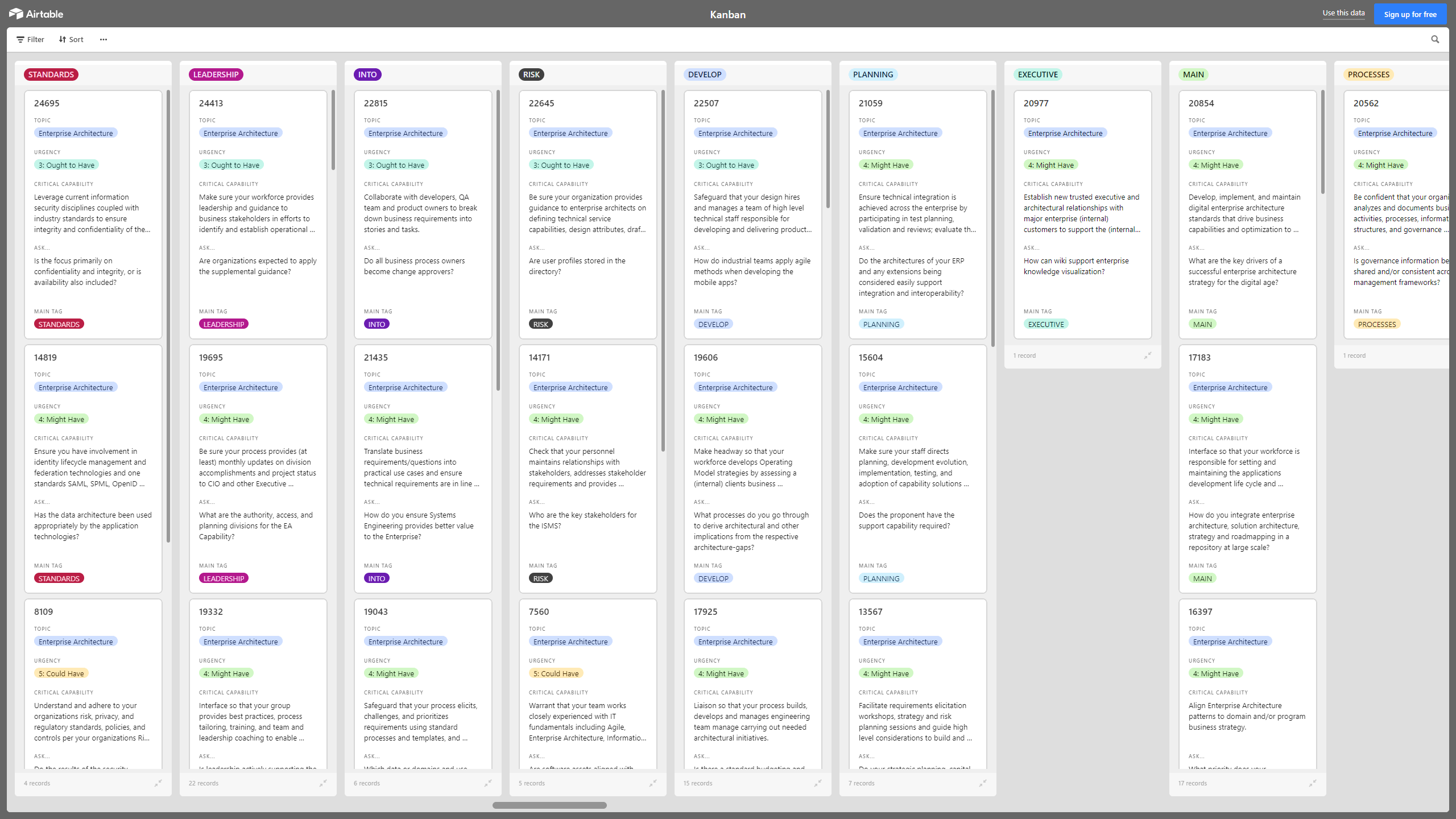
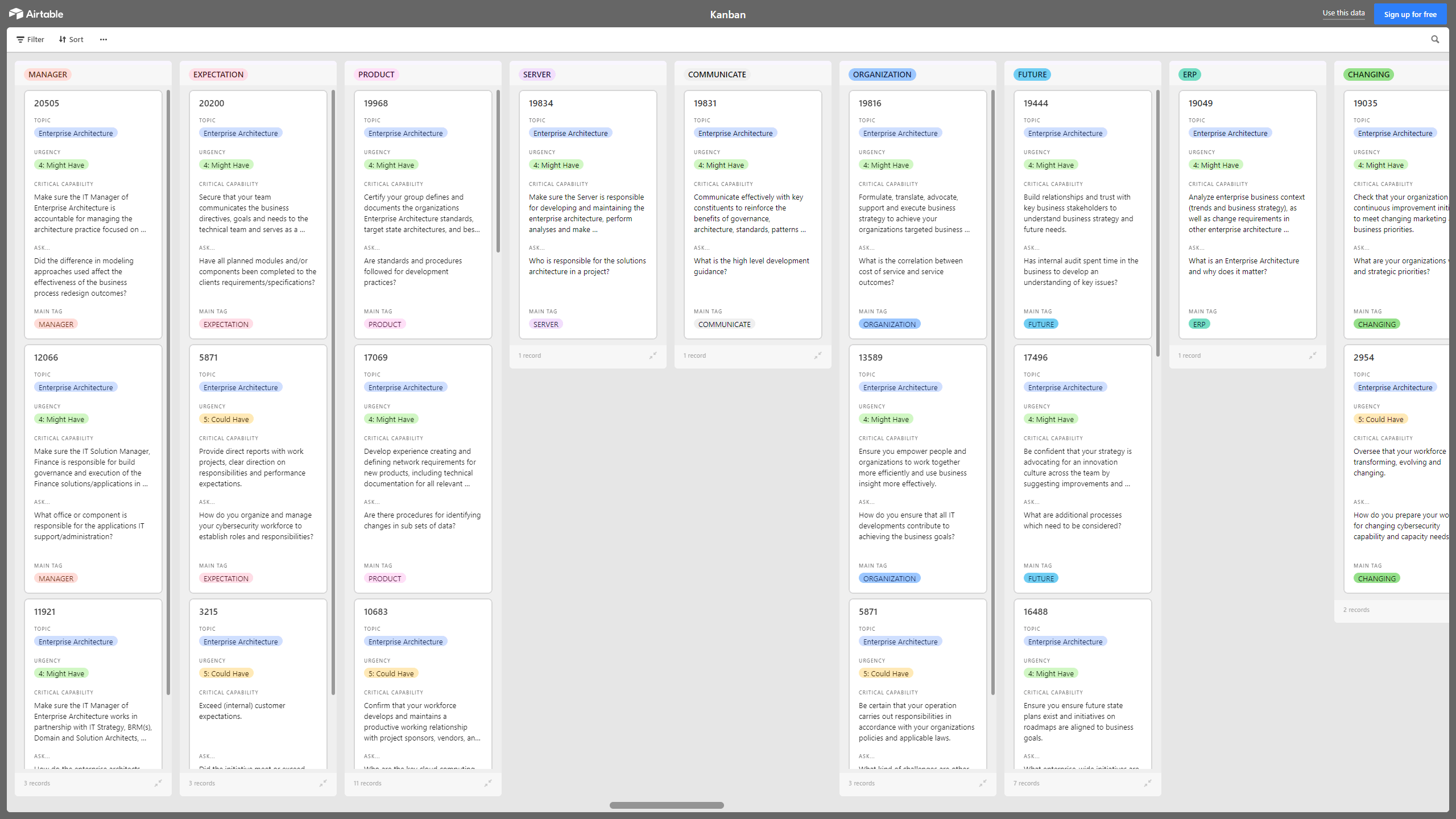

 Click main image to view in full screen.
Kanban Board: Enterprise Architecture (EA) – Excel XLSX
Excel (XLSX) + supplemental PDF


KANBAN EXCEL DESCRIPTION
A Kanban Board is a Lean & Agile Project Management tool used to implement Kanban to manage work at a personal or organizational level.
Kanban Boards visually depict work at various stages of a process using cards to represent work items and columns to represent each stage of the process. Cards are moved from left to right to show progress and to help coordinate teams performing the work. A Kanban Board may be divided into horizontal "swimlanes" representing different kinds of work or different teams performing the work.
With this Enterprise Architecture (EA) Kanban, you can collaborate with Legal, Compliance, Information Security, and Enterprise Architecture teams to ensure you have the proper technology, systems and policies to meet data protection requirements and minimize risk and liability of improperly managed information assets.
This Kanban offers the following benefits:
• Maintain the EA in the midst of evolving systems and new business requirements.
• Instrument your applications to have more visibility of your deployed applications.
• Know your data is secure.
• Ensure that sensitive data is protected.
• Architect the information to deliver the correct information in a timely manner.
• Use cloud features and services in order to further reduce your cost.
• Use security intelligence to benefit your business.
• Transition your organization to best take advantage of cloud.
• Ensure that the current security levels are appropriate for your needs.
• Embrace cloud technology while reducing risk.
This Kanban Board is downloadable as an Excel file. You will need to import the Excel into Airtable, Monday, Smartsheet, Power BI, or the Kanban visualization tool of your choice.
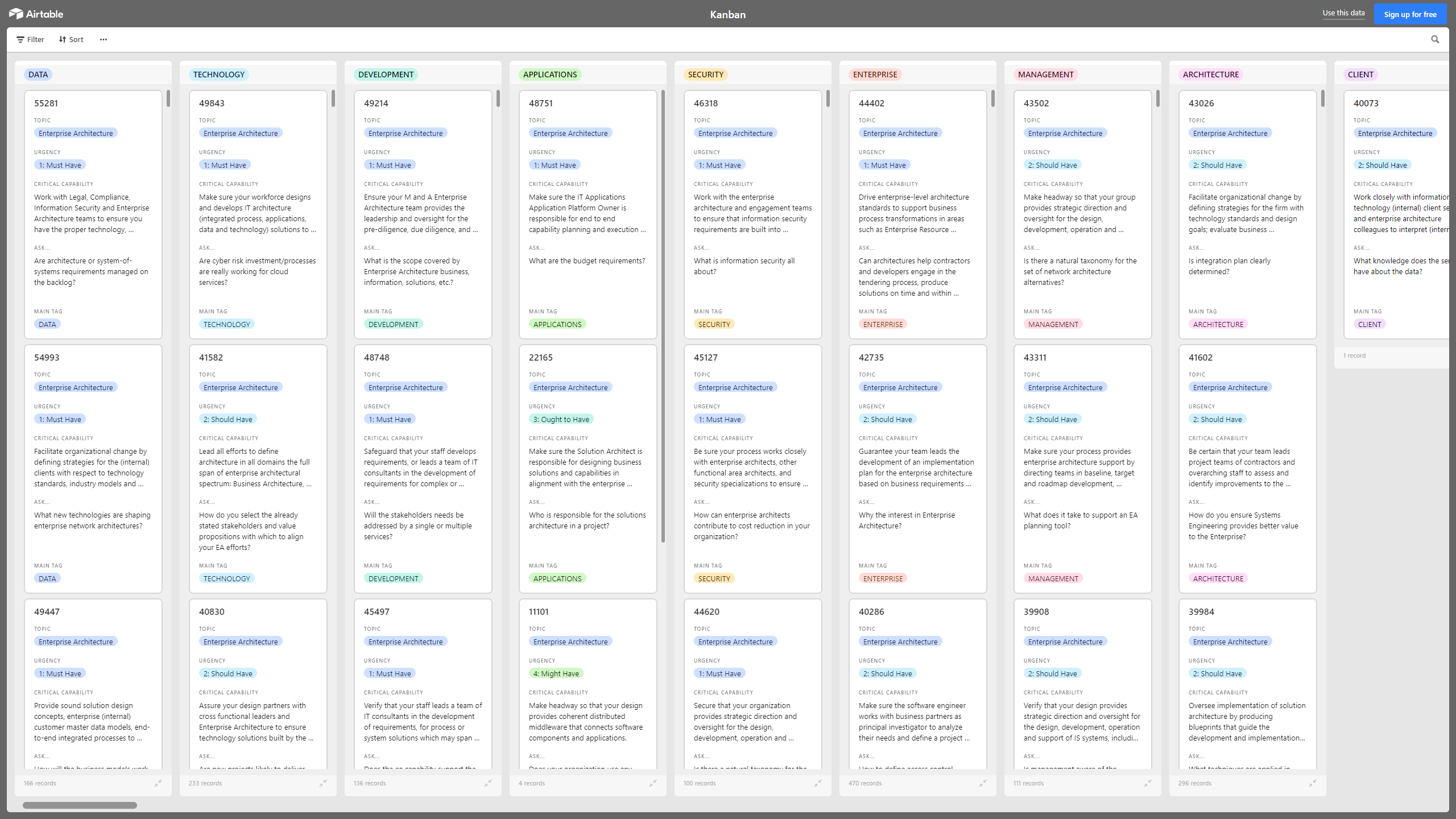
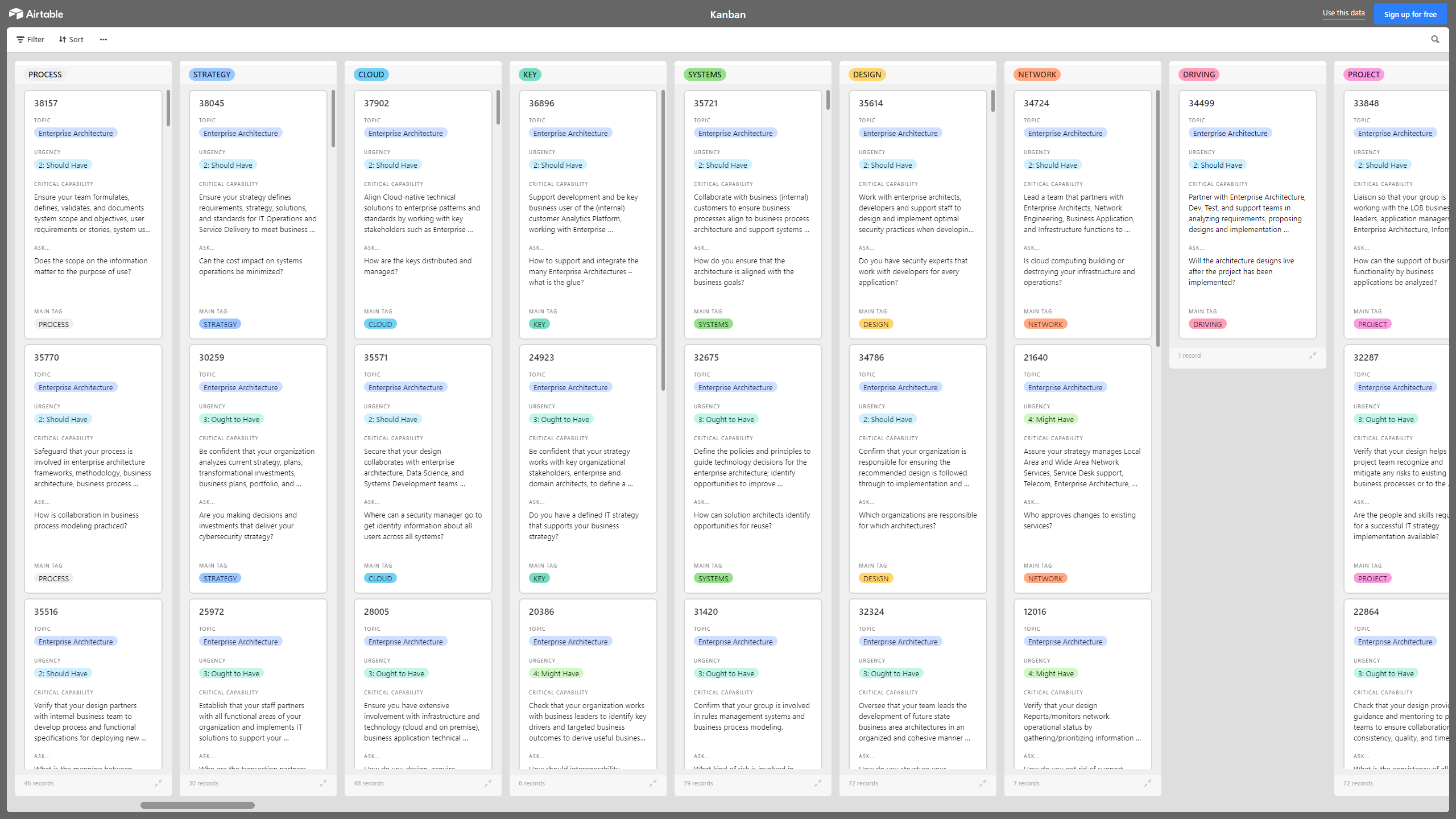
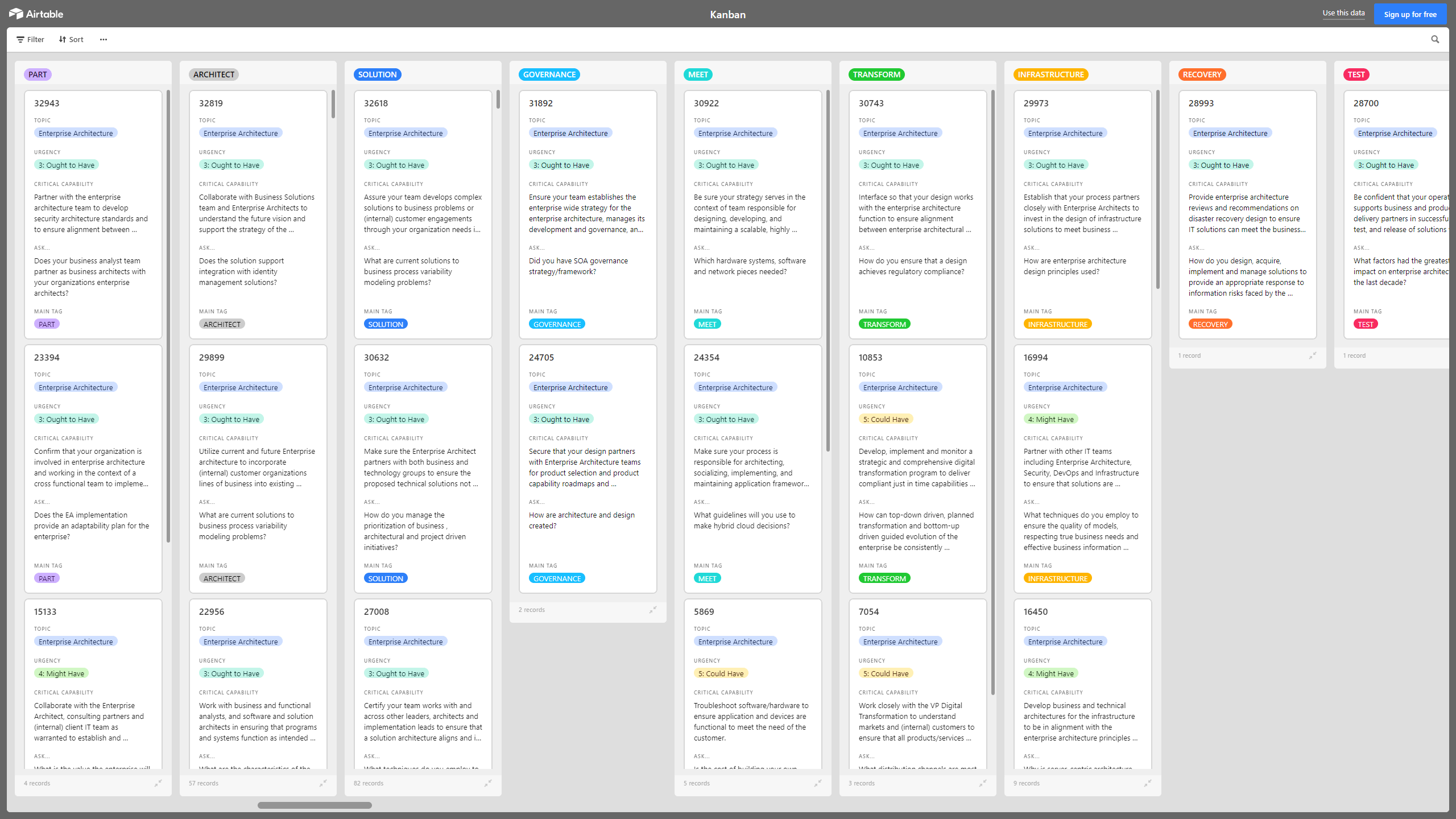
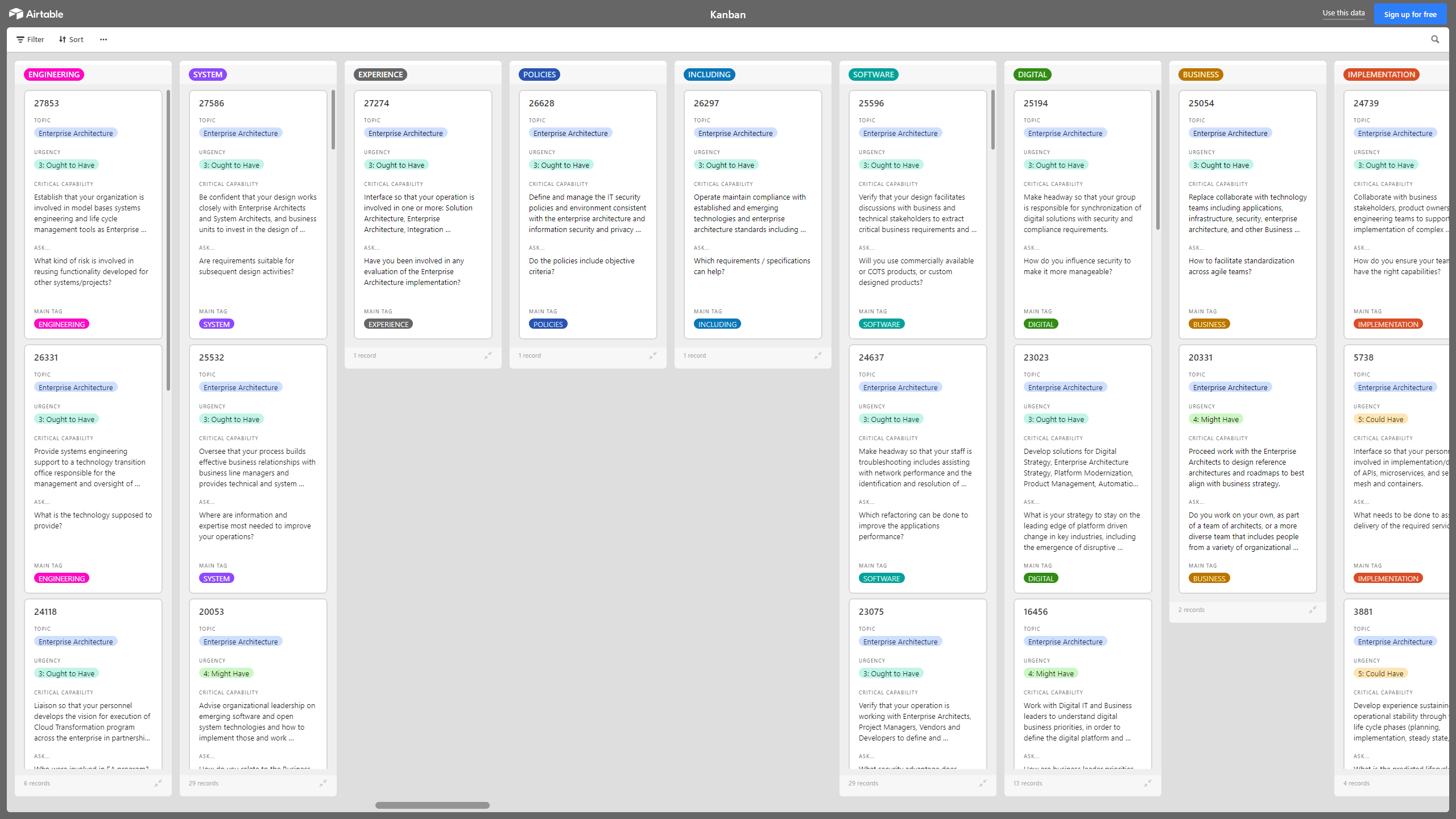
The above preview is only a partial snapshot of all the data included in the Kanban Excel import. The full document has 2,400+ records.
This template includes critical capabilities and asks for each topic, ensuring comprehensive coverage of essential enterprise architecture aspects. It facilitates strategic alignment and operational efficiency across various domains like cloud, security, and governance.
Got a question about the product? Email us at support@flevy.com or ask the author directly by using the "Ask the Author a Question" form. If you cannot view the preview above this document description, go here to view the large preview instead.
TOPIC FAQ
What is a Kanban Board and how does it represent work in an enterprise setting?
A Kanban Board visually represents work using cards for items and columns for process stages; horizontal swimlanes can separate work types or teams. It lets teams move cards left-to-right to show progress, coordinate cross-functional work, and limit work-in-progress using columns, cards, and swimlanes.How can a Kanban approach support enterprise architecture governance and risk management?
Kanban enables cross-team coordination—Legal, Compliance, InfoSec, and EA—to track tasks that ensure technology, systems, and policies meet data protection needs and reduce liability. The Flevy Kanban Board: Enterprise Architecture (EA) is structured to capture EA-related actions and controls and includes 2,400+ records.What are swimlanes on a Kanban Board and when should I use them?
Swimlanes are horizontal lanes that separate different kinds of work or teams on a Kanban Board, useful when parallel workflows or multiple teams need distinct tracking. Use swimlanes to isolate compliance tasks, security remediation, or application-specific work within the same board, represented as horizontal swimlanes.How should I evaluate Kanban templates for EA work if my team has a tight budget and limited headcount?
Prioritize templates that are importable into tools you already use, provide prompts for EA, security, and compliance tasks, and avoid templates requiring heavy customization. Check compatibility with your existing toolchain and the template’s scope to match team capacity, such as support for common tools like Airtable, Monday, Smartsheet, and Power BI.What is involved in importing an Excel-based Kanban into common visualization tools?
An Excel-based Kanban requires mapping columns and card fields to the target tool’s data model, then importing or syncing the spreadsheet. The template is designed for import into popular tools, so expect to configure field mappings for status columns, swimlanes, and card attributes for Airtable, Monday, Smartsheet, or Power BI.How can Kanban help during a cloud migration to ensure sensitive data is protected?
Kanban can track cloud-migration tasks, security controls, and data-classification work across stages so teams can sequence remediation and policy tasks. By visualizing tasks and owners, teams can confirm sensitive-data protections are implemented and validated using cards moved through columns that represent stages of remediation and validation.Can a Kanban Board improve visibility of deployed applications and instrumentation work?
Yes. Kanban makes instrumentation and monitoring tasks visible by representing each application or instrumentation activity as a card and tracking its progress through stages, helping teams coordinate deployment, monitoring, and remediation activities. This approach supports application visibility and related tasks in the board.What is the value of buying a ready-made Kanban Excel template versus building one from scratch?
A ready-made template provides predefined fields, prompts for EA/security/compliance topics, and import-ready structure to reduce setup time; it can jump-start tracking and governance activities. The Flevy template includes critical capabilities and 2,400+ pre-populated records to accelerate board population.Source: Best Practices in Kanban, Business Architecture, Kanban Board Excel: Kanban Board: Enterprise Architecture (EA) Excel (XLSX) Spreadsheet, Gerard Blokdijk




























