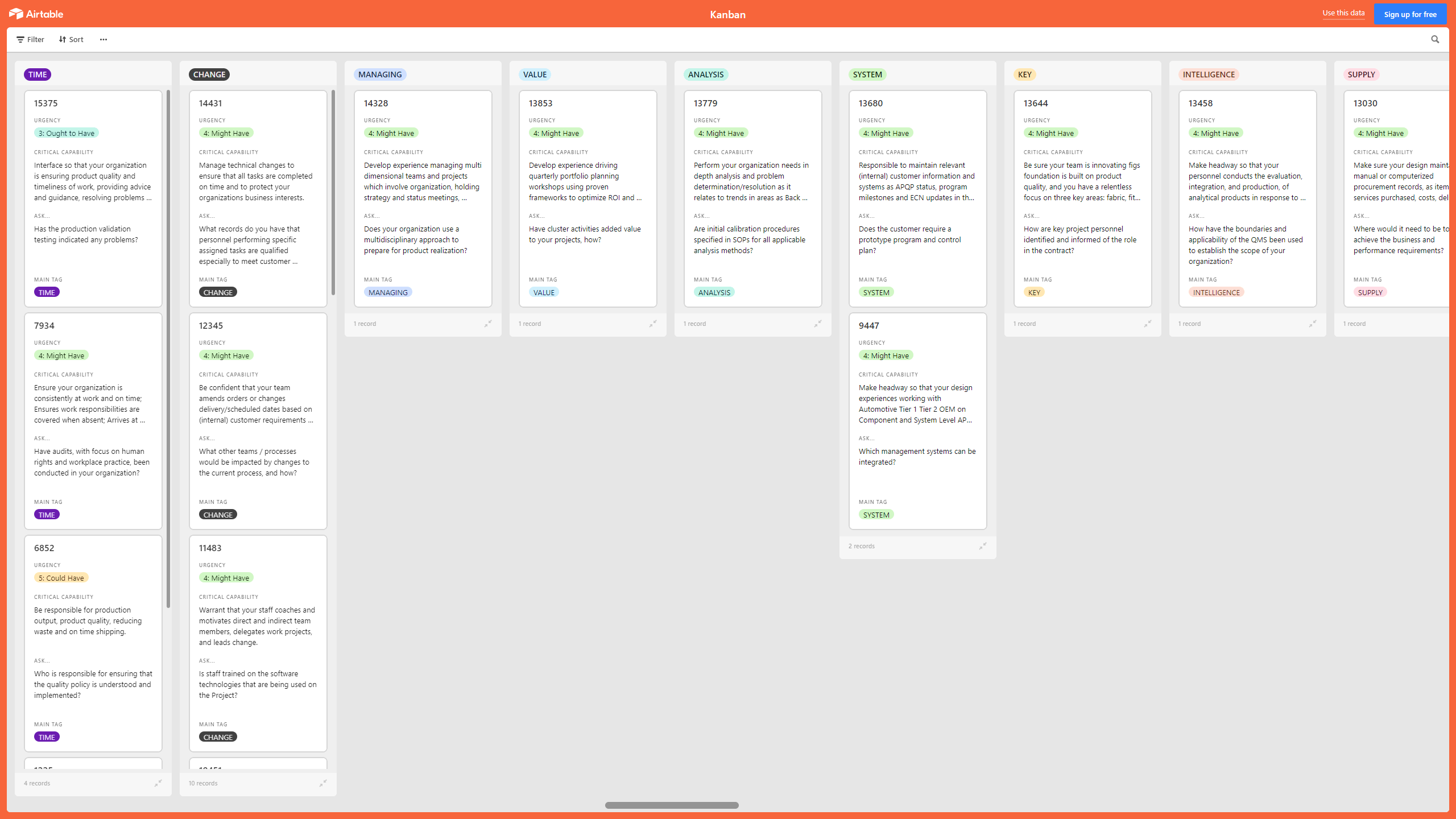
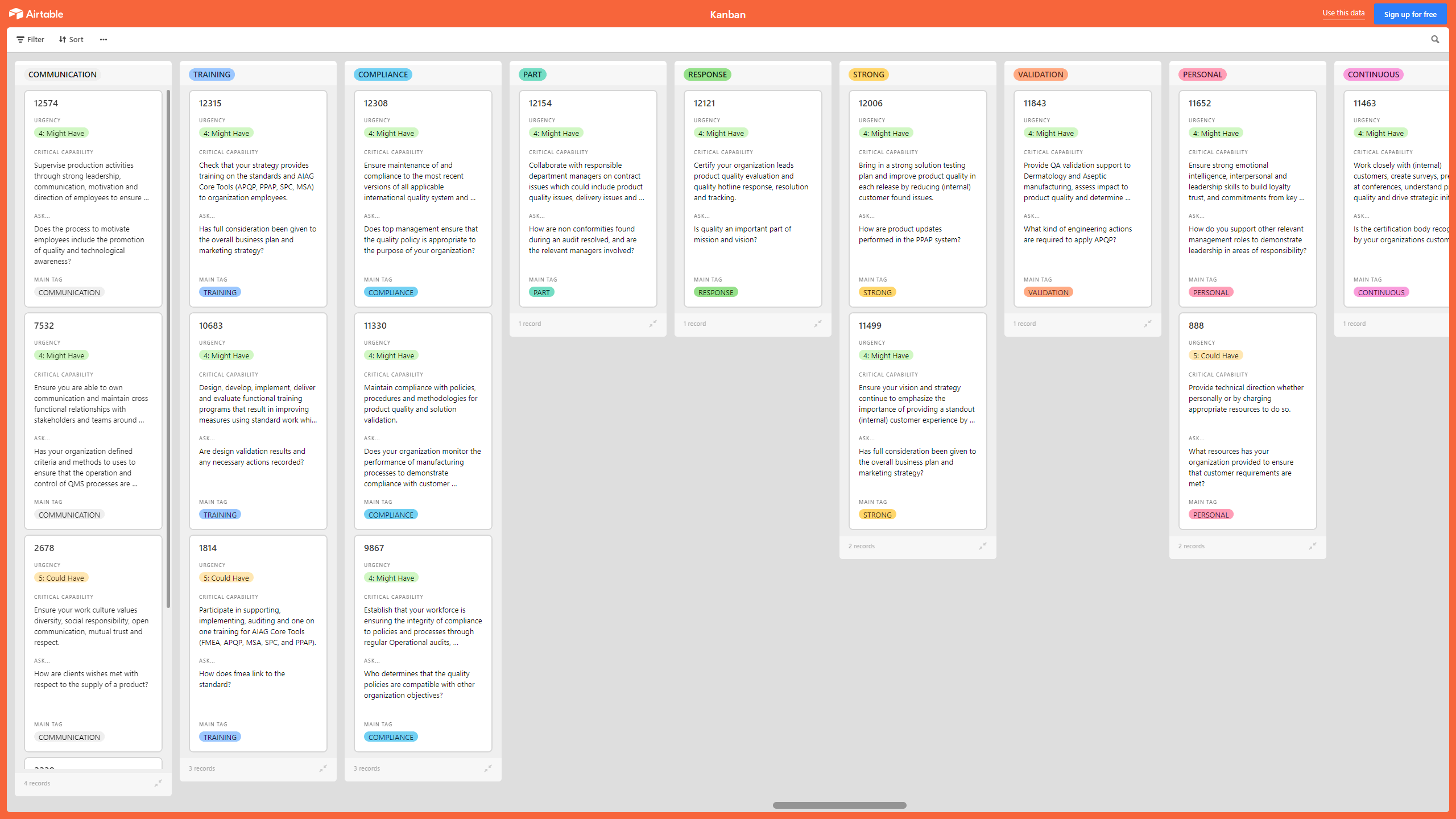

 Click main image to view in full screen.
Kanban Board: Advanced Product Quality Planning (APQP) – Excel XLSX
Excel (XLSX) + supplemental PDF


KANBAN EXCEL DESCRIPTION
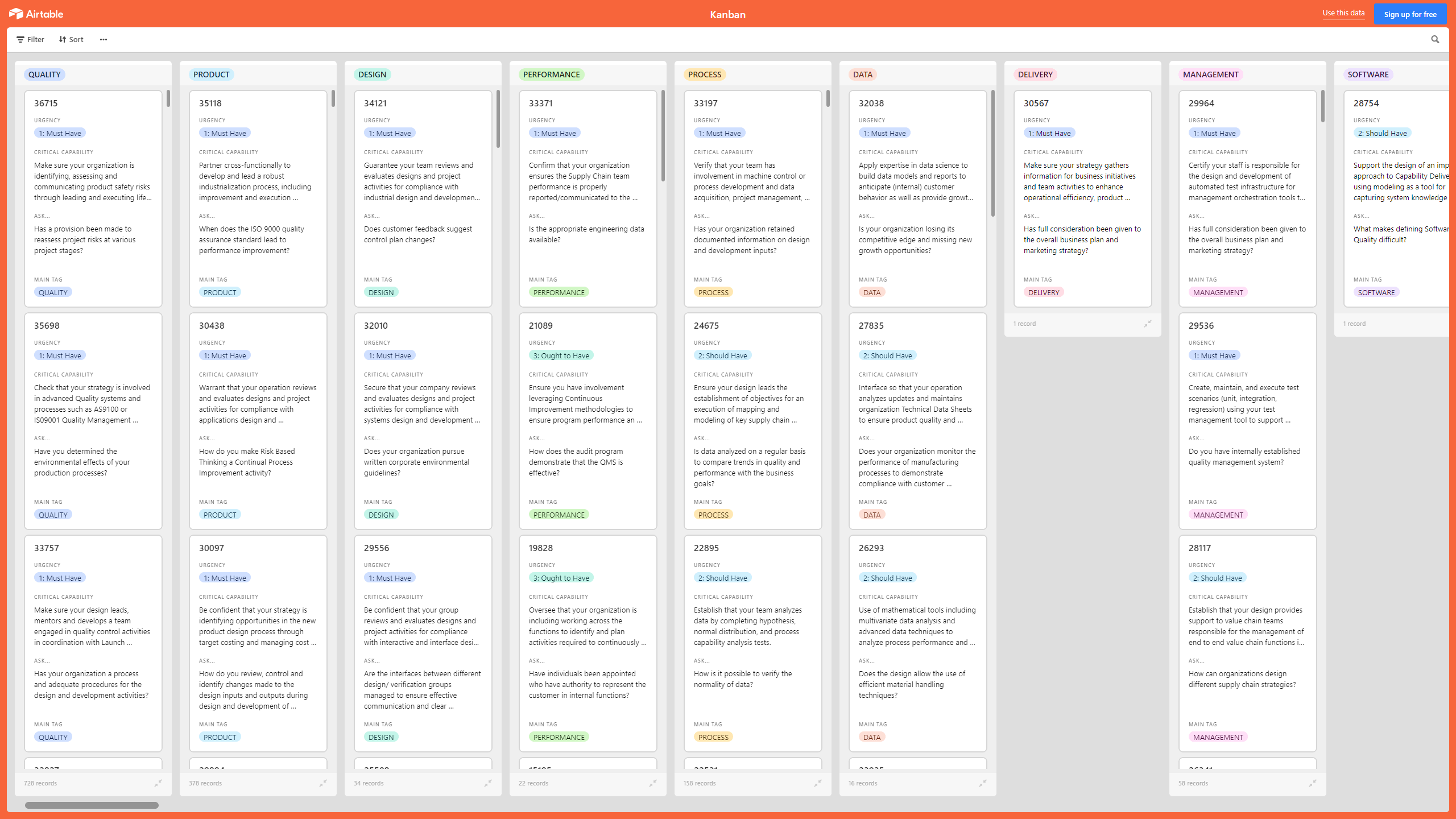
A Kanban Board is a Lean & Agile Project Management tool used to implement Kanban to manage work at a personal or organizational level.
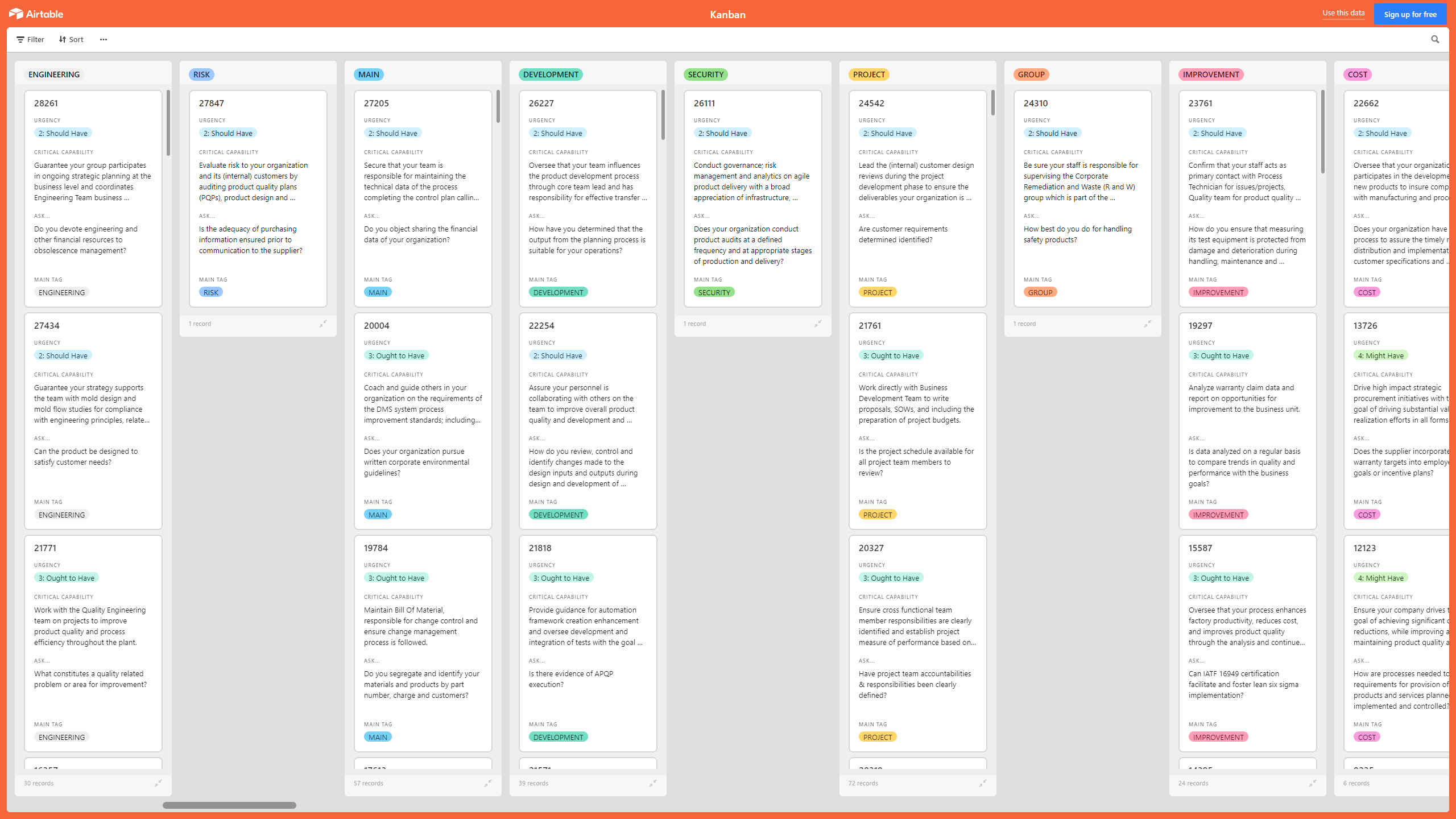
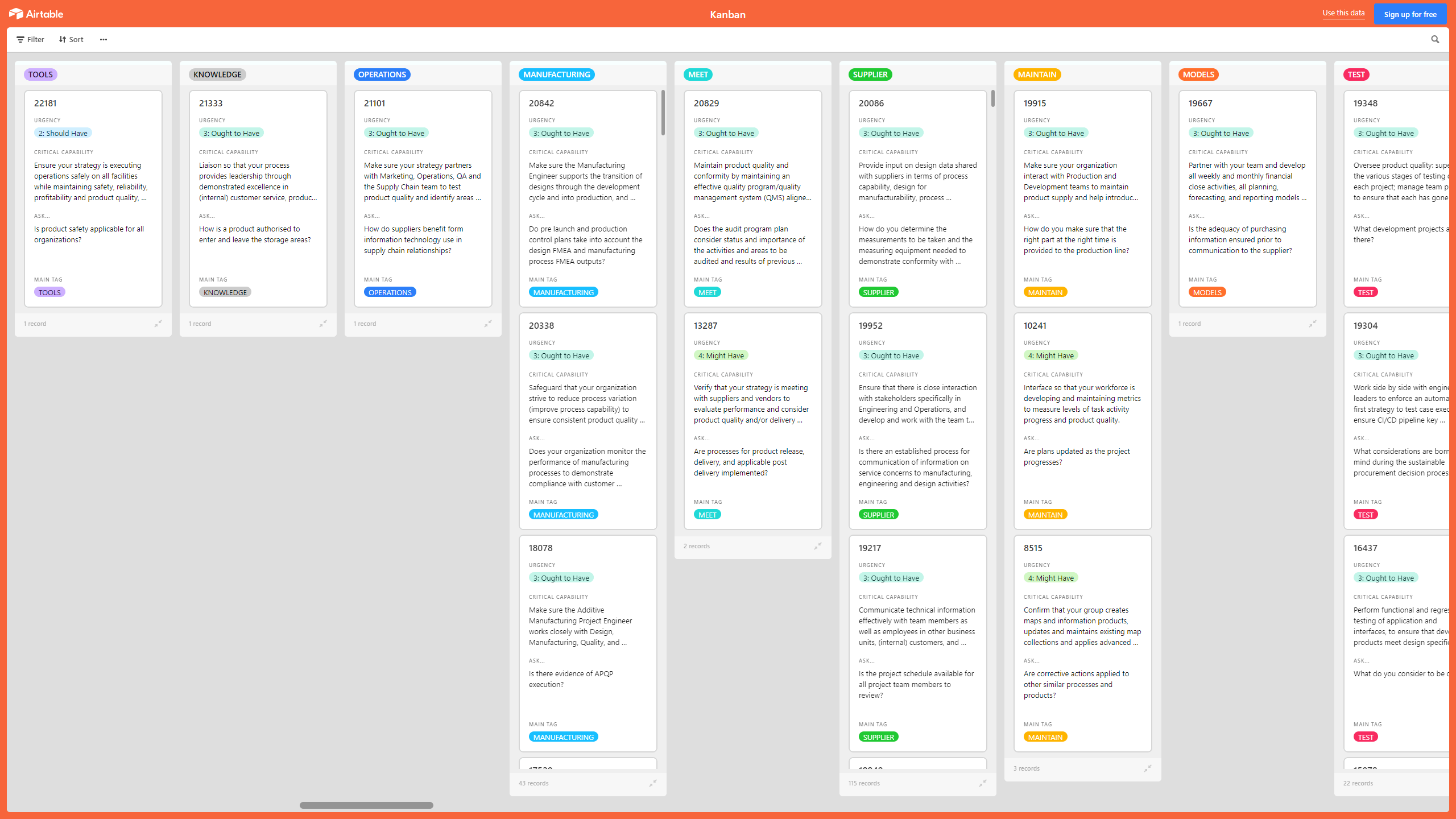
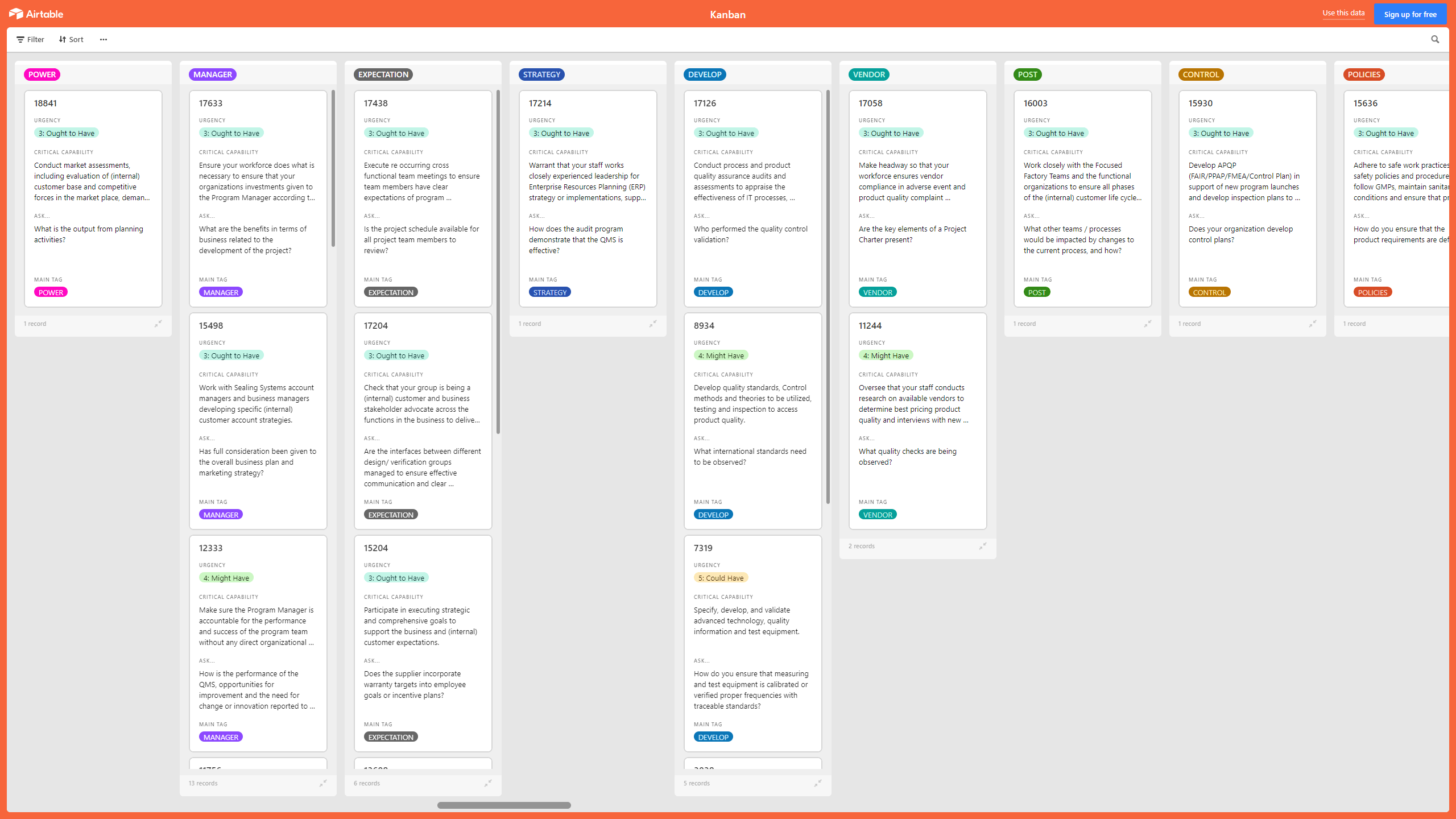
Kanban Boards visually depict work at various stages of a process using cards to represent work items and columns to represent each stage of the process. Cards are moved from left to right to show progress and to help coordinate teams performing the work. A Kanban Board may be divided into horizontal "swimlanes" representing different kinds of work or different teams performing the work.
With this Advanced Product Quality Planning (APQP) Kanban, you can make sure your organization is identifying, assessing and communicating product safety risks through leading and executing life cycle assessments, participating in product risk assessments, and providing guidance and direction for business product quality and commercialization management processes such as claims substantiation, design control, and literature and label content review and input.
This Kanban offers the following benefits:
• Unlock the power of APQP.
• Obtain information about customer perception as to whether your Organization has met customer requirements.
• Review, control and identify changes made to the design inputs and outputs during design and development of products and services ensuring no impact on conformity to requirements.
• Monitor manufacturing processes to demonstrate compliance with customer requirements for product quality and process efficiency.
• Improve the productivity of your new product development process so it can operate at a faster clock rate, deliver better and more constant product quality and minimize lifecycle costs.
• Automate your processes to help ensure product quality and meet changing market demand.
• Support other relevant management roles to demonstrate leadership in areas of responsibility.
• Measure supplier performance through open industry, country and global benchmarking, while at the same time facilitating continuous improvement in managing product quality and safety.
• Determine the necessary education, training, skills and experience for people performing work affecting product quality.
• Obtain information relating to customer views and opinions of your products and services.
This Kanban Board is downloadable as an Excel file. You will need to import the Excel into Airtable, Monday, Smartsheet, Power BI, or the Kanban visualization tool of your choice.
The above preview is only a partial snapshot of all the data included in the Kanban Excel import. The full document has 1900+ records.
Got a question about the product? Email us at support@flevy.com or ask the author directly by using the "Ask the Author a Question" form. If you cannot view the preview above this document description, go here to view the large preview instead.
TOPIC FAQ
What is a Kanban board and how does it represent work?
A Kanban board is a Lean & Agile project management tool that visually depicts work using cards for work items and columns for process stages. Boards can be divided into horizontal swimlanes to separate different types of work or teams, with cards moved left to right to show progress and coordinate teams using swimlanes.How can Kanban be applied to Advanced Product Quality Planning (APQP)?
Kanban can be used to implement APQP by tracking tasks that identify, assess, and communicate product safety risks and by managing life cycle and product risk assessments. It also supports business product quality and commercialization processes such as claims substantiation and design control using a Kanban template like Kanban Board: Advanced Product Quality Planning (APQP).What key APQP quality activities should a Kanban track?
A Kanban for APQP should track life cycle assessments, product risk assessments, review and control of design inputs and outputs to avoid nonconformity, manufacturing process monitoring for customer requirements, supplier performance measurement, and training needs, focusing on life cycle assessments.What should I consider when choosing an Excel-based Kanban template for APQP?
Consider whether the template is an import-ready Excel (XLSX), compatibility with your tooling (Airtable, Monday, Smartsheet, Power BI, or Kanban visualization tools), and the volume of pre-populated records for faster setup; for example, Kanban Board: Advanced Product Quality Planning (APQP) is provided as an XLSX meant for import into those tools.How much value do ready-made Kanban templates provide versus building one from scratch?
A ready-made Excel Kanban provides a structured starting point and pre-populated records to accelerate setup and standardize tracking for APQP activities; available templates may include thousands of entries to import, for example a template with 1900+ records.I need to control design changes during product development; how can Kanban help?
Kanban visualizes stages and makes change workflows explicit, enabling teams to review, control, and identify changes made to design inputs and outputs and assess their impact on conformity to requirements; the APQP Kanban specifically supports review and control of design inputs and outputs.How can I monitor supplier performance and benchmark quality using a Kanban approach?
Use Kanban to log supplier-related actions, performance metrics, and improvement items and to facilitate continuous improvement; APQP-oriented tracking can incorporate open industry, country, and global benchmarking to measure supplier performance, using open industry, country and global benchmarking.What file formats and tools work with Excel-based Kanban exports for APQP?
Excel-based Kanban exports are provided as XLSX files (often with supplemental PDF documentation) and are intended for import into tools such as Airtable, Monday, Smartsheet, Power BI, or other Kanban visualization platforms like Airtable, Monday, Smartsheet, Power BI.Source: Best Practices in Kanban, APQP, Kanban Board Excel: Kanban Board: Advanced Product Quality Planning (APQP) Excel (XLSX) Spreadsheet, Gerard Blokdijk




























