




 Click main image to view in full screen. Unlock all 15 preview images:
Hyperautomation - Implementation Toolkit – Excel XLSX
Excel (XLSX) + Zip archive file (ZIP)


BENEFITS OF THIS DOWNLOADABLE EXCEL DOCUMENT
- Be accountable for ensuring usage / demand of enterprise IT Operations and Service Delivery actual versus planned expenditures are monitored.
- Audit Hyperautomation: work closely with systems analysts, application coordinators, data managers, other team members and client team members, to ensure successful production of Application Software.
- Devise Hyperautomation: work closely with Development Teams to ensure that Quality Standards are adhered to during development and implementation, and contributes to Post Implementation review.
ARTIFICIAL INTELLIGENCE EXCEL DESCRIPTION
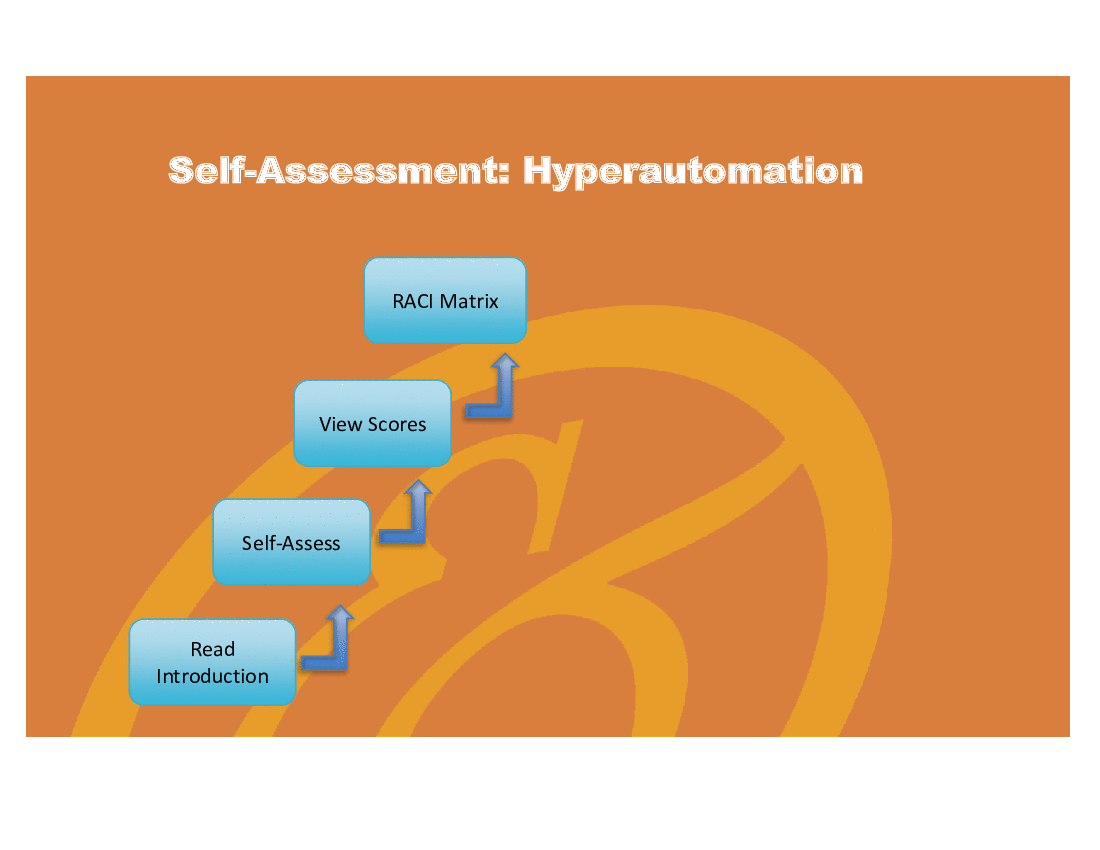
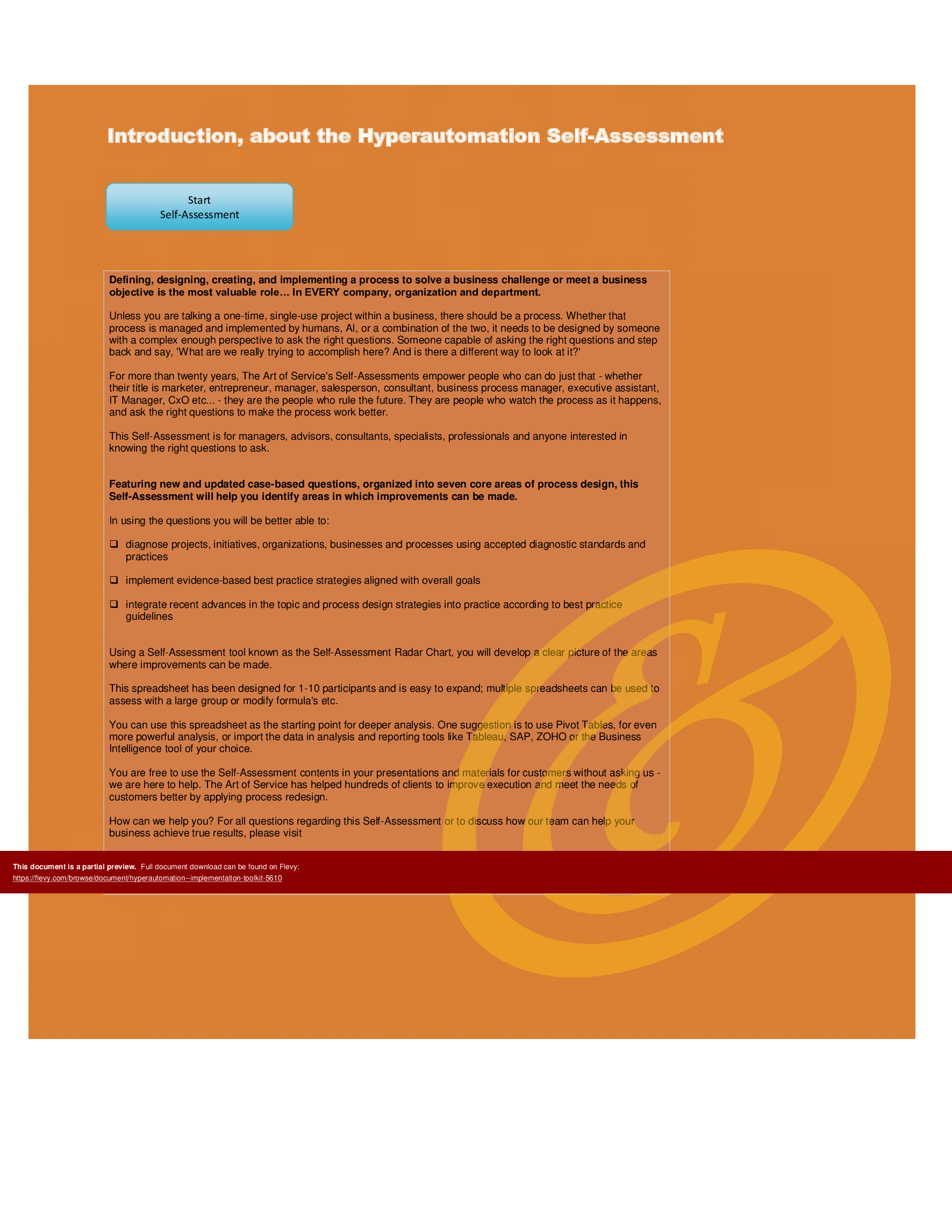
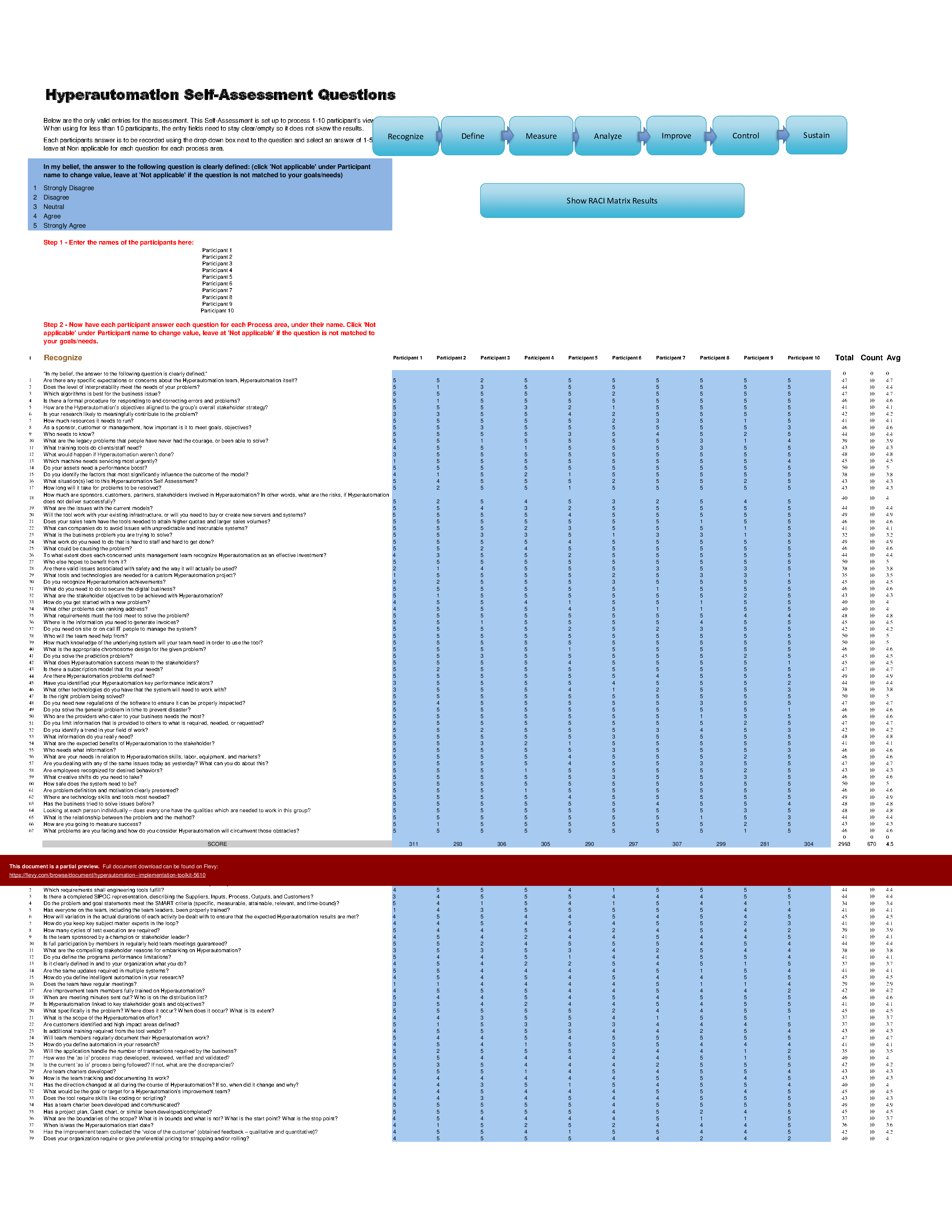
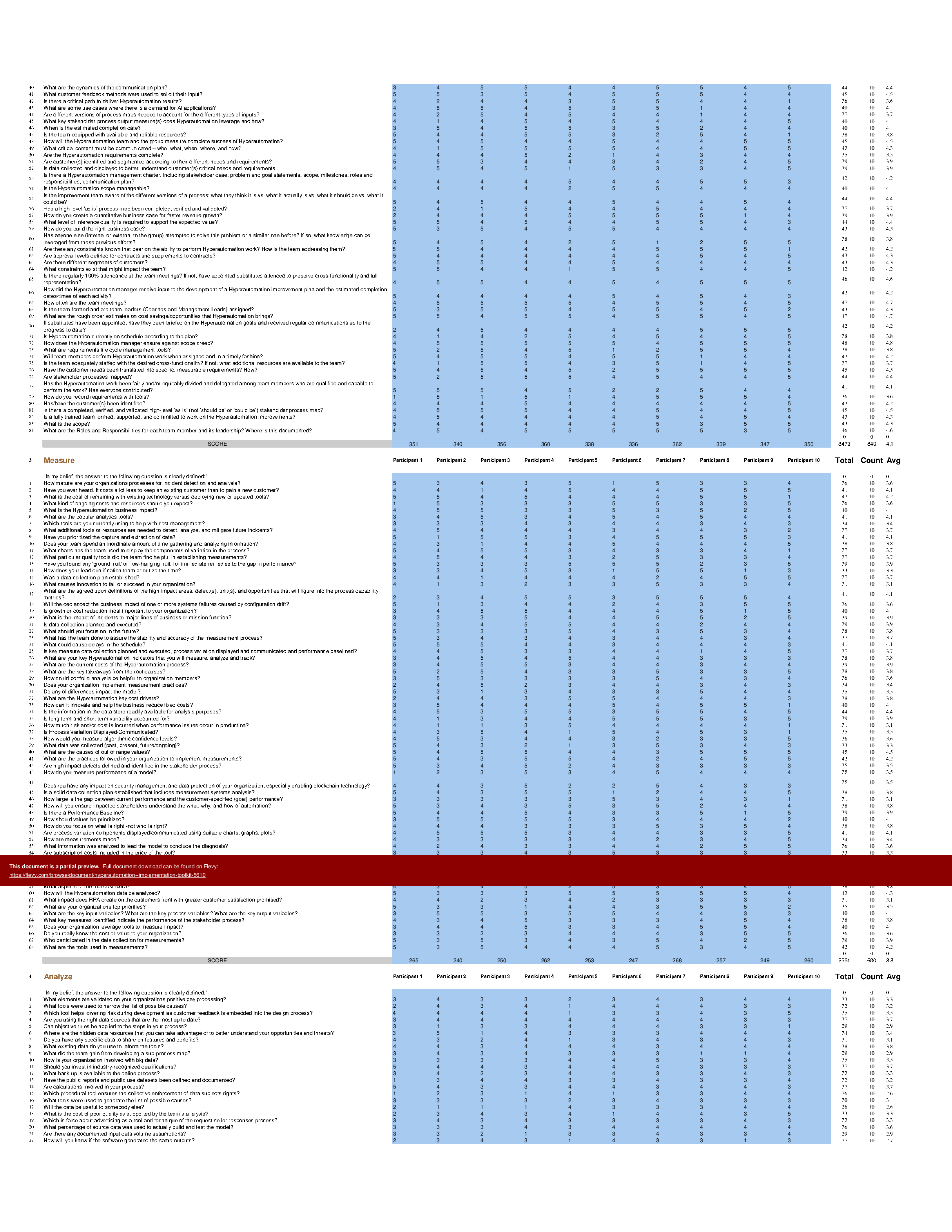
The Hyperautomation Implementation Toolkit includes a set of best-practice templates, step-by-step workplans, and maturity diagnostics for any Hyperautomation related project. Please note the above partial preview is ONLY of the Self Assessment Excel Dashboard, referenced in steps 1 and 2 (see below for more details).
Through a 3-step process, this toolkit will guide you from idea to implementation. Please find a below a summary of the 3 steps.
STEP 1: Get your bearings
Start with the latest quick edition of the Hyperautomation Self Assessment book in PDF containing 49 requirements to perform a quickscan, get an overview and share with stakeholders.
Organized in a Data Driven improvement cycle RDMAICS (Recognize, Define, Measure, Analyze, Improve, Control and Sustain), check the example pre-filled Self-Assessment Excel Dashboard to get familiar with results generation.
STEP 2: Set concrete goals, tasks, dates and numbers you can track
Featuring 999 new and updated case-based questions, organized into seven core areas of Process Design, this Self-Assessment will help you identify areas in which Hyperautomation improvements can be made.
The Self-Assessment Excel Dashboard; with the Hyperautomation Self-Assessment and Scorecard you will develop a clear picture of which Hyperautomation areas need attention, which requirements you should focus on and who will be responsible for them:
• Shows your organization instant insight in areas for improvement: Auto generates reports, radar chart for maturity assessment, insights per process and participant and bespoke, ready to use, RACI Matrix
• Gives you a professional Dashboard to guide and perform a thorough Hyperautomation Self-Assessment
• Is secure: Ensures offline Data Protection of your Self-Assessment results
• Dynamically prioritized projects-ready RACI Matrix shows your organization exactly what to do next
STEP 3: Implement, Track, follow up and revise strategy
The outcomes of STEP 2, the self assessment, are the inputs for STEP 3; Start and manage Hyperautomation projects with the 62 implementation resources. There are 62 step-by-step Hyperautomation Project Management Form Templates covering over 1500 Hyperautomation project requirements and success criteria.
Got a question about the product? Email us at support@flevy.com or ask the author directly by using the "Ask the Author a Question" form. If you cannot view the preview above this document description, go here to view the large preview instead.
TOPIC FAQ
What is RDMAICS and how is it applied in a hyperautomation program?
RDMAICS is a data-driven improvement cycle standing for Recognize, Define, Measure, Analyze, Improve, Control, Sustain. In hyperautomation projects it is used to structure assessment and change activities, beginning with a quickscan and moving through measurement, analysis, and staged improvement, as implemented in the Self-Assessment Excel Dashboard.Which assessment tools are commonly used to diagnose hyperautomation maturity?
Common diagnostic tools include self-assessment questionnaires, scorecards, visual maturity charts, and RACI matrices. Flevy's Hyperautomation - Implementation Toolkit centralizes these into a Self-Assessment Excel Dashboard that auto-generates reports, a radar chart, insights per process/participant, and a projects-ready RACI Matrix.How extensive should a hyperautomation self-assessment questionnaire be?
A thorough hyperautomation self-assessment can be extensive; the referenced toolkit provides 999 new and updated case-based questions organized into 7 core Process Design areas to capture detailed maturity and improvement opportunities.What features should I require from a hyperautomation implementation toolkit?
Look for step-by-step workplans, maturity diagnostics, secure offline data handling, auto-generated reports and charts, a projects-ready RACI Matrix, and implementation templates that map requirements to success criteria—for example, the Hyperautomation - Implementation Toolkit includes 62 Project Management Form Templates covering over 1,500 requirements.How do prebuilt templates and scorecards compare to building assessment assets from scratch?
Prebuilt assets consolidate step-by-step workplans, diagnostics, and dashboarding into ready-to-use formats, reducing the need to design each artifact manually; the overview materials reference 62 implementation templates and over 1,500 project requirements as packaged resources.What method helps prioritize automation projects across multiple processes?
Use a structured self-assessment that produces quantitative scores per process, visual maturity charts, and a dynamically prioritized projects-ready RACI Matrix to identify where to act next; these capabilities are present in the Hyperautomation - Implementation Toolkit’s Self-Assessment Excel Dashboard.How can I run a quickscan to align stakeholders on hyperautomation opportunities?
Start with a concise quick-edition assessment that lists essential requirements and share a pre-filled dashboard example to illustrate results; the toolkit’s quick-edition PDF contains a 49-requirement quickscan and an example pre-filled Self-Assessment Excel Dashboard.What implementation resources are typically required to manage hyperautomation projects end-to-end?
Implementation requires project templates, workplans, task lists, roles/RACI definitions, and measurable success criteria. The referenced toolkit packages 62 step-by-step Project Management Form Templates that collectively cover more than 1,500 hyperautomation project requirements and success criteria.Source: Best Practices in Artificial Intelligence, RPA, Automation Excel: Hyperautomation - Implementation Toolkit Excel (XLSX) Spreadsheet, Gerard Blokdijk




























