
Many professionals jump into their PowerPoint before thinking through their messaging.
In my experience, this leads to muddled messaging and extensive rework. The messaging gets lost in page after elegant page, many of which become redundant as the messaging slowly bubbles to the surface.
I recommend thinking through your messaging using the Pyramid Principle first to give you a better chance of nailing a powerful message that achieves your desired outcome. 'Slide-making then becomes much faster and easier.
Here is a summary of the three key things this toolkit offers before expanding further on each one below. It ...
1 – Walks you through four steps for preparing Powerful PowerPoints.
2 – Explains how I have translated a message map into a powerful PowerPoint for seven commonly told business stories.
3 – Offers design tips around layout, colour and tone.
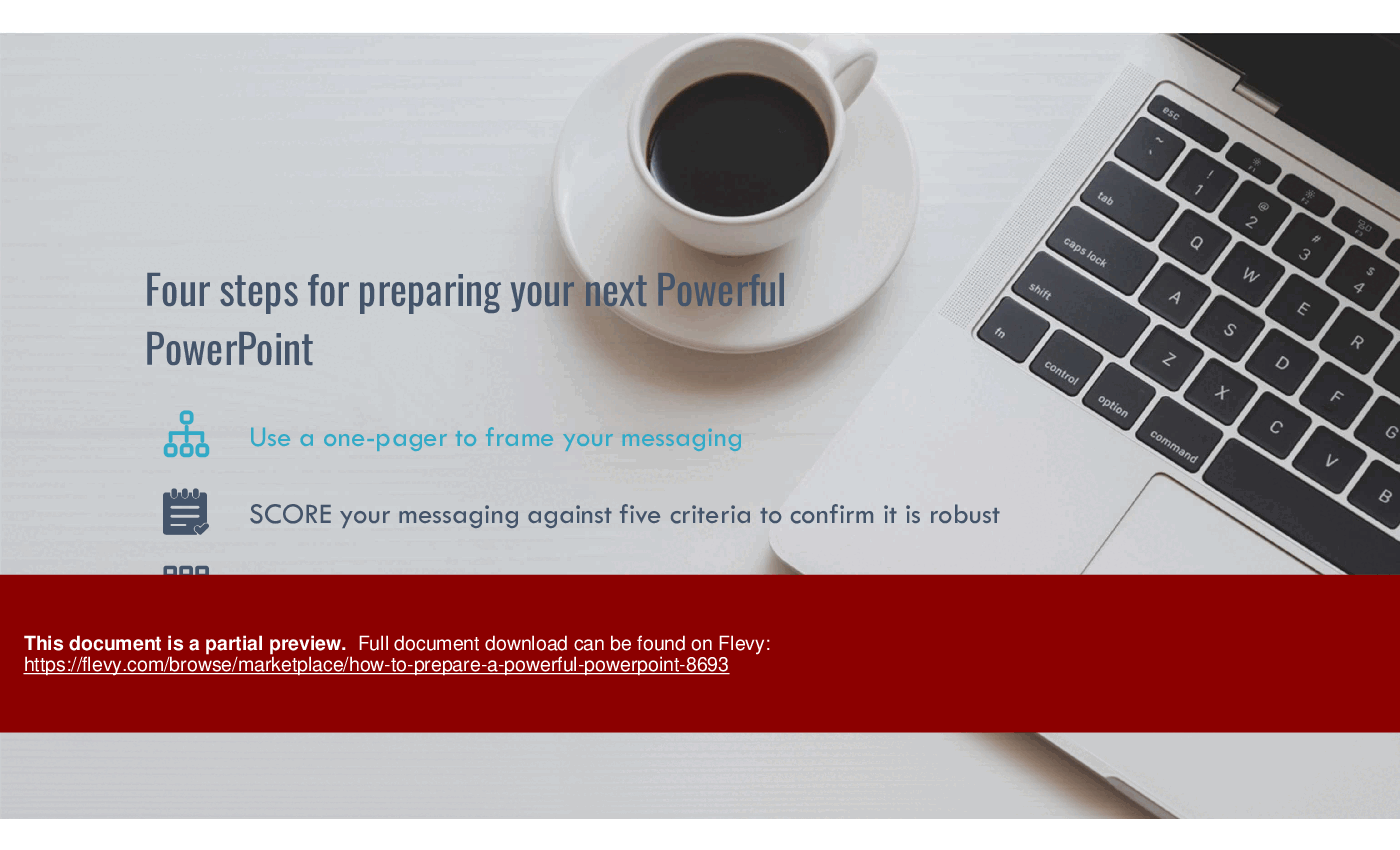
1 – Here are the four steps it takes you through:
• Use a one-pager to frame your messaging
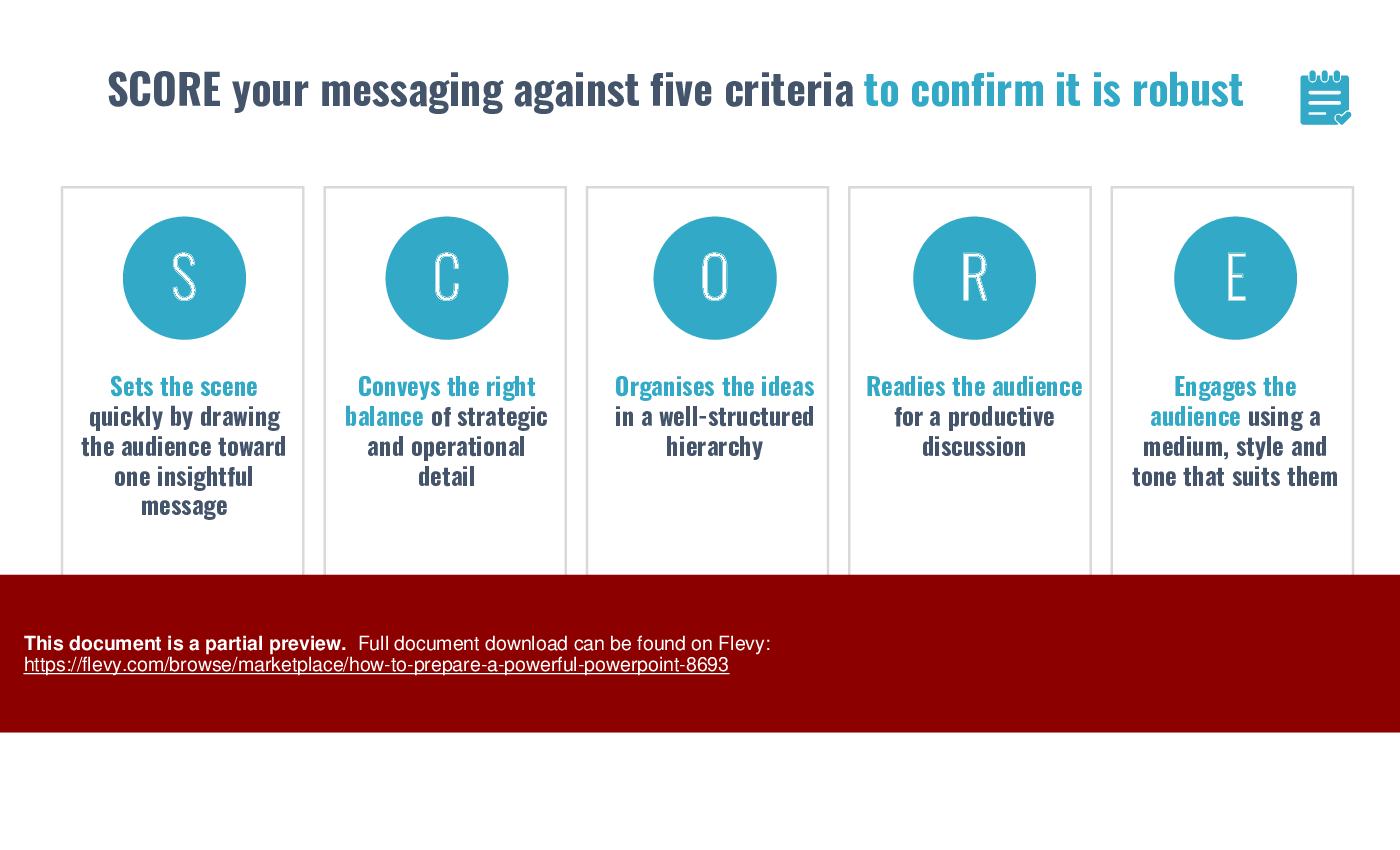
• SCORE your messaging against five criteria to confirm it is robust
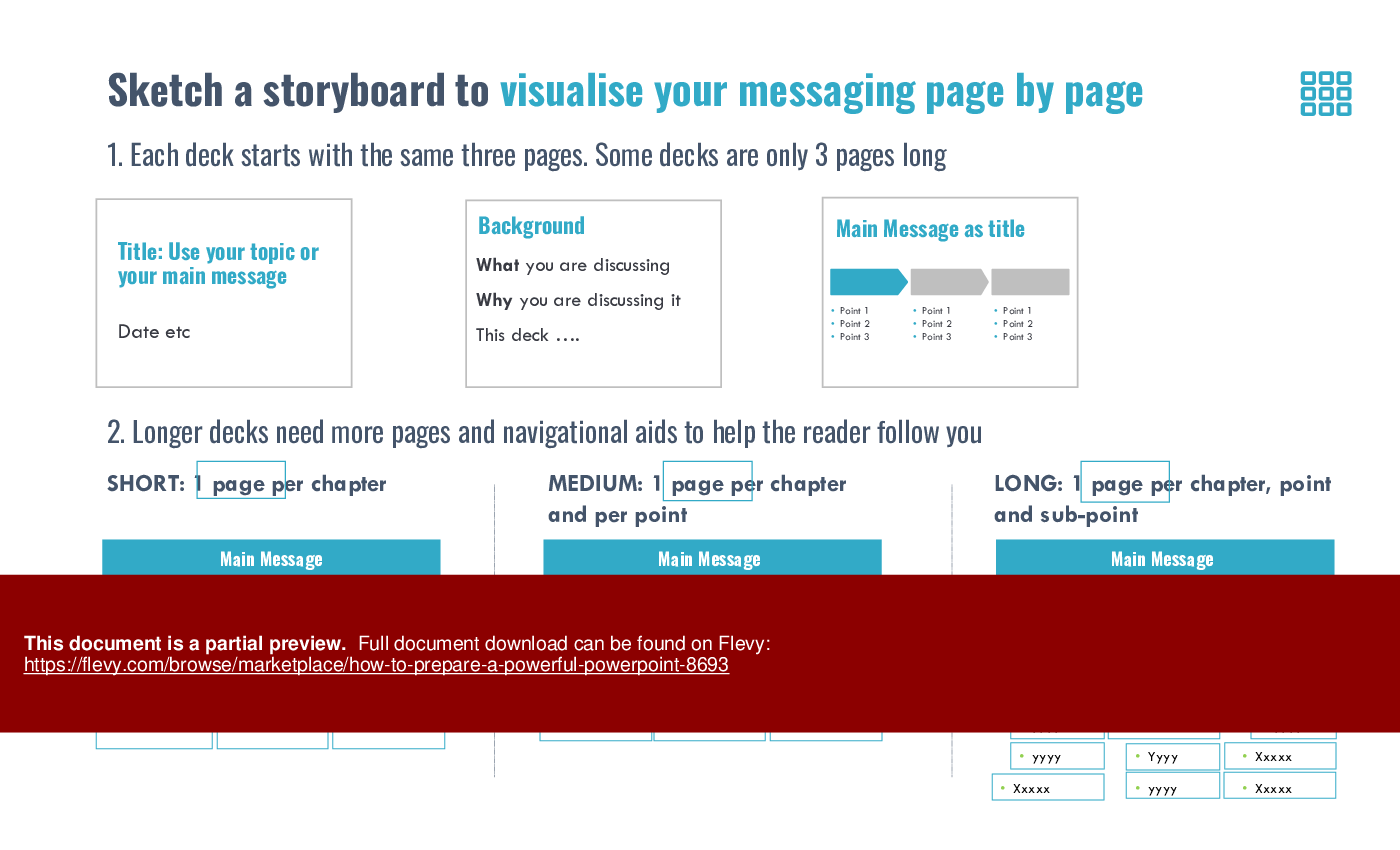
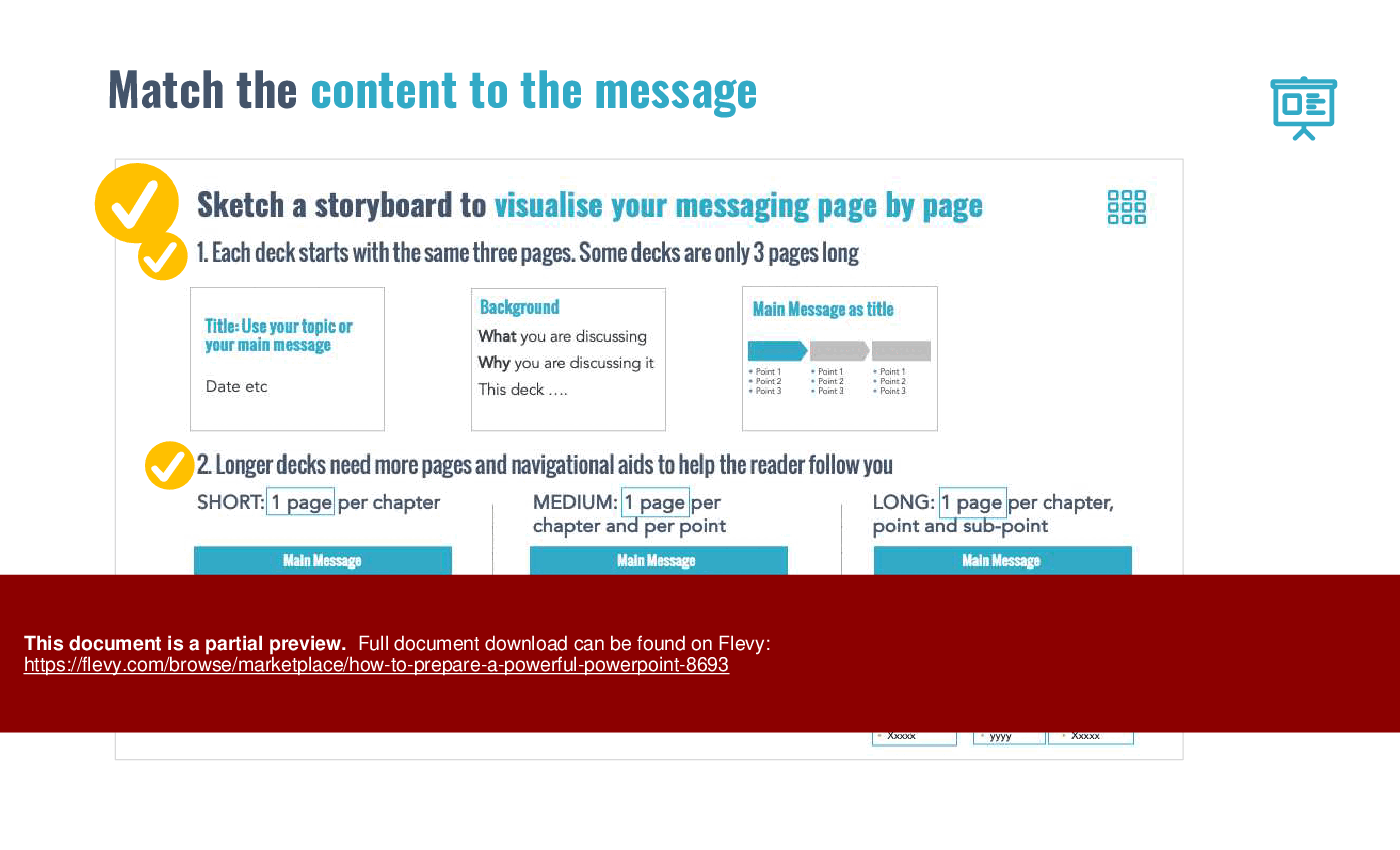
• Sketch a storyboard to visualise your messaging, page by page
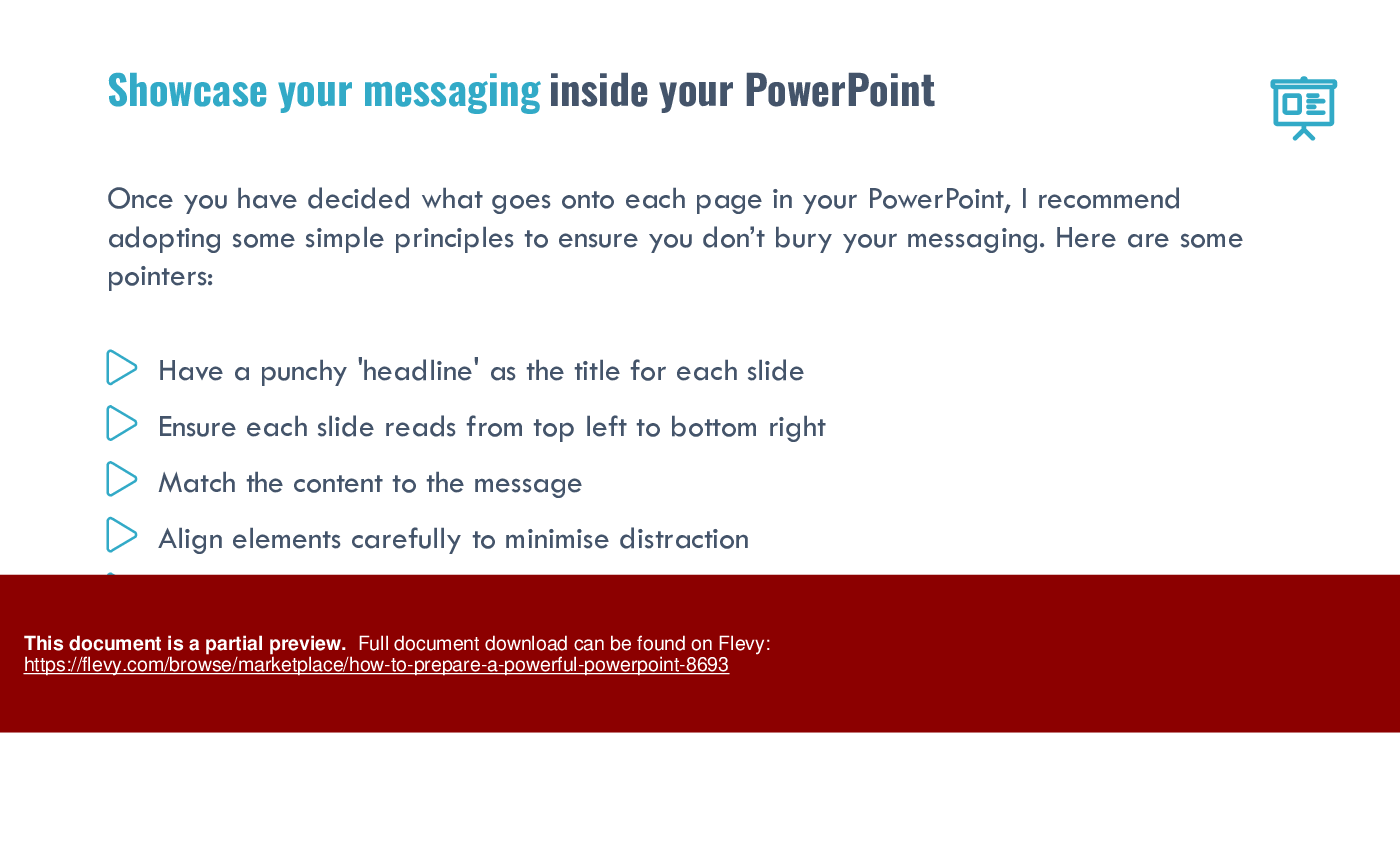
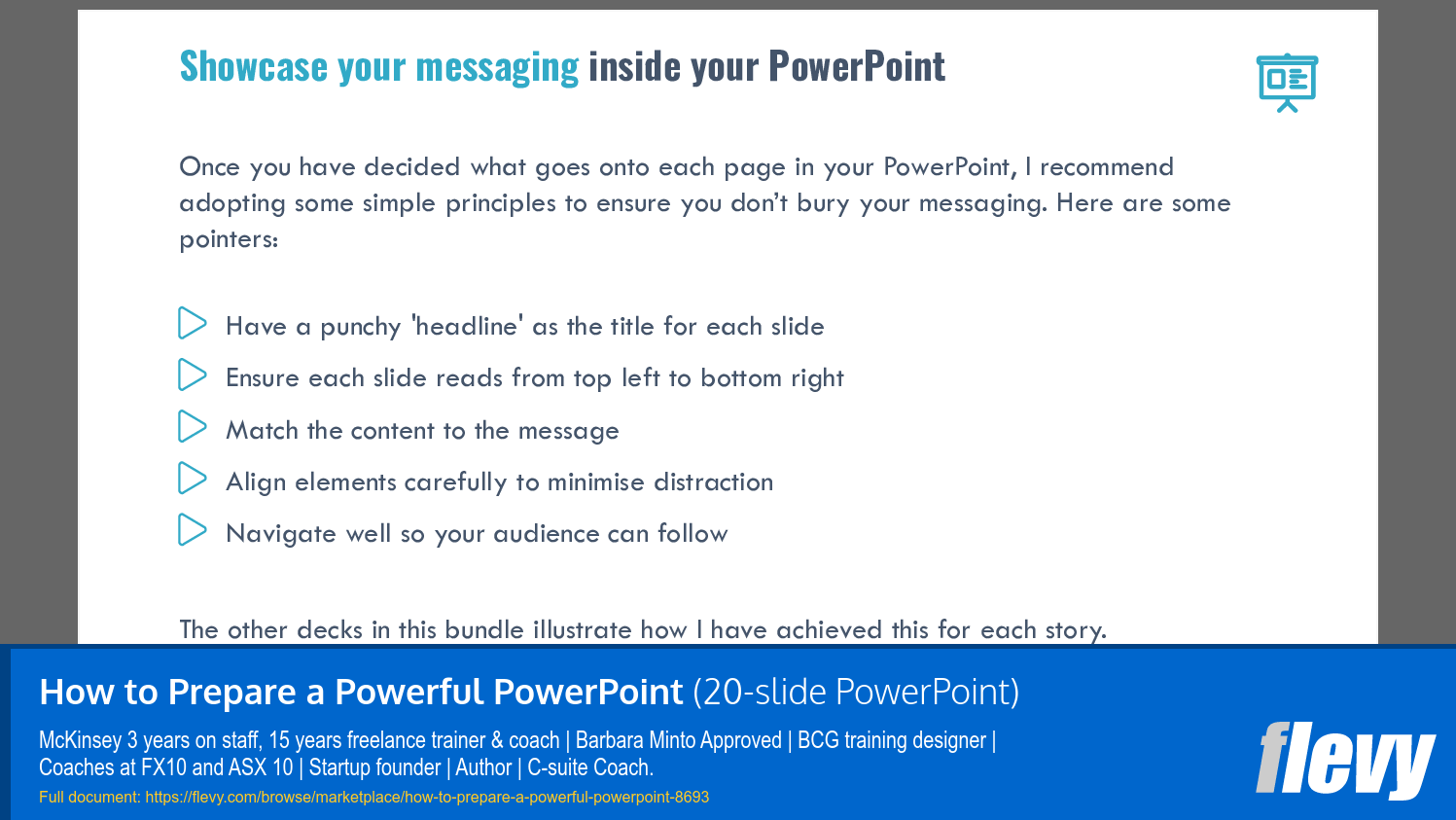
• Showcase your messaging inside your PowerPoint
2 – Here is how it explains how I translated the message map into a Powerful PowerPoint for seven commonly told business stories. It
• explains how the one-pager on its own can be enough for less-formal situations
• illustrates how a short deck is useful when you have a simple story to tell
• outlines how a medium deck looks when you have one page for each dot point in your story
• demonstrates how to structure a more complex deck
3 – Offers design tips for your layout, including
• having a punchy headline
• ensuring each slide reads right
• matching the content to the message
• aligning elements carefully to minimise distraction
• navigating well so your audience can follow.
This deck was prepared by Davina Stanley of Clarity First. Davina specialises in helping executives get to the point, using the Pyramid Principle. She learned the techniques at McKinsey. Barbara Minto reviewed and approved her training in 2009 and she has used them to help executives globally ever since.
This toolkit equips you with practical steps to streamline your PowerPoint creation process. Visual aids and structured frameworks help ensure clarity and engagement, making your presentations not just informative, but impactful.
Got a question about the product? Email us at support@flevy.com or ask the author directly by using the "Ask the Author a Question" form. If you cannot view the preview above this document description, go here to view the large preview instead.
Executive Summary
This presentation titled "How to Prepare a Powerful PowerPoint" provides a structured approach to creating impactful PowerPoint presentations. It emphasizes the importance of clear messaging before diving into slide creation, helping professionals avoid common pitfalls like muddled communication and redundancy. The toolkit guides users through 4 essential steps: framing messaging with a one-pager, scoring the messaging against 5 criteria, sketching a storyboard for visual organization, and showcasing the messaging effectively within the slides. This resource is invaluable for anyone looking to enhance their presentation skills and deliver compelling messages.
Who This Is For and When to Use
• Corporate executives seeking to improve their presentation effectiveness
• Integration leaders responsible for communicating complex ideas clearly
• Consultants aiming to deliver impactful client presentations
• Trainers and coaches focused on enhancing communication skills
• Marketing professionals creating persuasive pitches
Best-fit moments to use this deck:
• Preparing for high-stakes presentations to stakeholders
• Designing training sessions for teams on effective communication
• Crafting pitches for new business opportunities
• Developing internal communications for strategic initiatives
Learning Objectives
• Define the key components of effective messaging for presentations
• Build a structured one-pager to frame your core message
• Score your messaging against established criteria for clarity and impact
• Sketch a storyboard to visualize the flow of your presentation
• Showcase your messaging in a visually engaging PowerPoint format
• Apply design principles to enhance audience engagement
Table of Contents
• Introduction to Powerful Presentations (page 2)
• Four Steps for Preparing Your PowerPoint (page 3)
• Framing Your Messaging with a One-Pager (page 5)
• Scoring Your Messaging: The SCORE Framework (page 7)
• Storyboarding Your Presentation (page 9)
• Design Principles for Effective Slides (page 13)
• Appendix: Additional Resources (page 19)
Primary Topics Covered
• Messaging Framework - Establishes the foundation for effective presentations by ensuring clarity and focus in communication.
• One-Pager Tool - A concise document that encapsulates the main message, audience questions, and supporting insights for quick reference.
• SCORE Criteria - A method to evaluate messaging effectiveness based on strategic relevance, organization, readiness for discussion, and audience engagement.
• Storyboard Visualization - A technique for mapping out the presentation structure, ensuring logical flow and coherence across slides.
• Design Principles - Guidelines for creating visually appealing slides that enhance understanding and retention of the presented information.
• Audience Engagement Techniques - Strategies to captivate and maintain audience interest throughout the presentation.
Deliverables, Templates, and Tools
• One-pager template for framing messaging
• SCORE framework checklist for evaluating messaging clarity
• Storyboarding template for visualizing slide flow
• Slide design principles guide
• Example PowerPoint presentations demonstrating effective messaging
• Resource list for further learning on presentation skills
Slide Highlights
• Overview of the 4 steps to prepare a powerful PowerPoint
• Example of a one-pager framing messaging effectively
• SCORE criteria breakdown for evaluating messaging
• Visual storyboard examples illustrating different presentation lengths
• Design principles for effective slide creation
Potential Workshop Agenda
Introduction to Powerful Presentations (30 minutes)
• Overview of the importance of clear messaging
• Discussion of common pitfalls in presentations
Messaging Framework Workshop (60 minutes)
• Hands-on session to create a one-pager
• Group scoring of messaging using the SCORE criteria
Storyboarding and Design Principles (60 minutes)
• Sketching storyboards for upcoming presentations
• Applying design principles to enhance slide effectiveness
Customization Guidance
• Tailor the one-pager template to fit specific presentation topics and audiences
• Adjust the SCORE criteria to align with organizational messaging standards
• Modify storyboard templates to reflect the unique flow of your presentation
• Incorporate company branding and design elements into slide templates
Secondary Topics Covered
• Importance of audience analysis in presentation preparation
• Techniques for handling Q&A sessions effectively
• Strategies for managing presentation anxiety
• Use of visual aids to support messaging
Topic FAQ
Document FAQ
These are questions addressed within this presentation.
What is the SCORE framework?
The SCORE framework evaluates messaging clarity based on 5 criteria: Scene-setting, Conveying strategic detail, Organizing ideas, Readiness for discussion, and Engagement with the audience.
How do I create a one-pager?
A one-pager should summarize your main message, include key insights, and address audience questions in a concise format for quick reference.
What are effective design principles for PowerPoint slides?
Effective design principles include using punchy headlines, ensuring a logical flow from top left to bottom right, and aligning elements to minimize distractions.
How can I storyboard my presentation?
Storyboarding involves mapping out the structure of your presentation, determining what content goes on each slide, and ensuring a logical progression of ideas.
What should I include in my messaging framework?
Your messaging framework should include the main message, supporting insights, and answers to anticipated audience questions.
How do I engage my audience during a presentation?
Engage your audience by using visuals, asking questions, and incorporating interactive elements to maintain their interest and encourage participation.
What resources are available for further learning?
Visit ClarityFirstProgram for additional tools, courses, and resources to enhance your presentation skills.
Glossary
• One-Pager - A concise document summarizing the main message and key insights.
• SCORE - A framework for evaluating messaging clarity and effectiveness.
• Storyboarding - A technique for visualizing the flow of a presentation.
• Audience Engagement - Strategies to captivate and maintain audience interest.
• Design Principles - Guidelines for creating effective and visually appealing slides.
• Messaging Framework - A structured approach to developing clear and focused communication.
• Visual Aids - Tools such as charts, graphs, and images used to support messaging.
• Presentation Anxiety - The nervousness experienced before or during a presentation.
• Interactive Elements - Activities or questions designed to involve the audience.
• ClarityFirstProgram - A resource for learning and improving communication skills.
• Slide Design - The process of creating visually appealing and effective PowerPoint slides.
• Communication Skills - The ability to convey information effectively and clearly.
Source: Best Practices in Presentation Development PowerPoint Slides: How to Prepare a Powerful PowerPoint PowerPoint (PPTX) Presentation Slide Deck, Clarity First
This document is available as part of the following discounted bundle(s):

Save %!
PPT Toolkit - How to Tell a Compelling Story
This bundle contains 7 total documents. See all the documents to the right.
|
Receive our FREE whitepaper on the Top 101 Consulting Frameworks
Download our 200+ page guide summarizing the Top 101 Management Consulting Frameworks. Each framework provides a structured approach to analyzing and solving a common business problem. |









