
 Click main image to view in full screen. Unlock all 18 preview images:
Business Capability Modeling - Implementation Toolkit – Excel XLSX
Excel (XLSX) + Zip archive file (ZIP)


BUSINESS CAPABILITY MODEL EXCEL DESCRIPTION
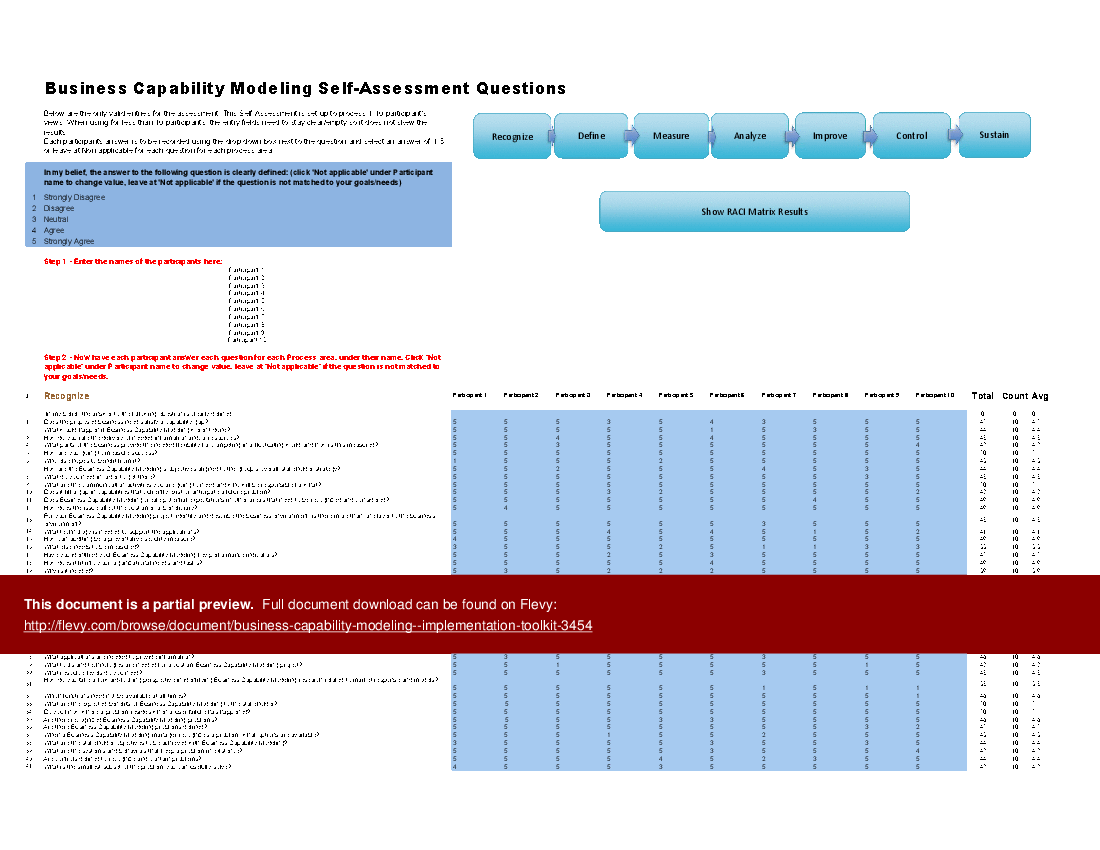
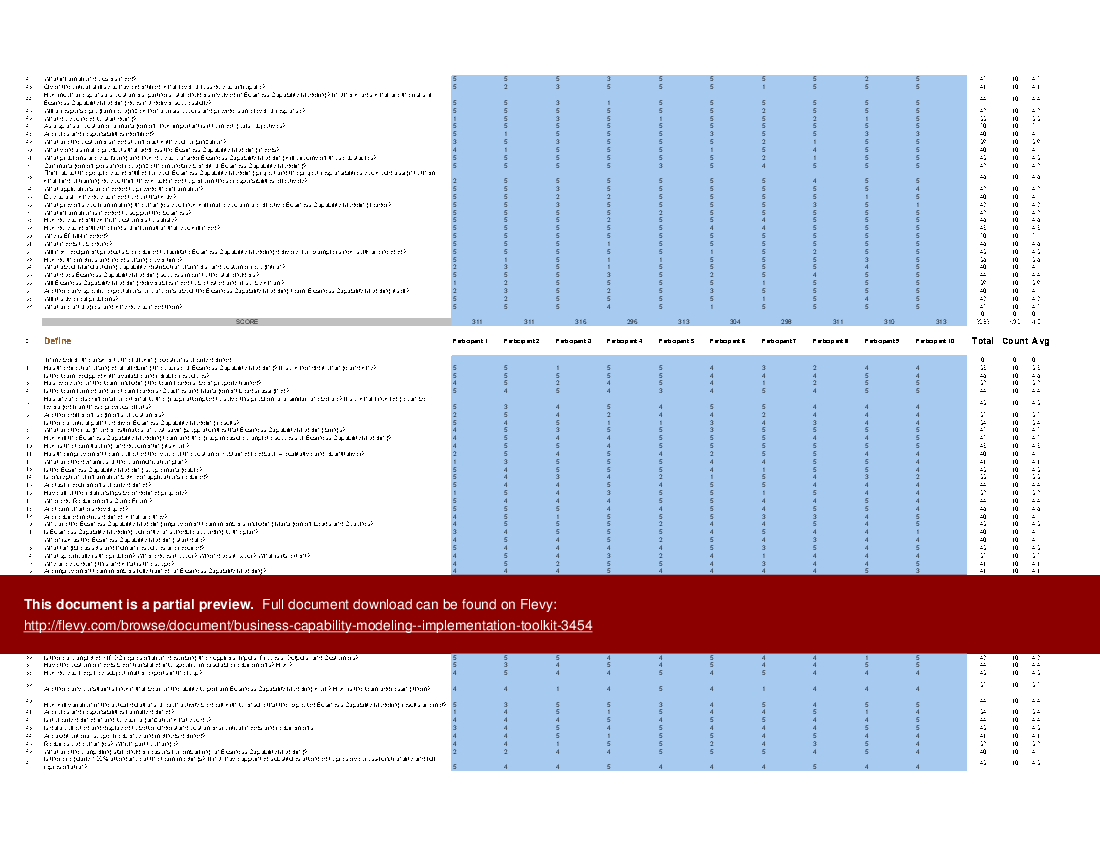
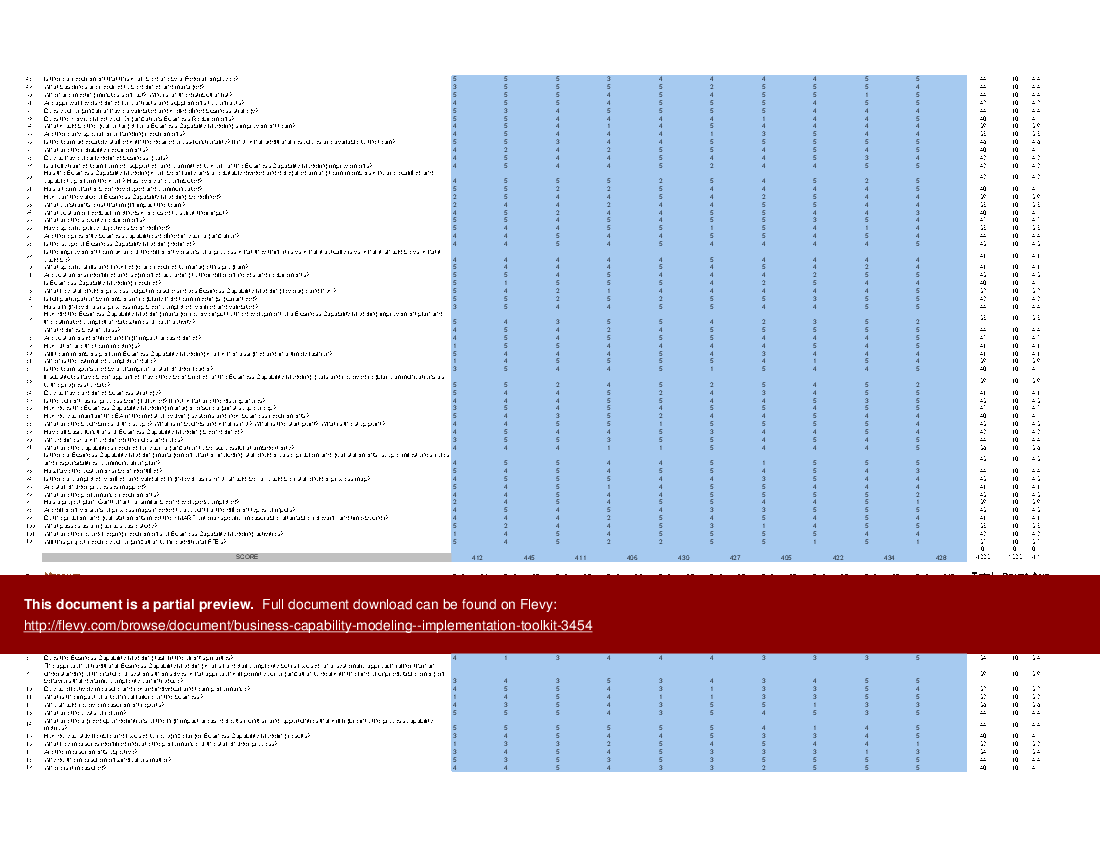
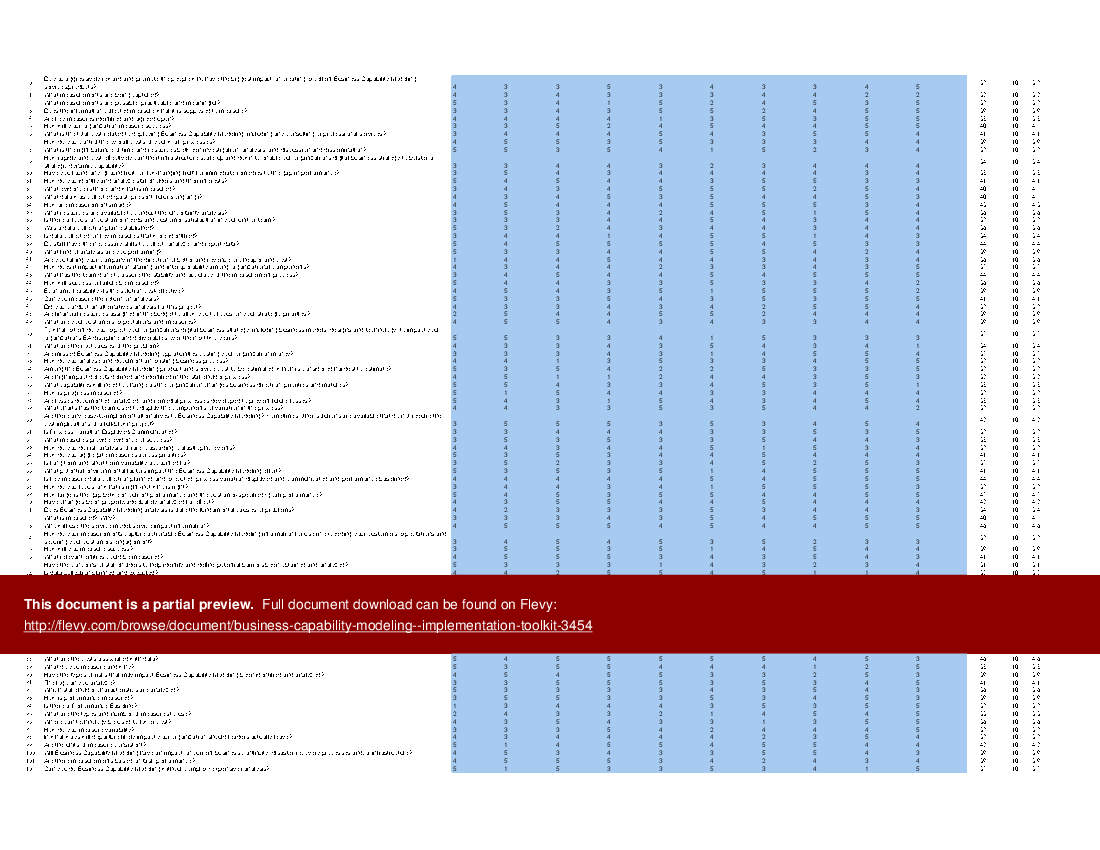
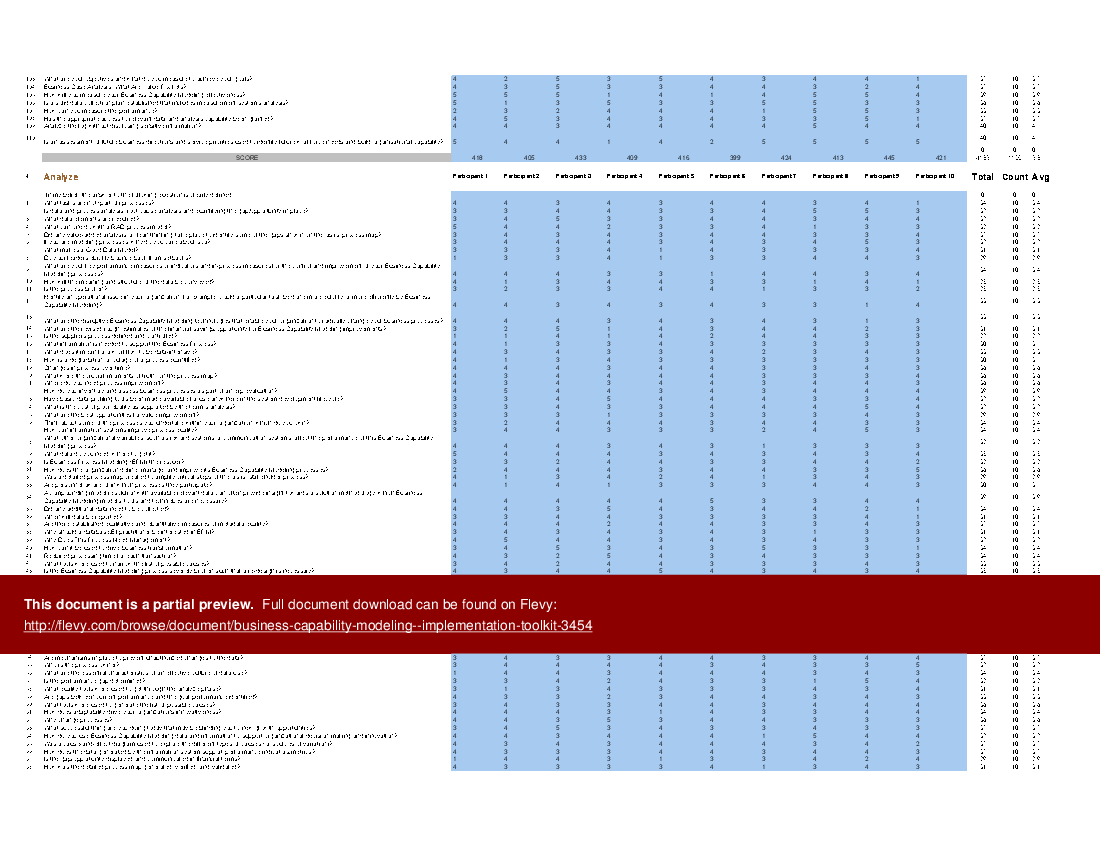
The Business Capability Modeling includes a set of best-practice templates, step-by-step workplans, and maturity diagnostics for for any Business Capability Modeling related project. Please note the above partial preview is ONLY of the Self Assessment Excel Dashboard, referenced in steps 1 and 2 (see below for more details).
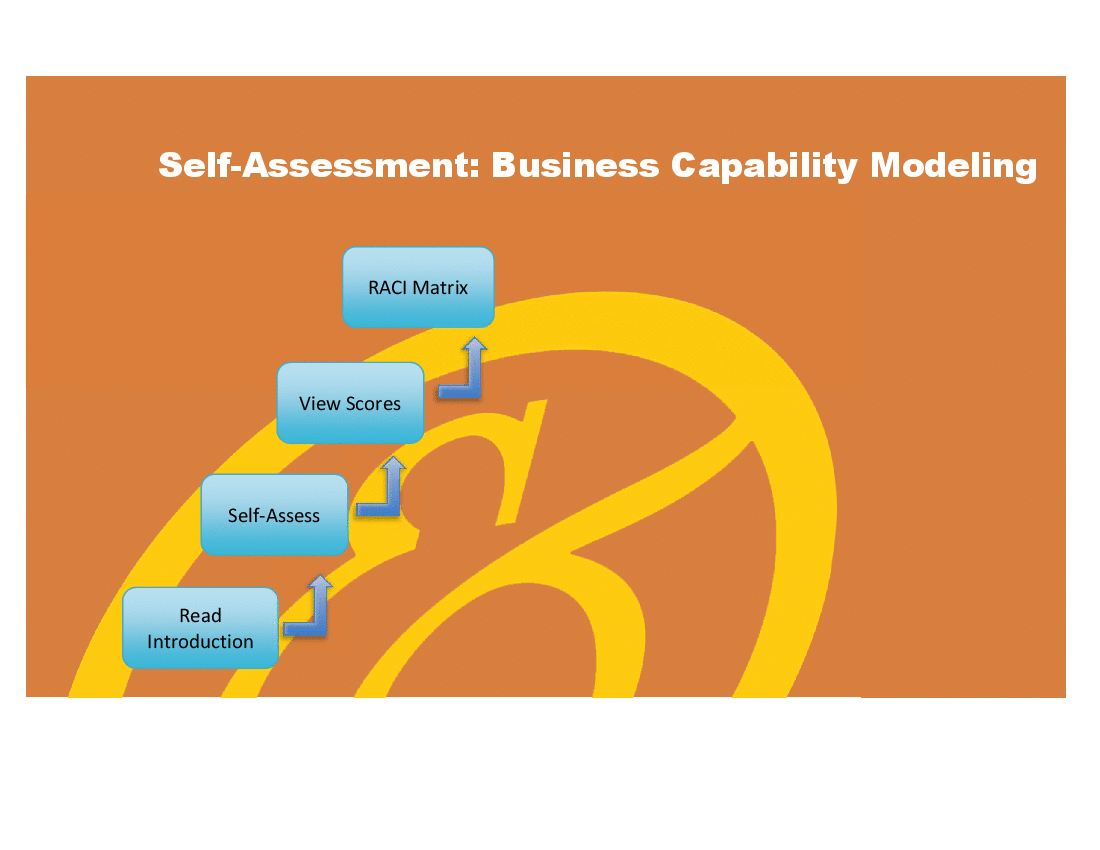
Through a 3-step process, this toolkit will guide you from idea to implementation. Please find a below a summary of the 3 steps.
Step 1 – Get your bearings
Start with the latest quick edition of the standard requirements Self Assessment book in PDF containing 49 requirements to perform a quickscan, get an overview, and share with stakeholders.
Organized in a data-driven improvement cycle RDMAICS (Recognize, Define, Measure, Analyze, Improve, Control and Sustain), check the example pre-filled Self Assessment Excel Dashboard to get familiar with results generation.
Step 2 – Set concrete goals, tasks, dates, and numbers you can track
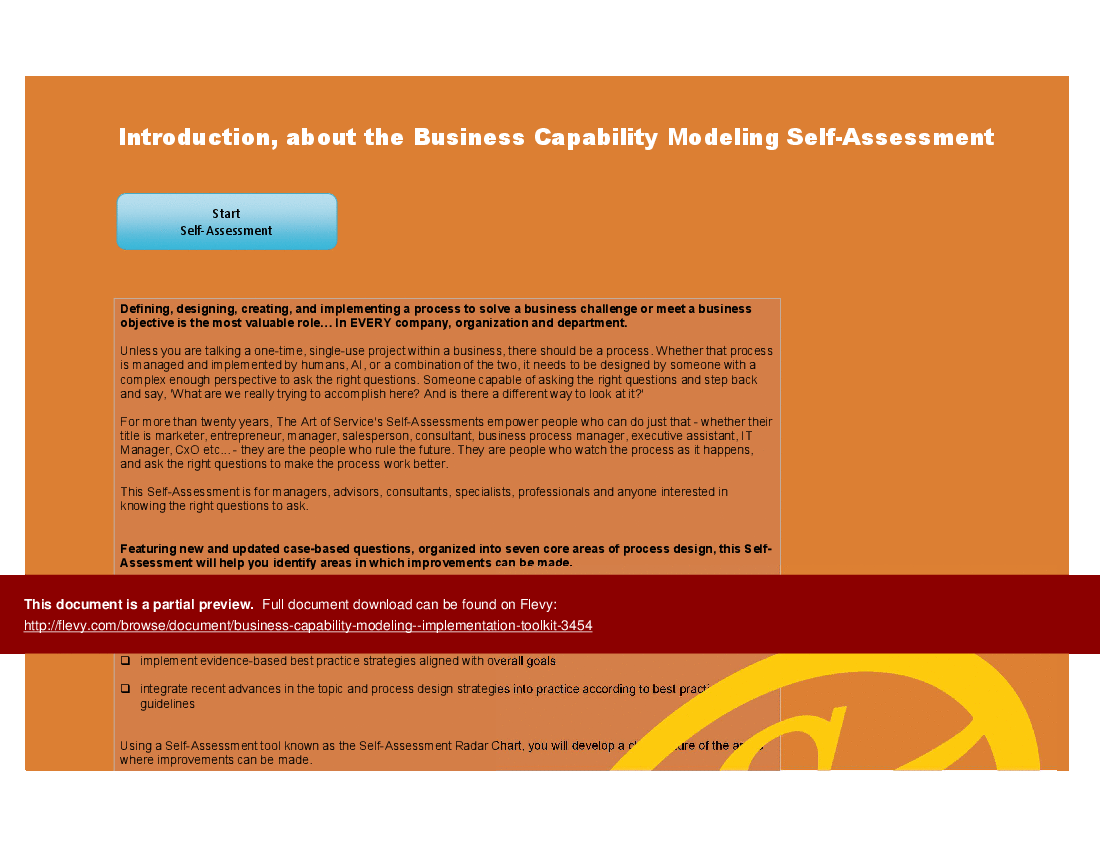
Featuring 645 new and updated case-based questions, organized into 7 core areas of process design, this Excel Self Assessment Dashboard will help you identify areas in which standard requirements improvements can be made. Features of this dashboard include:
• Shows your organization instant insight in areas for improvement: Auto generates reports, radar chart for maturity assessment, insights per
process and participant and bespoke, ready to use, RACI Matrix
• Gives you a professional Dashboard to guide and perform a thorough standard requirements Self Assessment
• Is secure: Ensures offline data protection of your Self-Assessment results
• Dynamically prioritized projects-ready RACI Matrix shows your organization exactly what to do next
Step 3 – Implement, track, follow up, and revise strategy
The outcomes of step 2, the Self Assessment, are the inputs for step 3. Start and manage standard requirements projects with the 62 implementation resources. These are 62 step-by-step Project Management Form Templates covering over 6000 project requirements and success criteria.
The toolkit includes a comprehensive Self-Assessment Radar Chart, providing a visual representation of your organization's strengths and weaknesses. Designed for scalability, the spreadsheet accommodates up to 10 participants and can be expanded for larger groups.
Got a question about the product? Email us at support@flevy.com or ask the author directly by using the "Ask the Author a Question" form. If you cannot view the preview above this document description, go here to view the large preview instead.
TOPIC FAQ
What are the phases of a capability improvement cycle used in business capability modeling?
The toolkit uses the RDMAICS data-driven improvement cycle: Recognize, Define, Measure, Analyze, Improve, Control, Sustain. This sequence is intended to guide assessment, prioritization, implementation, and sustainment activities and is presented in the product as the core process cycle, spanning 7 phases.How can I measure capability maturity across business areas?
Capability maturity can be measured via a Self-Assessment Excel Dashboard that auto-generates reports and a radar chart to visualize strengths and weaknesses; the toolkit’s dashboard is designed to guide assessments using the included case questions and visuals in the spreadsheet.What kinds of assessment questions are used to evaluate capabilities?
The toolkit’s assessment relies on 645 new and updated case-based questions organized into 7 core areas of process design, intended to surface areas for standard requirements improvements and to feed the Self-Assessment Excel Dashboard.How do I prioritize capability improvement projects after an assessment?
The Excel Dashboard includes a dynamically prioritized projects-ready RACI Matrix that auto-generates priorities and role responsibilities based on assessment results, enabling direct translation from self-assessment outputs to prioritized actions using the dashboard’s RACI tool.What features should I expect from a commercial business capability modeling toolkit?
Look for step-by-step workplans, maturity diagnostics, a secure self-assessment dashboard with auto-reports and a radar chart, and implementation resources such as Project Management Form Templates; Flevy’s Business Capability Modeling - Implementation Toolkit bundles these elements with 62 templates.Can I run assessments securely and offline with these tools?
The toolkit’s Self-Assessment Excel Dashboard is described as secure and ensuring offline data protection of your self-assessment results, enabling local storage and protected analysis within the spreadsheet environment.How do I judge whether templates are worth buying for implementation work?
Evaluate the scope and depth of templates and coverage of project requirements; this toolkit pairs assessment questions with 62 Project Management Form Templates covering over 6000 project requirements and success criteria as a measure of coverage.Can the assessment handle multiple participants and larger stakeholder groups?
The spreadsheet is designed for scalability, accommodating up to 10 participants out of the box and can be expanded for larger groups, with the Self-Assessment Radar Chart and dashboard supporting multi-participant input.Source: Best Practices in Business Capability Model Excel: Business Capability Modeling - Implementation Toolkit Excel (XLSX) Spreadsheet, Gerard Blokdijk