
 Click main image to view in full screen. Unlock all 17 preview images:
Team Capacity & Project Margin Planner – Excel XLSX
Excel (XLSX) + Zip archive file (ZIP)


BENEFITS OF THIS DOWNLOADABLE EXCEL DOCUMENT
- Identify individual overload and available colleagues before accepting proposed work.
- Replace repeated weekly data entry with recurring bookings and compare actual delivery with the remaining plan.
- Price complete project scope using target margins, contingency, contractor costs and a discount sensitivity grid.
PROJECT MANAGEMENT EXCEL DESCRIPTION
Team Capacity & Project Margin Planner is an Excel decision workbook for managers of agencies, consultancies and professional-services delivery teams. It connects staffing commitments, proposed work, delivery cost and project pricing so that a manager can review the operational and commercial consequences together.
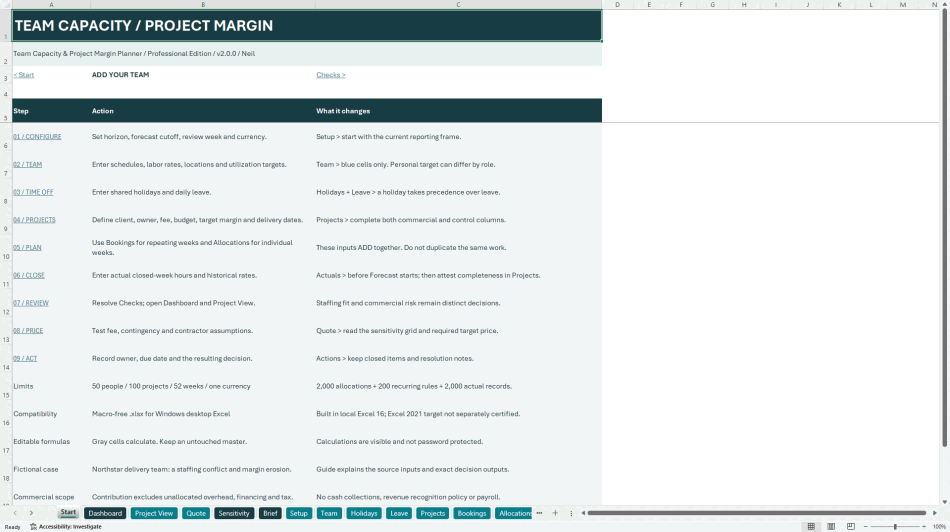
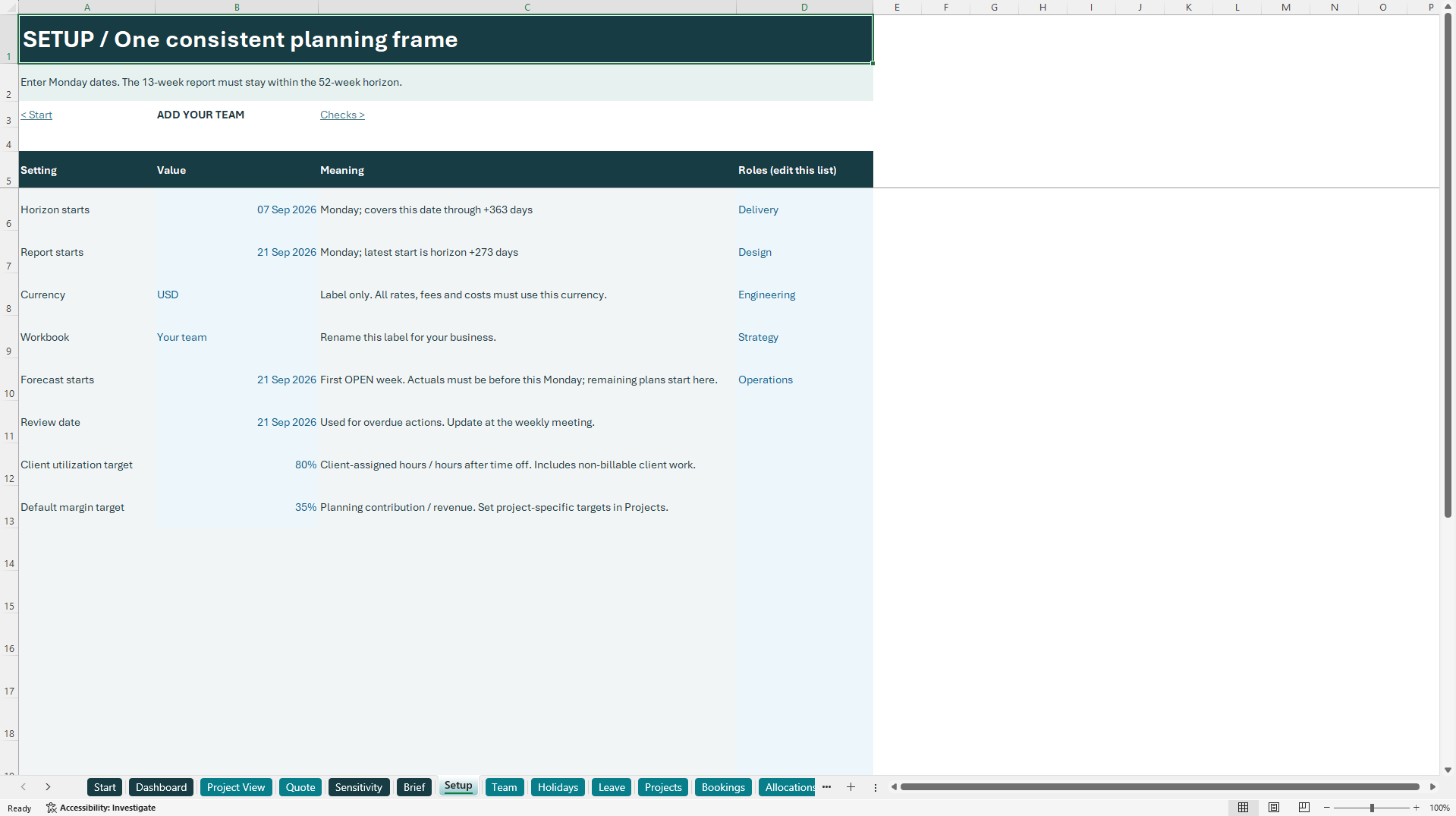
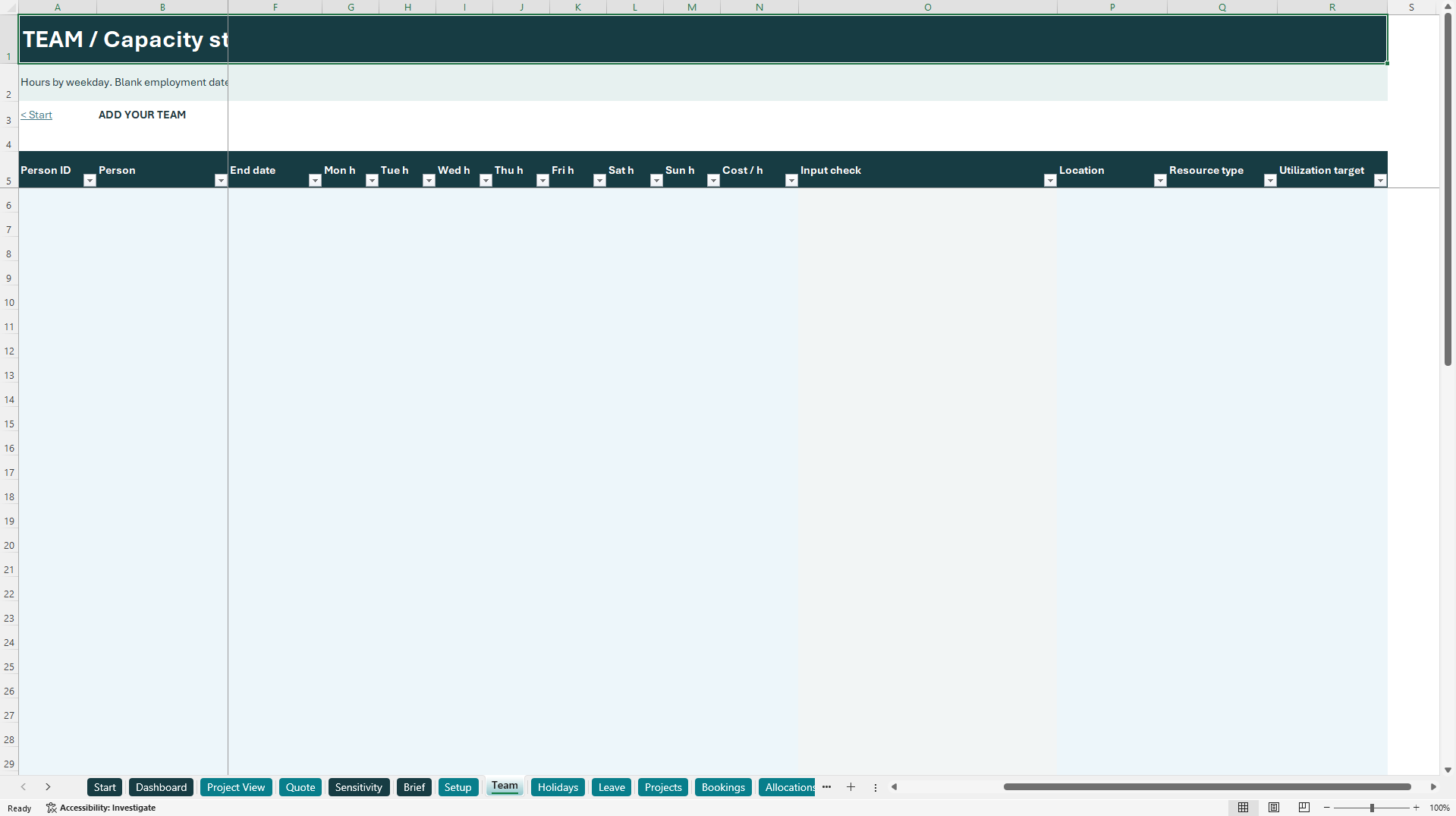
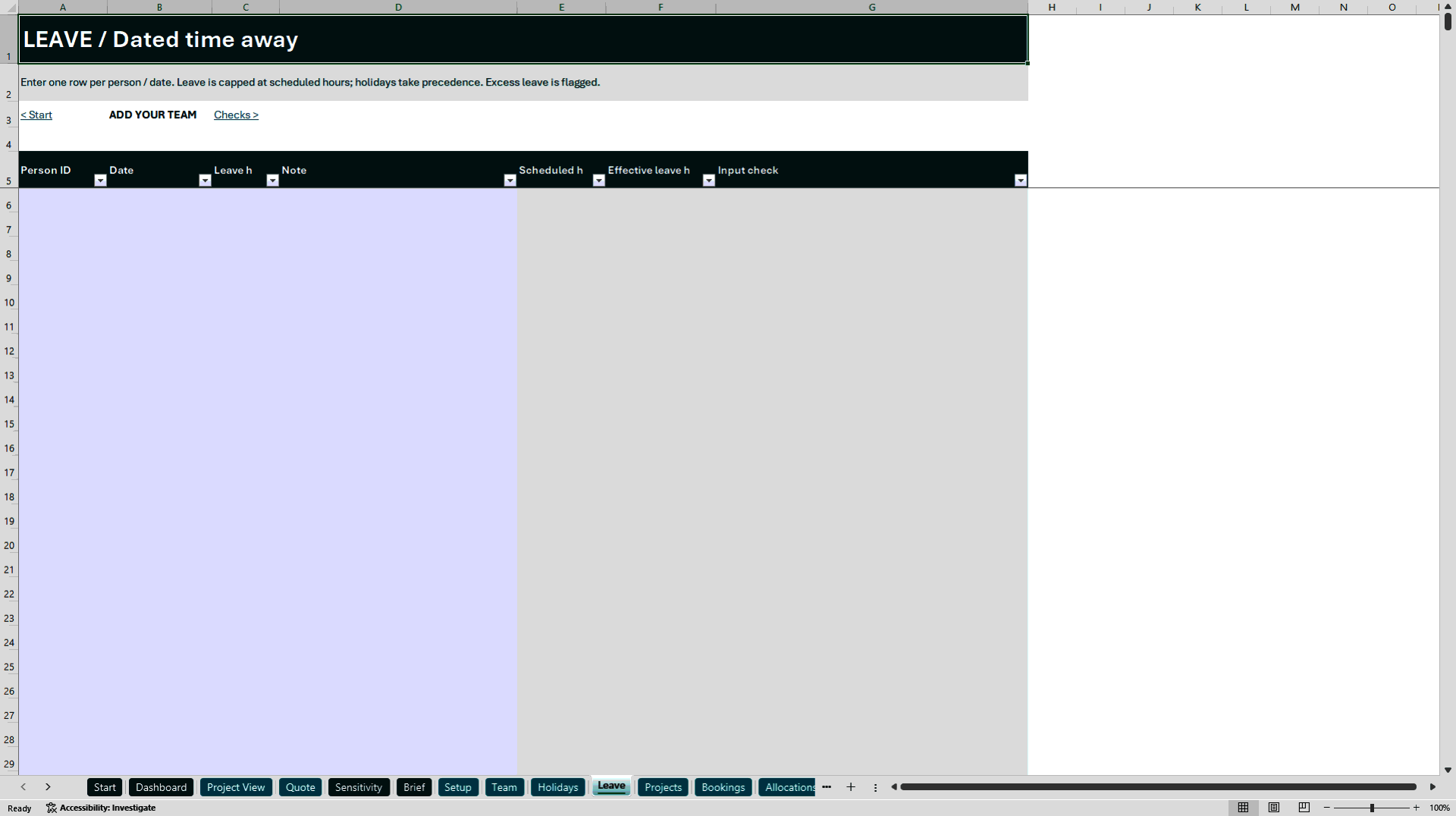
Set up people with weekday schedules, employment dates, labor costs, locations, employee or contractor classification, and personal client-utilization targets. Shared holiday calendars and partial-day leave determine available time. Recurring bookings let you enter a weekly pattern once; individual allocation rows cover exceptions and one-off commitments. Both sources feed the same calculations, so the workbook explicitly warns against duplicating the same work.
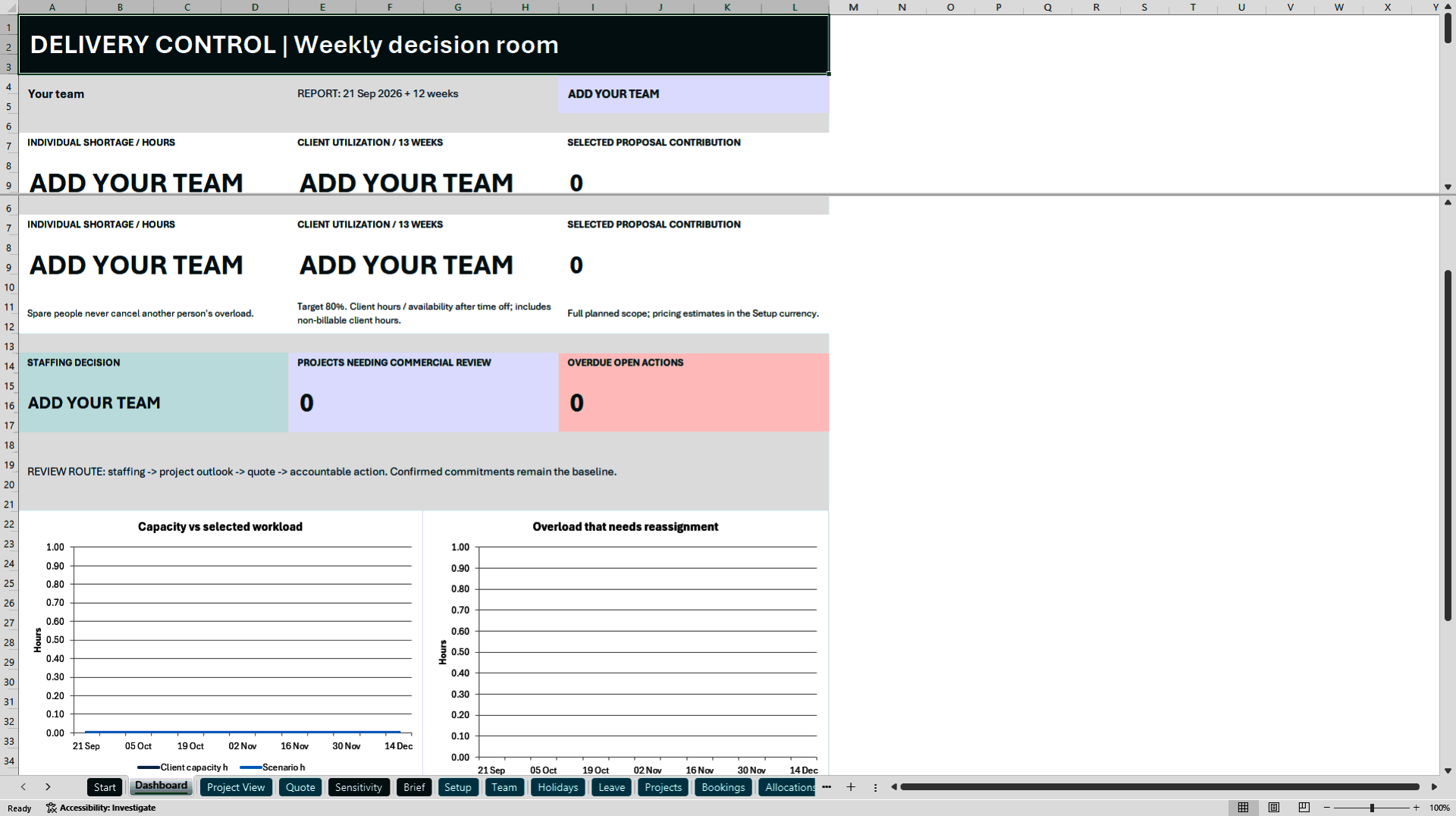
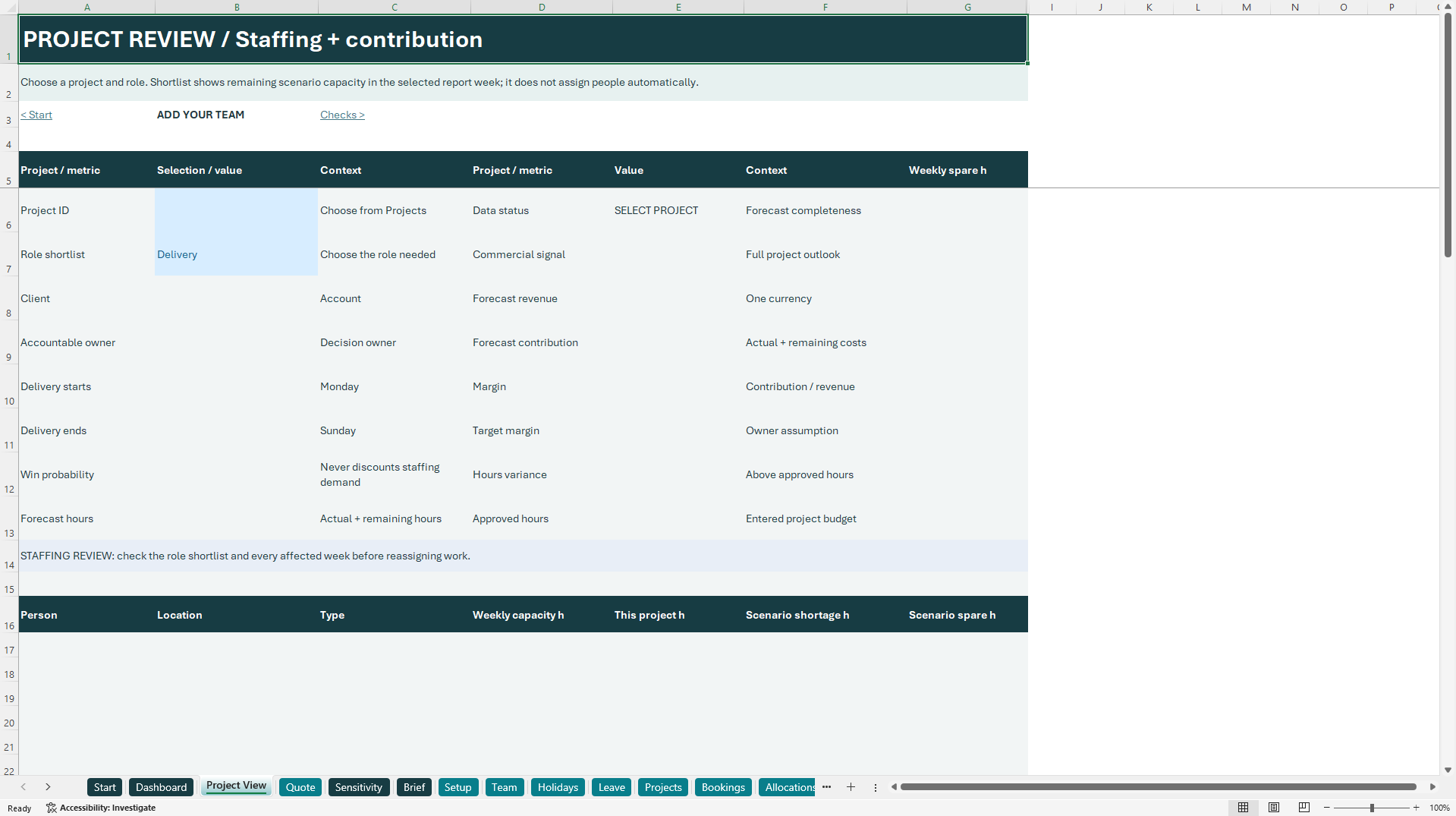
Confirmed projects remain the baseline. Selected proposals add their full assigned demand. A rolling 13-week dashboard shows individual shortage, client utilization, project review counts and overdue actions. Spare hours on another person do not conceal overload. Select a project and required role in Project View to inspect its commercial outlook and see the selected-week capacity of possible colleagues. Reassignment and approval remain management decisions.
For projects already in delivery, record actual hours for closed weeks together with the labor cost and billing rate that applied at the time. The forecast start date separates completed work from the remaining plan. The project outlook combines actual and future delivery costs, compares forecast hours with the approved hours budget, and flags losses, margin risk, hours overruns and incomplete data. Fixed fees are counted once. If the actuals or project scope are marked incomplete, the workbook withholds the margin status instead of presenting an unreliable result.
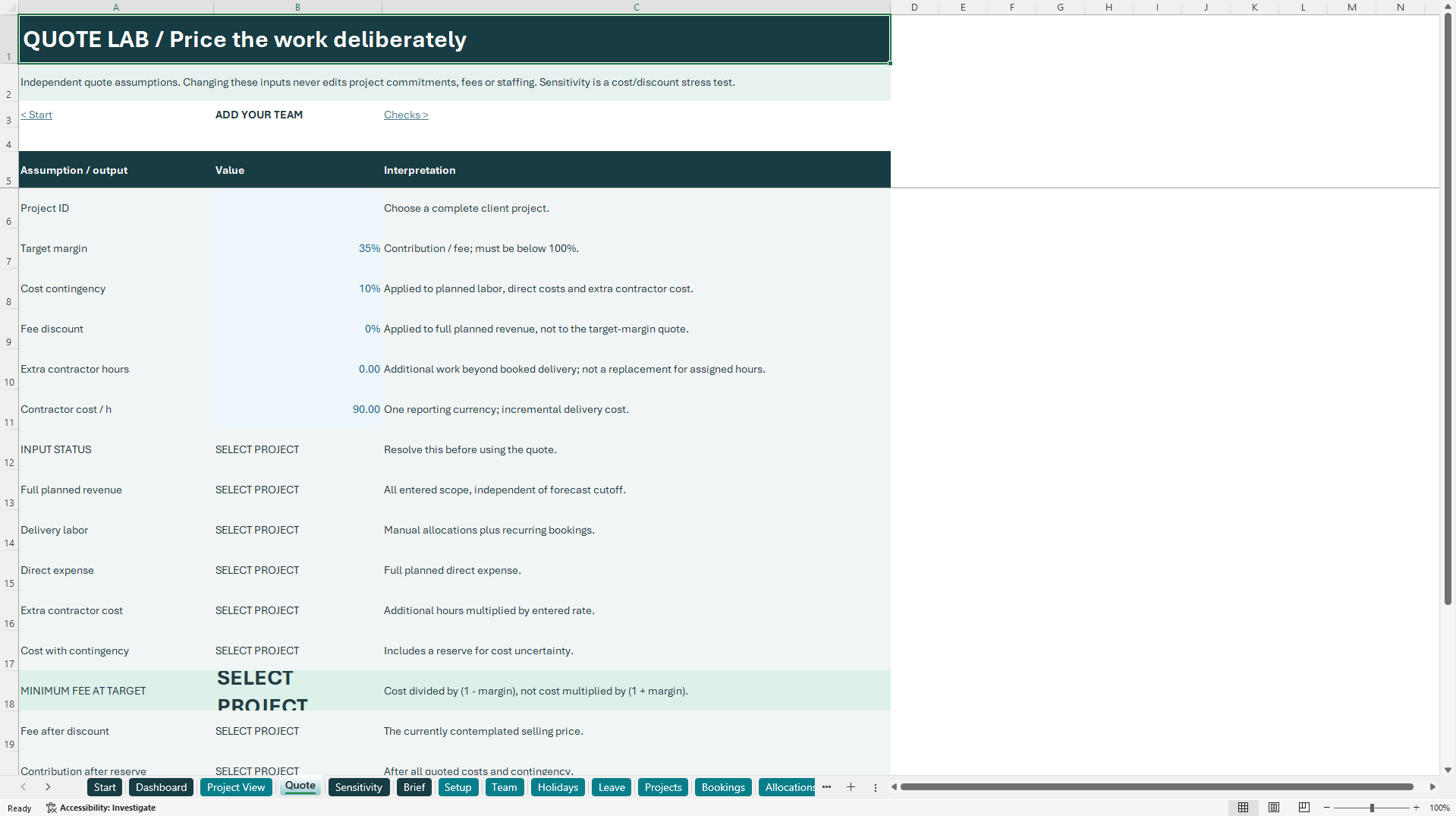
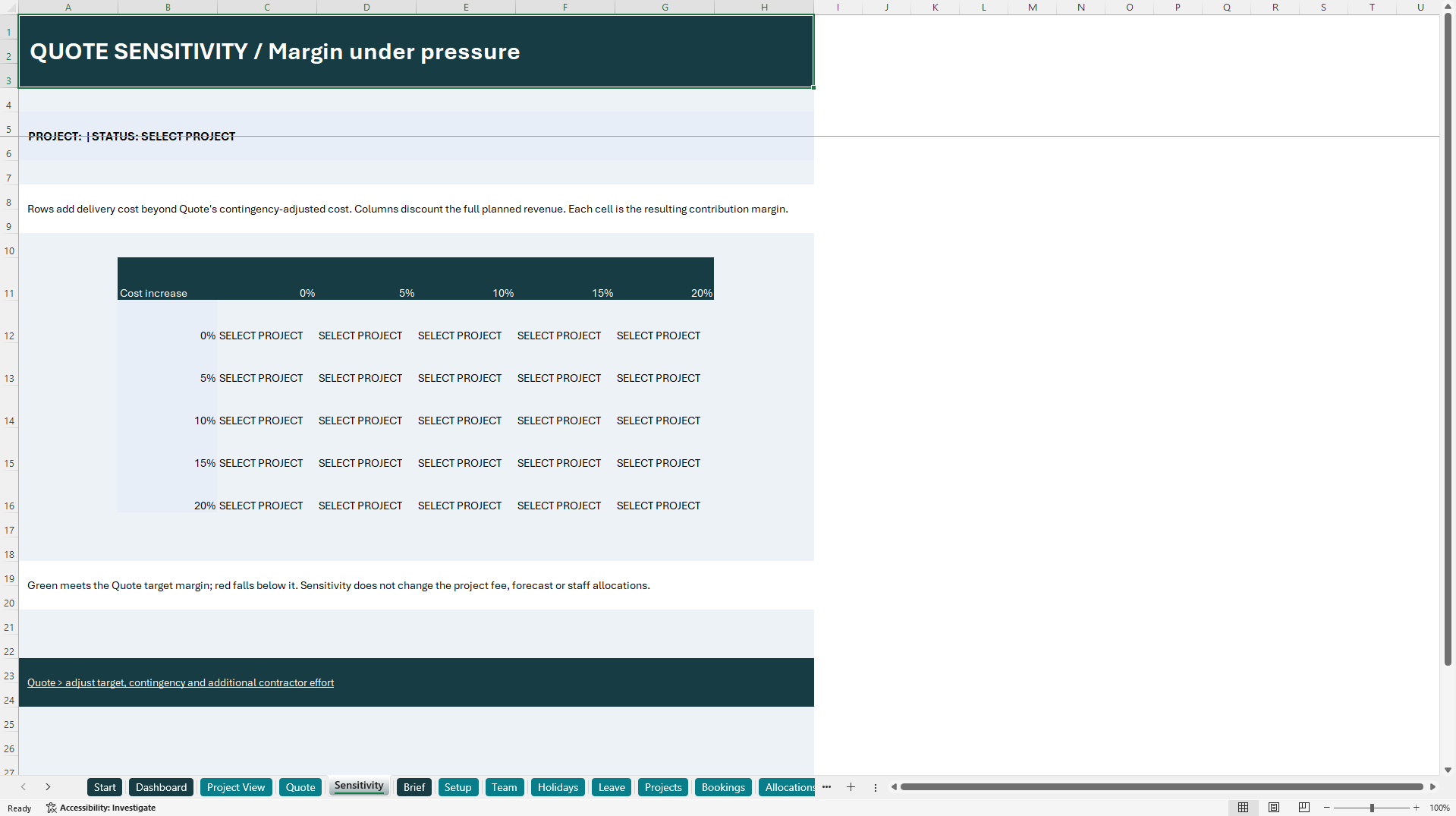
Quote Lab is a separate pricing exercise. Set a target contribution margin, a cost contingency, a fee discount and any additional contractor effort. The workbook calculates the fee required to meet that target and the contribution at the contemplated price. A five-by-five sensitivity grid shows how additional costs and fee discounts affect margin. Quote changes do not overwrite project fees, confirmed commitments or staff allocations.
The fictional Northstar example demonstrates an eight-hour staffing shortage, an available colleague in the same role, cost drift on a fixed-fee project and an overdue action. The accompanying field guide explains setup, weekly operation, the examples, formulas and limitations. The action log records an owner, due date, priority, status and resolution evidence.
The package contains a blank workbook and a populated example, each with 26 worksheets, plus a 10-page PDF guide, offline HTML guide, license and operating notes. It supports 50 people, 100 projects, 2,000 individual allocations, 200 recurring booking rules, 2,000 actual records, 500 holidays, 1,000 leave records and 200 actions across 52 weeks.
The files are macro-free and have no external workbook connections, API requirements or subscriptions. Formulas are visible and editable. The product is intended for Windows desktop Excel; testing and compatibility details are included. All rates and costs must use one currency. Client utilization includes non-billable client-assigned time. Contribution is a planning estimate, not accounting profit or cash flow. Automatic scheduling, tax, payroll, invoice collection, integrations, custom implementation and multi-company redistribution are not included.
Got a question about the product? Email us at support@flevy.com or ask the author directly by using the "Ask the Author a Question" form. If you cannot view the preview above this document description, go here to view the large preview instead.
Source: Best Practices in Project Management, Management Accounting Excel: Team Capacity & Project Margin Planner Excel (XLSX) Spreadsheet, g62717047o4




























