
 Click main image to view in full screen.
Delegation of Authority & Decision Rights Toolkit – Excel XLSX
Excel (XLSX) + supplemental PDF


BENEFITS OF THIS DOWNLOADABLE EXCEL DOCUMENT
- Defines who approves what, and up to which amount, for both financial and non-financial decisions in one workbook.
- Flags decisions with no approver or two, and shows where too many decisions are held at the top.
- Gives every manager an approval finder that answers "who signs this?" in seconds.
GOVERNANCE EXCEL DESCRIPTION
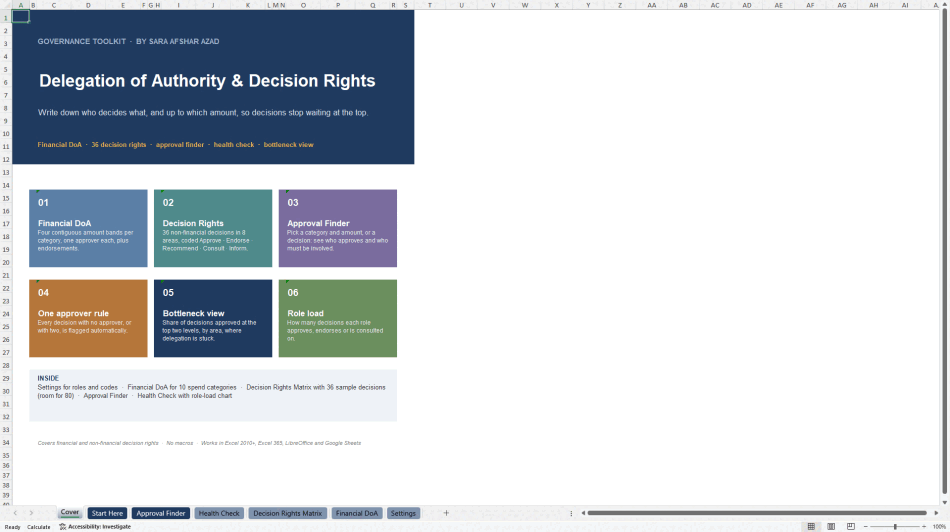
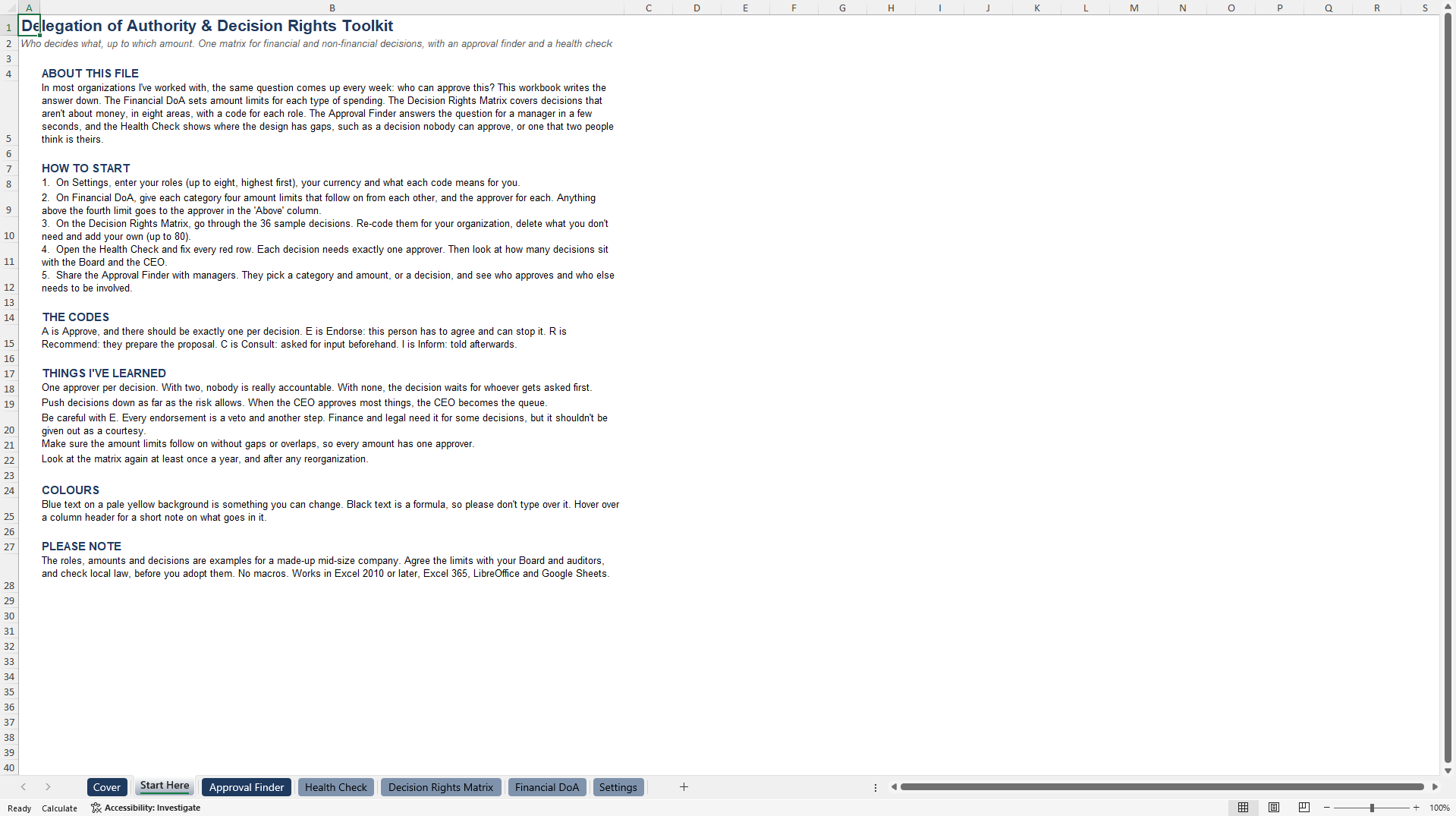
Stop decisions waiting at the top. This toolkit writes down who decides what, and up to which amount, for both financial and non-financial decisions, then tests the design and gives every manager a quick way to look up the answer. An 8-page user guide in PDF is included as a secondary document.
WHAT IS INSIDE
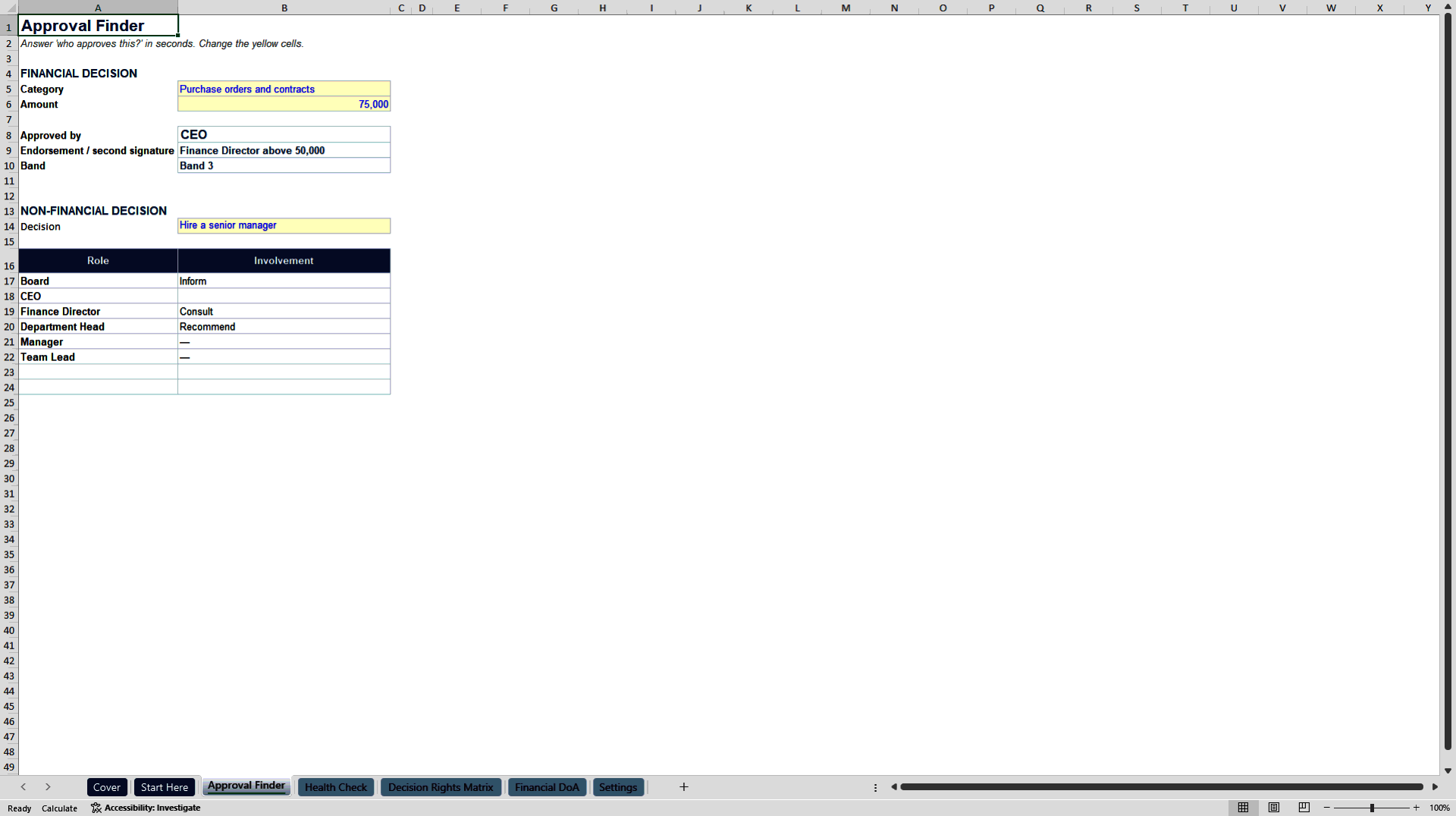
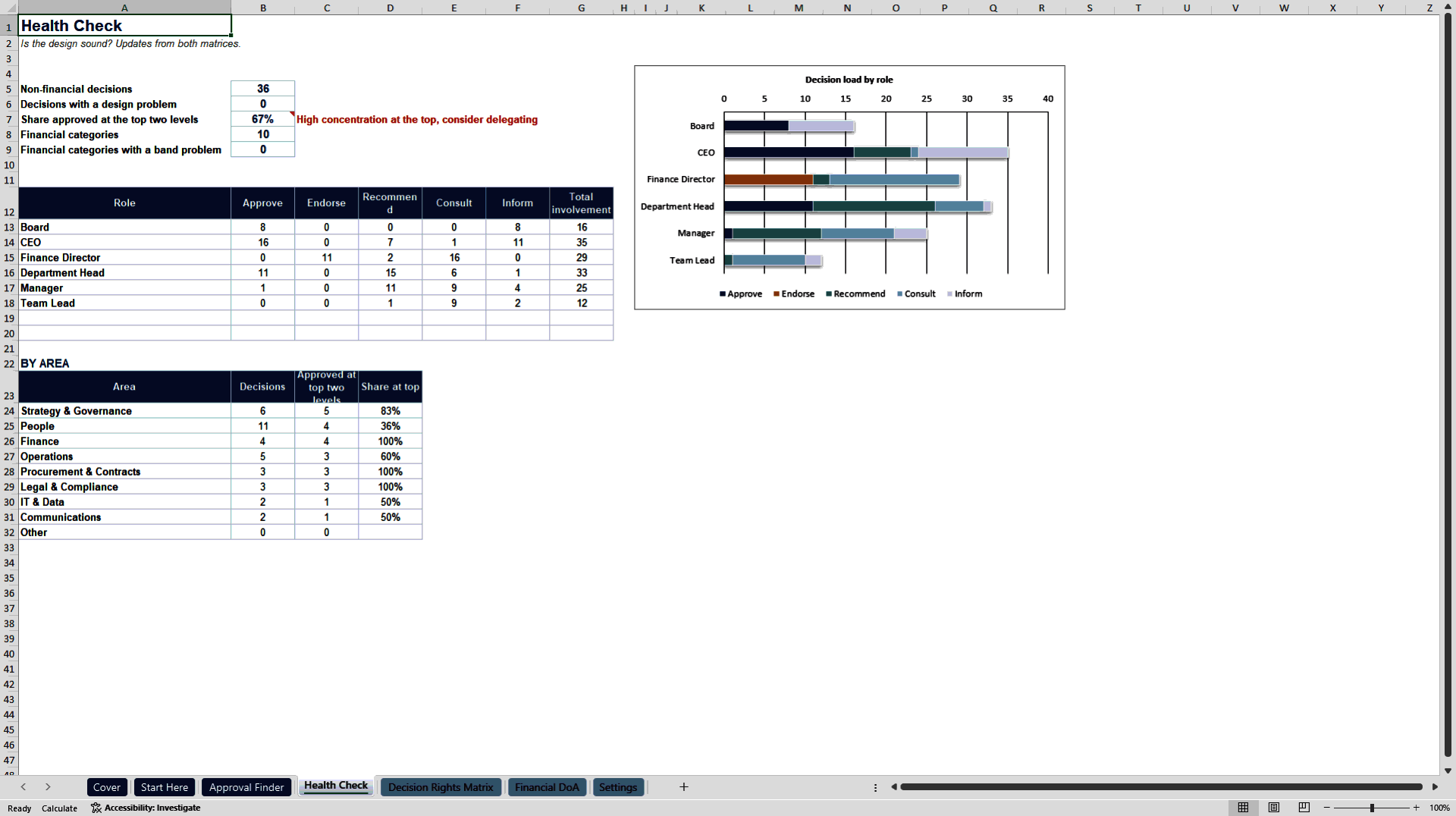
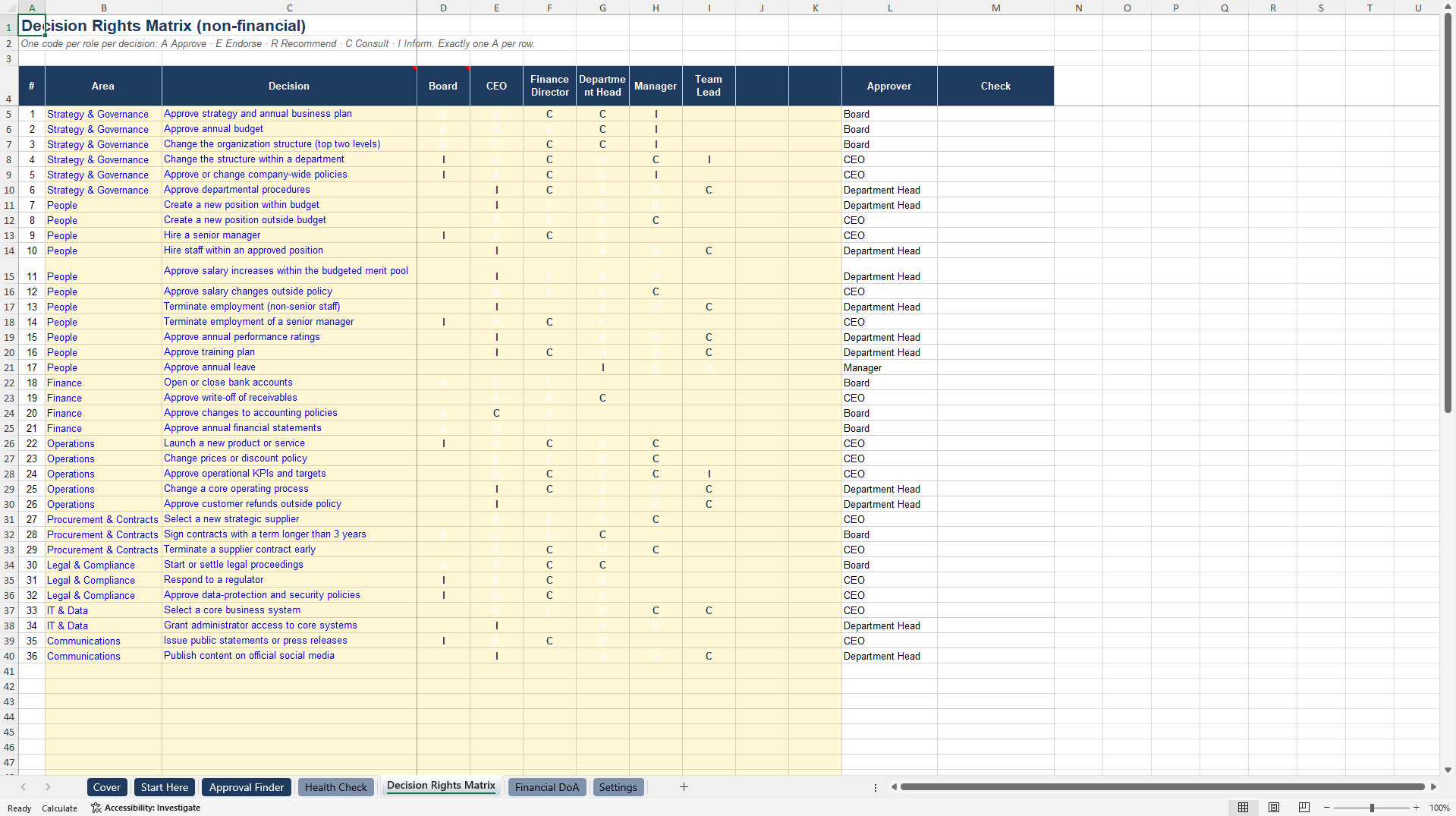
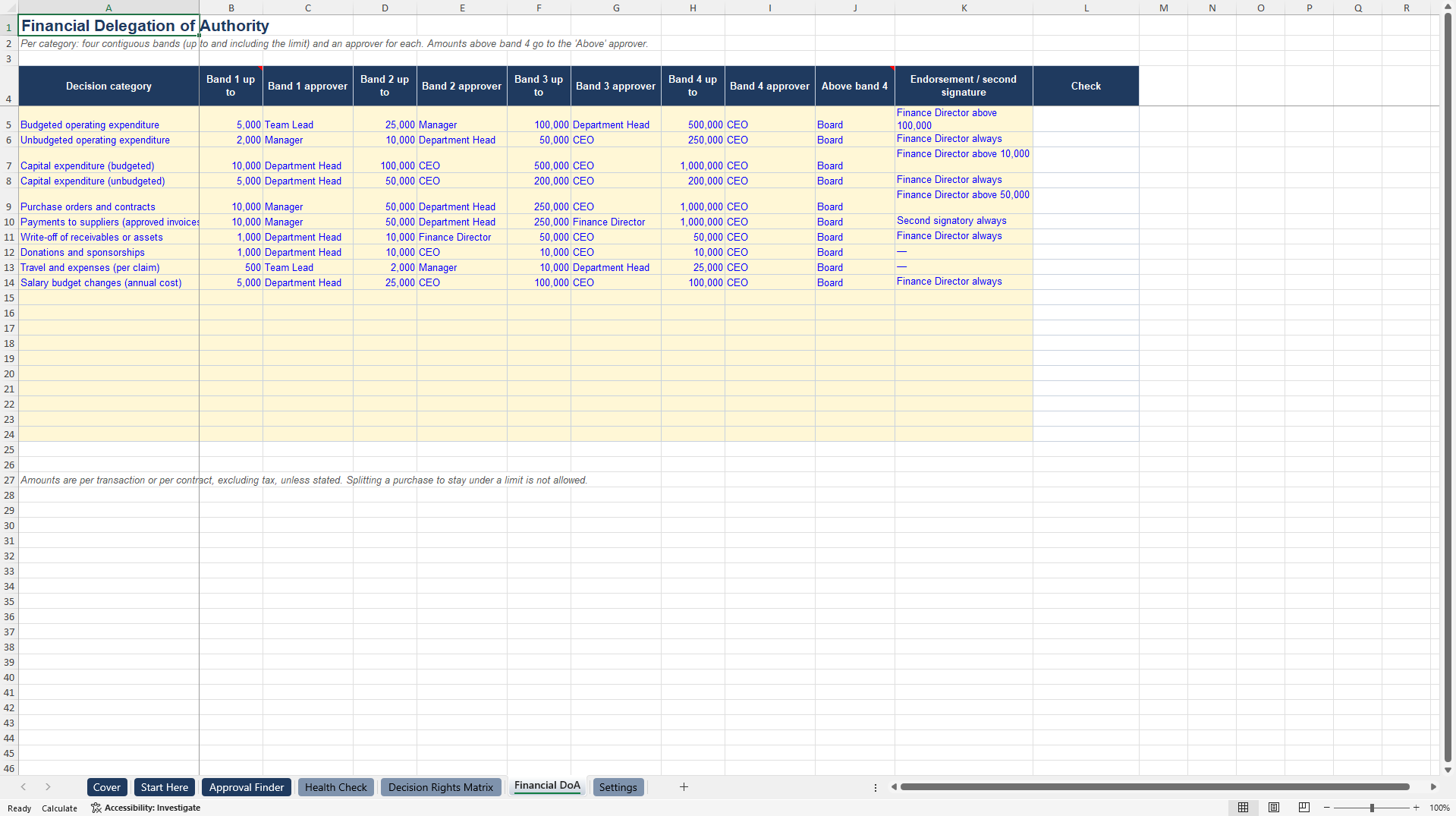
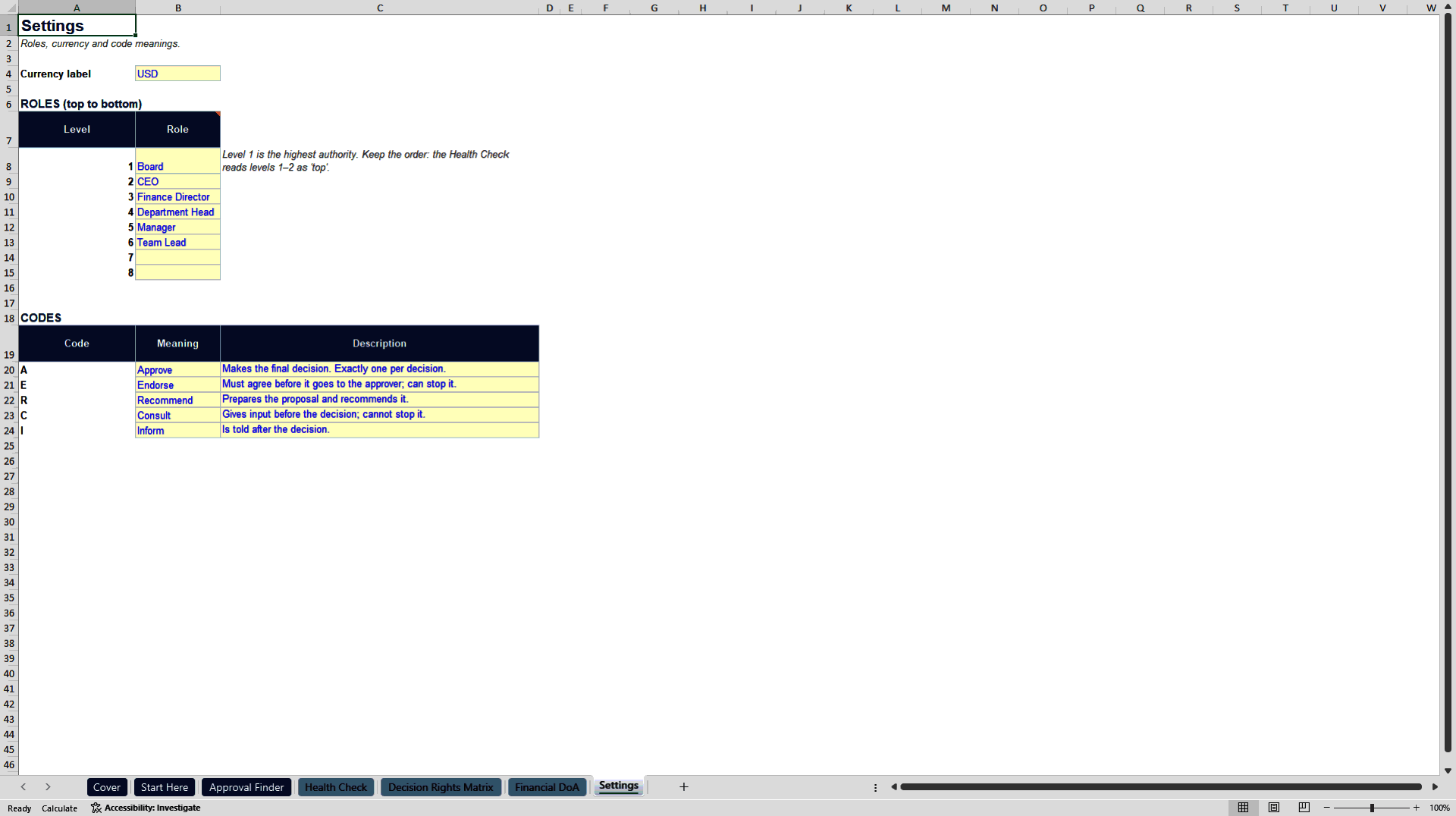
A cover page and six working sheets. Settings holds up to eight roles from the Board down to Team Lead, the currency and the meaning of each code. Financial DoA covers ten spend categories, including budgeted and unbudgeted operating spend, capital expenditure, purchase orders and contracts, supplier payments, write-offs, donations, travel and salary budget changes. Each category has four contiguous amount bands, an approver per band, an approver above the top band and any required endorsement or second signature, with an automatic check for bands that are out of order or missing an approver. Decision Rights Matrix lists 36 sample non-financial decisions in eight areas: Strategy and Governance, People, Finance, Operations, Procurement and Contracts, Legal and Compliance, IT and Data, and Communications, with room for 80. Each role is coded Approve, Endorse, Recommend, Consult or Inform, and the codes are colour-coded for quick reading. Approval Finder lets anyone pick a spend category and amount to see the approver, the band and any endorsement, or pick a decision to see every role's involvement. Health Check flags decisions with no approver, more than one approver or too many vetoes, measures the share of decisions approved at the top two levels by area, and charts the decision load of each role.
THE USER GUIDE
The PDF guide covers six design principles, signs that a DoA is not working, how to set financial limits from current practice with an example ladder, a four-round process to build the decision rights matrix with interviews and a leadership workshop, how to read the Health Check and fix bottlenecks, roll-out and annual review, and troubleshooting.
WHY IT IS DIFFERENT
Most approval matrix templates stop at a static table. This one tests itself: every decision must have exactly one approver, every amount must fall in exactly one band, and the concentration view shows where delegation is stuck, which is usually the real reason senior leaders are overloaded.
COMPATIBILITY
No macros and no add-ins. Works in Excel 2010 and later, Excel 365, LibreOffice and Google Sheets.
WHO IT IS FOR
CEOs, CFOs, HR and governance leads, company secretaries, internal auditors and consultants designing or repairing a delegation of authority in organizations of 20 to 1,000 people, including charities and family businesses.
PLEASE NOTE
All roles, amounts and decisions are sample content for a fictional organization. Align limits with your Board, auditors, articles of association and local law before adoption.
Got a question about the product? Email us at support@flevy.com or ask the author directly by using the "Ask the Author a Question" form. If you cannot view the preview above this document description, go here to view the large preview instead.
Source: Best Practices in Governance, Delegation Excel: Delegation of Authority & Decision Rights Toolkit Excel (XLSX) Spreadsheet, Sara Afshar Azad