
Cybersecurity awareness is the understanding and knowledge of potential threats to information systems and the measures individuals and organizations can take to protect themselves from these threats. It involves being conscious of the risks associated with using technology and being proactive in implementing security practices.
Here are some key aspects of cybersecurity awareness:
1. Knowledge of Threats:
• Understanding common cybersecurity threats, such as malware, phishing, ransomware, and social engineering.
• Staying informed about the latest cybersecurity threats and vulnerabilities.
2. Password Security:
• Creating strong, unique passwords and avoiding the use of easily guessable information.
• Regularly changing passwords and using multi-factor authentication when possible.
3. Phishing Awareness:
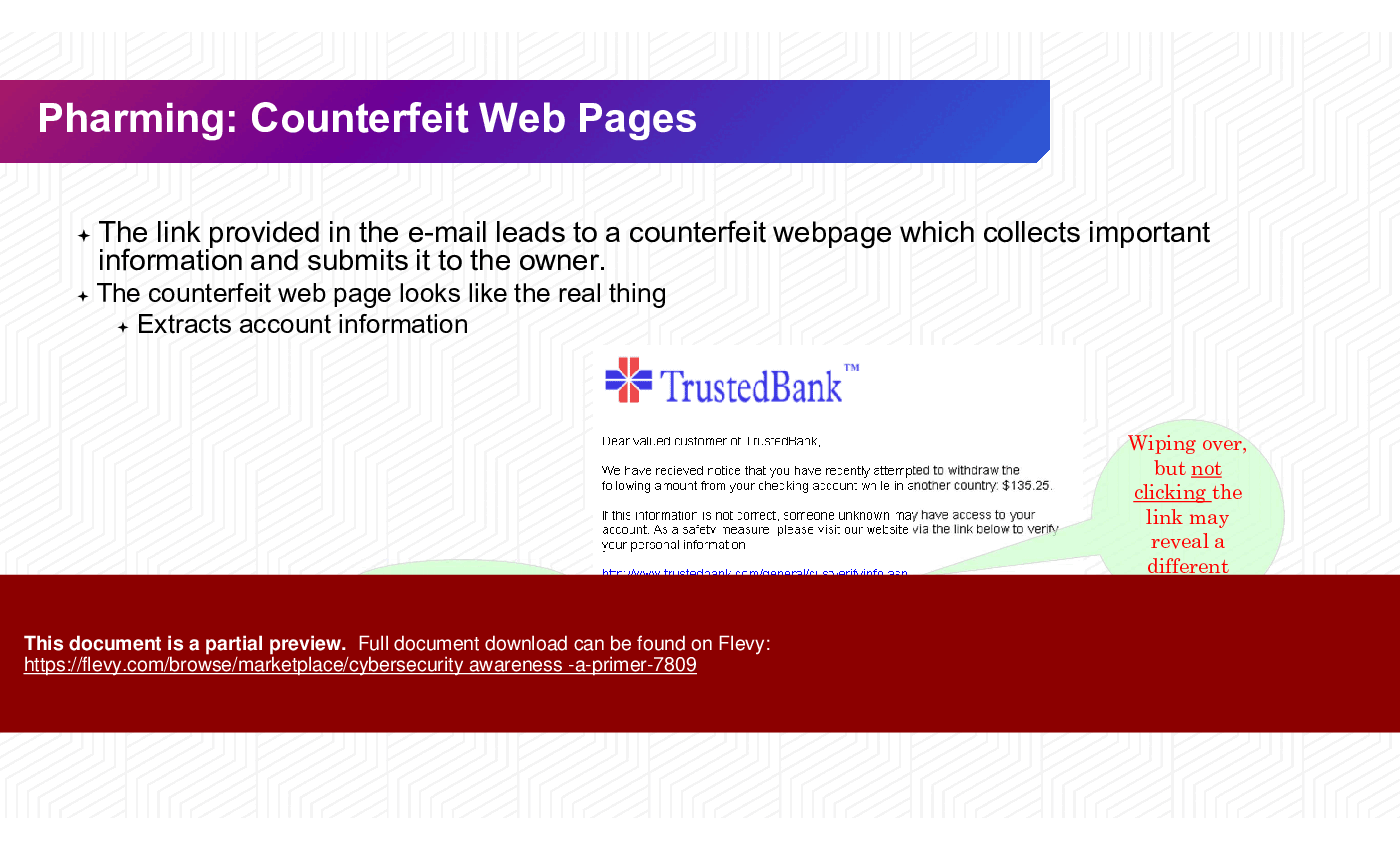
• Being cautious of unsolicited emails, messages, or phone calls.
• Verifying the authenticity of requests for sensitive information.
4. Software Updates:
• Keeping operating systems, applications, and security software up to date to patch vulnerabilities.
• Enabling automatic updates when available.
5. Safe Browsing Practices:
• Avoiding clicking on suspicious links or downloading files from untrusted sources.
• Using secure websites with "https://" and being cautious with personal information online.
6. Social Media Awareness:
• Being mindful of the information shared on social media platforms.
• Adjusting privacy settings to control the visibility of personal information.
7. Data Backup:
• Regularly backing up important data to prevent loss in case of a cyberattack or system failure.
8. Device Security:
• Securing devices with passwords or biometrics.
• Using antivirus and anti-malware software.
9. Incident Reporting:
• Knowing how to report suspicious activities or potential security incidents to the appropriate authorities.
10. Education and Training:
• Participating in cybersecurity training programs and staying informed about best practices.
• Promoting a culture of cybersecurity within organizations.
11. Secure Wi-Fi Usage:
• Securing home and business Wi-Fi networks with strong passwords and encryption.
• Avoiding public Wi-Fi for sensitive transactions.
12. Mobile Device Security:
• Implementing security measures on mobile devices, such as PINs or biometric authentication.
• Installing security apps and keeping devices updated.
Cybersecurity awareness is crucial for individuals, businesses, and governments to collectively create a safer online environment. Regular training, staying informed about emerging threats, and adopting good cybersecurity habits are essential components of a robust cybersecurity awareness program.
Got a question about the product? Email us at support@flevy.com or ask the author directly by using the "Ask the Author a Question" form. If you cannot view the preview above this document description, go here to view the large preview instead.
Executive Summary
The Cybersecurity Awareness Primer is a comprehensive PowerPoint presentation designed to equip organizations with essential knowledge and practices to enhance cybersecurity awareness among employees. Developed by a team of experts with experience at leading consulting firms, this presentation addresses critical topics such as the importance of cybersecurity, common threats, and best practices for safeguarding sensitive information. By utilizing this ready-to-use deck, organizations can effectively train their workforce to recognize and mitigate cybersecurity risks, ultimately fostering a culture of security and compliance.
Who This Is For and When to Use
• Corporate executives responsible for organizational security policies
• IT leaders and cybersecurity teams tasked with employee training
• HR professionals managing compliance and security awareness programs
• Risk management and compliance officers overseeing regulatory adherence
Best-fit moments to use this deck:
• During onboarding sessions for new employees to establish a security-first mindset
• At regular training intervals to refresh knowledge on cybersecurity practices
• When introducing new security policies or technologies within the organization
Learning Objectives
• Define cybersecurity and its significance in protecting organizational assets
• Identify common cyber threats and their potential impacts on the organization
• Establish best practices for creating strong passwords and managing sensitive information
• Recognize social engineering tactics and how to respond effectively
• Implement multi-factor authentication and other security measures
• Promote a culture of cybersecurity awareness among employees
Table of Contents
• Importance of Cybersecurity (page 3)
• Leading Threats (page 5)
• User Awareness (page 7)
• Best Practices to Avoid Threats (page 15)
• Cyber Incident Reporting (page 25)
• Building a Strong Cybersecurity Culture (page 30)
Primary Topics Covered
• Importance of Cybersecurity - Cybersecurity is crucial for protecting computer systems and networks from malicious attacks that can lead to unauthorized access and data breaches.
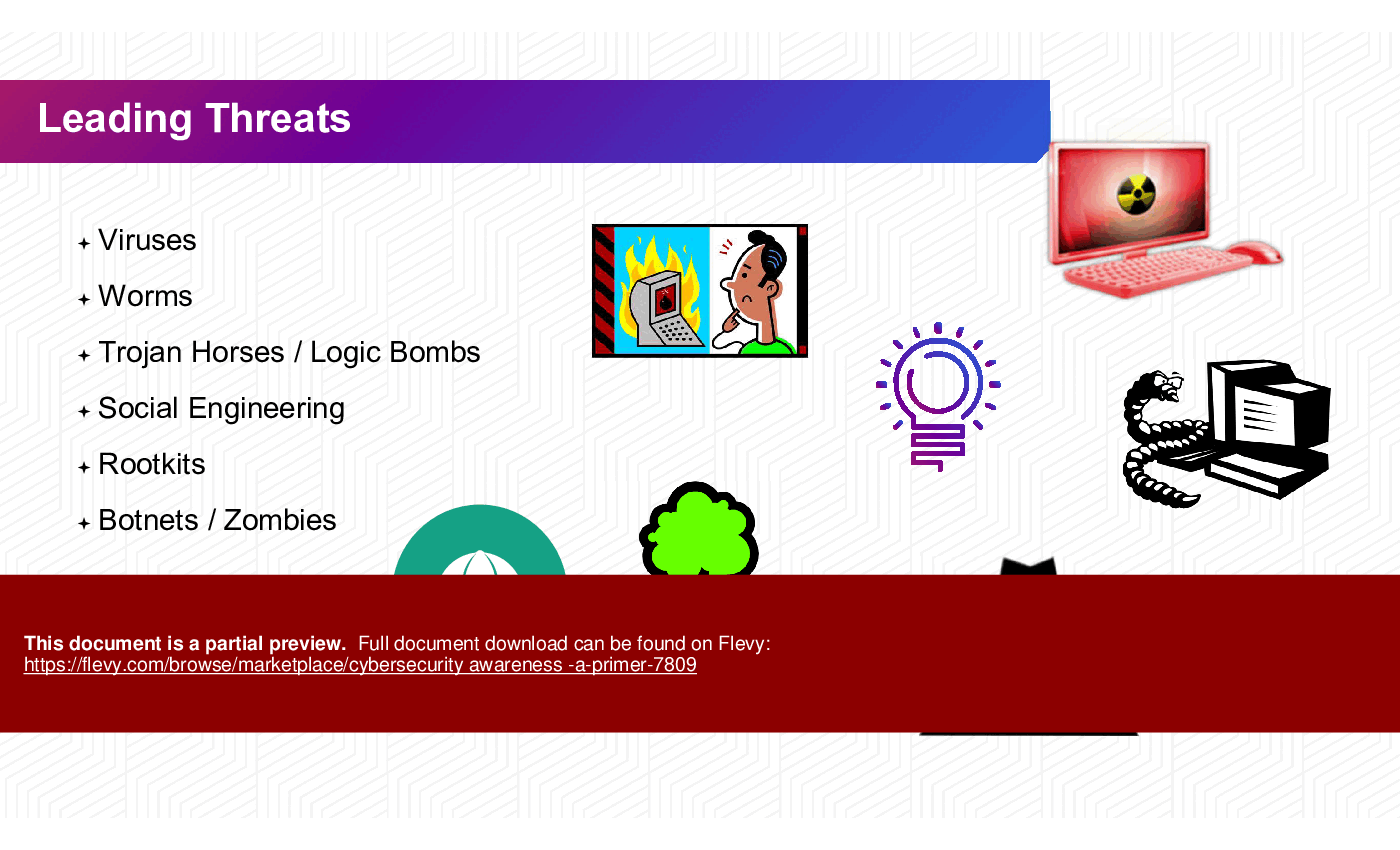
• Leading Threats - Common threats include viruses, worms, social engineering, and phishing, which pose significant risks to organizational data and systems.
• User Awareness - Understanding the roles of cyber-criminals, including hackers and script kiddies, is vital for recognizing potential threats.
• Best Practices - Implementing strong password policies, using anti-virus software, and maintaining updated systems are essential for safeguarding information.
• Cyber Incident Reporting - Employees should know how to report suspected cybersecurity incidents promptly to mitigate risks.
• Building a Strong Cybersecurity Culture - Organizations should foster a culture of security awareness through training and resources to empower employees against cyber threats.
Deliverables, Templates, and Tools
• Cybersecurity training presentation template for employee workshops
• Checklist for identifying common cyber threats and responses
• Guidelines for creating strong passwords and managing sensitive information
• Incident reporting form for documenting cybersecurity breaches
• Resource list for ongoing cybersecurity training and awareness programs
Slide Highlights
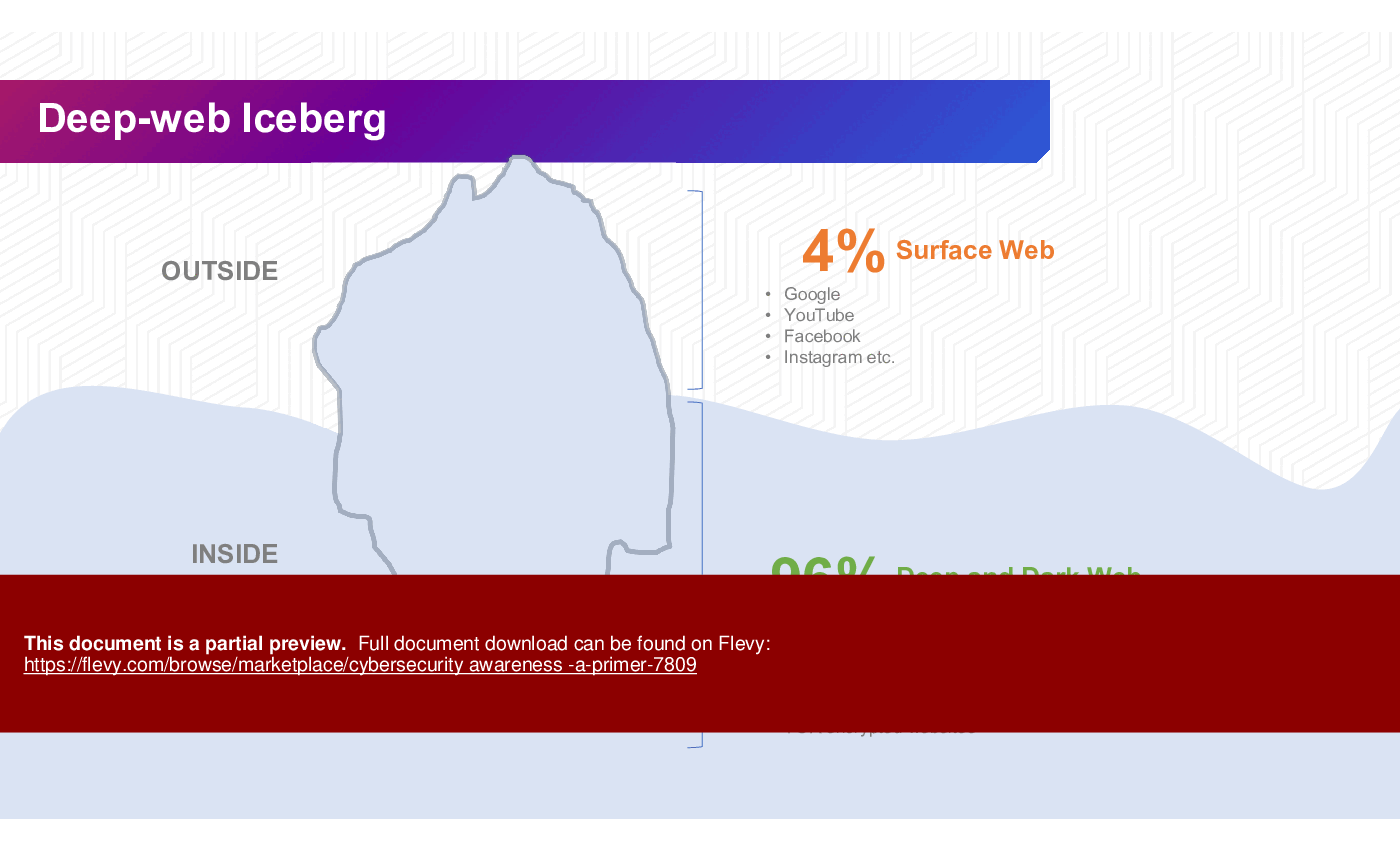
• Overview of the deep and dark web, illustrating the vastness of online threats
• Visual representation of common cyber threats, including phishing and social engineering tactics
• Step-by-step guide on how to create strong passwords and utilize password managers
• Infographic on the importance of multi-factor authentication for securing accounts
• Summary of best practices for reporting cybersecurity incidents
Potential Workshop Agenda
Introduction to Cybersecurity (30 minutes)
• Define cybersecurity and its importance
• Discuss common threats and their impacts
Best Practices for Cybersecurity (45 minutes)
• Review password management strategies
• Explore social engineering tactics and responses
Incident Reporting and Response (30 minutes)
• Outline steps for reporting cybersecurity incidents
• Discuss organizational policies and procedures
Customization Guidance
• Tailor the presentation with organization-specific examples and case studies
• Update the incident reporting process to align with current organizational policies
• Incorporate local regulations and compliance requirements relevant to the audience
Secondary Topics Covered
• Overview of malware types and their effects on systems
• Strategies for maintaining secure online transactions
• The role of firewalls and antivirus software in cybersecurity
• Importance of regular software updates and patches
• Community engagement initiatives for promoting cybersecurity awareness
FAQ
What is cybersecurity?
Cybersecurity is the protection of computer systems and networks from attacks by malicious actors that may result in unauthorized information disclosure, theft, or damage to hardware, software, or data.
Why is cybersecurity important?
Implementing cybersecurity best practices is vital for protecting personal, financial, and sensitive information across organizations of all sizes.
What are common cyber threats?
Common threats include viruses, worms, phishing attacks, social engineering, and botnets, which can compromise data integrity and security.
How can I create strong passwords?
Strong passwords should be at least 16 characters long, unique for each account, and include a mix of upper and lower-case letters, numbers, and special characters.
What is multi-factor authentication (MFA)?
MFA is a security measure that requires 2 or more verification methods to access an account, such as a password and a code sent to your phone.
How should I report a cybersecurity incident?
Notify your organization’s help desk immediately, providing as many details as possible, and follow the established incident reporting procedures.
What steps can I take to avoid phishing attacks?
Be cautious of unsolicited emails, verify the sender's address, and avoid clicking on links or attachments from unknown sources.
What is the role of a firewall in cybersecurity?
A firewall acts as a barrier between your computer and the internet, filtering incoming and outgoing traffic to prevent unauthorized access.
How often should I update my software?
Regularly check for updates and enable automatic updates to ensure your devices are protected from the latest threats.
What is social engineering?
Social engineering involves manipulating individuals into divulging confidential information or performing actions that compromise security, often through deception.
Glossary
• Cybersecurity - The protection of computer systems and networks from attacks.
• Phishing - A fraudulent attempt to obtain sensitive information by disguising as a trustworthy entity.
• Malware - Malicious software designed to harm or exploit any programmable device.
• Firewall - A network security device that monitors and controls incoming and outgoing network traffic.
• Multi-Factor Authentication (MFA) - A security system that requires more than one method of authentication.
• Social Engineering - The psychological manipulation of people into performing actions or divulging confidential information.
• Botnet - A network of compromised computers used to perform automated tasks, often malicious.
• Incident Reporting - The process of reporting a cybersecurity incident to the appropriate authorities.
• Password Manager - A software application designed to store and manage passwords securely.
• Viruses - Malicious code that attaches itself to legitimate programs and replicates itself.
• Worms - Self-replicating malware that spreads across networks without user intervention.
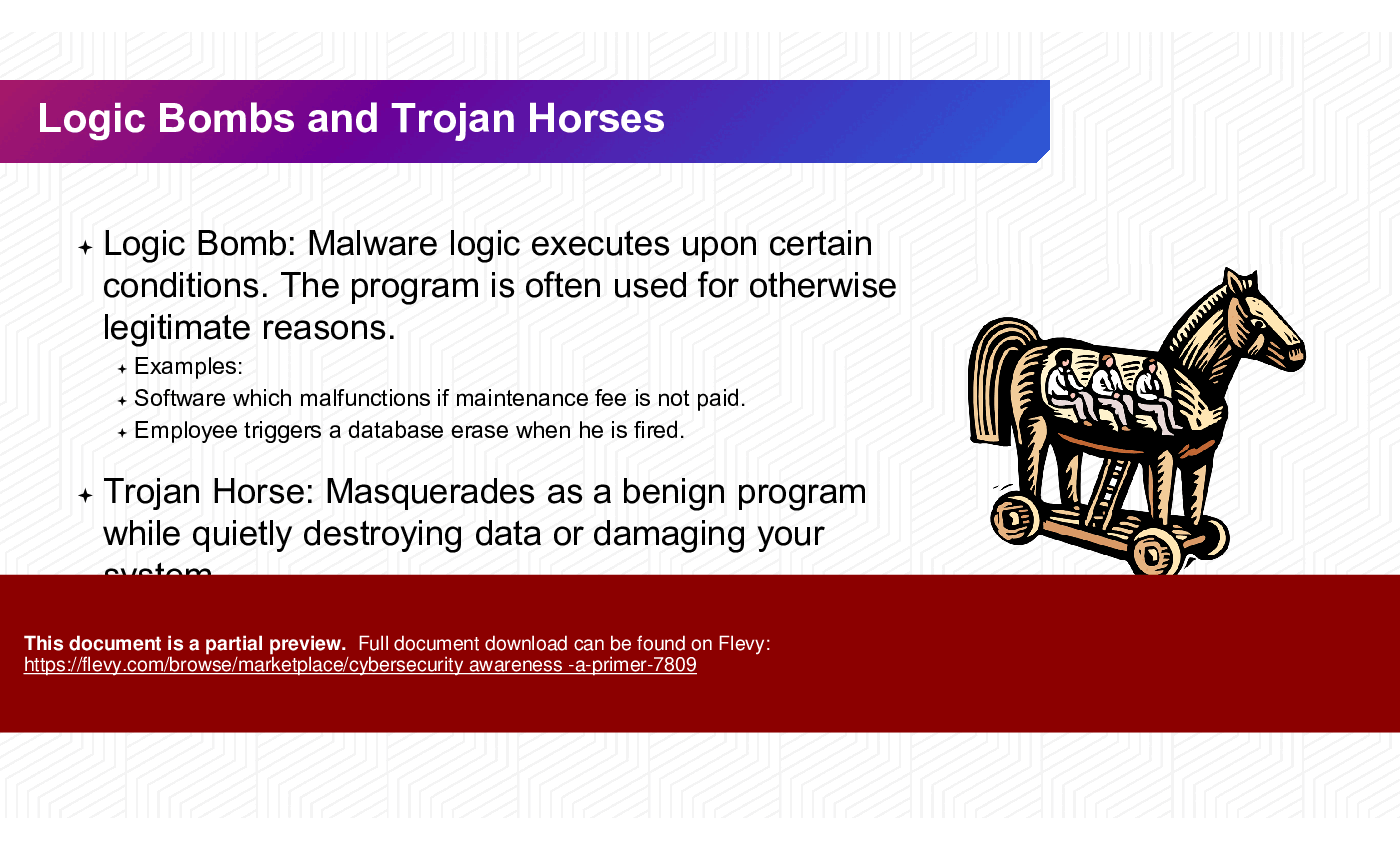
• Trojan Horse - A type of malware that disguises itself as legitimate software.
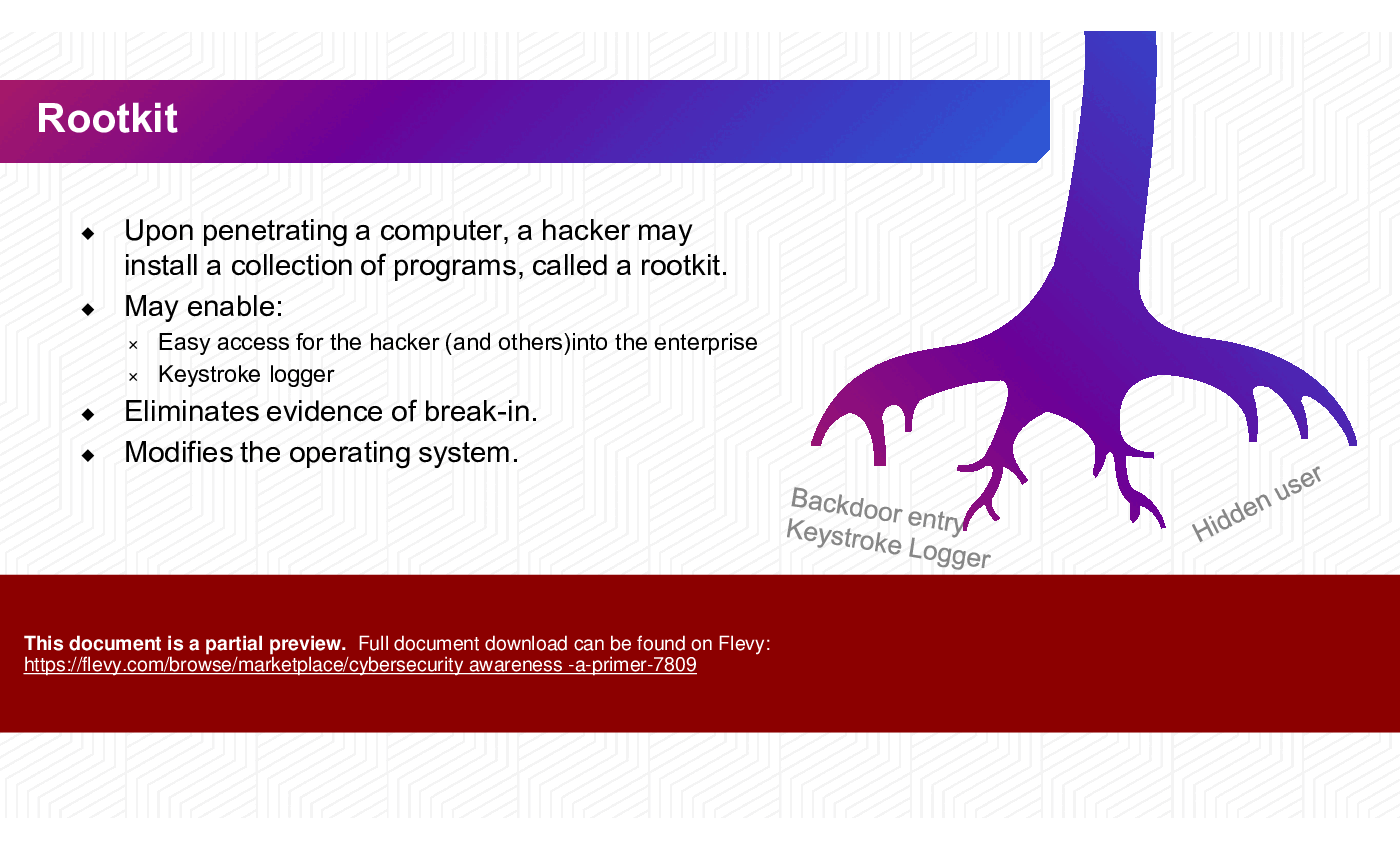
• Rootkit - A collection of software tools that enable unauthorized access to a computer.
• Keystroke Logger - A type of surveillance software that records every keystroke made on a keyboard.
• Data Breach - An incident where unauthorized access to sensitive data occurs.
• Encryption - The process of converting information into a code to prevent unauthorized access.
• Spyware - Software that secretly monitors user activity and collects personal information.
• Ransomware - A type of malware that encrypts files and demands payment for their release.
• Denial of Service (DoS) - An attack that aims to make a machine or network resource unavailable.
• User Awareness Training - Educational programs aimed at informing employees about cybersecurity risks and best practices.
Source: Best Practices in Cyber Security PowerPoint Slides: Cybersecurity Awareness Primer PowerPoint (PPTX) Presentation Slide Deck, RadVector Consulting
|
Download our FREE Digital Transformation Templates
Download our free compilation of 50+ Digital Transformation slides and templates. DX concepts covered include Digital Leadership, Digital Maturity, Digital Value Chain, Customer Experience, Customer Journey, RPA, etc. |










