




 Click main image to view in full screen. Unlock all 15 preview images:
Automation Testing - Implementation Toolkit – Excel XLSX
Excel (XLSX) + Zip archive file (ZIP)


BENEFITS OF THIS DOWNLOADABLE EXCEL DOCUMENT
- Own product deliver, Automation Testing, and releases in order to improve reliability and to provide faster deployment cycles.
- Collect and analyze large amounts of data acquired during Automation Testing.
- Conduct weekly status showing the progress of the Automation Testing effort.
RPA EXCEL DESCRIPTION
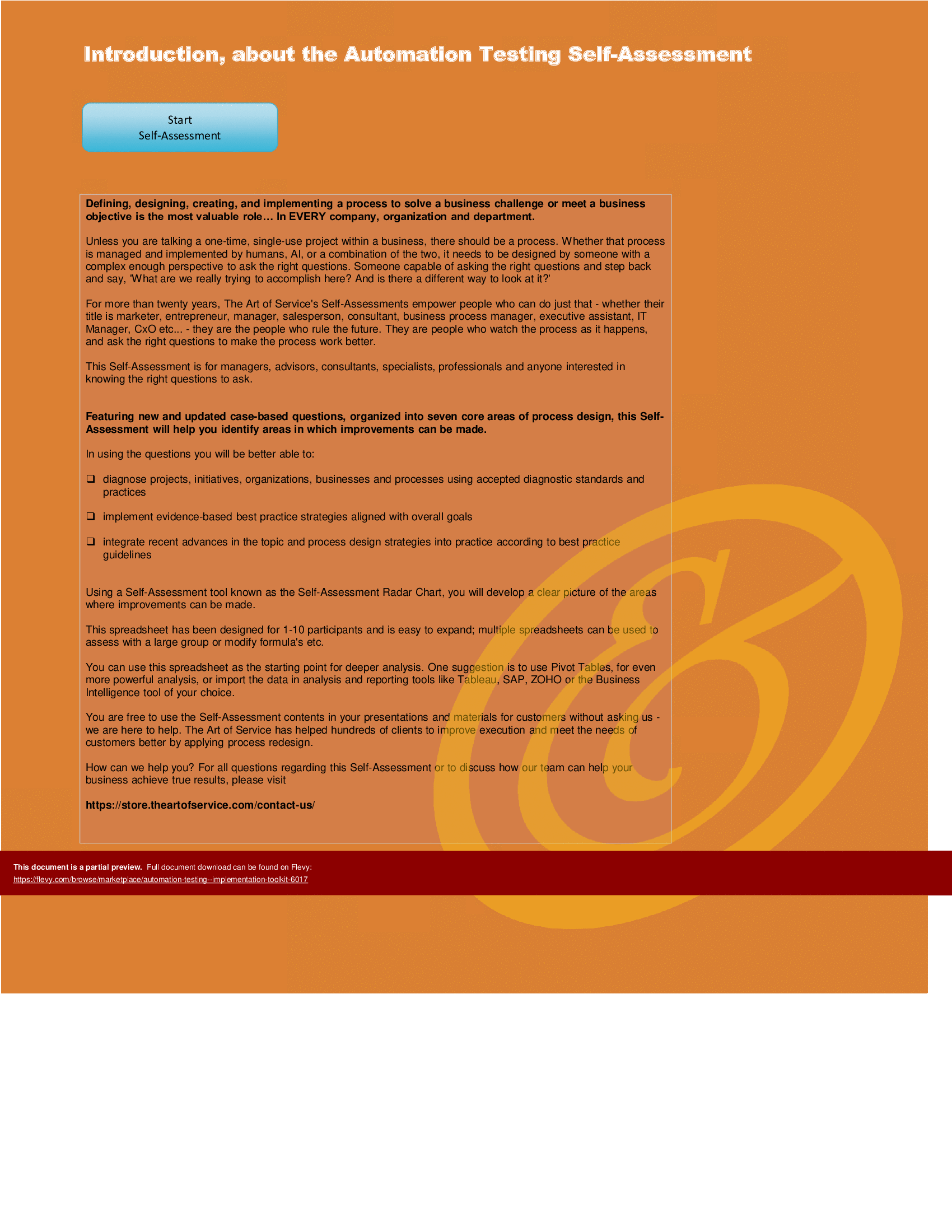
The Automation Testing Implementation Toolkit includes a set of best-practice templates, step-by-step workplans, and maturity diagnostics for any Automation Testing related project. Please note the above partial preview is ONLY of the Self Assessment Excel Dashboard, referenced in steps 1 and 2 (see below for more details).
Through a 3-step process, this toolkit will guide you from idea to implementation. Please find a below a summary of the 3 steps.
STEP 1: Get your bearings
Start with the latest quick edition of the Automation Testing Self Assessment book in PDF containing 49 requirements to perform a quickscan, get an overview and share with stakeholders.
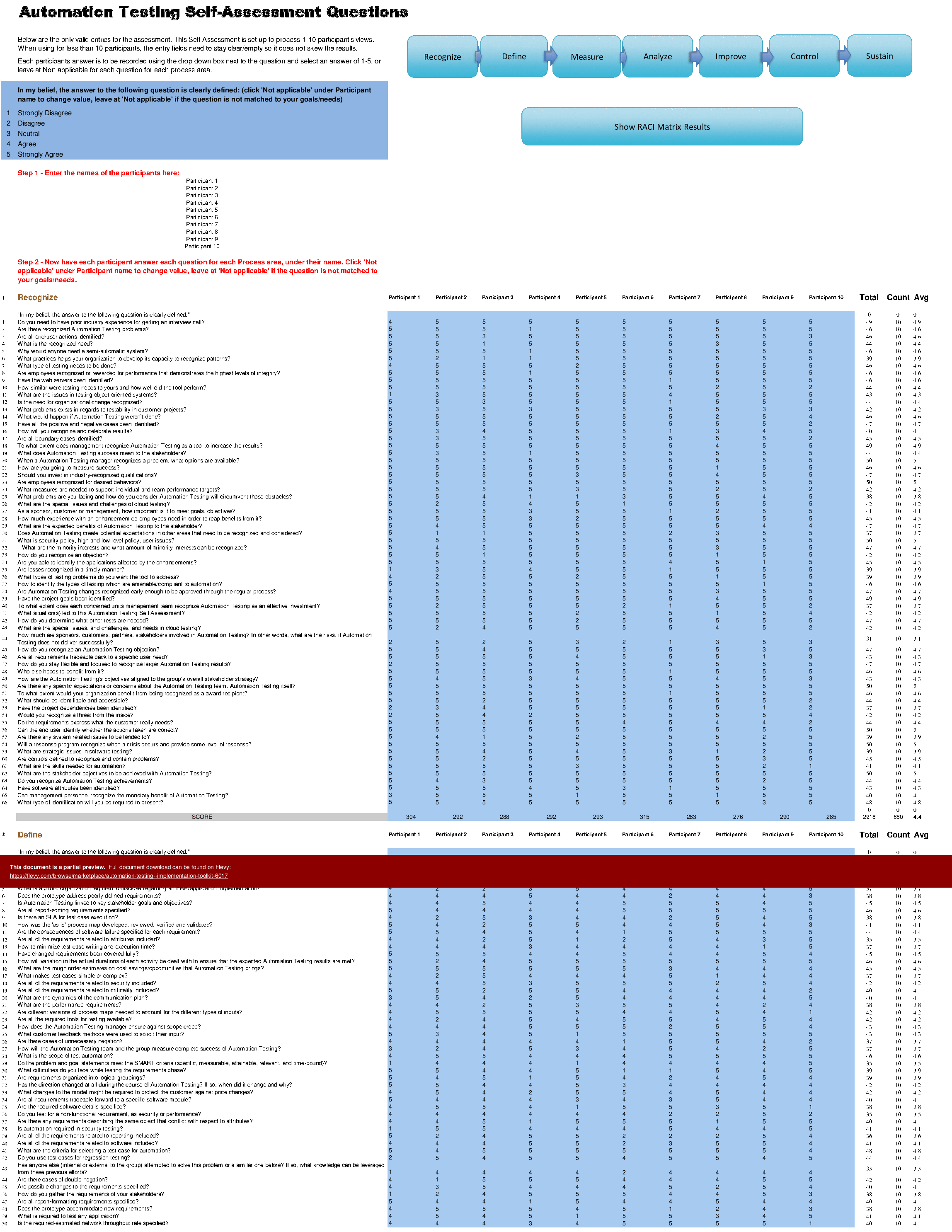
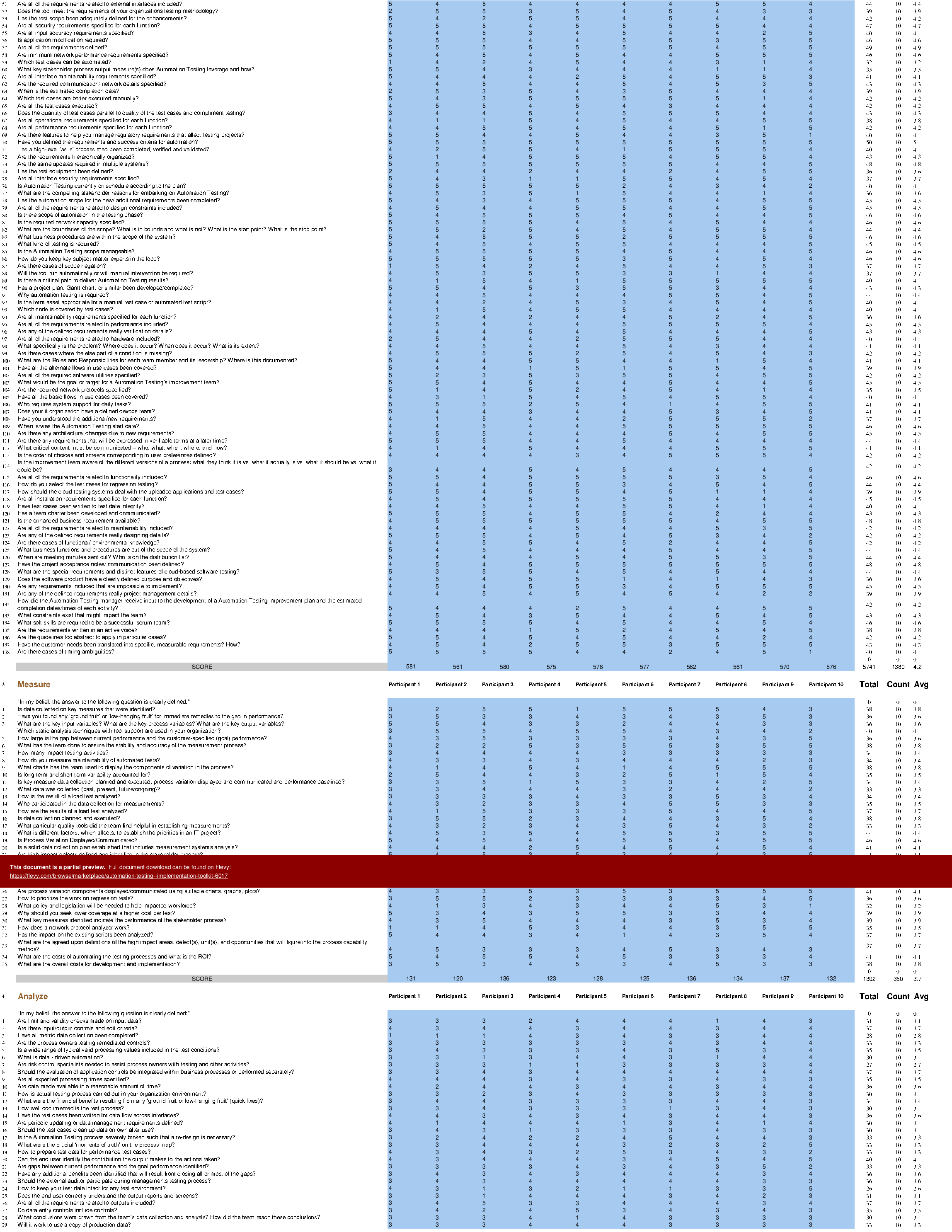
Organized in a Data Driven improvement cycle RDMAICS (Recognize, Define, Measure, Analyze, Improve, Control and Sustain), check the example pre-filled Self-Assessment Excel Dashboard to get familiar with results generation.
STEP 2: Set concrete goals, tasks, dates and numbers you can track
Featuring 999 new and updated case-based questions, organized into seven core areas of Process Design, this Self-Assessment will help you identify areas in which Automation Testing improvements can be made.
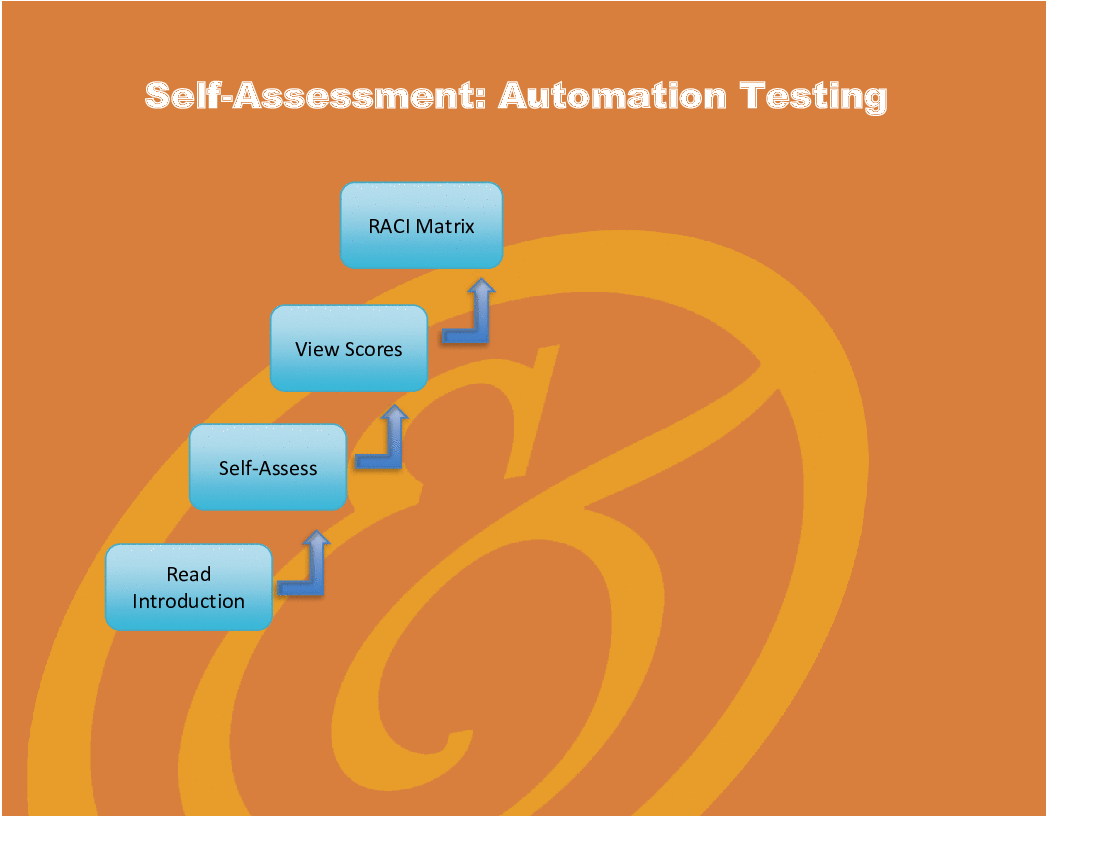
The Self-Assessment Excel Dashboard; with the Automation Testing Self-Assessment and Scorecard you will develop a clear picture of which Automation Testing areas need attention, which requirements you should focus on and who will be responsible for them:
• Shows your organization instant insight in areas for improvement: Auto generates reports, radar chart for maturity assessment, insights per process and participant and bespoke, ready to use, RACI Matrix
• Gives you a professional Dashboard to guide and perform a thorough Automation Testing Self-Assessment
• Is secure: Ensures offline Data Protection of your Self-Assessment results
• Dynamically prioritized projects-ready RACI Matrix shows your organization exactly what to do next
STEP 3: Implement, Track, follow up and revise strategy
The outcomes of STEP 2, the self assessment, are the inputs for STEP 3; Start and manage Automation Testing projects with the 62 implementation resources. There are 62 step-by-step Automation Testing Project Management Form Templates covering over 1500 Automation Testing project requirements and success criteria.
Got a question about the product? Email us at support@flevy.com or ask the author directly by using the "Ask the Author a Question" form. If you cannot view the preview above this document description, go here to view the large preview instead.
TOPIC FAQ
What is an Automation Testing self-assessment and what should it include?
An automation testing self-assessment is a structured quickscan to identify gaps and priorities. According to the toolkit overview, it should include a concise requirements checklist (the Quick Edition PDF with 49 requirements), a scorecard and an Excel Dashboard that auto-generates reports and a radar-chart maturity view, totaling 49 requirements.Which process areas are typically examined in an automation testing assessment?
The toolkit groups assessment content into 7 core Process Design areas, using case-based questions to probe each area. A full assessment uses the 999 new and updated case-based questions to evaluate those 7 core areas.How can I prioritize automation testing initiatives after an assessment?
Prioritization can be driven by a scorecard and dashboard that highlight maturity gaps and by a dynamically prioritized, projects-ready RACI Matrix. The toolkit overview specifies an Excel Dashboard that auto-generates prioritized actions and a ready-to-use RACI Matrix.What deliverables support implementing automation testing projects?
Implementation support should include step-by-step project templates, success criteria, and tracking tools. The toolkit provides 62 Automation Testing Project Management Form Templates that cover over 1,500 project requirements and success criteria.What features should I look for when choosing an automation testing toolkit?
Look for a combined assessment and implementation flow: a self-assessment checklist, an actionable scorecard/dashboard, automated reporting and visualizations (e.g., radar chart), a projects-ready RACI, and project templates. Flevy's Automation Testing Implementation Toolkit lists all these elements, including the Excel Dashboard.How extensive are the template and question sets in a robust toolkit?
A robust implementation package can include hundreds to thousands of diagnostic questions plus dozens of templates; this toolkit specifically cites 999 case-based questions and 62 project management templates addressing over 1,500 requirements.What are practical steps to go from assessment to execution in automation testing?
Follow a staged flow: (1) perform a quickscan using the 49-requirement PDF and dashboard, (2) set concrete goals and produce a prioritized RACI using the 999 questions and scorecard, then (3) launch and manage projects using implementation resources; the toolkit frames this as a 3-step process.How should I present maturity results to stakeholders for decision-making?
Use an automated dashboard and visual maturity representation to summarize findings, show insights by process and participant, and propose accountable owners via a RACI Matrix. The toolkit overview highlights an Excel Dashboard that auto-generates reports and a radar chart for stakeholder presentation.Source: Best Practices in RPA, Automation, IT Testing Excel: Automation Testing - Implementation Toolkit Excel (XLSX) Spreadsheet, Gerard Blokdijk




























