
Automation Testing - Implementation Toolkit   Excel template (XLSX)
$249.00

Automation Testing - Implementation Toolkit (Excel template (XLSX)) Preview Image
Log in to unlock full preview.
Automation Testing - Implementation Toolkit (Excel template (XLSX)) Preview Image
Arrow   Click main image to view in full screen.

Automation Testing - Implementation Toolkit – Excel XLSX

Excel (XLSX) + Zip archive file (ZIP)

#1 in IT Testing $249.00

Add to Cart


Immediate download
Fully editable Excel
Free lifetime updates

BENEFITS OF THIS DOWNLOADABLE EXCEL DOCUMENT

  1. Own product deliver, Automation Testing, and releases in order to improve reliability and to provide faster deployment cycles.
  2. Collect and analyze large amounts of data acquired during Automation Testing.
  3. Conduct weekly status showing the progress of the Automation Testing effort.

RPA EXCEL DESCRIPTION

Editor Summary The Automation Testing Implementation Toolkit is an XLSX toolkit (with supplemental ZIP) by Gerard Blokdijk that guides automation testing programs through a 3-step process from idea to implementation. Read more

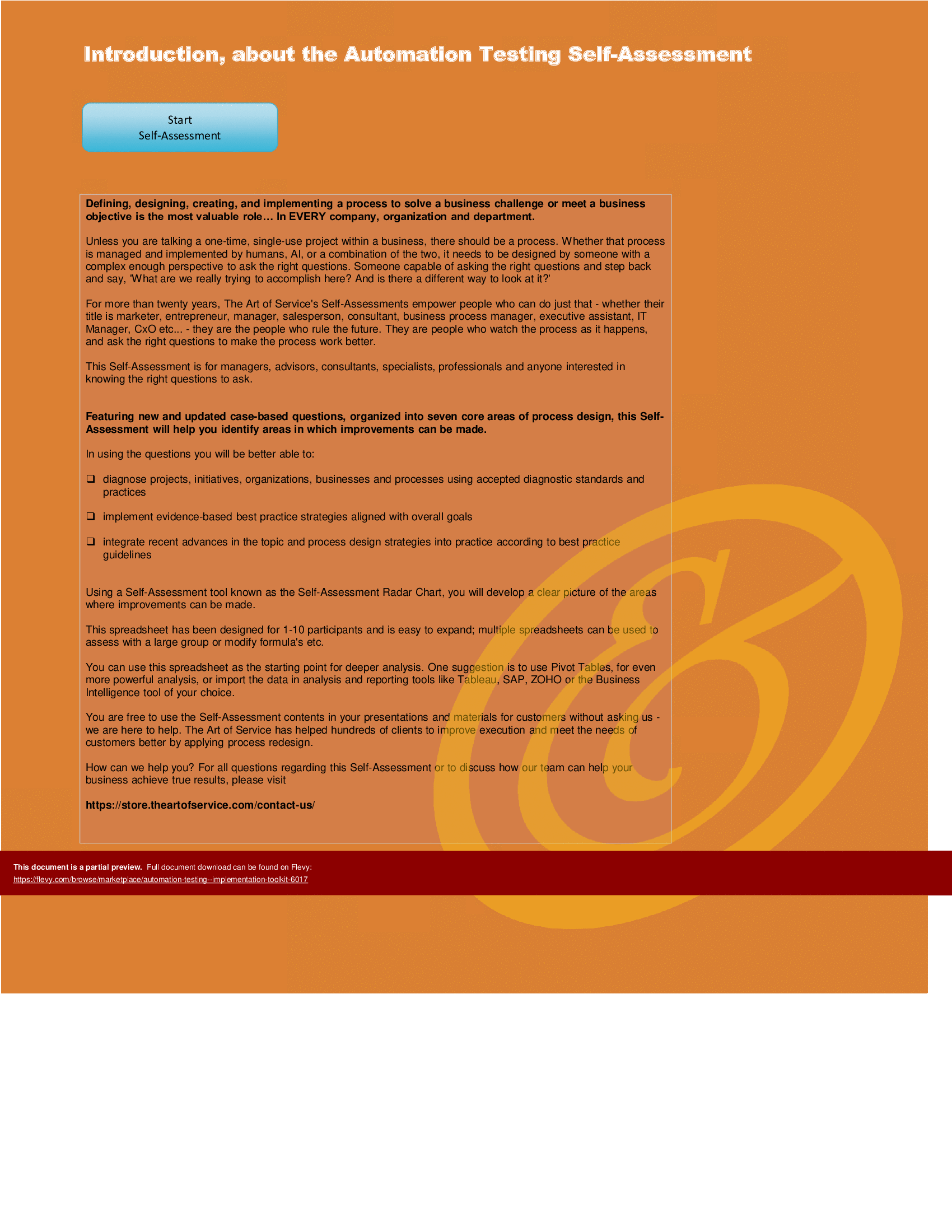
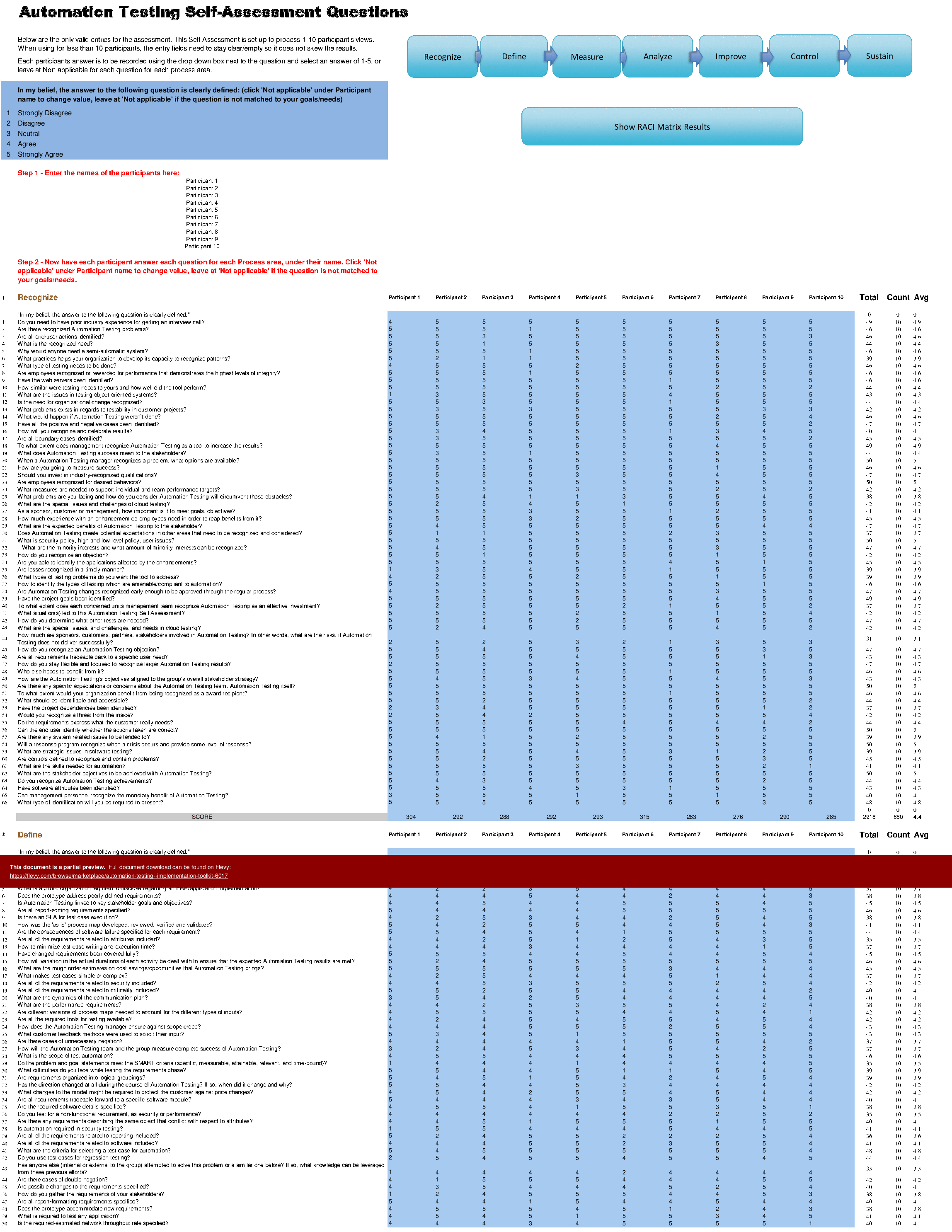
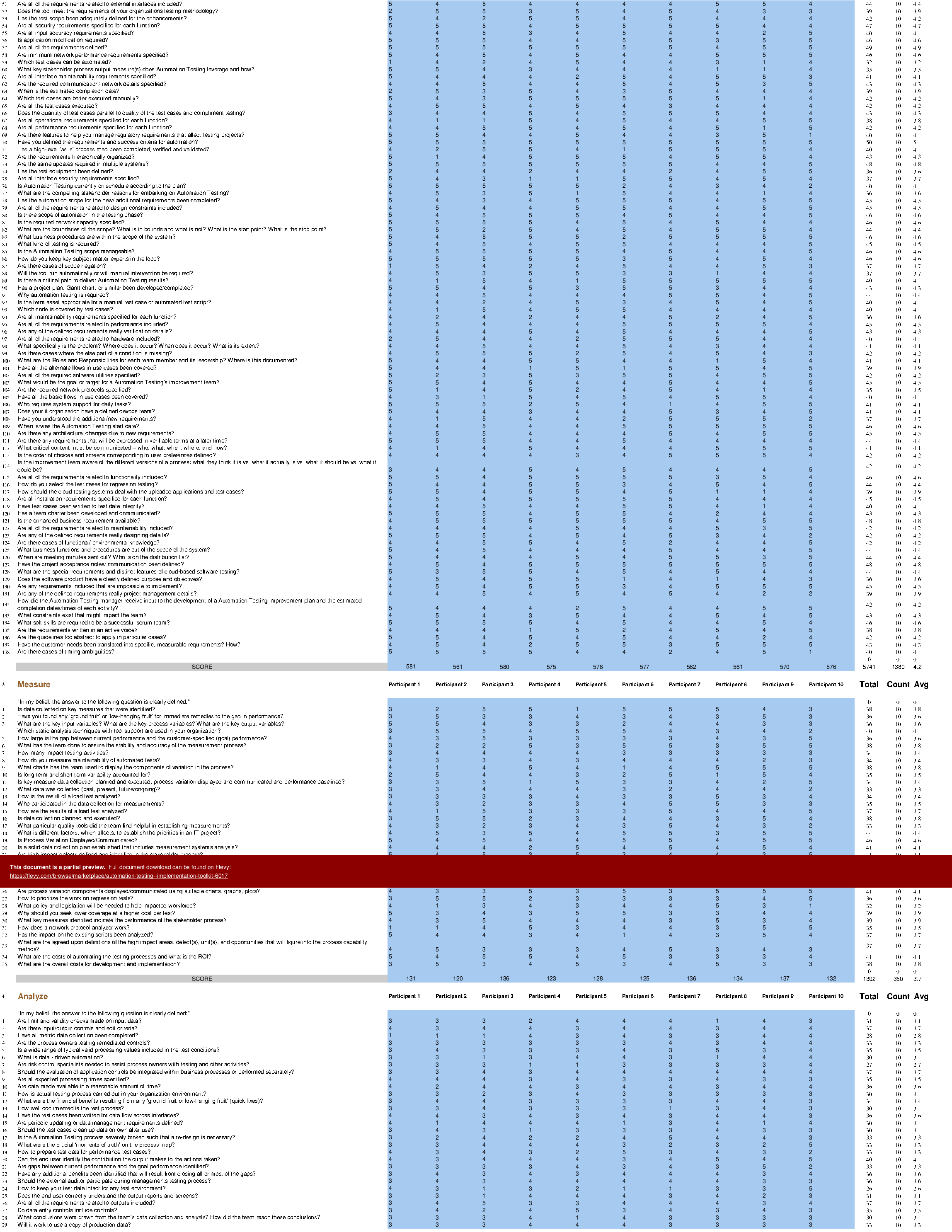
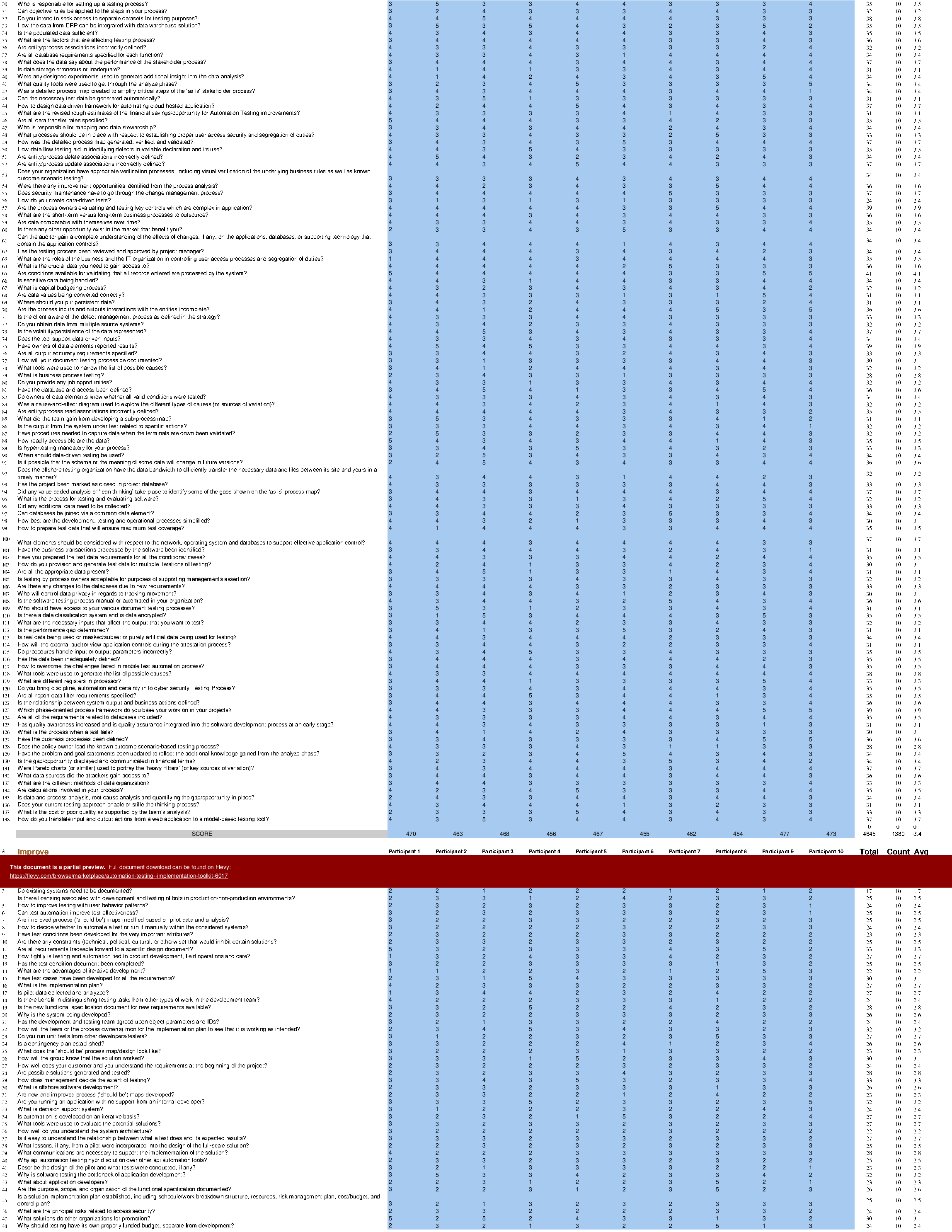
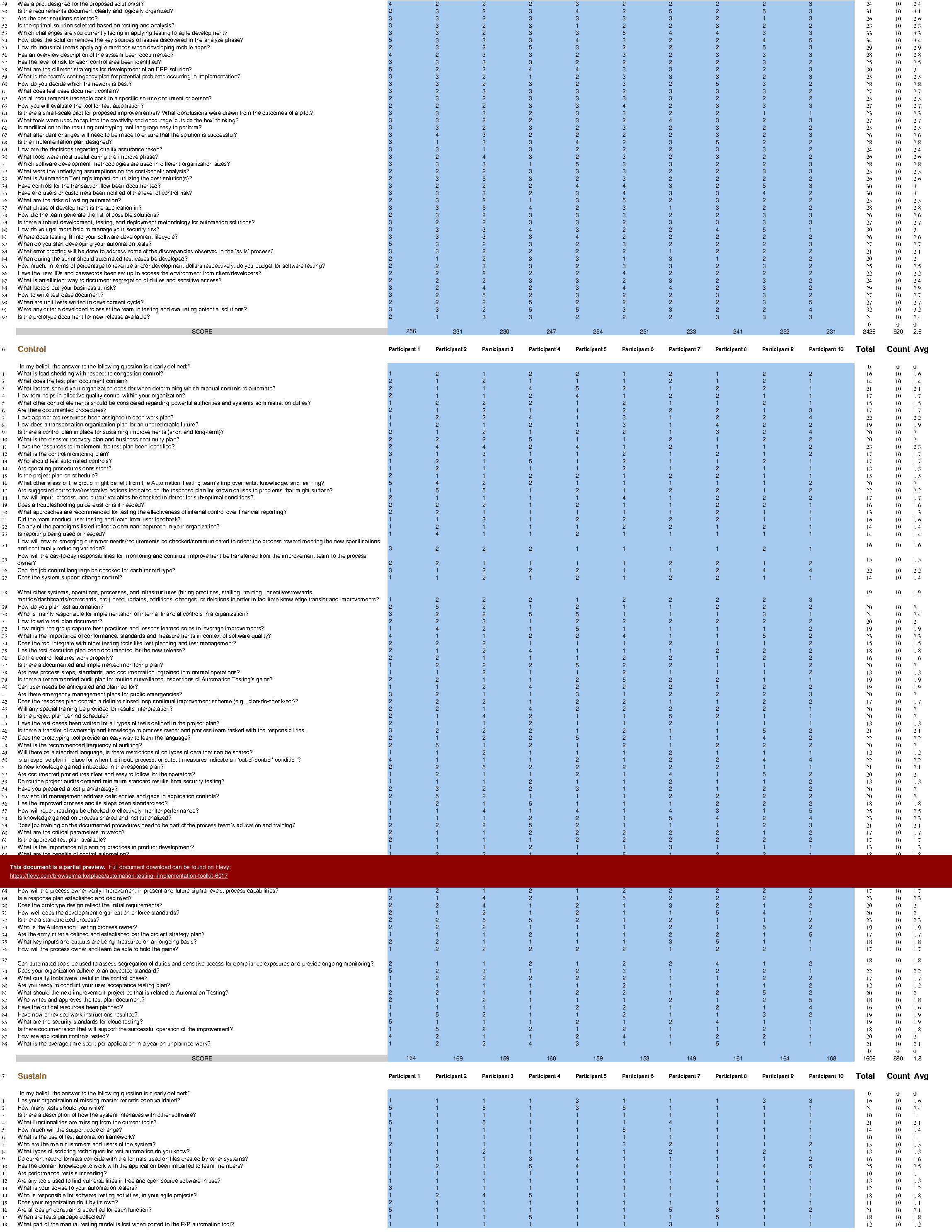
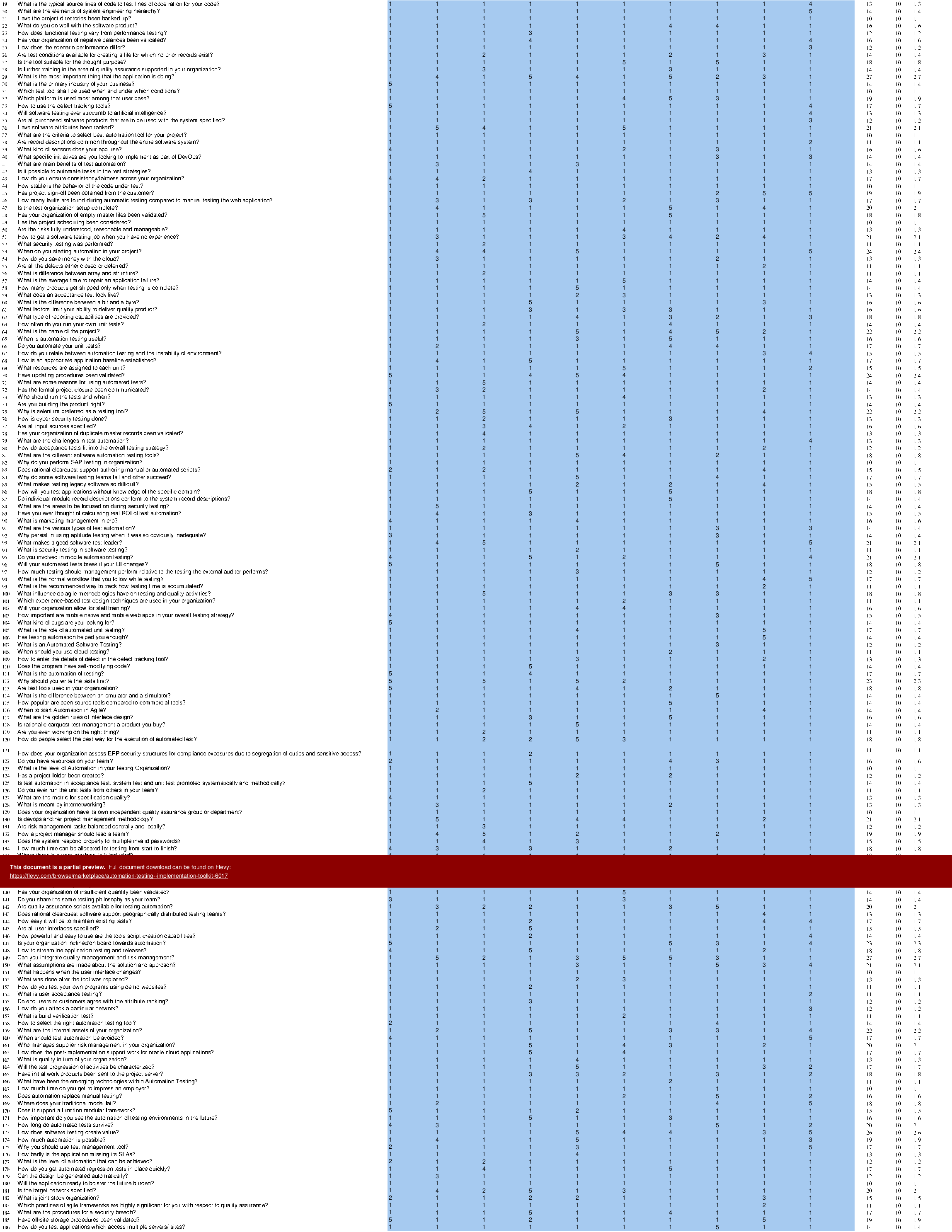
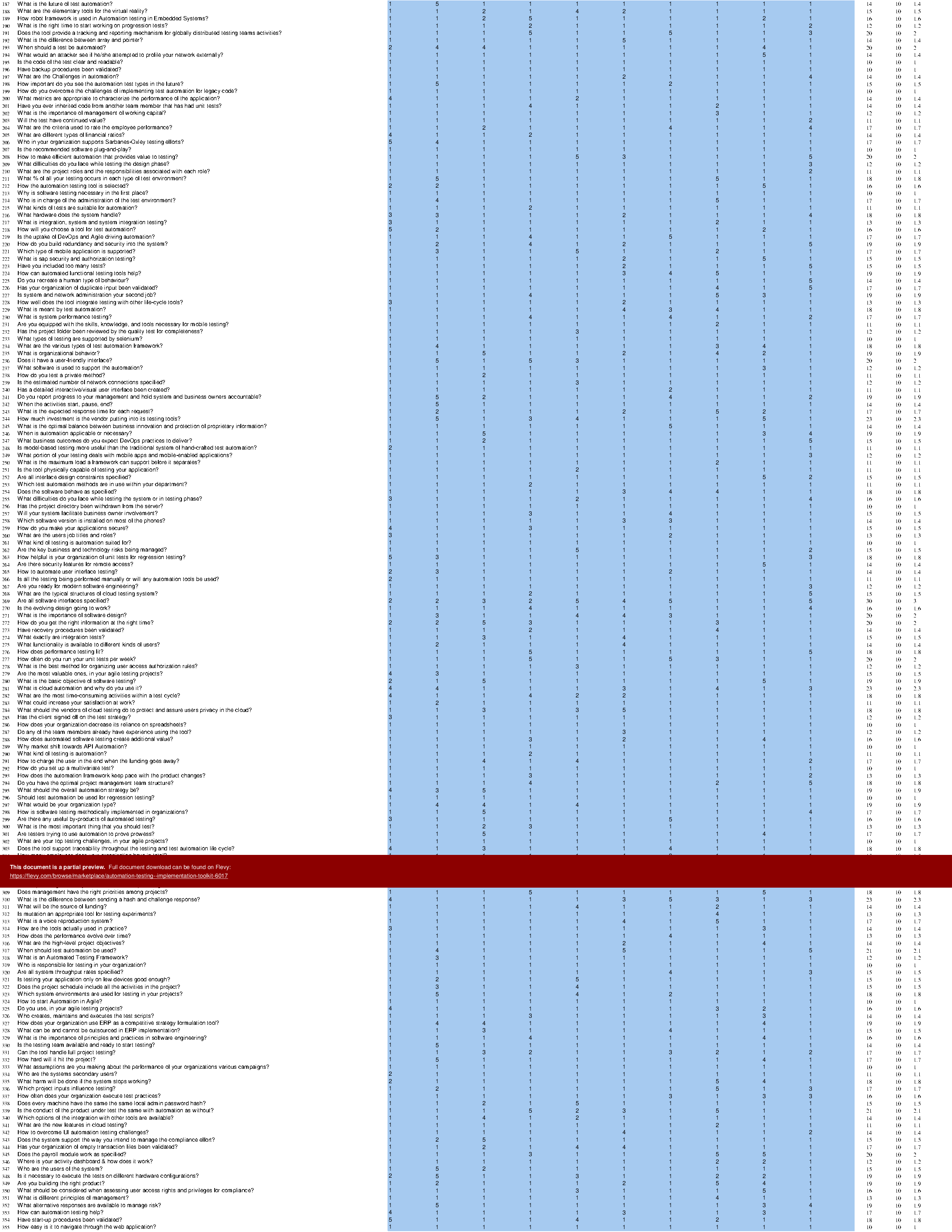
The Automation Testing Implementation Toolkit includes a set of best-practice templates, step-by-step workplans, and maturity diagnostics for any Automation Testing related project. Please note the above partial preview is ONLY of the Self Assessment Excel Dashboard, referenced in steps 1 and 2 (see below for more details).

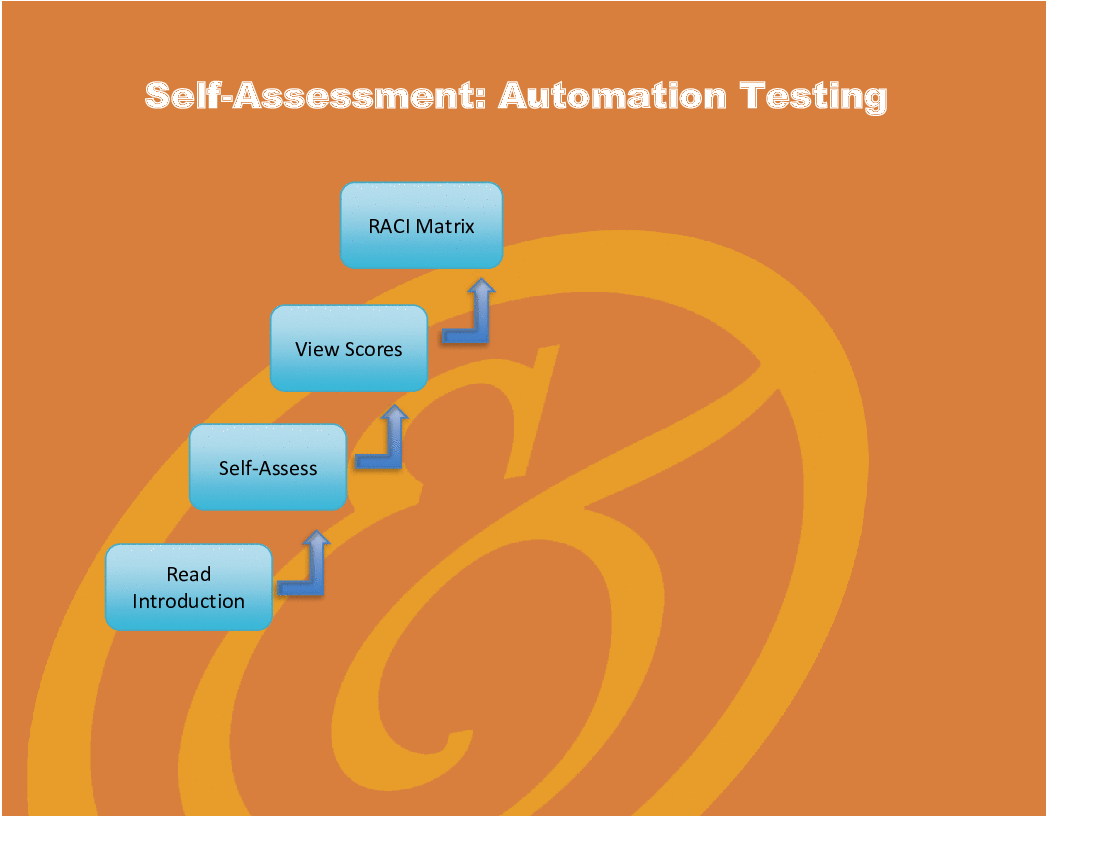
Through a 3-step process, this toolkit will guide you from idea to implementation. Please find a below a summary of the 3 steps.

STEP 1: Get your bearings

Start with the latest quick edition of the Automation Testing Self Assessment book in PDF containing 49 requirements to perform a quickscan, get an overview and share with stakeholders.

Organized in a Data Driven improvement cycle RDMAICS (Recognize, Define, Measure, Analyze, Improve, Control and Sustain), check the example pre-filled Self-Assessment Excel Dashboard to get familiar with results generation.

STEP 2: Set concrete goals, tasks, dates and numbers you can track

Featuring 999 new and updated case-based questions, organized into seven core areas of Process Design, this Self-Assessment will help you identify areas in which Automation Testing improvements can be made.

The Self-Assessment Excel Dashboard; with the Automation Testing Self-Assessment and Scorecard you will develop a clear picture of which Automation Testing areas need attention, which requirements you should focus on and who will be responsible for them:

•  Shows your organization instant insight in areas for improvement: Auto generates reports, radar chart for maturity assessment, insights per process and participant and bespoke, ready to use, RACI Matrix
•  Gives you a professional Dashboard to guide and perform a thorough Automation Testing Self-Assessment
•  Is secure: Ensures offline Data Protection of your Self-Assessment results
•  Dynamically prioritized projects-ready RACI Matrix shows your organization exactly what to do next

STEP 3: Implement, Track, follow up and revise strategy

The outcomes of STEP 2, the self assessment, are the inputs for STEP 3; Start and manage Automation Testing projects with the 62 implementation resources. There are 62 step-by-step Automation Testing Project Management Form Templates covering over 1500 Automation Testing project requirements and success criteria.

Got a question about the product? Email us at support@flevy.com or ask the author directly by using the "Ask the Author a Question" form. If you cannot view the preview above this document description, go here to view the large preview instead.

TOPIC FAQ

What is an Automation Testing self-assessment and what should it include?

An automation testing self-assessment is a structured quickscan to identify gaps and priorities. According to the toolkit overview, it should include a concise requirements checklist (the Quick Edition PDF with 49 requirements), a scorecard and an Excel Dashboard that auto-generates reports and a radar-chart maturity view, totaling 49 requirements.

Which process areas are typically examined in an automation testing assessment?

The toolkit groups assessment content into 7 core Process Design areas, using case-based questions to probe each area. A full assessment uses the 999 new and updated case-based questions to evaluate those 7 core areas.

How can I prioritize automation testing initiatives after an assessment?

Prioritization can be driven by a scorecard and dashboard that highlight maturity gaps and by a dynamically prioritized, projects-ready RACI Matrix. The toolkit overview specifies an Excel Dashboard that auto-generates prioritized actions and a ready-to-use RACI Matrix.

What deliverables support implementing automation testing projects?

Implementation support should include step-by-step project templates, success criteria, and tracking tools. The toolkit provides 62 Automation Testing Project Management Form Templates that cover over 1,500 project requirements and success criteria.

What features should I look for when choosing an automation testing toolkit?

Look for a combined assessment and implementation flow: a self-assessment checklist, an actionable scorecard/dashboard, automated reporting and visualizations (e.g., radar chart), a projects-ready RACI, and project templates. Flevy's Automation Testing Implementation Toolkit lists all these elements, including the Excel Dashboard.

How extensive are the template and question sets in a robust toolkit?

A robust implementation package can include hundreds to thousands of diagnostic questions plus dozens of templates; this toolkit specifically cites 999 case-based questions and 62 project management templates addressing over 1,500 requirements.

What are practical steps to go from assessment to execution in automation testing?

Follow a staged flow: (1) perform a quickscan using the 49-requirement PDF and dashboard, (2) set concrete goals and produce a prioritized RACI using the 999 questions and scorecard, then (3) launch and manage projects using implementation resources; the toolkit frames this as a 3-step process.

How should I present maturity results to stakeholders for decision-making?

Use an automated dashboard and visual maturity representation to summarize findings, show insights by process and participant, and propose accountable owners via a RACI Matrix. The toolkit overview highlights an Excel Dashboard that auto-generates reports and a radar chart for stakeholder presentation.

Source: Best Practices in RPA, IT Testing, Automation Excel: Automation Testing - Implementation Toolkit Excel (XLSX) Spreadsheet, Gerard Blokdijk


$249.00

Add to Cart
  

ABOUT THE AUTHOR

Additional documents from author: 956

Gerard is the CEO at The Art of Service. He has been providing information technology insights, talks, tools and products to organizations in a wide range of industries for over 25 years. Gerard is a widely recognized and respected information expert. Gerard founded The Art of Service consulting business in 2000. Gerard has authored numerous published books to date.

Ask the Author a Question

You must be logged in to contact the author.

Click here to log in Click here register

Did you know?
The average daily rate of a McKinsey consultant is $6,625 (not including expenses). The average price of a Flevy document is $65.


Trusted by over 10,000+ Client Organizations
Since 2012, we have provided business templates to over 10,000 businesses and organizations of all sizes, from startups and small businesses to the Fortune 100, in over 130 countries.
AT&T GE Cisco Intel IBM Coke Dell Toyota HP Nike Samsung Microsoft Astrazeneca JP Morgan KPMG Walgreens Walmart 3M Kaiser Oracle SAP Google E&Y Volvo Bosch Merck Fedex Shell Amgen Eli Lilly Roche AIG Abbott Amazon PwC T-Mobile Broadcom Bayer Pearson Titleist ConEd Pfizer NTT Data Schwab


Read Customer Testimonials

 
"My FlevyPro subscription provides me with the most popular frameworks and decks in demand in today’s market. They not only augment my existing consulting and coaching offerings and delivery, but also keep me abreast of the latest trends, inspire new products and service offerings for my practice, and educate me "

– Bill Branson, Founder at Strategic Business Architects
 
"One of the great discoveries that I have made for my business is the Flevy library of training materials.

As a Lean Transformation Expert, I am always making presentations to clients on a variety of topics: Training, Transformation, Total Productive Maintenance, Culture, Coaching, Tools, Leadership Behavior, etc. Flevy "

– Ed Kemmerling, Senior Lean Transformation Expert at PMG
 
"Flevy.com has proven to be an invaluable resource library to our Independent Management Consultancy, supporting and enabling us to better serve our enterprise clients.

The value derived from our [FlevyPro] subscription in terms of the business it has helped to gain far exceeds the investment made, making a subscription a no-brainer for any growing consultancy – or in-house strategy team."

– Dean Carlton, Chief Transformation Officer, Global Village Transformations Pty Ltd.
 
"If you are looking for great resources to save time with your business presentations, Flevy is truly a value-added resource. Flevy has done all the work for you and we will continue to utilize Flevy as a source to extract up-to-date information and data for our virtual and onsite presentations!"

– Debbi Saffo, President at The NiKhar Group
 
"As a niche strategic consulting firm, Flevy and FlevyPro frameworks and documents are an on-going reference to help us structure our findings and recommendations to our clients as well as improve their clarity, strength, and visual power. For us, it is an invaluable resource to increase our impact and value."

– David Coloma, Consulting Area Manager at Cynertia Consulting
 
"FlevyPro has been a brilliant resource for me, as an independent growth consultant, to access a vast knowledge bank of presentations to support my work with clients. In terms of RoI, the value I received from the very first presentation I downloaded paid for my subscription many times over! The "

– Roderick Cameron, Founding Partner at SGFE Ltd
 
"Flevy is now a part of my business routine. I visit Flevy at least 3 times each month.

Flevy has become my preferred learning source, because what it provides is practical, current, and useful in this era where the business world is being rewritten.

In today's environment where there are so "

– Omar Hernán Montes Parra, CEO at Quantum SFE
 
"I like your product. I'm frequently designing PowerPoint presentations for my company and your product has given me so many great ideas on the use of charts, layouts, tools, and frameworks. I really think the templates are a valuable asset to the job."

– Roberto Fuentes Martinez, Senior Executive Director at Technology Transformation Advisory


Customers Also Like These Documents

Explore Templates on Related Management Topics


Your Recently Viewed Documents
Download our FREE Digital Transformation Templates

Download our free compilation of 50+ Digital Transformation slides and templates. DX concepts covered include Digital Leadership, Digital Maturity, Digital Value Chain, Customer Experience, Customer Journey, RPA, etc.









