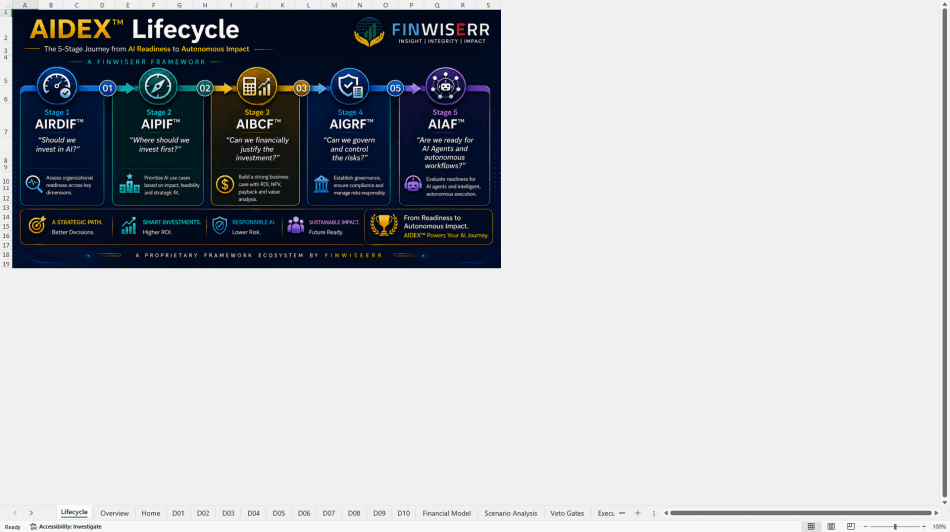
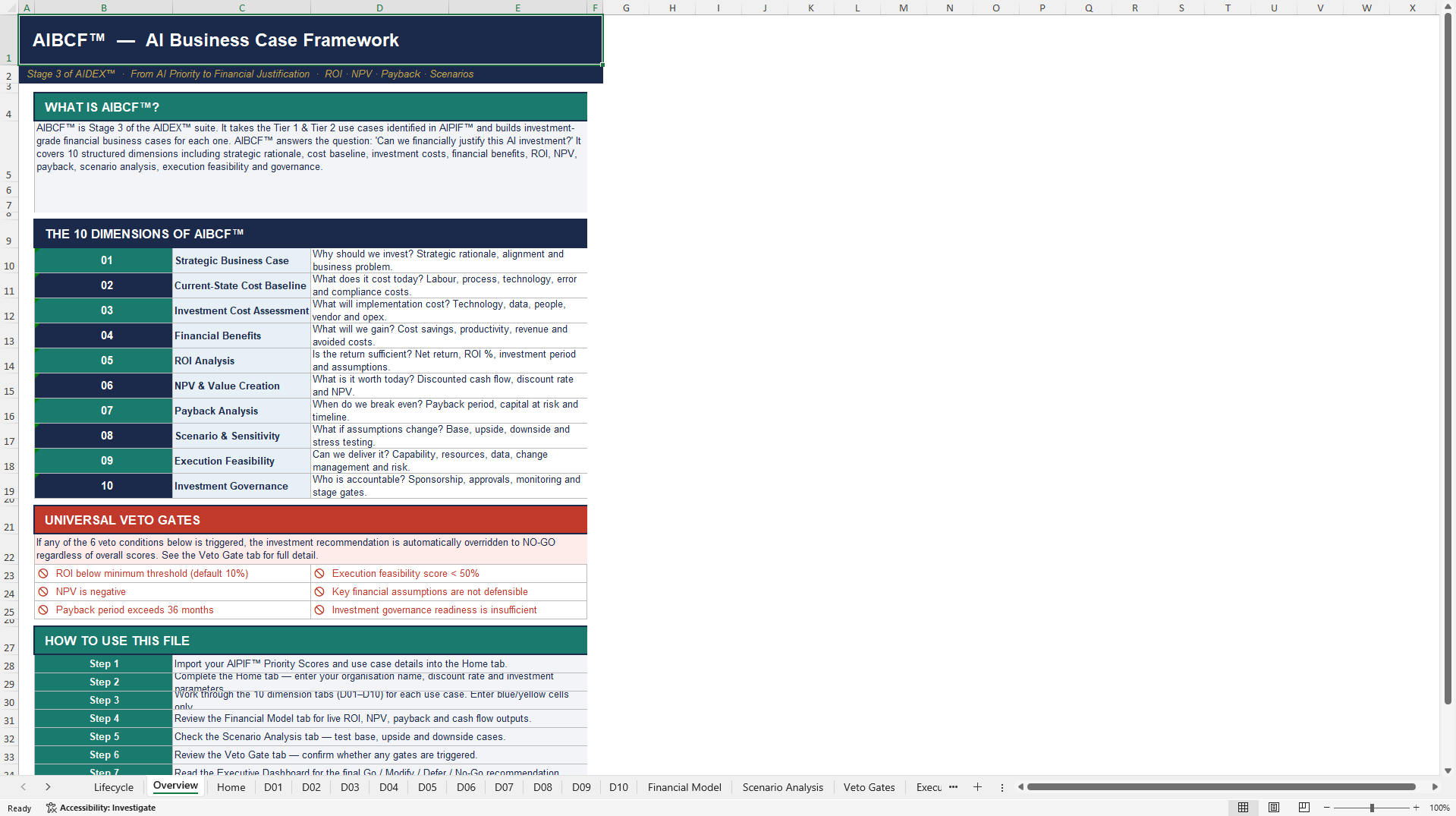
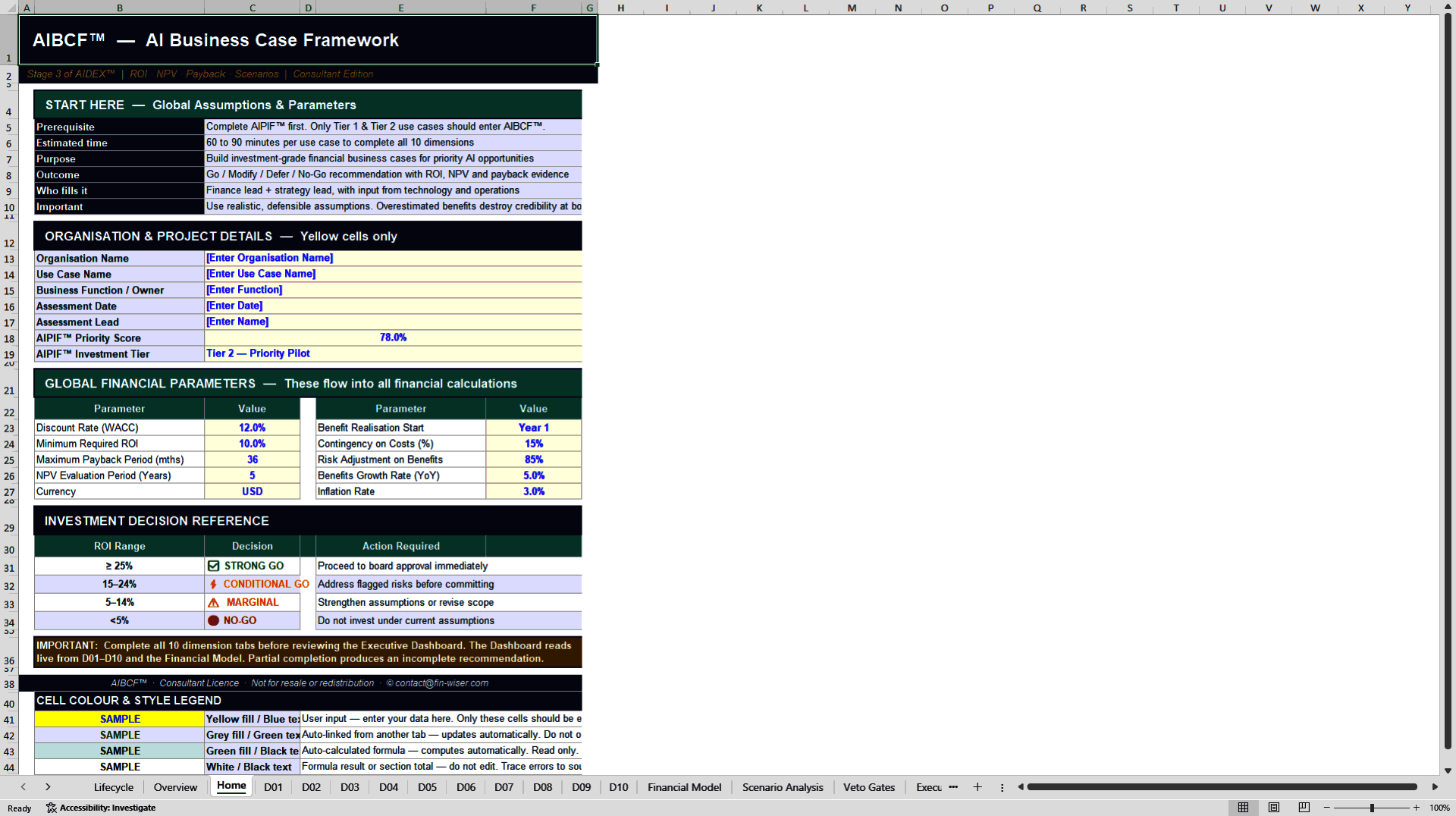
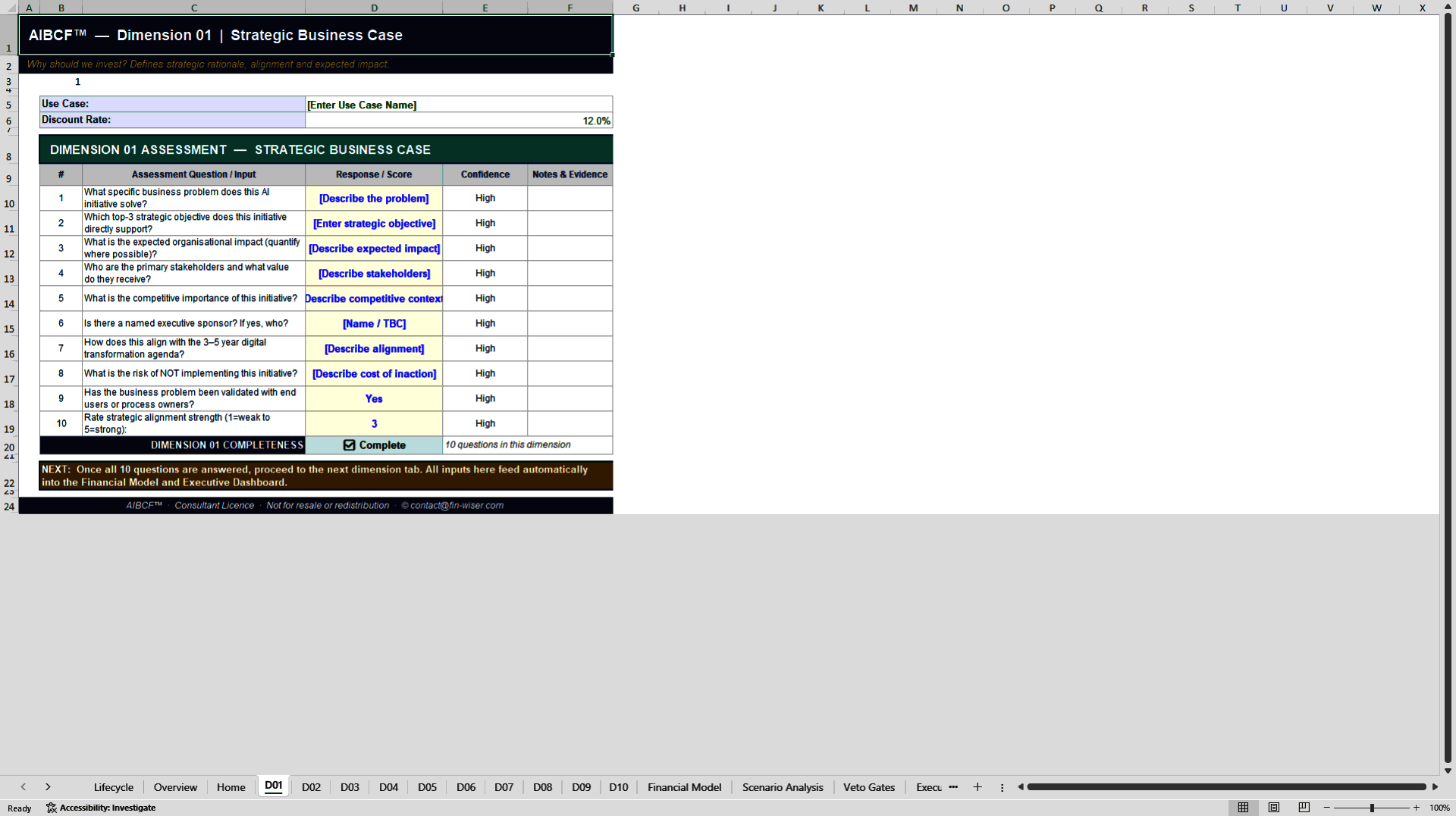

 Click main image to view in full screen. Unlock all 12 preview images:
AI Business Case Framework (AIBCF™) – Excel XLSX
Excel (XLSX) + Zip archive file (ZIP)


BUSINESS CASE DEVELOPMENT EXCEL DESCRIPTION
The AI Business Case Framework (AIBCF™) turns a promising AI idea into a board-ready financial decision. It is a fully interlinked, 16-tab Excel model that scores each AI use case against hard financial gates – NPV, ROI and payback – and applies veto criteria that stop weak cases before they consume budget.
What the AIBCF™ does?
Most AI investment decisions are made on conviction, not numbers. The AIBCF™ replaces that gap with a disciplined, repeatable business-case engine. Enter the assumptions for each AI use case and the model returns a consistent financial verdict – so leadership can compare ten initiatives on the same basis and fund the ones that actually pay back.
FINANCIAL CORE – NPV, ROI and payback calculated per use case, with a consolidated Executive Dashboard.
VETO GATES – Automatic screening criteria that flag and stop use cases failing strategic or risk thresholds.
10 USE-CASE SLOTS – Model up to ten AI initiatives (UC-01 to UC-10) side by side on identical assumptions.
FULLY INTERLINKED – 16 tabs wired end to end – change one assumption and every dependent output updates.
What's inside the model
1. Executive Dashboard – a single view ranking every use case by financial return and gate status.
2. 10 use-case input tabs (UC-01–UC-10) – structured entry for costs, benefits, and timing per initiative.
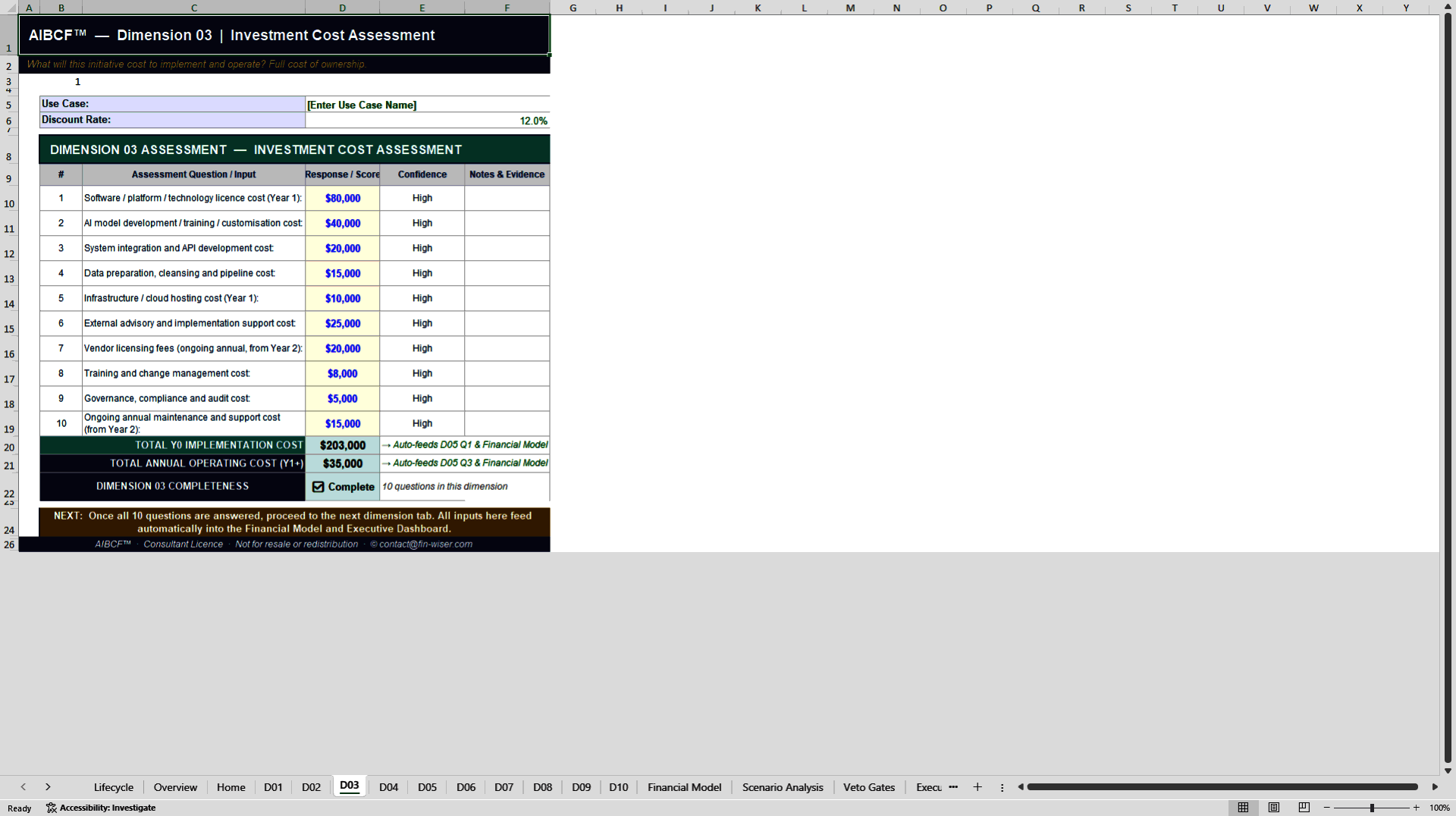
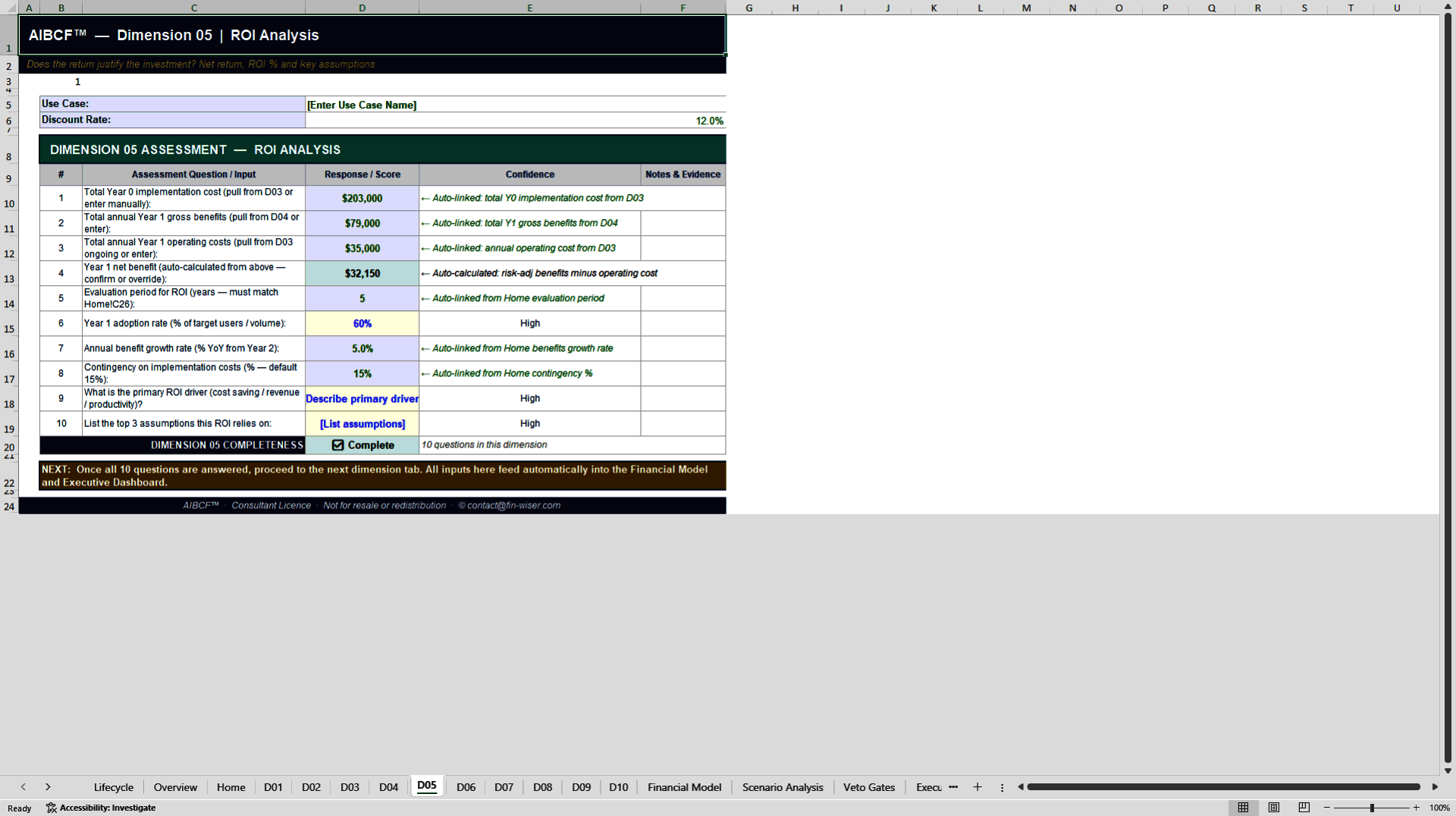
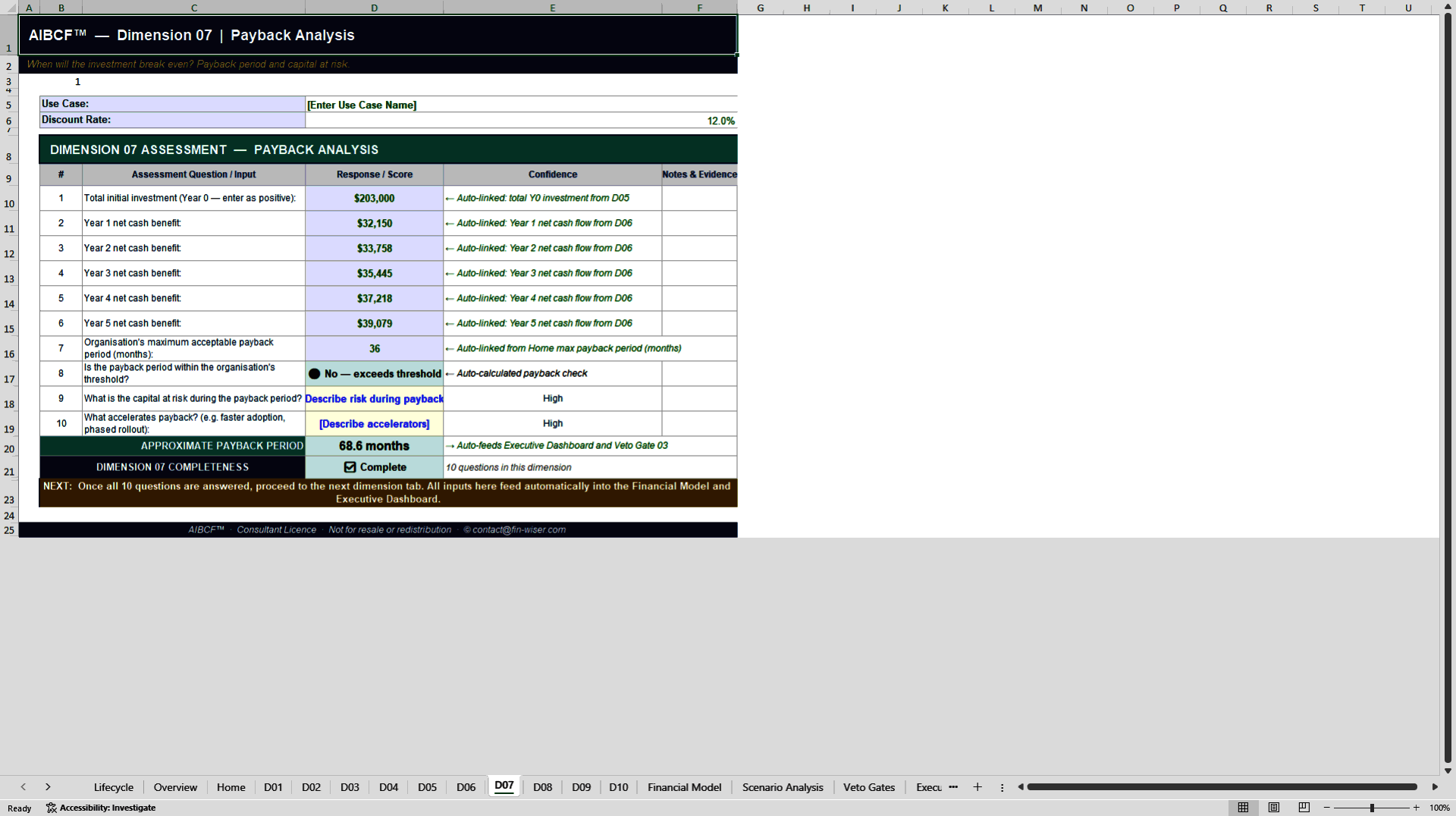
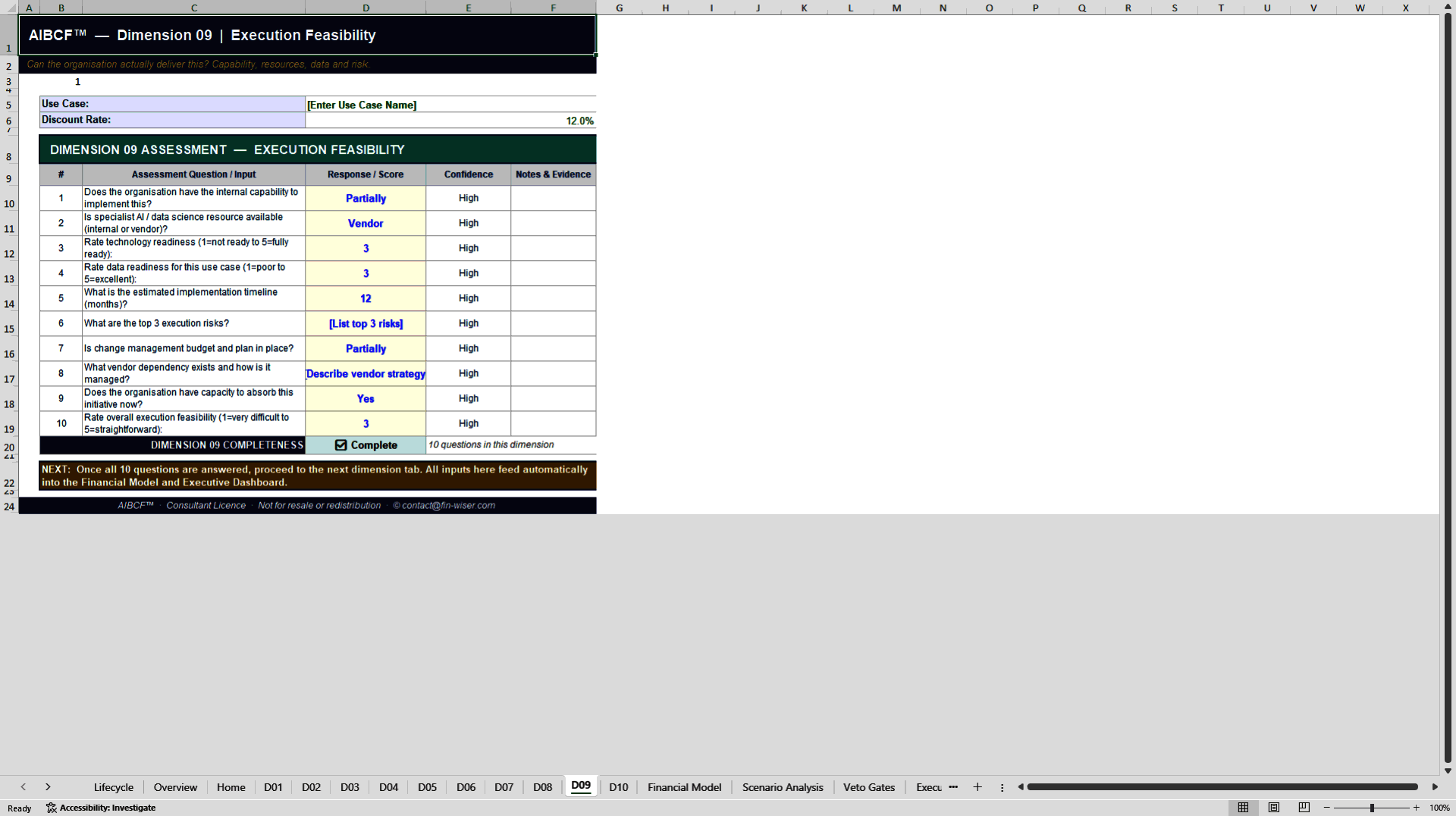
3. 10 decision tabs (D01–D10) – the calculation engine translating each use case into NPV, ROI and payback.
4. Veto-gate logic – configurable thresholds that automatically reject non-viable cases.
5. User Guide & Results Guide – built in, so any analyst can run and interpret the model without training.
Who it's for
CFOs, transformation leads, AI product owners and investment committees who need to justify —
or challenge – AI spend with defensible financials rather than enthusiasm. If you are choosing
between competing AI initiatives, the AIBCF™ gives you one honest scorecard for all of them.
From idea to investment decision
Delivered as a ready-to-use Excel model with full documentation. No setup, no consultants – enter your assumptions and get a board-ready business case the same day.
AIBCF™ Results Guide – how to read your output
Once your assumptions are entered, the AIBCF™ produces three layers of output. Here is how to interpret each, and what a strong result looks like.
1. The veto gates (pass / fail)
Each use case is first screened against the veto criteria. A failed gate stops the case regardless of its financials – this is deliberate. Read the gate result before the numbers: a high NPV behind a failed gate is not an approval.
2. The financial metrics (NPV, ROI, payback)
For every use case that clears its gates, the model reports Net Present Value, Return on Investment and payback period. NPV shows absolute value created; ROI shows efficiency of spend; payback shows how quickly the investment is recovered. Read all three together – a high ROI on a tiny NPV rarely justifies scarce delivery capacity.
3. The Executive Dashboard (the ranking)
The dashboard consolidates all ten use cases into one ranked view – gate status alongside NPV, ROI and payback. This is the page you take to the investment committee: it shows not just which initiatives win, but why, and which were stopped at the gate.
Tip: Change one assumption at a time and watch the dashboard update. Because all 16 tabs are interlinked, the model doubles as a live sensitivity tool – ideal for stress-testing a case in the room.
AIBCF™ User Guide – how to run the model
The AIBCF™ is built so any analyst can produce a board-ready AI business case without training. Follow the six steps below, working left to right through the workbook.
1. Start on the Read Me & User Guide tabs – Review the model map and the colour convention – blue cells are your inputs, black cells are calculated. Never overtype a black cell.
2. Set your global assumptions – Enter the discount rate, evaluation horizon and currency once. Every use case inherits these, so all ten cases are compared on identical terms.
3. Enter each use case on its UC tab (UC-01–UC-10) – For every AI initiative, fill in the costs, expected benefits and timing. Leave unused UC tabs blank – the dashboard ignores empty cases automatically.
4. Set the veto-gate thresholds – Configure the strategic and risk criteria a case must pass. Any use case that fails a gate is stopped automatically, whatever its financials.
5. Review the D tabs (D01–D10) – Each decision tab shows the full NPV, ROI and payback working for its use case. Use these to trace any number back to its source assumption.
6. Read the Executive Dashboard – The dashboard ranks all live use cases by return and gate status. This is your board-ready output – export it or present it directly.
Only enter data in blue cells. The 16 tabs are fully interlinked, so every output updates the moment you change an input – change one assumption at a time to use the model as a live sensitivity tool.
Need to interpret the output? See the AIBCF™ Results Guide for how to read the veto gates, financial metrics and dashboard ranking.
Got a question about the product? Email us at support@flevy.com or ask the author directly by using the "Ask the Author a Question" form. If you cannot view the preview above this document description, go here to view the large preview instead.
Source: Best Practices in Business Case Development, Artificial Intelligence Excel: AI Business Case Framework (AIBCF™) Excel (XLSX) Spreadsheet, Fin-Wiser Advisory
ABOUT THE AUTHOR

Fin-wiser is a specialist advisory boutique focused on providing financial modelling, financial analysis, business transformation and business research services.
Our mission is to deliver high-quality Financial Models, Financial Analysis, Operational Transformation and Data Analytics which are custom made as per the business requirements. These solutions can integrate elements of business,
... [read more]
Ask the Author a Question
You must be logged in to contact the author.




























