
 Click main image to view in full screen. Unlock all 10 preview images:
Unified Modeling Language (UML) Primer – PowerPoint PPTX Template
PowerPoint (PPTX) 40 Slides FlevyPro Document


PROCESS MAPS PPT TEMPLATE DESCRIPTION
The complexity of specifying, building, and visualizing software systems presents a significant challenge, particularly in environments where clear communication between business stakeholders and technical teams is crucial.
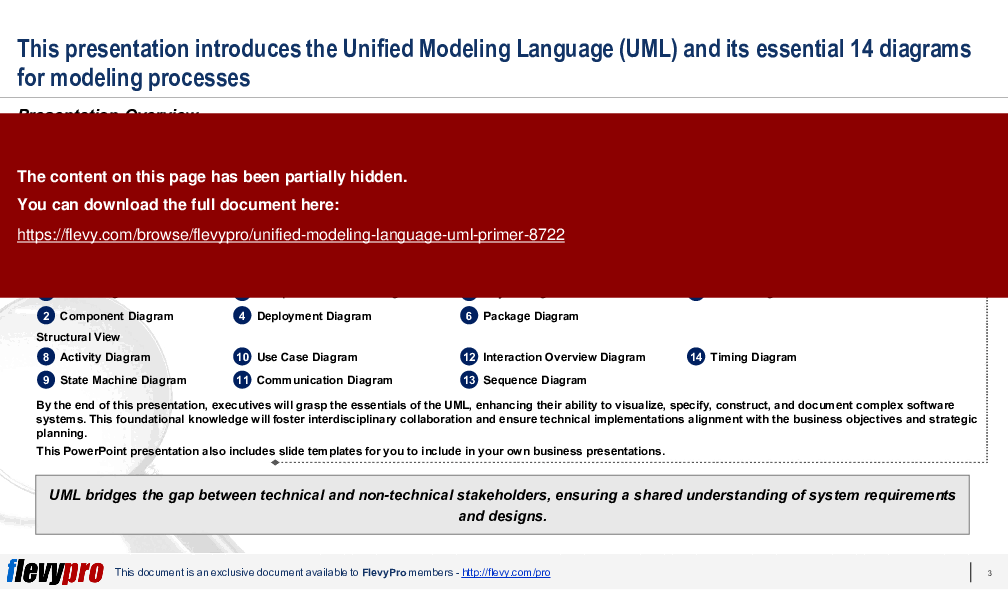
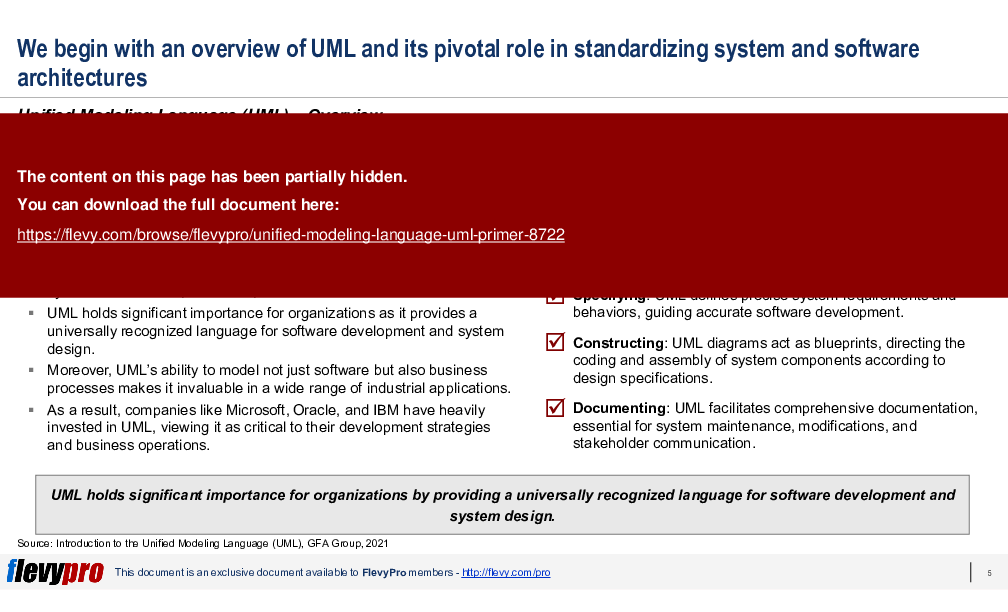
Thus, the Unified Modeling Language (UML) was developed as a solution to this problem. UML aims to provide a standardized visual modeling language that enhances mutual understanding across different disciplines. UML bridges the gap between technical and non-technical stakeholders, ensuring a shared understanding of system requirements and designs.
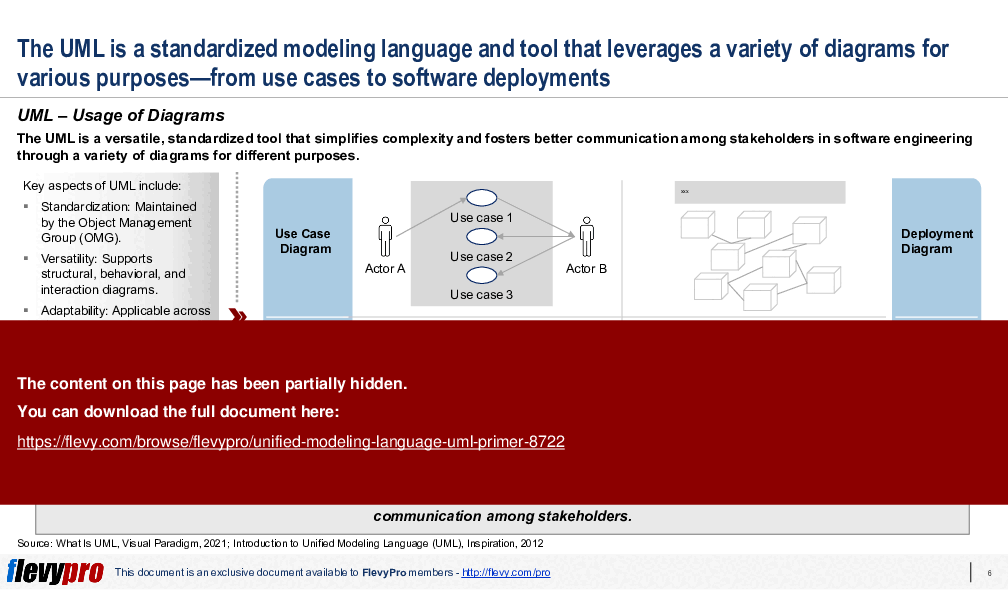
UML is not just applicable in software development but also in business processes and other areas, functioning like blueprints to guide system design across various applications. It encompasses a range of diagram types, including behavior, interaction, and structure diagrams, which together describe the system's boundaries, structures, and behaviors.
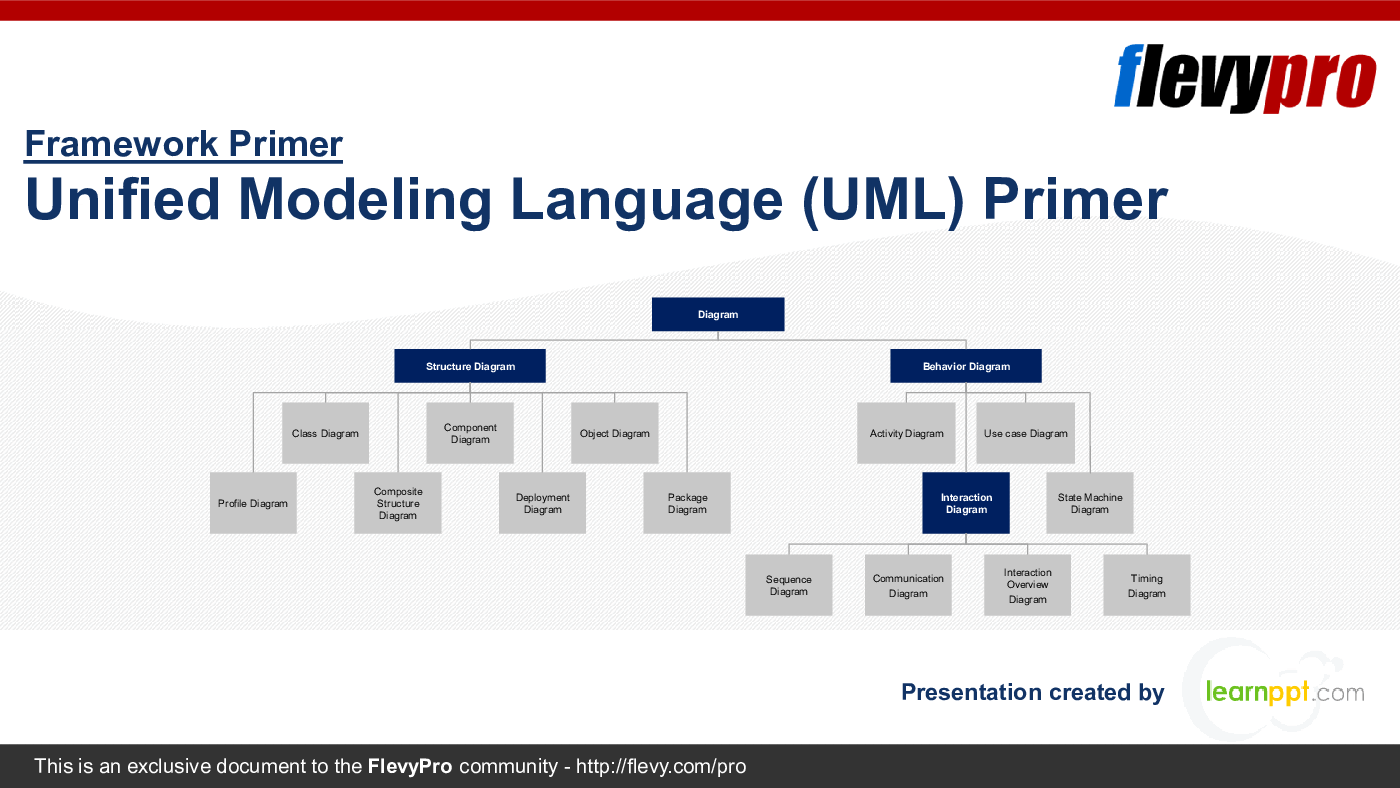
In this PowerPoint presentation, we will discuss the 2 general views of UML, Behavioral View and Structural View, and the 7 diagram types categorized under each view:
Behavioral View
1. Class Diagram
2. Component Diagram
3. Composite Structure Diagram
4. Deployment Diagram
5. Object Diagram
6. Package Diagram
7. Profile Diagram
Structural View
8. Activity Diagram
9. State Machine Diagram
10. Use Case Diagram
11. Communication Diagram
12. Interaction Overview Diagram
13. Sequence Diagram
14. Timing Diagram
By the end of this PPT presentation, executives will grasp the essentials of the UML, enhancing their ability to visualize, specify, construct, and document complex software systems. This foundational knowledge will foster interdisciplinary collaboration and ensure technical implementations alignment with the business objectives and strategic planning.
UML serves as a critical tool for ensuring clear and consistent communication across various teams and stakeholders in an organization, from business analysts and architects to developers and testers. By providing a standardized visual representation of system architecture, workflows, and processes, UML minimizes misunderstandings, aligns expectations, and accelerates the development lifecycle.
For Enterprise Architects (EAs) and IT executives, UML is invaluable in designing scalable, robust systems. It allows for the detailed visualization of system components and their interactions, making it easier to identify potential bottlenecks, redundancies, and opportunities for optimization. This foresight ensures that systems can scale efficiently with organizational growth and evolving business requirements.
Utilizing UML in the planning and design phases aids IT executives in identifying and mitigating risks early in the project lifecycle. Detailed UML diagrams provide a comprehensive view of system dependencies and potential failure points, enabling proactive risk management. This, in turn, supports more informed decision-making, ensuring that projects stay on track, within budget, and aligned with strategic objectives.
This PowerPoint presentation also includes slide templates for you to include in your own business presentations.
Got a question about this document? Email us at flevypro@flevy.com.
PRESENTATION DEEP DIVE ANALYSIS
This deep-dive analysis was generated from the full 40-slide PowerPoint presentation.
PROCESS MAPS PPT TEMPLATES
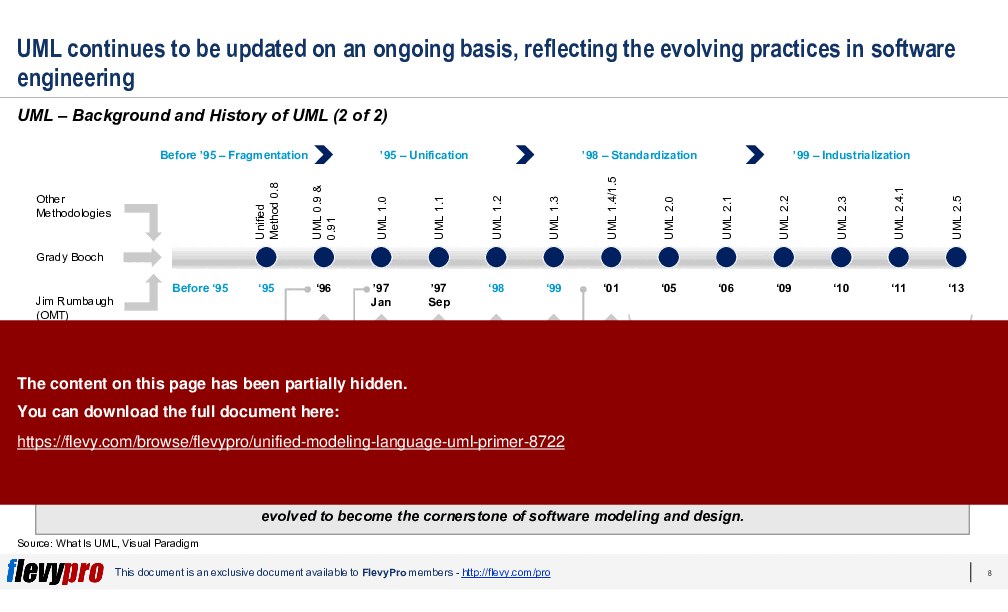
Source: Best Practices in Process Maps, Enterprise Architecture, BPM, Business Architecture PowerPoint Slides: Unified Modeling Language (UML) Primer PowerPoint (PPTX) Presentation Slide Deck, LearnPPT Consulting
Did you need more documents?
Consider a FlevyPro subscription from $39/month. View plans here.
For $10.00 more, you can download this document plus 2 more FlevyPro documents. That's just $13 each.




























