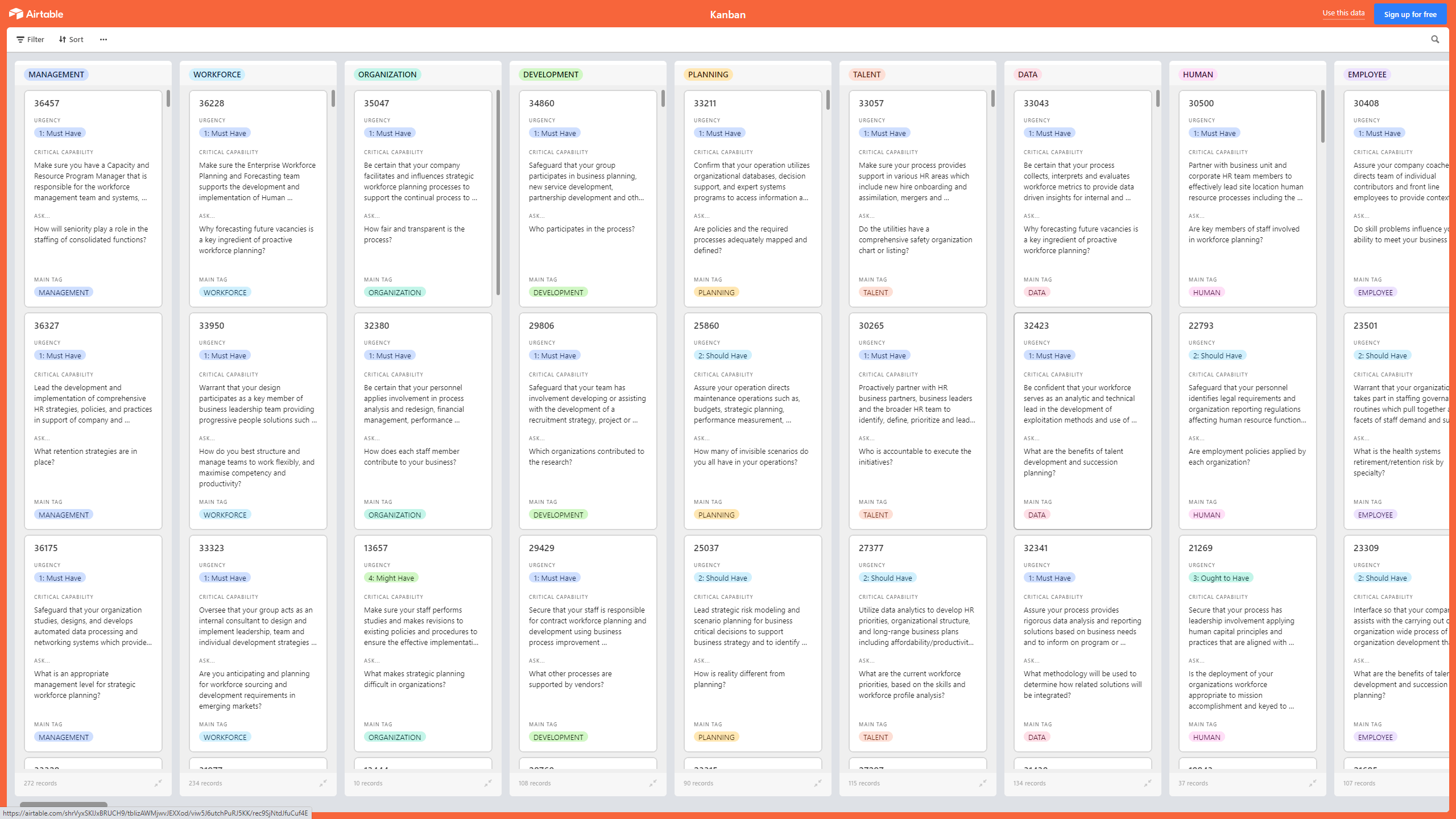
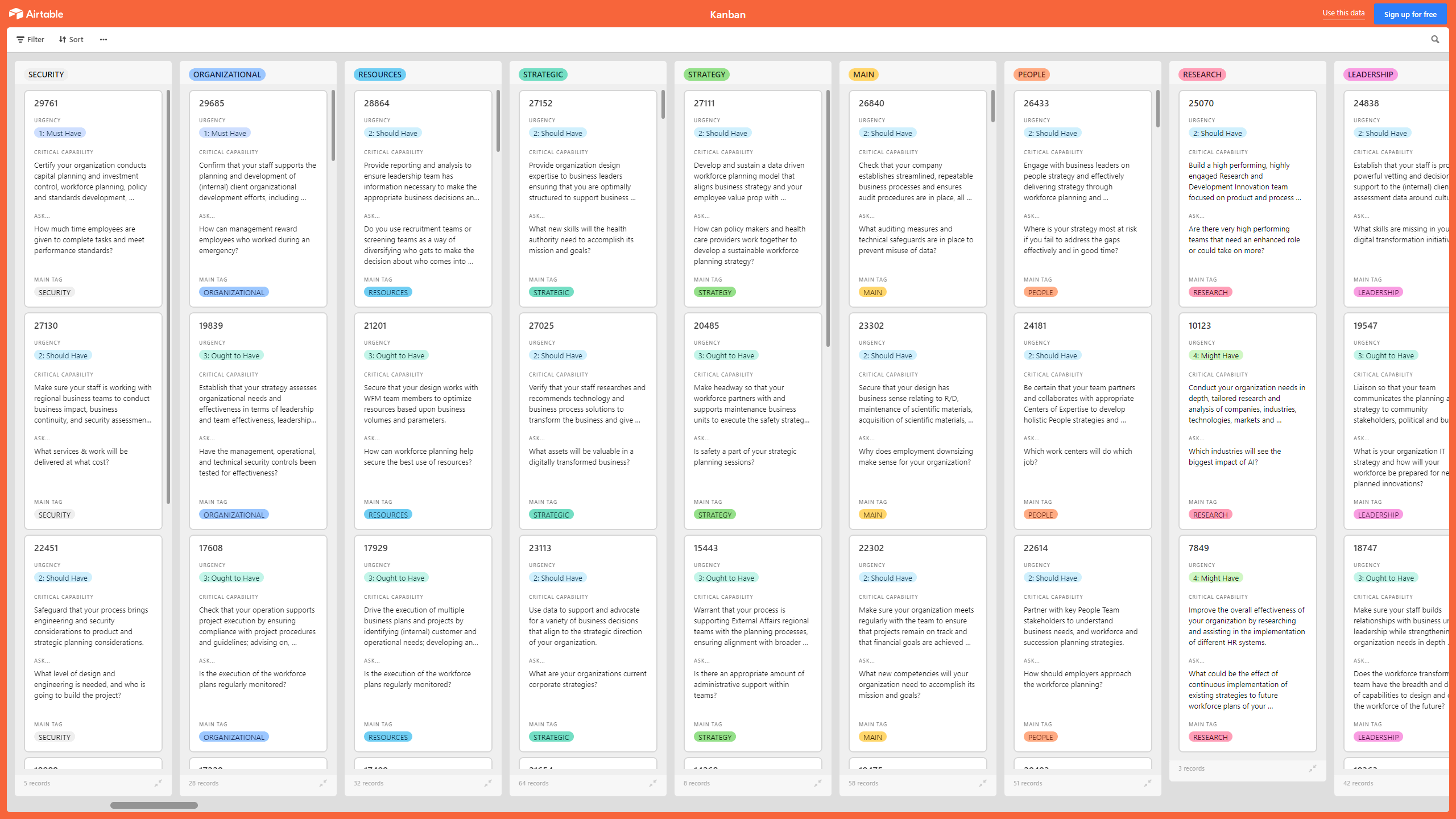
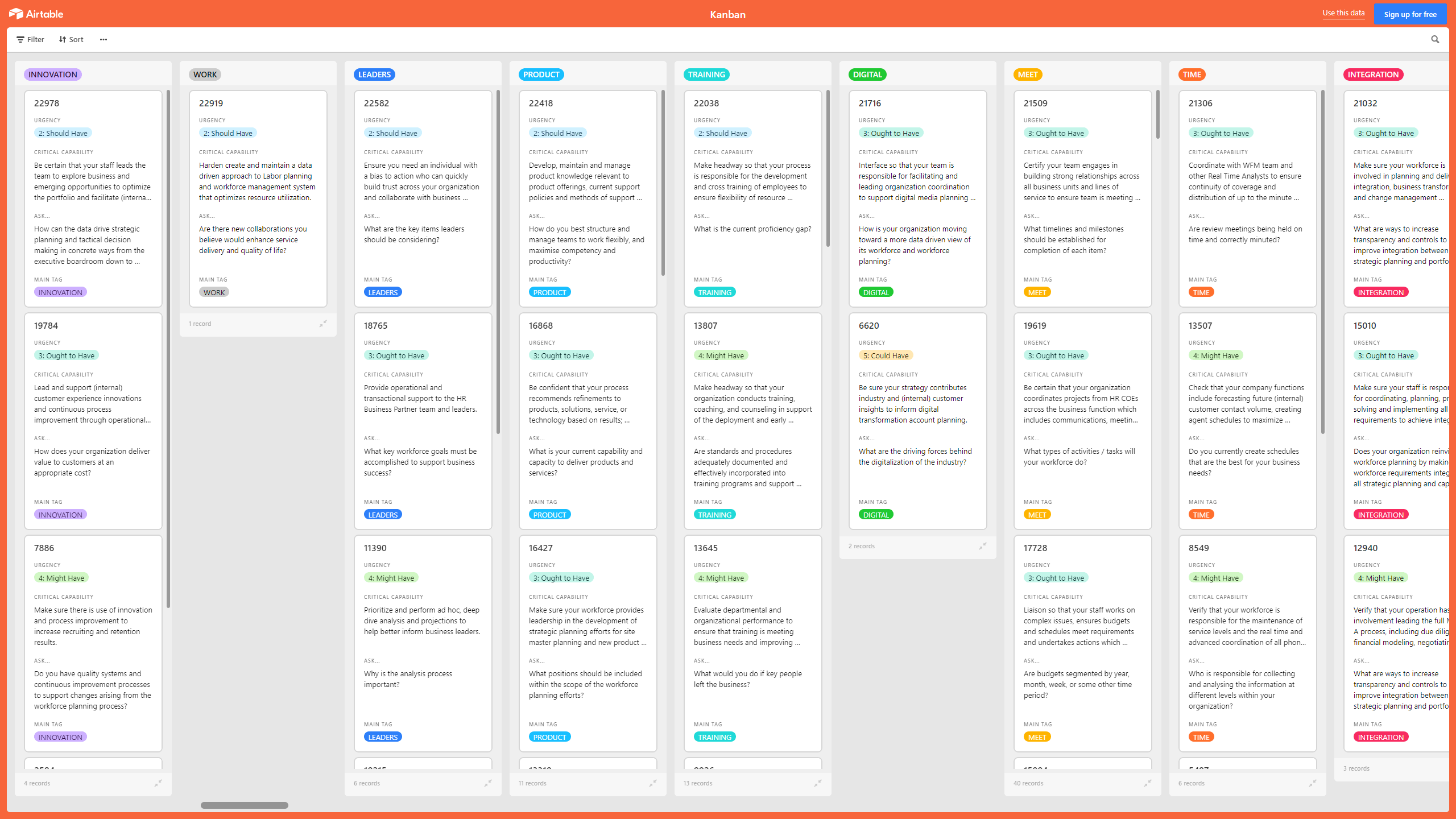
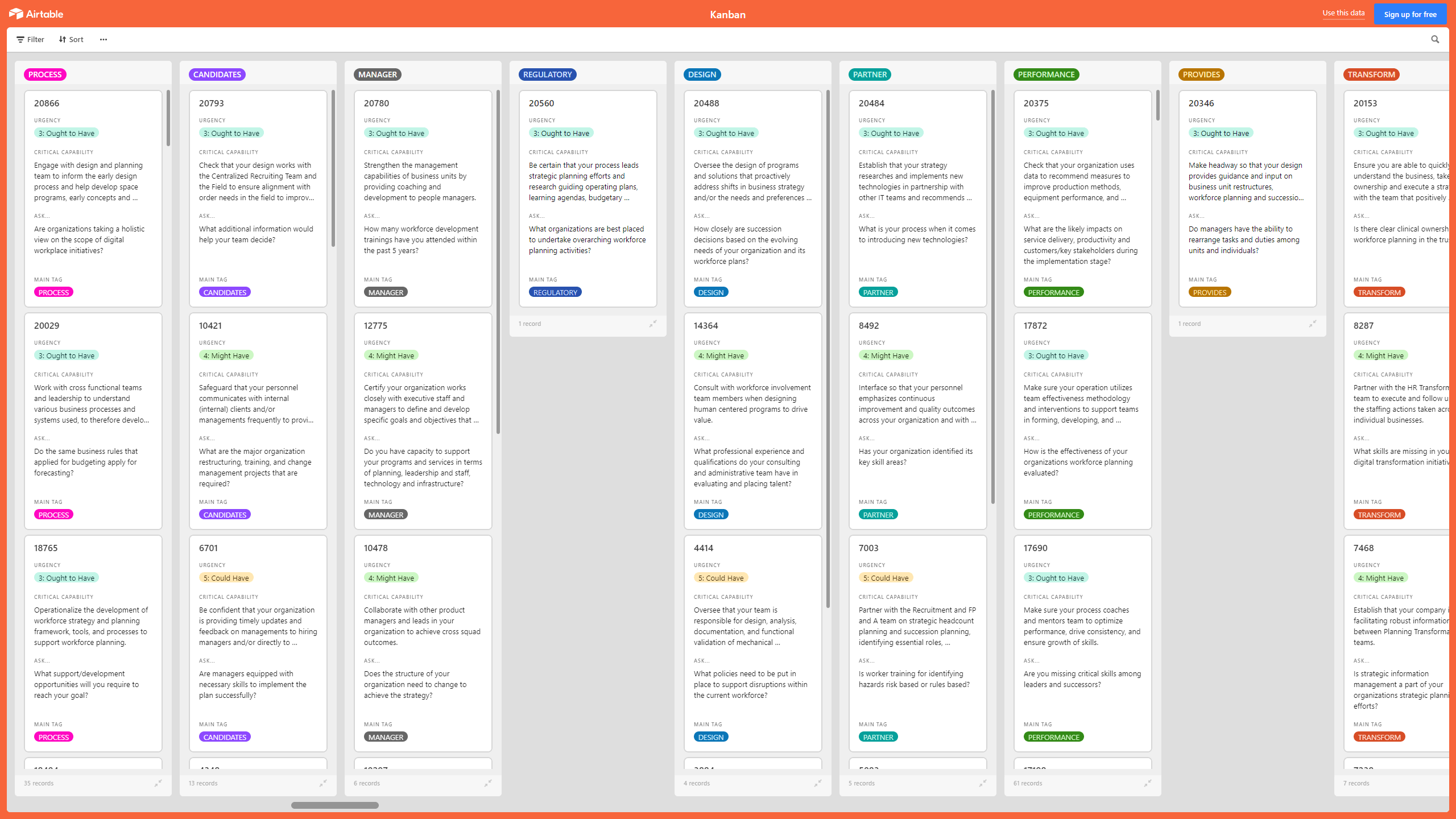
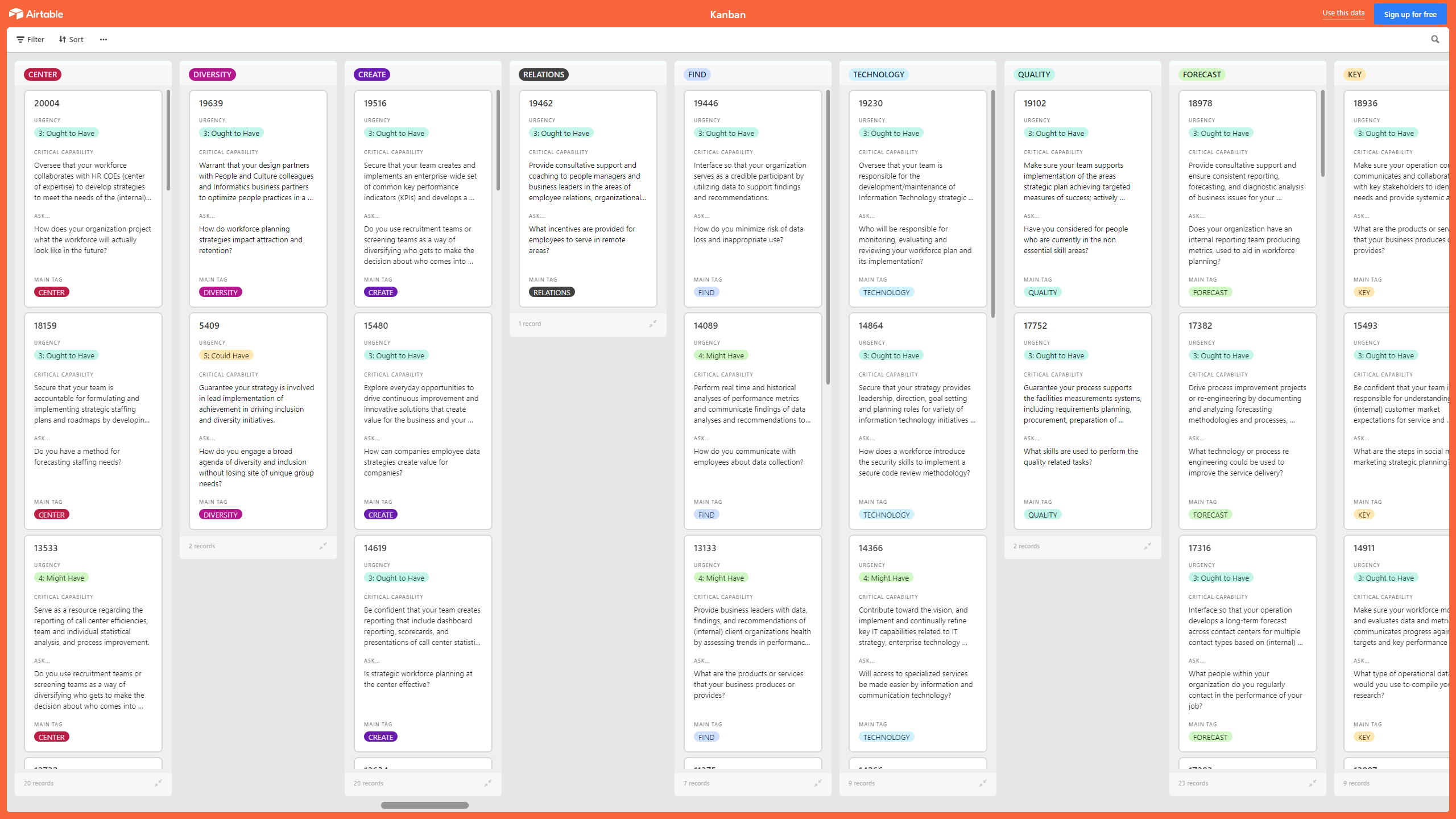
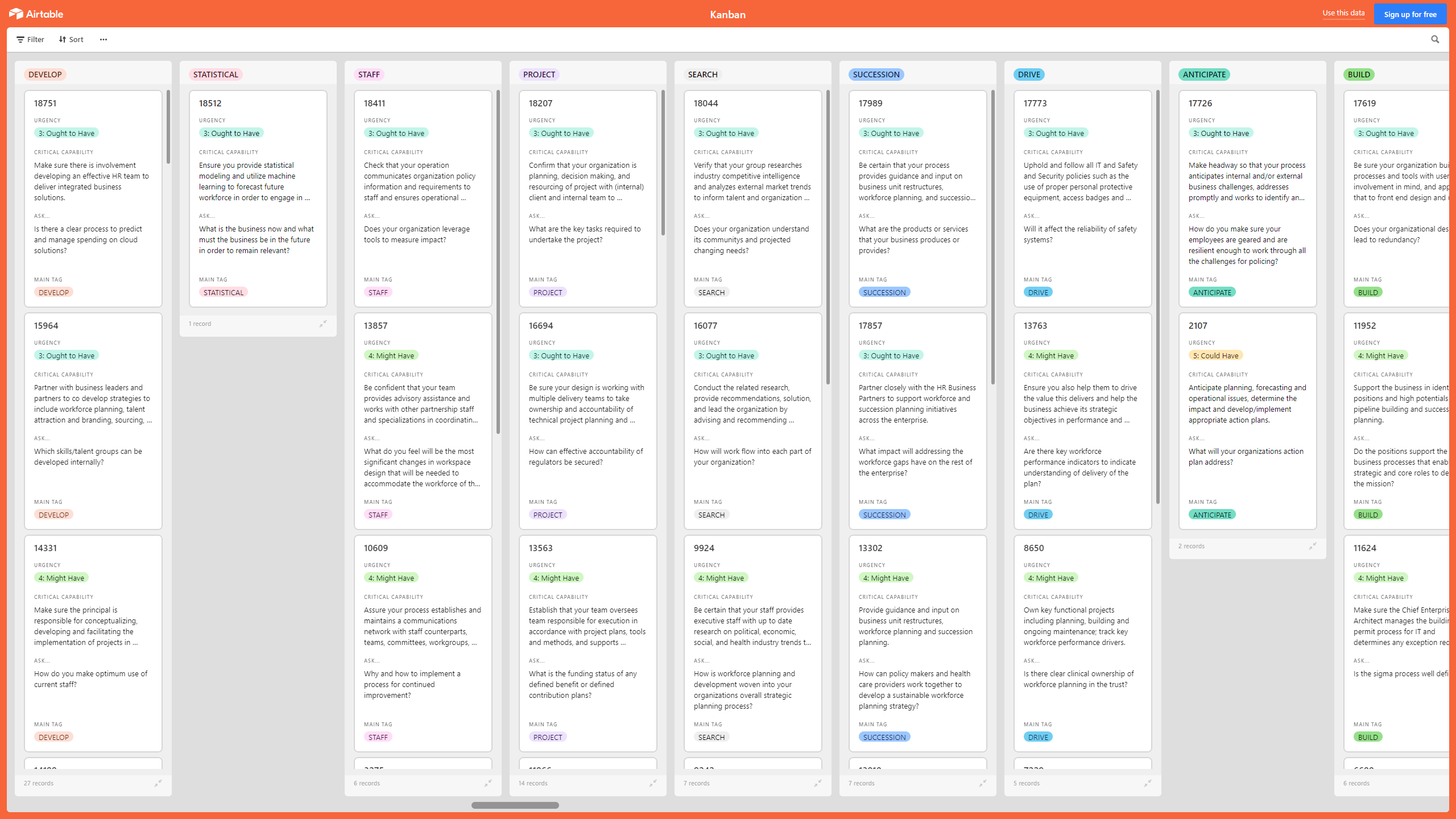

 Click main image to view in full screen.


EMPLOYEE TRAINING EXCEL DESCRIPTION
A Kanban Board is a Lean & Agile Project Management tool used to implement Kanban to manage work at a personal or organizational level.
Kanban Boards visually depict work at various stages of a process using cards to represent work items and columns to represent each stage of the process. Cards are moved from left to right to show progress and to help coordinate teams performing the work. A Kanban Board may be divided into horizontal "swimlanes" representing different kinds of work or different teams performing the work.
With this Workplace Planning Kanban, you can make sure you have a Capacity and Resource Program Manager that is responsible for the workforce management team and systems, staff modeling and capacity planning, and contact/workload forecasting with the goal of meeting business service levels in supported departments without exceeding (or falling short of) staffing requirements, making use of analysis and by providing data-driven hiring recommendations to meet staffing needs over time. .
This Kanban offers the following benefits:
• Develop a more data informed, forward looking and strategically aligned approach to workforce planning, capable of dealing with the demands of a fast shifting marketplace.
• Apply workforce data to make an impact.
• Work with business partners to bring together other businesses and/or workforce partners in a collaborative approach to meeting shared needs.
• Identify economic considerations that have particular relevance to your organization and its provision of programs and services.
• Embed data into decision making about people.
• Build a culture that engages workers fully, and identify areas in the business where attrition is especially high.
• Communicate with employees about data collection.
• Adjust your workforce for future business needs.
• Help future proof your people and business by cultivating broader skills.
• Ensure that your workforce planning, management and improvement are effective.
This Kanban Board is downloadable as an Excel file. You will need to import the Excel into Airtable, Monday, Smartsheet, Power BI, or the Kanban visualization tool of your choice.
The above preview is only a partial snapshot of all the data included in the Kanban Excel import. The full document has 2,000+ records.
Got a question about the product? Email us at support@flevy.com or ask the author directly by using the "Ask the Author a Question" form. If you cannot view the preview above this document description, go here to view the large preview instead.
TOPIC FAQ
What is a Kanban board and how does it represent work in a workforce planning context?
A Kanban board visually represents work using cards for individual work items and columns for process stages; horizontal swimlanes can separate work types or teams. In workforce planning this visualization helps track tasks, queues, and handoffs using cards, columns, and swimlanes.How can Kanban support workforce planning and hiring recommendations?
Kanban surfaces process bottlenecks and throughput variation so teams can link workload patterns to staffing needs; a Capacity and Resource Program Manager can use these insights for staff modeling, capacity planning, contact/workload forecasting, and data-driven hiring recommendations, as in Flevy's Kanban Board: Workforce Planning.What responsibilities does a Capacity and Resource Program Manager have in this model?
The Capacity and Resource Program Manager oversees workforce management systems and teams, conducts staff modeling and capacity planning, produces contact/workload forecasts, and provides data-driven hiring recommendations to meet service levels without exceeding or falling short of staffing requirements, reflecting that specific role.What should buyers check when choosing a Kanban workforce planning template?
Buyers should verify file format and integration options (can the template import into tools you use), whether it supports swimlanes/columns for process stages, and the dataset size to be imported; Flevy's Kanban Board: Workforce Planning is provided as an XLSX with 2,000+ records.How long does it typically take to implement an Excel-based Kanban board in a visualization tool?
Implementation involves importing the Excel dataset into the chosen tool and configuring columns, swimlanes, and workflows; time varies by tool and data readiness, and larger datasets (for example 2,000+ records) will generally require more import and configuration effort.I need to forecast staffing to meet service levels without overstaffing — how can Kanban help?
Kanban makes work-in-progress and queue lengths visible so planners can align capacity to observed demand; combined with staff modeling and capacity planning, it supports contact/workload forecasting and subsequent hiring recommendations to hit service targets through capacity planning.Can I use an Excel Kanban board in Airtable, Monday, Smartsheet, or Power BI?
Yes. The Excel Kanban export can be imported into Airtable, Monday, Smartsheet, Power BI, or other Kanban visualization tools of your choice for further visualization and analysis; the template is delivered as an XLSX file suitable for those platforms.Are templates with large datasets worth buying for workforce planning tools and analytics?
Large datasets speed analytic insight when they map to your processes and integrate with your visualization tools; a template that provides import-ready data and integration options—such as an XLSX file with 2,000+ records—can reduce data preparation time and support capacity planning.Source: Best Practices in Employee Training, Kanban, Kanban Board Excel: Kanban Board: Workforce Planning Excel (XLSX) Spreadsheet, Gerard Blokdijk




























