
 Click main image to view in full screen.


BENEFITS OF THIS DOWNLOADABLE EXCEL DOCUMENT
- Provides an automated shift planning framework to easily schedule employees across dynamic rotations and teams.
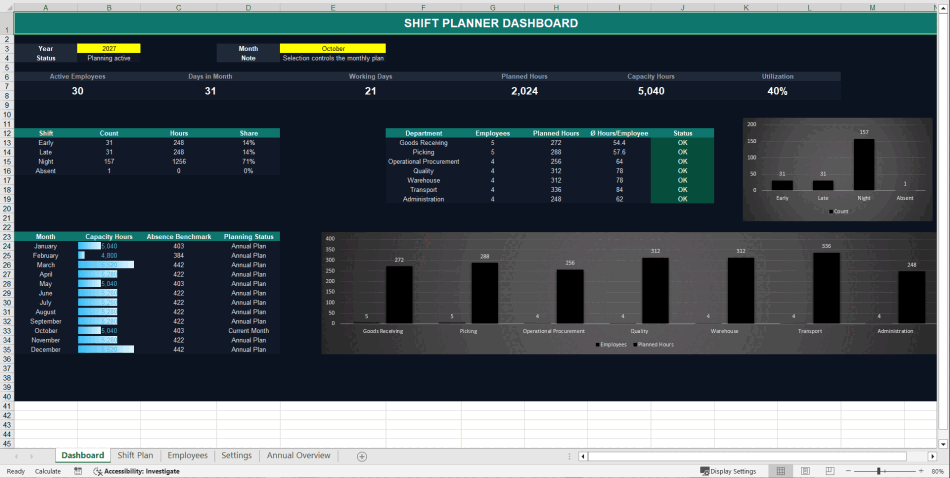
- Delivers real-time operational insights via an integrated dashboard that tracks hours worked and coverage gaps.
- Features a clean, fully customizable dark mode layout with open formulas and no hidden VBA or macros.
SCHEDULING EXCEL DESCRIPTION
The Automated Shift Schedule & Staff Planning Dashboard is a professional Excel template designed for operations managers, team leaders, and HR professionals. Managing complex team schedules, tracking contract hours, and ensuring shift coverage can easily lead to administrative overload. This tool provides an efficient, visual framework to streamline employee scheduling and monitor team capacity in real time.
Built with a modern dark mode design, the template includes a dedicated Dashboard sheet that serves as your central command center. This view enables managers to analyze scheduling metrics, monitor total hours worked, and verify plan compliance at a single glance, making it an excellent resource for operational reviews.
Key Features and Capabilities:
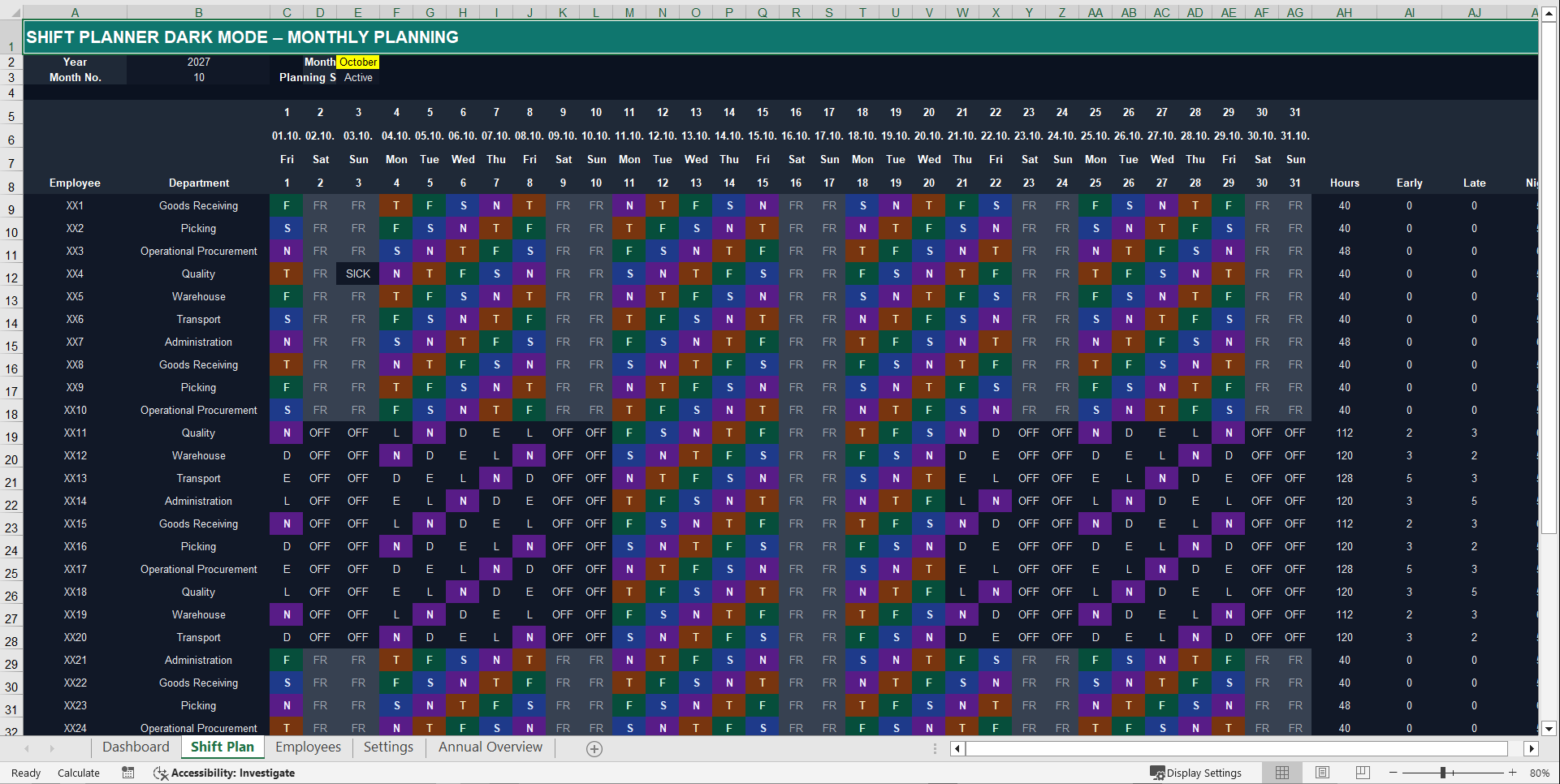
1. Dynamic Shift Planning: The intuitive "Shift Plan" sheet allows you to assign custom shifts and rotations to your workforce smoothly, preventing scheduling conflicts.
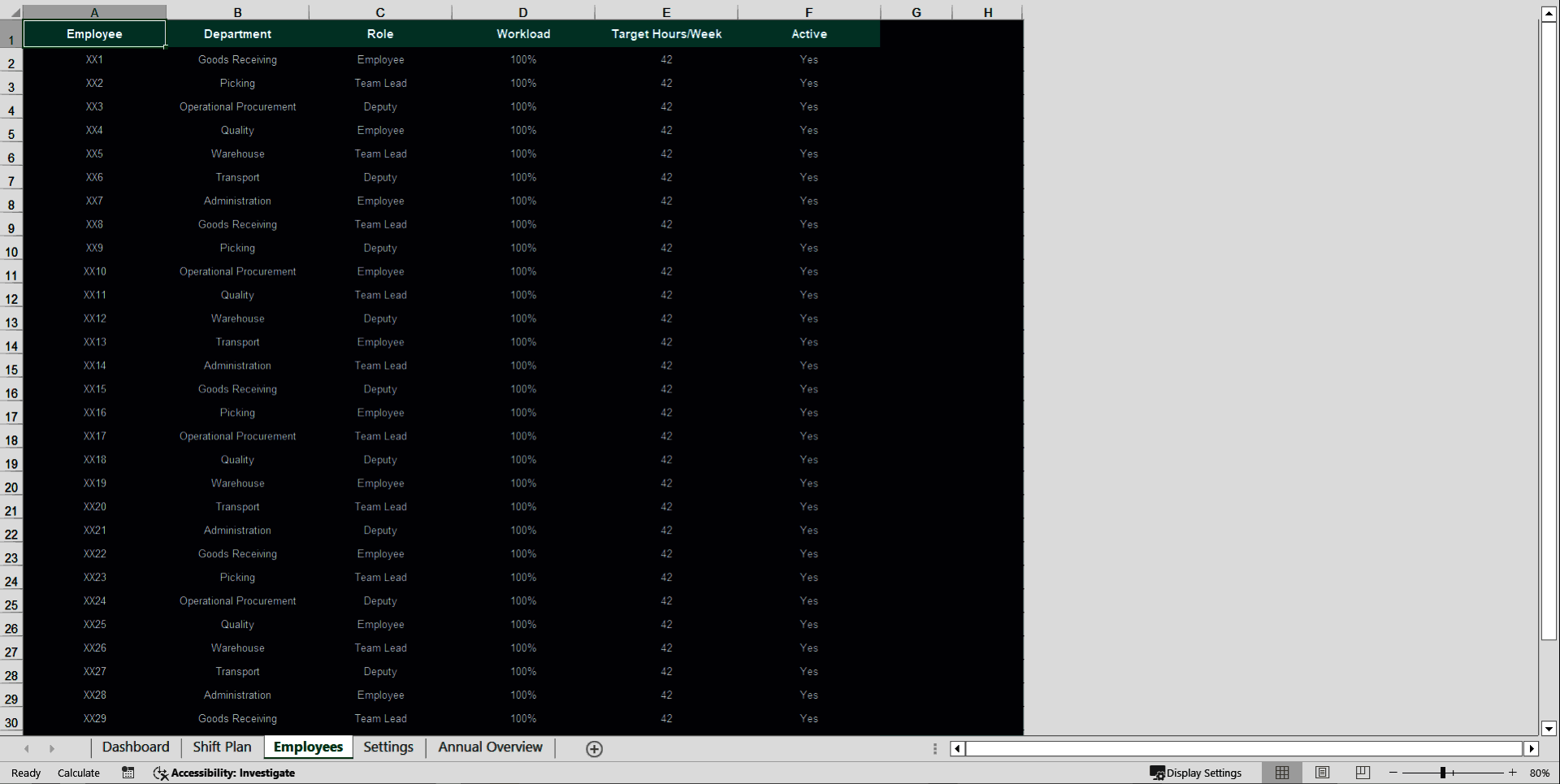
2. Centralized Employee Management: A dedicated registry simplifies staff tracking. You can maintain contract types, target hours, and individual availability in one structured database.
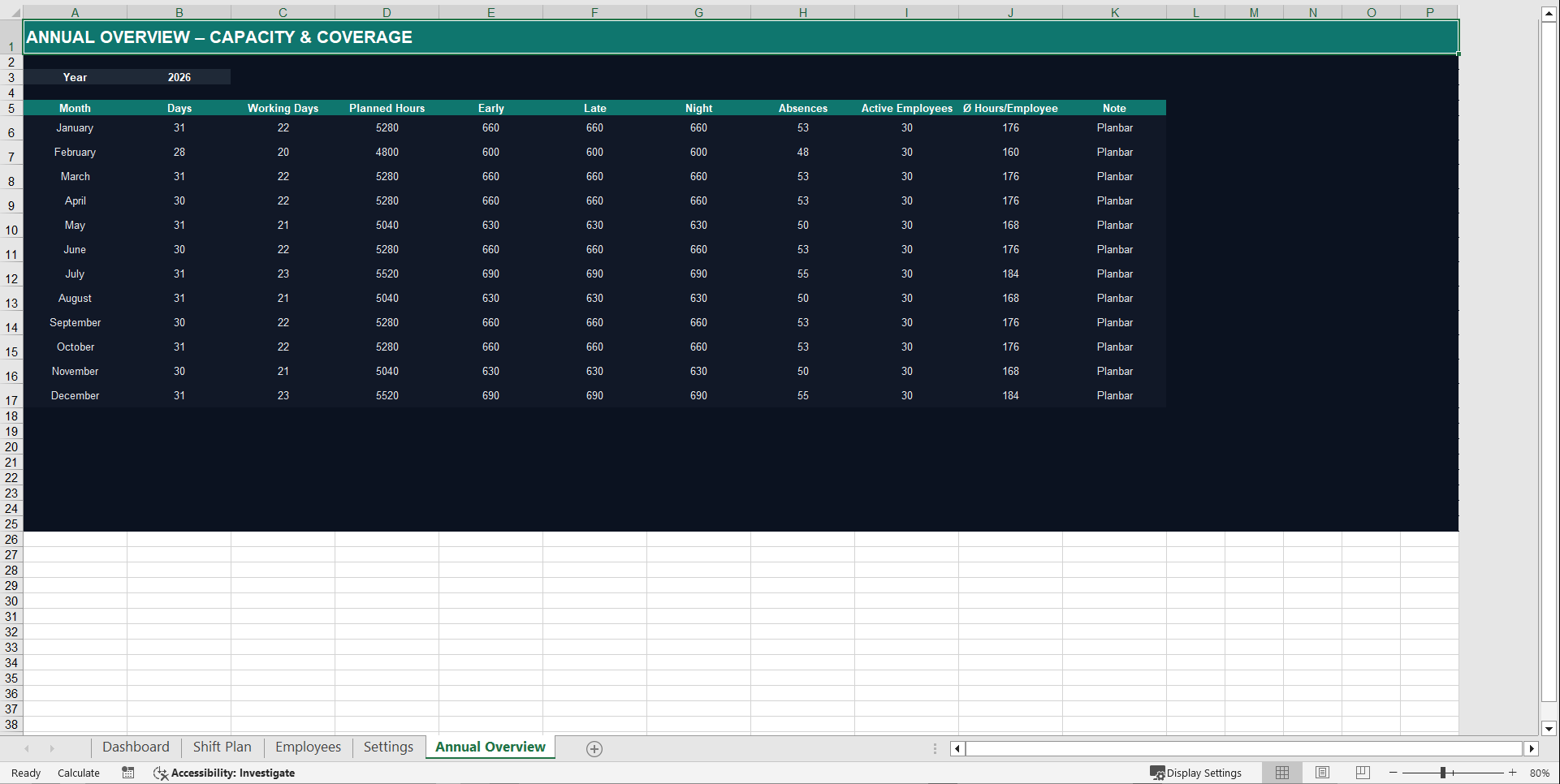
3. Automated Annual Overview: The "Annual Overview" sheet compiles your data automatically to provide a long-term look at staffing trends and seasonal labor needs.
4. 100% Flexible Logic: This workbook contains no hidden macros, no locked sheets, and no complex VBA code. All formulas are completely transparent, allowing you to easily adjust settings or modify the design.
How to get started:
Open the "Settings" sheet to define your standard shift types. Next, populate the "Employees" tab with your team. You are then ready to build automated schedules on the main sheet.
Got a question about the product? Email us at support@flevy.com or ask the author directly by using the "Ask the Author a Question" form. If you cannot view the preview above this document description, go here to view the large preview instead.
Source: Best Practices in Scheduling Excel: Automated Shift Schedule & Staff Planning Dashboard Excel (XLSX) Spreadsheet, supplychainexpert
ABOUT THE AUTHOR

Ask the Author a Question
You must be logged in to contact the author.




























