
1000+ Editable Icons for PowerPoint Presentations   55-slide PPT PowerPoint presentation slide deck (PPTX)
$29.00

1000+ Editable Icons for PowerPoint Presentations (55-slide PPT PowerPoint presentation slide deck (PPTX)) Preview Image
Log in to unlock full preview.
1000+ Editable Icons for PowerPoint Presentations (55-slide PPT PowerPoint presentation slide deck (PPTX)) Preview Image
Arrow   Click main image to view in full screen.

1000+ Editable Icons for PowerPoint Presentations (PowerPoint PPTX Slide Deck)

PowerPoint (PPTX) 55 Slides

Top 1,000 Best Practice $29.00
Developed by a seasoned Management Consultant with global experience at industry giants like Microsoft & IBM, this collection of 1000+ editable icons is your ultimate tool for crafting impactful and professional PowerPoint presentations.
Add to Cart


Immediate download
Fully editable PowerPoint
Free lifetime updates

BENEFITS OF THIS POWERPOINT DOCUMENT

  1. Wide-ranging, editable icons for your consulting, business and classroom presentations.
  2. Wow your audience using the power of visual metaphors.
  3. Infographic layouts can be easily adapted and put to immediate use.

POWERPOINT DIAGRAMS COMPILATION PPT DESCRIPTION

Editor Summary 1000+ Editable Icons for PowerPoint Presentations is a 55-slide PPTX containing a library of over 1,000 editable icons, infographic layout samples, customization guidance, and usage guidelines. Read more

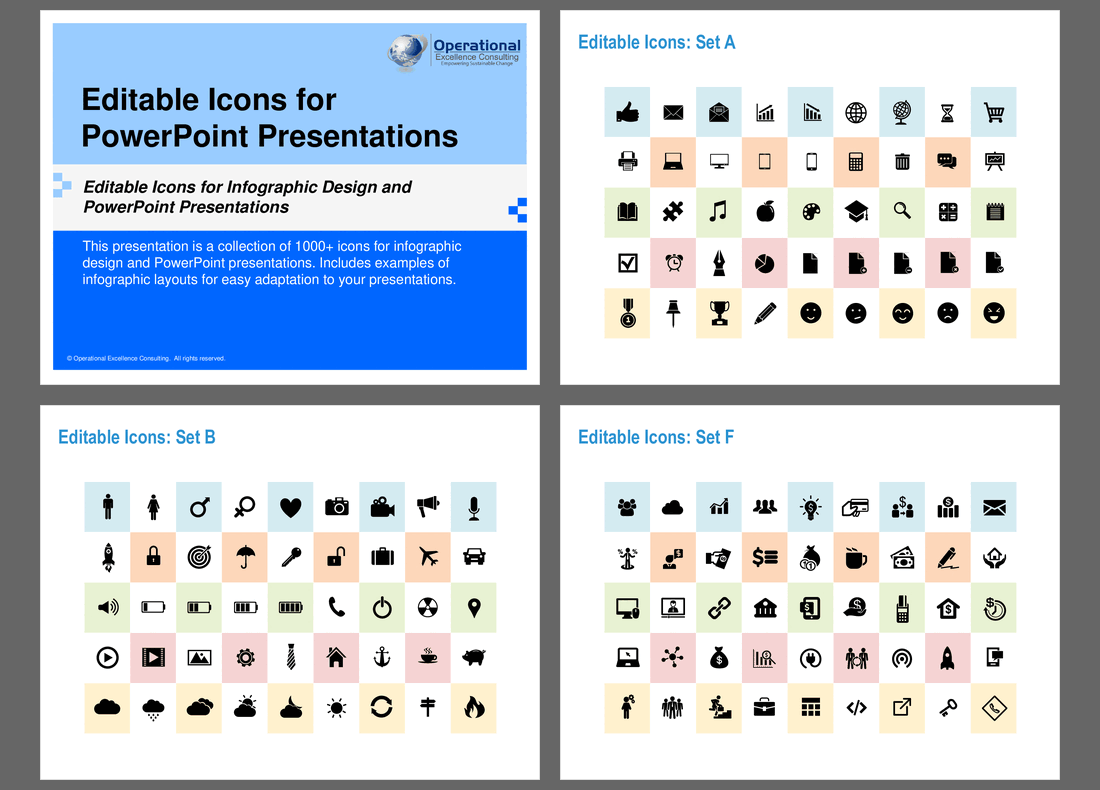
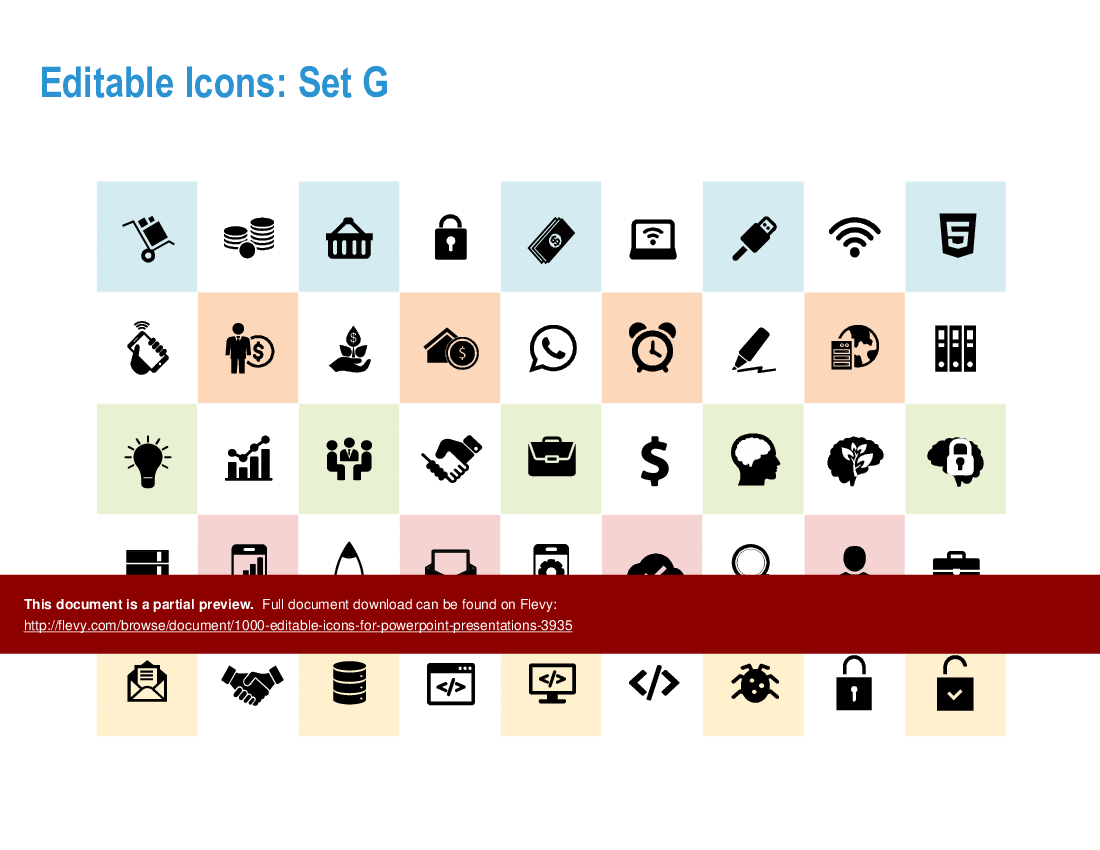
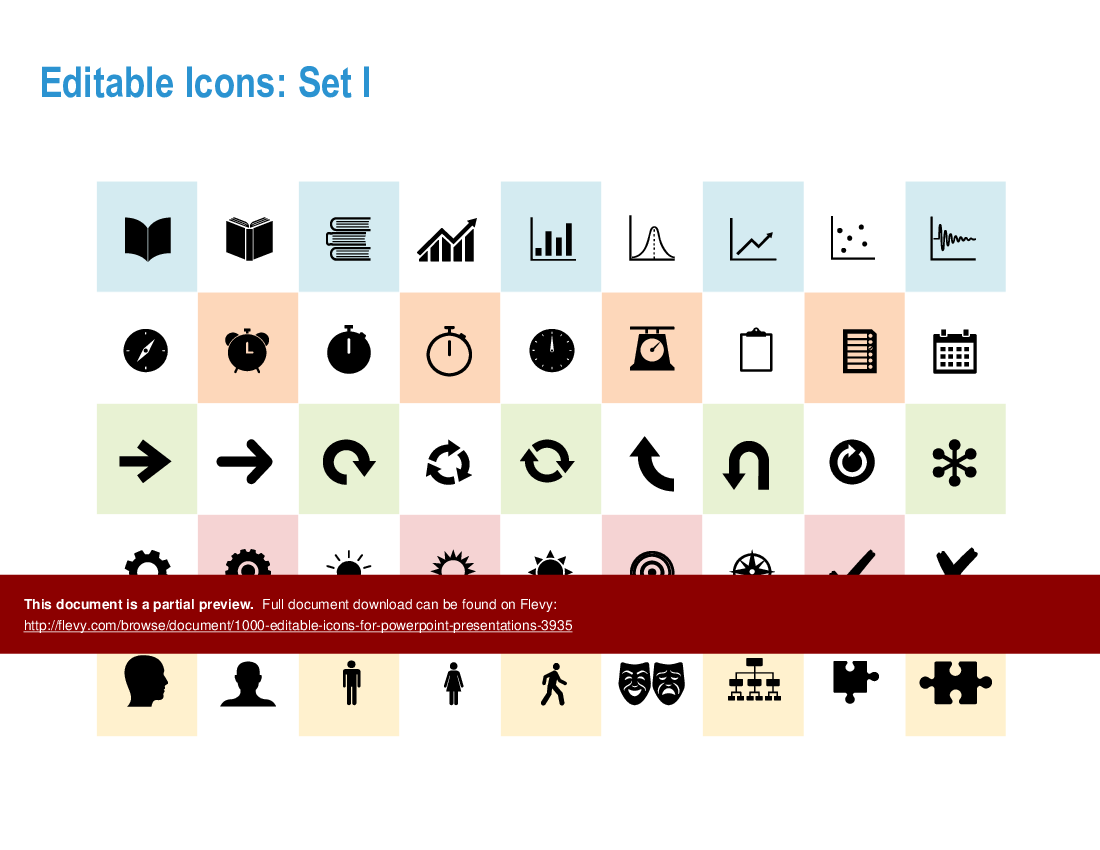
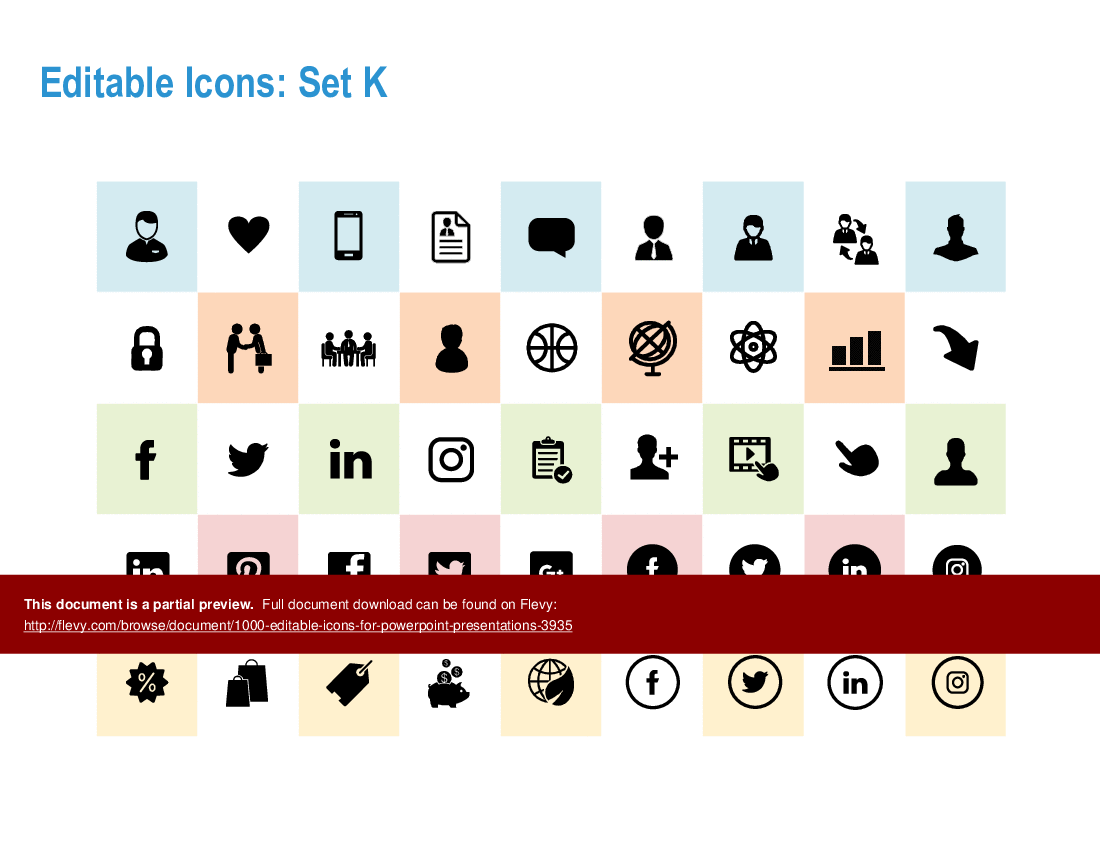
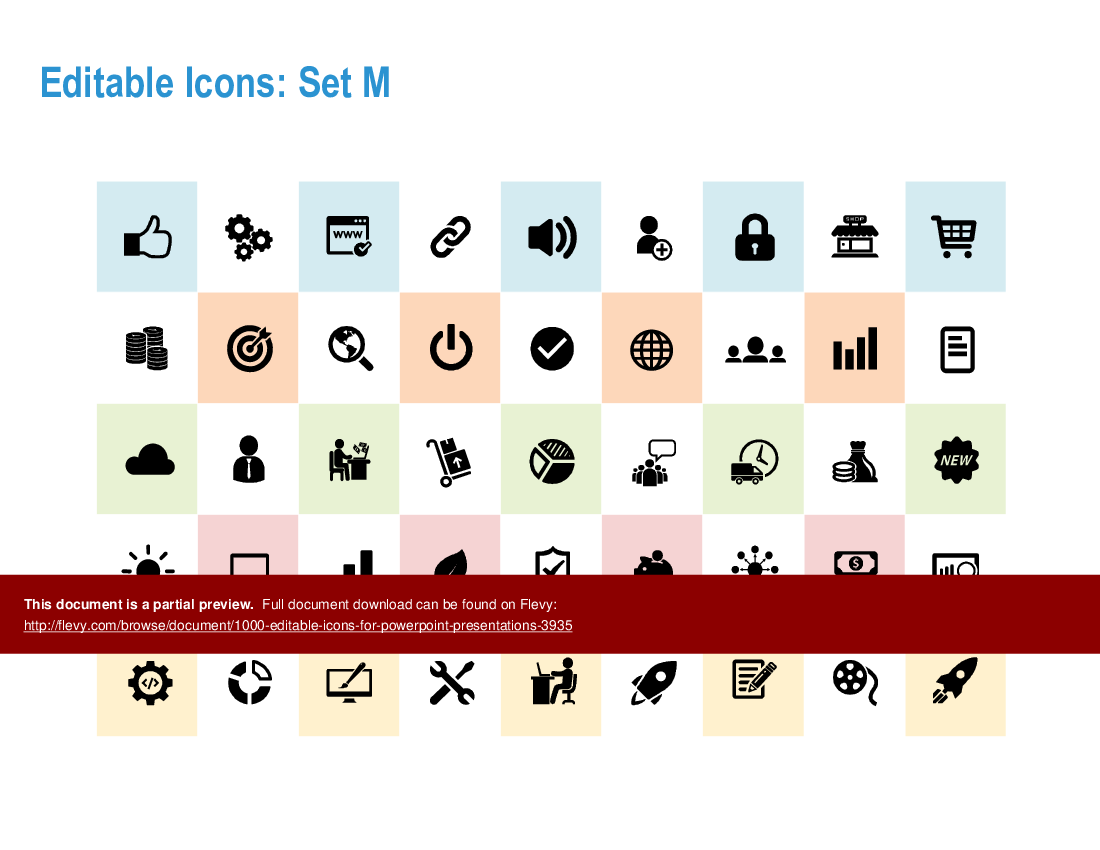
This presentation is a mega-collection of 1000+ icons for infographic design and PowerPoint presentations. Includes examples of infographic layouts for easy adaptation to your presentations.

Unlock the full potential of your presentations with this extensive collection of over 1000 editable icons. Tailored for professionals who demand precision and clarity, these icons cover a broad spectrum of categories, from business and finance to healthcare and technology. Each icon is meticulously designed to ensure it enhances your visual storytelling, making complex data more digestible and engaging for your audience.

This resource is not just about quantity, but quality and versatility. The icons are fully customizable, allowing you to adjust colors, sizes, and styles to fit your specific needs. Whether you're illustrating a strategic plan, highlighting key metrics, or presenting a new product, these icons provide the visual tools necessary to convey your message effectively. The included infographic layouts offer a quick-start guide to integrating these icons seamlessly into your slides, saving you time and effort.

Designed with the busy executive in mind, this collection ensures your presentations stand out in any boardroom. The icons are compatible with all versions of PowerPoint, making them a reliable addition to your presentation toolkit. Elevate your presentations, captivate your audience, and communicate with impact using this comprehensive set of editable icons.

Got a question about the product? Email us at support@flevy.com or ask the author directly by using the "Ask the Author a Question" form. If you cannot view the preview above this document description, go here to view the large preview instead.

MARCUS OVERVIEW

This synopsis was written by Marcus [?] based on the analysis of the full 55-slide presentation.


Executive Summary
This presentation features a comprehensive collection of over 1000 editable icons designed specifically for infographic design and PowerPoint presentations. Developed by Operational Excellence Consulting, these icons are customizable to meet the unique needs of your organization. The presentation includes various infographic layouts that facilitate easy adaptation, enabling users to create visually appealing and professional presentations that effectively communicate their messages.

Who This Is For and When to Use

•  Corporate executives seeking to enhance their presentations with professional visuals
•  Marketing teams aiming to create engaging infographics for campaigns
•  Consultants needing customizable templates for client presentations
•  Training and development professionals designing educational materials

Best-fit moments to use this deck:
•  During the creation of internal reports and presentations
•  For client-facing presentations that require a polished look
•  In workshops or training sessions where visual aids enhance learning

Learning Objectives
•  Define how to effectively utilize icons in presentations
•  Build engaging infographics that convey complex information simply
•  Establish a cohesive visual style across multiple presentation slides
•  Customize icons and layouts to align with organizational branding
•  Create impactful presentations that resonate with diverse audiences
•  Enhance audience engagement through visual storytelling

Table of Contents
•  Introduction to Editable Icons (page 2)
•  Disclaimer and Approved Use (page 3)
•  Editable Icons Overview (page 4)
•  Infographic Layout Samples (page 29)
•  Customization Options (page 30)
•  Conclusion and Next Steps (page 55)

Primary Topics Covered
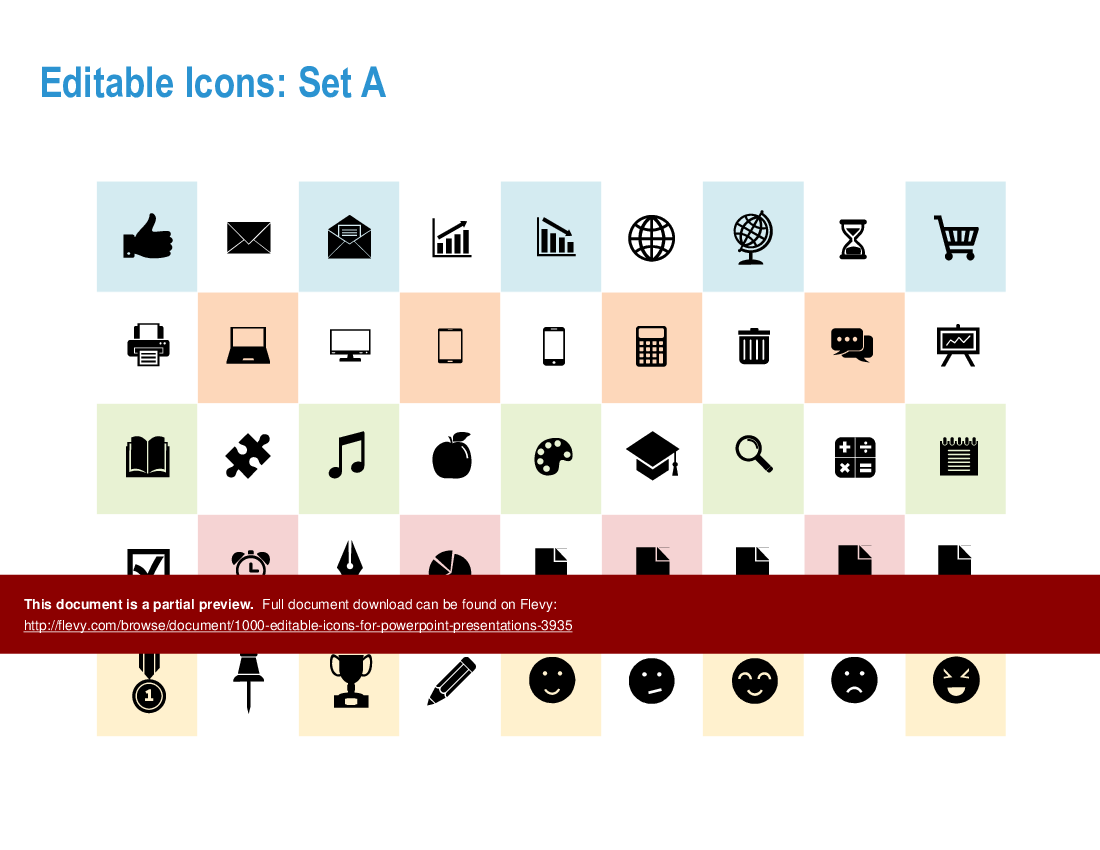
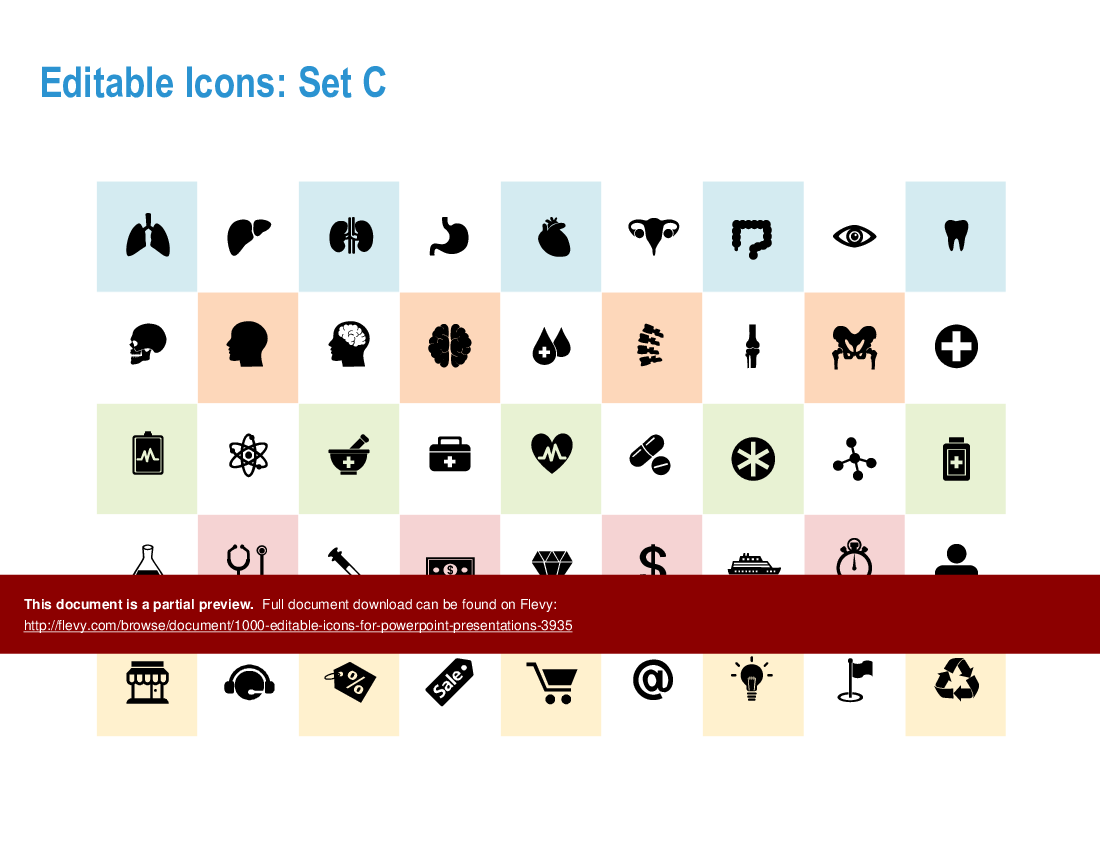
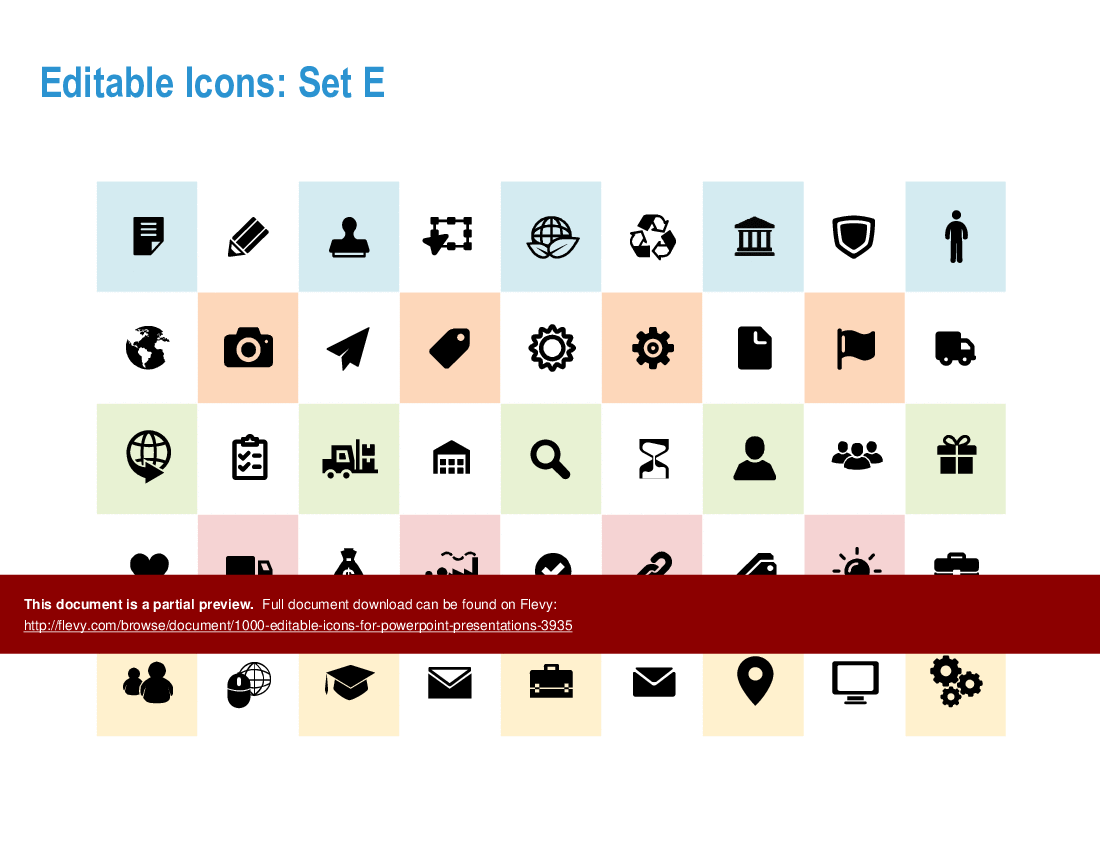
•  Editable Icons - A diverse collection of over 1000 icons categorized into sets, suitable for various themes including business, technology, and healthcare.
•  Infographic Layouts - Multiple infographic designs that can be easily customized to fit specific content needs, enhancing visual communication.
•  Customization Guidance - Instructions on how to modify icons and layouts to align with your organization's branding and presentation style.
•  Usage Guidelines - Clear guidelines on the approved use of icons and templates within an organization, ensuring compliance with copyright policies.

Deliverables, Templates, and Tools
•  A comprehensive library of 1000+ editable icons for various themes
•  Infographic layout templates for easy adaptation in presentations
•  Customizable PowerPoint slides featuring professional designs
•  Guidelines for effective use of icons in business presentations

Slide Highlights
•  Icon sets showcasing a wide range of themes for diverse applications
•  Infographic layouts that facilitate clear communication of complex ideas
•  Examples of how to integrate icons into PowerPoint presentations for maximum impact

Potential Workshop Agenda
Introduction to Icons and Infographics (30 minutes)
•  Overview of the icon collection and its applications
•  Discussion on the importance of visual communication

Hands-On Customization Session (60 minutes)
•  Participants customize icons and layouts for their specific needs
•  Sharing of best practices for effective infographic design

Final Review and Q&A (30 minutes)
•  Presentation of customized infographics
•  Open floor for questions and feedback

Customization Guidance
•  Modify colors and styles of icons to match your brand identity
•  Adapt infographic layouts by inserting your own text and data
•  Utilize the icons in various formats (e.g., PNG, SVG) for different applications

Secondary Topics Covered
•  Best practices for visual storytelling in presentations
•  Techniques for enhancing audience engagement through design
•  Strategies for effective communication using infographics

Topic FAQ

What types of icons are included in a business-focused icon library like this?

The collection covers a range of business themes — business, technology, healthcare, finance, and related topics — organized into categorized sets for varied applications. Flevy's 1000+ Editable Icons for PowerPoint Presentations explicitly lists over 1,000 editable icons across these themes, totaling over 1,000 icons.

How can icons improve comprehension in data-heavy slides?

Icons can distill complex concepts into recognizable visual cues, support infographic layouts, and create visual hierarchies that guide attention. Using icons with pre-built infographic layouts helps translate dense data into structured visuals; see the Infographic layout samples on page 29 of Flevy's 1000+ Editable Icons for PowerPoint Presentations.

What customization options are typically available for PowerPoint icons?

Editable icon collections allow color and style changes, size adjustments, and reassembly of elements to match branding. They often provide exportable image formats for other uses; this product supports PNG and SVG output as customization options, including resizing without quality loss in SVG.

What should I check about licensing and usage when buying an icon pack for my team?

Verify permitted use cases (internal vs. redistribution), location limits, and resale restrictions. This presentation includes a disclaimer and approved use section and specifies internal use constraints; the file notes the resource may be used within a single customer location and cannot be redistributed or sold, which affects deployment.

How do I evaluate whether an icon collection will save my team time and money?

Assess whether icons and layouts reduce slide design effort, support brand alignment, and are available in required formats. The author notes the collection offers editable icons, infographic templates, and customization guidance intended to speed slide creation; the product includes 1000+ editable icons and infographic templates.

Can an icon library help when I must produce client-facing decks on a tight timeline?

Yes — ready-made, editable icon sets plus infographic layout templates let teams adapt slides quickly rather than building visuals from scratch. Using supplied layouts and editable icons shortens iteration cycles and aids consistency, with infographic layout templates and editable icons included in the pack.

How can I ensure icons comply with my organization's copyright and reuse policies?

Use the included disclaimer and approved-use guidance to confirm permitted internal applications and redistribution limits, and consult the author if unclear. This presentation contains a disclaimer and an approved use section that outlines compliance requirements and support contact options within the file.

How do infographic layouts help structure complex information in presentations?

Infographic layouts provide predefined spatial arrangements for icons, text, and data, making it easier to sequence information, highlight relationships, and maintain a cohesive visual style across slides. The product offers multiple infographic layout samples plus customization guidance on page 30 for adapting layouts.

Document FAQ
These are questions addressed within this presentation.

What types of icons are included in this collection?
The collection features over 1000 icons across various themes, including business, technology, healthcare, and more, allowing for versatile use in presentations.

Can I customize the icons and layouts?
Yes, all icons and layouts are fully editable, enabling you to tailor them to fit your specific needs and branding.

Is there a limit to how many times I can use this presentation?
The presentation can be used within a single customer location, such as an office or manufacturing plant,, but cannot be redistributed or sold.

What formats are the icons available in?
Icons are available in multiple formats, including PNG and SVG, for flexibility in use across different platforms.

Are there guidelines for using these icons?
Yes, the presentation includes a disclaimer and approved use section that outlines how to properly utilize the icons and templates.

How can I access support if I have questions?
For any inquiries or support, you can visit the Operational Excellence Consulting website or contact them directly.

Glossary
•  Editable Icons - Customizable graphics designed for use in presentations and infographics.
•  Infographic Layout - Pre-designed templates that facilitate the organization of information visually.
•  Customization - The process of modifying icons and layouts to fit specific branding or content needs.
•  Copyright - Legal protection for the original creators of the icons and templates.
•  Presentation - A structured delivery of information, often using visual aids like slides and infographics.
•  Visual Communication - The use of visual elements to convey information effectively.
•  Branding - The process of creating a unique identity for a product or organization.
•  Audience Engagement - Techniques used to capture and maintain the interest of viewers during a presentation.
•  Compliance - Adhering to legal and ethical standards in the use of copyrighted materials.
•  Template - A pre-designed format that can be filled with content for presentations or documents.
•  SVG - Scalable Vector Graphics, a format for images that allows for resizing without loss of quality.
•  PNG - Portable Network Graphics, a format for images that supports transparency and is widely used in digital media.

Source: Best Practices in PowerPoint Diagrams Compilation PowerPoint Slides: 1000+ Editable Icons for PowerPoint Presentations PowerPoint (PPTX) Presentation Slide Deck, Operational Excellence Consulting


$29.00
Developed by a seasoned Management Consultant with global experience at industry giants like Microsoft & IBM, this collection of 1000+ editable icons is your ultimate tool for crafting impactful and professional PowerPoint presentations.
Add to Cart
  

ABOUT THE AUTHOR

Author image
Additional documents from author: 257
Terms of usage (for all documents from this author)

Operational Excellence Consulting, founded in 2009 by Allan Ung, draws from extensive experience at Microsoft, IBM, and Underwriters Laboratories (UL). We specialize in strategy deployment, customer experience design, and operational excellence, applying Design Thinking, Lean, and Systems Thinking to maximize customer value and minimize waste.

Our ... [read more]

Ask the Author a Question

You must be logged in to contact the author.

Click here to log in Click here register

Did you know?
The average daily rate of a McKinsey consultant is $6,625 (not including expenses). The average price of a Flevy document is $65.



Trusted by over 10,000+ Client Organizations
Since 2012, we have provided business templates to over 10,000 businesses and organizations of all sizes, from startups and small businesses to the Fortune 100, in over 130 countries.
AT&T GE Cisco Intel IBM Coke Dell Toyota HP Nike Samsung Microsoft Astrazeneca JP Morgan KPMG Walgreens Walmart 3M Kaiser Oracle SAP Google E&Y Volvo Bosch Merck Fedex Shell Amgen Eli Lilly Roche AIG Abbott Amazon PwC T-Mobile Broadcom Bayer Pearson Titleist ConEd Pfizer NTT Data Schwab


Read Customer Testimonials

 
"As an Independent Management Consultant, I find Flevy to add great value as a source of best practices, templates and information on new trends. Flevy has matured and the quality and quantity of the library is excellent. Lastly the price charged is reasonable, creating a win-win value for "

– Jim Schoen, Principal at FRC Group
 
"[Flevy] produces some great work that has been/continues to be of immense help not only to myself, but as I seek to provide professional services to my clients, it gives me a large "tool box" of resources that are critical to provide them with the quality of service and outcomes they are expecting."

– Royston Knowles, Executive with 50+ Years of Board Level Experience
 
"One of the great discoveries that I have made for my business is the Flevy library of training materials.

As a Lean Transformation Expert, I am always making presentations to clients on a variety of topics: Training, Transformation, Total Productive Maintenance, Culture, Coaching, Tools, Leadership Behavior, etc. Flevy "

– Ed Kemmerling, Senior Lean Transformation Expert at PMG
 
"Flevy is now a part of my business routine. I visit Flevy at least 3 times each month.

Flevy has become my preferred learning source, because what it provides is practical, current, and useful in this era where the business world is being rewritten.

In today's environment where there are so "

– Omar Hernán Montes Parra, CEO at Quantum SFE
 
"FlevyPro provides business frameworks from many of the global giants in management consulting that allow you to provide best in class solutions for your clients."

– David Harris, Managing Director at Futures Strategy
 
"If you are looking for great resources to save time with your business presentations, Flevy is truly a value-added resource. Flevy has done all the work for you and we will continue to utilize Flevy as a source to extract up-to-date information and data for our virtual and onsite presentations!"

– Debbi Saffo, President at The NiKhar Group
 
"I have found Flevy to be an amazing resource and library of useful presentations for lean sigma, change management and so many other topics. This has reduced the time I need to spend on preparing for my performance consultation. The library is easily accessible and updates are regularly provided. A wealth of great information."

– Cynthia Howard RN, PhD, Executive Coach at Ei Leadership
 
"As a small business owner, the resource material available from FlevyPro has proven to be invaluable. The ability to search for material on demand based our project events and client requirements was great for me and proved very beneficial to my clients. Importantly, being able to easily edit and tailor "

– Michael Duff, Managing Director at Change Strategy (UK)


Customers Also Bought These Documents


Customers Also Like These Documents

Explore Related Management Topics


Your Recently Viewed Documents
Receive our FREE whitepaper on the Top 101 Consulting Frameworks

Download our 200+ page guide summarizing the Top 101 Management Consulting Frameworks. Each framework provides a structured approach to analyzing and solving a common business problem.