
 Click main image to view in full screen.
Business Continuity Planning (BCP) & Disaster Recovery (DR) Templates – Excel XLSX
Excel (XLSX)


BCP EXCEL DESCRIPTION
This Excel document provides a set of templates to capture data and analysis when conducting a Business Continuity Planning (BCP) and Disaster Recovery (DR) project for any size organization. These templates were originally developed for a large, international enterprise with locations in multiple geographies.
This workbook contains 5 sections:
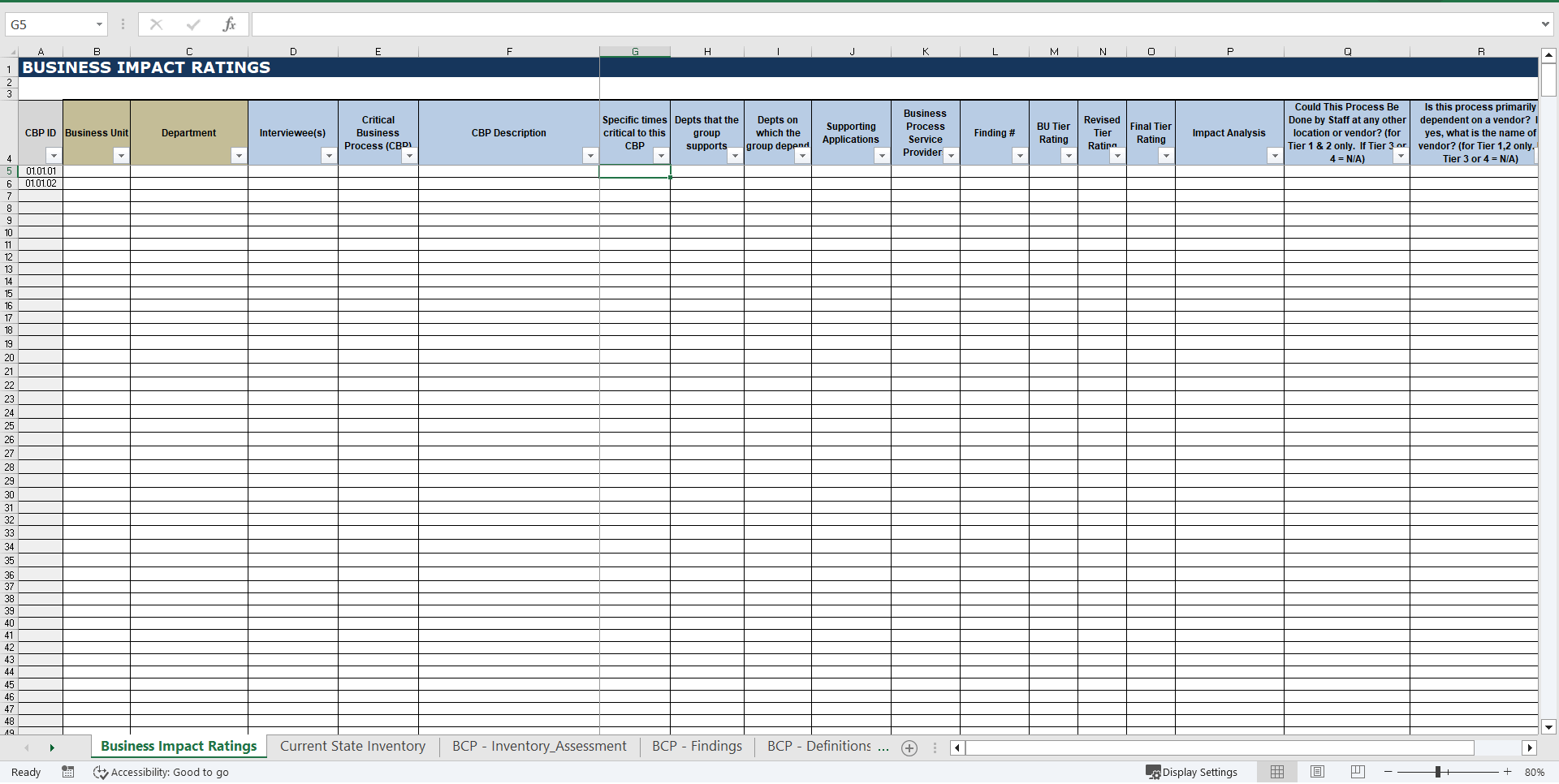
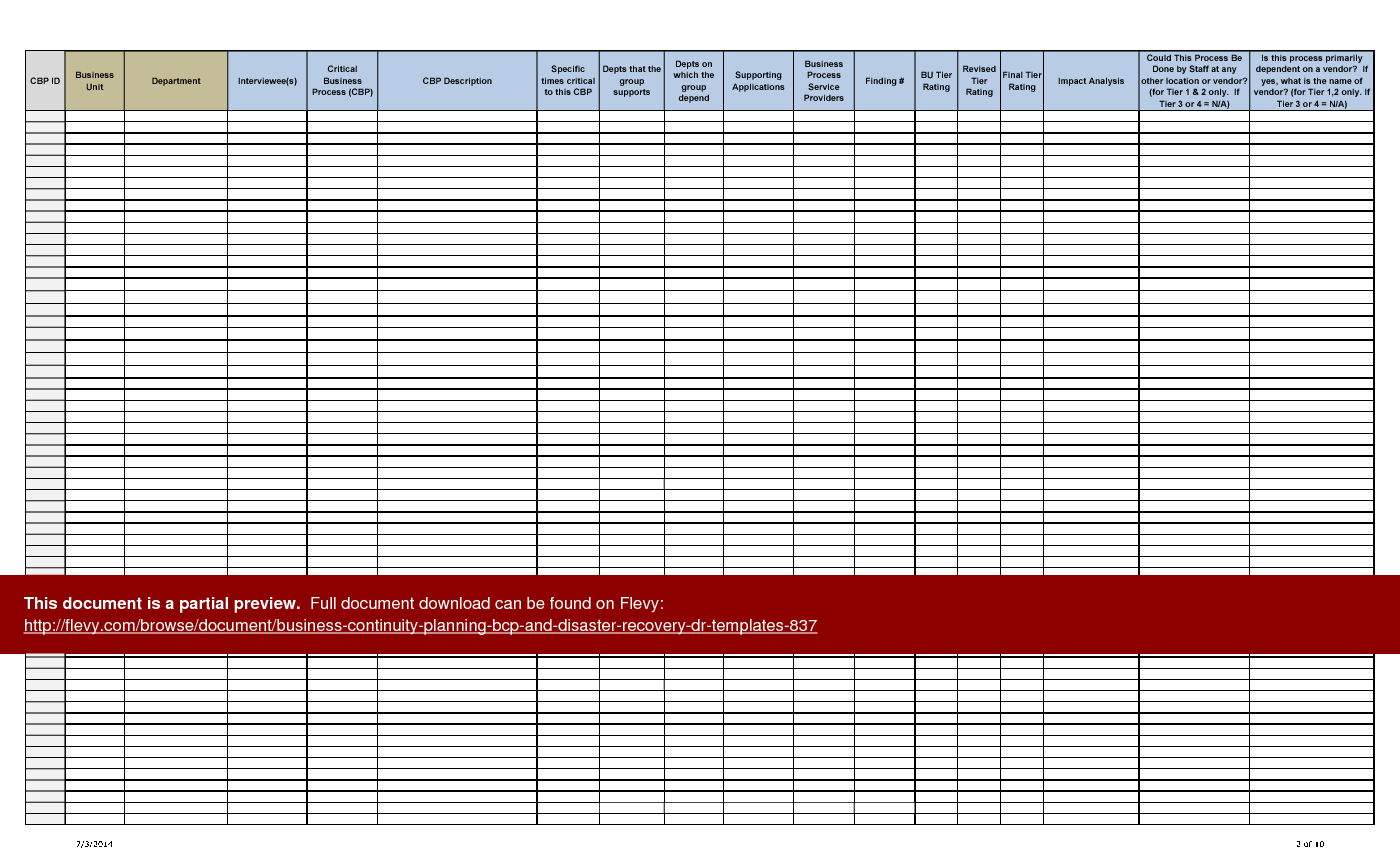
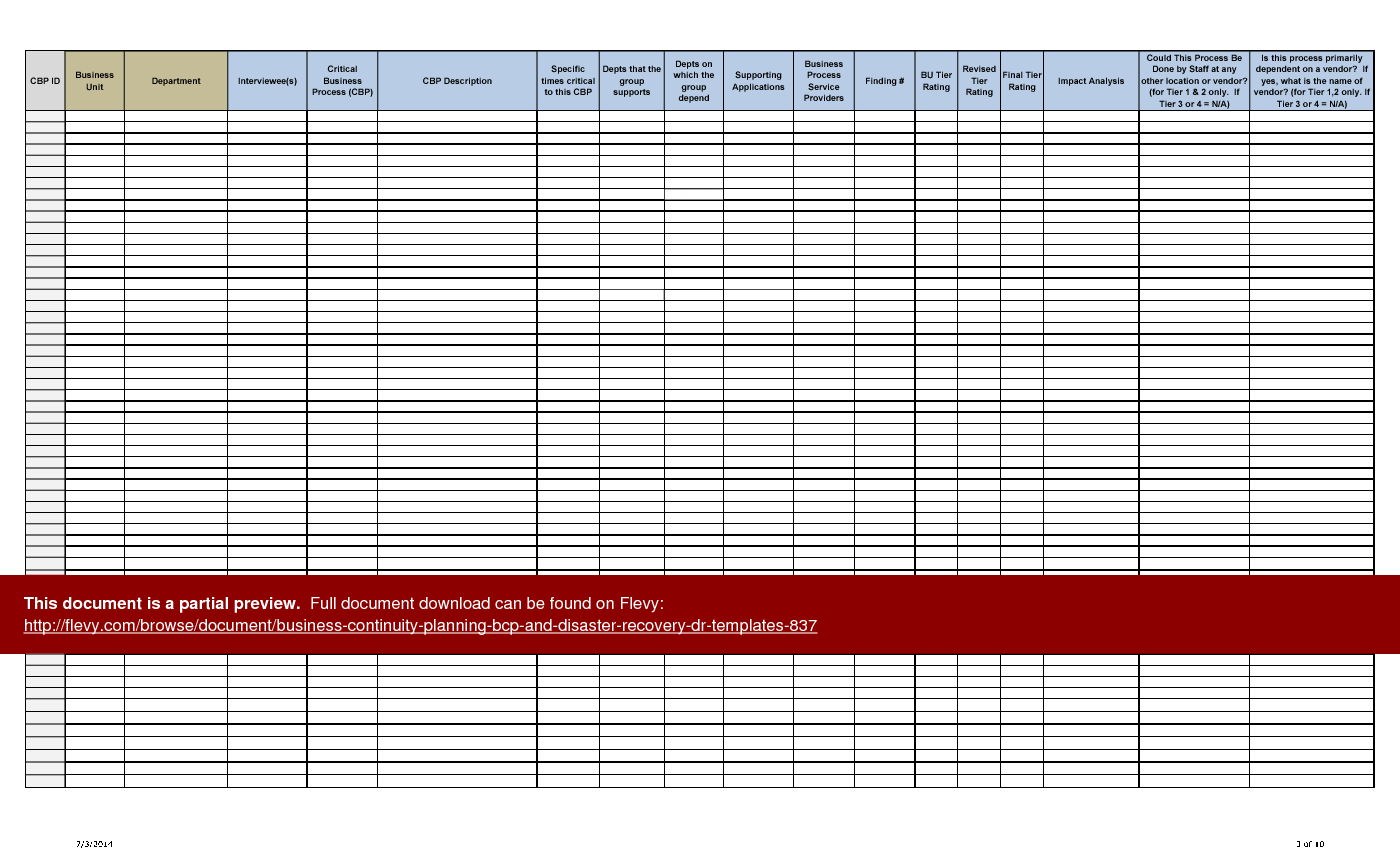
Business Impact Ratings – This sheet captures every critical business process (CBP), as identified by their respective owners, within the organization. For each CBP, important information is captured: e.g. impact analysis, tier rating, dependencies, and critical times.
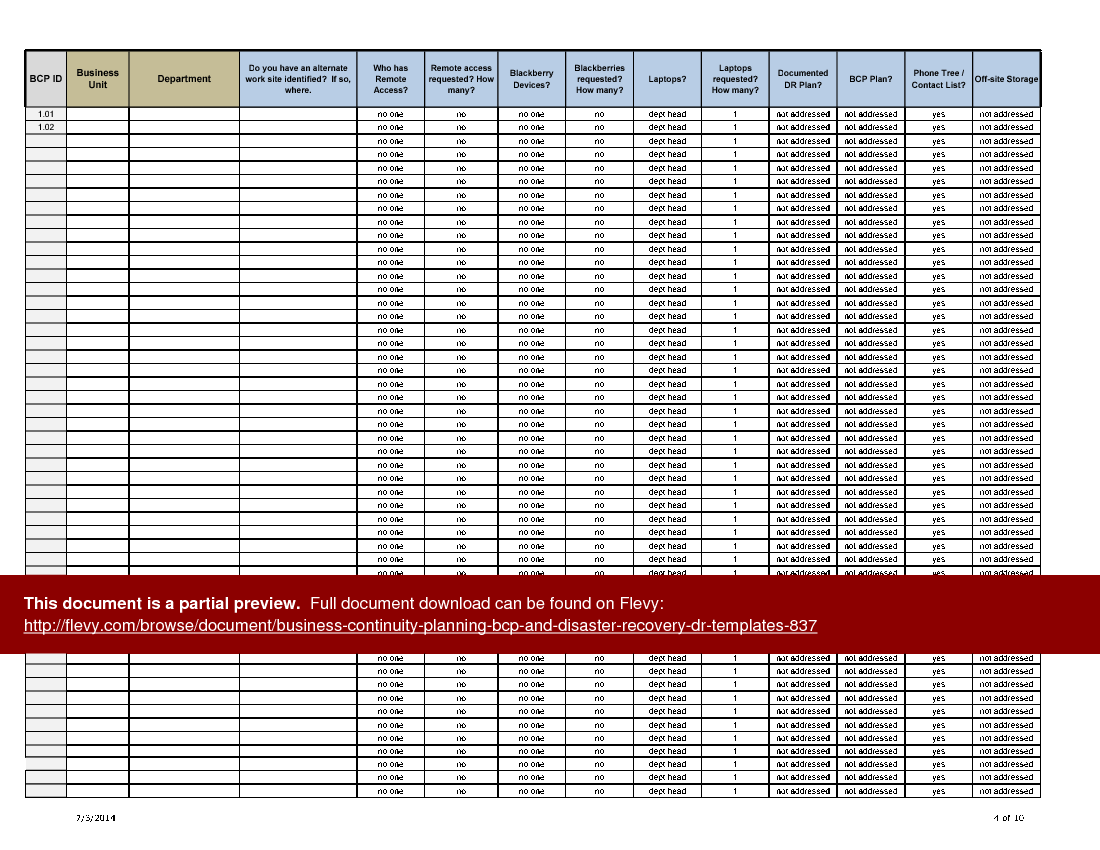
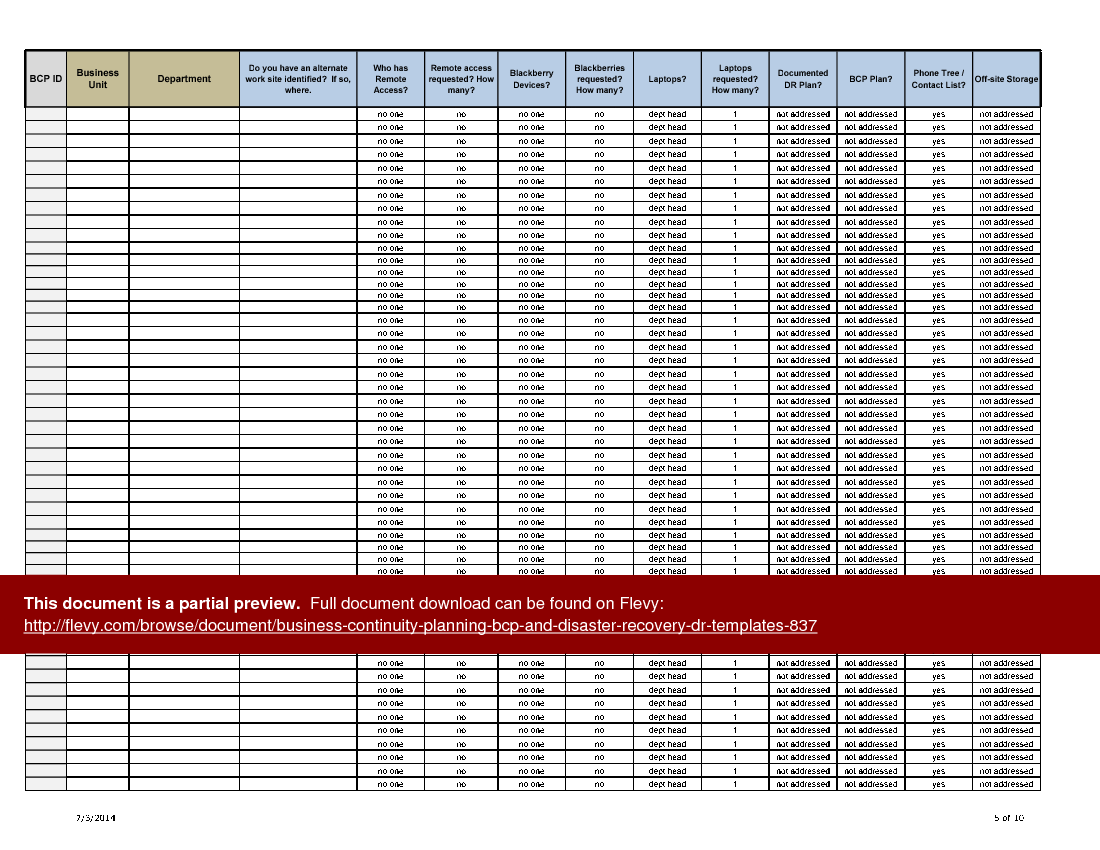
Current State Inventory – This sheet provides a high-level snapshot of the organization's readiness to respond to a crisis or emergency. Information to be inventoried includes alternate work sites, laptops, remote access connections, Blackberries, DR plans, BCPs, and phone trees.
Inventory and Assessment – This template captures important emergency contact and facility information for all domestic and international sites within the organization.
Findings Report – This spreadsheet outlines all findings and issues within the organization, as identified through the BCP evaluation process. Each such finding is associated with a risk type; analyzed for possible remediation; associated with department(s); associated with critical business processes (as identified in Business Impact Ratings); and rated on several measures of risk, urgency, and cost to remediate.
Risk Category Definitions – Each BCP finding is categorized within a defined set of 16 risk types to facilitate the analysis of similar findings and risks. These risk category definitions are captured in this spreadsheet.
This comprehensive toolkit also includes detailed sections for capturing critical business process dependencies and impact analyses, ensuring that no aspect of your organization's continuity is overlooked. The templates facilitate the identification of alternate work sites and remote access capabilities, essential for maintaining operations during disruptions. Each section is meticulously designed to support thorough data collection and analysis, providing a robust framework for assessing and mitigating risks. This resource is indispensable for executives aiming to fortify their organization's resilience against unforeseen events.
Got a question about the product? Email us at support@flevy.com or ask the author directly by using the "Ask the Author a Question" form. If you cannot view the preview above this document description, go here to view the large preview instead.
TOPIC FAQ
What sections should I expect in an Excel BCP/DR template workbook?
A typical BCP/DR workbook should provide structured worksheets to capture impact analysis, readiness inventories, site contacts, findings, and standardized risk definitions. The Business Continuity Planning (BCP) & Disaster Recovery (DR) Templates include exactly these elements across 5 sections: Business Impact Ratings, Current State Inventory, Inventory and Assessment, Findings Report, and Risk Category Definitions.What data does a Business Impact Ratings worksheet capture during a BIA?
A Business Impact Ratings sheet records each critical business process identified by process owners and captures impact analysis, tier rating, dependencies, and critical times to restore. These fields support linking processes to remediation and findings in subsequent analysis, and are implemented in the Business Impact Ratings sheet.How do organizations capture their current readiness to respond to a crisis?
Readiness is typically captured in a Current State Inventory that inventories alternate work sites, laptops, remote access connections, mobile devices, existing DR plans and BCPs, and phone trees. The Current State Inventory sheet provides a high-level snapshot of preparedness for domestic and international locations.How should BCP findings be documented and prioritized after an assessment?
Findings should be documented with an associated risk type, remediation options, owning department(s), linked critical business processes, and ratings for risk, urgency, and remediation cost. The Findings Report worksheet structures this information to support prioritization and planning during a BCP evaluation.What should I look for when choosing a BCP/DR Excel template for a multinational organization?
For multinational coverage, look for templates that capture site-level emergency contacts and facility details, inventory both domestic and international sites, map critical business process dependencies, and include standardized risk categories. The Business Continuity Planning (BCP) & Disaster Recovery (DR) Templates include Inventory and Assessment and Risk Category Definitions for these needs.Are pre-built BCP/DR templates valuable compared to building spreadsheets from scratch?
Pre-built templates can provide proven structure and fields used in real engagements; the Business Continuity Planning (BCP) & Disaster Recovery (DR) Templates were developed from scrubbed deliverables for Fortune 500 firms and reflect formats used in enterprise projects, packaged into 5 worksheets for immediate use.If I need to catalogue emergency contacts and facilities across sites, which template element is most relevant?
Use an Inventory and Assessment worksheet to capture emergency contacts, facility details, and site-specific information for both domestic and international locations. This sheet centralizes contact and facility data to support response coordination and is implemented in the Inventory and Assessment section.After a tabletop exercise reveals gaps, how can I record and analyze those gaps for remediation planning?
Record each gap as a finding in a Findings Report, associate it with a risk category, department ownership, affected critical business processes from the BIA, and estimate urgency and remediation cost. The Findings Report format supports analysis and prioritization across multiple measures in a structured worksheet.How are risk categories typically standardized within a BCP/DR toolkit?
Risk categories are defined to group similar findings and facilitate analysis; a structured toolkit will include a dedicated risk definitions sheet listing each category and its meaning. The referenced templates include a Risk Category Definitions sheet comprising a defined set of 16 risk types.Source: Best Practices in BCP, Disaster Recovery, Business Impact Analysis Excel: Business Continuity Planning (BCP) & Disaster Recovery (DR) Templates Excel (XLSX) Spreadsheet, giovanni