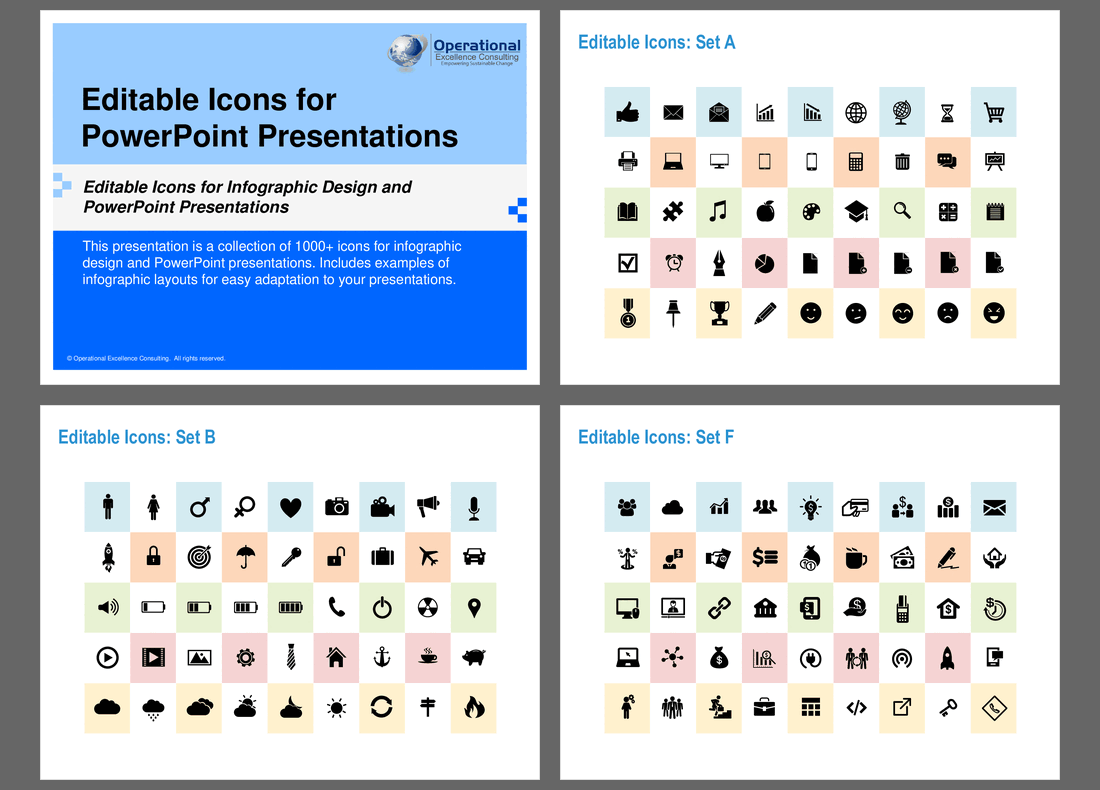
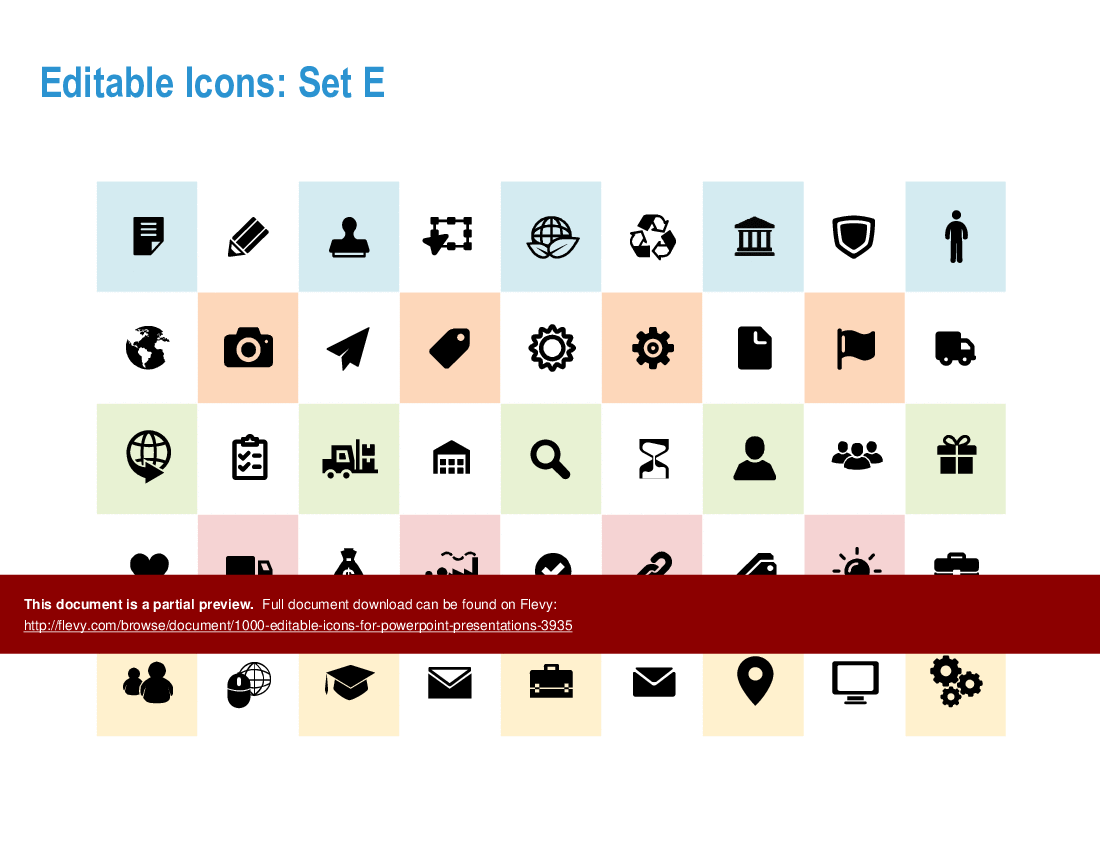
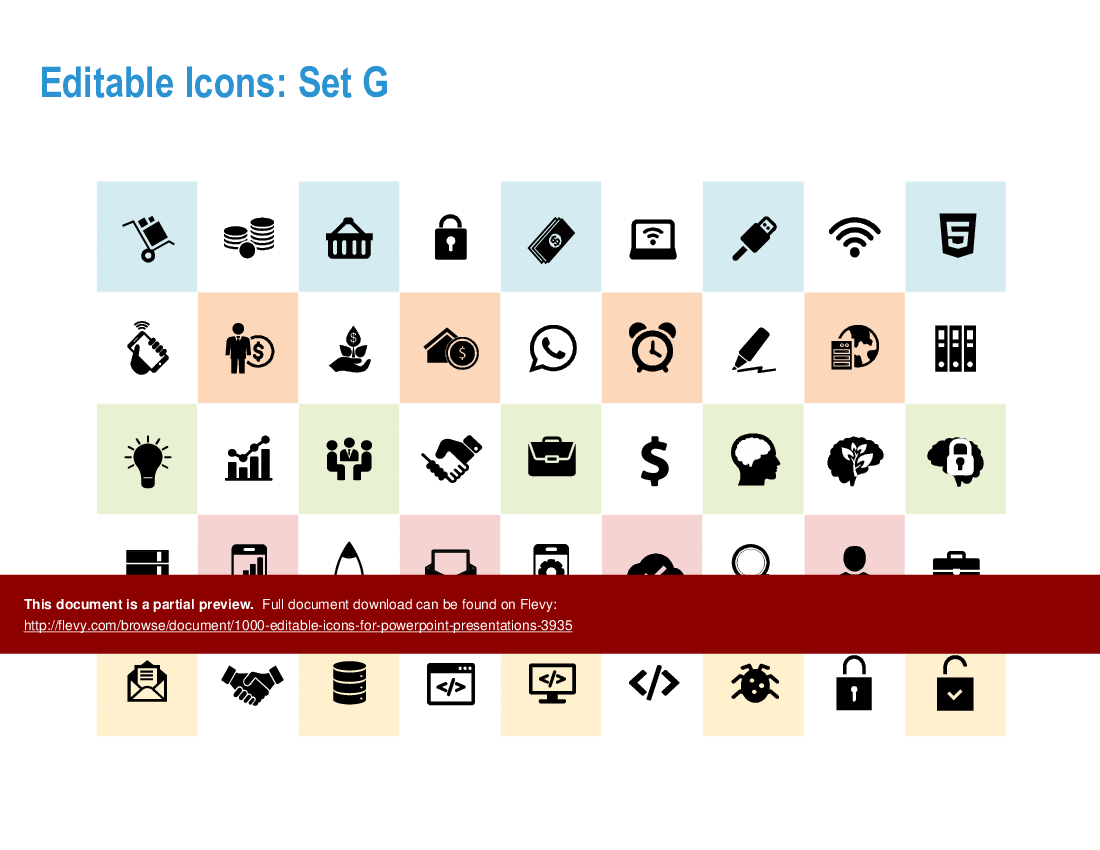
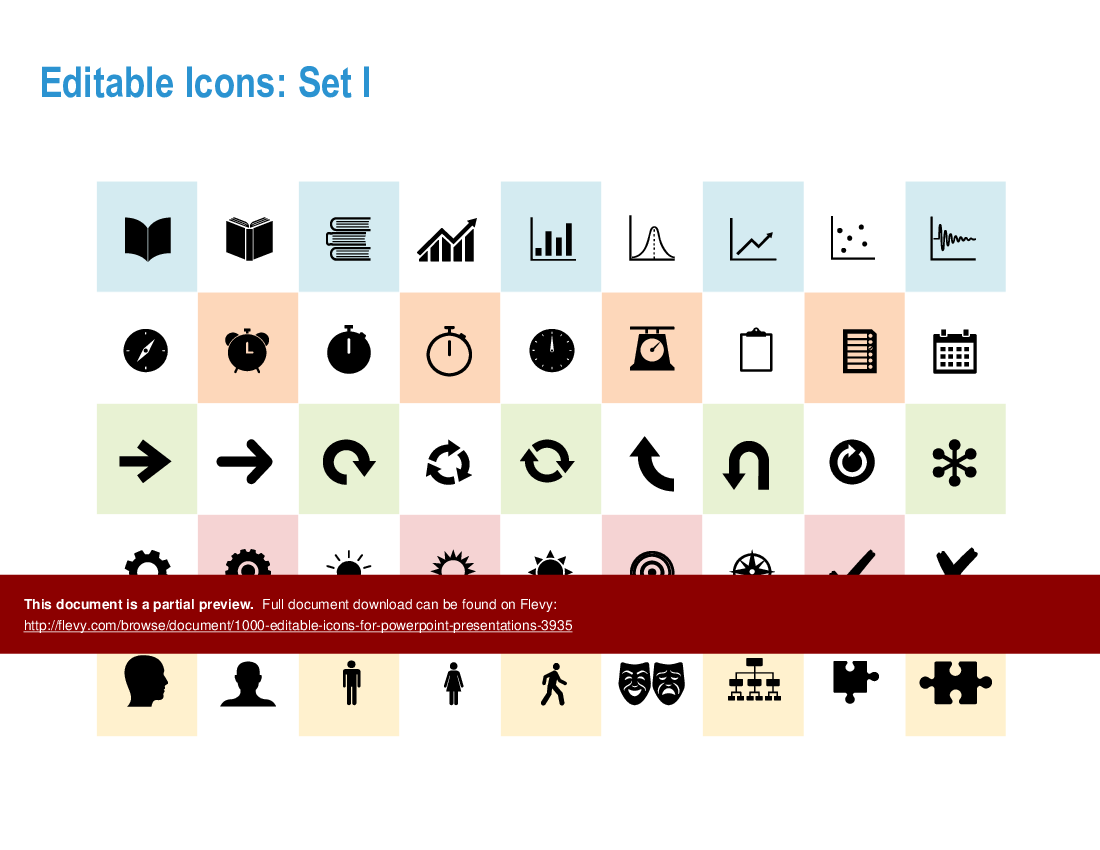
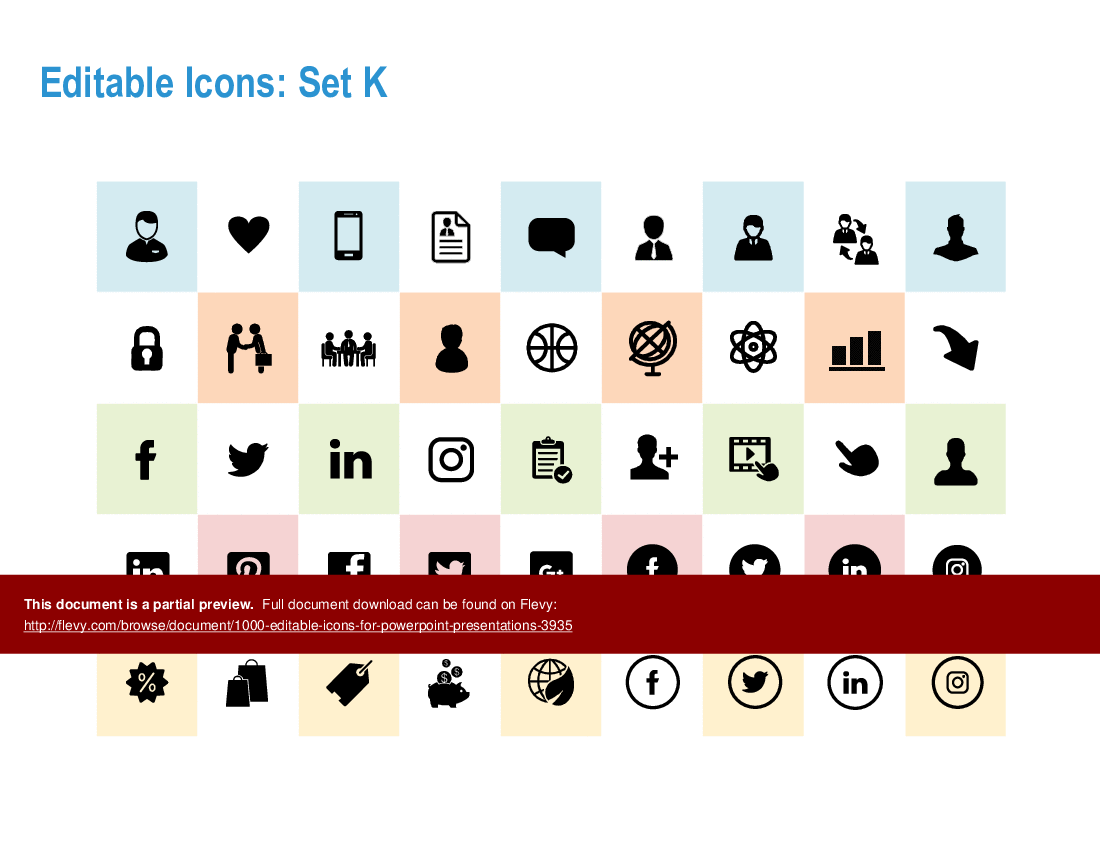
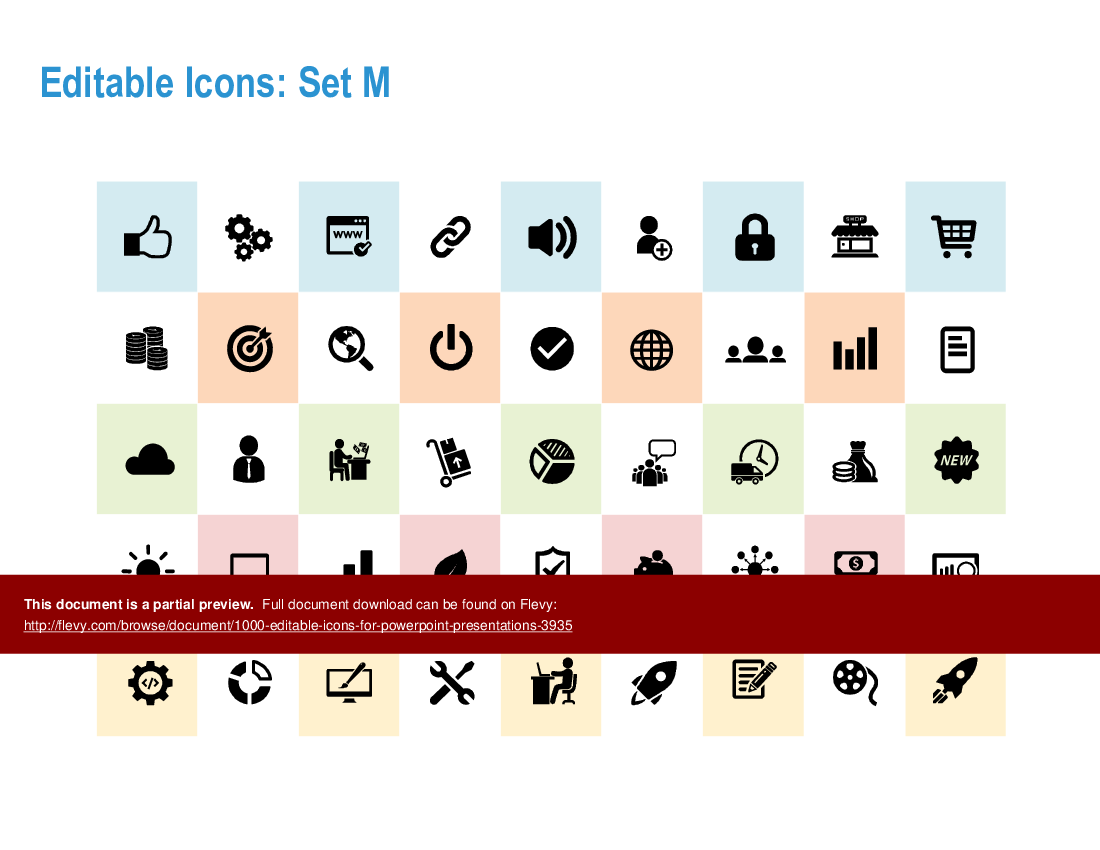

This presentation is a mega-collection of 1000+ icons for infographic design and PowerPoint presentations. Includes examples of infographic layouts for easy adaptation to your presentations.

Unlock the full potential of your presentations with this extensive collection of over 1000 editable icons. Tailored for professionals who demand precision and clarity, these icons cover a broad spectrum of categories, from business and finance to healthcare and technology. Each icon is meticulously designed to ensure it enhances your visual storytelling, making complex data more digestible and engaging for your audience.
This resource is not just about quantity, but quality and versatility. The icons are fully customizable, allowing you to adjust colors, sizes, and styles to fit your specific needs. Whether you're illustrating a strategic plan, highlighting key metrics, or presenting a new product, these icons provide the visual tools necessary to convey your message effectively. The included infographic layouts offer a quick-start guide to integrating these icons seamlessly into your slides, saving you time and effort.
Designed with the busy executive in mind, this collection ensures your presentations stand out in any boardroom. The icons are compatible with all versions of PowerPoint, making them a reliable addition to your presentation toolkit. Elevate your presentations, captivate your audience, and communicate with impact using this comprehensive set of editable icons.
Got a question about the product? Email us at support@flevy.com or ask the author directly by using the "Ask the Author a Question" form. If you cannot view the preview above this document description, go here to view the large preview instead.
Executive Summary
This presentation features a comprehensive collection of over 1000 editable icons designed specifically for infographic design and PowerPoint presentations. Developed by Operational Excellence Consulting, these icons are customizable to meet the unique needs of your organization. The presentation includes various infographic layouts that facilitate easy adaptation, enabling users to create visually appealing and professional presentations that effectively communicate their messages.
Who This Is For and When to Use
• Corporate executives seeking to enhance their presentations with professional visuals
• Marketing teams aiming to create engaging infographics for campaigns
• Consultants needing customizable templates for client presentations
• Training and development professionals designing educational materials
Best-fit moments to use this deck:
• During the creation of internal reports and presentations
• For client-facing presentations that require a polished look
• In workshops or training sessions where visual aids enhance learning
Learning Objectives
• Define how to effectively utilize icons in presentations
• Build engaging infographics that convey complex information simply
• Establish a cohesive visual style across multiple presentation slides
• Customize icons and layouts to align with organizational branding
• Create impactful presentations that resonate with diverse audiences
• Enhance audience engagement through visual storytelling
Table of Contents
• Introduction to Editable Icons (page 2)
• Disclaimer and Approved Use (page 3)
• Editable Icons Overview (page 4)
• Infographic Layout Samples (page 29)
• Customization Options (page 30)
• Conclusion and Next Steps (page 55)
Primary Topics Covered
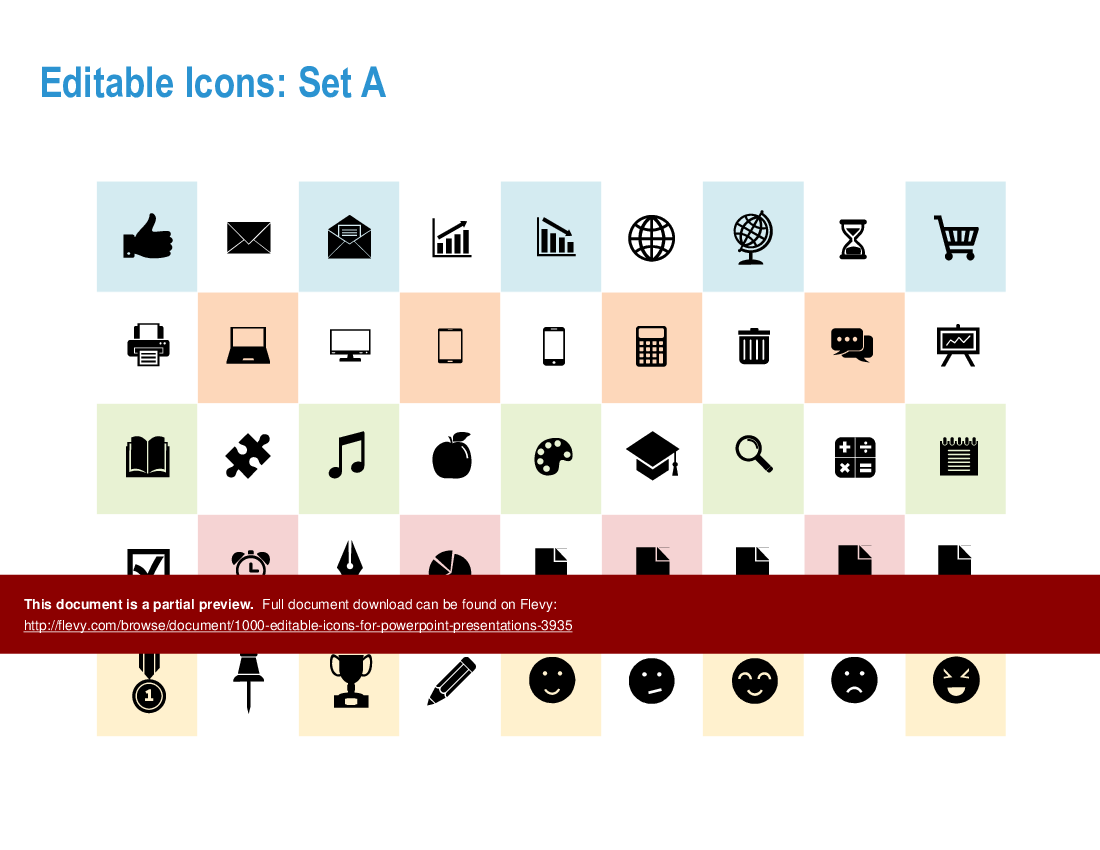
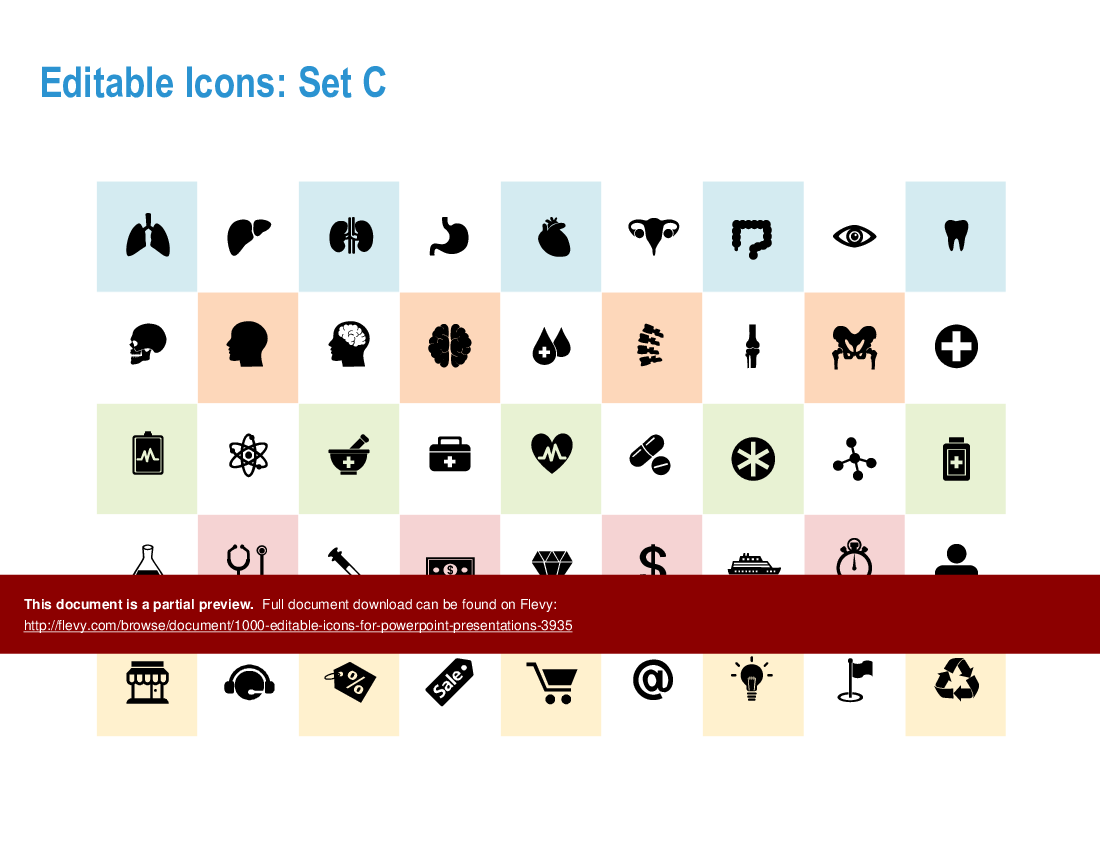
• Editable Icons - A diverse collection of over 1000 icons categorized into sets, suitable for various themes including business, technology, and healthcare.
• Infographic Layouts - Multiple infographic designs that can be easily customized to fit specific content needs, enhancing visual communication.
• Customization Guidance - Instructions on how to modify icons and layouts to align with your organization's branding and presentation style.
• Usage Guidelines - Clear guidelines on the approved use of icons and templates within an organization, ensuring compliance with copyright policies.
Deliverables, Templates, and Tools
• A comprehensive library of 1000+ editable icons for various themes
• Infographic layout templates for easy adaptation in presentations
• Customizable PowerPoint slides featuring professional designs
• Guidelines for effective use of icons in business presentations
Slide Highlights
• Icon sets showcasing a wide range of themes for diverse applications
• Infographic layouts that facilitate clear communication of complex ideas
• Examples of how to integrate icons into PowerPoint presentations for maximum impact
Potential Workshop Agenda
Introduction to Icons and Infographics (30 minutes)
• Overview of the icon collection and its applications
• Discussion on the importance of visual communication
Hands-On Customization Session (60 minutes)
• Participants customize icons and layouts for their specific needs
• Sharing of best practices for effective infographic design
Final Review and Q&A (30 minutes)
• Presentation of customized infographics
• Open floor for questions and feedback
Customization Guidance
• Modify colors and styles of icons to match your brand identity
• Adapt infographic layouts by inserting your own text and data
• Utilize the icons in various formats (e.g., PNG, SVG) for different applications
Secondary Topics Covered
• Best practices for visual storytelling in presentations
• Techniques for enhancing audience engagement through design
• Strategies for effective communication using infographics
Topic FAQ
Document FAQ
These are questions addressed within this presentation.
What types of icons are included in this collection?
The collection features over 1000 icons across various themes, including business, technology, healthcare, and more, allowing for versatile use in presentations.
Can I customize the icons and layouts?
Yes, all icons and layouts are fully editable, enabling you to tailor them to fit your specific needs and branding.
Is there a limit to how many times I can use this presentation?
The presentation can be used within a single customer location, such as an office or manufacturing plant,, but cannot be redistributed or sold.
What formats are the icons available in?
Icons are available in multiple formats, including PNG and SVG, for flexibility in use across different platforms.
Are there guidelines for using these icons?
Yes, the presentation includes a disclaimer and approved use section that outlines how to properly utilize the icons and templates.
How can I access support if I have questions?
For any inquiries or support, you can visit the Operational Excellence Consulting website or contact them directly.
Glossary
• Editable Icons - Customizable graphics designed for use in presentations and infographics.
• Infographic Layout - Pre-designed templates that facilitate the organization of information visually.
• Customization - The process of modifying icons and layouts to fit specific branding or content needs.
• Copyright - Legal protection for the original creators of the icons and templates.
• Presentation - A structured delivery of information, often using visual aids like slides and infographics.
• Visual Communication - The use of visual elements to convey information effectively.
• Branding - The process of creating a unique identity for a product or organization.
• Audience Engagement - Techniques used to capture and maintain the interest of viewers during a presentation.
• Compliance - Adhering to legal and ethical standards in the use of copyrighted materials.
• Template - A pre-designed format that can be filled with content for presentations or documents.
• SVG - Scalable Vector Graphics, a format for images that allows for resizing without loss of quality.
• PNG - Portable Network Graphics, a format for images that supports transparency and is widely used in digital media.
Source: Best Practices in PowerPoint Diagrams Compilation PowerPoint Slides: 1000+ Editable Icons for PowerPoint Presentations PowerPoint (PPTX) Presentation Slide Deck, Operational Excellence Consulting
|
Receive our FREE whitepaper on the Top 101 Consulting Frameworks
Download our 200+ page guide summarizing the Top 101 Management Consulting Frameworks. Each framework provides a structured approach to analyzing and solving a common business problem. |