
Virtual meetings don't have to be seen as a waste of time. In fact, they can be more valuable than traditional face-to-face meetings. Beyond the fact that they're inexpensive ways to get people together – think: no travel costs and readily available technology – they're also great opportunities to build engagement, trust and candor among teams.
Several years ago, my company's Research Institute embarked on an exploration of the "New People Rules in a Virtual World" to explore how technology is shaping our relationships and how we collaborate. This multiyear journey also evolved my thinking on the subject, helping me recognize that virtual is not the enemy of the physical if key rules and processes are maintained and respected.
Going back through that research now, I've put together a comprehensive list of some simple do's and don'ts to help you get the most out of your next virtual meeting.
Before the meeting:
Turn the video on. Since everyone on the call is separated by distance, the best thing you can do to make everyone at least feel like they're in the same room is to use video. There are many options to choose from, such as WebEx and Skype. Video makes people feel more engaged because it allows team members to see each other's emotions and reactions, which immediately humanizes the room.
Got a question about the product? Email us at support@flevy.com or ask the author directly by using the "Ask the Author a Question" form. If you cannot view the preview above this document description, go here to view the large preview instead.
Executive Summary
The "Virtual Facilitation - Best Practices" presentation is designed to enhance remote meeting effectiveness through practical strategies and interactive techniques. This comprehensive guide equips facilitators with essential tools for engaging participants, managing virtual environments, and optimizing learning experiences. By implementing these best practices, users will foster collaboration, encourage participation, and create a productive atmosphere for virtual sessions.
Who This Is For and When to Use
• Corporate trainers and facilitators leading virtual workshops
• Team leaders conducting remote meetings and brainstorming sessions
• HR professionals designing virtual onboarding or training programs
• Project managers overseeing distributed teams and virtual collaborations
Best-fit moments to use this deck:
• During the planning phase of virtual training sessions
• When transitioning from in-person to remote meeting formats
• To enhance engagement in ongoing virtual team meetings
Learning Objectives
• Define the key principles of effective virtual facilitation
• Build engaging virtual learning environments using technology
• Establish interactive activities that promote participant involvement
• Adjust session durations to maintain focus and engagement
• Encourage open communication and feedback among participants
• Reflect on personal and professional experiences to enhance learning
Table of Contents
• Virtual Guidelines (page 2)
• Course Objectives (page 3)
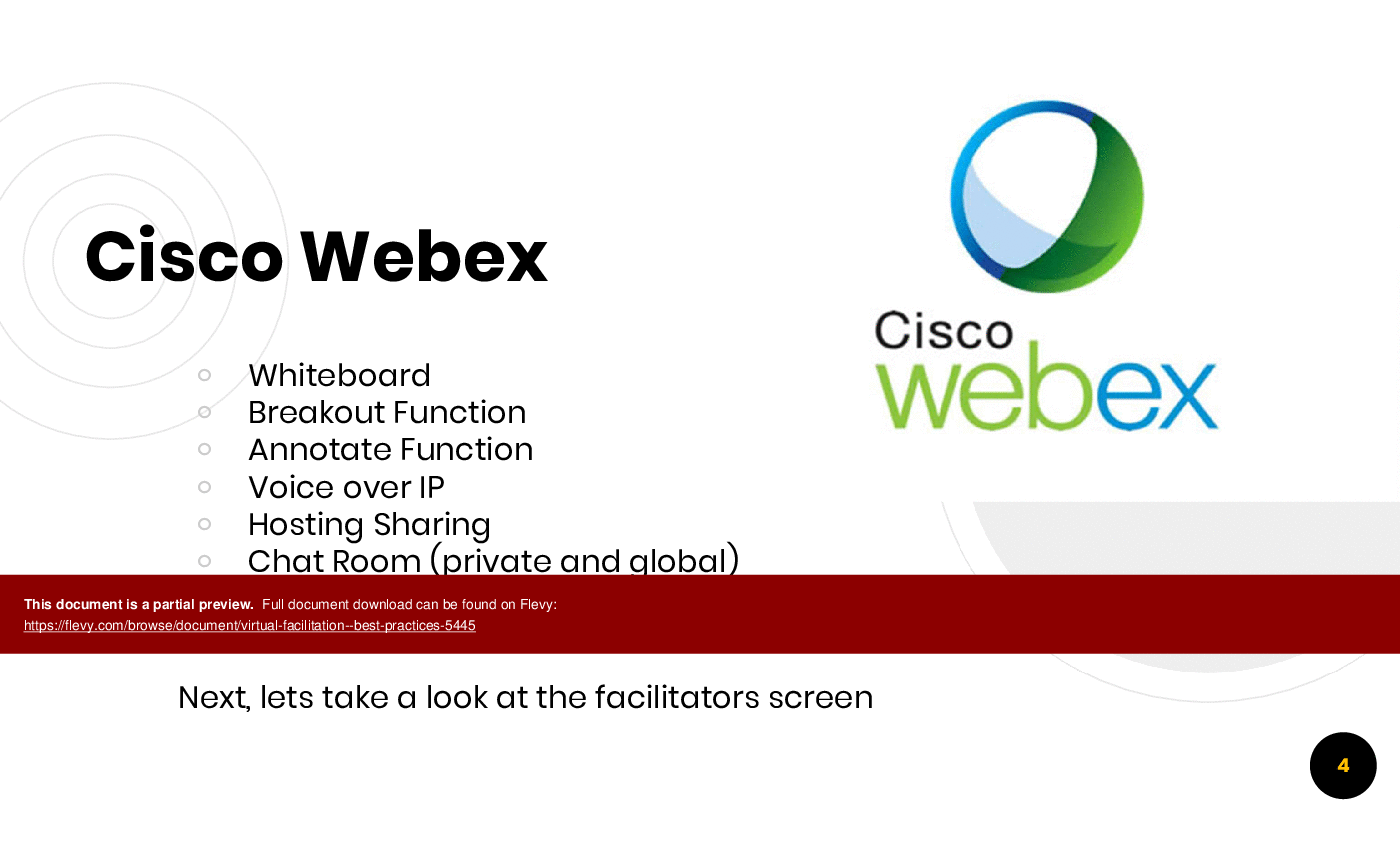
• Cisco Webex Features (page 4)
• Best Practices Overview (page 6)
• Designing for Virtual Environments (page 8)
• Leveraging Technology (page 9)
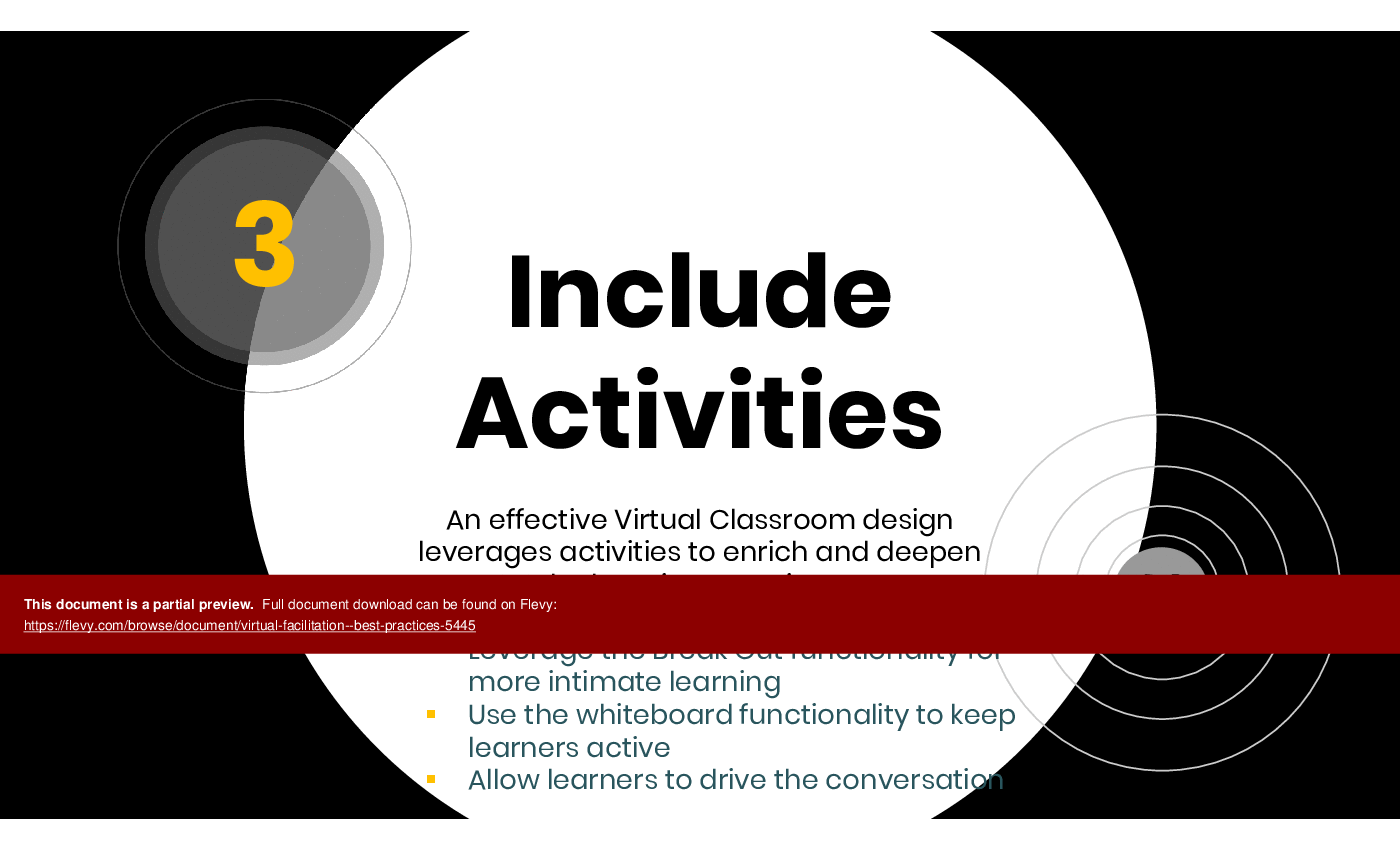
• Including Activities (page 10)
• Adjusting Duration (page 11)
• Encouraging Interaction (page 12)
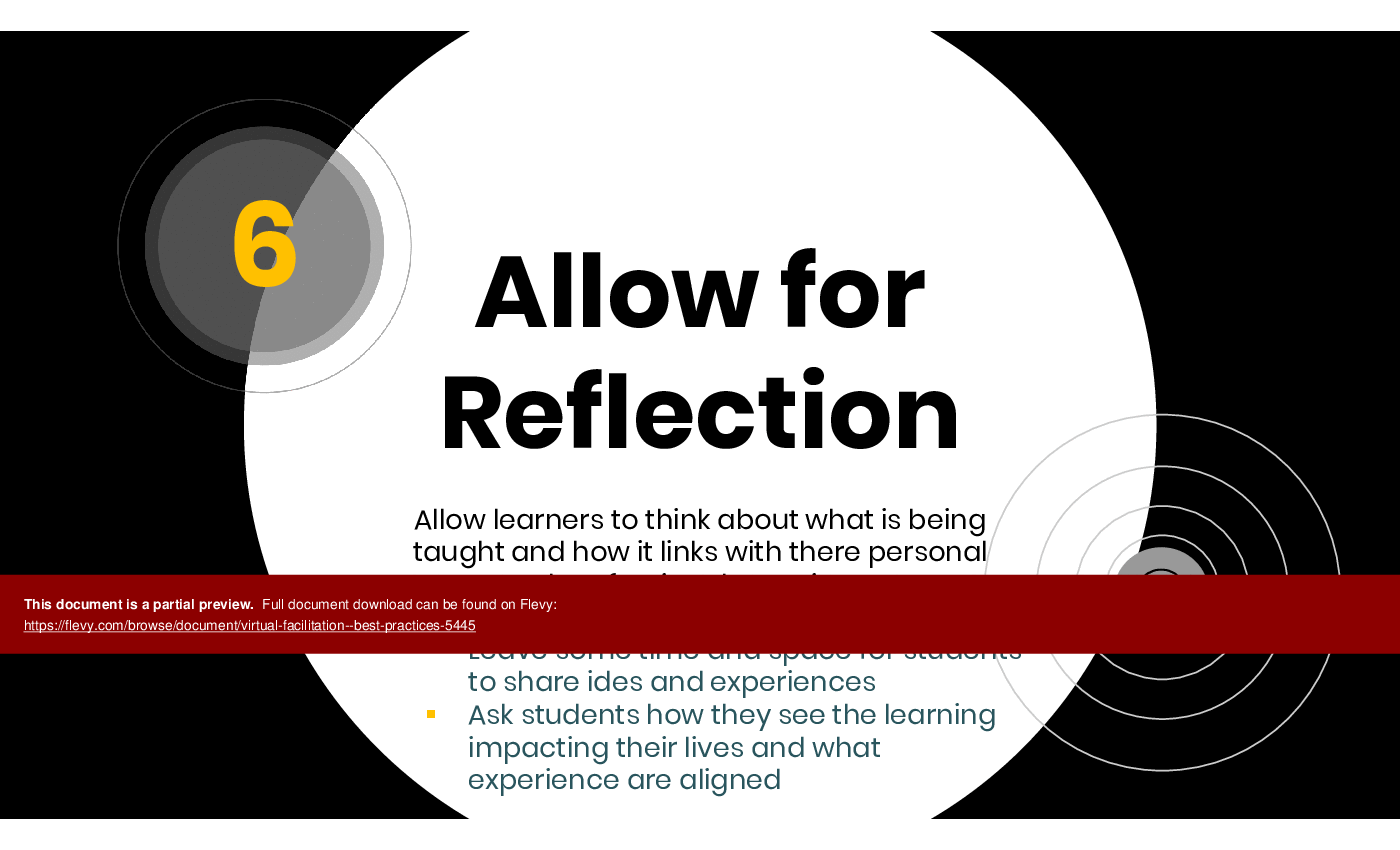
• Allowing for Reflection (page 13)
Primary Topics Covered
• Virtual Guidelines - Essential rules for maintaining engagement and communication during virtual sessions, including muting phones and using chat functions.
• Course Objectives - Clear goals for participants, focusing on understanding the virtual learning environment and best practices for facilitation.
• Cisco Webex Features - Overview of tools available in Cisco Webex to enhance virtual meetings, including breakout rooms and chat functions.
• Best Practices Overview - Introduction to the 6 best practices for effective virtual facilitation, emphasizing engagement and interaction.
• Designing for Virtual Environments - Strategies for creating effective virtual courses, including the use of attractive visuals and structured breaks.
• Leveraging Technology - Utilizing virtual classroom technology to foster interaction and engagement among learners.
• Including Activities - Importance of interactive activities to enrich the learning experience and keep participants engaged.
• Adjusting Duration - Recommendations for session length to maintain participant focus and effectiveness.
• Encouraging Interaction - Techniques to promote active participation and communication during virtual sessions.
• Allowing for Reflection - Creating space for participants to connect learning with their personal experiences and insights.
Deliverables, Templates, and Tools
• Virtual facilitation guidelines template for maintaining engagement
• Course objectives outline for clarity in virtual training
• Cisco Webex feature checklist for effective meeting management
• Best practices summary for quick reference during facilitation
• Activity planning template to integrate interactive elements
• Reflection prompts to encourage participant sharing
Slide Highlights
• Engaging visuals that illustrate best practices for virtual facilitation
• Clear guidelines for participant behavior during virtual sessions
• Interactive elements showcased through Cisco Webex features
• Examples of effective virtual classroom design principles
• Strategies for encouraging participant interaction and feedback
Potential Workshop Agenda
Introduction to Virtual Facilitation (30 minutes)
• Overview of virtual guidelines and course objectives
• Discussion of participant expectations and experiences
Best Practices for Engagement (60 minutes)
• Review of the 6 best practices for virtual facilitation
• Group activity to brainstorm additional strategies
Technology in Virtual Facilitation (45 minutes)
• Exploration of Cisco Webex features and tools
• Hands-on practice with breakout rooms and chat functions
Reflection and Feedback Session (30 minutes)
• Participants share insights and experiences from the workshop
• Discussion on applying best practices in future sessions
Customization Guidance
• Tailor the virtual guidelines to fit specific organizational cultures or needs
• Adjust course objectives based on participant backgrounds and goals
• Incorporate specific tools or platforms used within the organization
• Modify activity examples to align with the audience's industry or interests
Secondary Topics Covered
• Techniques for managing technical issues during virtual sessions
• Strategies for building rapport in a virtual environment
• Best practices for follow-up communication post-session
• Methods for assessing participant engagement and understanding
• Tips for creating a welcoming virtual atmosphere
Topic FAQ
Document FAQ
These are questions addressed within this presentation.
What are the key benefits of virtual facilitation?
Virtual facilitation enhances accessibility, allows for diverse participation, and can be more cost-effective than in-person meetings.
How can I keep participants engaged during long virtual sessions?
Incorporate interactive activities, encourage questions, and adjust session lengths to maintain focus and interest.
What tools can I use for virtual facilitation?
Cisco Webex, Zoom, and Microsoft Teams are popular platforms that offer features like breakout rooms and chat functions.
How important is participant feedback in virtual sessions?
Participant feedback is crucial for improving future sessions and ensuring that learning objectives are met.
What are some common challenges in virtual facilitation?
Technical issues, participant disengagement, and difficulties in managing group dynamics are common challenges.
How can I encourage open communication during virtual meetings?
Use chat functions, ask open-ended questions, and create a safe environment for sharing ideas.
What is the ideal duration for a virtual training session?
Sessions should ideally not exceed 3 hours to maintain participant focus and engagement.
How can I design effective virtual activities?
Incorporate breakout sessions, use interactive tools, and align activities with learning objectives to enhance engagement.
Glossary
• Virtual Facilitation - The process of leading and managing online meetings or training sessions.
• Engagement - The level of participation and interaction from participants during a session.
• Cisco Webex - A virtual meeting platform that offers various tools for collaboration.
• Breakout Room - A feature that allows smaller groups to discuss topics in a virtual meeting.
• Chat Function - A tool for participants to communicate via text during a virtual session.
• Reflection - The process of thinking about and connecting learning to personal experiences.
• Learning Objectives - Specific goals that define what participants should achieve by the end of a session.
• Interactive Activities - Engaging tasks designed to promote participation and learning.
• Course Design - The planning and structuring of educational content for delivery.
• Virtual Environment - The online space where virtual meetings and training occur.
• Attention Span - The length of time a participant can focus on a task or session.

• Feedback - Information provided by participants regarding their experiences and learning.
Source: Best Practices in Meeting Facilitation, Remote Work PowerPoint Slides: Virtual Facilitation - Best Practices PowerPoint (PPTX) Presentation Slide Deck, Gafford Consulting
|
Download our FREE Organization, Change, & Culture, Templates
Download our free compilation of 50+ slides and templates on Organizational Design, Change Management, and Corporate Culture. Methodologies include ADKAR, Burke-Litwin Change Model, McKinsey 7-S, Competing Values Framework, etc. |