
 Click main image to view in full screen. Unlock all 24 preview images:
Scrum Introduction (New - 2020 Scrum Guide) – PowerPoint PPTX Template
PowerPoint (PPTX) 91 Slides


BENEFITS OF THIS DOWNLOADABLE POWERPOINT DOCUMENT
- Scrum at glance
- SCRUM Awareness
- SCRUM Certification and learning
SCRUM PPT TEMPLATE DESCRIPTION
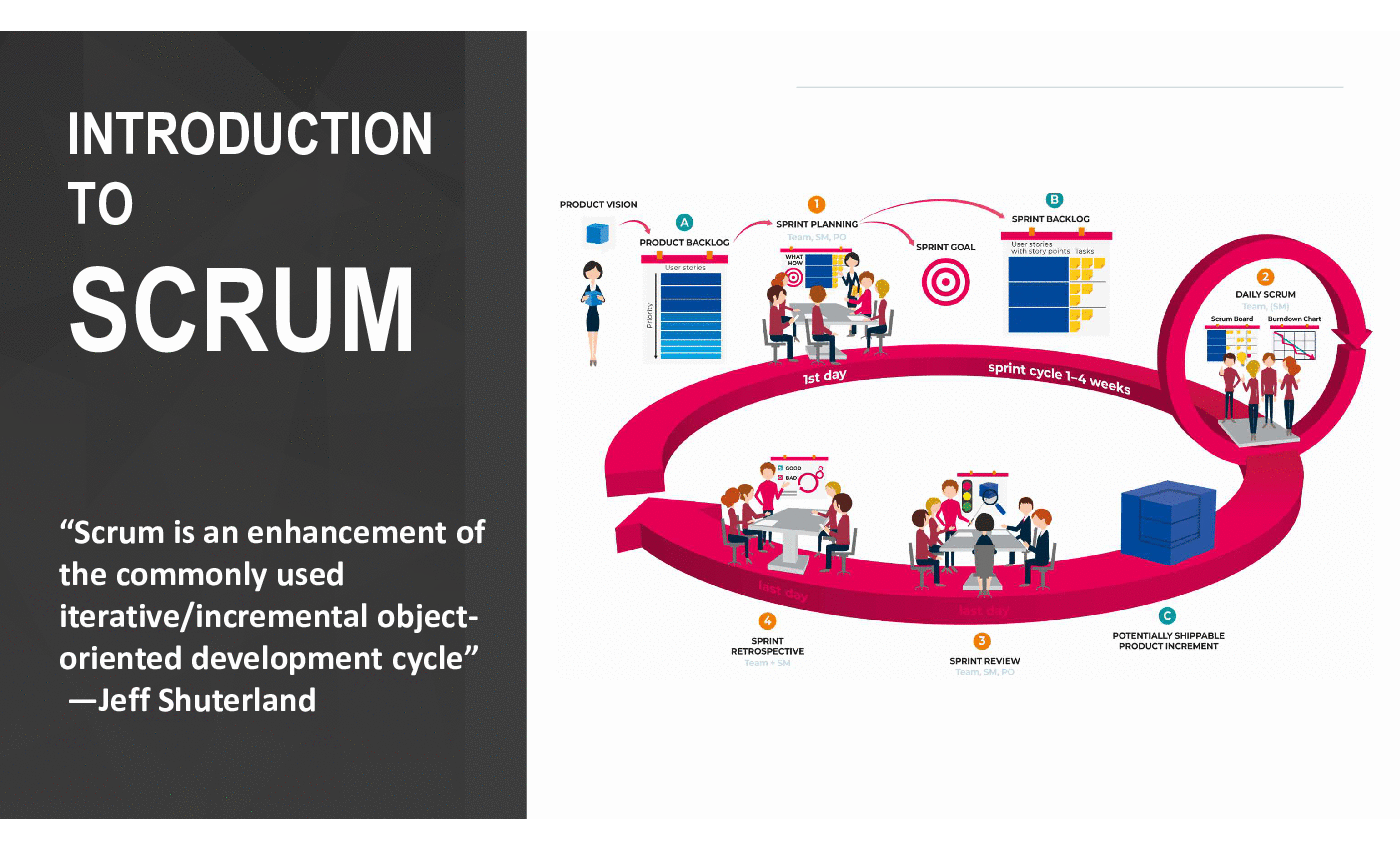
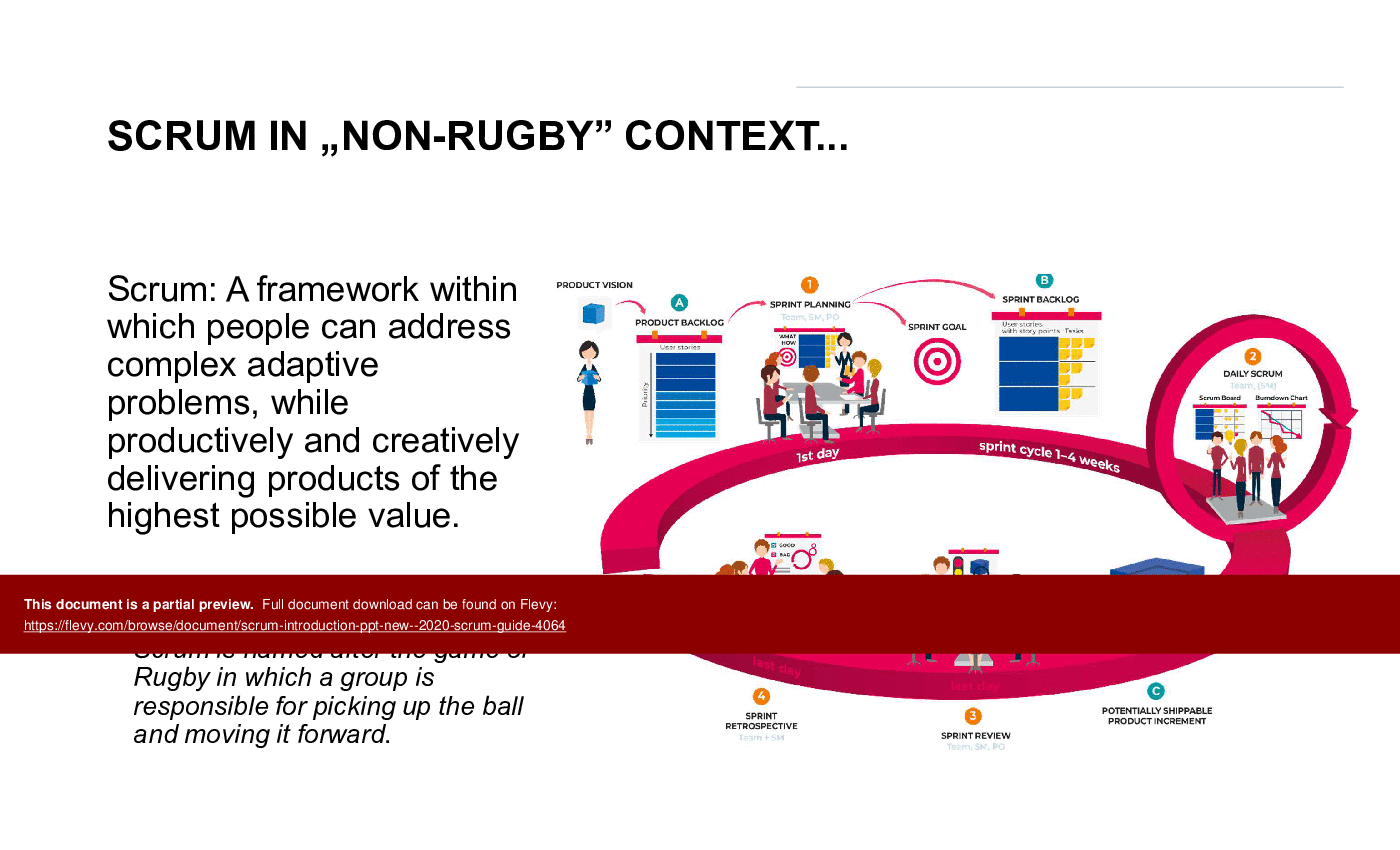
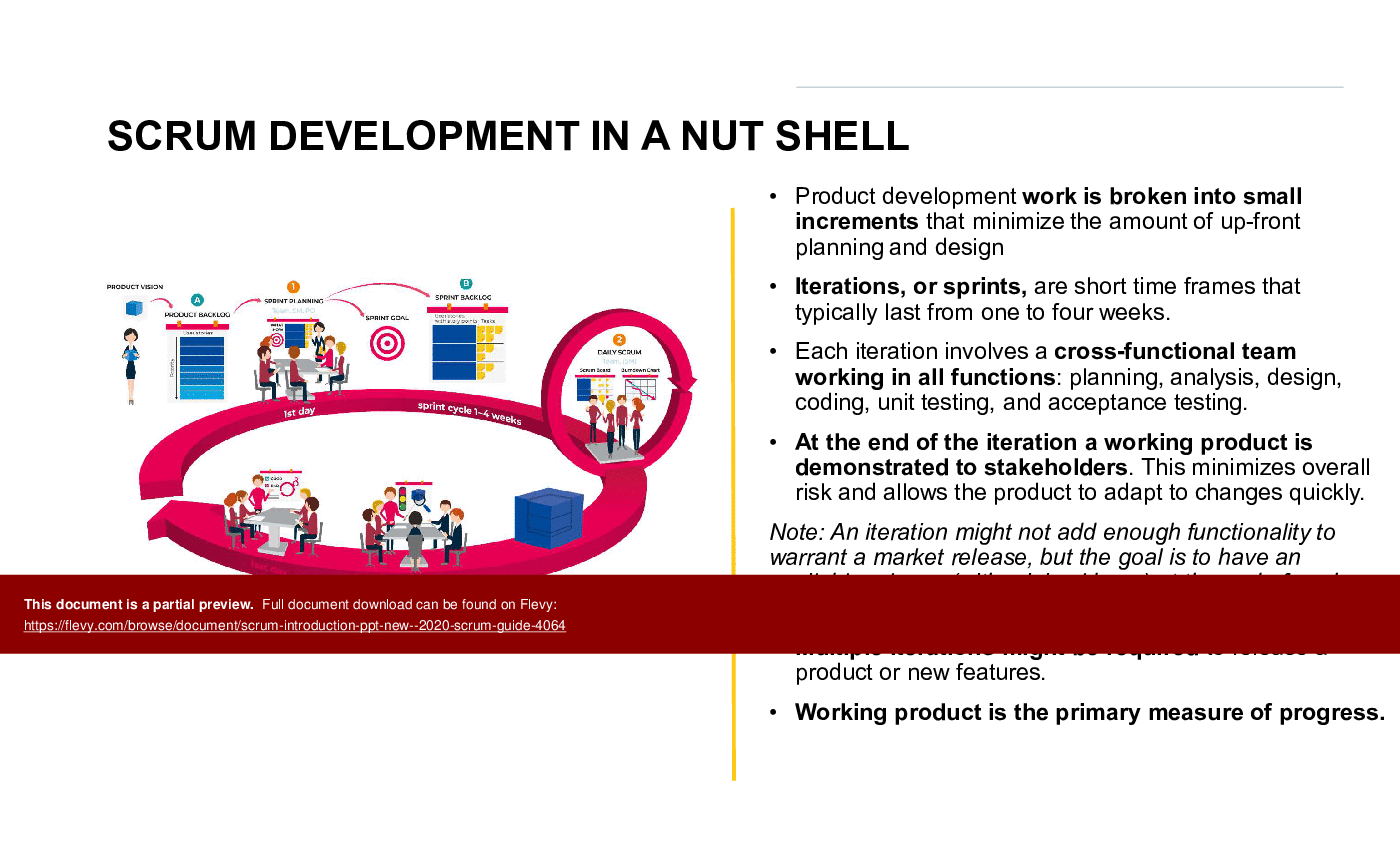
This PPT is based on a new Scrum Guide (November 2020) snd gives an detailed insight in the SCRUM Sprint Cycle. It explains one sprint cycle, including:
1. Scrum Team
2. Scrum Events
3. Scrum Artifacts
4. Key terms and definitions
Scrum is a framework for developing, delivering, and sustaining complex products. The Scrum framework consists of: Roles, Events, Artifacts, and Rules that bring them together.
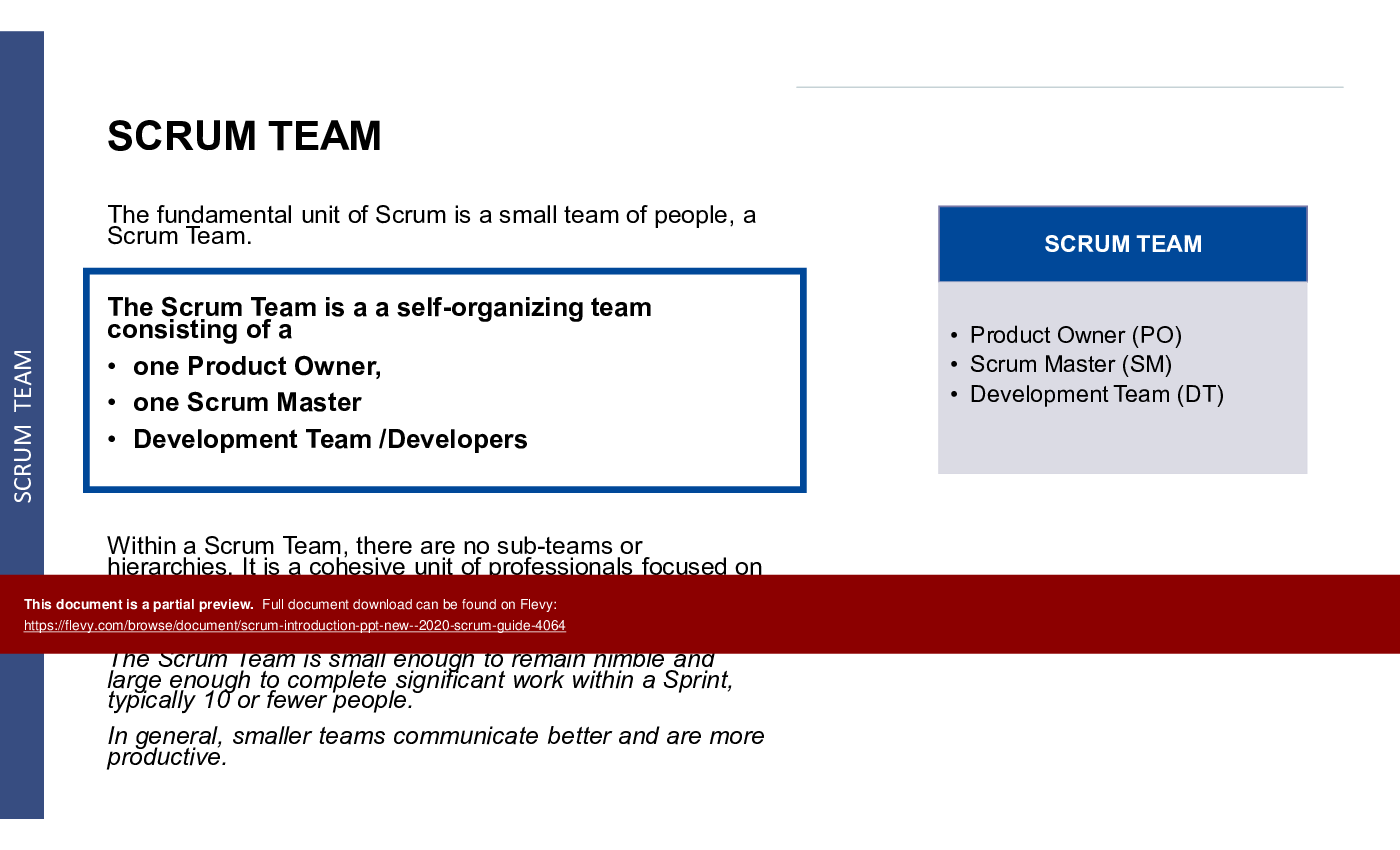
Scrum Team:
1. Product Owner
2. Scrum Master
3. Development team
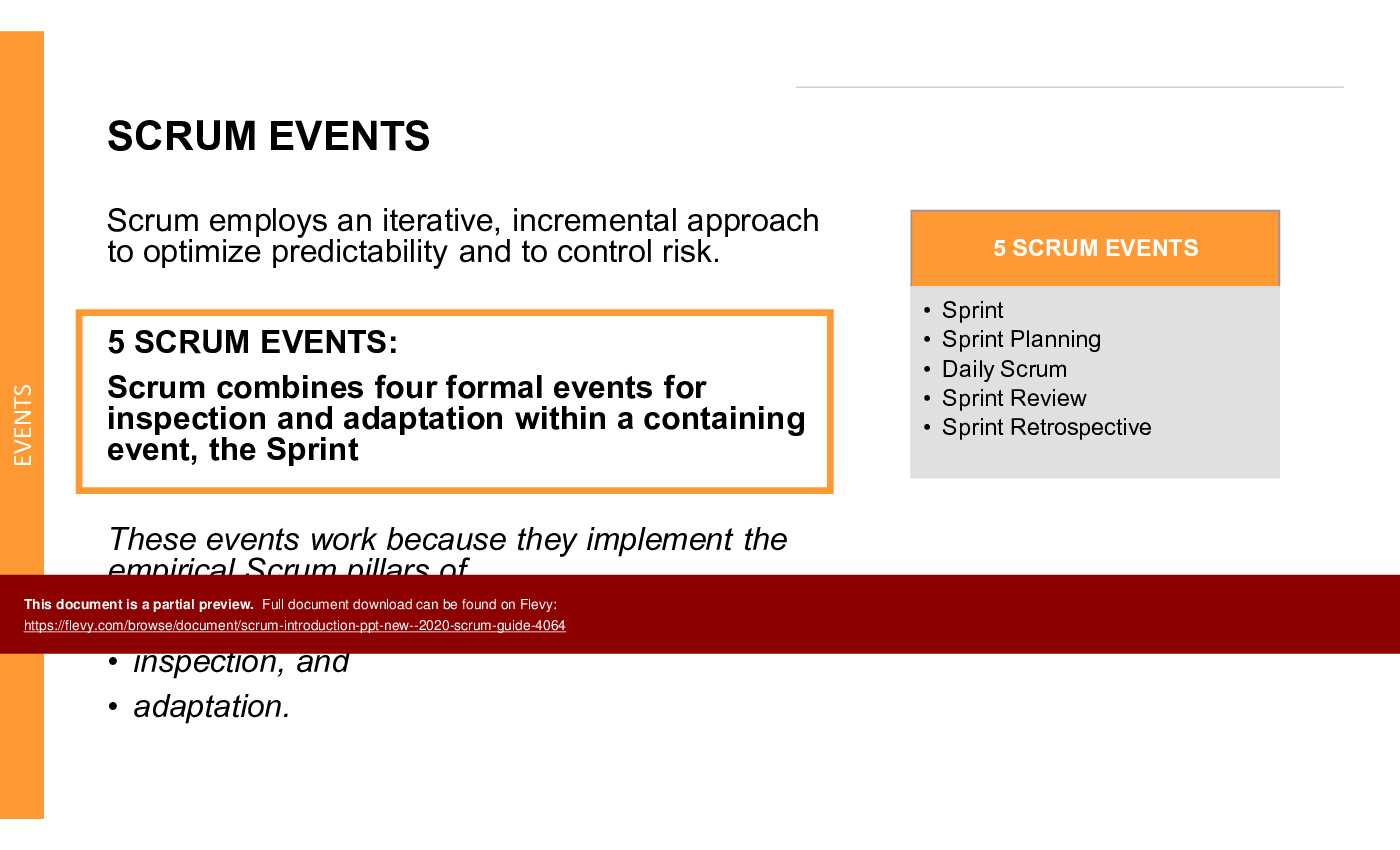
Events:
Prescribed events used in Scrum create regularity and minimize the need for meetings not defined in Scrum. Rules and meetings are aggressively simplified to optimise work flows and minimise waste.
Primary Scrum events are:
Sprint
1. Sprint Planning
2. Daily Scrum / Standup
3. Sprint Review
4. Sprint Retrospective
and Backlog Refinement
• each with their own timebox and deliverables.
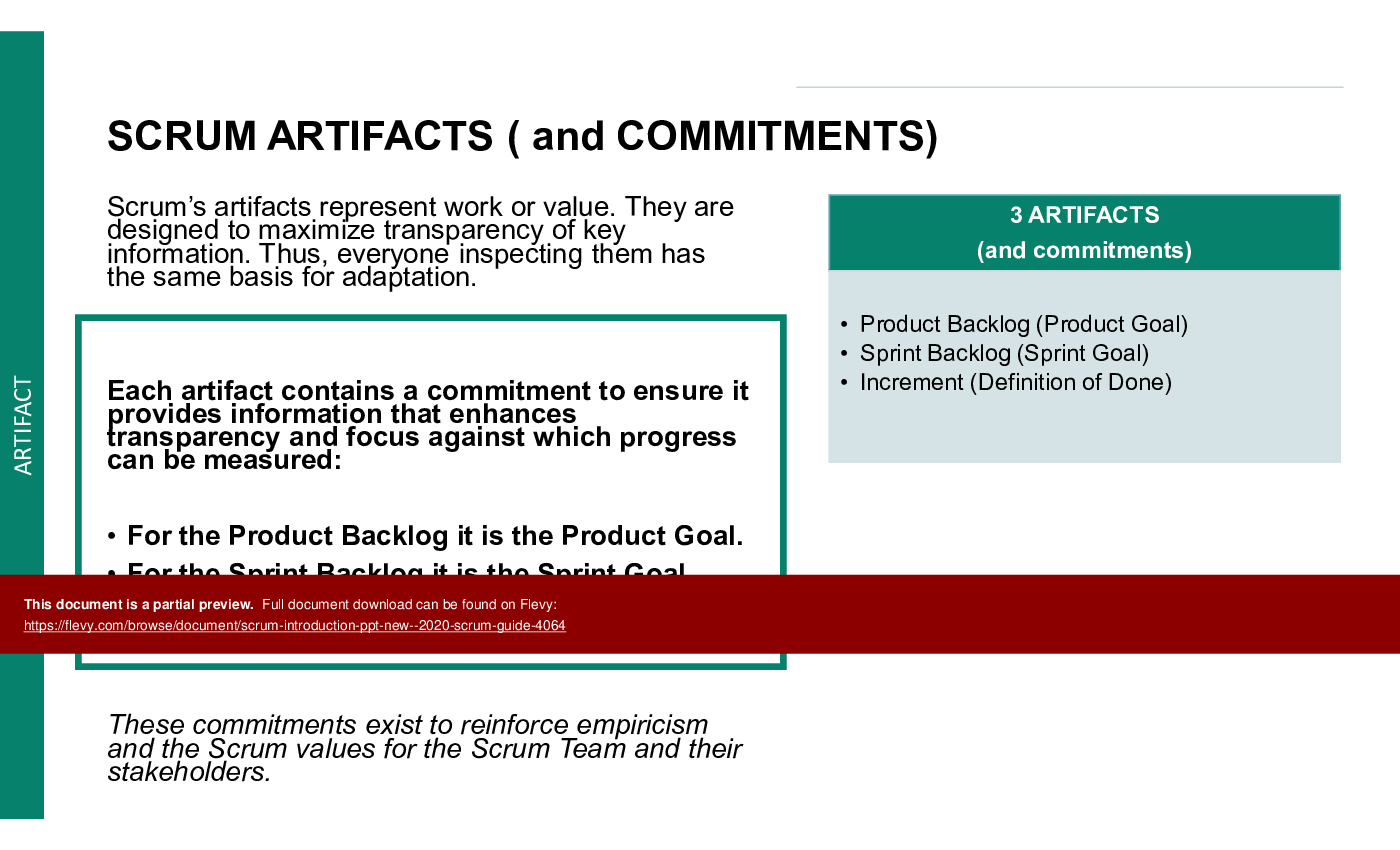
Artifacts:
Scrum's artifacts represent work or value in various ways that are useful in providing transparency and opportunities for inspection and adaptation.
Primary Scrum artifacts:
A. Product Backlog
B. Sprint Backlog
C. Increment
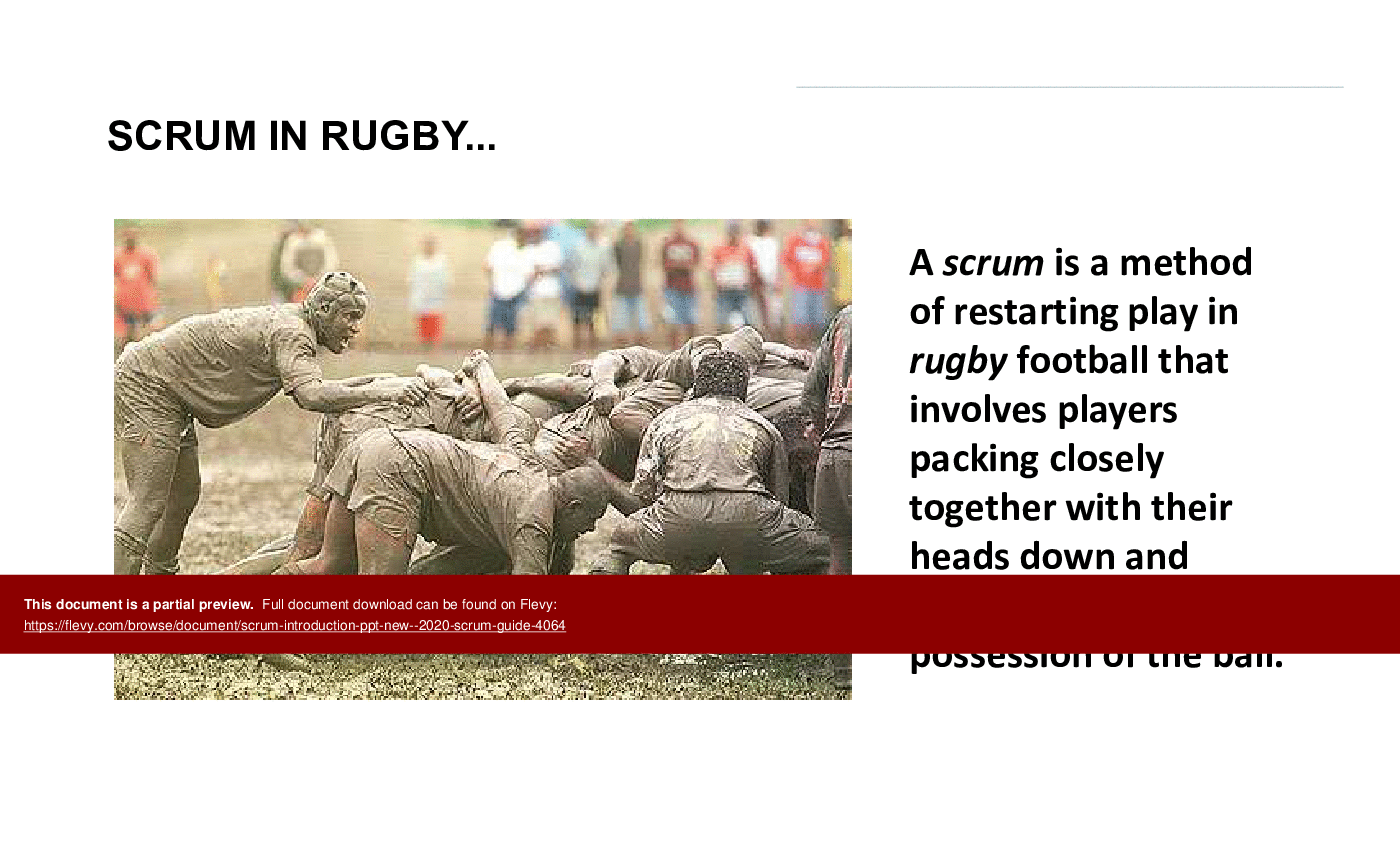
The presentation begins with an engaging analogy between Scrum in rugby and its application in business, setting the stage for a comprehensive understanding of the Scrum framework. It emphasizes the importance of teamwork, iterative progress, and adaptability in managing complex projects. The slides detail the roles within a Scrum Team, the significance of Scrum Events, and the value of Scrum Artifacts, providing a holistic view of the methodology.
The PPT also delves into practical aspects of Scrum, such as the Product Vision, User Stories, and the Definition of Done. It outlines the responsibilities of the Product Owner, Scrum Master, and Development Team, ensuring clarity on each role's contribution to the sprint cycle. The presentation includes tips for effective sprint planning and backlog management, making it a valuable resource for any organization looking to implement or refine their Scrum practices.
Got a question about the product? Email us at support@flevy.com or ask the author directly by using the "Ask the Author a Question" form. If you cannot view the preview above this document description, go here to view the large preview instead.
TOPIC FAQ
What are the core roles in Scrum and what does each do?
Scrum defines 3 core roles: Product Owner (owns Product Vision and manages the Product Backlog), Scrum Master (facilitates events, enforces timeboxes, and removes impediments), and Development Team (plans and delivers the Increment). These 3 roles work together across the sprint cycle as described in the 2020 Scrum Guide, totaling 3 roles.What are the primary Scrum events and their purpose?
Primary Scrum events create regularity and reduce unnecessary meetings: Sprint (timeboxed development cycle), Sprint Planning (sets sprint goals and Sprint Backlog), Daily Scrum/Standup (synchronization), Sprint Review (inspect increment), Sprint Retrospective (process improvement), plus Backlog Refinement for backlog clarity, totaling 5 events.What are Scrum artifacts and how do they support transparency?
Scrum artifacts represent work or value to provide transparency and opportunities for inspection and adaptation. The primary artifacts are the Product Backlog (ordered work), Sprint Backlog (work selected for the sprint), and the Increment (potentially releasable product output), with each artifact designed to increase visibility, specifically Product Backlog, Sprint Backlog, Increment.How should teams apply Definition of Done and user stories within a sprint?
Definition of Done provides shared criteria that an Increment must meet before being considered complete, ensuring consistent quality. User stories capture requirements that populate the Product Backlog and are selected into the Sprint Backlog during Sprint Planning, guiding deliverables and acceptance based on the Definition of Done and user stories.How can organizations train teams on the 2020 Scrum Guide basics?
Organizations can use structured slide decks that explain roles, events, artifacts, Product Vision, user stories, and practical tips for planning and backlog management. A ready-made resource like Flevy's Scrum Introduction (New - 2020 Scrum Guide) provides that classroom and workshop material in a 91-slide PPTX.What should I look for when choosing a Scrum training slide deck or template?
Prioritize decks that explicitly cover Scrum roles, prescribed events with timeboxes and deliverables, primary artifacts, Product Vision, user stories, and Definition of Done, plus practical tips for sprint planning and backlog management. Ensure the material addresses role responsibilities, event purposes, and artifacts coverage.How much value do premade Scrum templates typically provide versus building training material in-house?
Premade slide decks supply structured explanations of Scrum roles, events, artifacts, and practical tips, allowing teams to deploy training faster than creating material from scratch; you can compare time savings against customization needs using a representative deck such as a 91-slide PPTX.I need to implement Scrum after a merger — which Scrum components should I prioritize first?
Start by establishing clear Scrum Team roles (Product Owner, Scrum Master, Development Team), defining Product Vision and initial Product Backlog items, setting Sprint cadence and timeboxed events, and agreeing on a Definition of Done to enable consistent Increments and effective backlog management using the Product Backlog and Sprint cadence.Source: Best Practices in Scrum PowerPoint Slides: Scrum Introduction (New - 2020 Scrum Guide) PowerPoint (PPTX) Presentation Slide Deck, ITSM Consulting




























