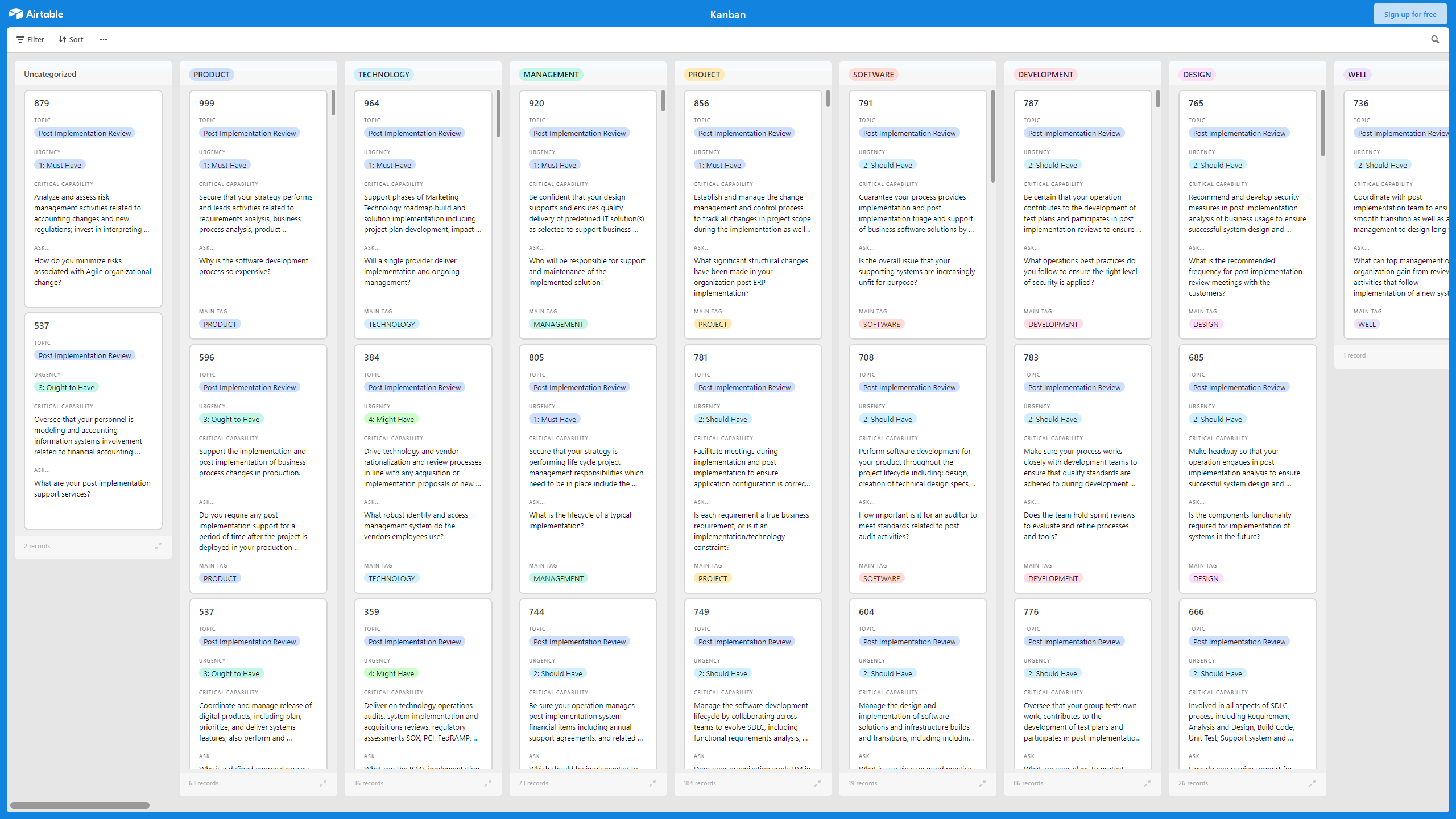
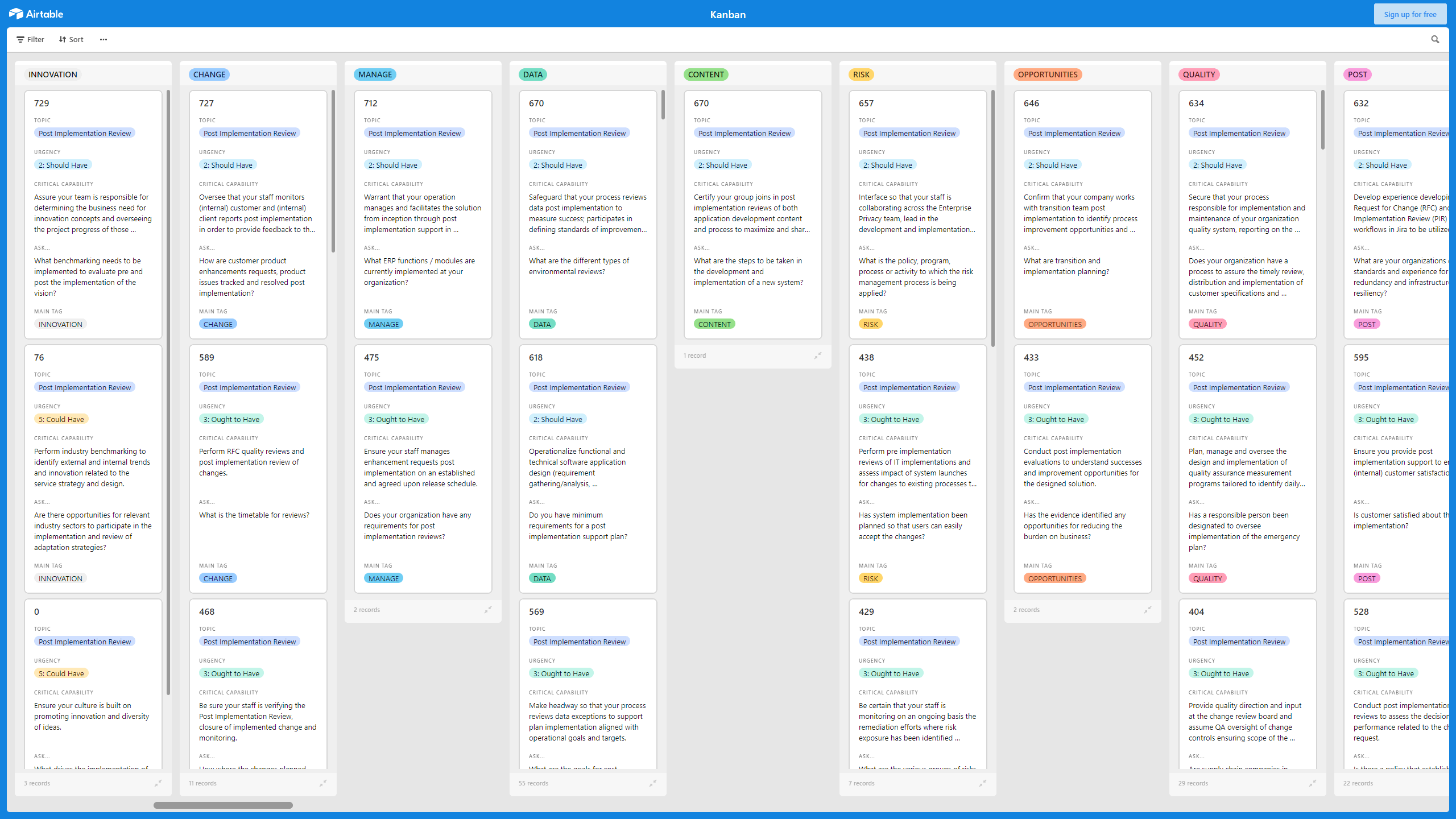
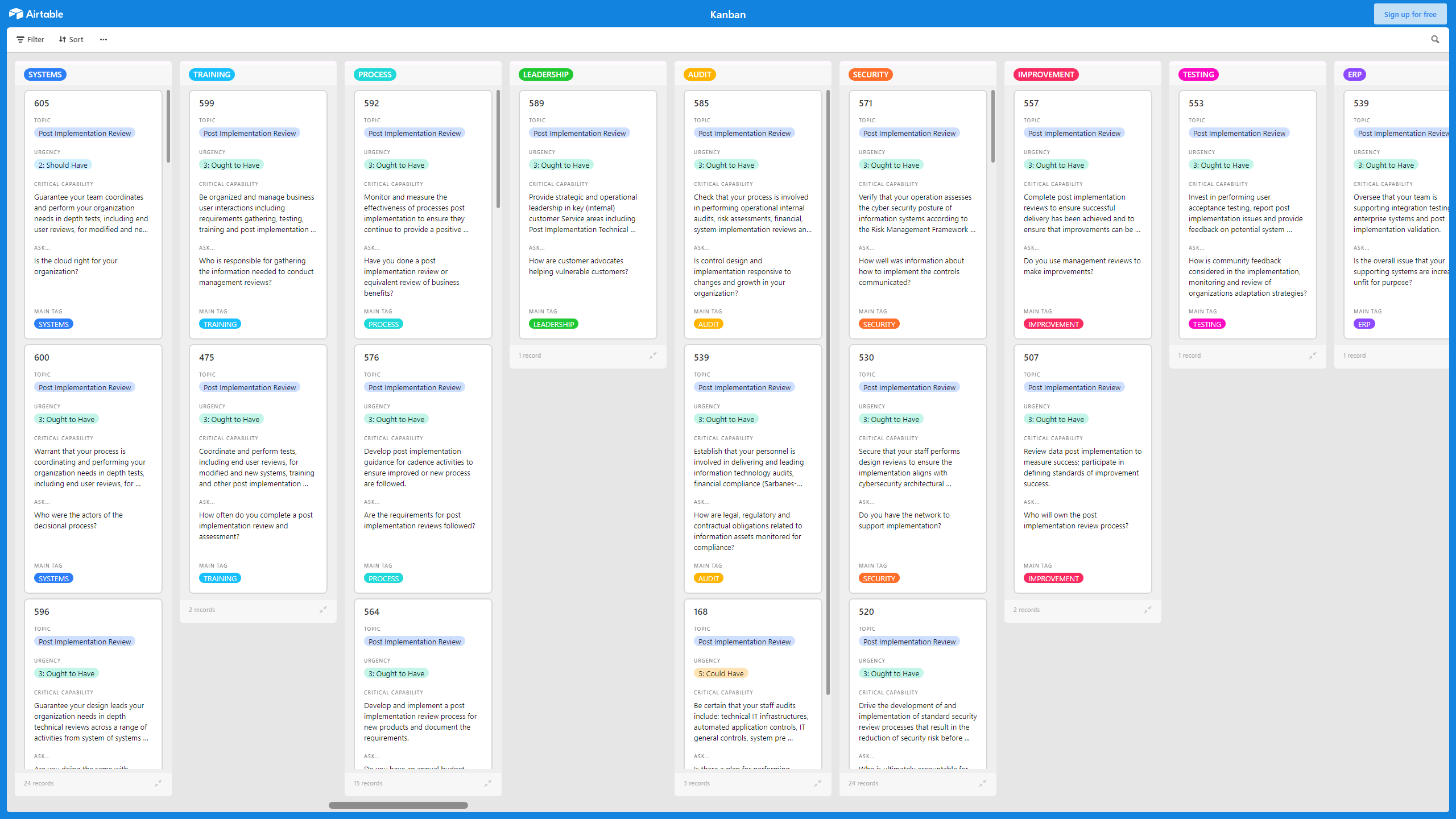
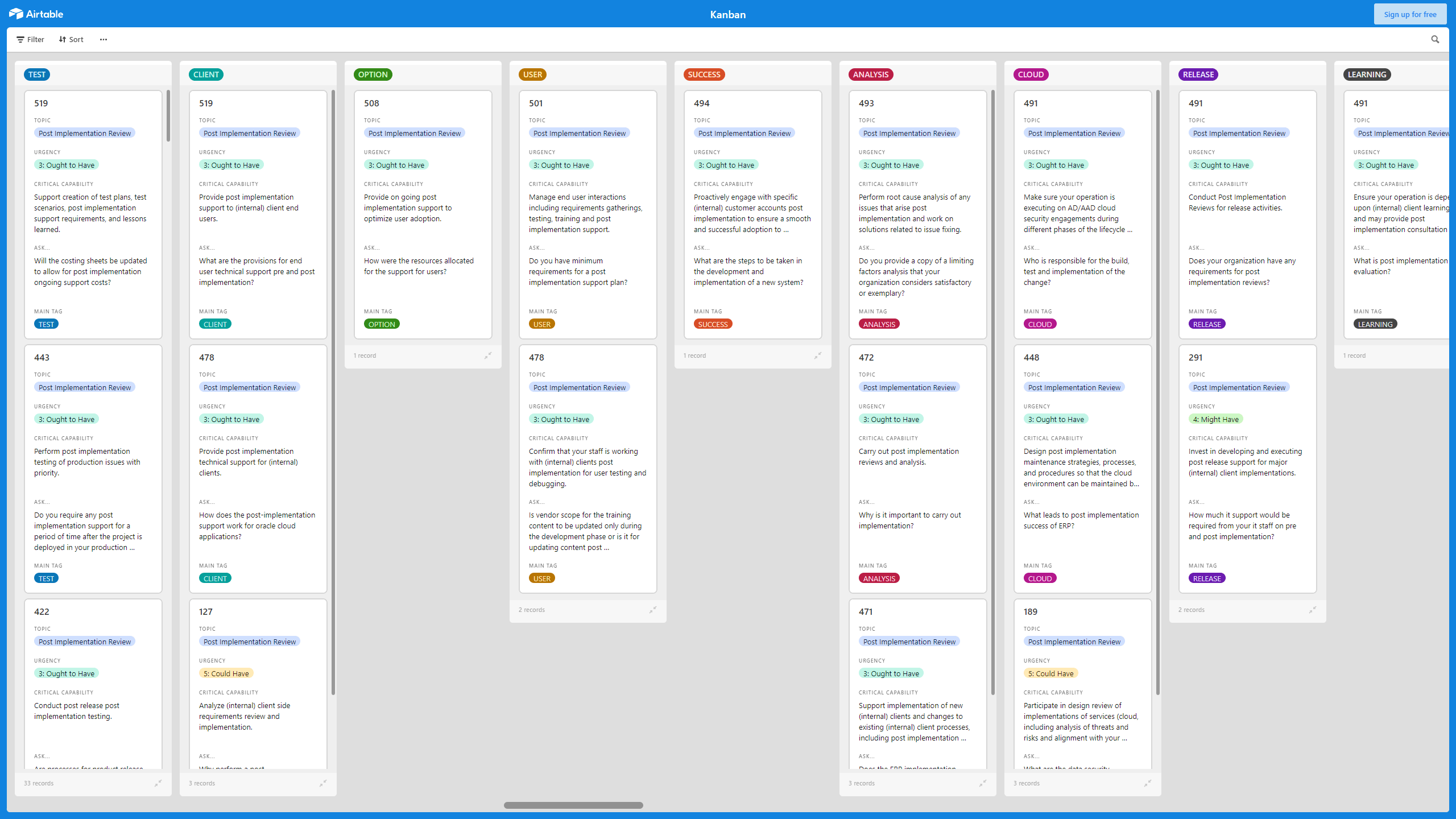
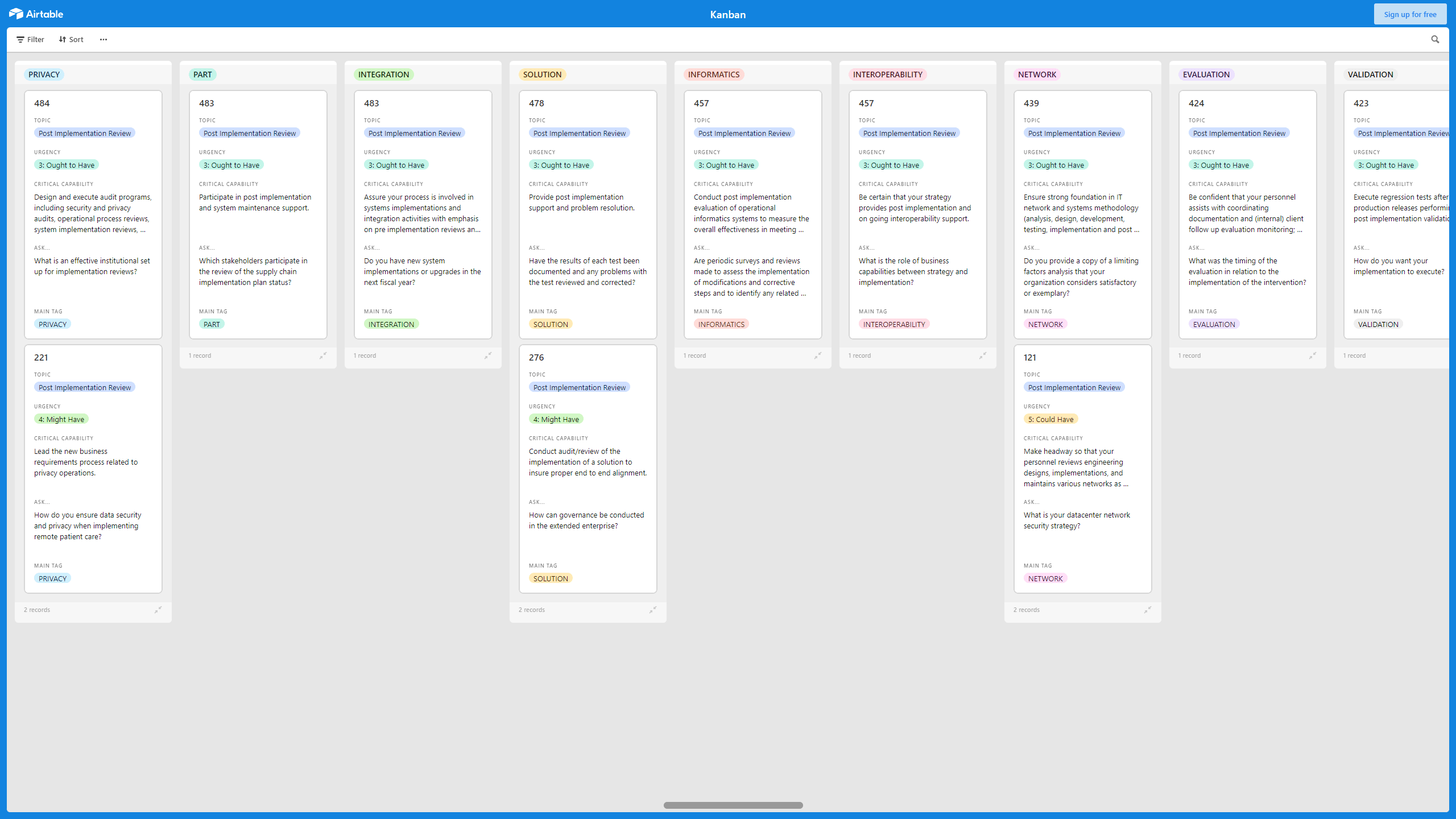
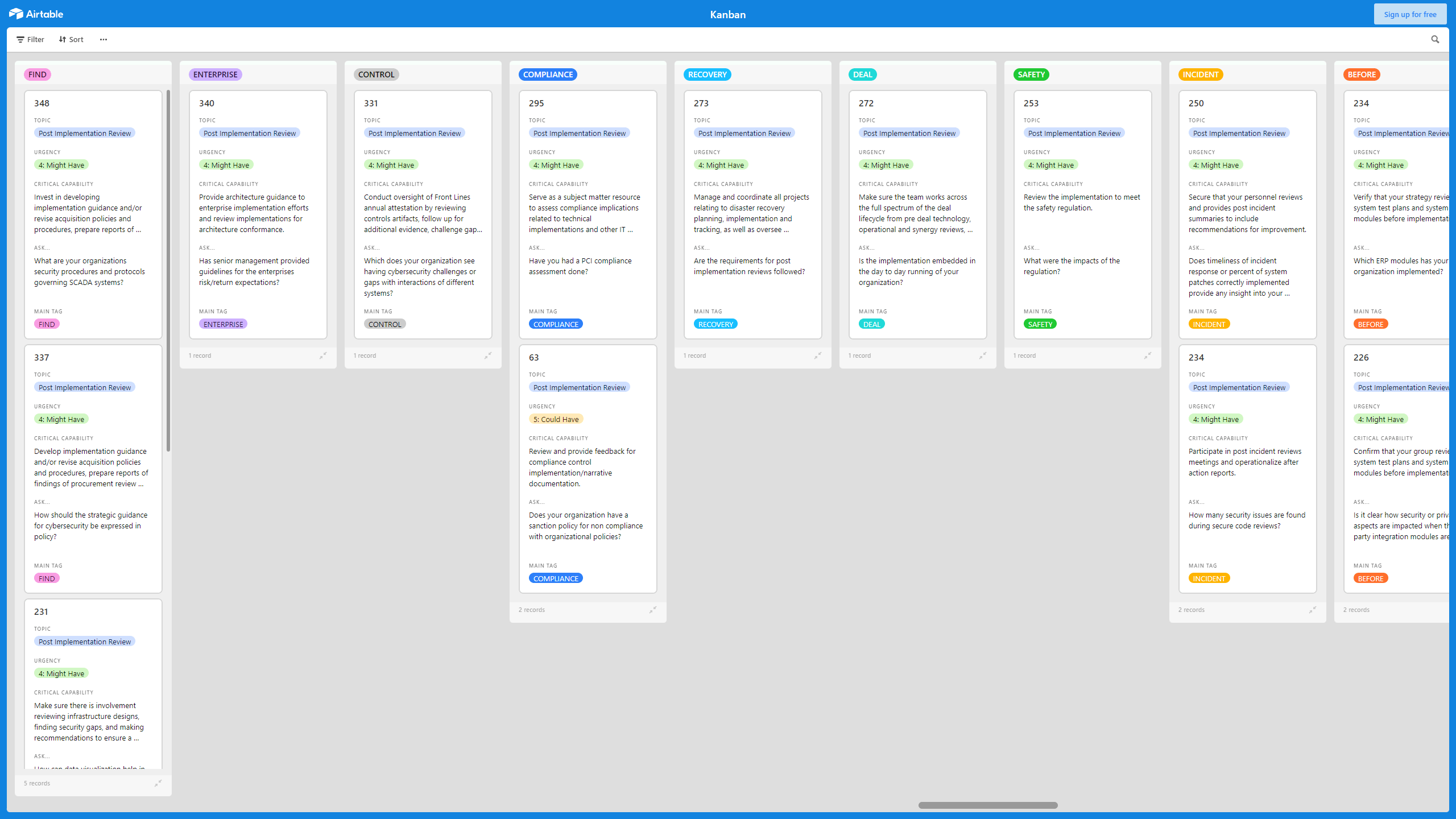

 Click main image to view in full screen.
Kanban Board: Post Implementation Review – Excel XLSX
Excel (XLSX) + supplemental PDF


KANBAN EXCEL DESCRIPTION
A Kanban Board is a Lean & Agile Project Management tool used to implement Kanban to manage work at a personal or organizational level.
Kanban Boards visually depict work at various stages of a process using cards to represent work items and columns to represent each stage of the process. Cards are moved from left to right to show progress and to help coordinate teams performing the work. A Kanban Board may be divided into horizontal "swimlanes" representing different kinds of work or different teams performing the work.
With this Post Implementation Review Kanban, ensure your strategy performs and leads activities related to requirements analysis, business process analysis, product configuration and customization, scope analysis, workflow consulting, data mapping, detailed project documentation, (internal) customer communication, issue resolution, testing, (internal) customer training/education, solution deployment and implementation, and transitory post implementation support.
This Kanban offers the following benefits:
• Use data to inform on going project implementation.
• Ensure that changes to company documentation have been implemented.
• Define, implement and maintain an appropriate level of information security.
• Optimize business processes across all applications.
• Justify the initiation time to the Project Sponsor or Customer who just wants it done.
• Ensure data consistency across all applications.
• Pick the right system, implement it efficiently and get people using it.
• Monitor and review the information related to the external and internal issues.
• Get feedback from the frontline staff as to whether they can implement that in practice.
• Lower your post implementation costs while increasing the value of your current investments.
This Kanban Board is downloadable as an Excel file. You will need to import the Excel into Airtable, Monday, Smartsheet, Power BI, or the Kanban visualization tool of your choice.
The above preview is only a partial snapshot of all the data included in the Kanban Excel import. The full document has 900+ records.
Got a question about the product? Email us at support@flevy.com or ask the author directly by using the "Ask the Author a Question" form. If you cannot view the preview above this document description, go here to view the large preview instead.
TOPIC FAQ
What is a Kanban Board and how does it represent work?
A Kanban Board is a Lean & Agile project-management visualization that uses cards to represent work items and columns to represent process stages; cards move left to right to show progress. Boards can include horizontal swimlanes to separate types of work or teams, with state visible across columns and swimlanes.How can I use a Kanban for a post-implementation review?
Use a Kanban to track post-go-live tasks such as requirements verification, process analysis, configuration changes, testing, training, deployment, issue resolution, and short-term support. Flevy's Kanban Board: Post Implementation Review maps these activities into cards and columns for ongoing monitoring and follow-up.What are the typical benefits of using Kanban for implementation projects?
Kanban supports data-informed project implementation, ensures documentation changes, helps maintain information security levels, optimizes processes, ensures data consistency across applications, and captures frontline feedback to lower post-implementation costs, such as improved data consistency and reduced support overhead.How do swimlanes work and when should I use them?
Swimlanes are horizontal lanes that separate different kinds of work or teams on the same board, enabling parallel coordination and clearer assignment of responsibilities. They are useful when you need to track distinct workstreams or multiple teams within the same implementation board, using lanes for team or work-type segregation.What should I look for when choosing a Kanban Excel template for post-implementation review?
Look for templates that support columns for process stages, swimlanes for work types or teams, fields for requirements analysis, data mapping, testing, training, deployment, and issue tracking, plus compatibility with common tools for import like Airtable, Monday, Smartsheet, or Power BI.How much data does a ready-made Kanban Excel import typically contain?
Prepared Kanban Excel imports can vary widely; the specific Flevy template referenced includes a full document with 900+ records intended for import into tools such as Airtable, Monday, Smartsheet, or Power BI.I need to ensure data consistency across applications after an ERP go‑live—how can a Kanban help?
Use the Kanban to track data-mapping tasks, verification activities, and documentation updates as discrete cards, escalate inconsistencies as issues, and monitor remediation progress so data consistency across applications is visible and actionable through the board’s records.How can frontline feedback be captured and acted on in post-go-live monitoring?
Capture frontline feedback as cards or issues on the Kanban, route them through defined columns for triage, testing, and resolution, and record outcomes and training requirements so feedback flows from capture to implementation and review within the board.Source: Best Practices in Kanban, Kanban Board Excel: Kanban Board: Post Implementation Review Excel (XLSX) Spreadsheet, Gerard Blokdijk




























