
 Click main image to view in full screen.
External Audit Timeline Template for Finance Teams – Excel XLSX
Excel (XLSX) + Zip archive file (ZIP)


BENEFITS OF THIS DOWNLOADABLE EXCEL DOCUMENT
- Separates original planned dates from forecast and actual dates so milestone movement remains visible throughout the audit.
- Maintains one detailed master timeline while the Control Centre, Visual Audit Plan and weekly views update automatically.
- Tracks owners, current holders, blockers, next actions, deadlines and auditor hand-offs in one client-owned Excel workflow.
AUDIT MANAGEMENT EXCEL DESCRIPTION
IMPORTANT: ALREADY OWN "THE FINANCE TEAM'S GUIDE TO A SMOOTHER EXTERNAL AUDIT"?
If you purchased The Finance Team's Guide to a Smoother External Audit, you already have the same clean and worked-demo timeline workbooks included in this standalone product. You do not need to purchase this External Audit Timeline separately.
This standalone version is for finance teams that want the timeline, control views and supporting guidance without purchasing the complete guide and weekly meeting toolkit.
A list of dates does not show whether the audit is actually moving. It does not show who currently holds an item, whether the forecast has changed, what is blocking progress or how a delay affects later review stages.
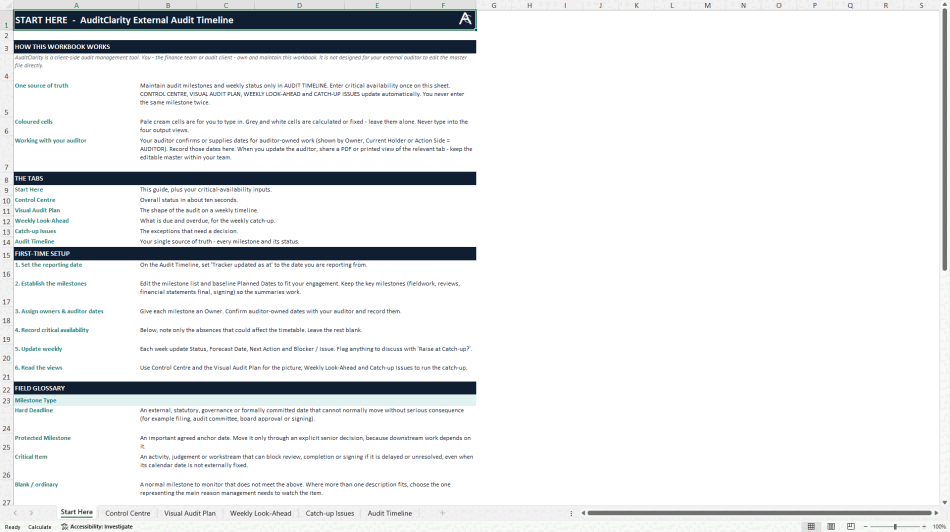
The External Audit Timeline provides one client-owned Excel master for coordinating milestones, owners, forecast changes, blockers, next actions and auditor hand-offs from planning through signing and post-audit follow-up.
HOW IT WORKS
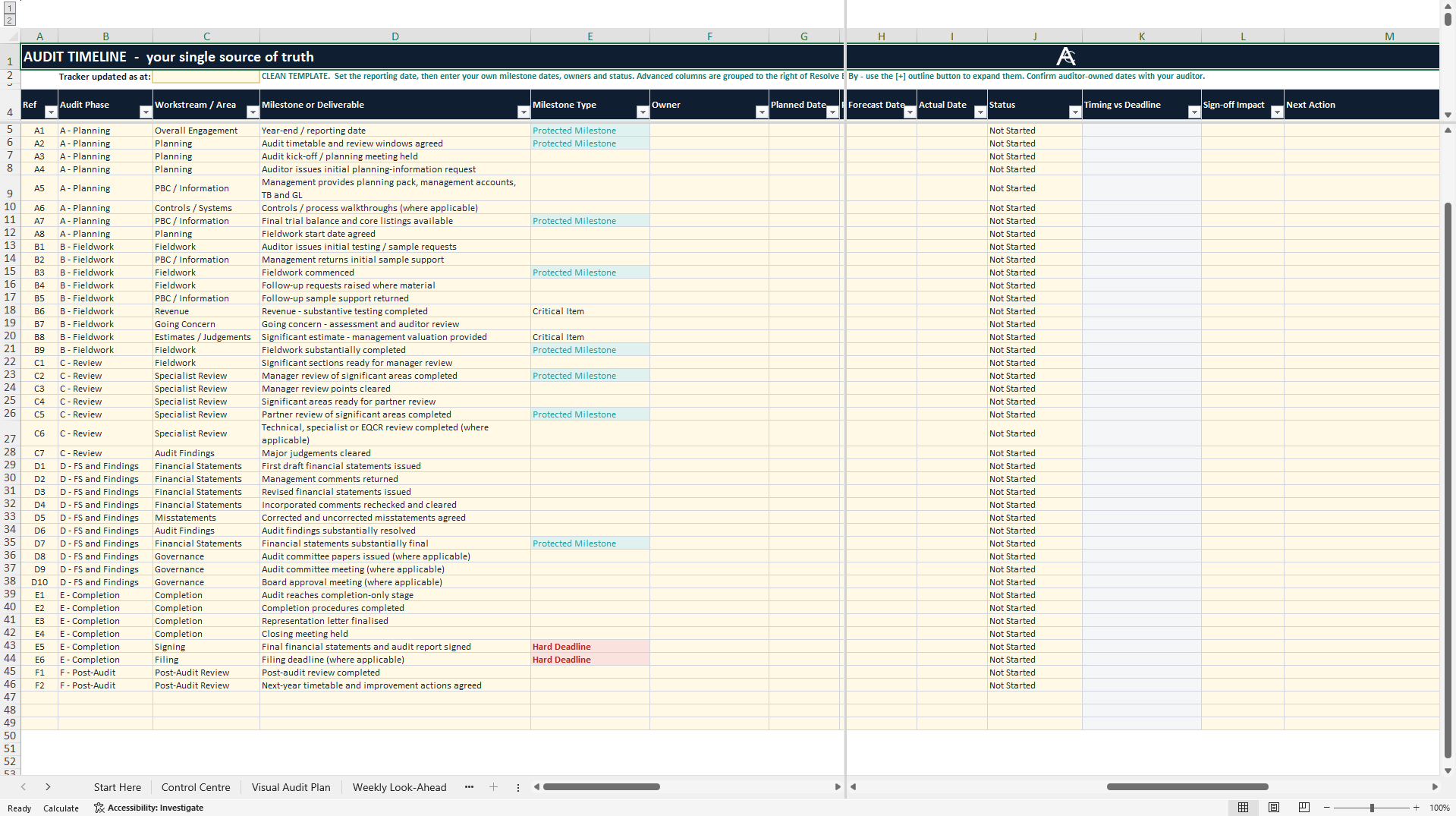
The finance team maintains one detailed Audit Timeline. Enter the reporting date, adapt the milestone list, preserve the original planned dates and update forecast and actual dates as the engagement progresses. Assign owners, record the current holder, identify blockers and document the next action and action deadline.
The workbook uses that master timeline to update four management views automatically. The same milestone is not entered twice.
WHAT YOU WILL RECEIVE
The primary document is a clean, reusable External Audit Timeline workbook for Microsoft Excel.
The supporting ZIP contains:
• The clean External Audit Timeline workbook.
• A fully populated synthetic worked demo.
• A six-page illustrated Quick Start guide.
• A README explaining setup and weekly use.
• Licence information.
INSIDE THE WORKBOOK
START HERE provides the setup steps and critical-availability inputs.
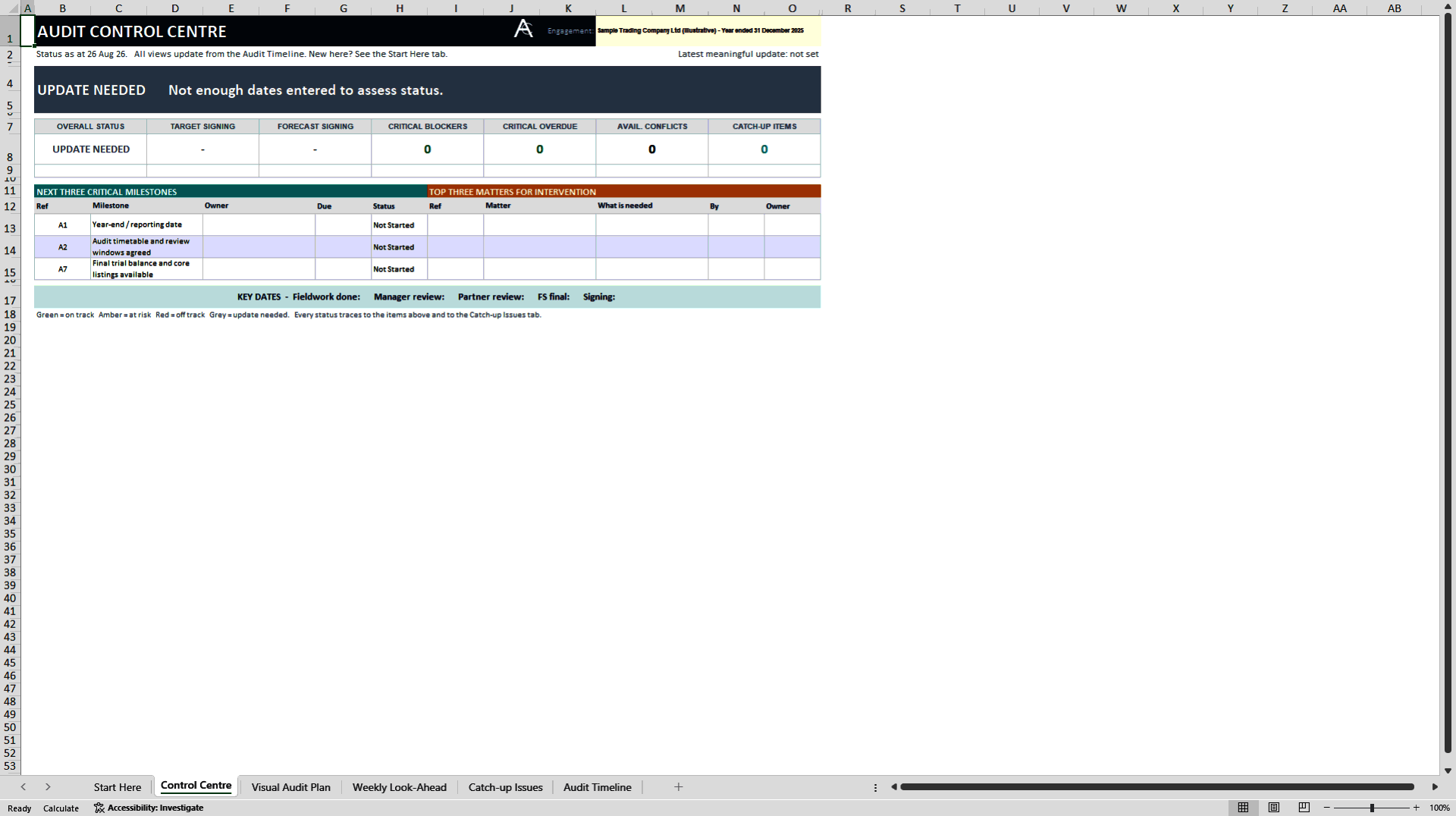
CONTROL CENTRE provides an at-a-glance view of overall status, late milestones, approaching deadlines and important issues.
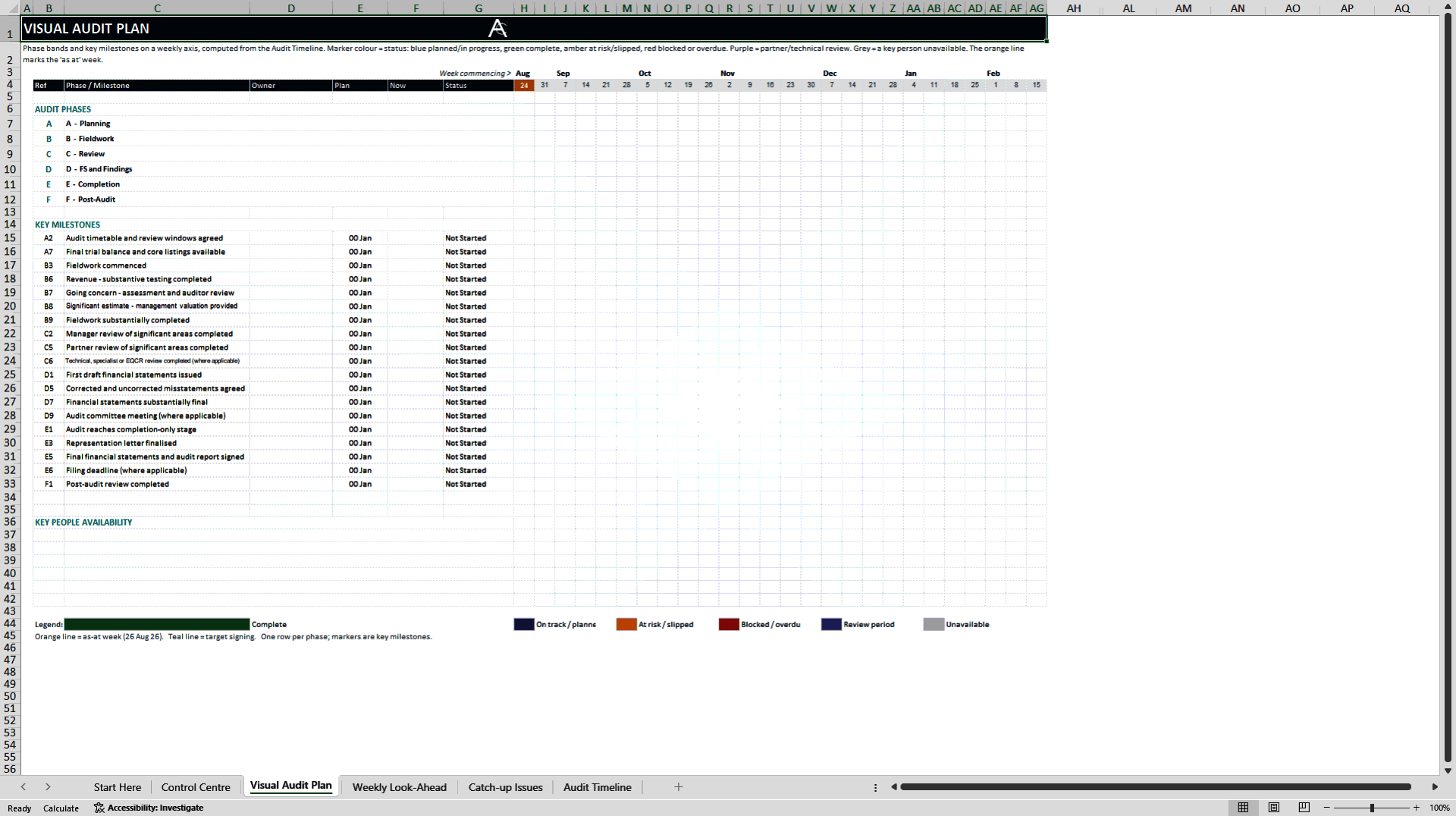
VISUAL AUDIT PLAN provides a weekly Gantt-style view of phases and key milestones.
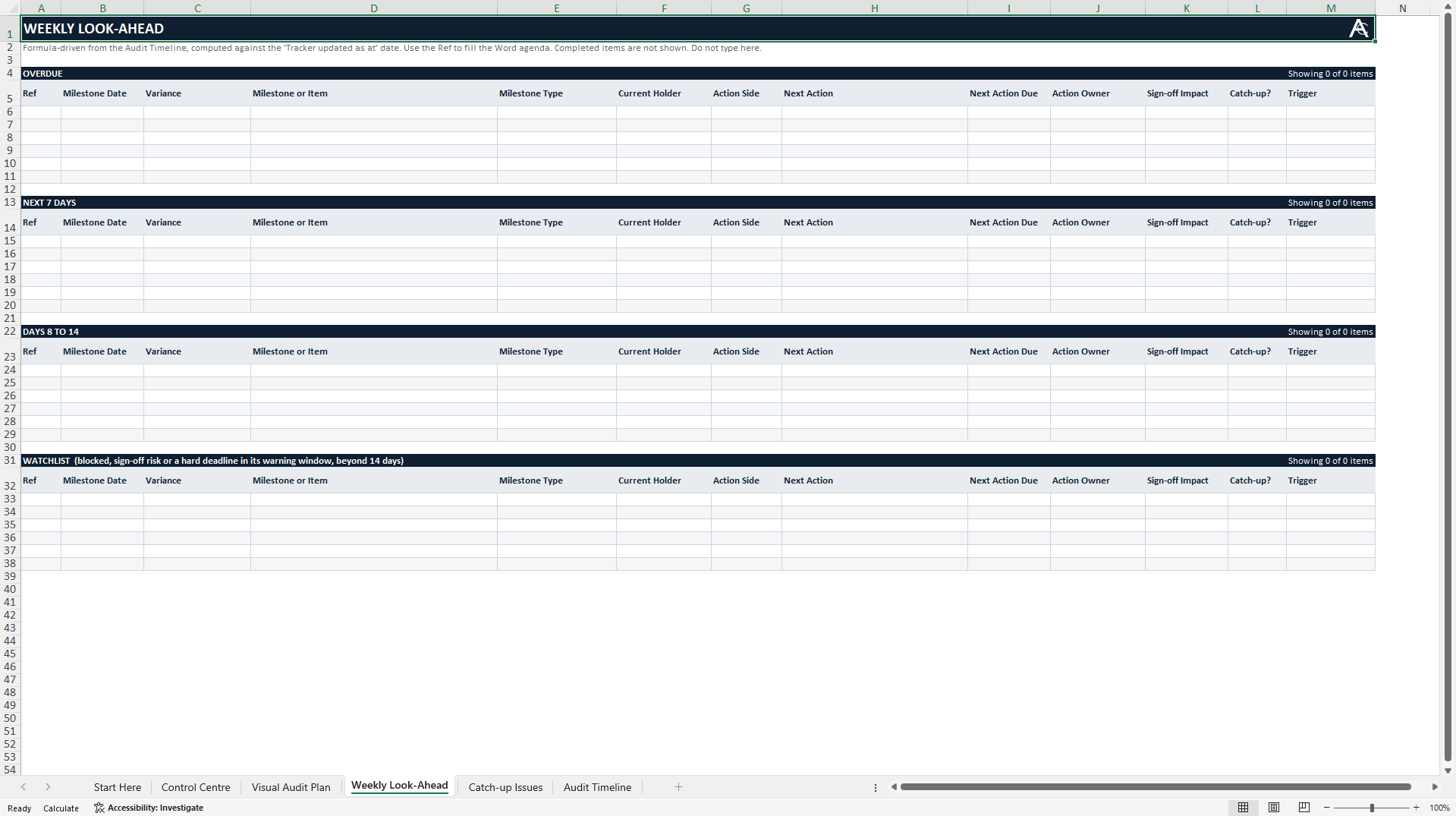
WEEKLY LOOK-AHEAD identifies overdue work and items due in the coming periods.
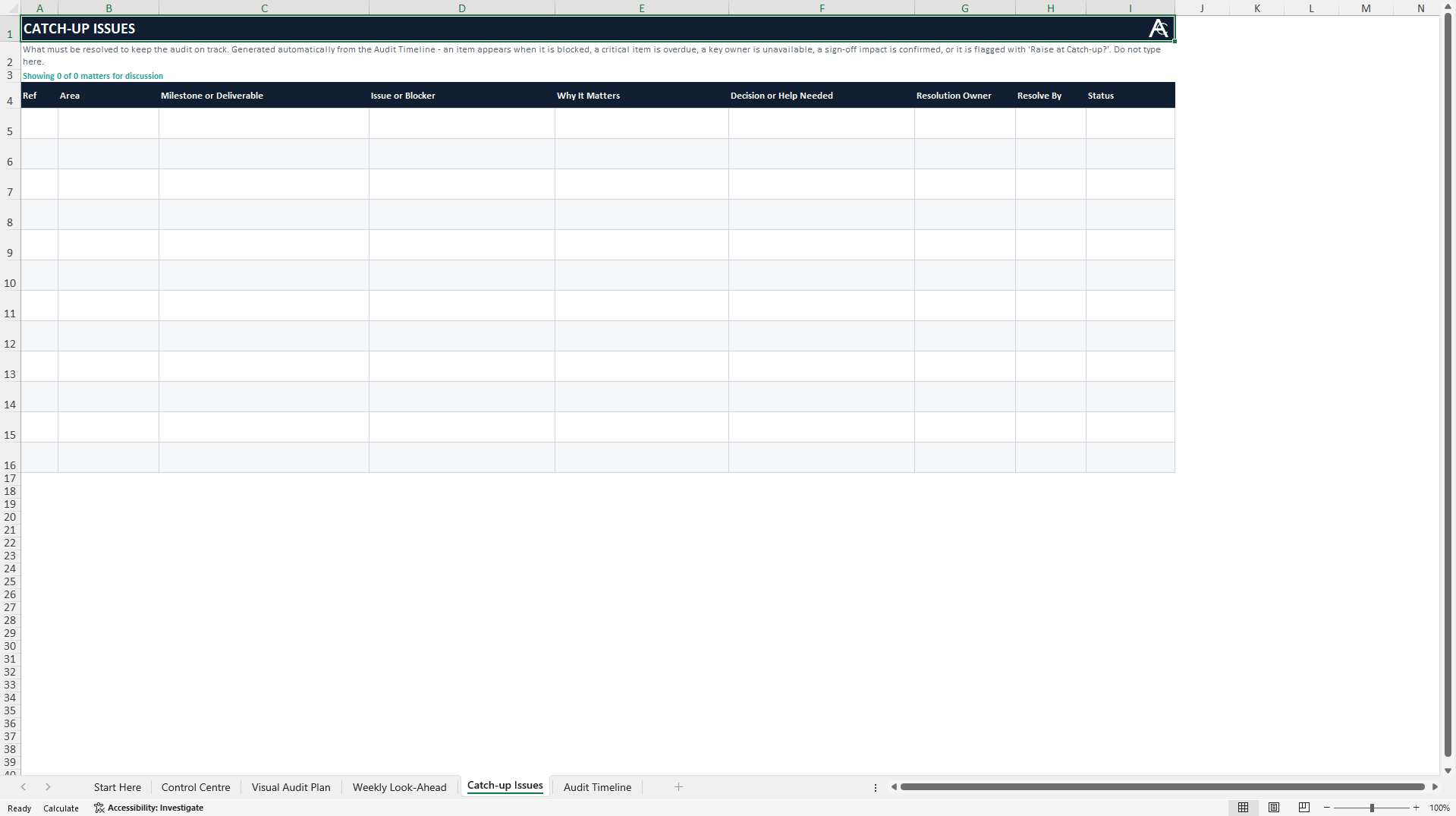
CATCH-UP ISSUES surfaces exceptions that need discussion, a decision or intervention.
AUDIT TIMELINE remains the detailed source of truth for every milestone and its current position.
CLIENT-SIDE OWNERSHIP
This is a finance-team-owned master workbook. It is not designed for the external auditor to edit directly. Auditors can confirm dates and review windows for auditor-owned activities; the finance team records and maintains the agreed position. Relevant views can be shared as a PDF, printout or screen view during weekly catch-ups.
WHO IT IS FOR
Designed for Financial Controllers, Finance Managers, Finance Directors, CFOs and financial reporting teams coordinating an external audit. It is particularly useful where milestones move through several client and auditor review stages or depend on specialists, governance meetings and fixed reporting deadlines.
COMPATIBILITY
Designed for Microsoft Excel desktop on Windows and Excel 2019 or later. No VBA, macros, add-ins or internet connection are required. Google Sheets, Apple Numbers, LibreOffice and Excel mobile are not supported.
IMPORTANT SCOPE
The workbook supports audit coordination and management visibility. It does not replace the auditor's records or request list, determine audit conclusions, guarantee an on-time signing date or transfer auditor responsibilities to the finance team.
Got a question about the product? Email us at support@flevy.com or ask the author directly by using the "Ask the Author a Question" form. If you cannot view the preview above this document description, go here to view the large preview instead.
Source: Best Practices in Audit Management Excel: External Audit Timeline Template for Finance Teams Excel (XLSX) Spreadsheet, AuditClarity
ABOUT THE AUTHOR

AuditClarity creates practical, framework-neutral tools and guidance to help finance teams prepare earlier, maintain clearer ownership and understand where an external audit really stands.
The brand was created by an audit professional with more than 10 years of experience across Big Four and mid-tier firms. This experience spans external audits involving listed groups, smaller businesses,
... [read more]
Ask the Author a Question
You must be logged in to contact the author.




























