
 Click main image to view in full screen. Unlock all 11 preview images:
Construction Document Control & File Naming Training – PowerPoint PPTX Template
PowerPoint (PPTX) 28 Slides


BENEFITS OF THIS DOWNLOADABLE POWERPOINT DOCUMENT
- Teach new site office staff one naming pattern and folder structure for the whole project
- Run the module straight away: slides, speaker notes, exercises and sample solutions included
- Protect the project from superseded drawings with a simple drawing upload log
DOCUMENT MANAGEMENT PPT TEMPLATE DESCRIPTION
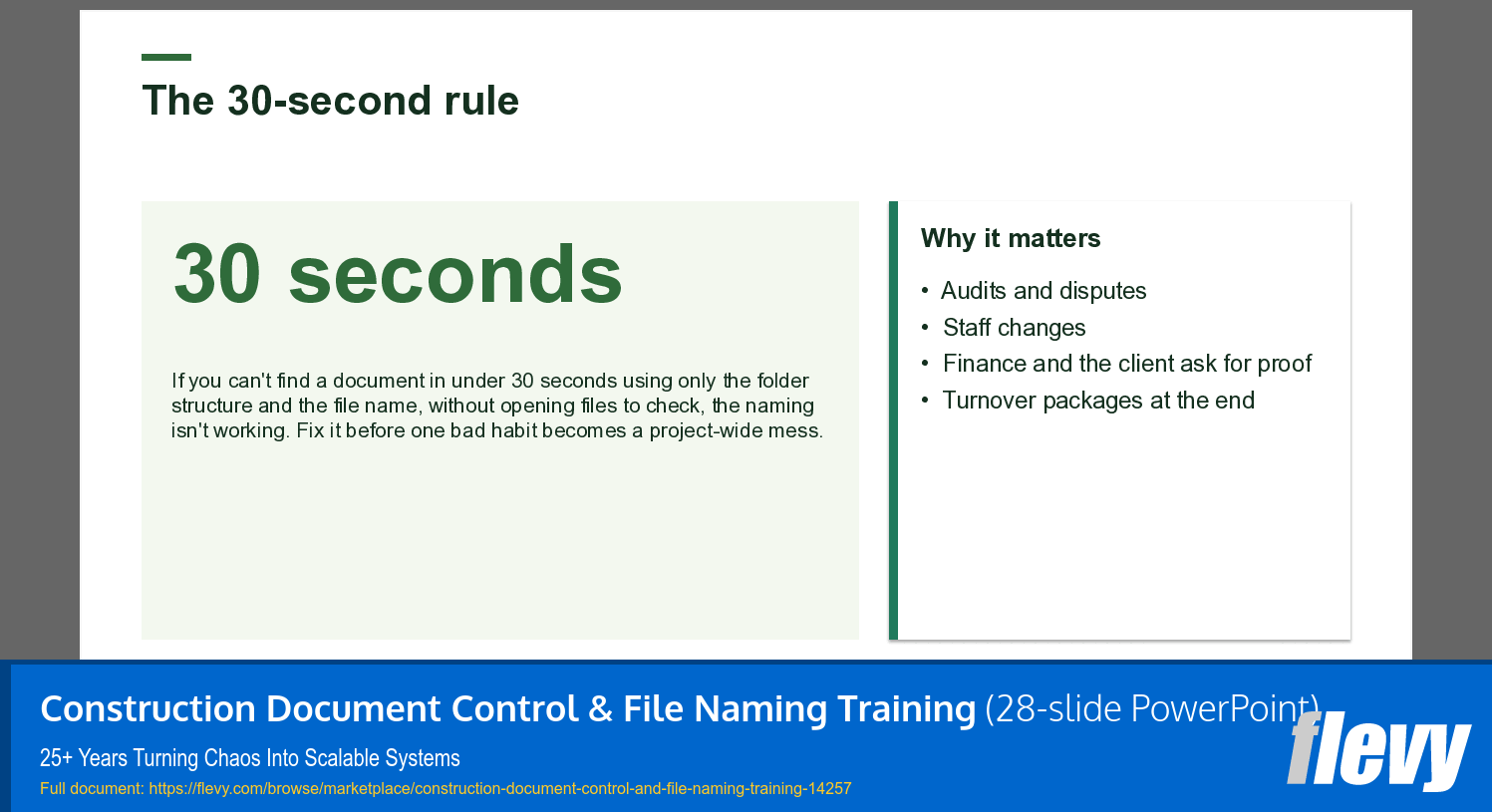
This Construction Document Control & File Naming Training is a ready-to-teach module for new site admins, project assistants and document controllers. It shows how to set up and keep one naming pattern, one folder structure and two simple logs, so that anyone on the project finds any document in under 30 seconds.
All examples come from one running case: an industrial plant extension for an animal health manufacturer that needs more capacity for its dog dental care chews (illustrative).
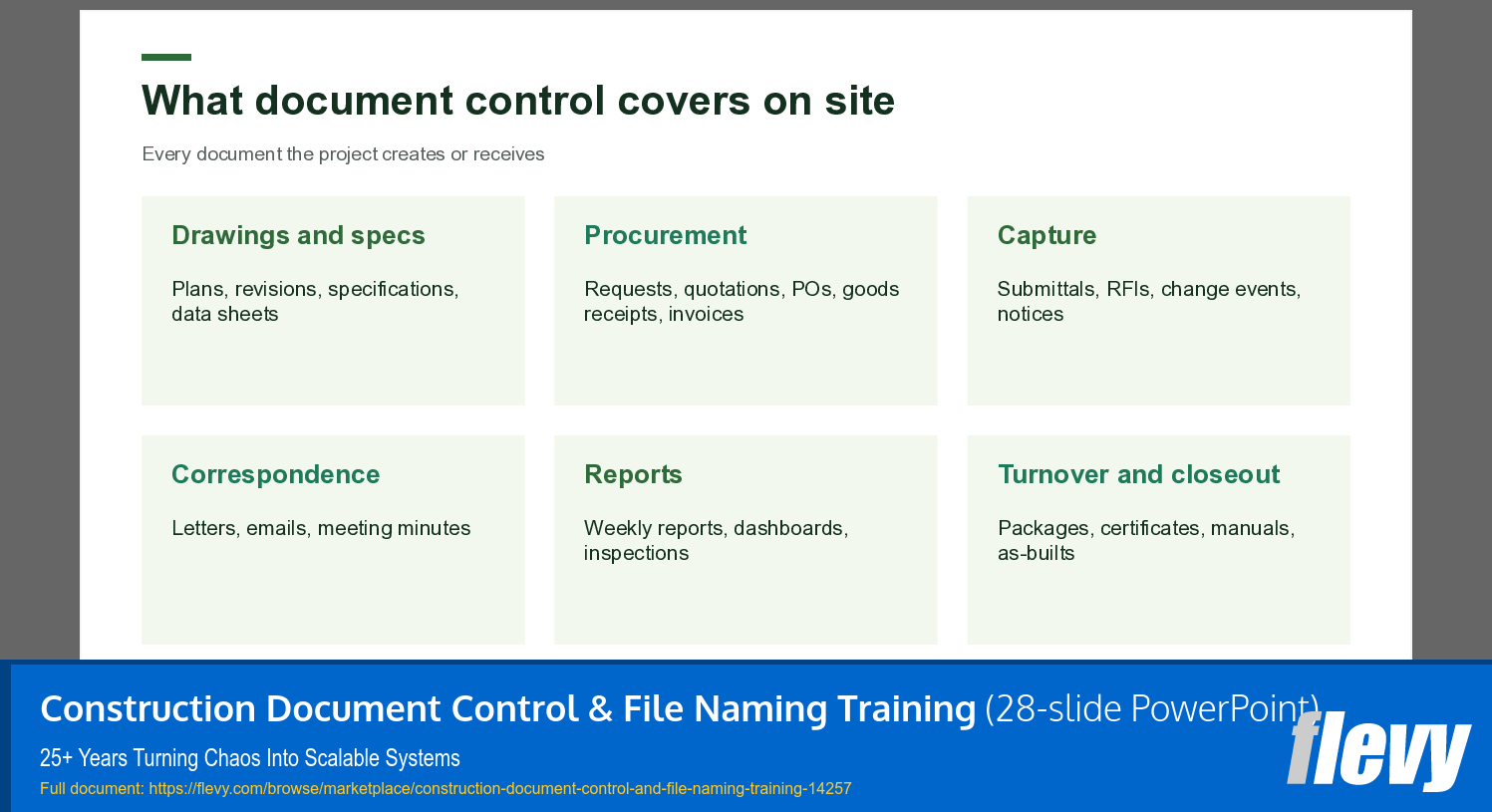
Use it as a document control training PowerPoint, a construction filing and file naming training deck, or as part of site office onboarding, together with the included exercise workbook.
The module covers:
• Why filing fails on site, and the 30-second rule
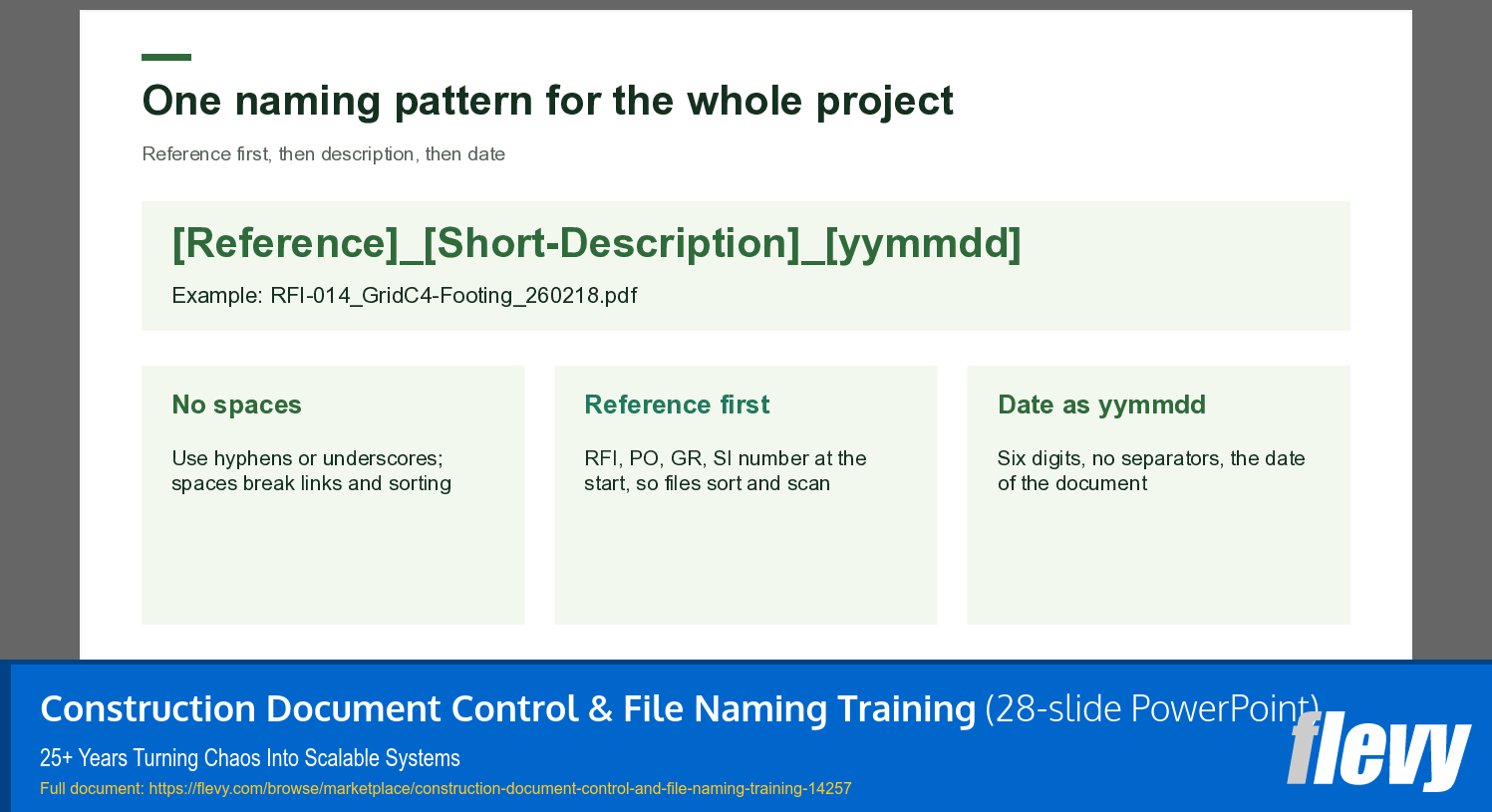
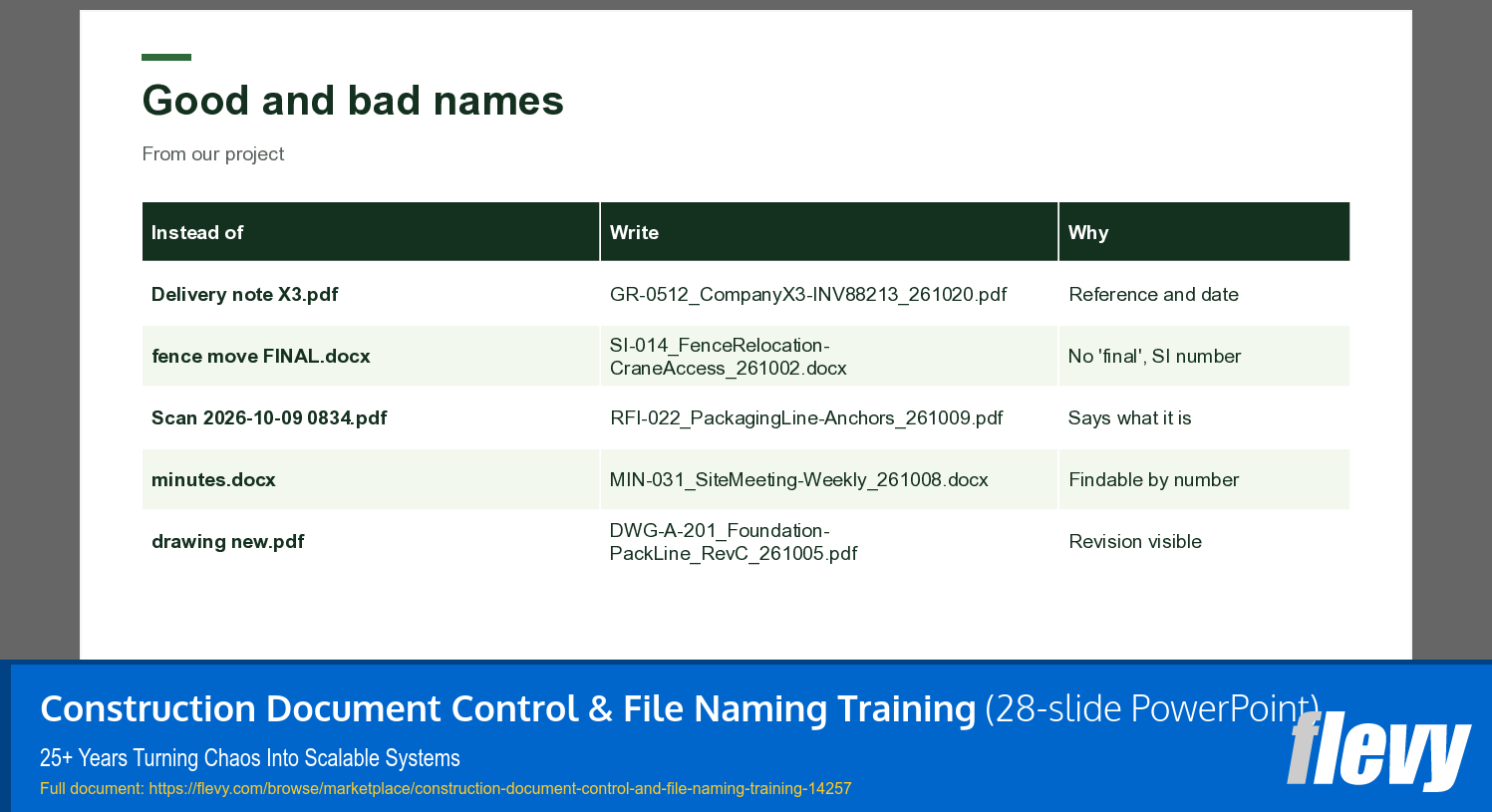
• One naming pattern for the whole project: reference first, short description, date as yymmdd
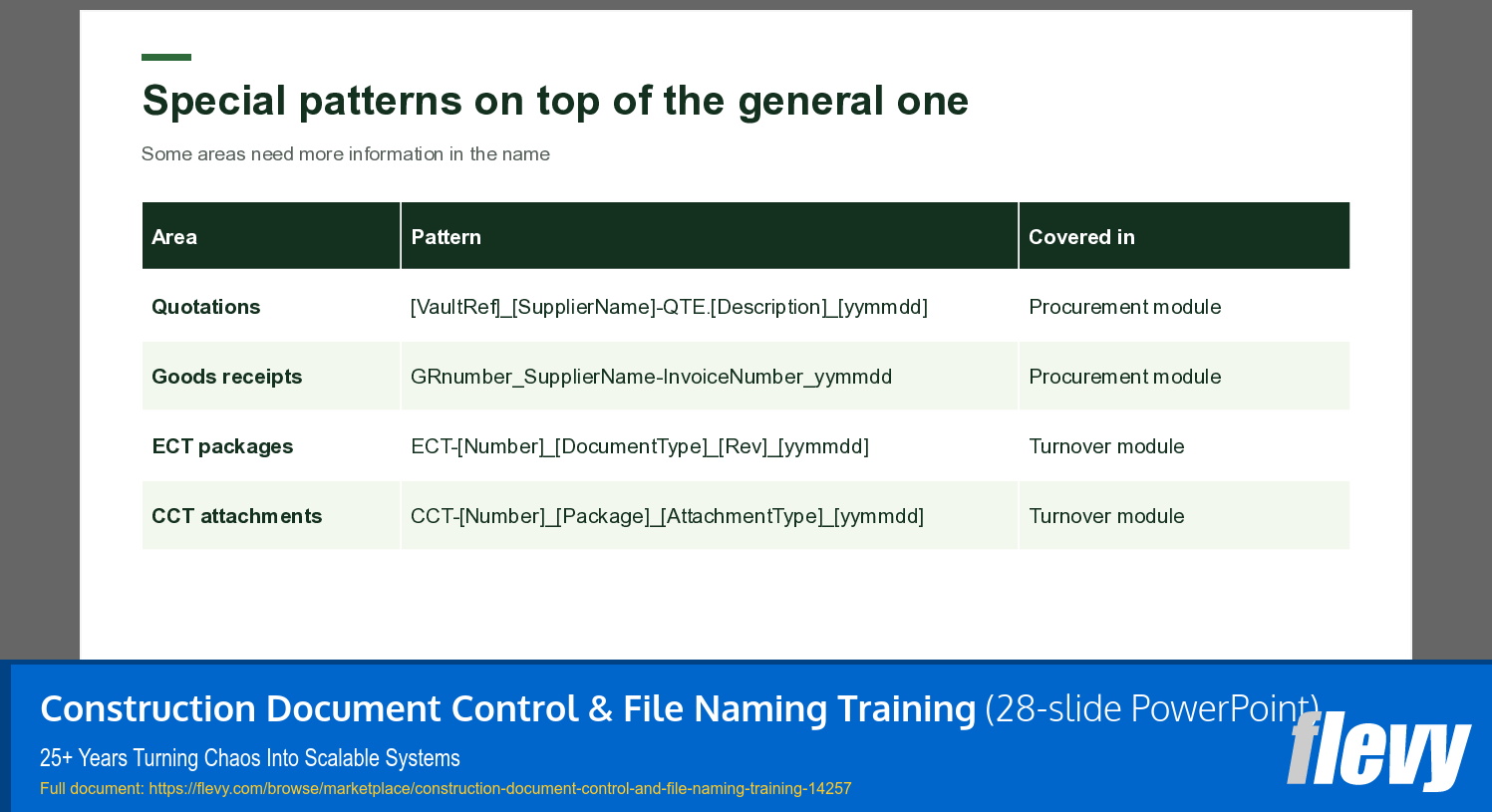
• Eight top-level folders, special patterns for quotations, goods receipts and turnover packages
• Email subject lines that follow the same rule
• Why superseded drawings are dangerous, the drawing upload log and the document assist log
• The same structure on any platform: shared drive, SharePoint, Procore, ACC or a project portal
What's included:
• 28-slide editable PowerPoint in three parts, with speaker notes, trainer tips and solutions
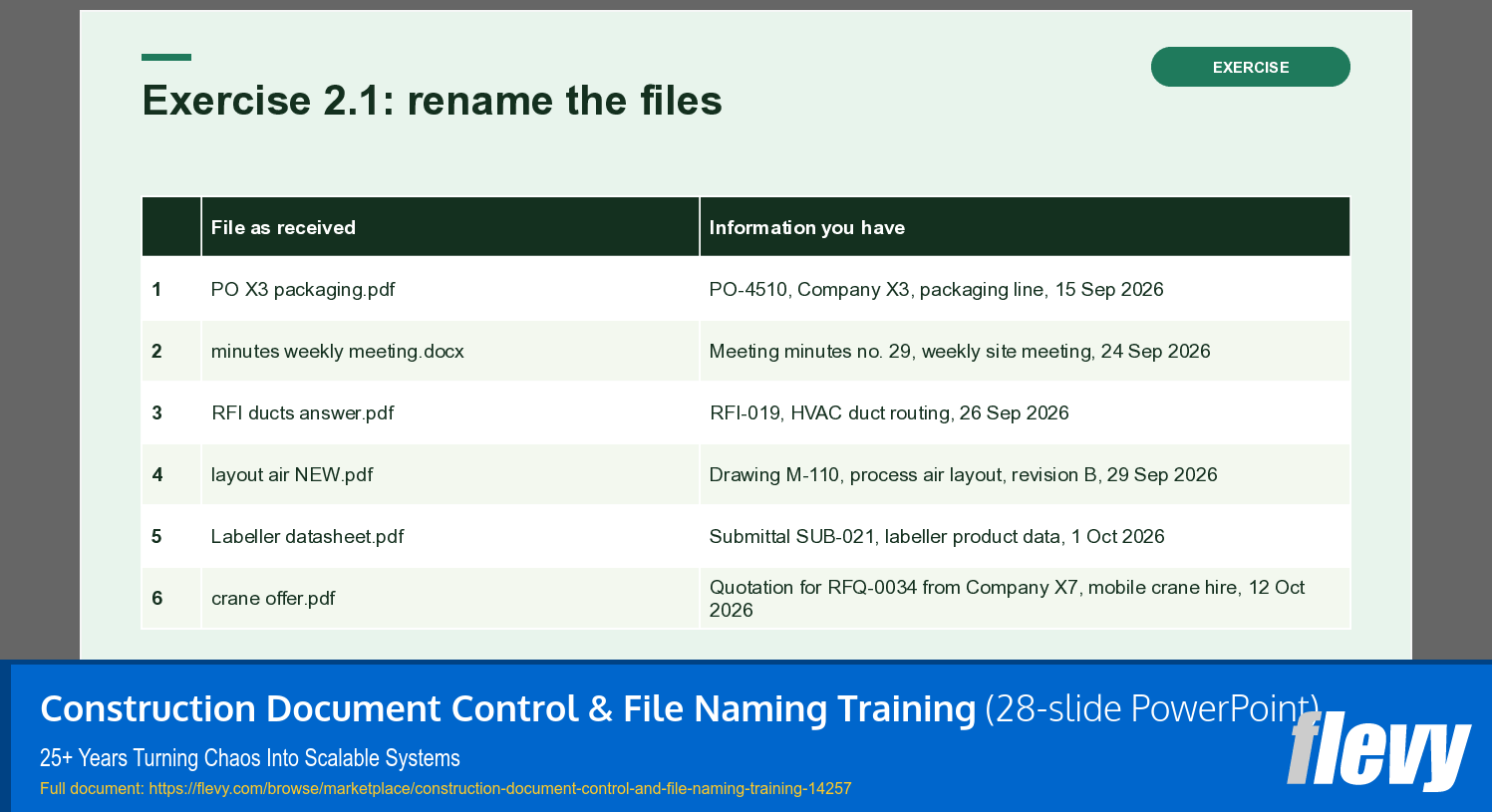
• Five exercises (renaming, filing, subject lines, revision check, a quick find-it game), as a trainer edition with sample solutions and a participant edition
• An 'adapt to your company' slide and a module recap
The primary document is the slide deck. The exercise workbook (trainer and participant edition, PDF) is provided in the secondary ZIP file. No Excel is needed for this module.
This module is part of the Construction Site Administration Course: 12-Week Trainer Kit, which covers twelve weeks from the site admin role and document control to procurement, change events, submittals and RFIs, the site office, reporting, turnovers and closeout, with eight Excel tools, exams and a trainer guide.
How this module was created: I created this course myself, based on my own professional experience, knowledge and research. AI tools supported me with translation, slide design and formatting. All content was written, checked and approved by me.
Please note: companies, people and amounts in the case are illustrative, and amounts are in USD. The module gives no legal advice; contracts, laws and company rules differ by country and always take precedence. The license covers use by one trainer or one organization.
Got a question about the product? Email us at support@flevy.com or ask the author directly by using the "Ask the Author a Question" form. If you cannot view the preview above this document description, go here to view the large preview instead.
Source: Best Practices in Document Management, Construction PowerPoint Slides: Construction Document Control & File Naming Training PowerPoint (PPTX) Presentation Slide Deck, Maria Hohenauer | HOPE e.U.
ABOUT THE AUTHOR

Maria Hohenauer is a senior process and project manager with more than 25 years of experience in corporate operations and consulting. She spent nearly 18 years at REWE International AG, one of Europe's largest retail groups, and has run her own consultancy since 2019.
At REWE, Maria began as project manager for the IT merchandise management system rolled out across Central and Eastern
... [read more]
Ask the Author a Question
You must be logged in to contact the author.