
 Click main image to view in full screen.


BUSINESS CASE DEVELOPMENT EXCEL DESCRIPTION
For individuals who are fairly new at developing business cases, the Business Case Template Excel file provides a step-by-step methodology for developing a high level business case.
This Excel template serves as an accompanying document to the "How to Develop a Business Case" PPT presentation. It is designed to assist business leaders in making informed investment decisions by providing insights into the financial implications of those decisions. By doing so, it supports leaders throughout the project planning stage, aiding in the justification of strategic directions and operating strategies.
This Excel template includes the following sections:
• Instruction Guide
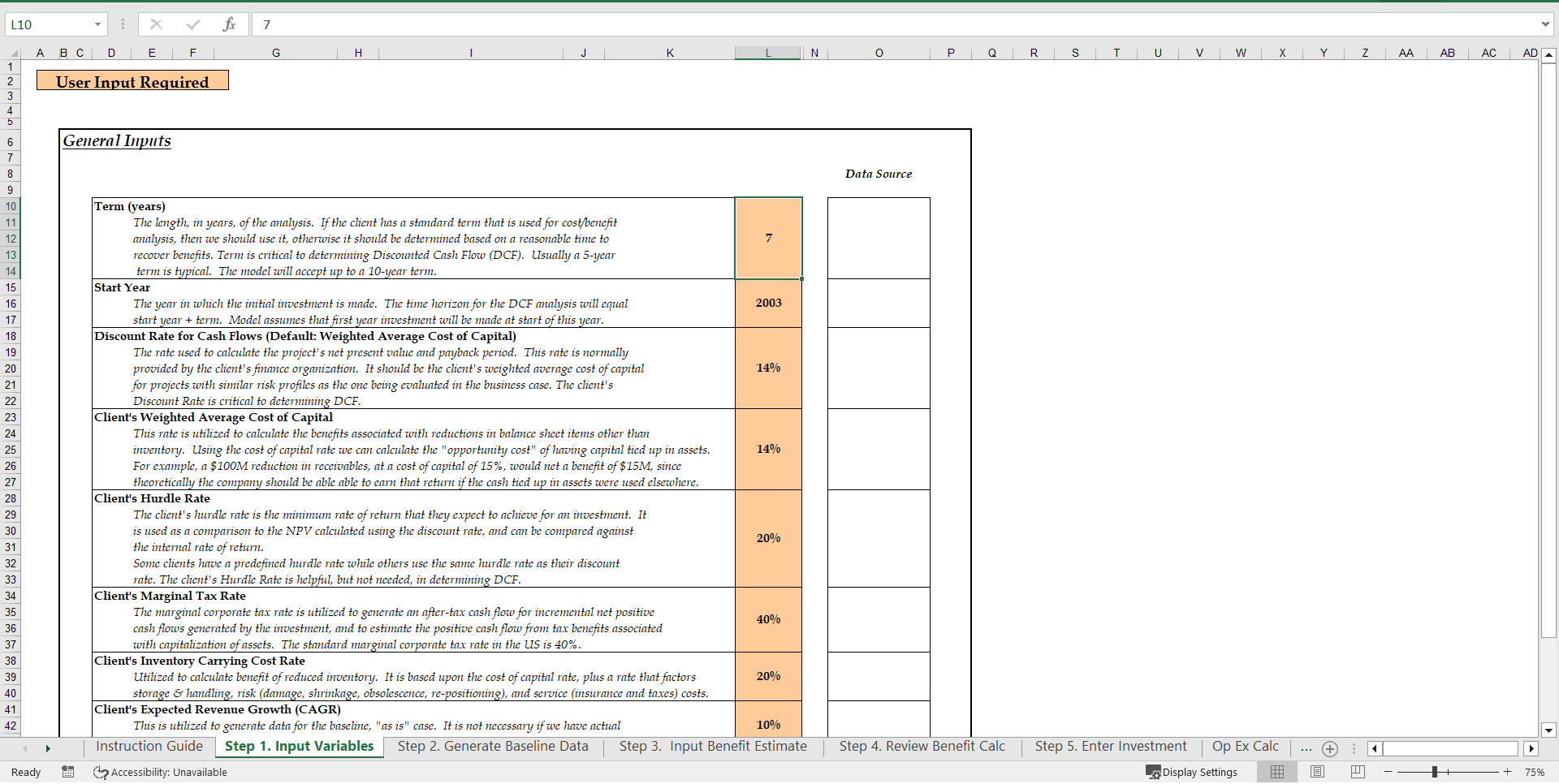
• Step 1. Input Variables
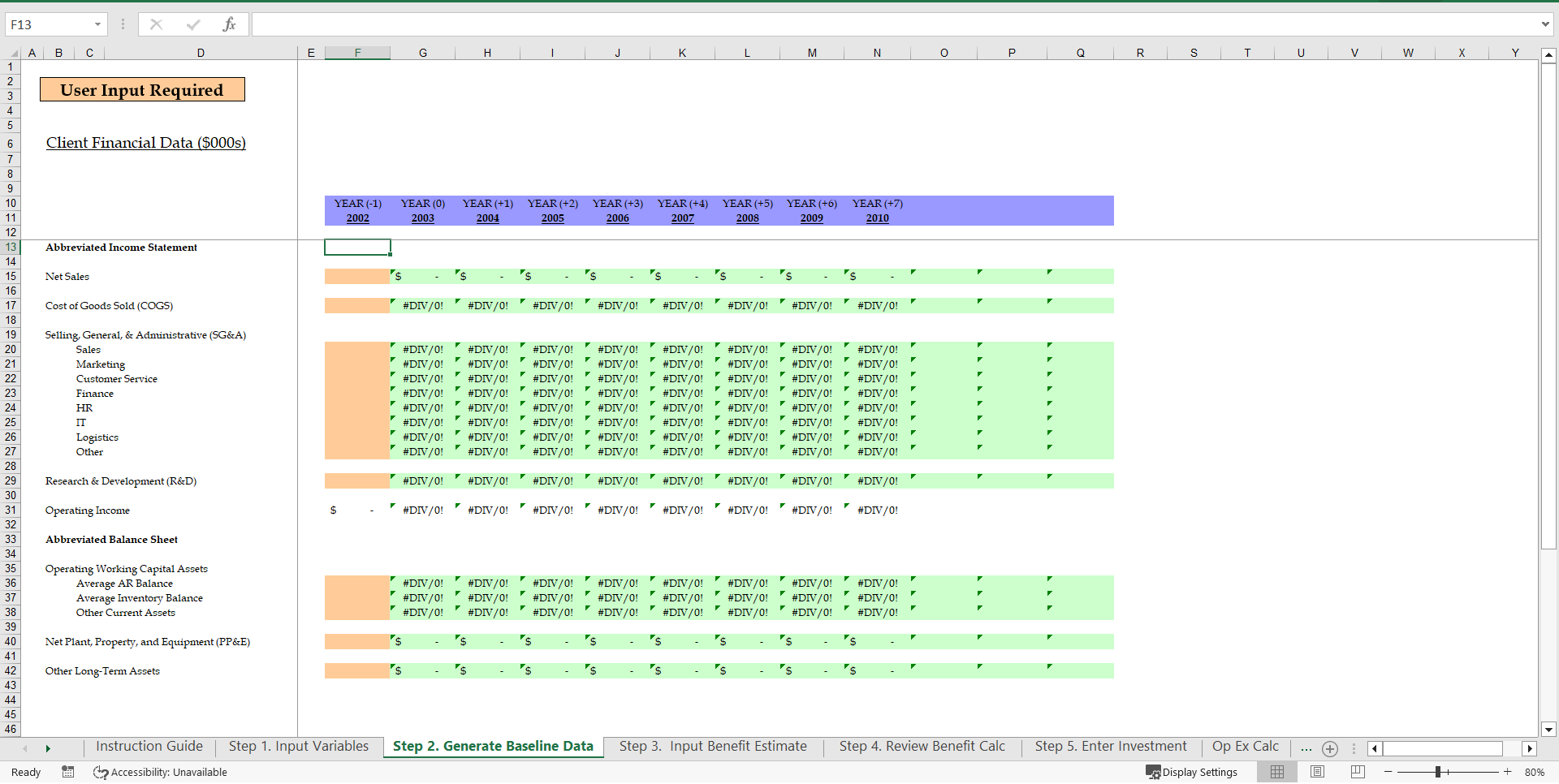
• Step 2. Generate Baseline Data
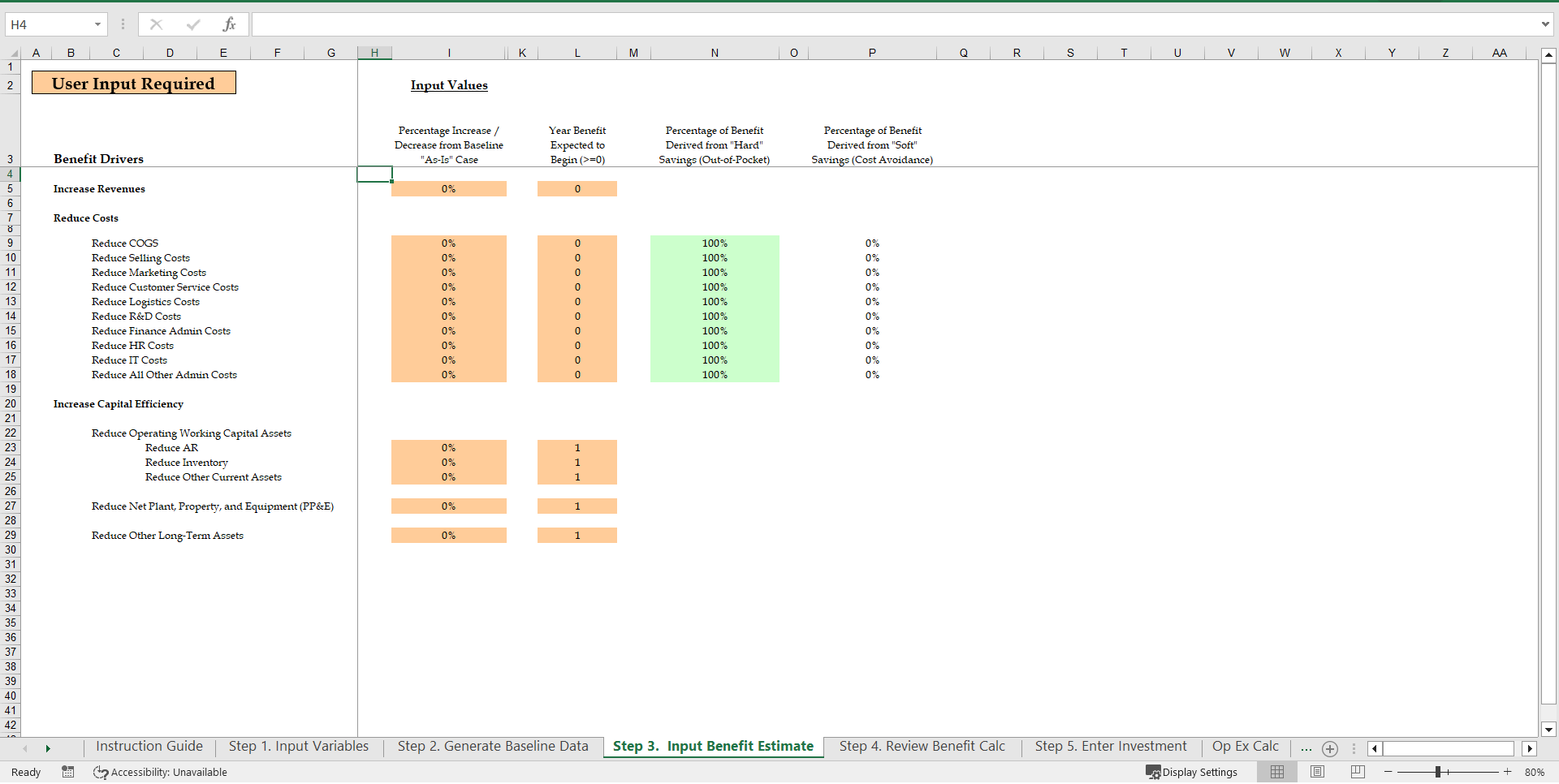
• Step 3. Input Benefit Estimate
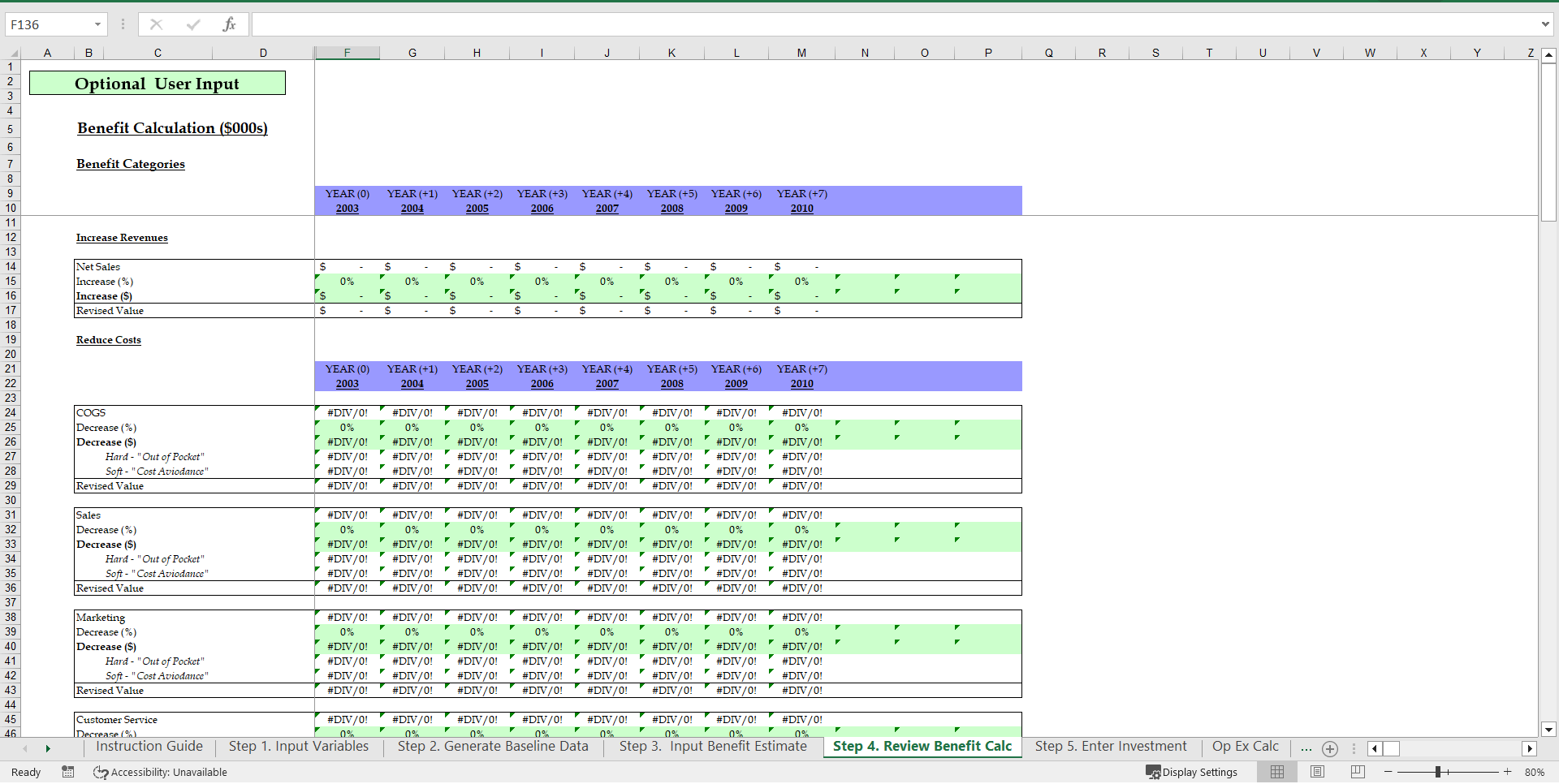
• Step 4. Review Benefit Calc
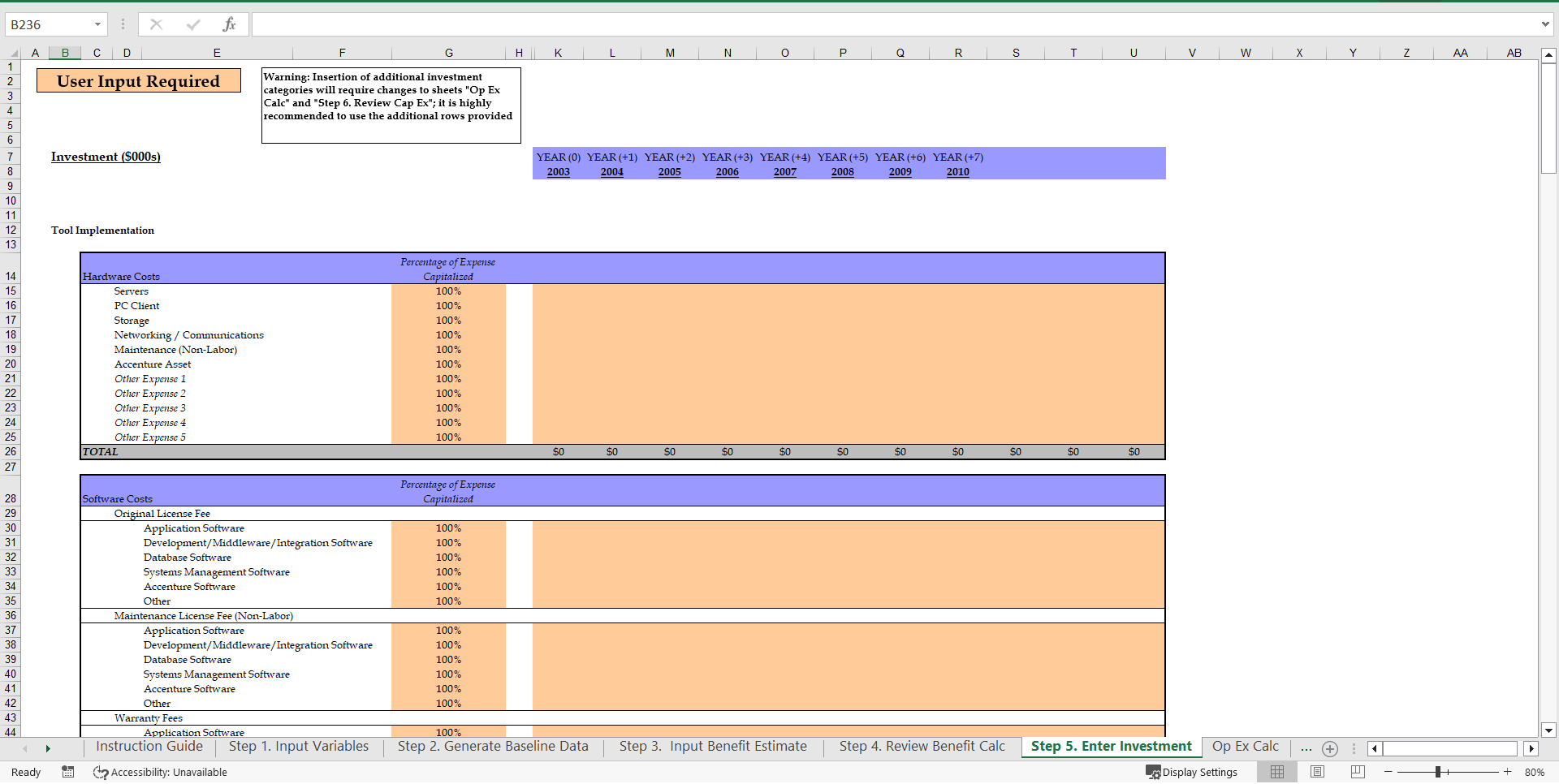
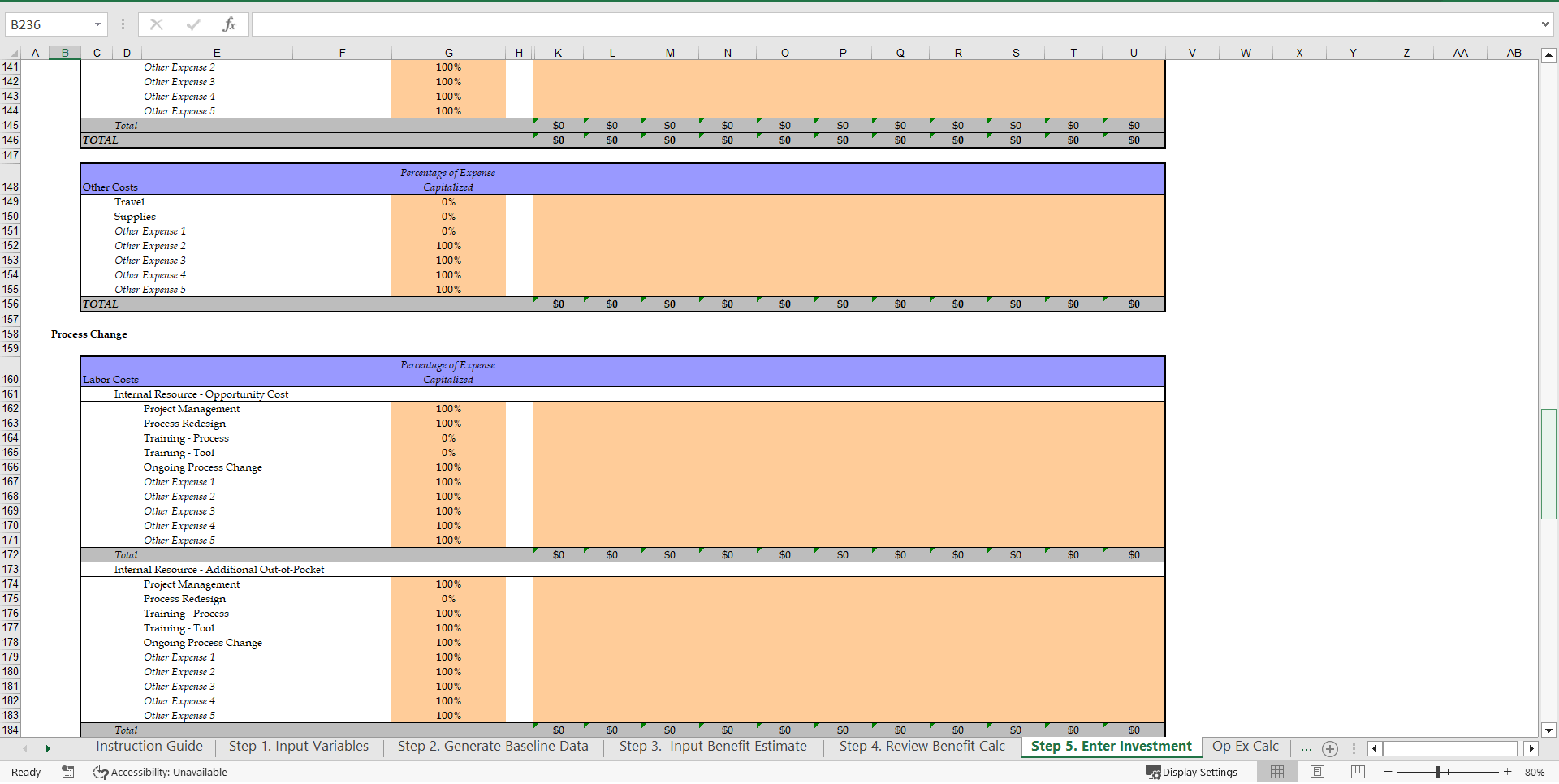
• Step 5. Enter Investment
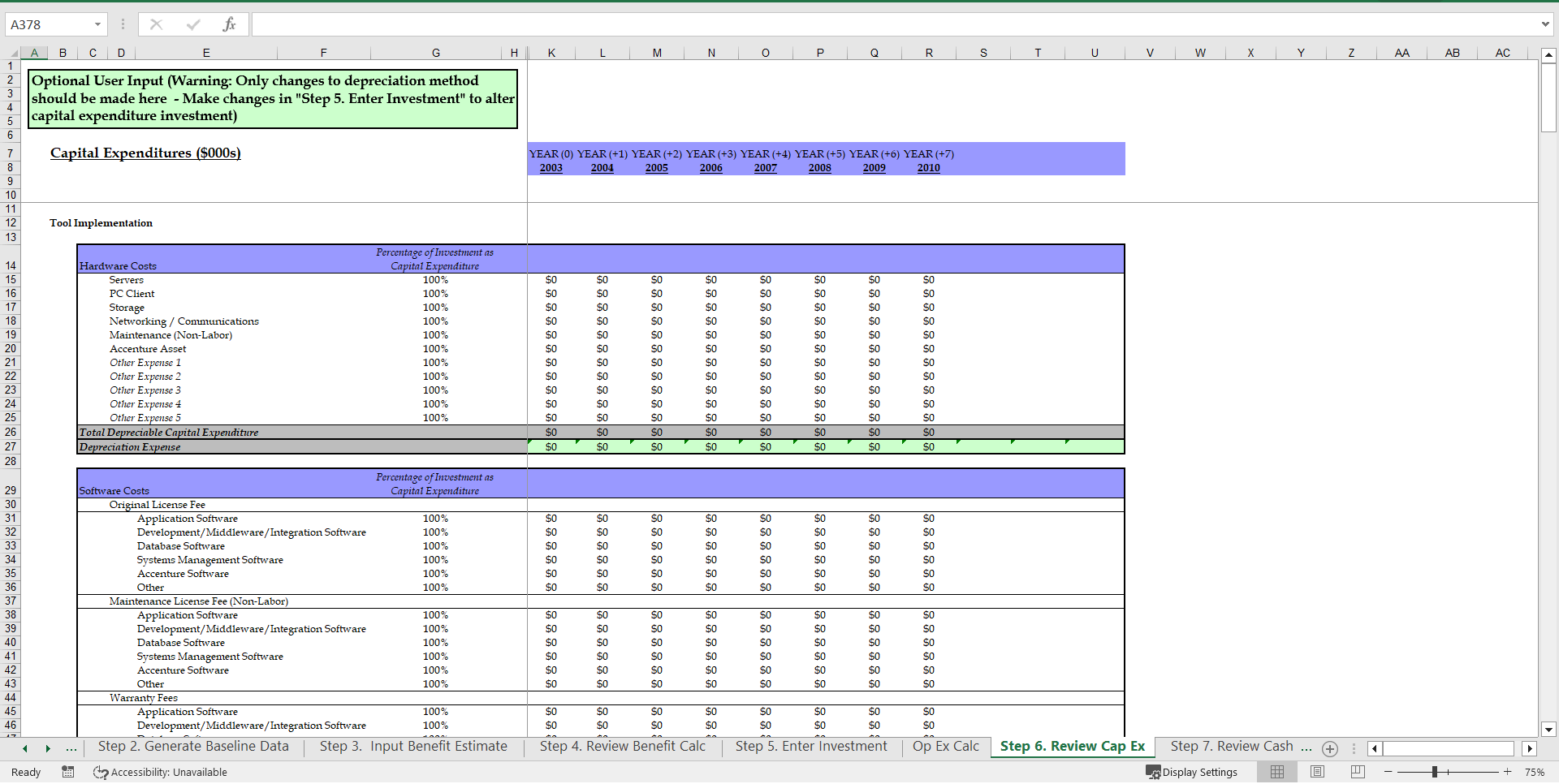
• Step 6. Review Cap Ex
• Step 7. Review Cash Flow Result
• Step 8. What-If Analysis
• Financial Summary
• Example Charts
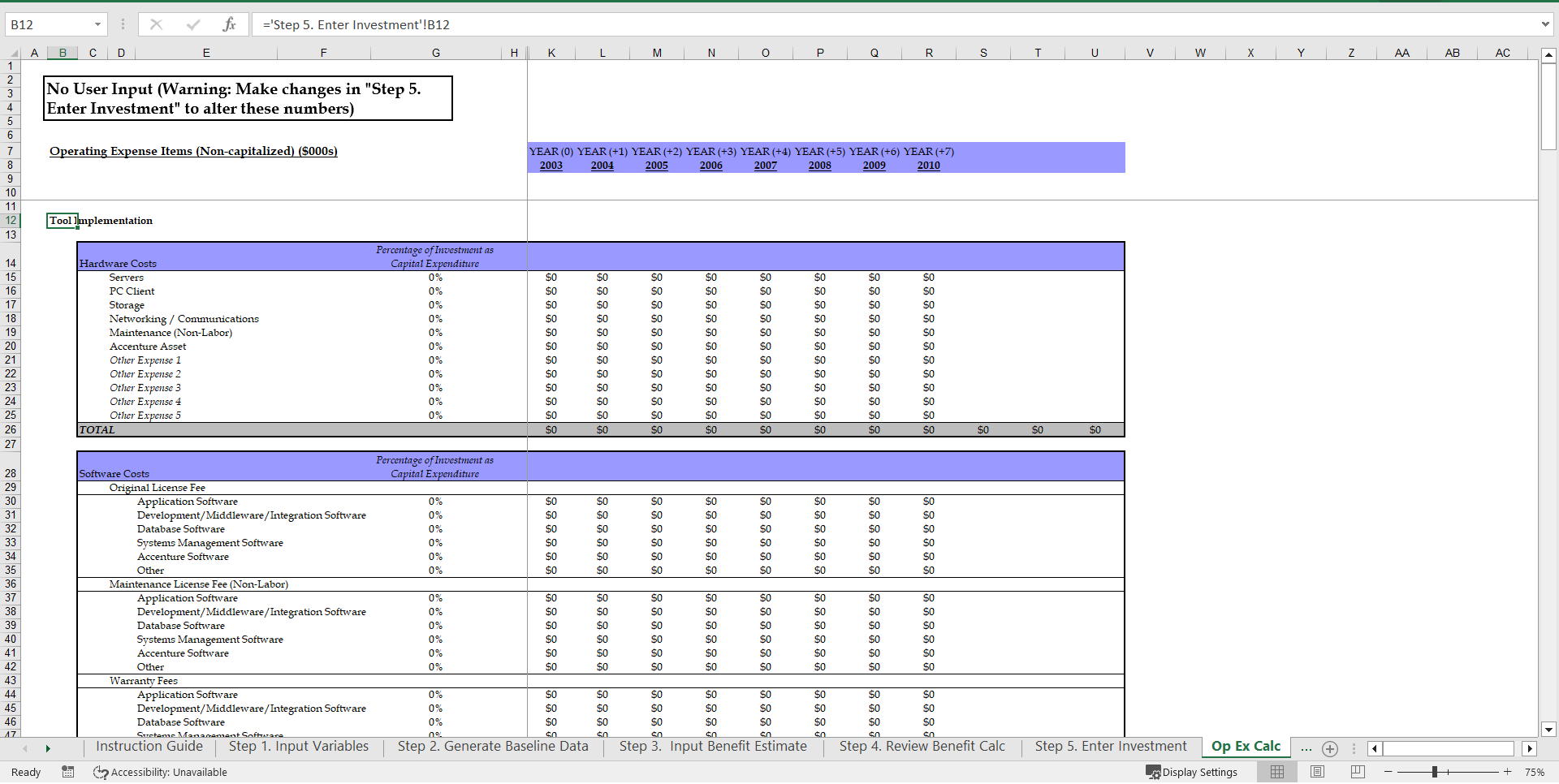
This template also includes detailed sections for entering investment costs and reviewing capital expenditures, ensuring that all financial aspects are thoroughly covered. Users can input various hardware, software, and process change costs, providing a comprehensive view of the investment landscape.
The What-If Analysis feature allows users to simulate different scenarios and their impacts on key financial metrics. This functionality is crucial for stress-testing assumptions and understanding potential risks and rewards. The template's example charts visually represent cash flows and other financial data, making it easier to communicate findings to stakeholders.
Got a question about the product? Email us at support@flevy.com or ask the author directly by using the "Ask the Author a Question" form. If you cannot view the preview above this document description, go here to view the large preview instead.
TOPIC FAQ
What are the common steps to build a high-level business case using an Excel template?
A common stepwise approach starts with an Instruction Guide, then entering Input Variables, generating baseline data, inputting benefit estimates, reviewing benefit calculations, entering investment details, reviewing capital expenditures, and reviewing cash flow results, concluding with What-If Analysis and a Financial Summary. The sequence is captured in Steps 1–8.How can scenario analysis be used to test a business case in Excel?
Scenario analysis lets you simulate alternative assumptions and observe impacts on key financial outputs; the described template includes a What-If Analysis feature for stress-testing assumptions and estimating effects on cash flows and financial summaries. Use the What-If Analysis to compare scenarios.Which financial components should I include when preparing a business case?
Include input variables, benefit estimates, all investment and capital expenditures, and resulting cash flows. The template explicitly supports entering hardware, software, and process change costs and consolidates results into a Financial Summary and cash-flow outputs. Capture those components in your model.How detailed should capital expenditure inputs be for a high-level case?
For a high-level case, list major capex categories and reasonable cost estimates; the template provides detailed sections for entering investment costs including hardware, software, and process change costs so users can review CapEx inputs at a summarized yet itemized level.What should I look for when choosing an Excel business case template?
Look for step-by-step guidance, explicit input-variable and baseline-generation sections, benefit and investment-entry areas, capex review, cash-flow output, What-If sensitivity testing, and example charts for stakeholder communication. Flevy’s Business Case Template contains these elements, including Steps 1–8 and example charts.How should I evaluate the cost versus value of buying a business case template?
Assess whether the template reduces setup time for novices by providing an Instruction Guide, prebuilt input sections, automated baseline and cash-flow calculations, and scenario testing. Compare likely time saved against price and check included features such as the What-If Analysis and Financial Summary.Which components matter most when justifying an IT project investment?
Capture benefit estimates, explicit investment line items for hardware and software, any process change costs, and forecasted cash flows; then run scenario tests to understand risk. The template supports entering hardware, software, and process change costs and produces cash-flow results and a Financial Summary.What’s an effective way to present business case results to stakeholders?
Summarize key financial outputs in a concise Financial Summary and use visual representations of cash flows and scenario outcomes; the template includes example charts to illustrate cash flows and other financial data for stakeholder briefings.Source: Best Practices in Business Case Development, Business Case Example Excel: Business Case Template Excel (XLS) Spreadsheet, Documents & Files




























