 Click main image to view in full screen. Unlock all 15 preview images:
Receivables Intelligence Firm: AR & IFRS 9 for Advisers – Excel XLSX
Excel (XLSX) + Zip archive file (ZIP)


BENEFITS OF THIS DOWNLOADABLE EXCEL DOCUMENT
- Licenses the full Pro workbook to your firm for any number of client companies, including the reports you prepare for them.
- Turns each client's AR export into a reconciled aging, an IFRS 9 ECL estimate, collection emails and an audit evidence pack.
- Keeps each client in its own file, with no macros, no add-ins and no data leaving your computer.
ACCOUNTS RECEIVABLE EXCEL DESCRIPTION
Receivables Intelligence Firm turns the open-items export from your accounting system into a complete month-end receivables review in one Excel workbook. Paste the report as it comes, in one yellow cell, and the workbook builds the analysis finance teams usually assemble by hand.
FIRM: THE PRO EDITION, LICENSED FOR YOUR CLIENTS
For accounting firms, fiduciaries, auditors and finance consultants who review receivables for their clients. You get the full Pro workbook, licensed for use by your firm's staff on the data of any number of client companies, including the reports you prepare for them. Use one copy per client: save the workbook under the client's name and paste that client's export, so each client's settings and choices stay in its own file. The licence covers your firm's use; the workbook itself may not be passed on to your clients.
WHAT PRO ADDS: THE FOLLOW-UP WORK AND THE AUDIT TRAIL
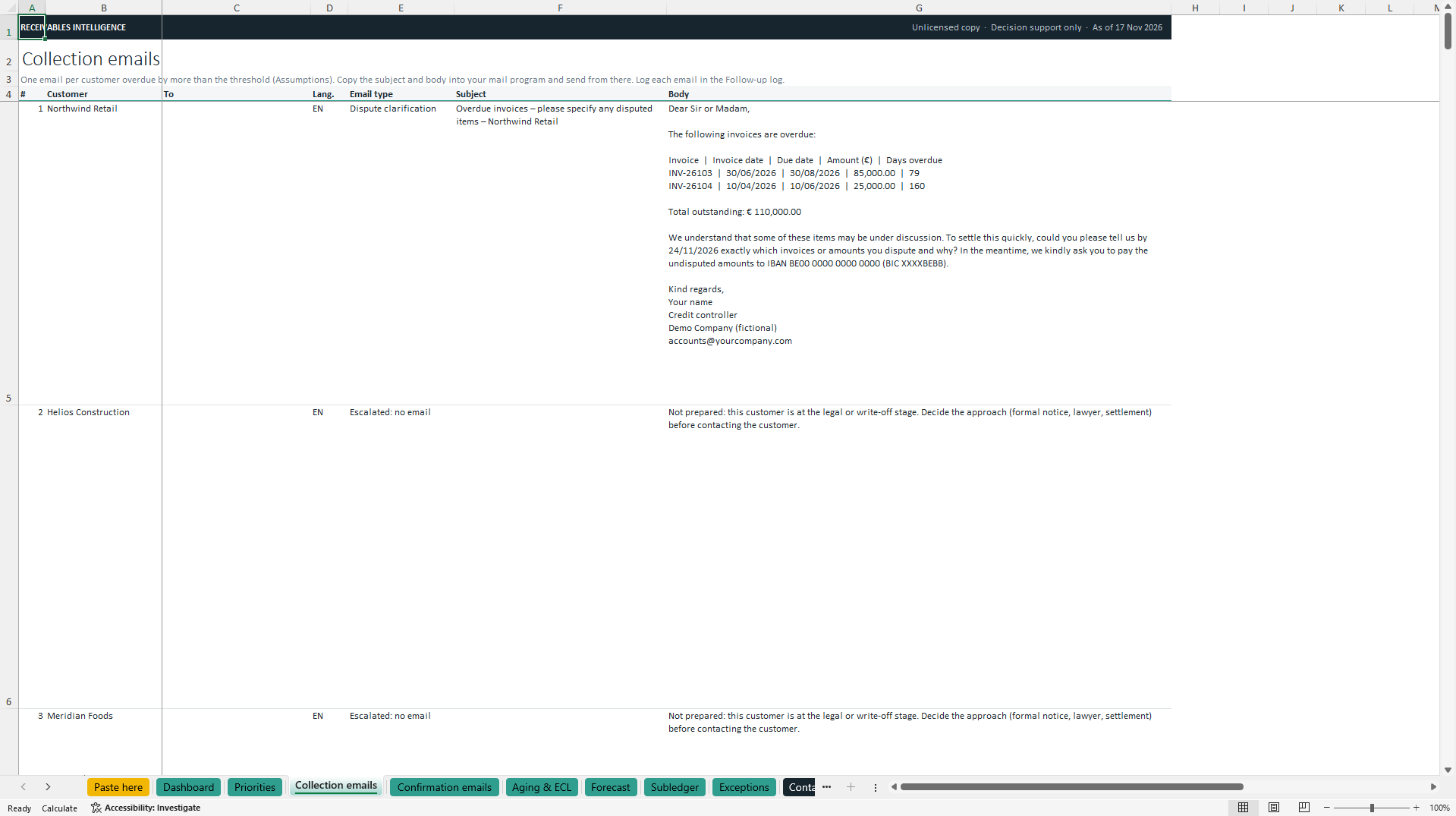
Collection emails, ready to send: one email per customer overdue by more than 15 days (adjustable), in the customer's language (English, French, Dutch or German), with the overdue invoices, total, payment deadline and your bank details. The tone follows the situation: friendly reminder, second reminder, final reminder, payment-arrangement confirmation or dispute clarification.
Balance confirmation emails: one per customer with an open balance, overdue or not.
Follow-up log: every action and payment commitment, with evidence references. Each commitment is tracked automatically as pending, kept or broken.
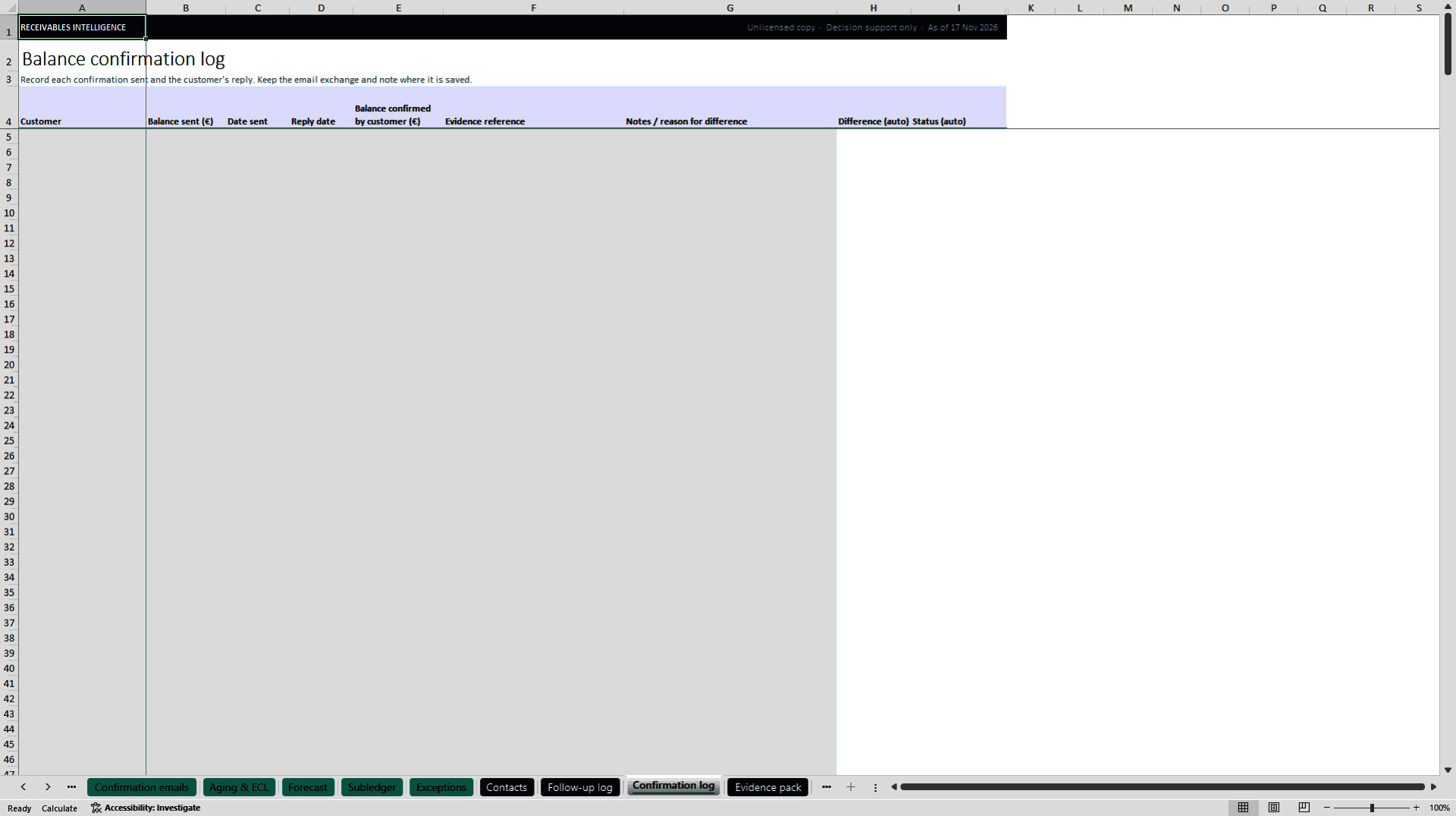
Confirmation log: confirmations sent, replies, differences and missing replies.
Documented provision overrides: where evidence justifies it (e.g. a signed payment plan or cash received after period-end), apply a lower provision for a customer, with reason, evidence and approver recorded.
Audit evidence pack: one printable page per period with the provision summary, overrides, actions, commitments and confirmations.
Provision movement versus last month: the roll-forward auditors ask for (opening, increases, decreases, new customers, customers no longer open, closing, zero check), the 10 largest changes explained in plain words, and the IFRS 7 movement table for the notes.
Emails are prepared, never sent: you copy them into your own mailbox. Templates are editable. Company-run confirmations support, but do not replace, external confirmations controlled by your auditor.
EVERYTHING IN THE STANDARD EDITION
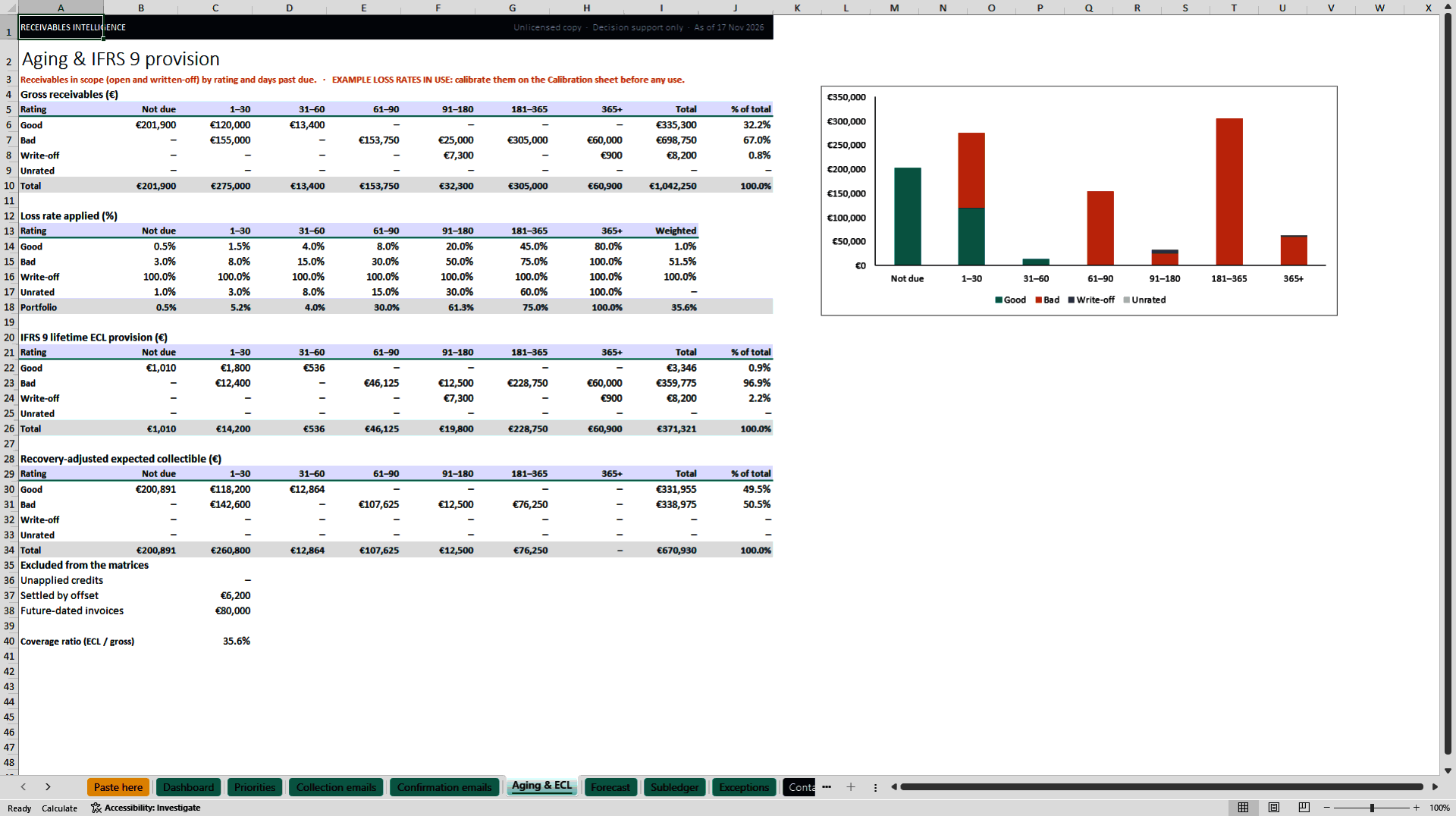
Aging by customer quality: seven aging buckets split by risk rating. Credit notes, offsets and invoices dated after the as-of date are handled and flagged.
IFRS 9 expected-credit-loss estimate: a provision matrix under the simplified approach, with editable loss rates and the coverage ratio.
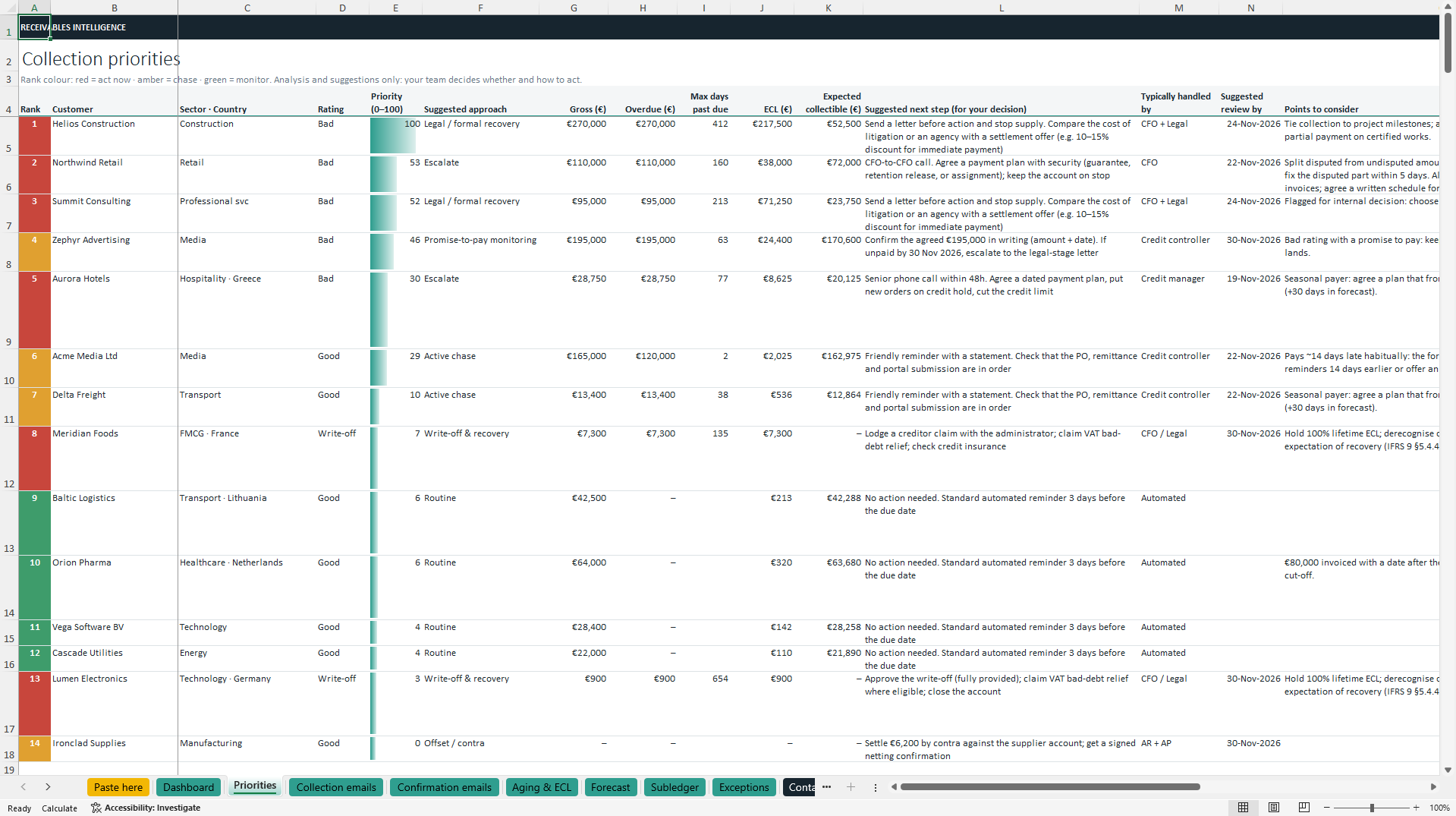
Customers ranked for review: every customer prioritised by exposure, risk, age, sector and country, colour-coded red, amber or green, with a suggested approach that reflects payment behaviour, sector and country.
Works with incomplete data: no ratings? The workbook suggests them from payment behaviour. Unapplied payments are allocated to the oldest invoices (FIFO), missing dates and duplicates are handled, and every assumption is listed for review.
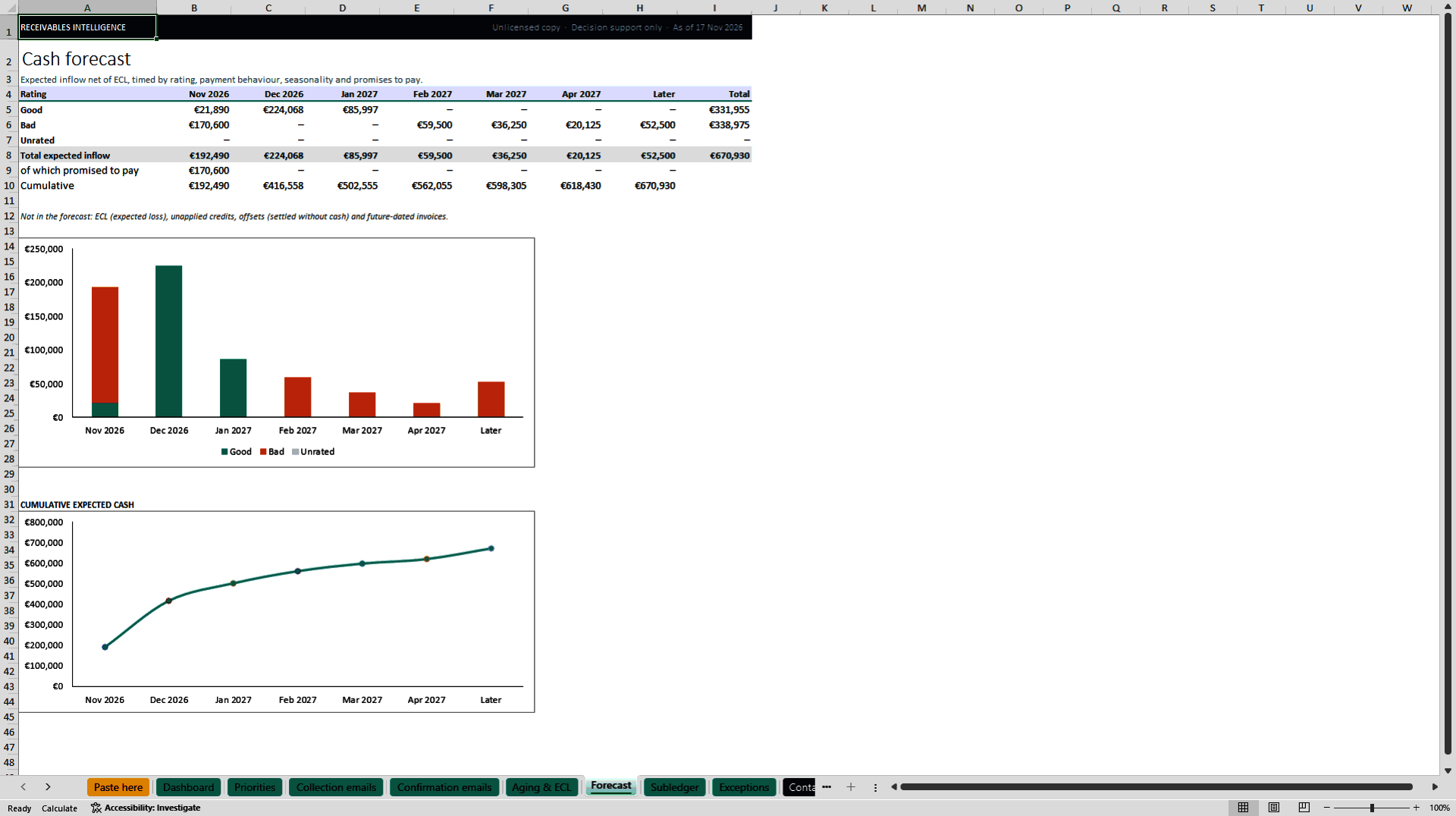
Monthly cash forecast: expected inflows net of expected losses, timed by rating, payment habits, seasonality and promises to pay.
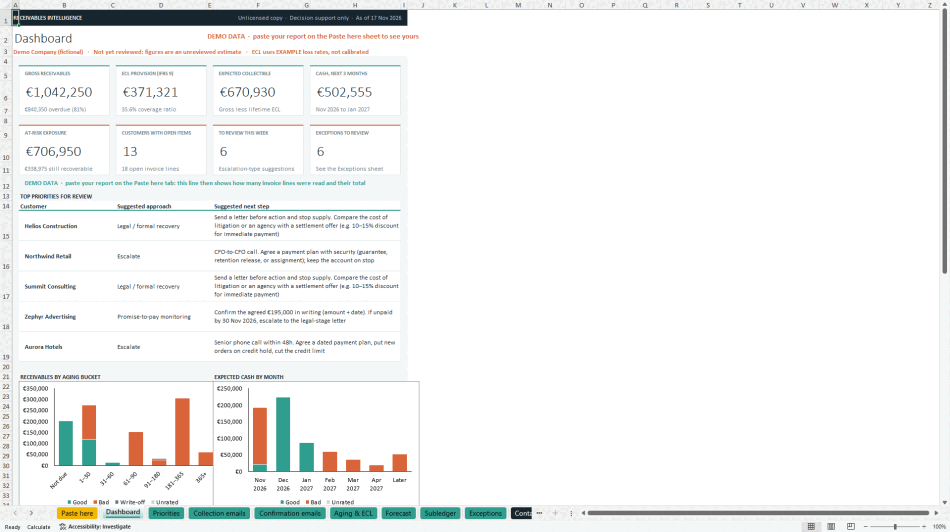
Dashboard: eight headline figures, the top priorities and six charts.
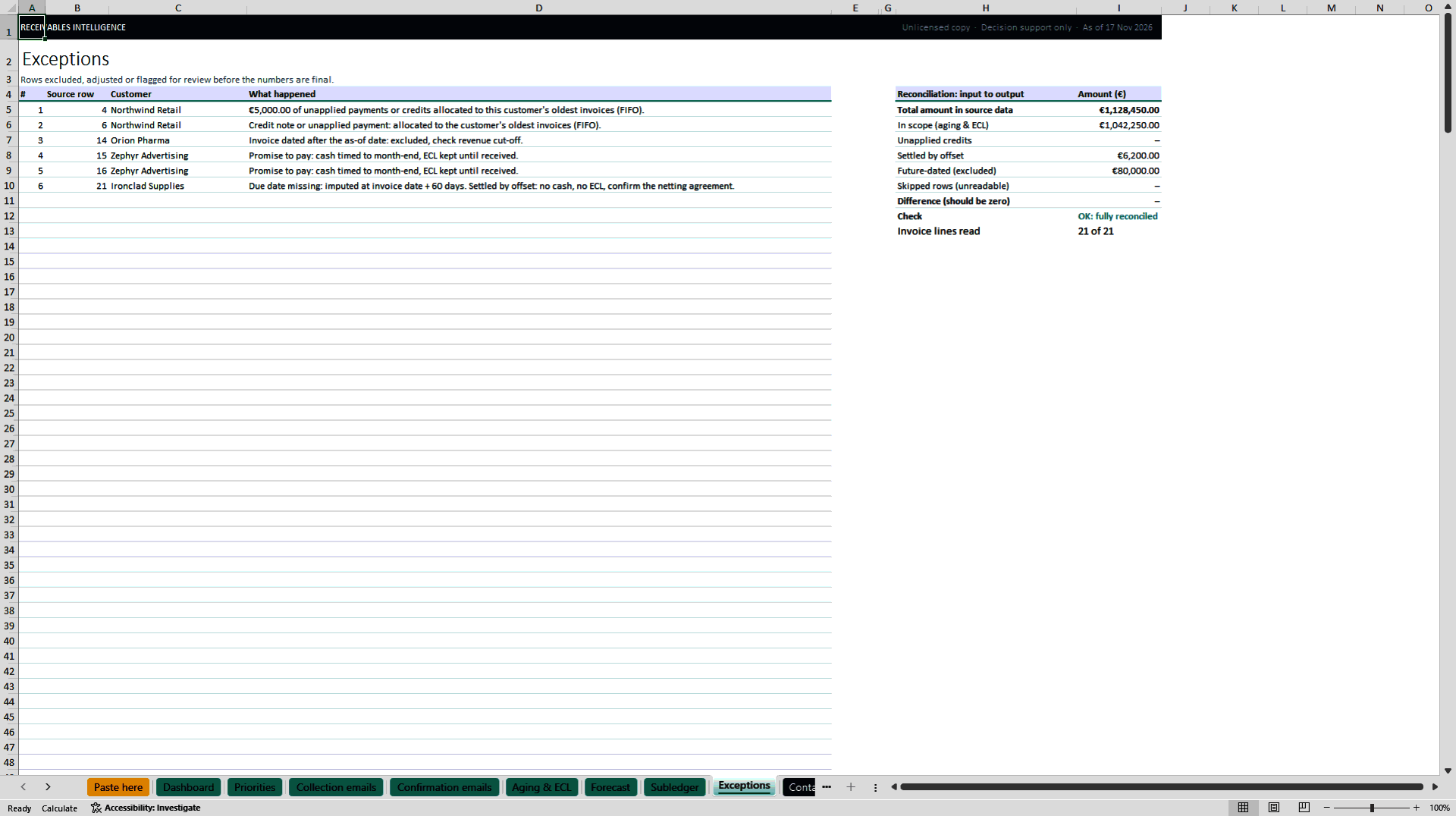
Reconciliation and exceptions: every euro in the subledger is accounted for, and every excluded or adjusted line is listed.
Loss-rate calibration from your own history: enter past open amounts and losses, and the workbook computes your loss rates, applies a forward-looking adjustment and records who prepared and approved them. Until you calibrate, every report warns that example rates are in use.
Disclosure tables for the annual accounts: IFRS 7-style tables by days past due and by risk rating, with draft policy wording filled in with your figures.
WHY FINANCE TEAMS USE IT
No integration and no reformatting: paste your export as it comes. Exports from SAP, Oracle, Business Central, Sage, BOB, Exact, AFAS, Winbooks, Odoo, DATEV, QuickBooks, Xero and Greek ERPs have been tested. Column names in English, French, Dutch, German and Greek are recognised, along with European and US number and date formats, subtotal lines, debit/credit columns, part-payments, and semicolon- or tab-separated text files.
No macros, no add-ins, no internet connection: your data never leaves your computer. Every formula and assumption is visible and editable. Works with up to 5,000 invoice lines.
WHAT YOU GET
The Excel workbook, plus a ZIP with the quick-start guide, the Pro guide, the full user guide in English, French, Dutch and German, and the Licence and Terms (PDF). Requirements: Microsoft Excel 2019, 2021 or Microsoft 365, on Windows or Mac.
LICENCE
This Firm edition is licensed to one accounting, audit or advisory firm for any number of client companies. Copying or redistributing the workbook, and removing or changing its licensing information, are prohibited.
IMPORTANT
This is a baseline analysis tool. It produces estimates and suggestions; it is not accounting, audit, legal or tax advice. The loss rates supplied are examples only: replace them with rates based on your own historical data before using any figure. No responsibility is accepted for the figures or for decisions taken with them.
Got a question about the product? Email us at support@flevy.com or ask the author directly by using the "Ask the Author a Question" form. If you cannot view the preview above this document description, go here to view the large preview instead.
Source: Best Practices in Accounts Receivable, Financial Risk Excel: Receivables Intelligence Firm: AR & IFRS 9 for Advisers Excel (XLSX) Spreadsheet, SSA International